Motor Blower Assembly : Week 4 Challenge
Assembly 4
Aim: To construct the element given to us using the pre defined dimensions using catia v5 workbench.
Procedure:
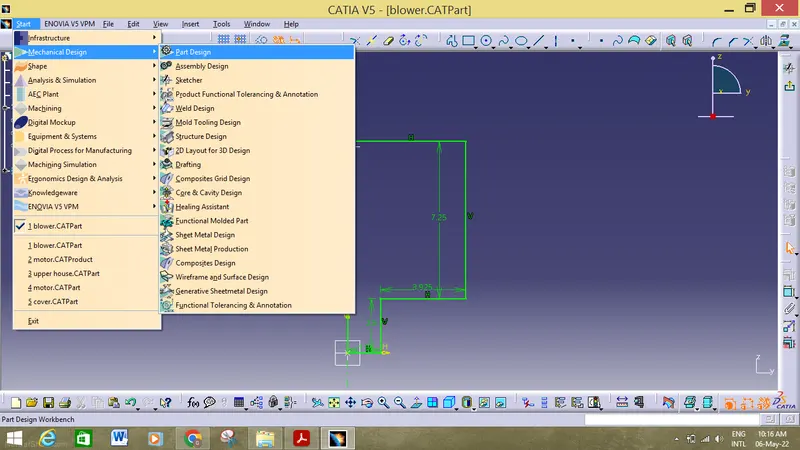
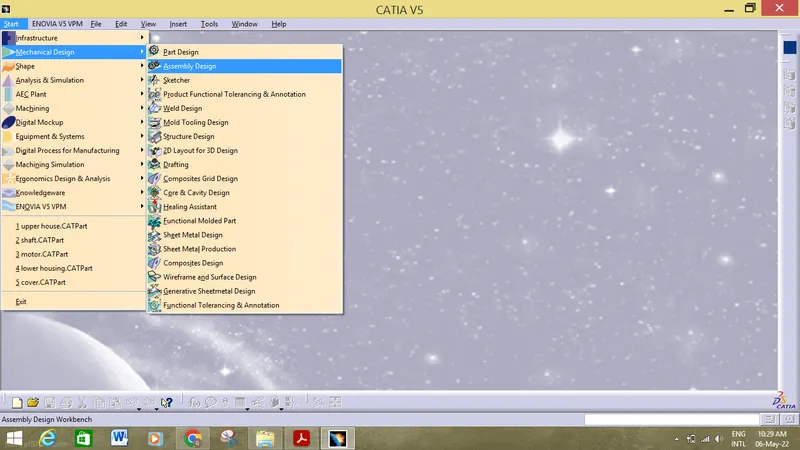
1. First we must open the catia v5 workbench then start>mechanical design>part design.
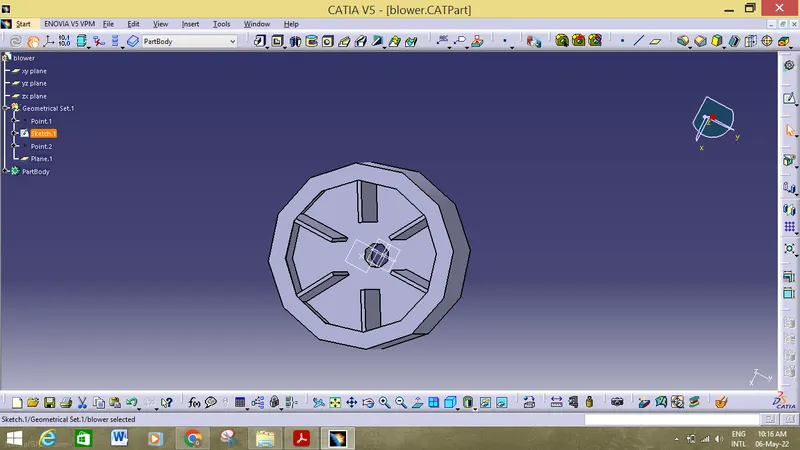
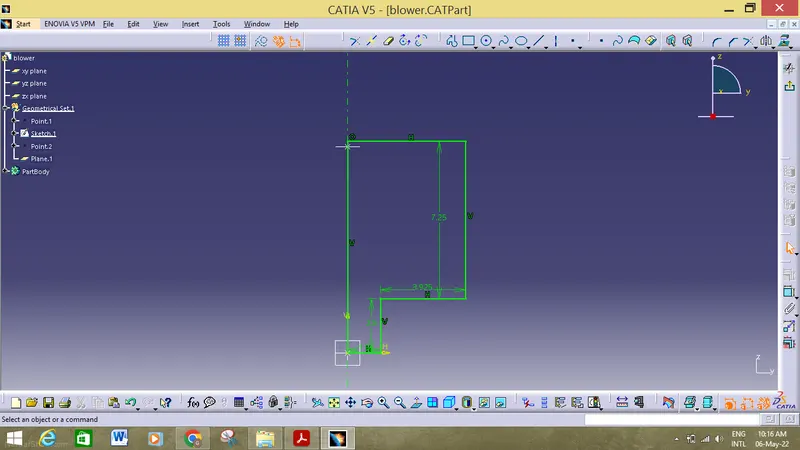
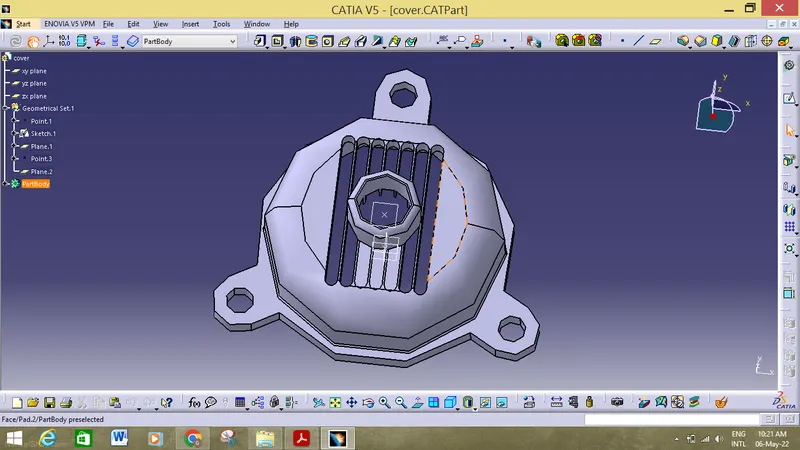
2. Then we ,must start constructing the part individually using all the parameters with the help of the product sketching tools and then with the help od the pad option we must extrude the 2d sketch and convert it into 3d part.
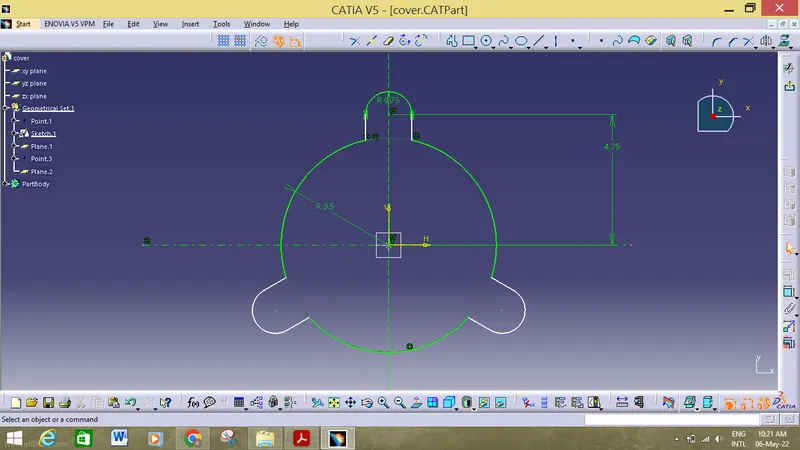
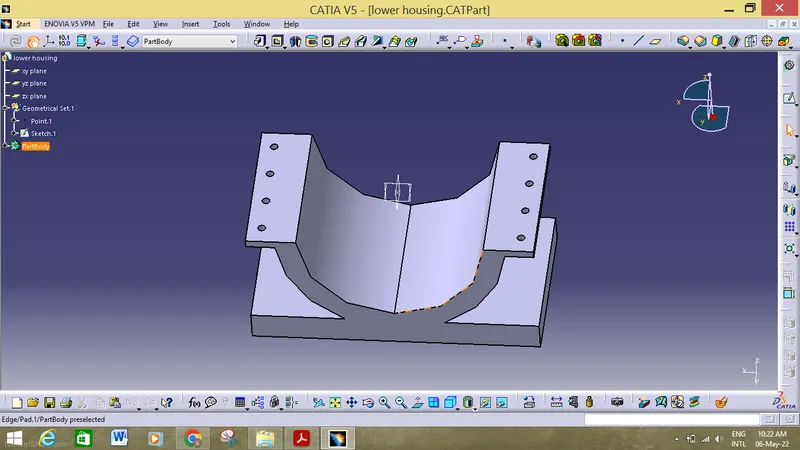
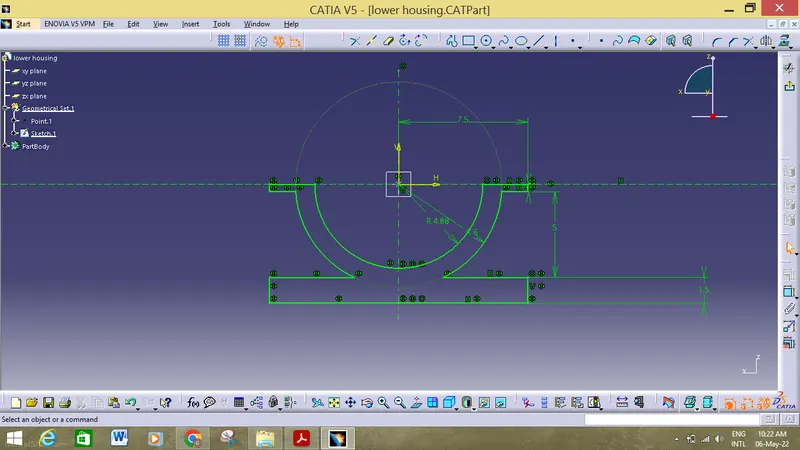
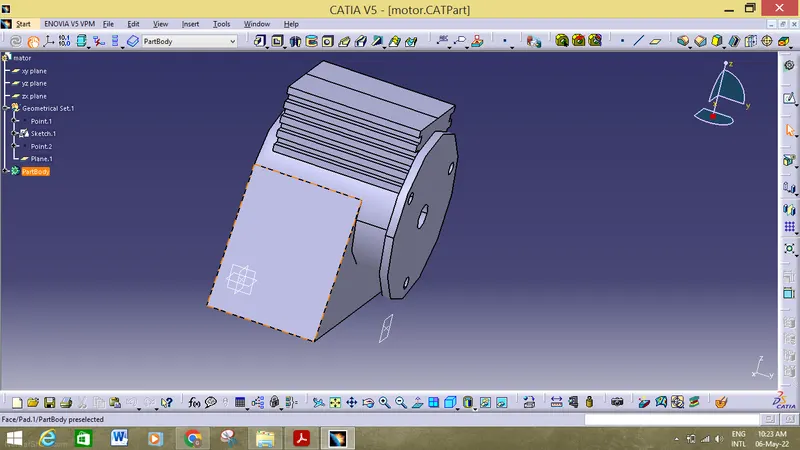
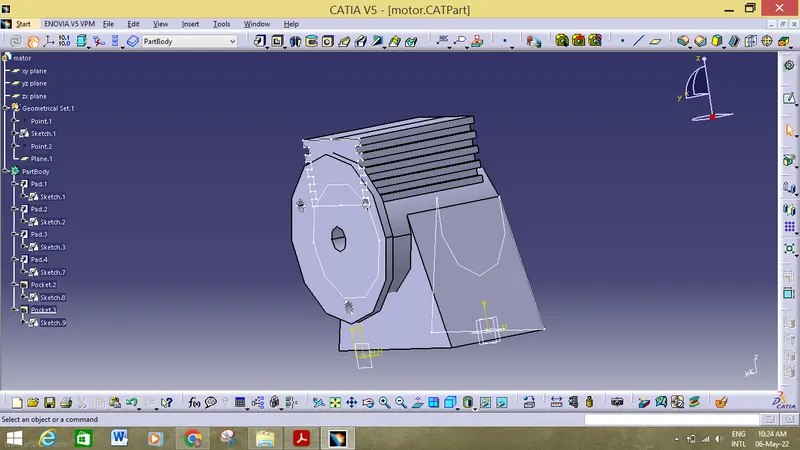
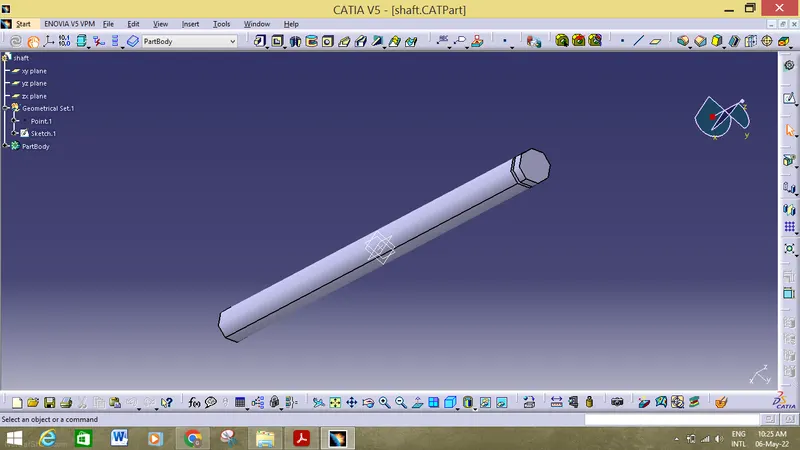
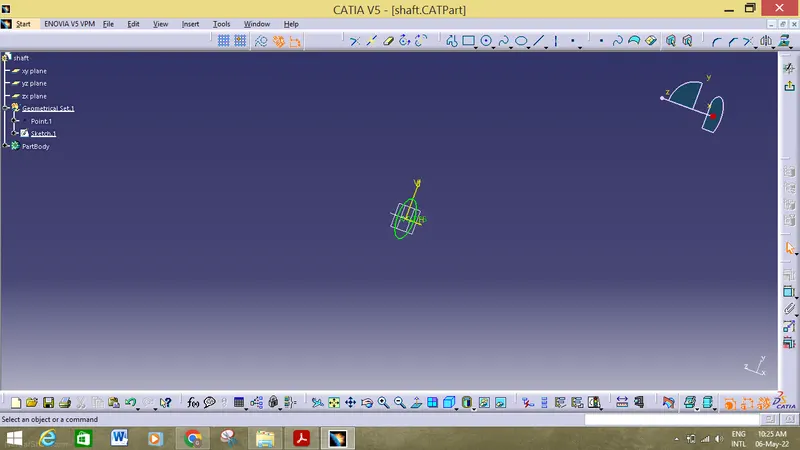
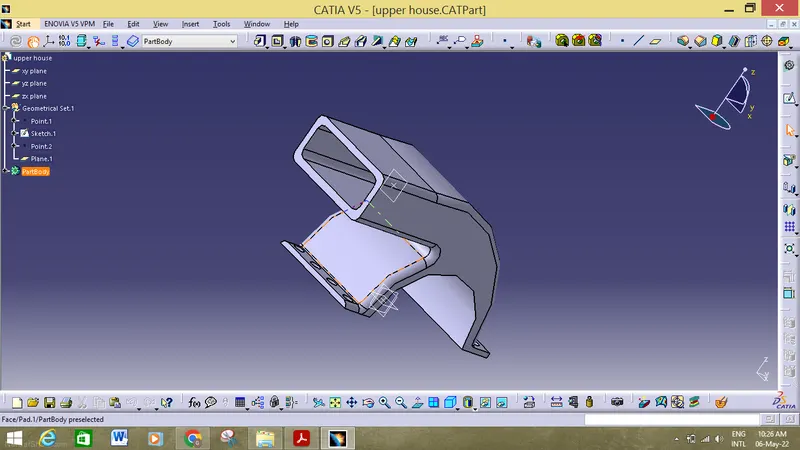
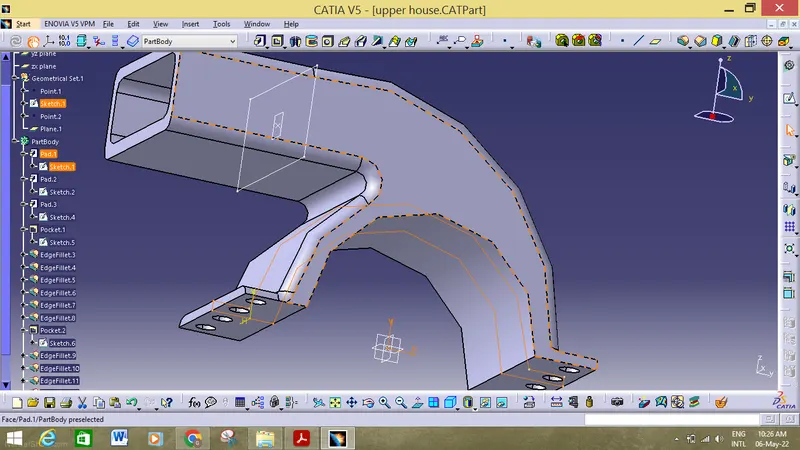
3. After making the parts, now we must assemble all the parts in the catiav5 assembly workbench by using different options which are make to constrain all the parts.

4. After getting all the parts in the workbench we much then use the manipulation tool all give a exploded view of all the component and then we can one by one aline all the componets on the same axis and if want a small distance in them then we can use the offset to give distance between two plane surface.
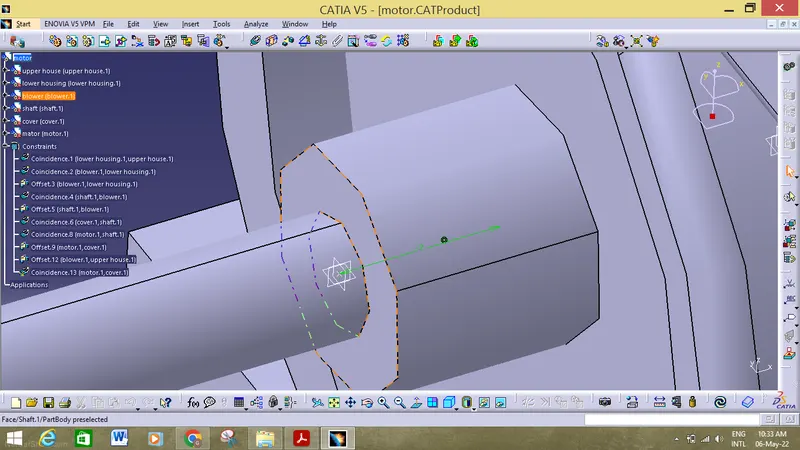
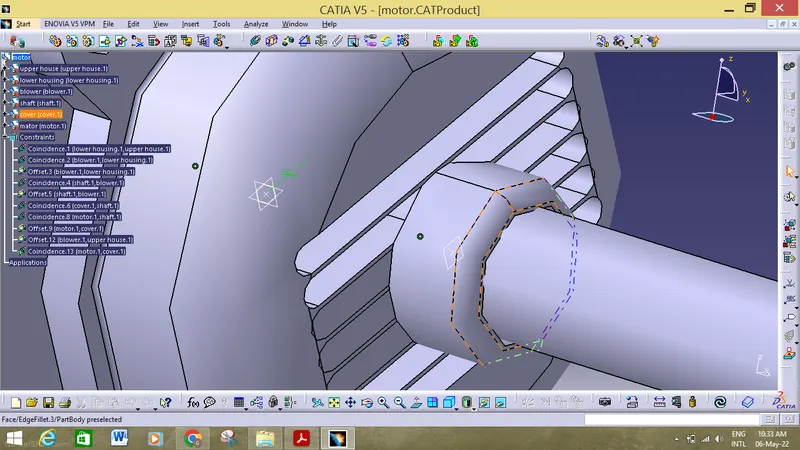
5. After assembling all the parts now we must draft the parts in drafting working . In order to do that we must use start>mechanical design>drafting.
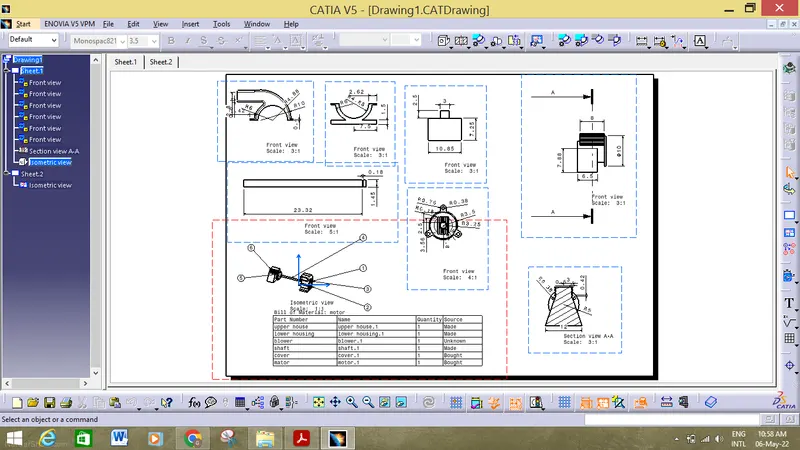
6. All performing all the operation we must the component as cad product and put all the component under the same structured tree so that it can be easliy available.
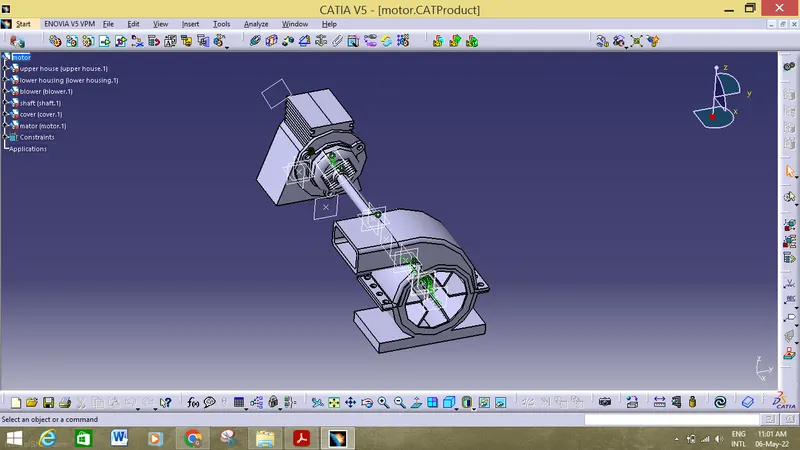
conclusion:
Hence all the parts has been constructed and assembled in the catia workbench and drafting has been done in tha catia v5 workbench.