Usage of Navigation tool , Timeliner and Clash Detection test using Naviswork
AIM:To answer the above given all question by Usage of Navigation tool , Timeliner and Clash Detection test using Naviswork.
INTRODUCTION:
Navis work mange is used stimulate the work flow of architectural and structural projects by usiing various tools like clash detction, timeliner etc.
PROCEDURE:
1ANS:
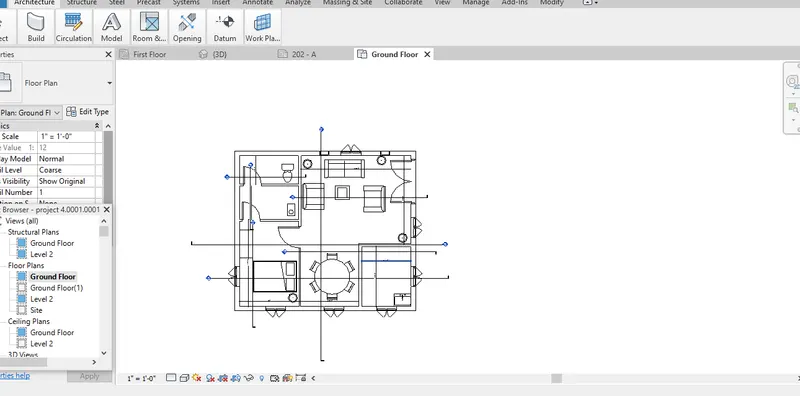
- Open the revit
- Open the existing architecutral file.
- The file export into NWC format by using the export option in file.
- Then NWC file save in destination folder.
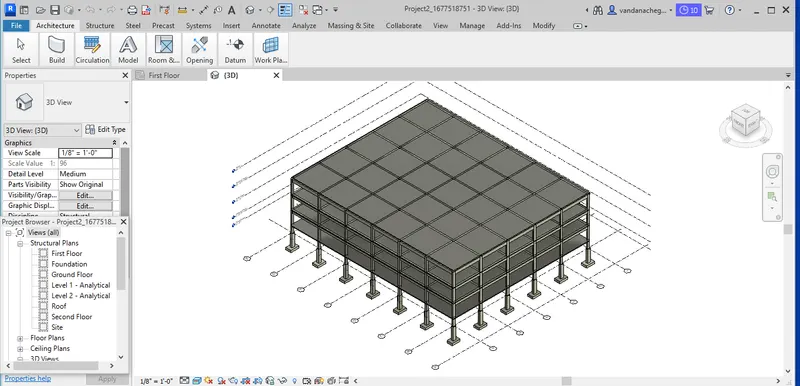
- Open the revit
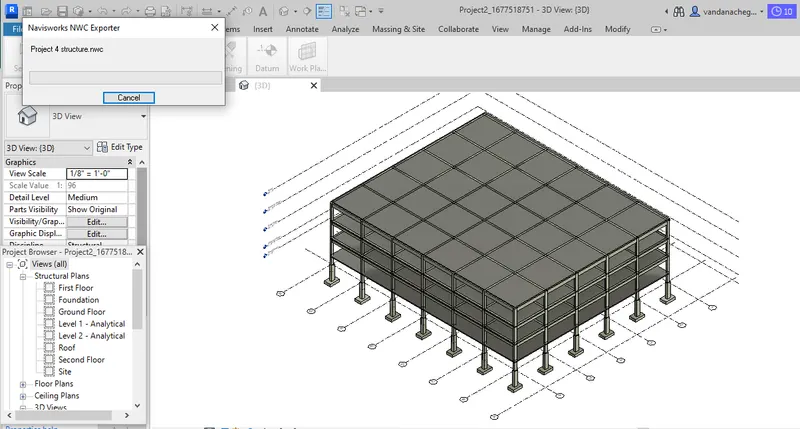
- Open the existing Structural file.
- The file export into NWC format by using the export option in file.
- Then NWC file save in destination folder
2ANS:
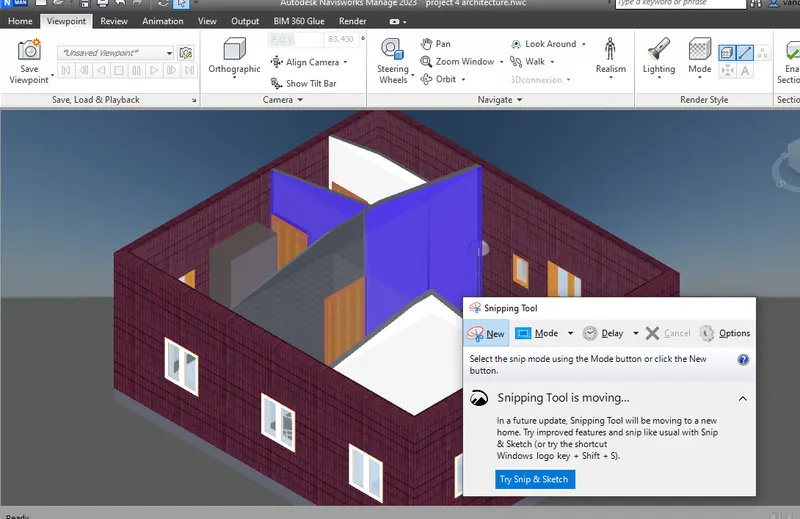
- Open the NWC
- Open the existing file.
- Select the walkthroughtool in view port tab then select the save viewport then click on record.
- Then rename the animation.
3ANS:
- Open the NWC
- Open the existing file.
- Select the walkthroughtool by realism in view port tab then select the save viewport then click on record.
- Then rename the animation.
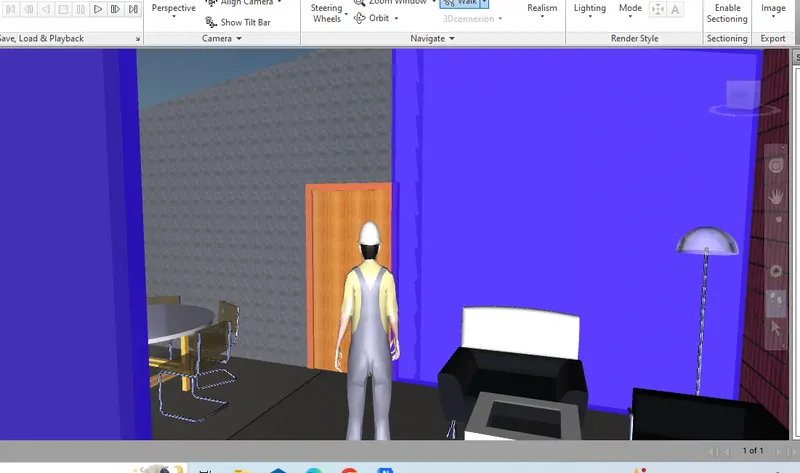
4ANS:
- Open the NWC
- Open the architectural and structural existing file.
- Select the clash detection then add the architectural and structural file
- Select the run then check the clashes and given the status as per approved or reviewed or new or active.
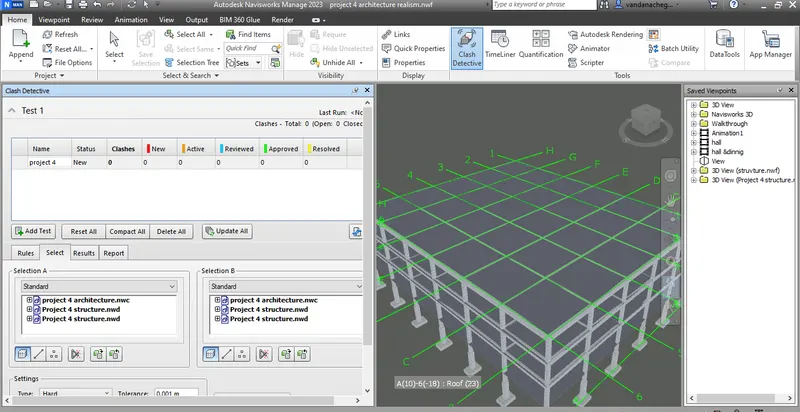
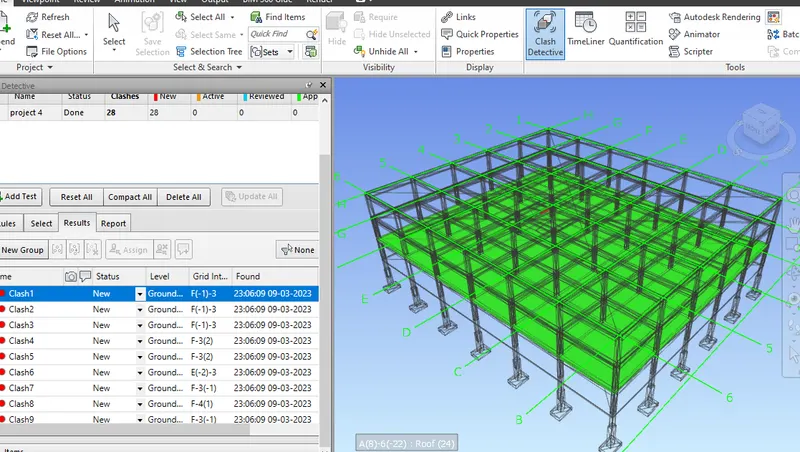
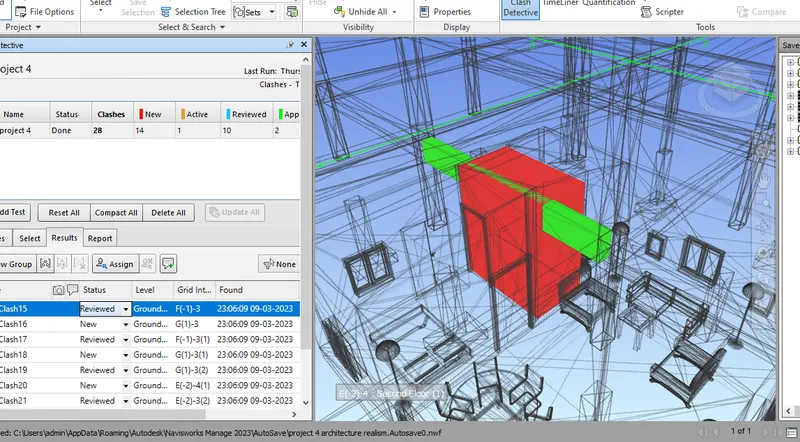
5ANS:
- Open the NWC
- Open the architectural and structural existing file.
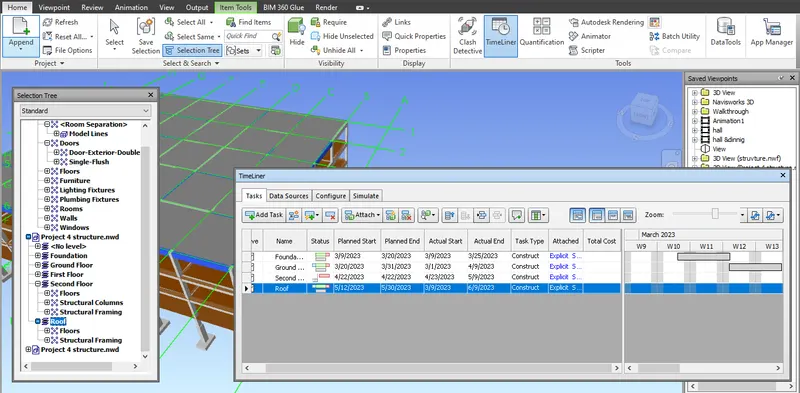
- Select the timliner tool.
- Asign the task like gfround floor,start end,end date,actual start date ,actual end date,type of work,attached by using selection tree.
- After the task assign make animation by using the simulation option.
- Then make the animation video by using export.
RESULT:To complete the answers for above given all question by Usage of Navigation tool , Timeliner and Clash Detection test using Naviswork.