Creating various 3D Models like Furniture, Footing, Girder, Column drop with panel and Gable Wall in AutoCad
Aim:To create the 3D Models like Furniture, Footing, Girder, Column drop with panel and Gable Wall in AutoCad.
Introduction:Create the 3d models by using 3d commands like 3d face,3d o orbit,Sweep,loft,revolve surf in autocad 3d.
Procedure:
- Start autocad,in settinf select the 3d basics.
- Select the line command and draw the given 3d model by using ucs control.
- Select the union command for together the two different objects.
- Select the extrude command to 3d object.
- Select the sweep command for object given to the path in 3d visulaization.
- Select the3Dorbit to control the model in diferent direction.
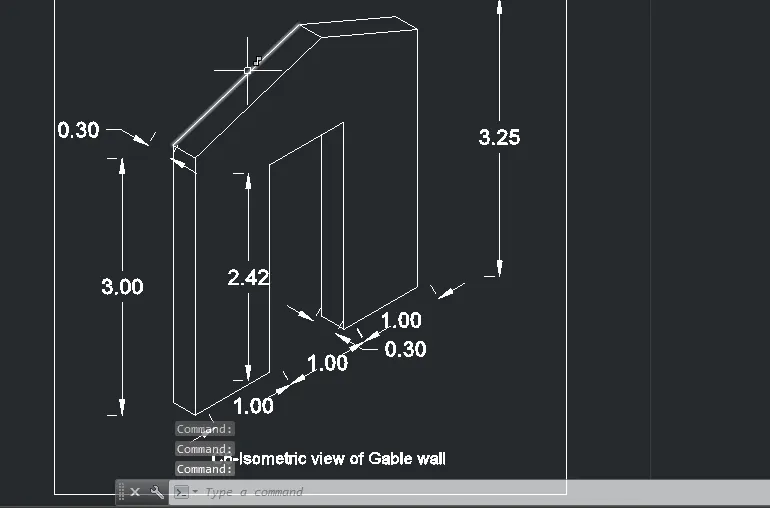
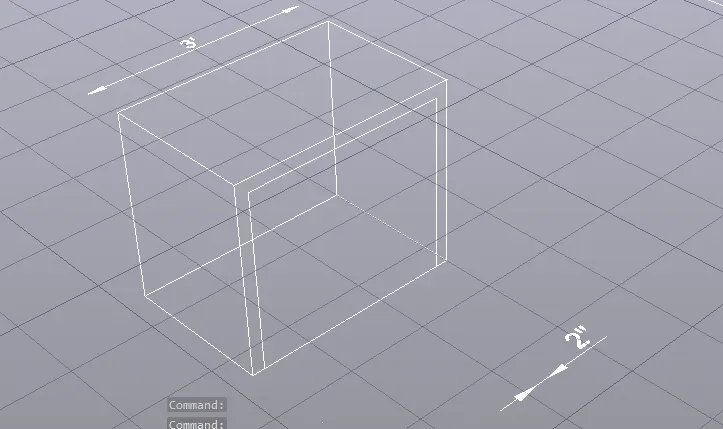
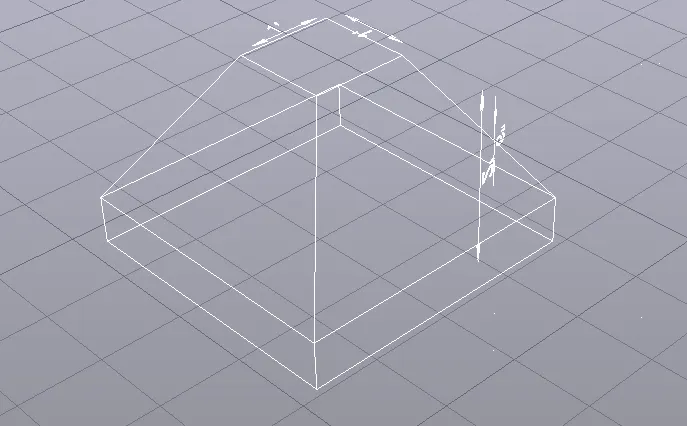
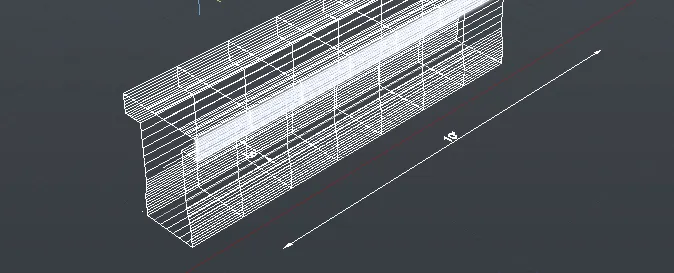
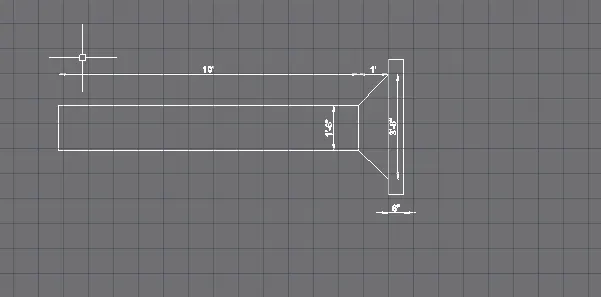
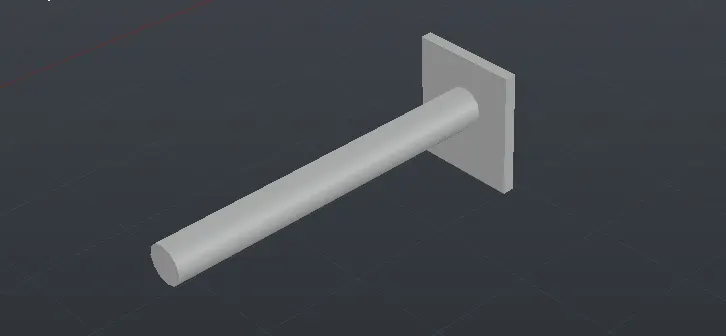
Result:To complete the 3D Models like Furniture, Footing, Girder, Column drop with panel and Gable Wall in AutoCad by using the commands like extrude,sweep,3Dorbit ,UCS control.