Usage of Navigation tool , Timeliner and Clash Detection test using Naviswork
AIM-Familiar use of NAVISWORK to perform clash detection and and create walkthrough and use of realism Feature to walkthrough ETc
Procedure -
1).
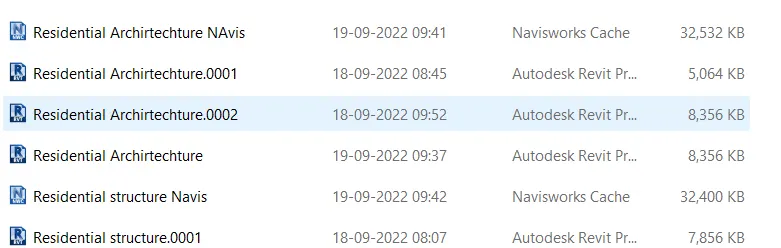
Open Revit architecture file of previous model and export it for NWC format
Open Revit Structure file of previous model and export it for NWC format.
OpenFile> File>Export>NWC format and ok
Model View after import in navsiwork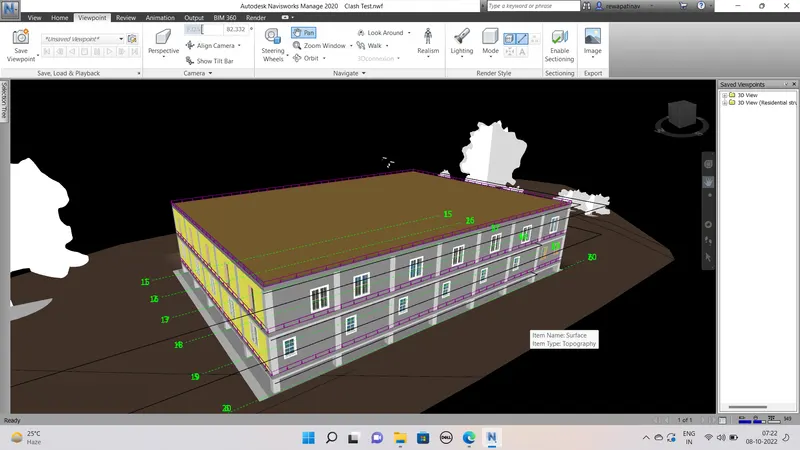
Use of navigation tool to walkthrough around the Building and Record
Than select Viewpoin>Walkthrough
and use of scroll button of mouce and Rigt and left key are used and walkthrough the building performed
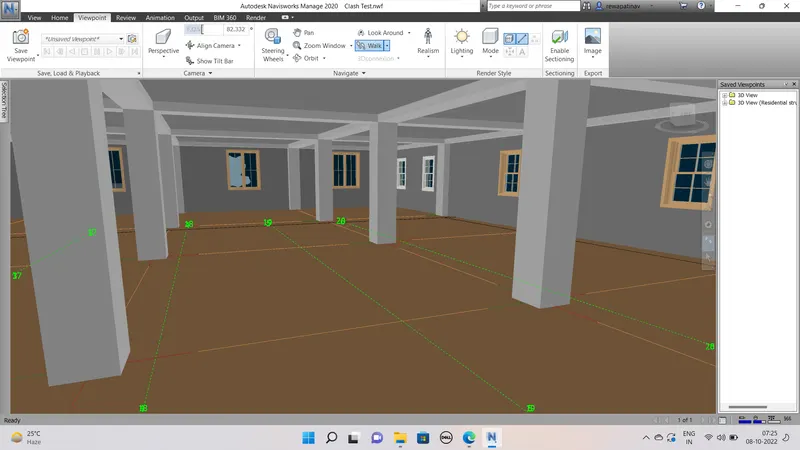
Than Realsism or Third Person waltk throught the Buidling and View captures
Viewpoint>Realism>
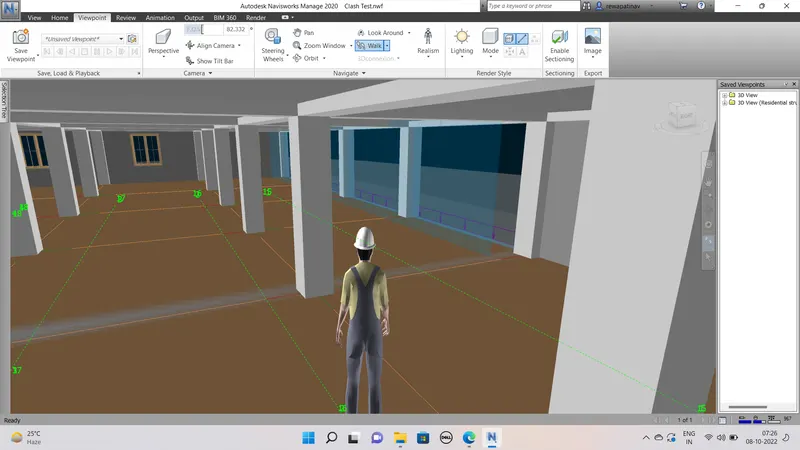
Than perform clash detection test after importing both architectiure and structure templetes
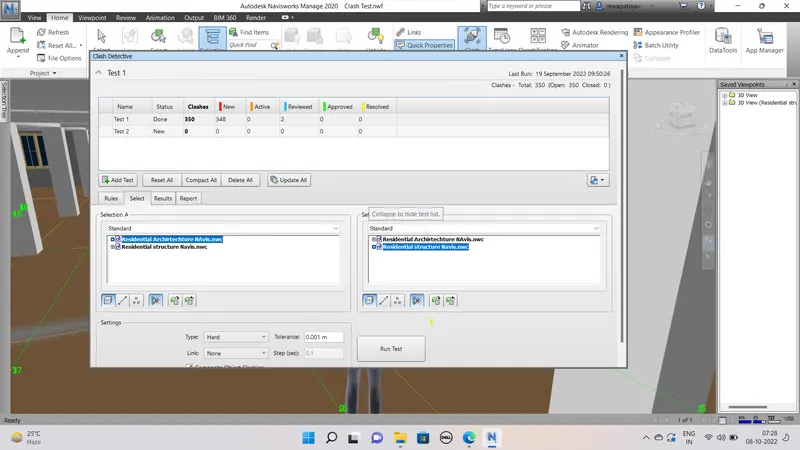
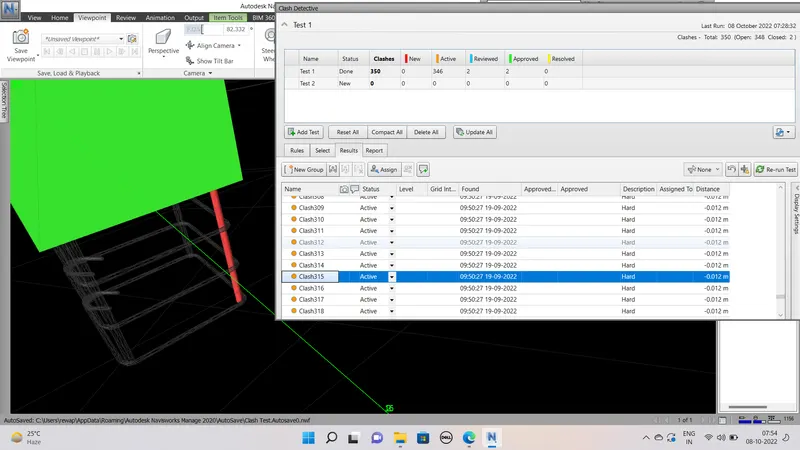
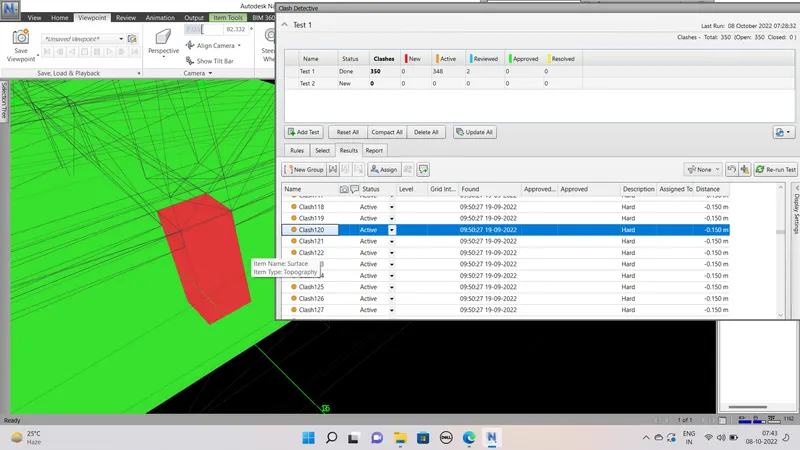
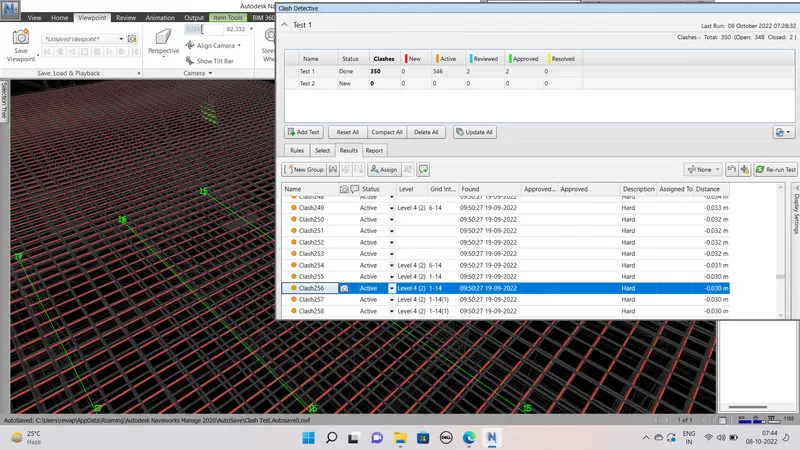
Result of clash detection
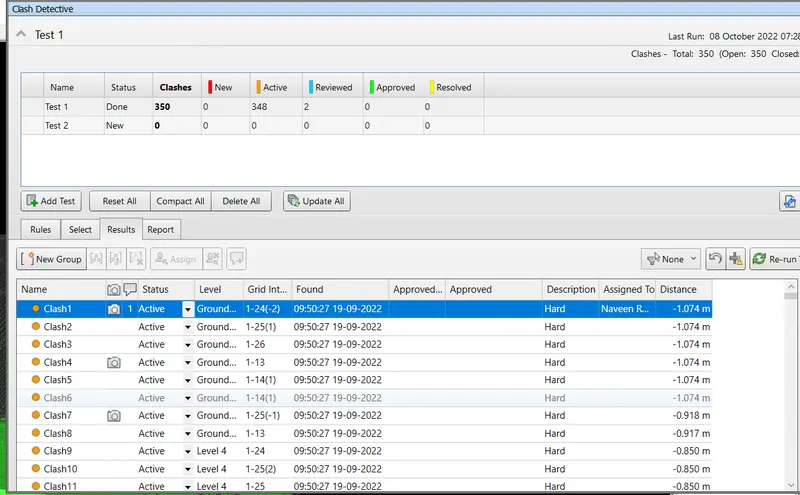
Clash 1 detect as follows
The wall intersect with the floor at first floor level
To remove the clash we have to seprate both the walls for ground and first floor
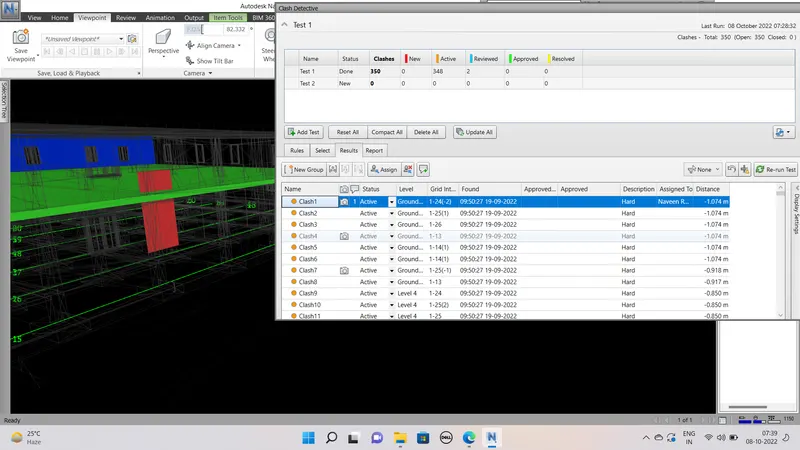
Most of Clashes of walls and slabs and Reinforcement of slab and Column That are intersecting each other
as we can see in the below pictures
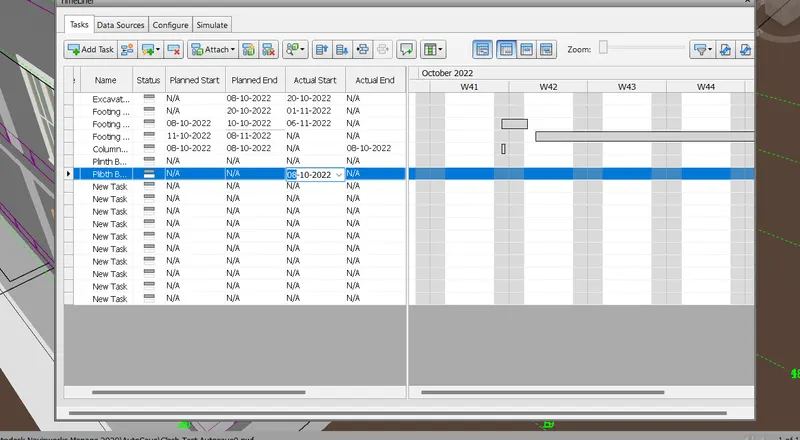
Preapration of shedule in Time Liner for the project according to the flow of various activities and providing the duration of activites