Tool Test 1
Q:
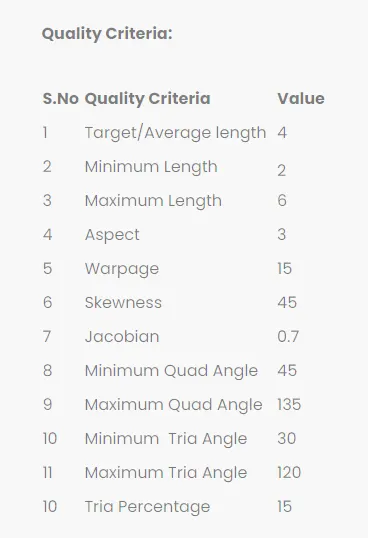
This tool test carries two models (i.e. Plastic model, Sheet metal model). For both the models, Mid surface should be taken and meshed as per below quality criteria. Thickness should be assigned to both the models. (Refer “Model Requirements” in “Grading Policy” to know what to be done in the model)
Solution 1
switch panel
Improting the model
- Initially the model is imported component1-switch panel stp.file to the Ansa toolbar.
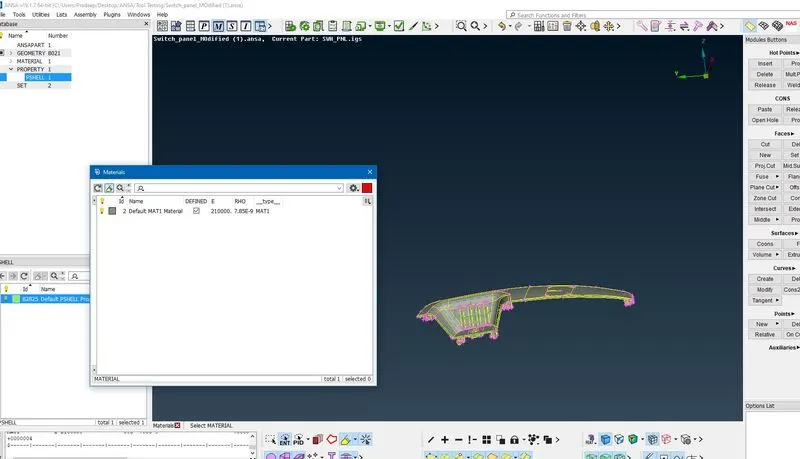
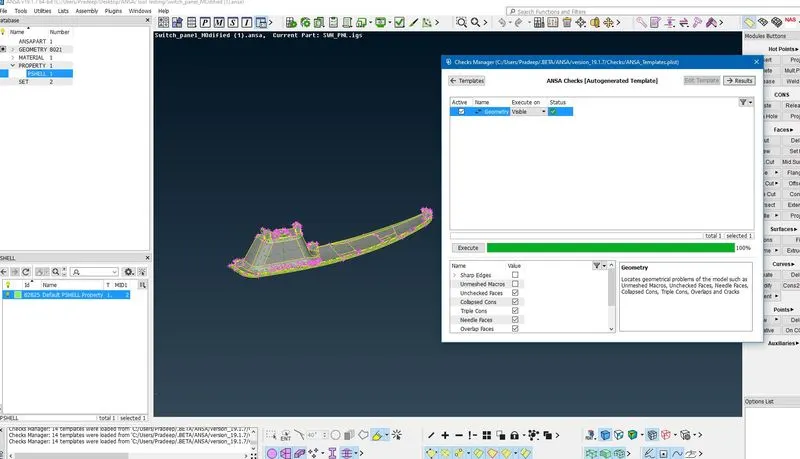
Geometry Checks:
- All the geometry checks are using check geometry, checkbox byselecting the geometry option.
- various errors in the geometry on the surface
- Surface Cleaning is the process of cleaning up errors in the surfaces. An error such as holes, Extra surface, single cones, Crack.
- Single cones are used clean up using the Select the all with Topology method. Some of the tools used to fix the problem are coons, surface patch, Fill holes, New for theFaces, Fixing Cracking.
- The particular area on that surface are missing like that using the tools topatch the area with select after that clicking the MMB (middle mouse button)
- Ansa tools itself having Autofix for the some of the Errortakes placein model.
- Further the topo options is used for open edges and single cons are in the geometry are corrected.
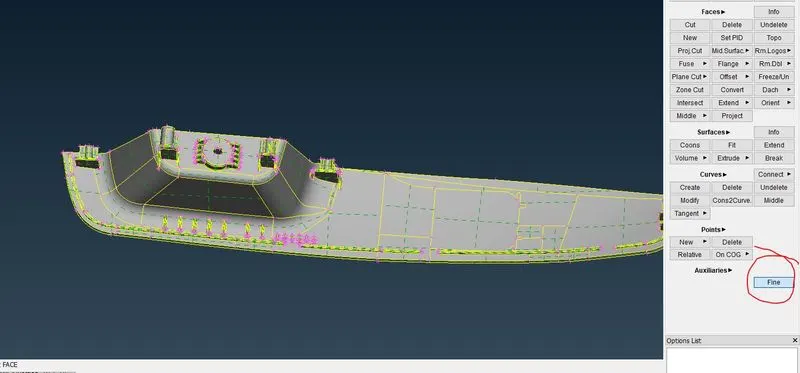
Fine option is used to make proper visible as the model designed.
Midsurface:
- Midsurface isthe process Extracting the skin of the component according to thethickness of the Component, this component having Various thickness in geometry .
- To measure all critically area and taking Midsurface according to the Offset and Middle, Using the Curve middle for projection the midsurface in the geomentry.
- In the topo mode, extracting the mid surface by Faces option in Offset we need to be selected, after selecting the offset we need to select the surface its shows the direction of the arrow.
- If upwards indicates means we need to give value in negative it's vice versa, For the outer wall and inner wall offsetting as per a thickness 12.
- Faces Middle and Offset options are used for every fines and inner thread are offsetting, because in the Topo mode itself we will be clearing all the Geometry cleanup.
Measurement:
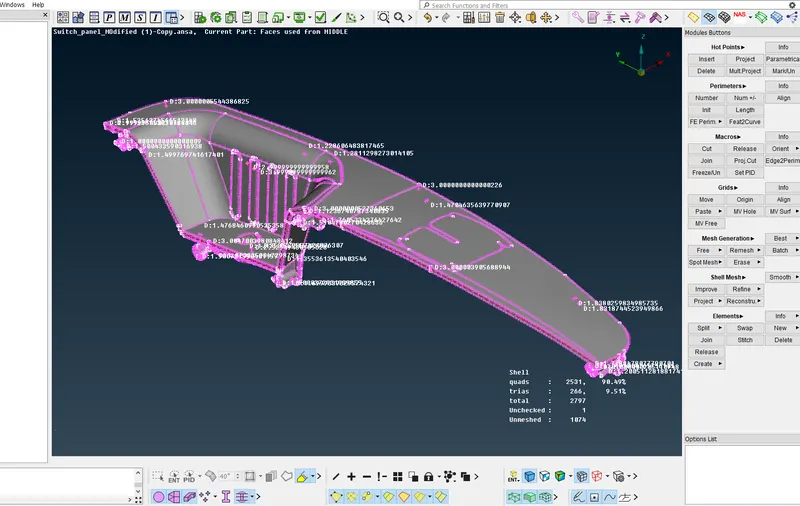
Full Midsurface:
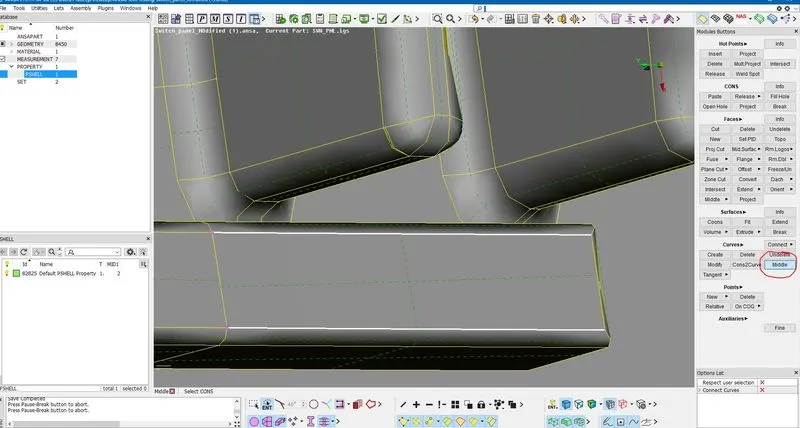
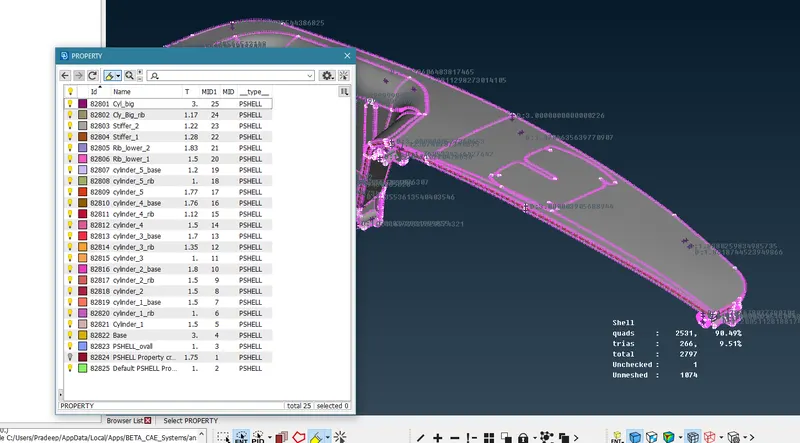
Property Id:
set PID with the new options is the process in which after the mid surface has taken we need to assign the Property to the surface with thickness.
Meshing:
- Fo geometric parents FE meshes are better representations and it is easy to maintainand update any changes in geometry by simply reworking (updated area instead of recreating the FE from scratch). According tothe given input=4mm switching to the Mesh mode and we need to give the shell element size length.
- Getting the smooth mesh we need to segregate the surface to various cut regions are required.
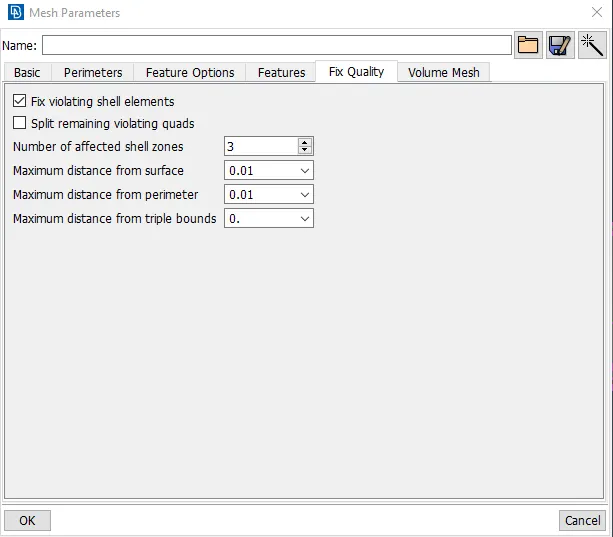
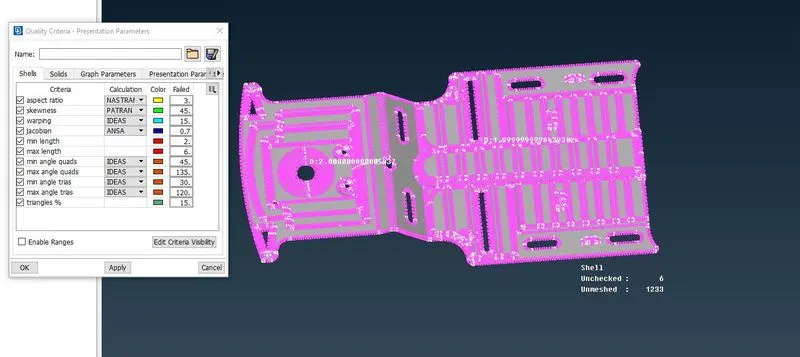
- Need to set up mesh Parameters in presentation parameters according with given inputs.
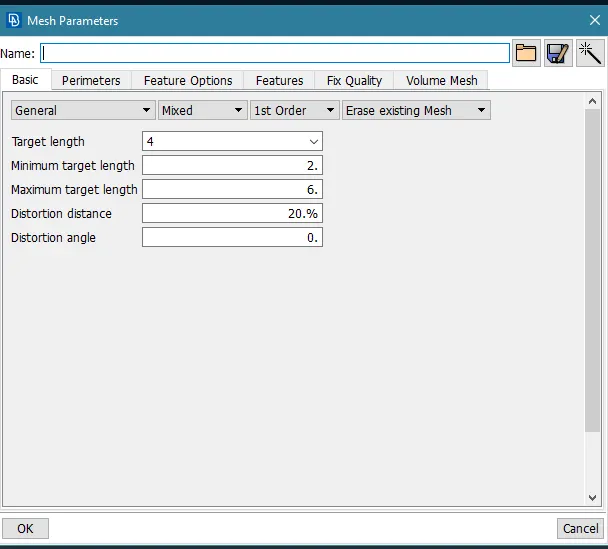
- Mesh parameters, we are giving the target length with minimum and maximumlength.
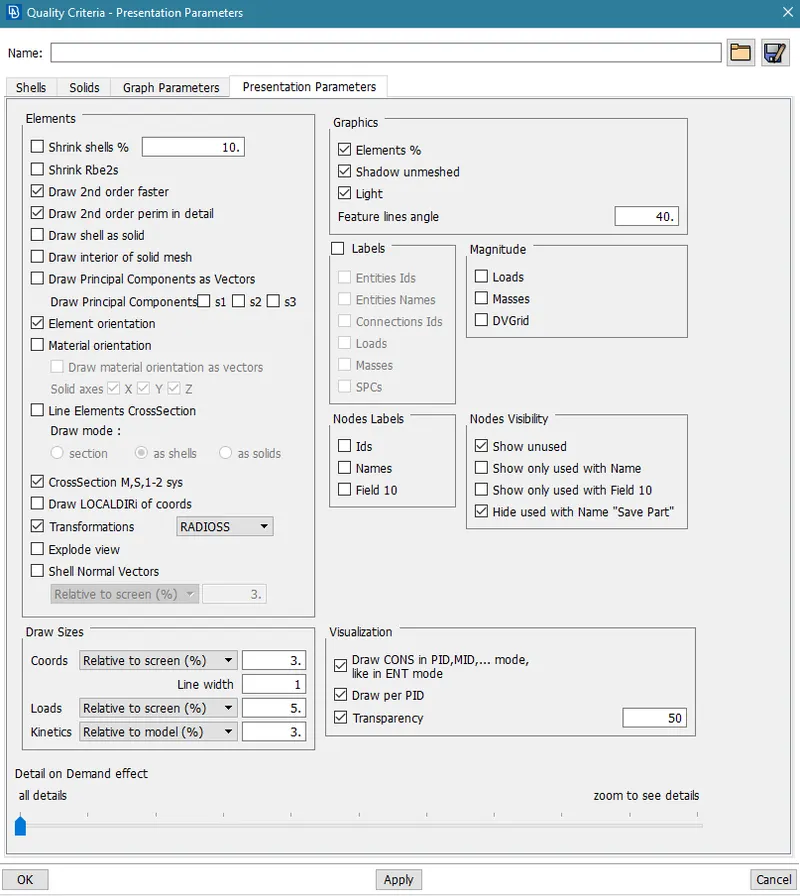
- In presentation parameters, we need to enable Elements (%) and details on theDemand effect should be all details.
- In mesh Generation, Best mesh is used as per the Mesh flow.
Mesh Parameters:
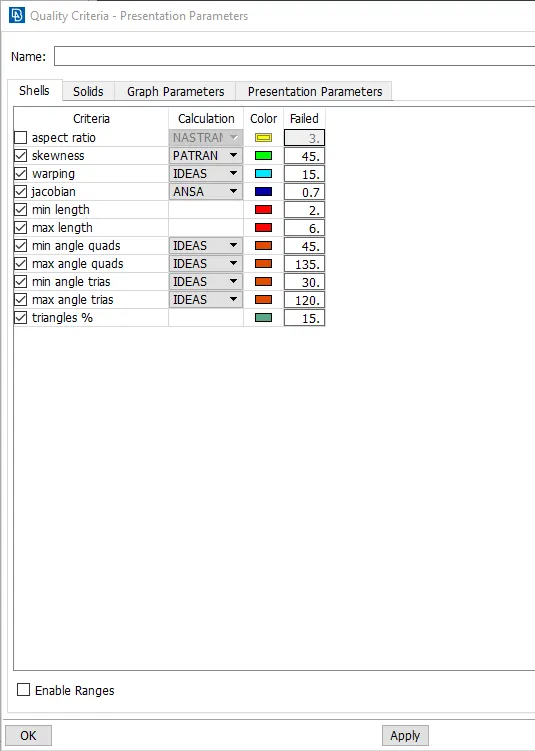
Quality Criteria:
Presentation Parameters:
Meshing Model final:
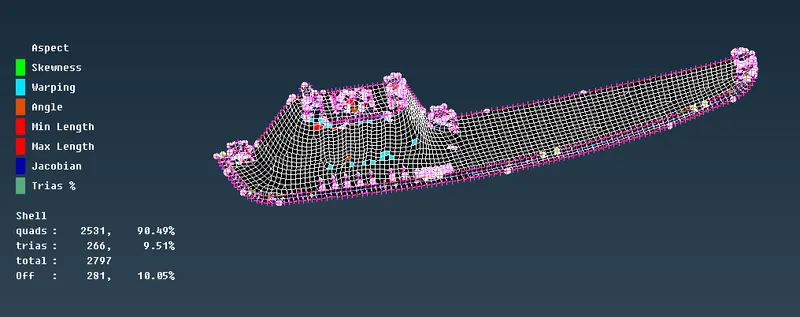
- In this model the is limitted as maximum as possiable and furture can lead in the distortion in the model
METHOD2: Component 2 : Floor Panel
Improting the model
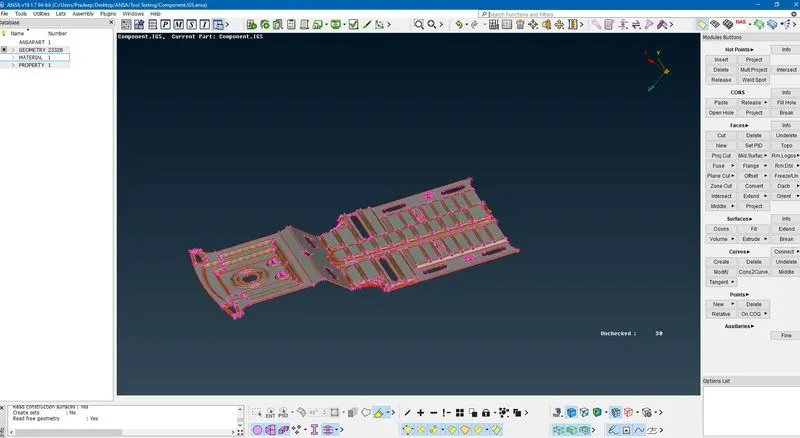
- Initially the model is imported Component 2 : Floor Panel to the Ansa toolbar.
Geometry Checks:
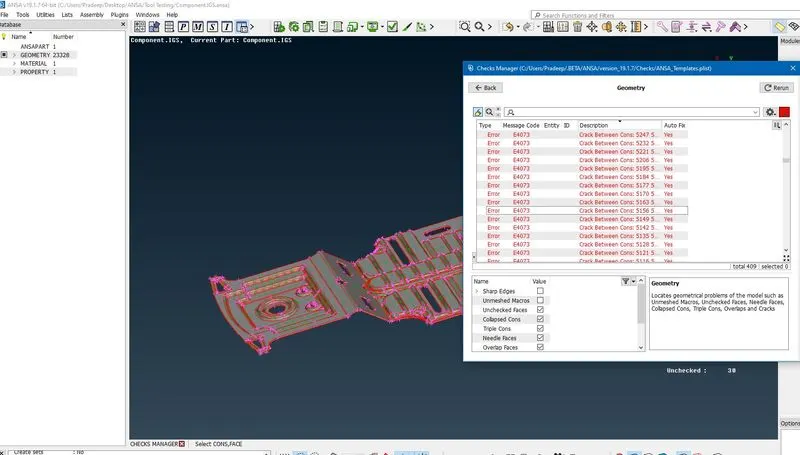
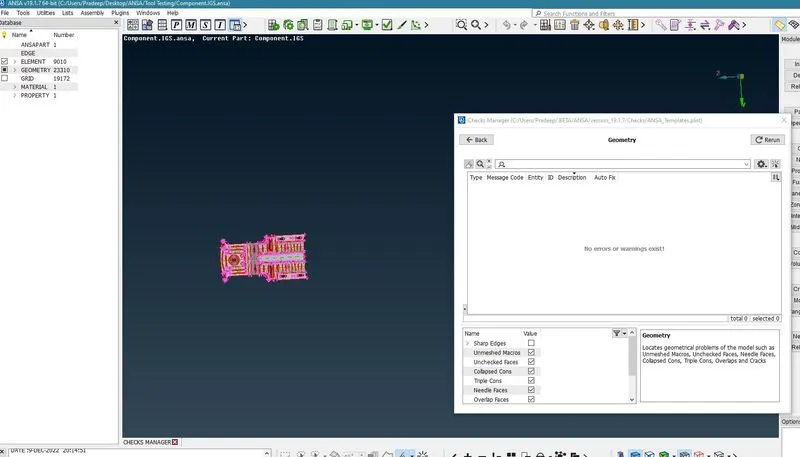
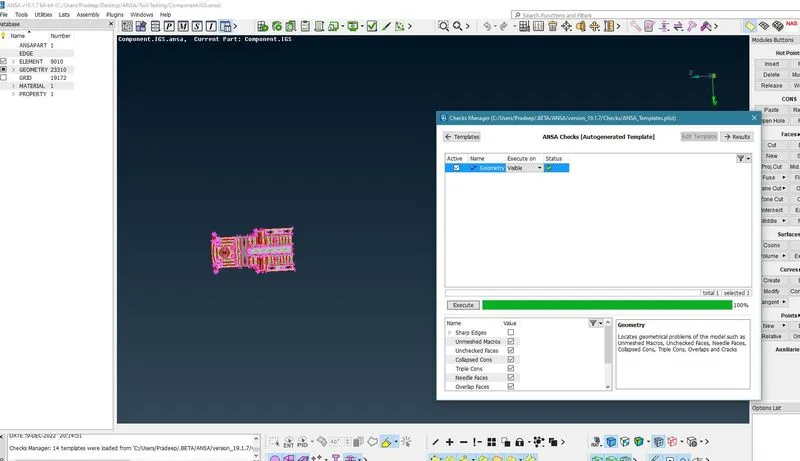
- All the geometry checks are using check geometry, checkbox byselecting the geometry option.
- various errors in the geometry on the surface
- Surface Cleaning is the process of cleaning up errors in the surfaces. An error such as holes, Extra surface, single cones, Crack.
- Single cones are used clean up using the Select the all with Topology method. Some of the tools used to fix the problem are coons, surface patch, Fill holes, New for theFaces, Fixing Cracking.
- The particular area on that surface are missing like that using the tools topatch the area with select after that clicking the MMB (middle mouse button)
- Ansa tools itself having Autofix for the some of the Errortakes placein model.
- Further the topo options is used for open edges and single cons are in the geometry are corrected.
Midsurface:
- Midsurface isthe process Extracting the skin of the component according to thethickness of the Component, this component having Various thickness in geometry .
- To measure all critically area and taking Midsurface according to the Offset and Middle, Using the Curve middle for projection the midsurface in the geomentry.
- In the topo mode, extracting the mid surface by Faces option in Offset we need to be selected, after selecting the offset we need to select the surface its shows the direction of the arrow.
- If upwards indicates means we need to give value in negative it's vice versa, For the outer wall and inner wall offsetting as per a thickness 12.
- Faces Middle and Offset options are used for every fines and inner thread are offsetting, because in the Topo mode itself we will be clearing all the Geometry cleanup.
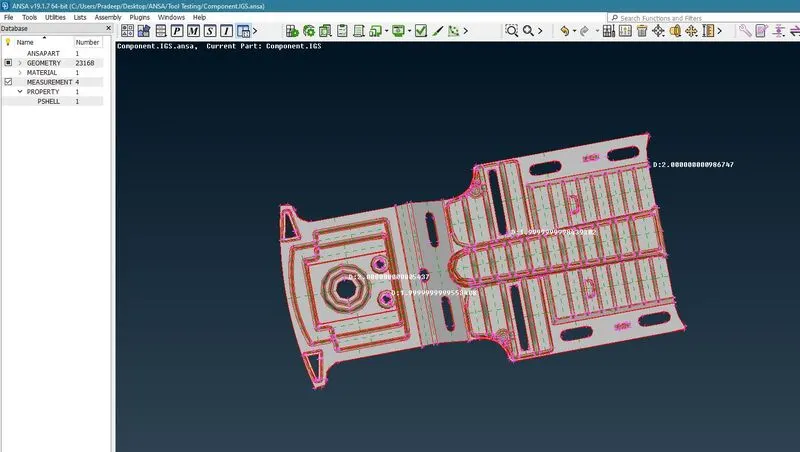
Offset:
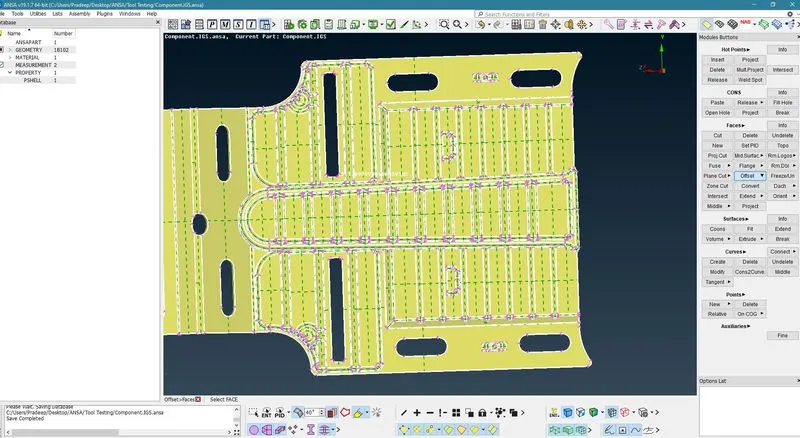
Quality cirteria:
Property Id:
set PID with the new options is the process in which after the mid surface has taken we need to assign the Property to the surface with thickness.
Meshing:
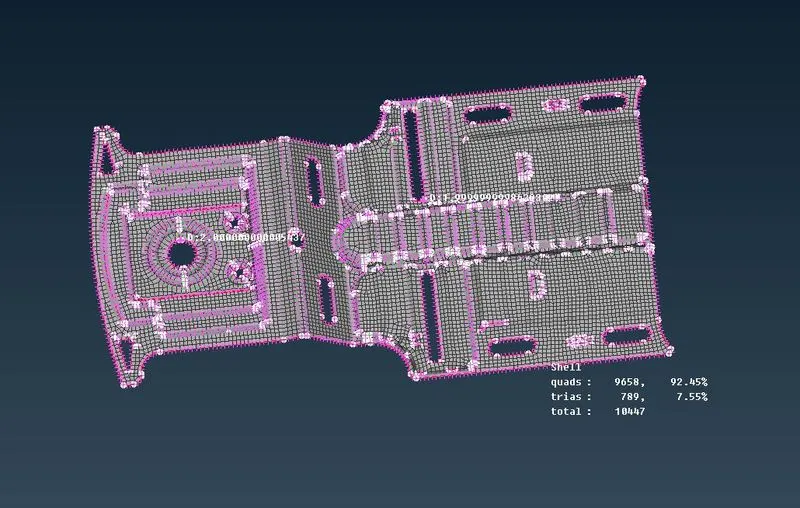
Final meshed model:
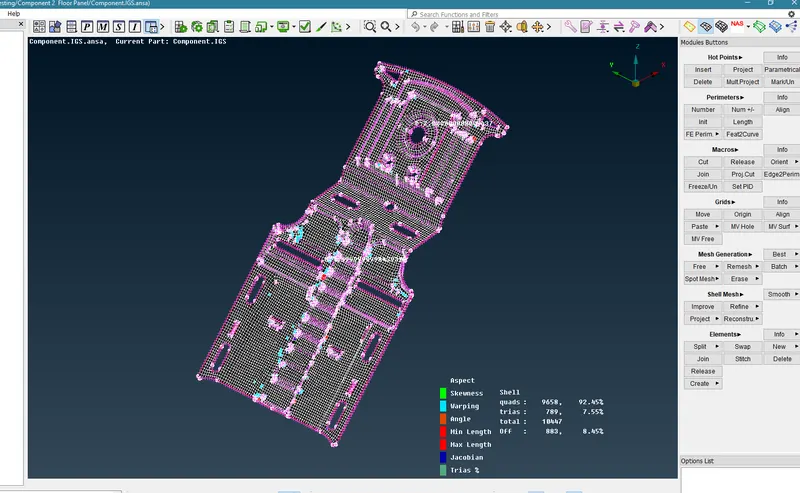
- In this model the is limitted as maximum as possiable and furture can lead in the distortion in the model
Conclusion:
This tool test which carries two models which are Plastic model and Sheet metal model. For both the models, Mid surface and proper meshing is done as per the given quality criteria also the thickness are assigned to both the models.