Tool Test 1
Aim - to generate a mid surface of given component along with the mesh which fullfills the required criteria. to further allot required thickness to the given meshed elements
Procedure -
steps to be followed
1- manually offset the faces till obtain the middle surface
2- use extend command to project and join faces where needed
3- toggle the required cons to avoid element failure
4-create mesh
5- use toppo option to avoid single conns
6- refine mesh where ever required
7- use move commend to move nodes by small distance
8- assign element thickness
model 1
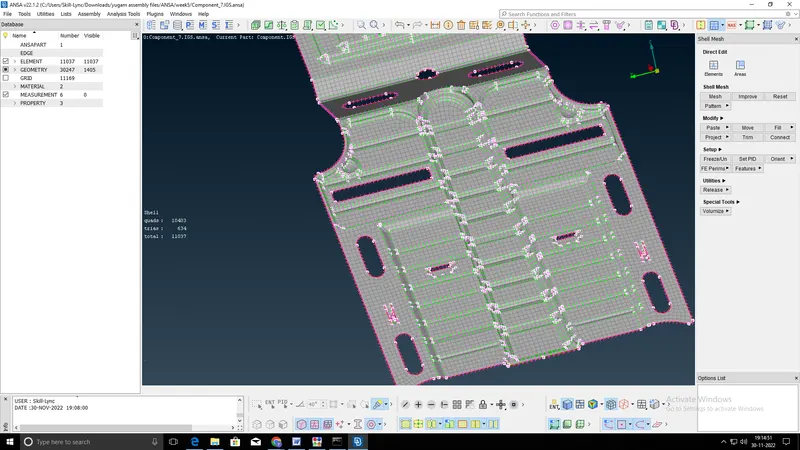
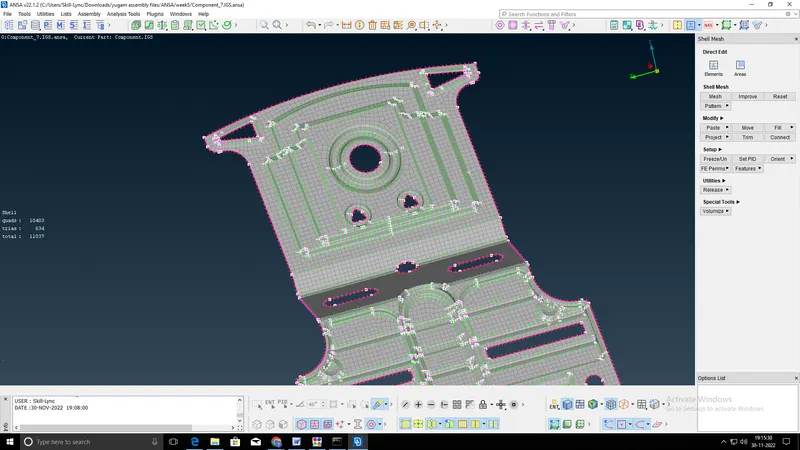
model 2
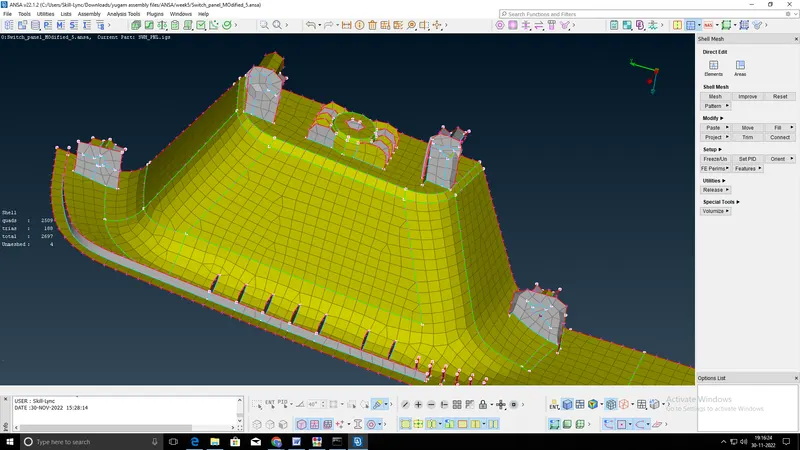
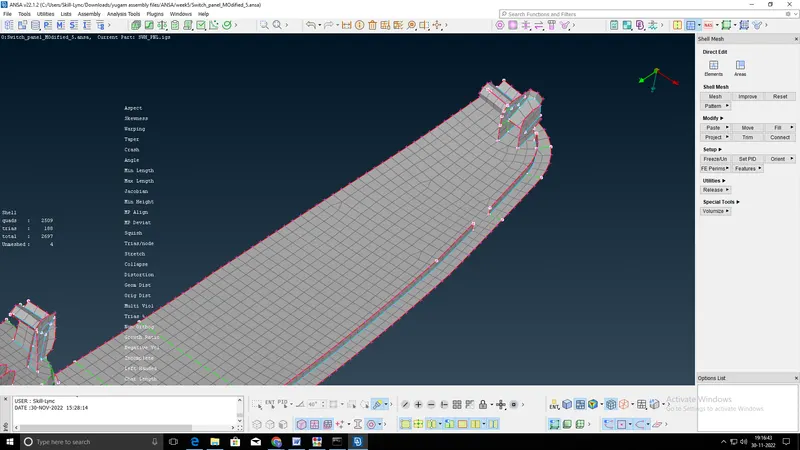
Conclusion- 28 and 0 elements are failing at critical regions, thickness is assigned for given meshed component