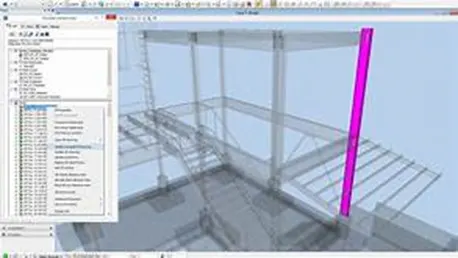
To model columns for industrial steel structure using TSD
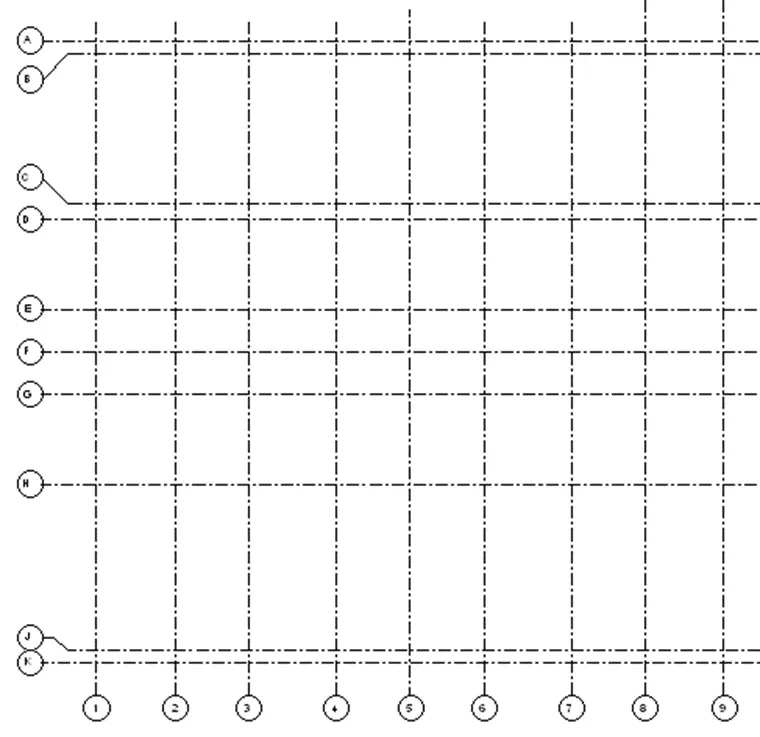
- Create column properties for different types of pedestal members and model in the grids created as per the assignment 1
- Create column properties for steel columns and model columns in the grid created as per assignment 1
- Create beam properties and model primary and secondary beams on the ground floor
- open new file
- In browser right click o levels
- And select construction levels
- And input the values as below pic
- Go to model ta
- Select the grid option
- Draw grid
- Select the parallel grid for quick
- Similar to the other direction
- Go to home
- Here select manage property sets
- Click new members
- Add the required members as show below
- Here edit the required properties
- Go to model select column
- Edit the required level I properties ta ad select the required columns
- Place the columns at required positions as show below
- Similarly place steel colums
- Go to model
- Select beam • Select desired beam I properties
Click I the respective grid points as required
- Copy the beams to required positions
- Similarly carry the same procedure for the secondary ones