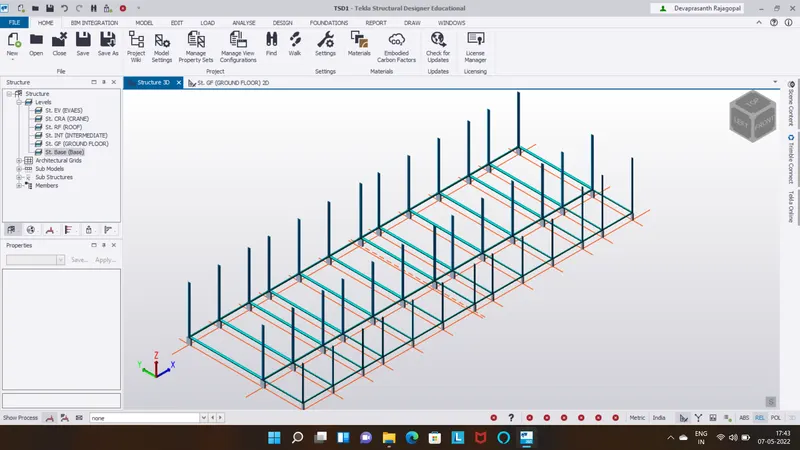
To model columns for industrial steel structure using TSD
1.
Aim:
To create column properties for different types of pedestal members
Procedure:
Step 1:
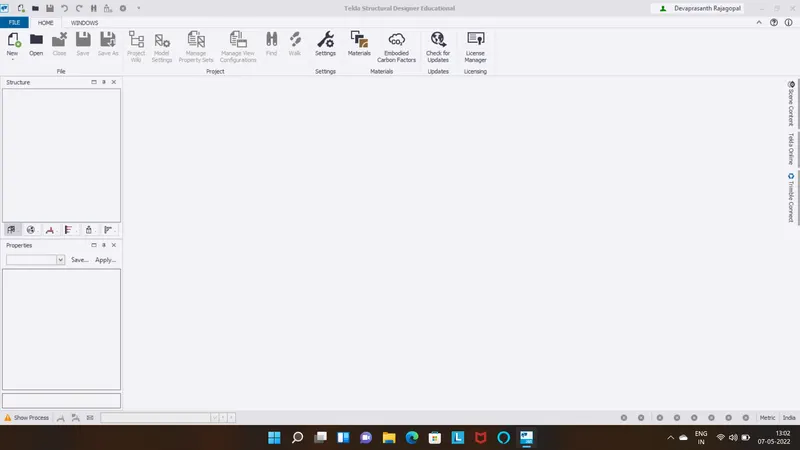
Open tekla software
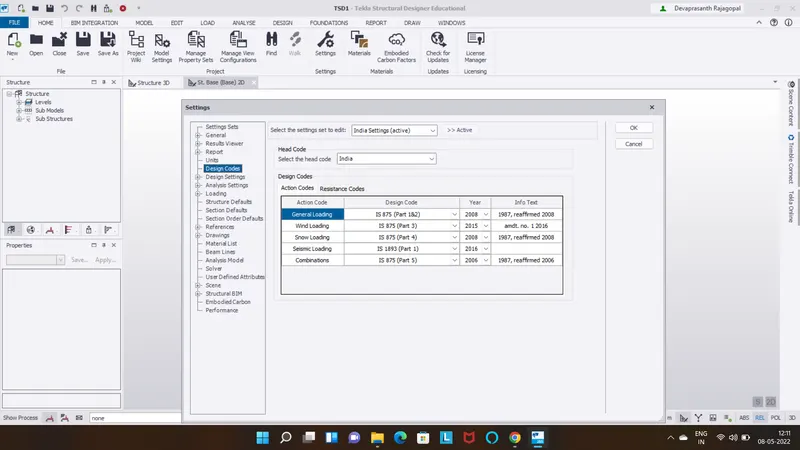
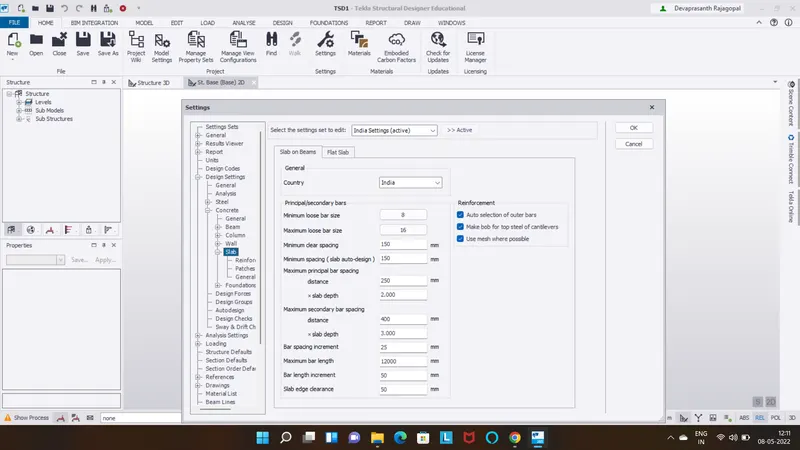
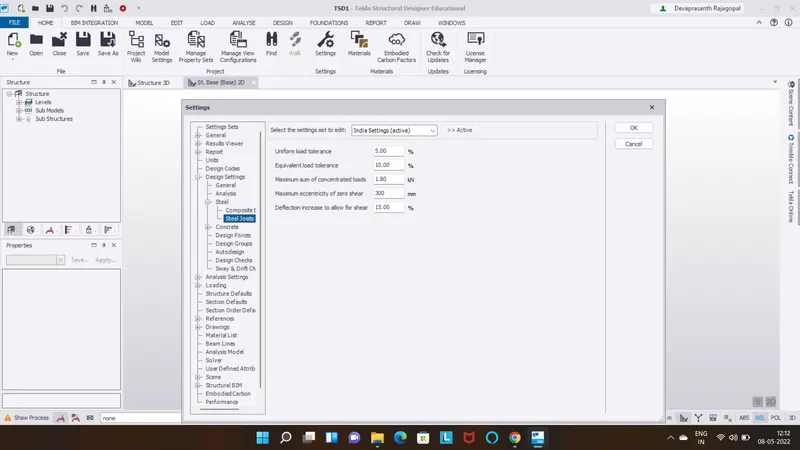
Go to settings and check design codes,analysis,slab,steel joists
Step 2:
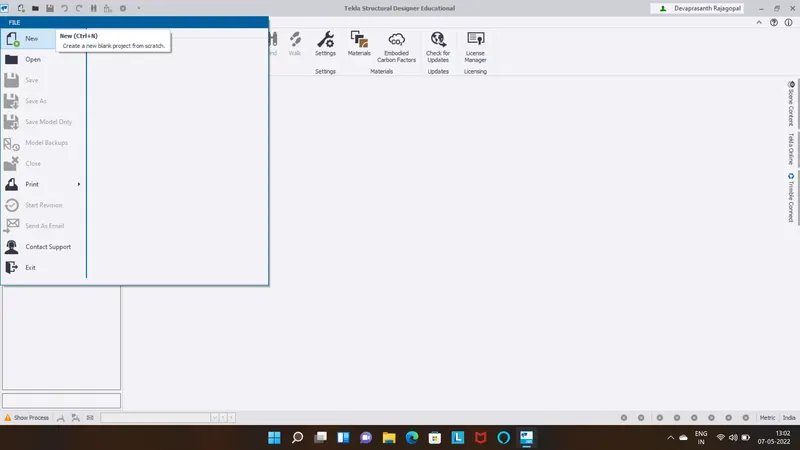
Go to the file option
Create the new project
Step 3:
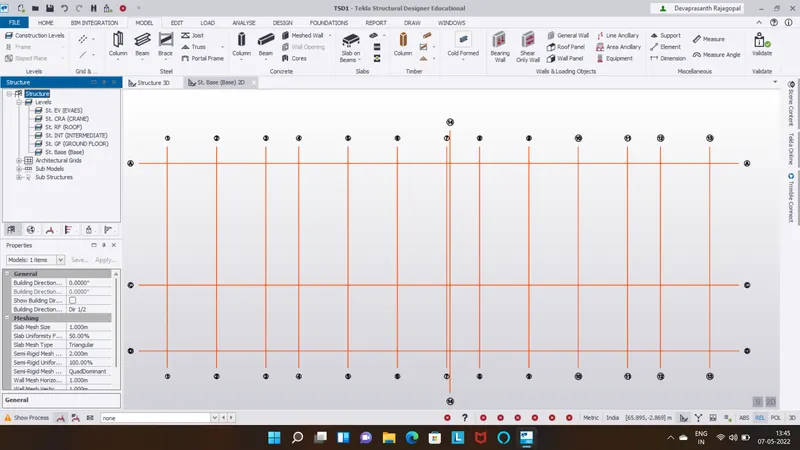
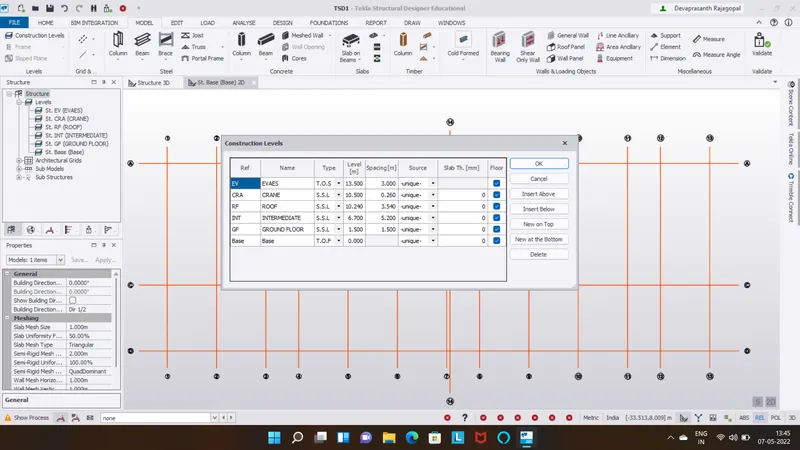
Create construction levels and grids
Step 4:
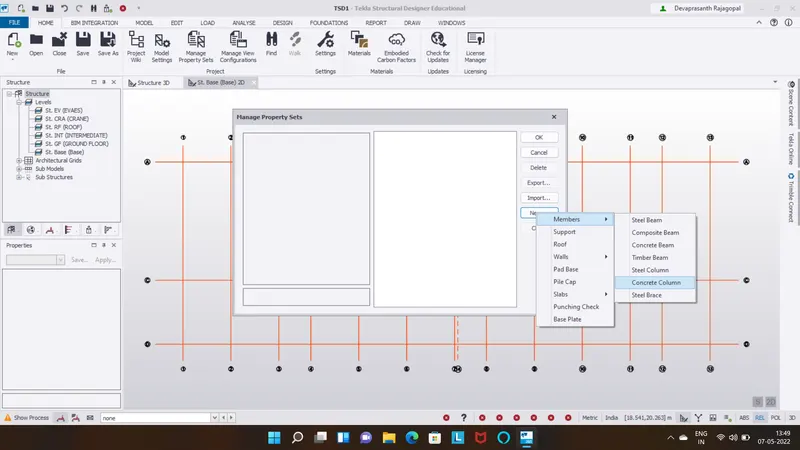
Go to manage property sets
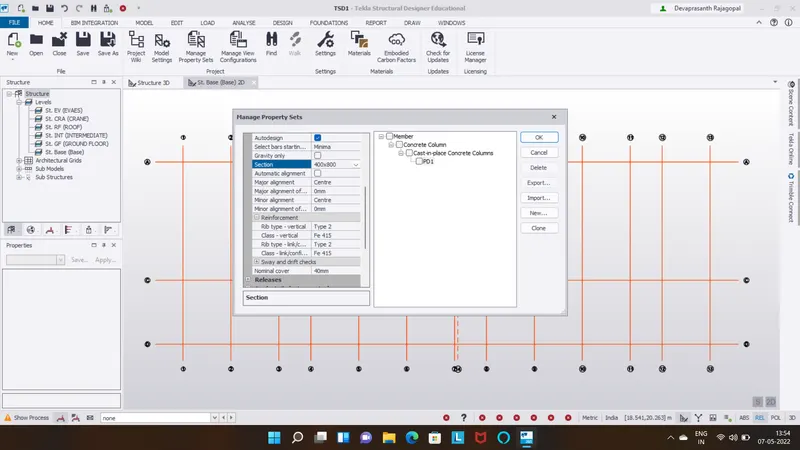
To create pedestal member and select member and concrete column
Size of section 400 x 800
Grade at M25 and major alignment taken as centre
Step 5:
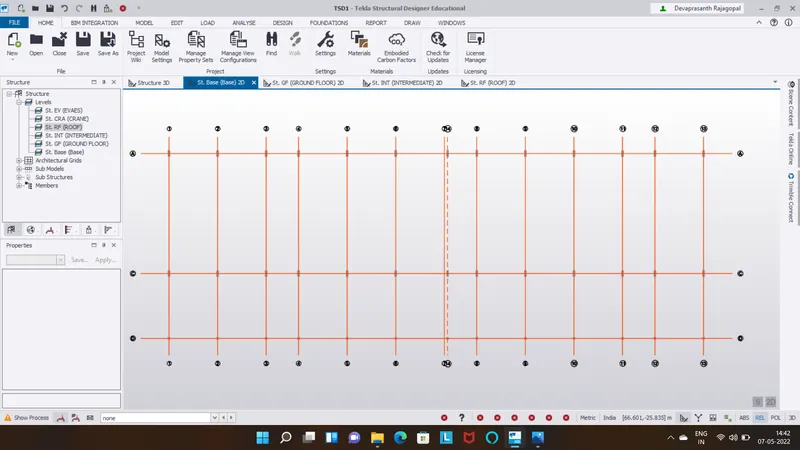
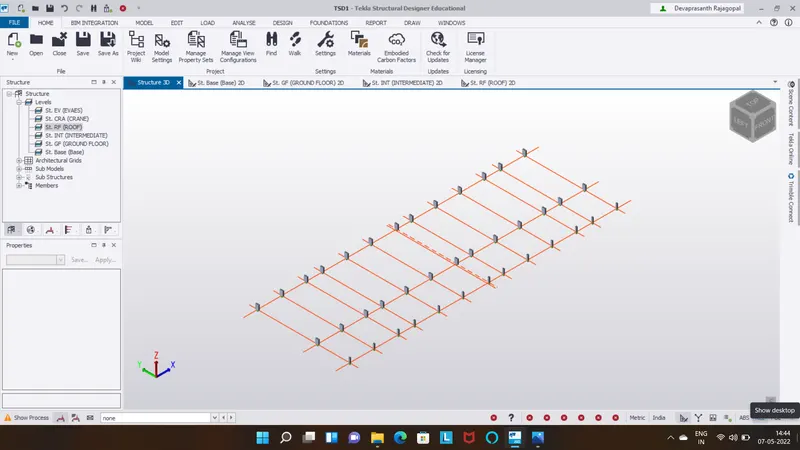
Create pedestal members at grids
Result:
2.
Aim:
To create column properties for steel columns and model column in the grids
Procedure:
Step 1:
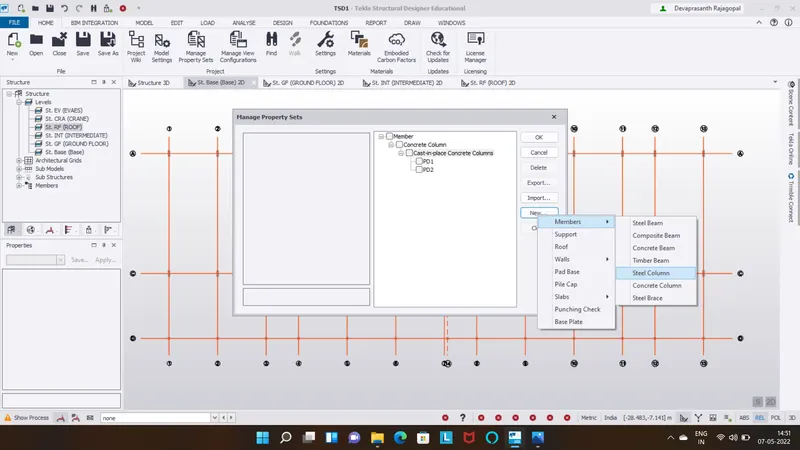
After creating pedestal members go to manage properties
Add steel columns and assign properties
Major alingment is taken as centre
Fixity bottom pinned
Step 2:
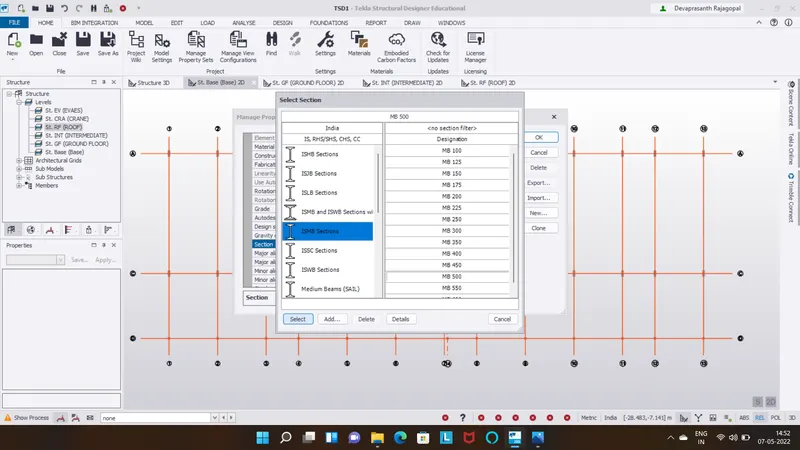
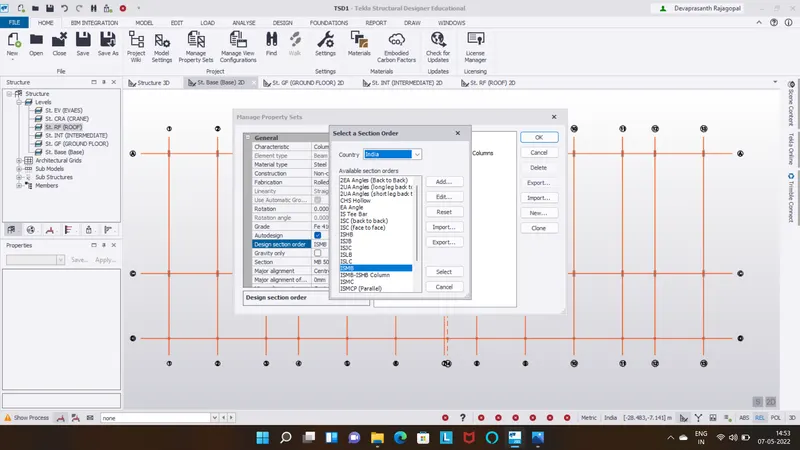
ISMB section taken as MB 500
Step 3:
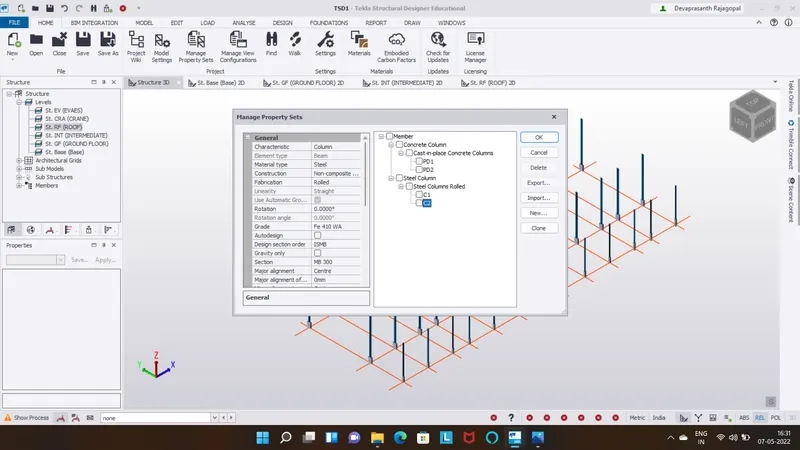
After creating pedestal members go to manage properties
Add steel columns and assign properties
Major alingment is taken as centre
Fixity bottom pinned
ISMB section taken as MB 350
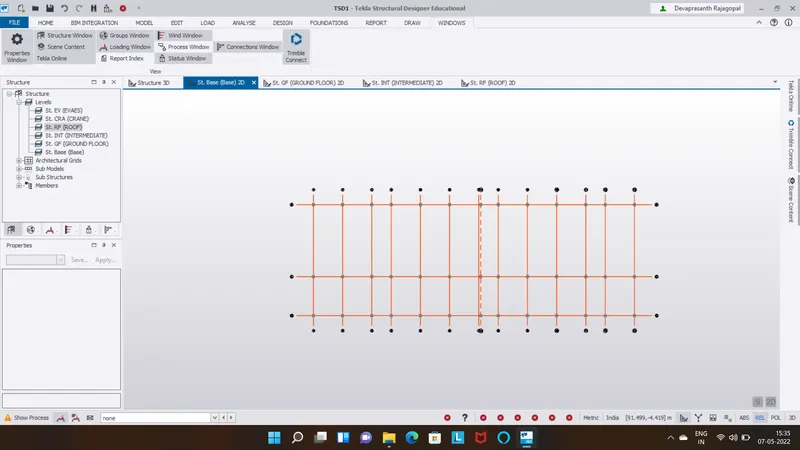
Result:
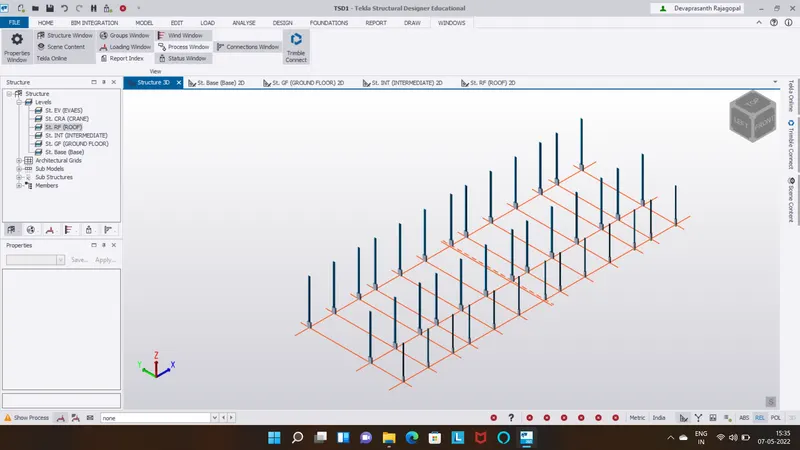
3.
Aim:
To create beam properties and model primary and secondary beam
Procedure:
Step 1:
After creating steel columns
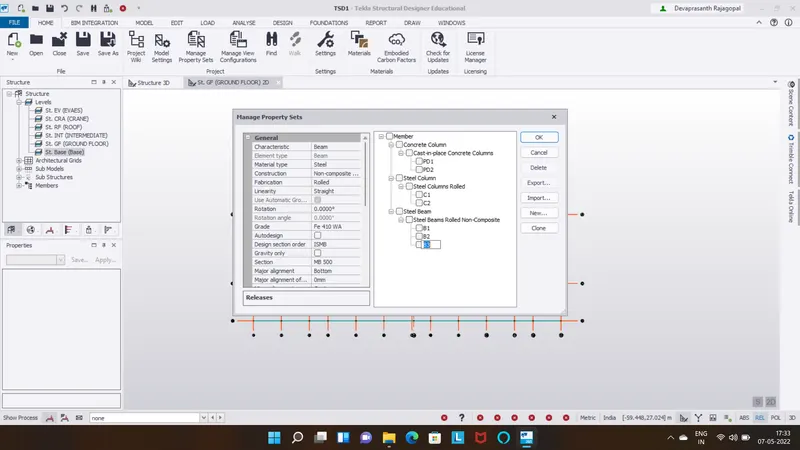
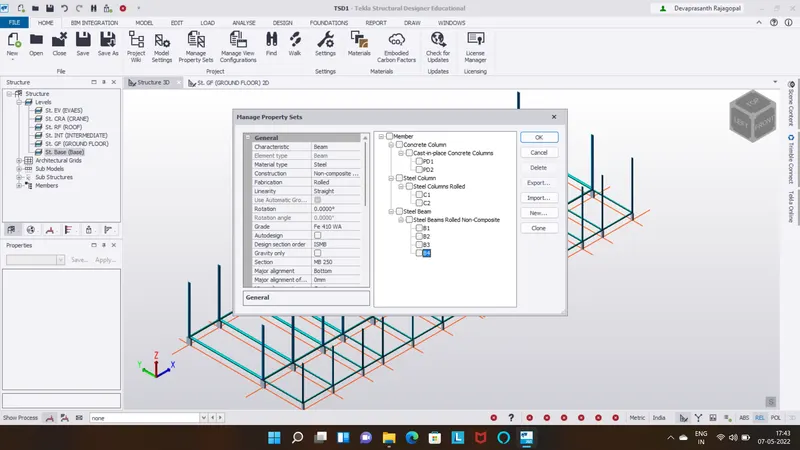
Assign steel beam properties
Beam 1: ISMB section taken as MB 500
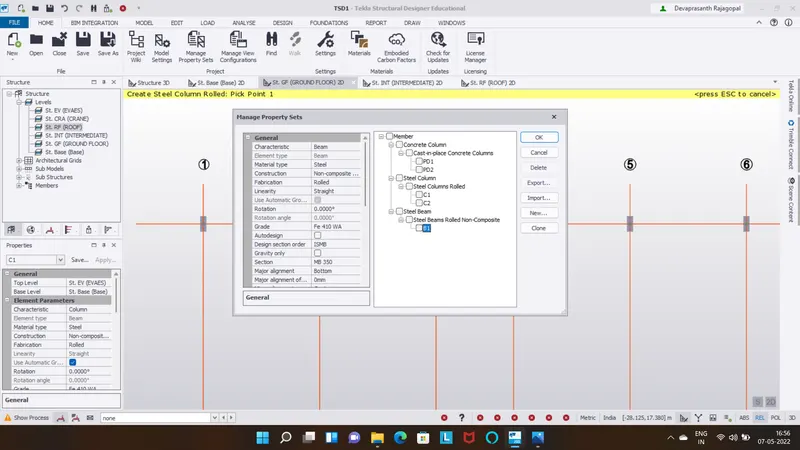
Step 2:
Beam 2: ISMB section taken as MB 300
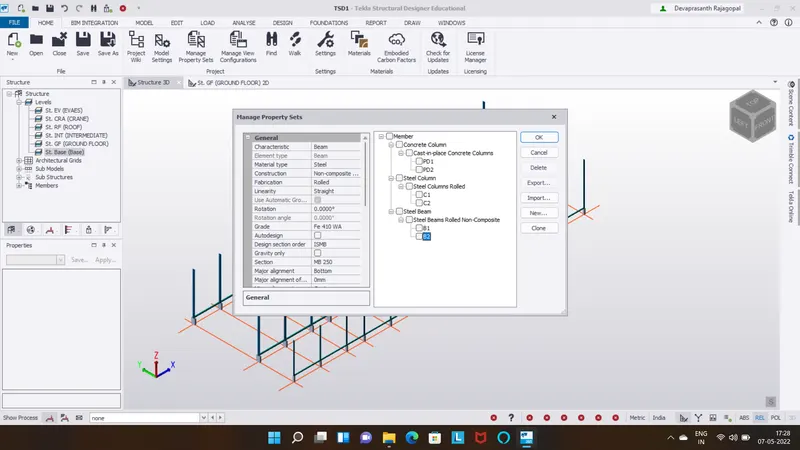
Step 3:
Beam 3: ISMB section taken as MB 500
Step 4:
Beam 4: ISMB section taken as MB 250
Step 5:
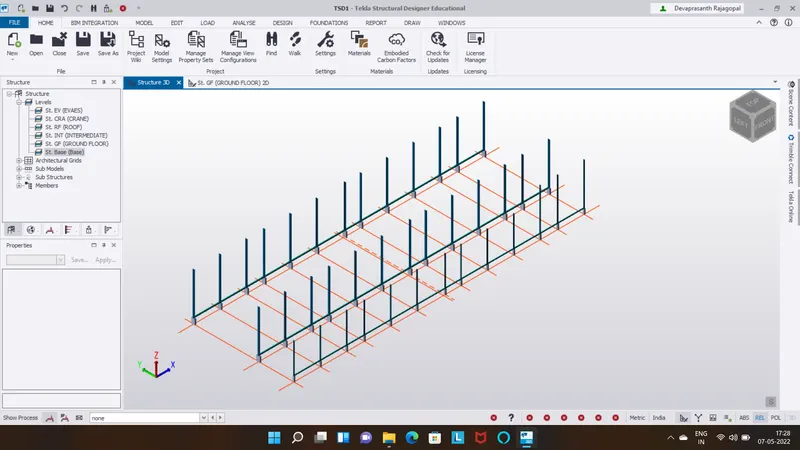
Place beam 1&2 at horizontal at ground floor
Step 6:
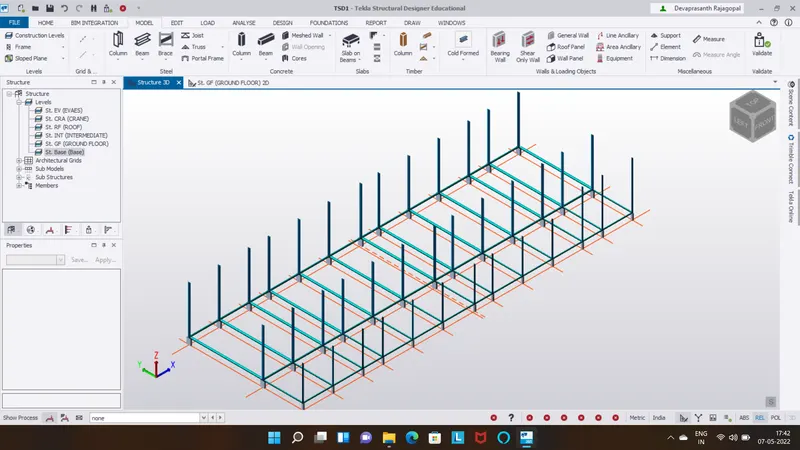
Place beam 3&4 at vertical at ground floor
Result: