To model beams and bracings for industrial steel structures using TSD
1 Ans:
Aim: To Create beam properties for the First floor and model the beams
Procedure:
- First, open the Tekla structural designer software
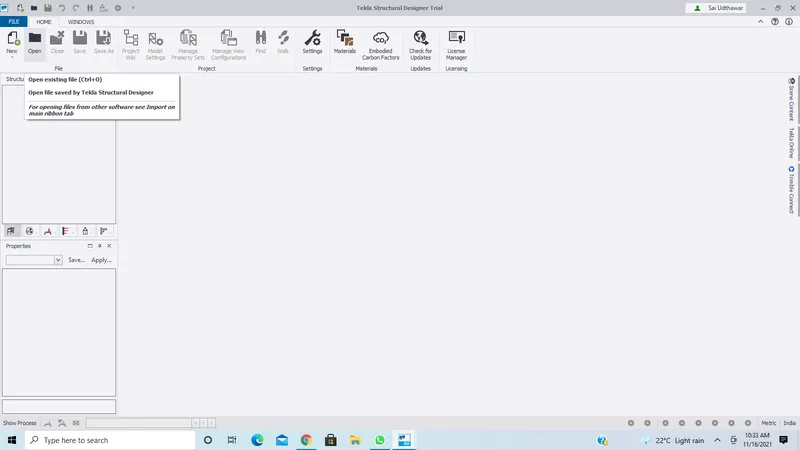
- Now go to open and select the project where we have designed columns
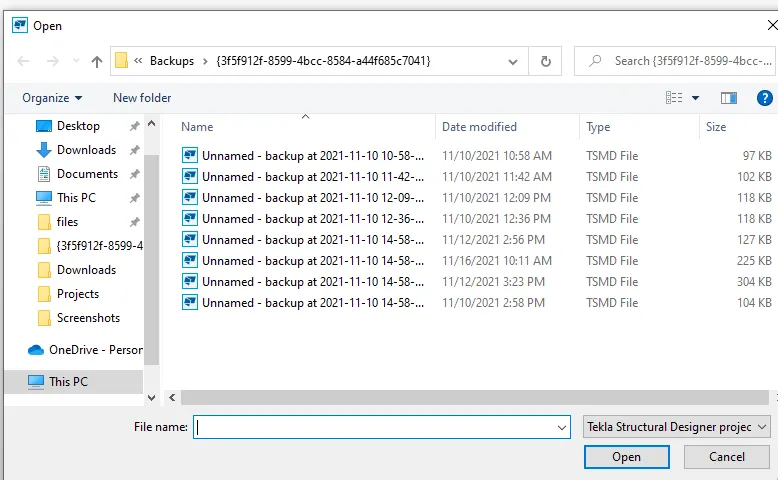
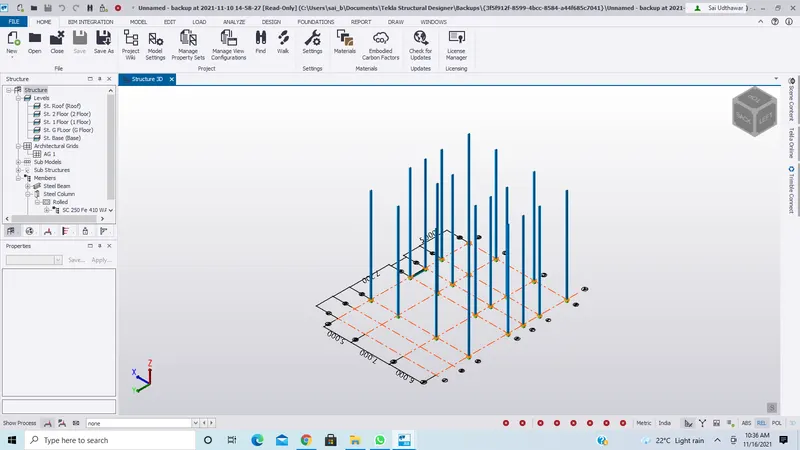
- Now we have opened the old file in which we have designed columns
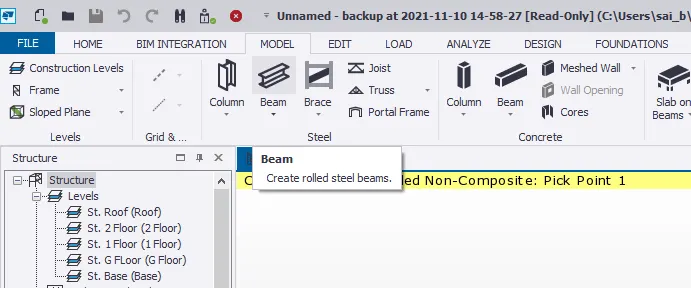
- Now go to the model and select steel beams
- Now go to the properties tab and select the beam properties as required
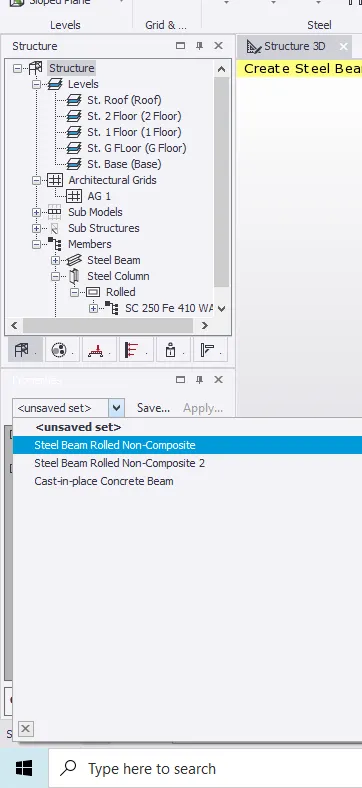
- Now add beams to the structure by selecting each level in the structure tab
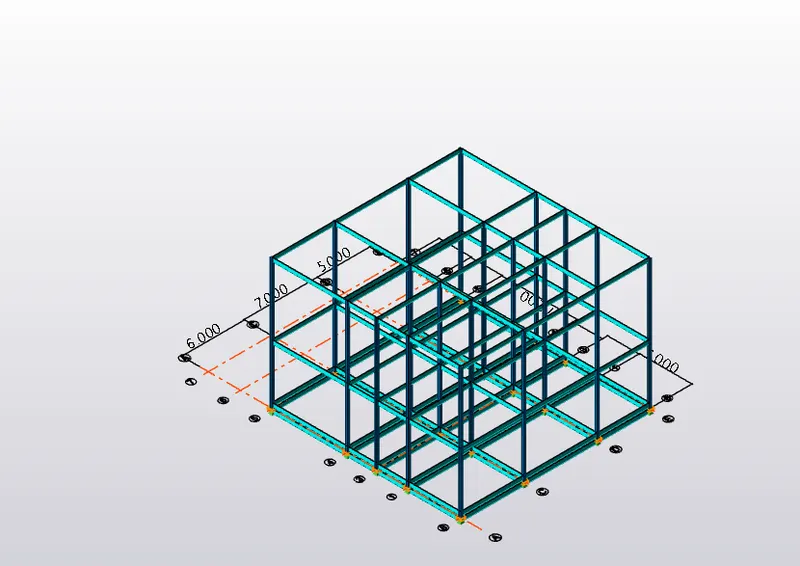
Result:
Created beam properties for the First floor and modeled the beams
2 Ans:
Aim: To Create rafter beam on the second floor as roof and moment frame action in one direction and add bracings at locations as per the design intent
Procedure:
- First, open the Tekla structural designer software
- Now go to open and select the project where we have designed the columns and beams
- Now go to the model tab and select the frame
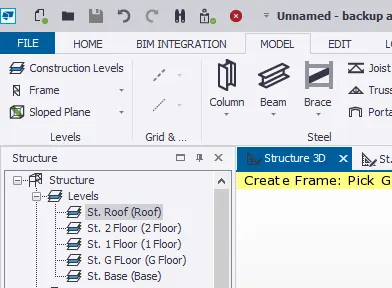
- Now select the gridline where we want to add the rafter beams as shown below
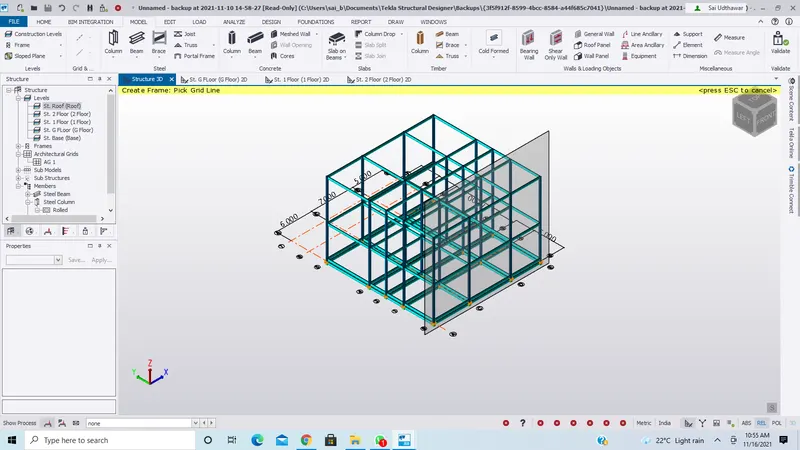
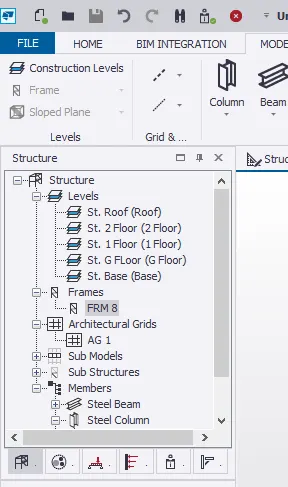
- Now go to the structure tab and select the Frames and double tap on the FRM 8
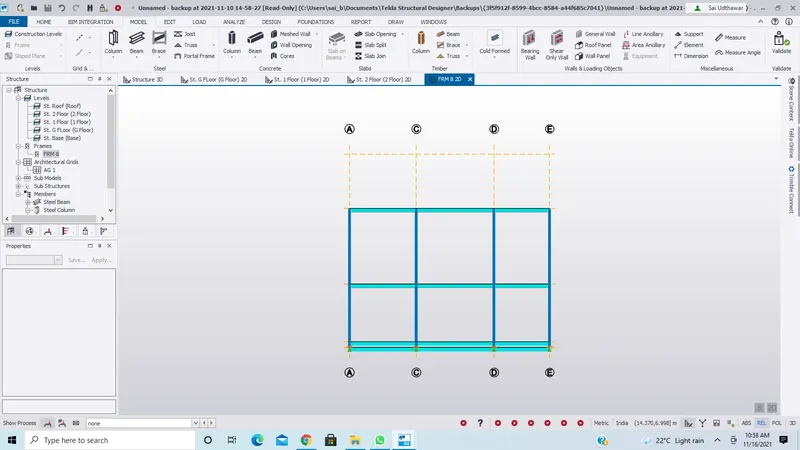
- Now we get Frame 8 as shown
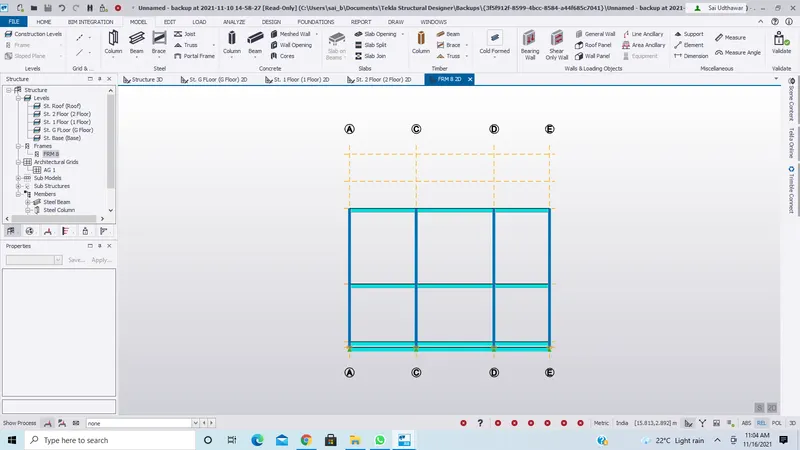
- Now take the construction line and at a distance of 2.44m(as required) draw a horizontal line passing through ACDE grid lines
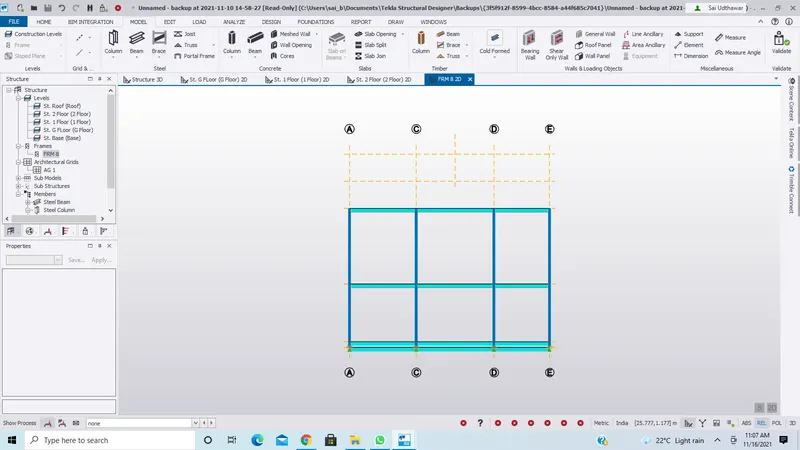
- Now add a midpoint in between C and D grid lines by using construction line
- Now draw a line vertically upwards to get a reference for the mid point as shown
- Now select the steel beam and join A to midpoint and midpoint to E as shown below
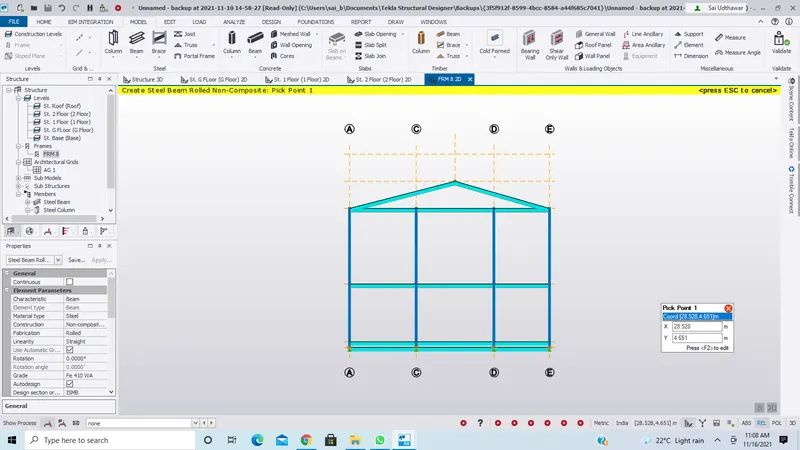
- Now press ESC and keep it in 3D view and select the two sloped beams and right-click and select copy
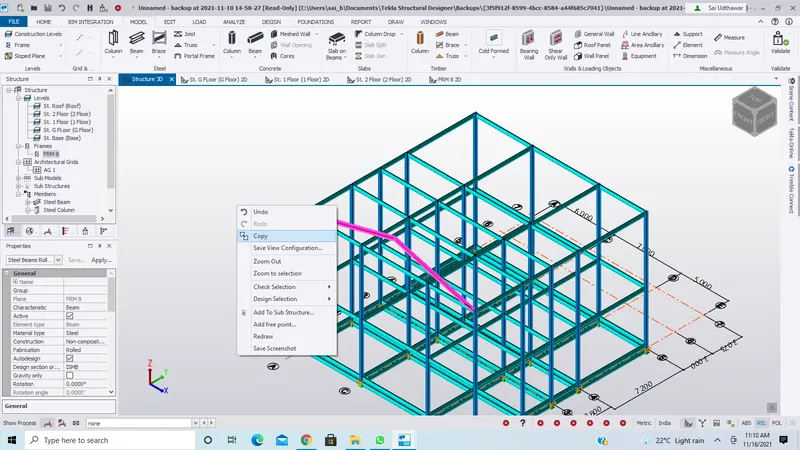
- Now select one point of the beam
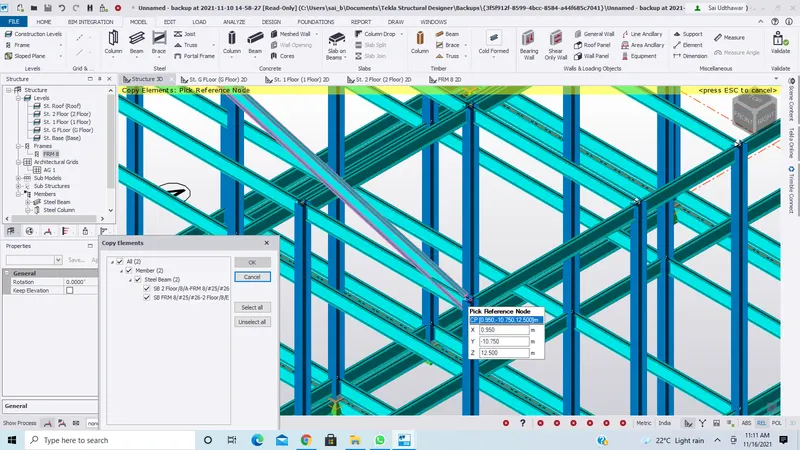
- Now paste it at required positions
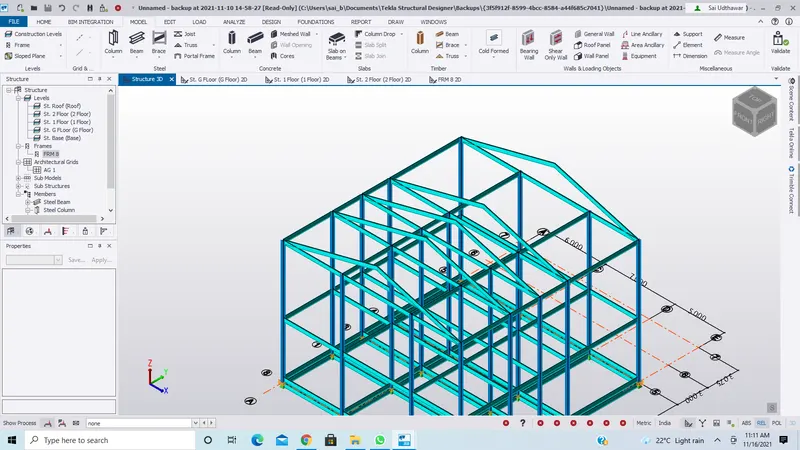
- Now select the beam and draw it through the center as shown
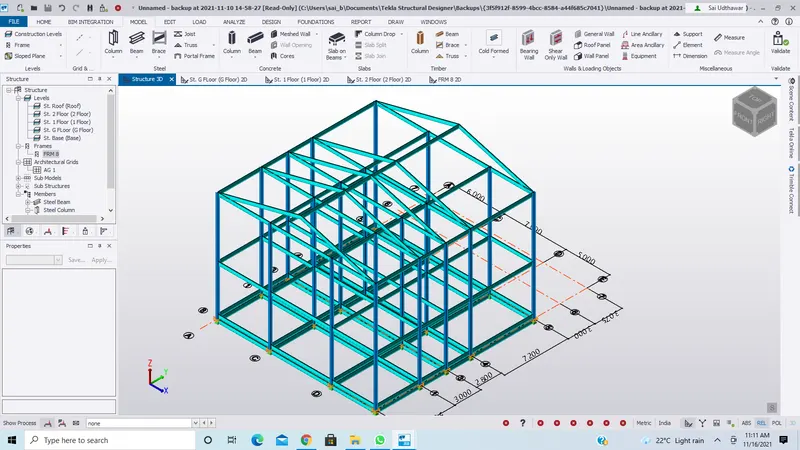
Result:
Created rafter beam on the second floor as roof and moment frame action in one direction and added bracings at locations as per the design intent