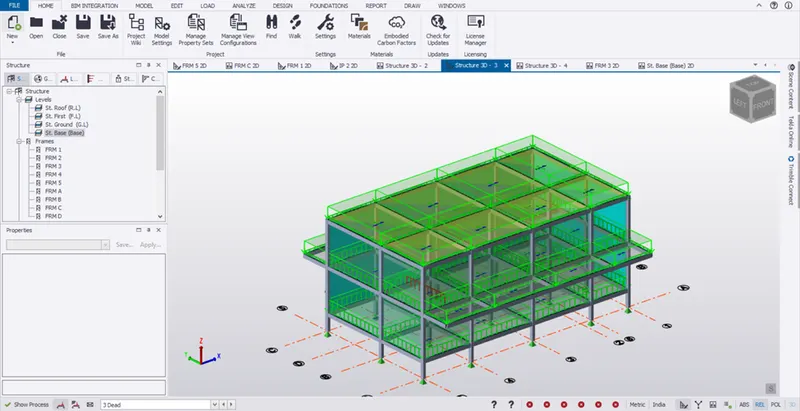
To Generate seismic loading based on IS code and to run the analysis using TSD
1.Aim:
To generate seismic loading based IS codal provisions and zone II. Any other data you can assume and input accordingly.
Procedure:
- Open the RC Structure TSD file.
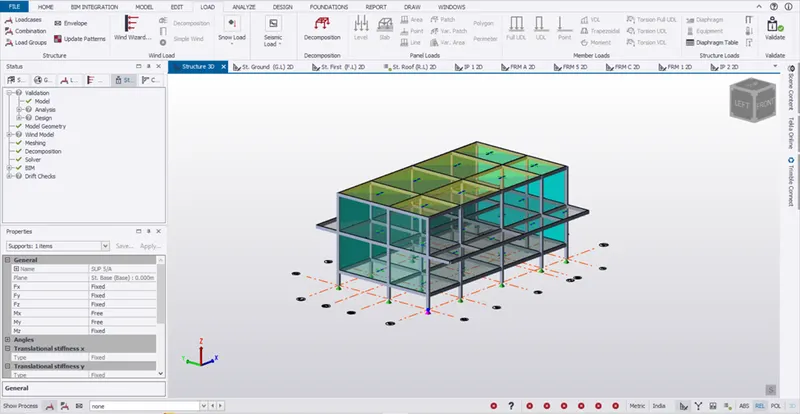
- Go to load -> seismic load -> seismic wizard
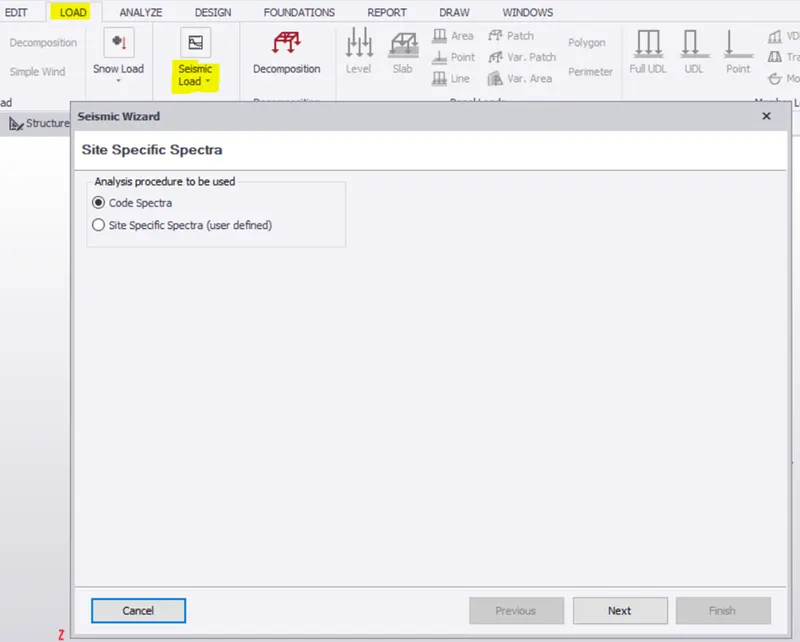
- Click next.
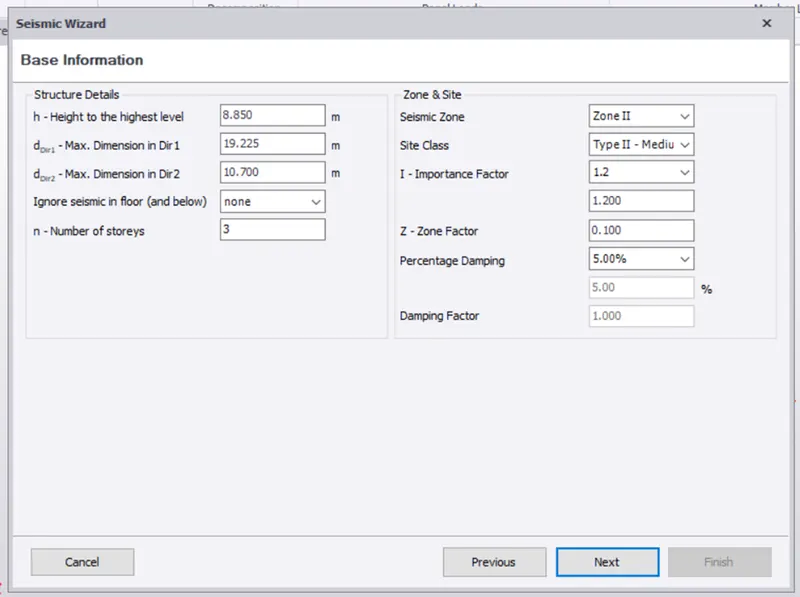
- Above mentioned values are to be checked as per the code.
- Refer IS 1893 ( PART 1)- 2002
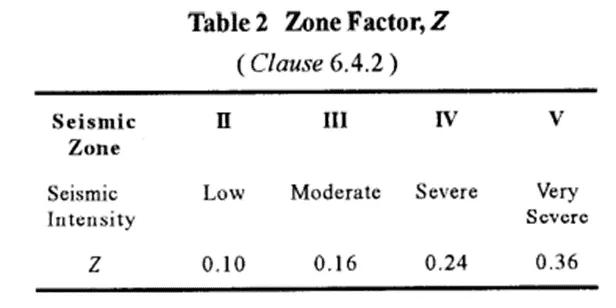
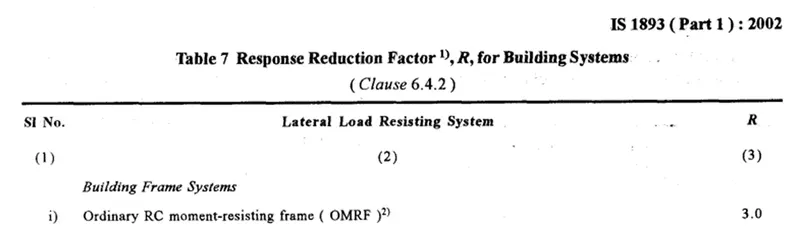
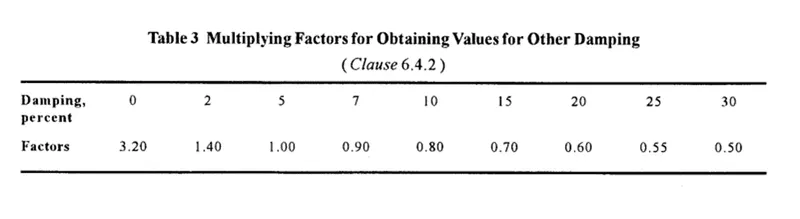
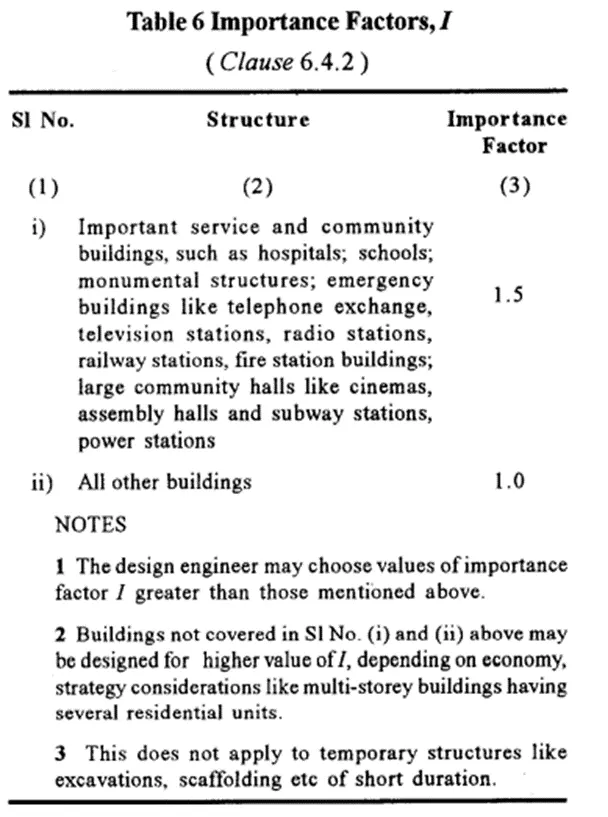
- Click next once the checks are done.
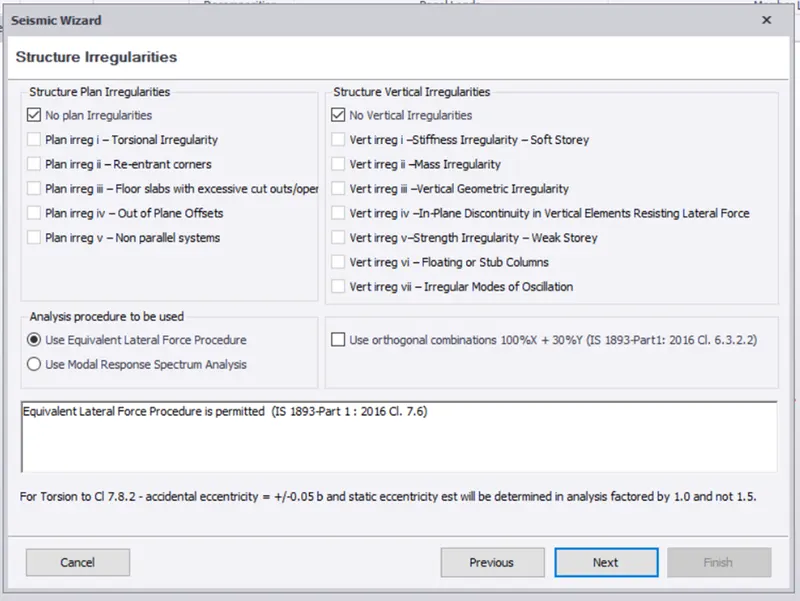
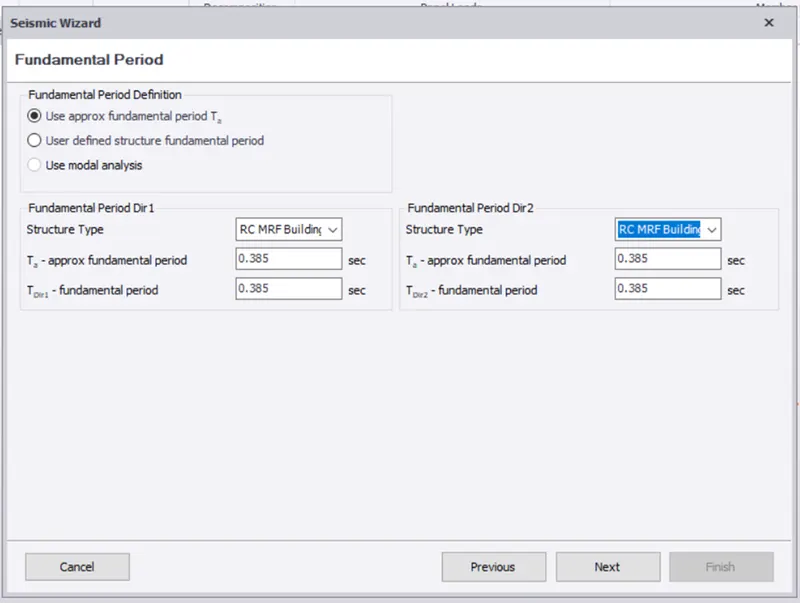
- Select the seismic resisting frame type as shown below.
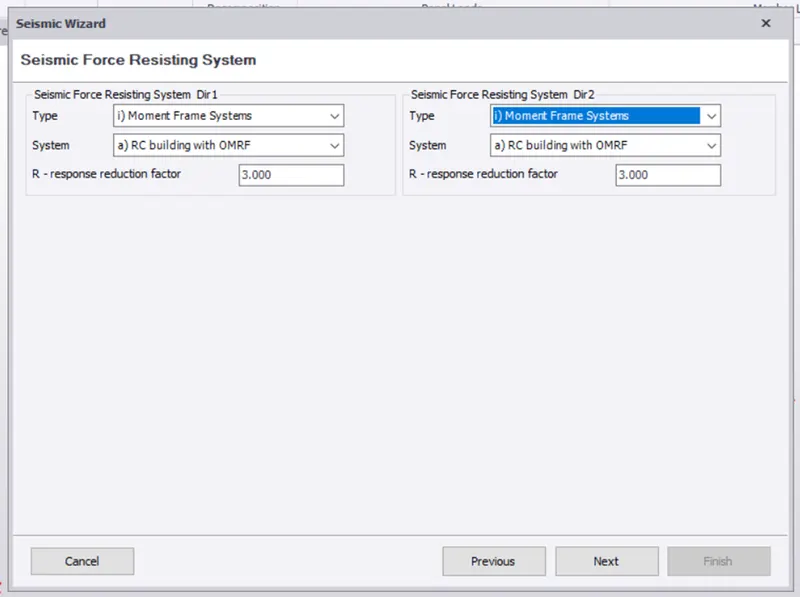
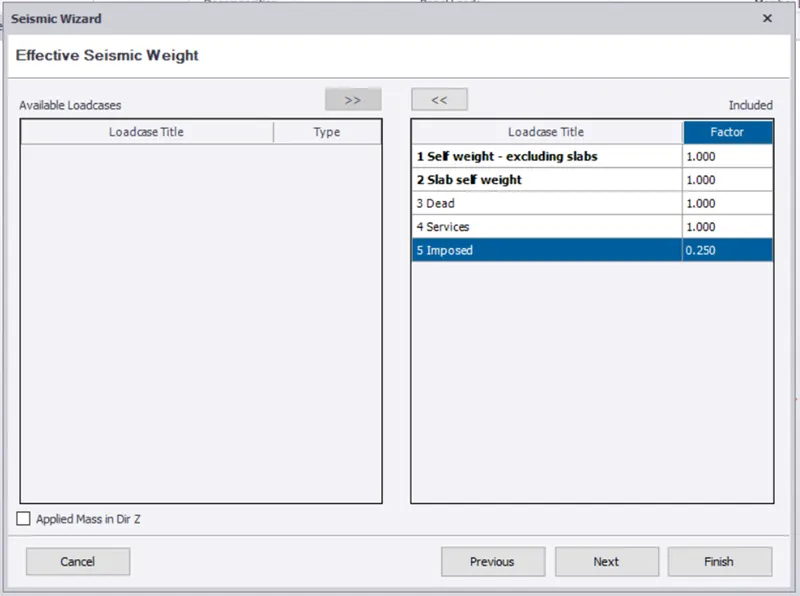
- Click finish
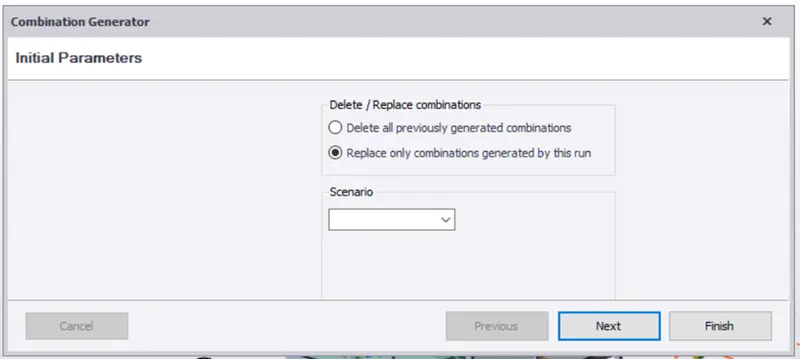
- Click finish at the end.
- Go to load -> load combination -> Generate.
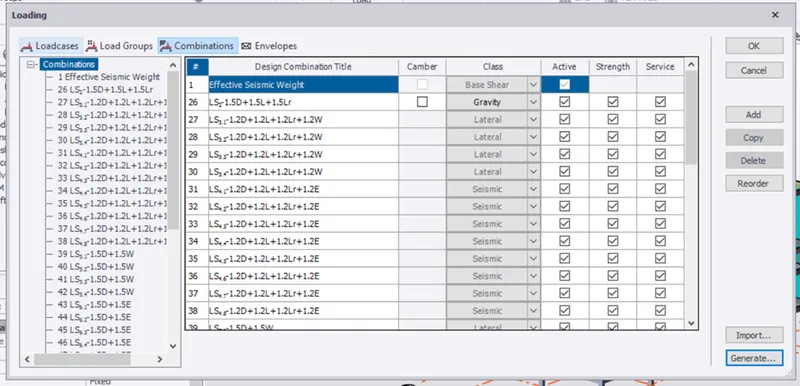
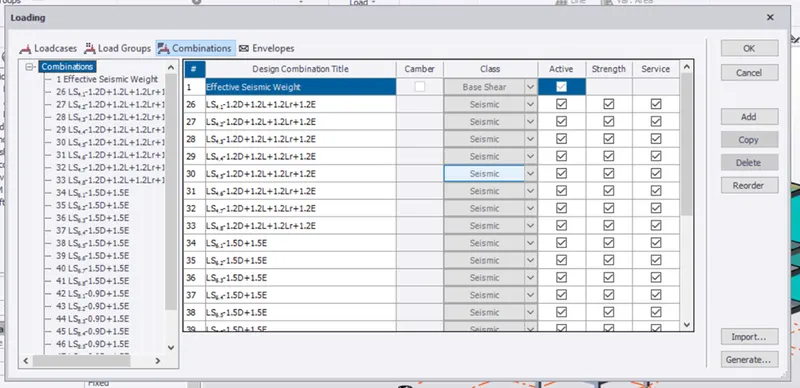
Result:
Hence the seismic load is generated.
2.Aim:
- To run the analysis.
- To Summarize understanding of the analysis results.
Procedure:
- After assigning all the loads, go to analyze -> 1st order linear
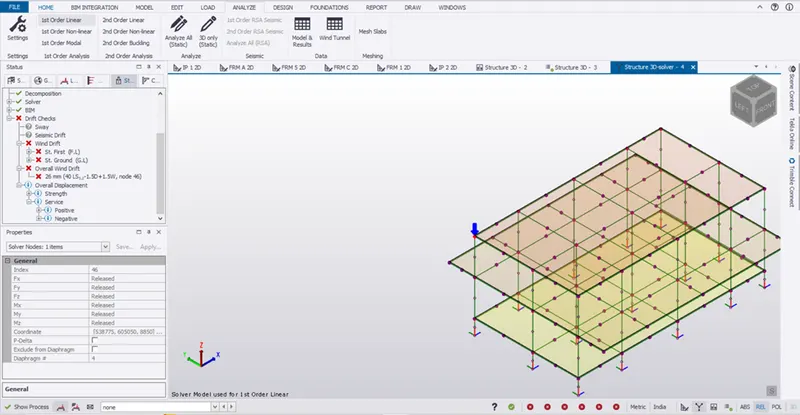
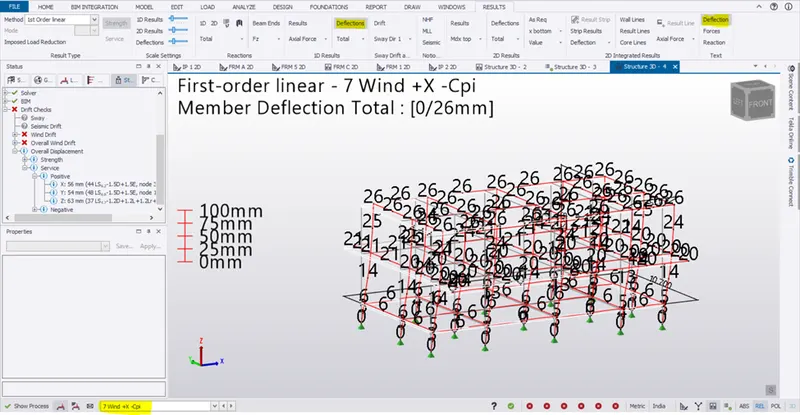
- Go to result view -> deflection to see the deflection in all load case and combination by selecting it in the drop down below.
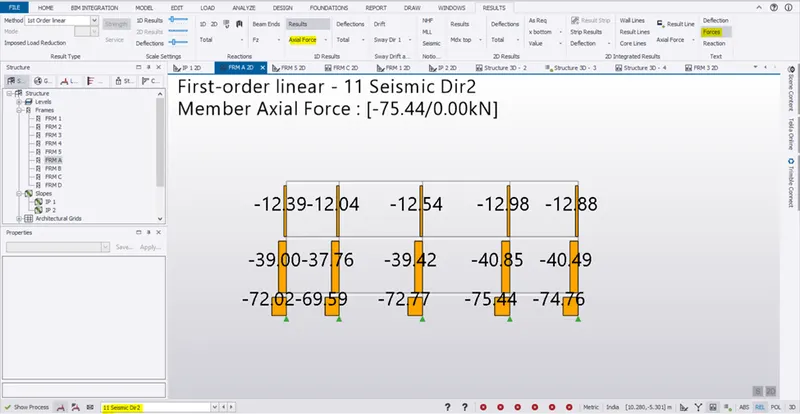
- Go to any frame and check it for axial force in tge panel drop down as shown below
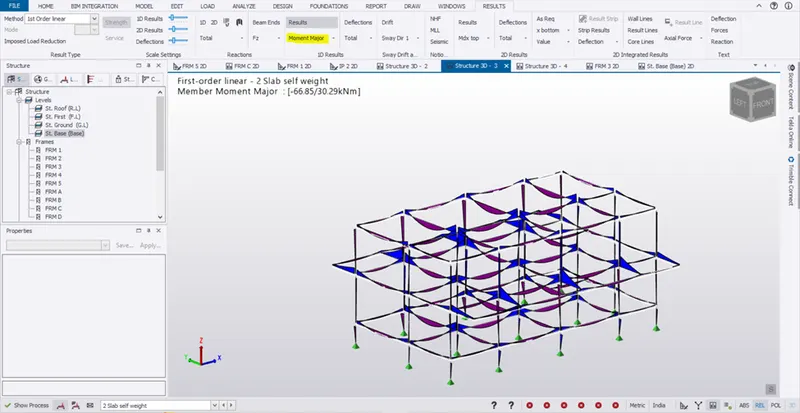
- Similarly for Moment major,
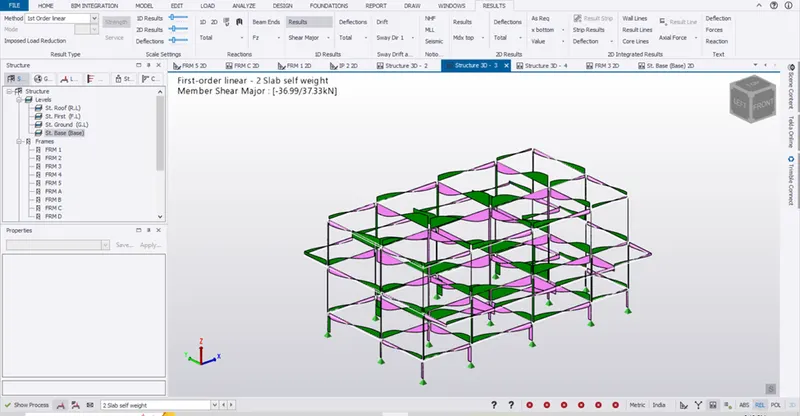
- Shear major:
- 3D View,
- Frame view,
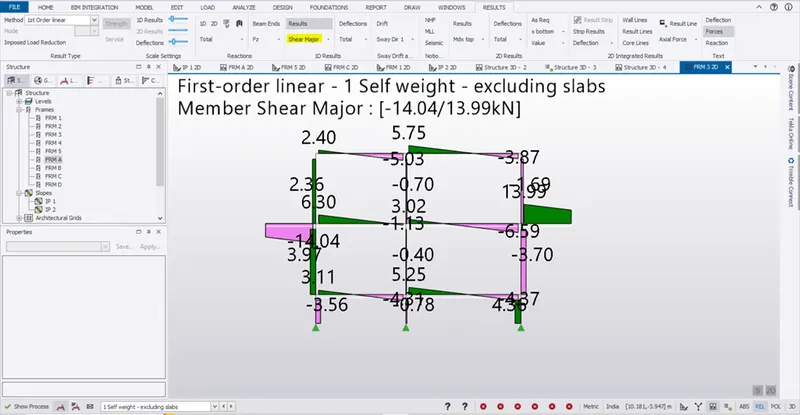
- Reactions:
- Go to Base level and click reaction in panel to see the reactions
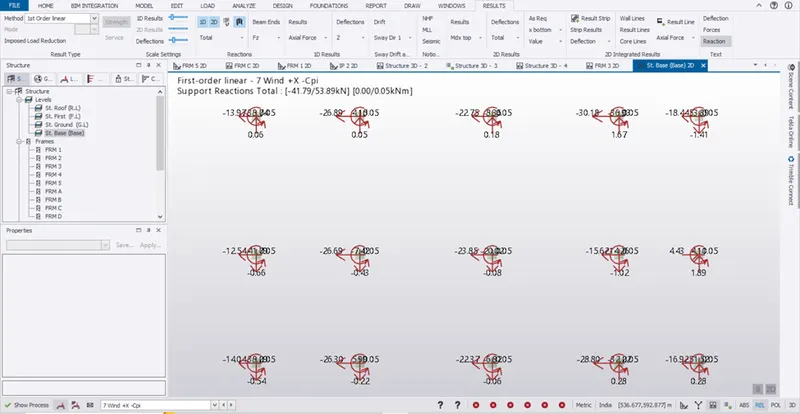
- Results:
- After analysis the check for deflection, moment major, shear major and base reaction are done for further design process.