To Generate seismic loading based on IS code and to run the analysis using TSD
1)
Aim :-
Generate seismic loading based IS codal provisions and zone II. Any other data you can assume and input accordingly
Procedure :-
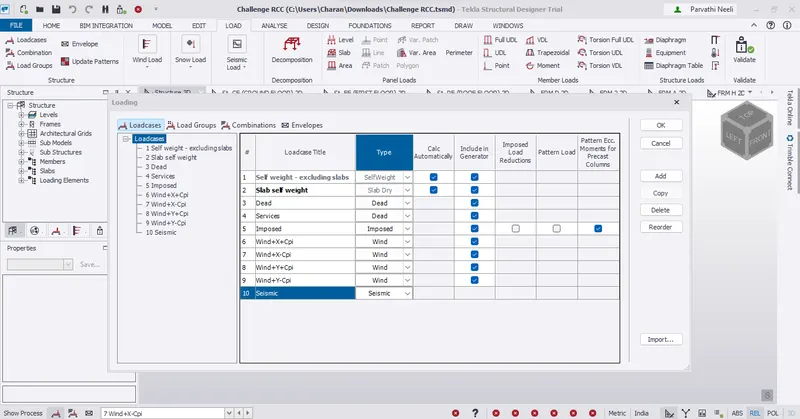
* Load – Load cases . Add seismic load in the load case window
* Now go to Seismic Load – Seismic wizard
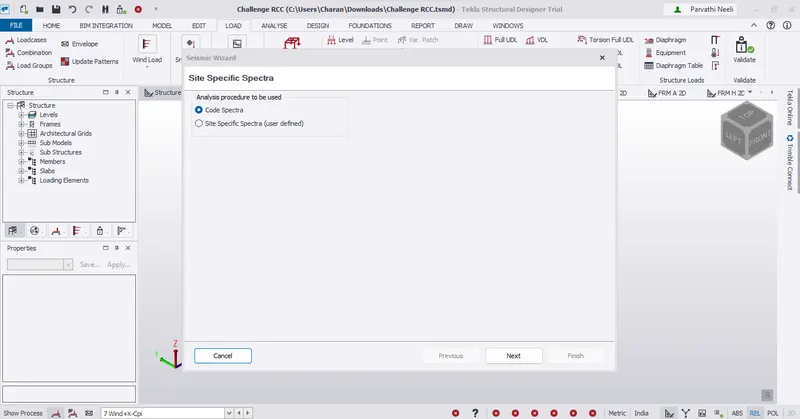
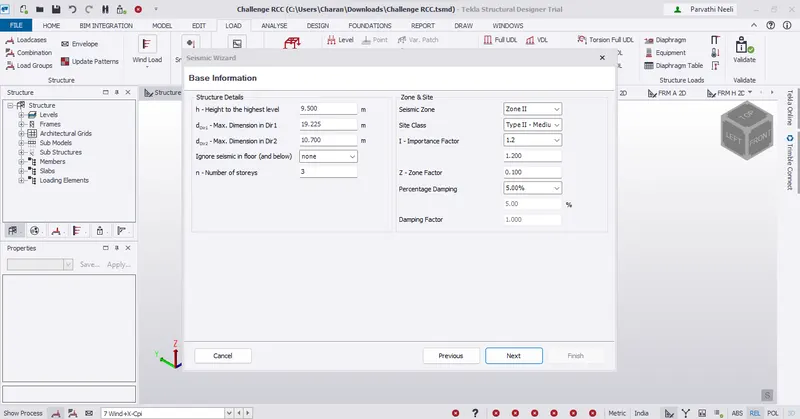
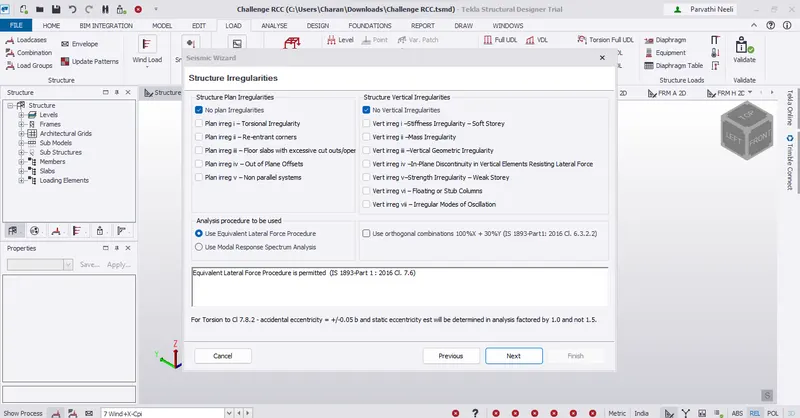
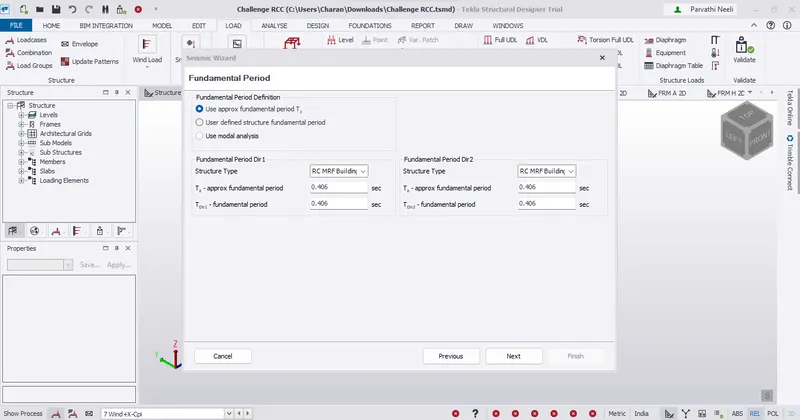
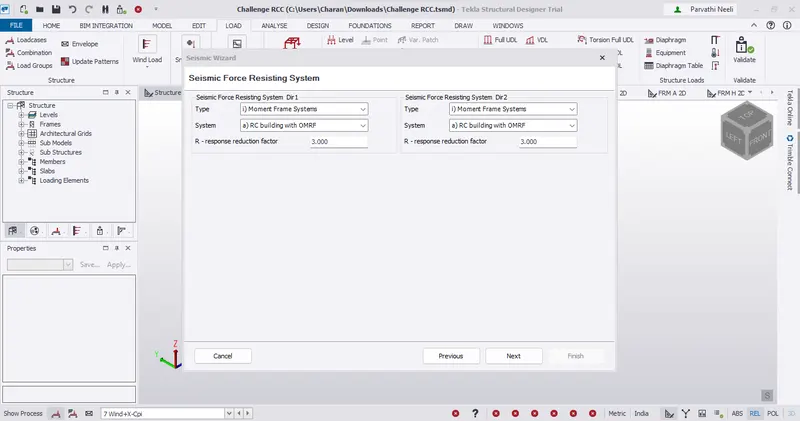
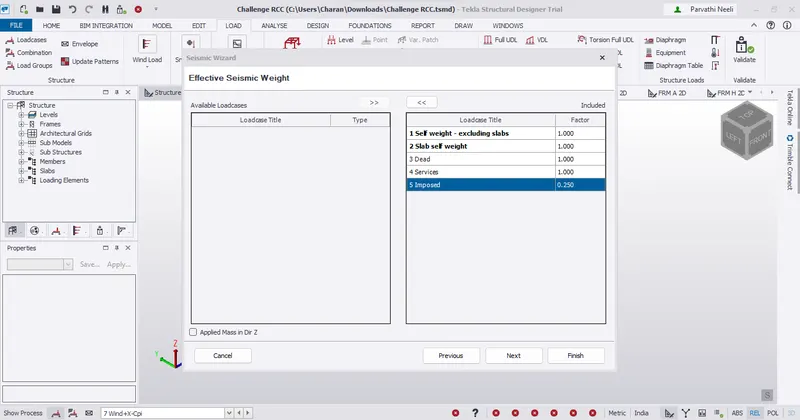
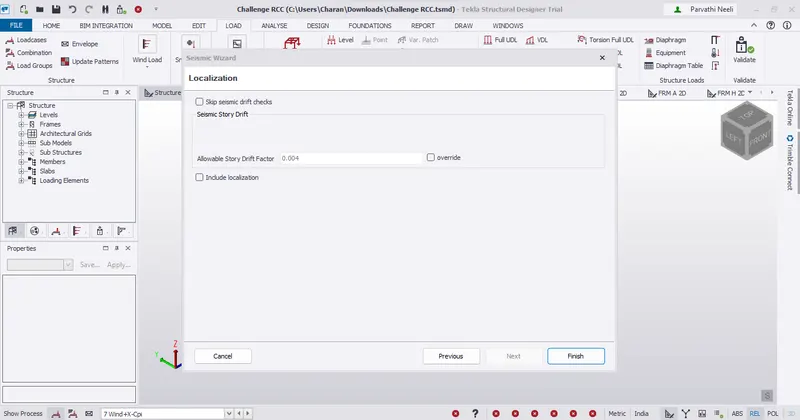
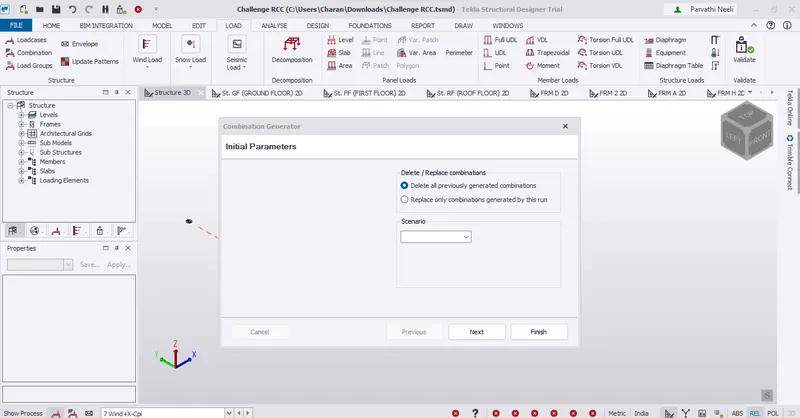
* Click Next and Finish to generate the load combinations
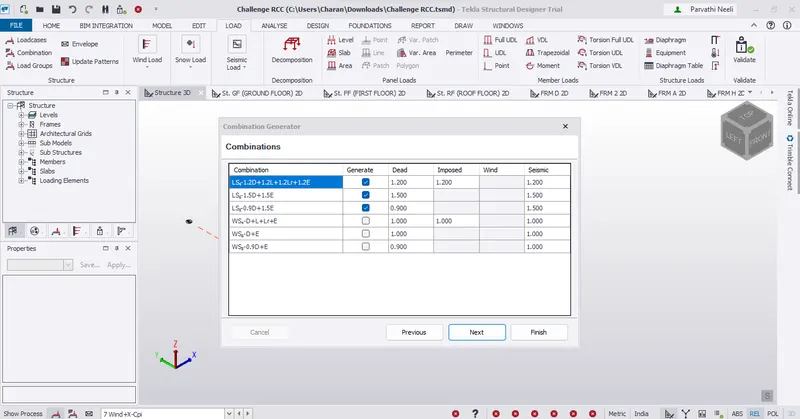
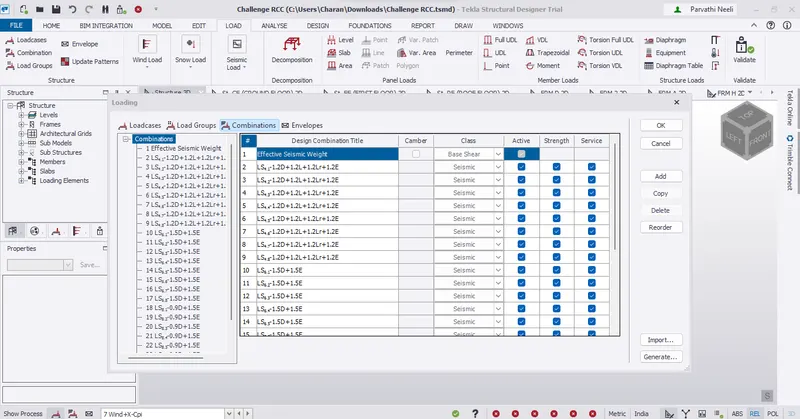
* Now we can see that all seismic load combinations are generated
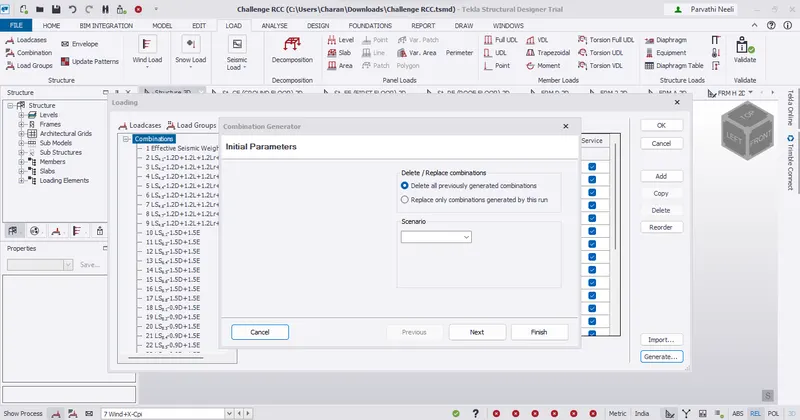
* For generating other combinations for gravity and wind loads, click on generate
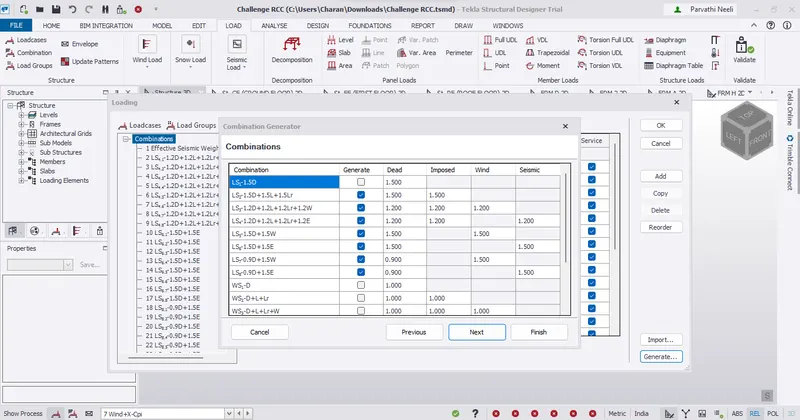
Result :-
Successfully complete to generate seismic loading based IS codal provisions and zone II. Any other data you can assume and input accordingly
2)
Aim :-
Run the analysis. Summarize your understanding of the analysis results
Procedure :-
* Go to Analysis – First order linear analysis
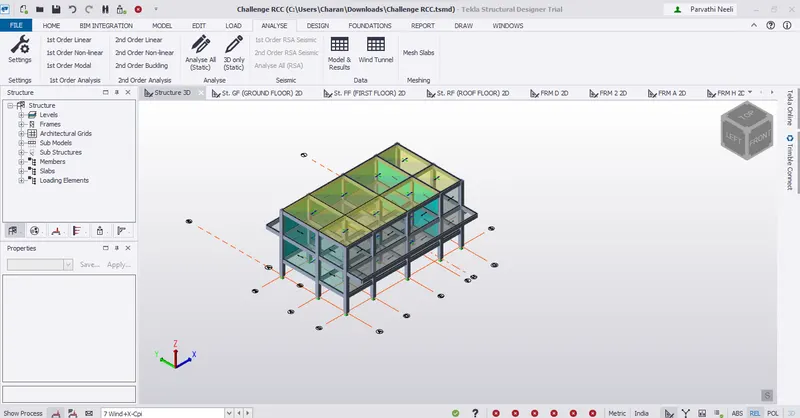
* Select all the load combinations for which the analysis is to be run
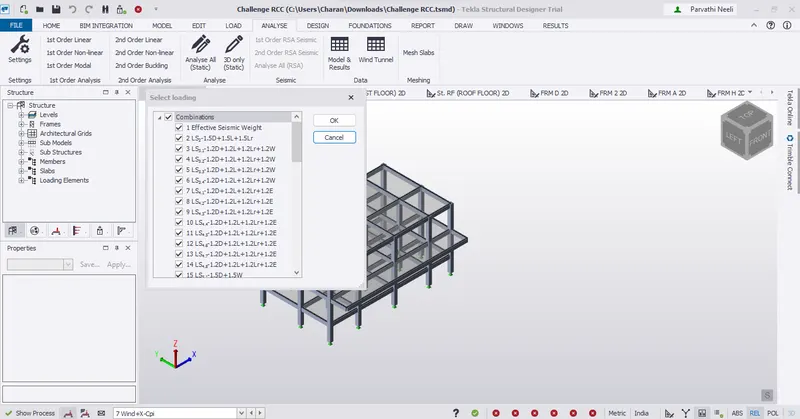
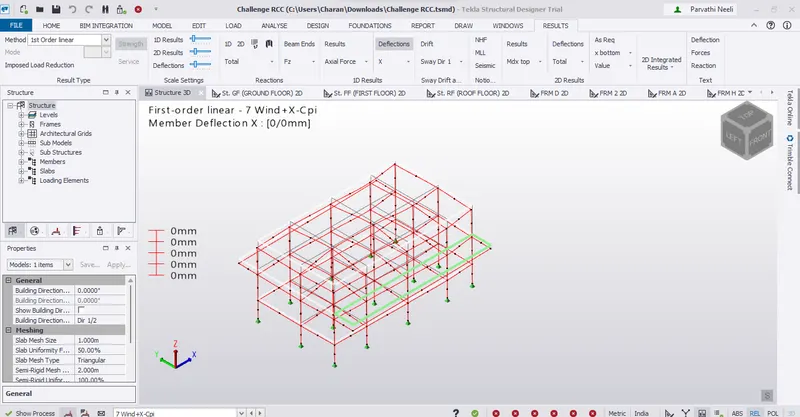
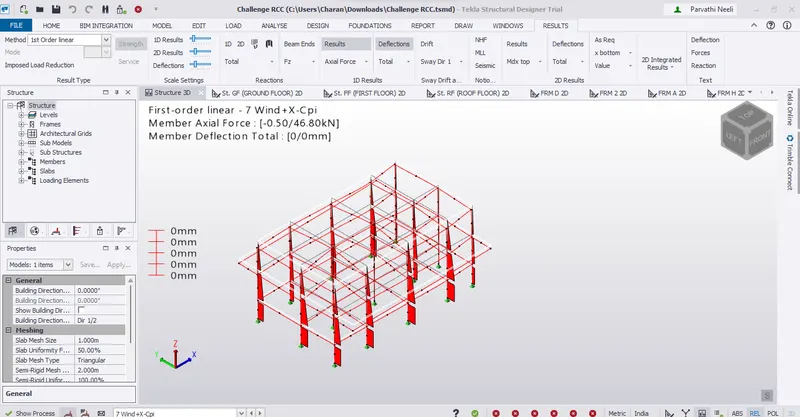
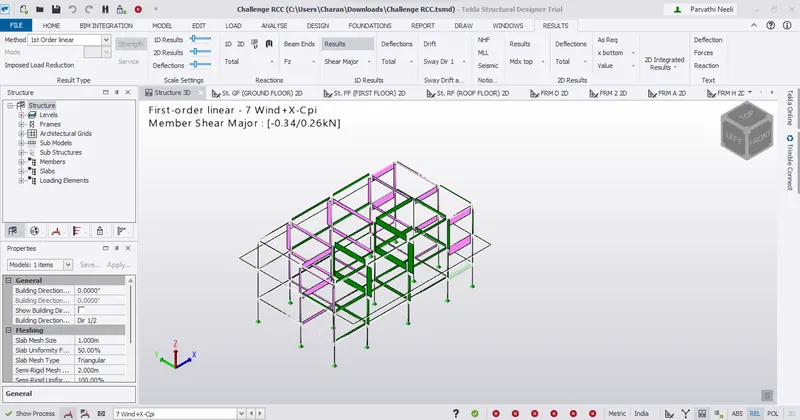
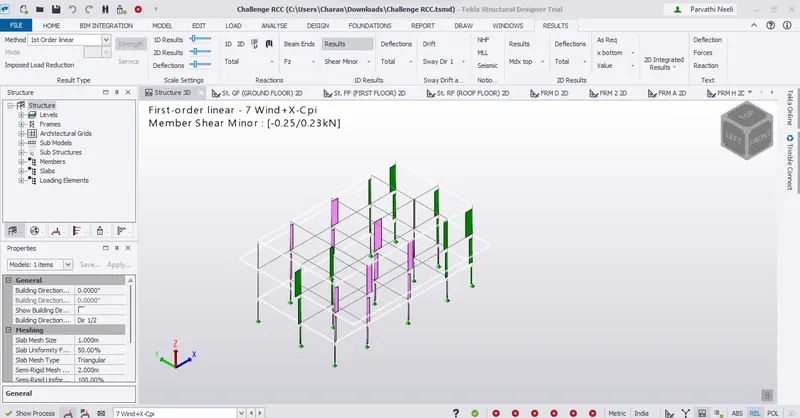
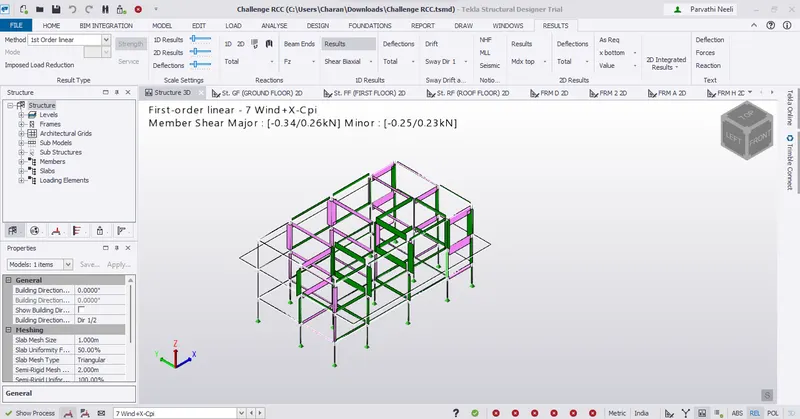
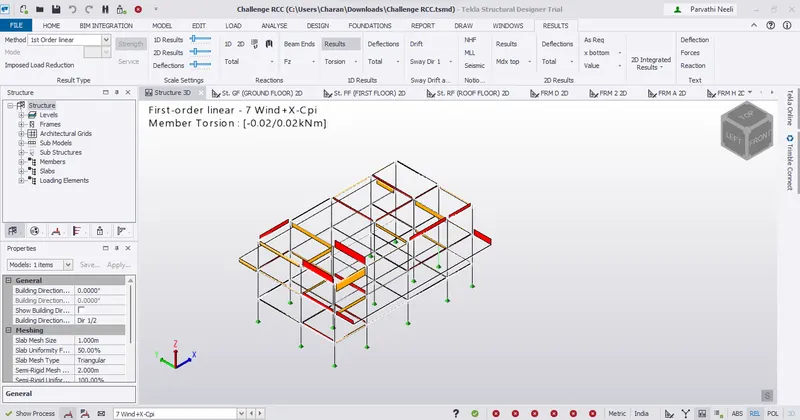
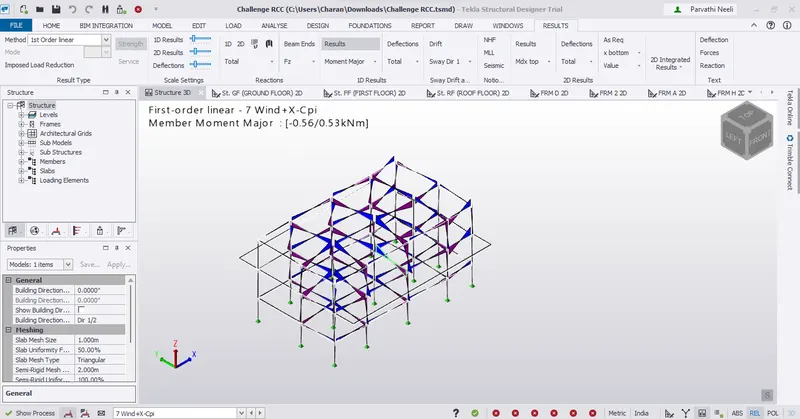
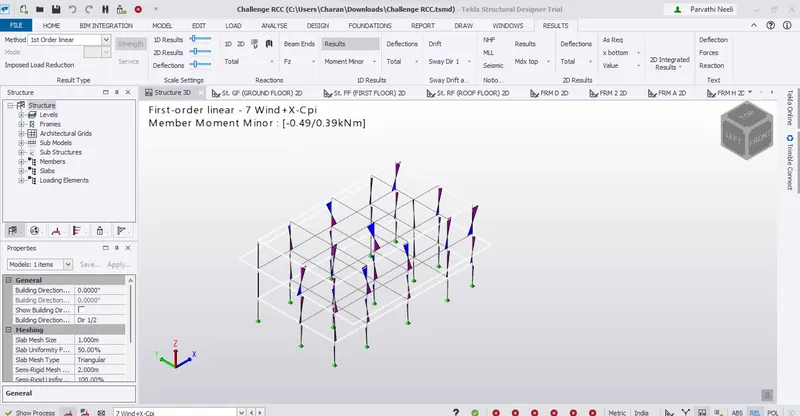
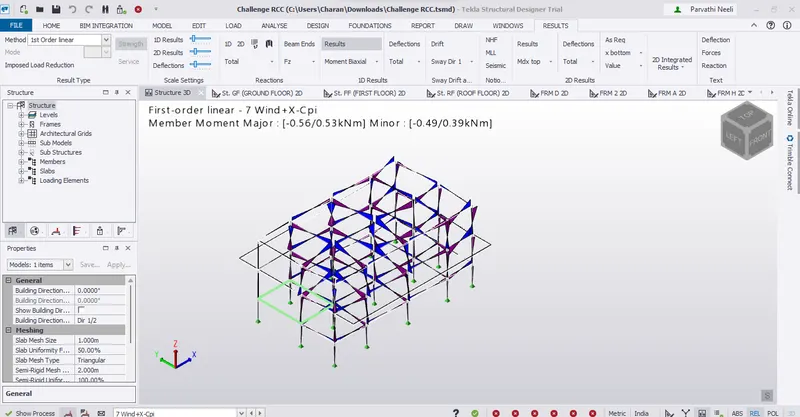
Result :-
Successfully complete to run the analysis and summarize your understanding of the analysis results