To Generate seismic loading based on IS code and to run the analysis using TSD
- Generate seismic loading based IS codal provisions and zone II. Any other data you can assume and input accordingly
AIM:
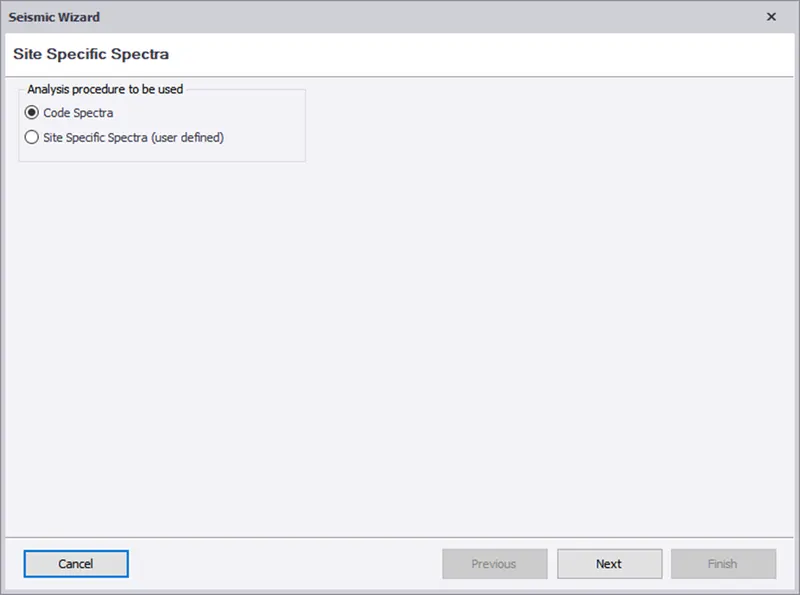
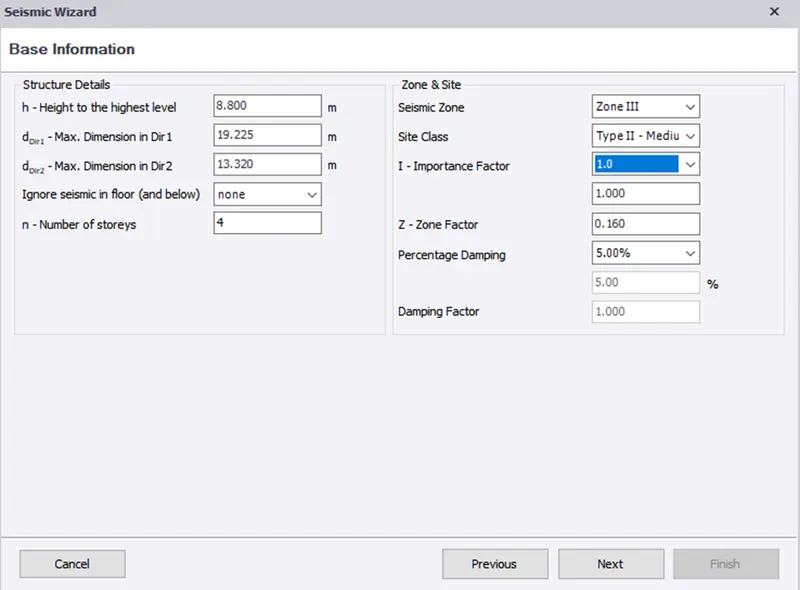
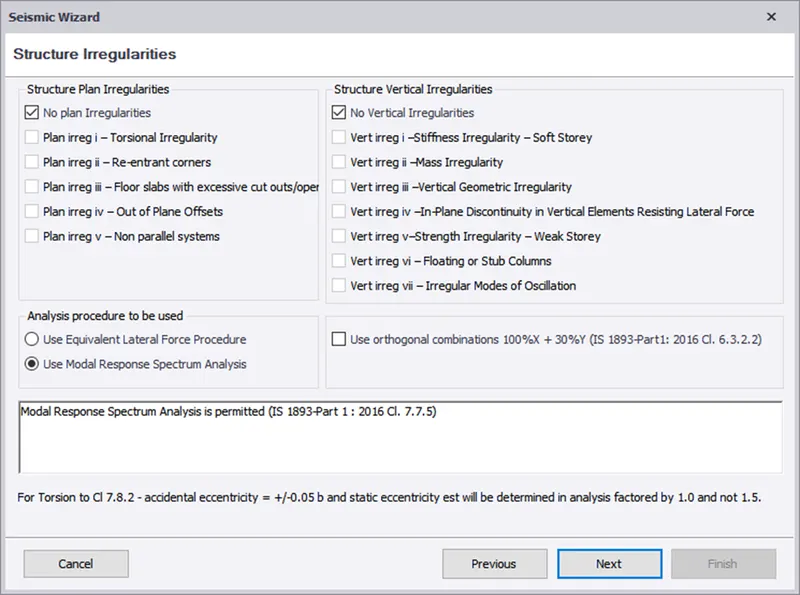
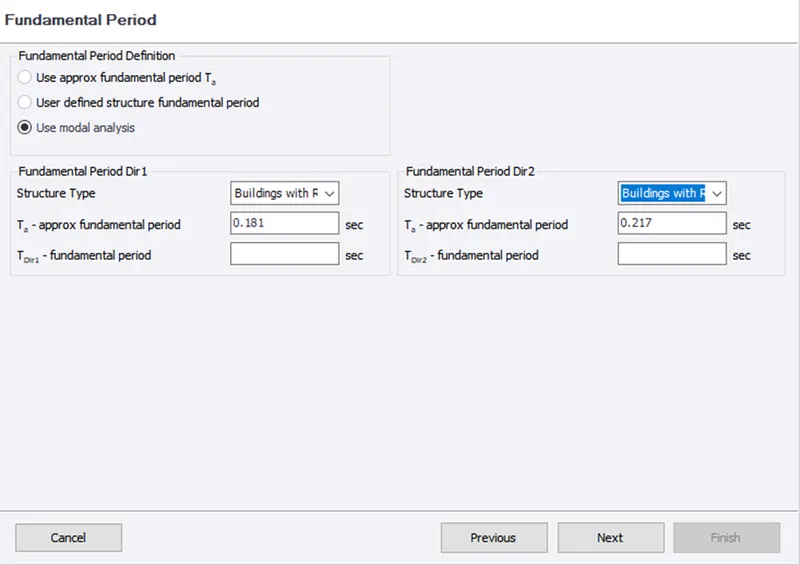
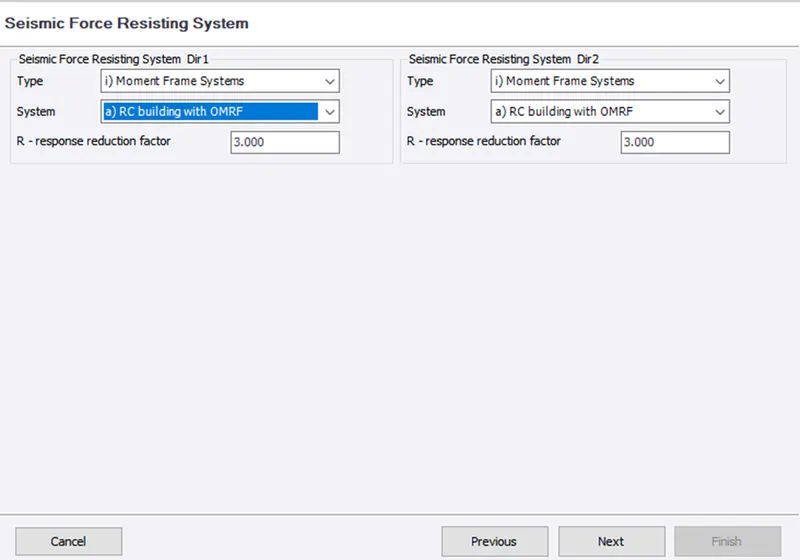
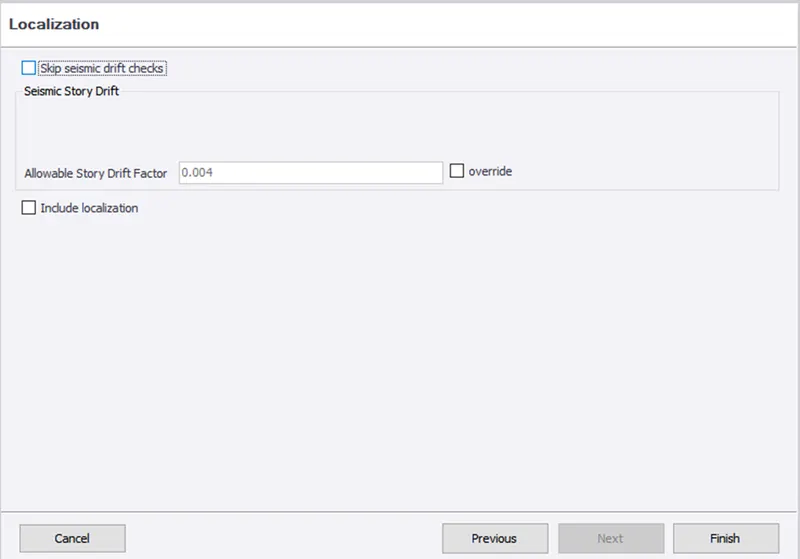
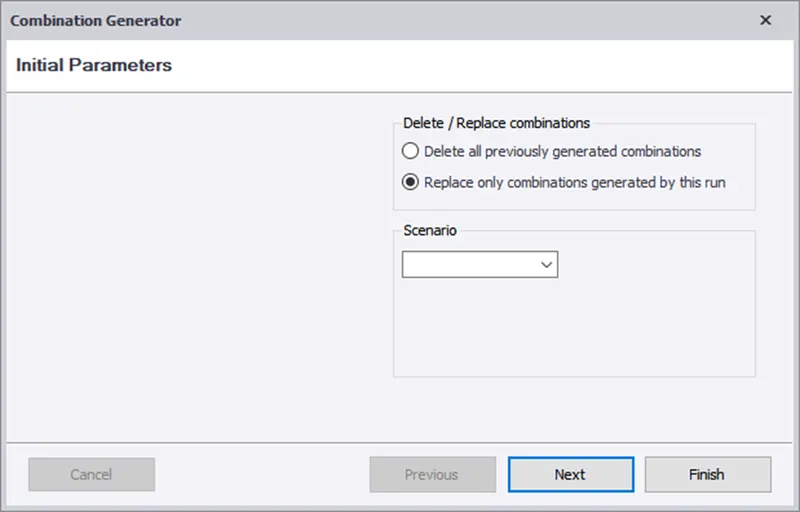
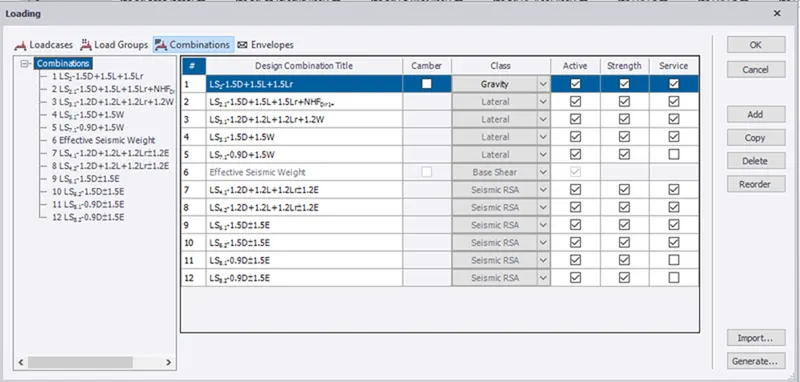
- To Generate seismic loading based IS CODAL provisions and zone II using seismic wizard.
PROCEDURE:
- Load toolbar>click on seismic load>seismic wizard.
RESULT:
- The seismic load is defined and generated in the software.
- Run the analysis. Summarize your understanding of the analysis results
AIM:
- Run the analysis. Summarize your understanding of the analysis results
PROCEDURE:
- Analyses>setting>1st order analyses.
- Check for modification factor for concrete and steel.
- Initially for first analyses, it should be 1.If any other values change to 1.
- Click on first order analyses, analyses will run.
- At bottom right corner, click on result view.
- Select individual frame, select the beam first and right click. now select check selection/member.
- Check if it pass all criteria, if not see the property and change the member.
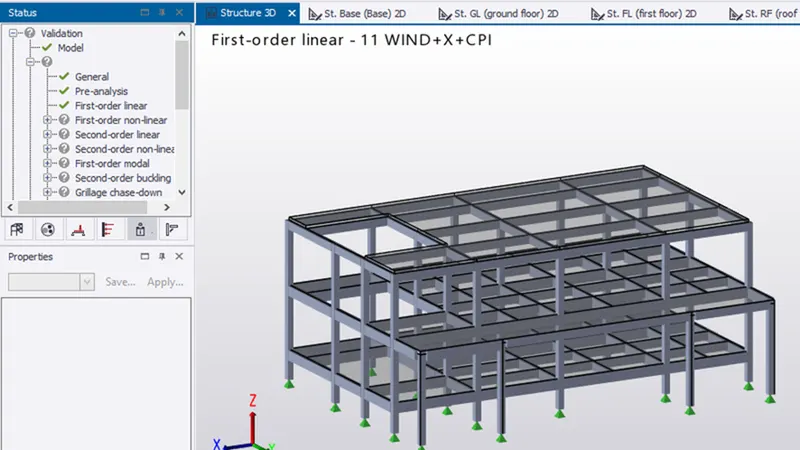
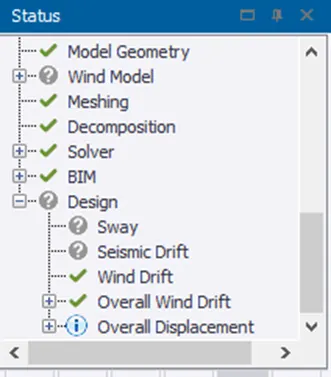
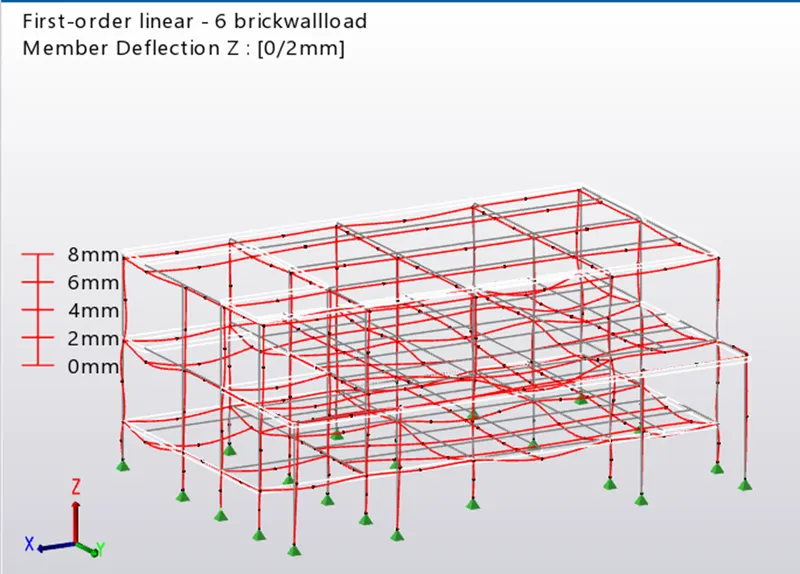
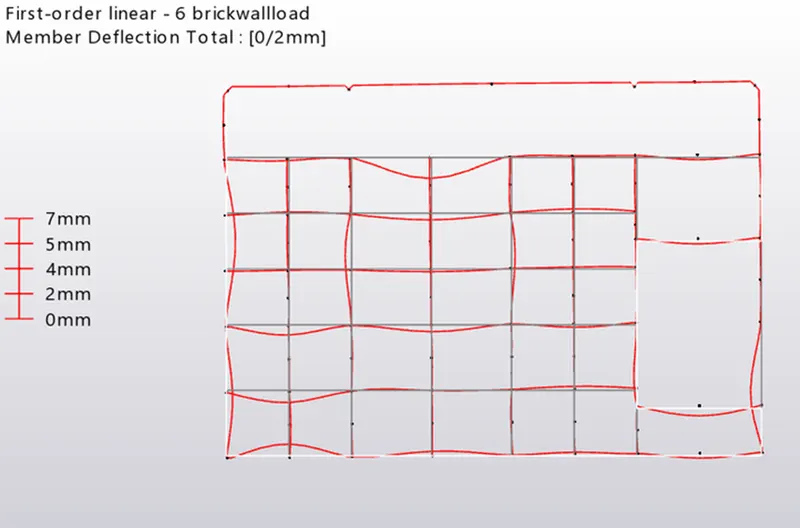
- In result view mode, the maximum deflection is 14mm at first floor near corridor (additional support can be provided).
- Its within the limits, hence ok.
- Shear force of the column is same as ideal, hence ok.
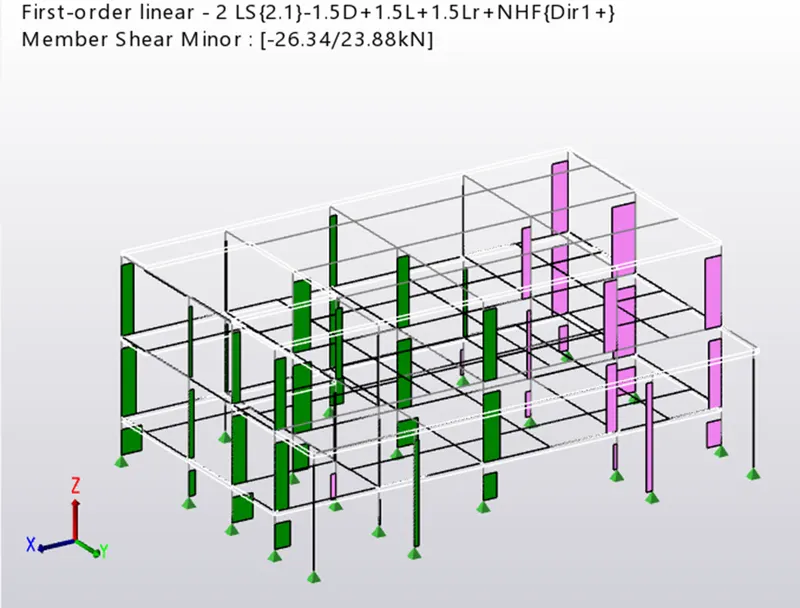
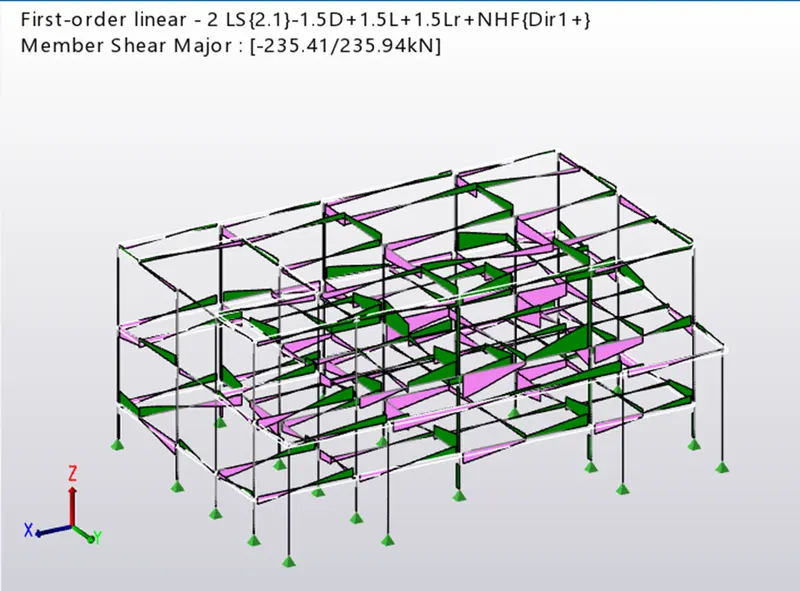
- Bending moment of the beams and column are minor, hence ok.
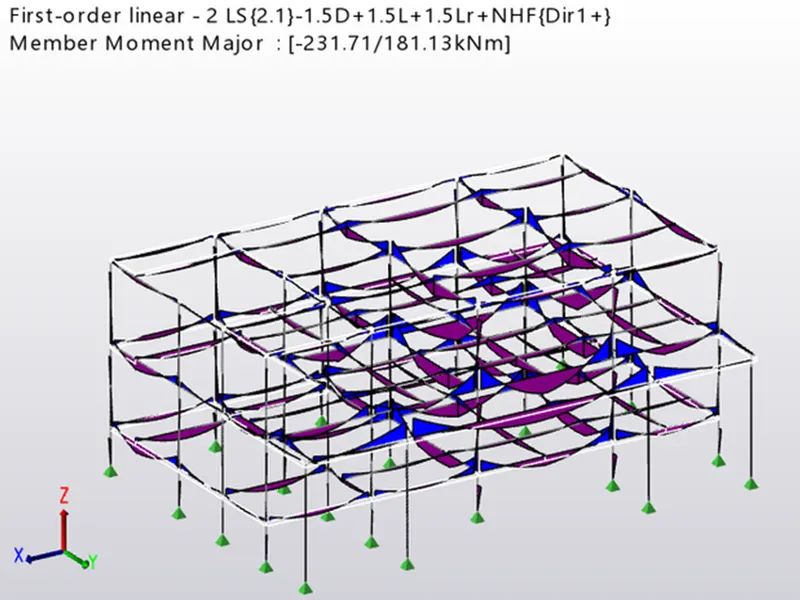
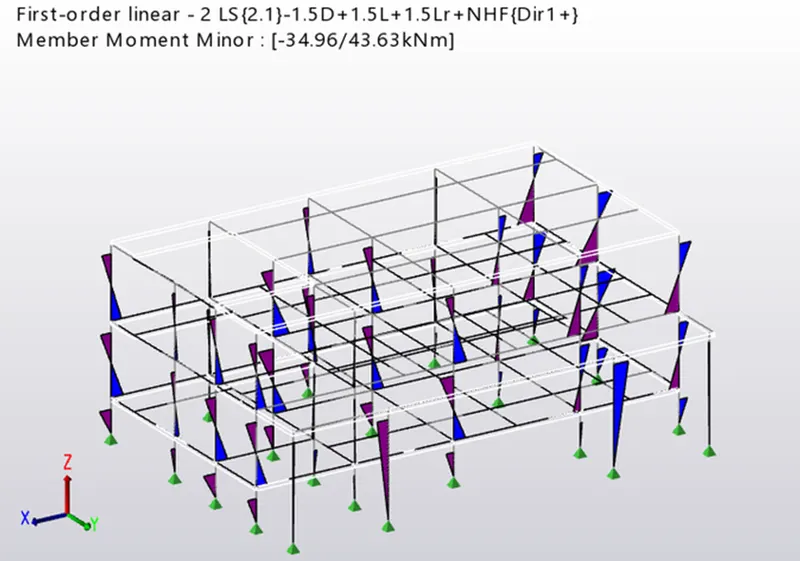
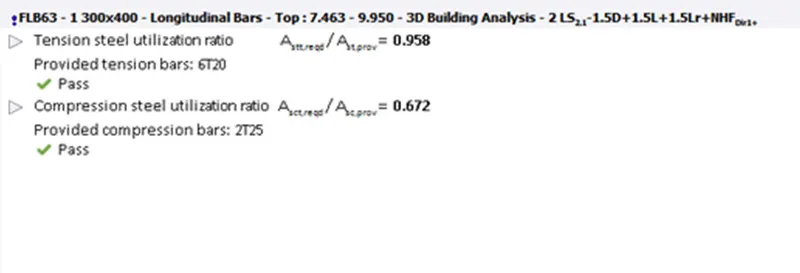
- The beam and column member have passed the check,

RESULT:
- The model is analysed and output of analysis is summarized.