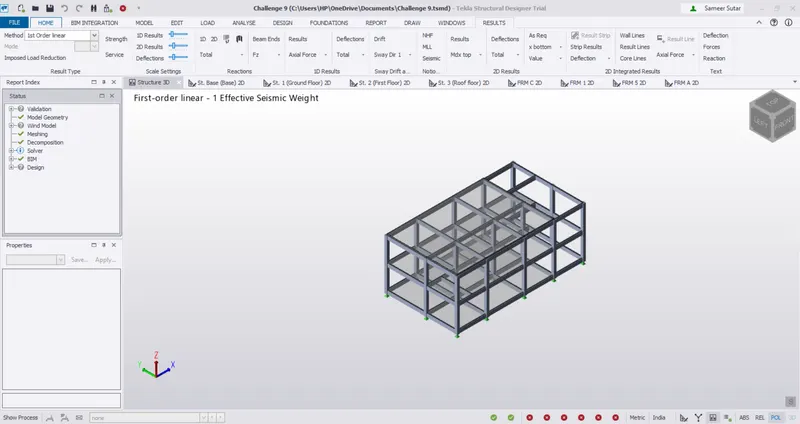
To Generate seismic loading based on IS code and to run the analysis using TSD
1. Generate seismic loading based IS codal provisions and zone II. Any other data you can assume and input accordingly.
Aim - Generate seismic loading based IS codal provisions and zone II. Any other data you can assume and input accordingly.
Tools Used - Load , Seismic Load , Seismic Wizard and Load Combinations.
Procedure -
Open the previously created RCC structure and click on seismic wizard in seismic load in load tab.
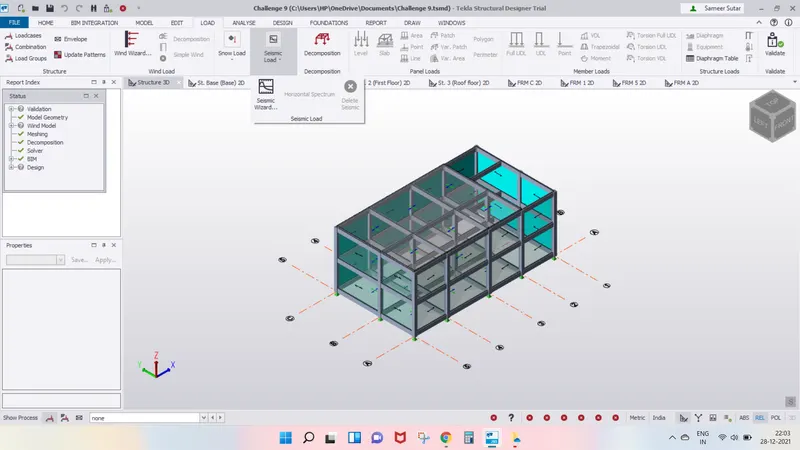
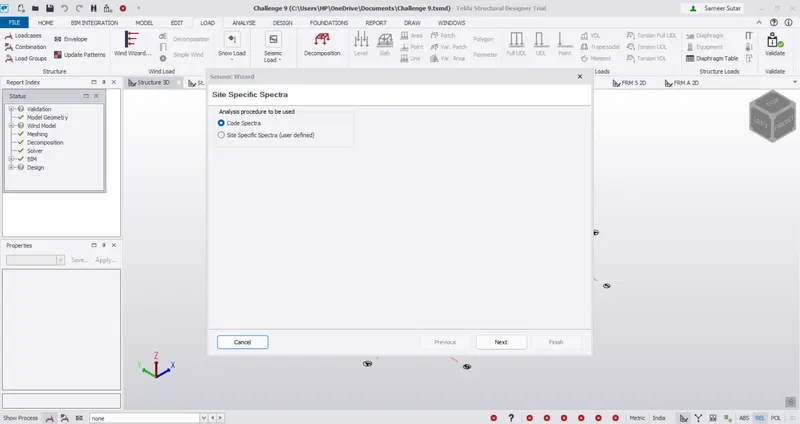
Click on load spectra and click on Next.
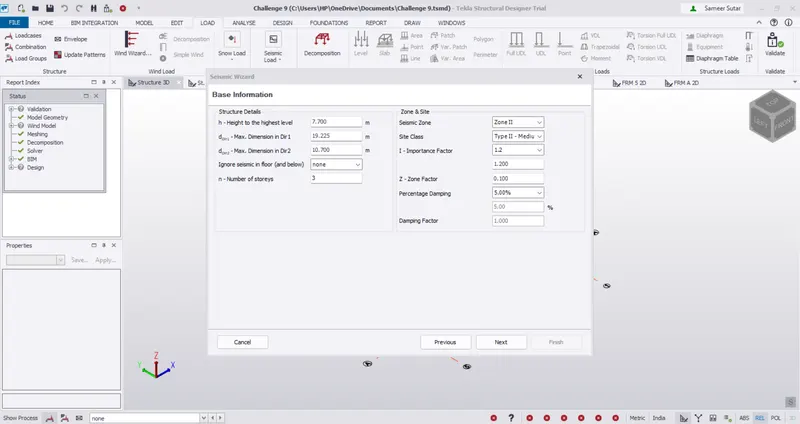
Check the height on height level and set the seismic zone as zone 2 and click next.
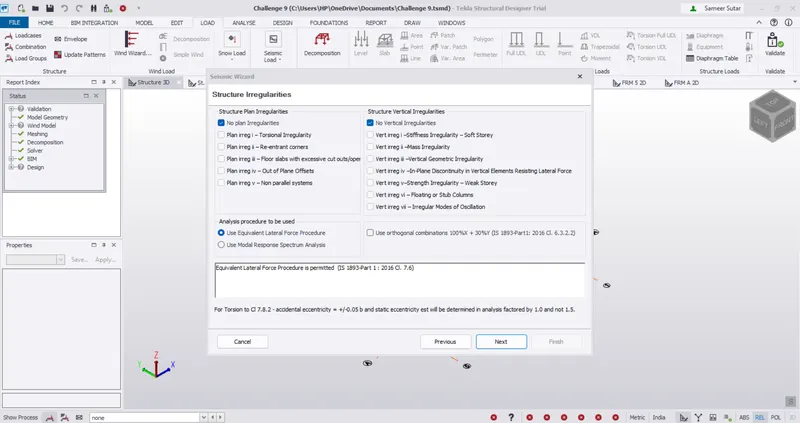
Select no plan and vertical iiregularities and use equivalent lateral force procedure and click next.
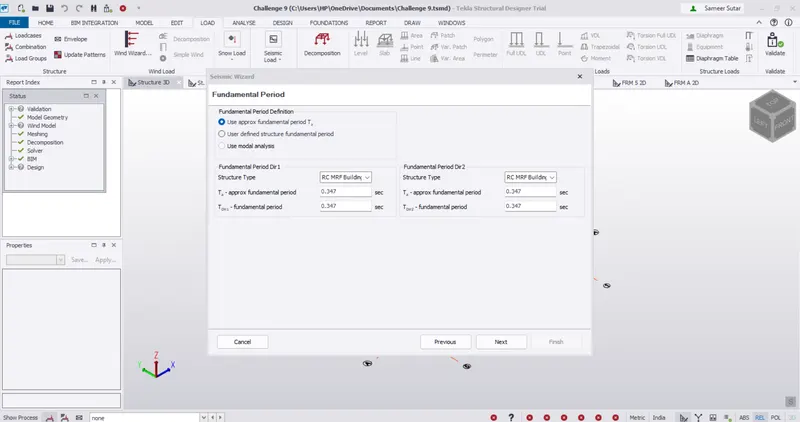
Select structure type as RC MRF Building and click next.
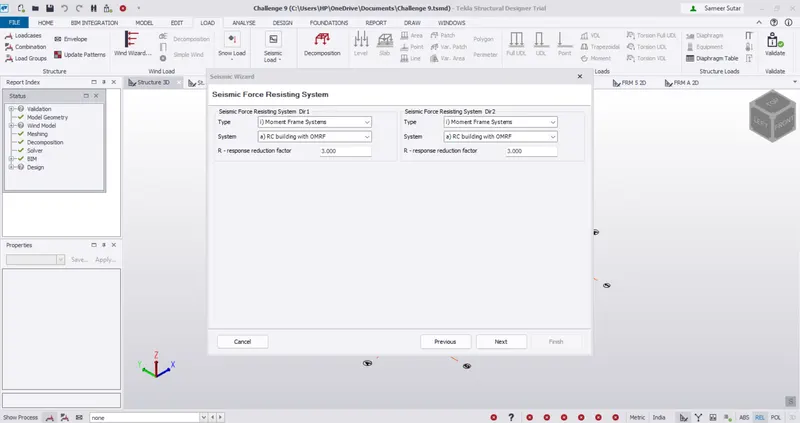
Select moment frame system in type and system as RC building with OMRF and click next.
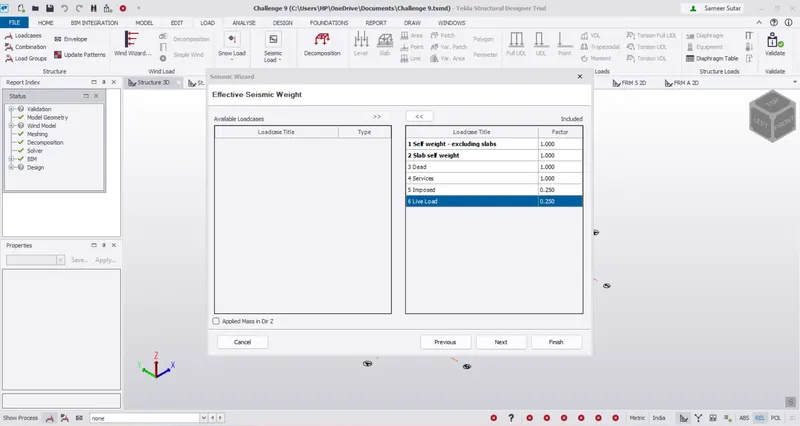
Click on double arrow and include all loads in the loadcase title and click next.
Click next.
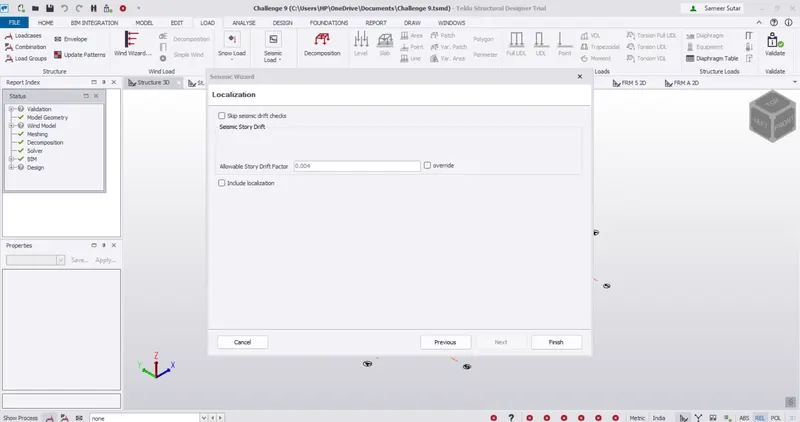
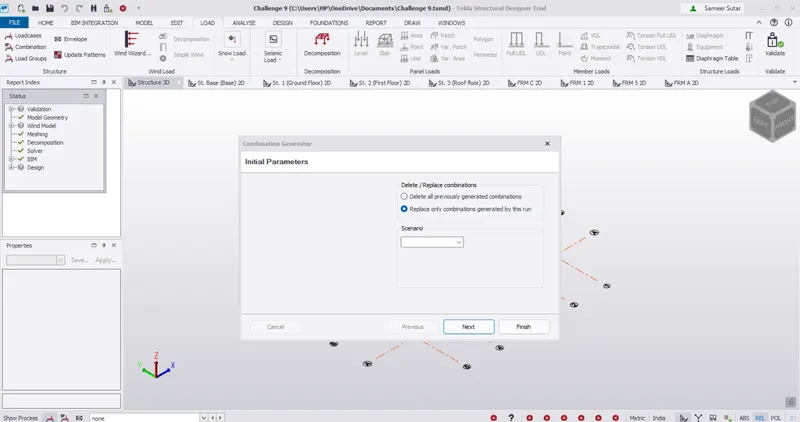
Click on replace only combinations generated by the run and click next.
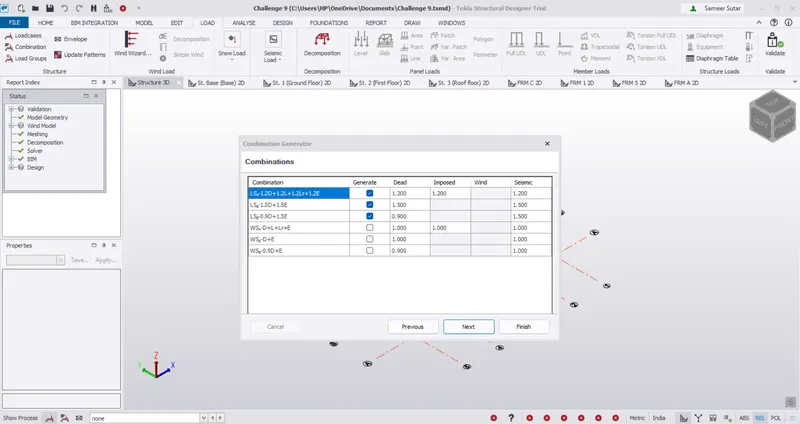
The combinations are created and click next.
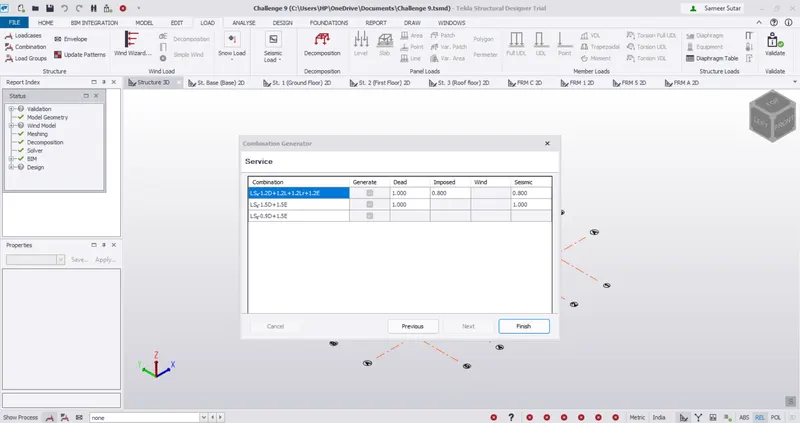
Click on finish.
Result -
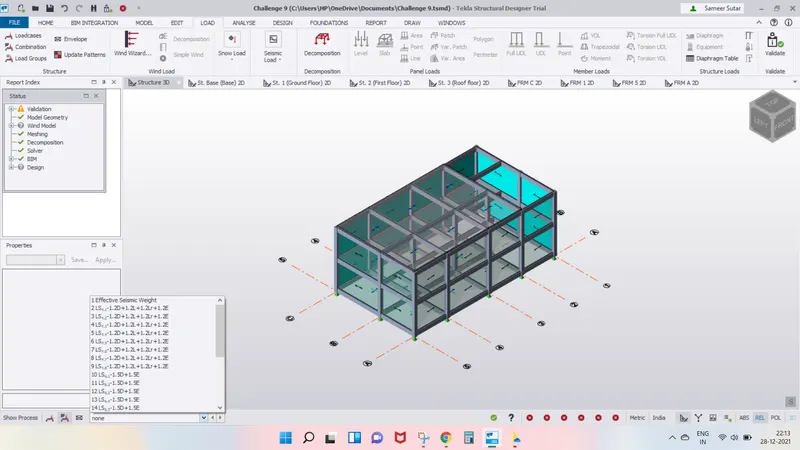
The seismic load is created and it can be seen in the load combinations drop down.
2. Run the analysis. Summarize your understanding of the analysis results
Aim - To run the analysis and summarize the analysis results.
Tools Used - Analyze setting, 1st order linear, Review Mode, Status Window, Supports, Property Window, Design Data.
Procedure -
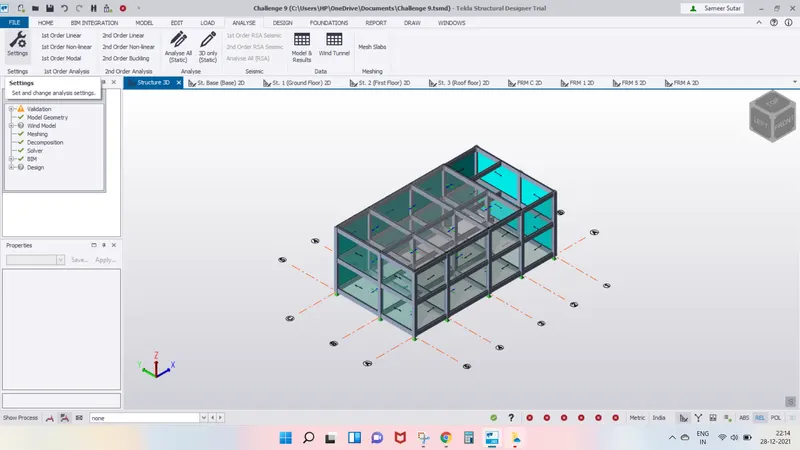
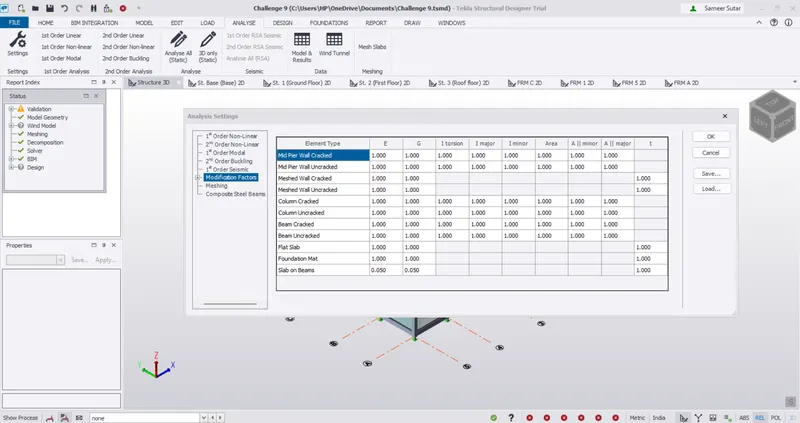
Click on setting in anlyse tab and check if all modulation factores are to checked if they are 1, if not correct them to 1.
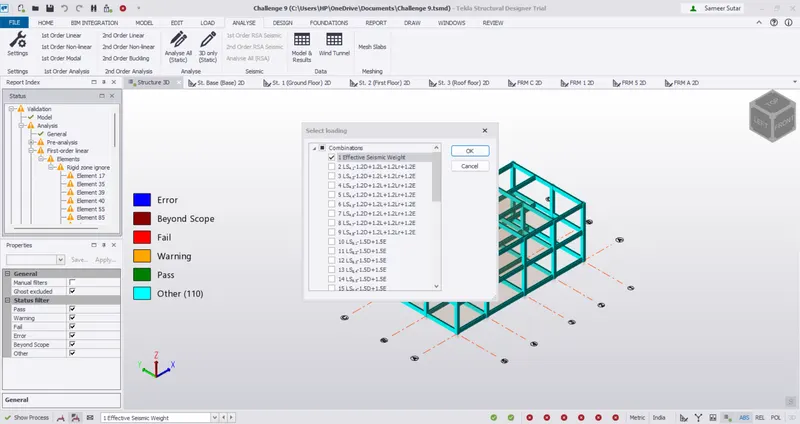
Click on 1st order linear in 1st order analysis.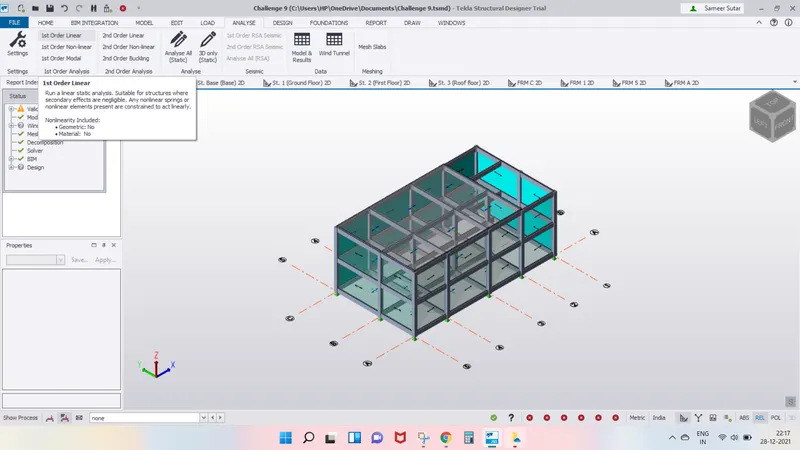
In the dialogue box that opens, select the effective seismic load and click ok.
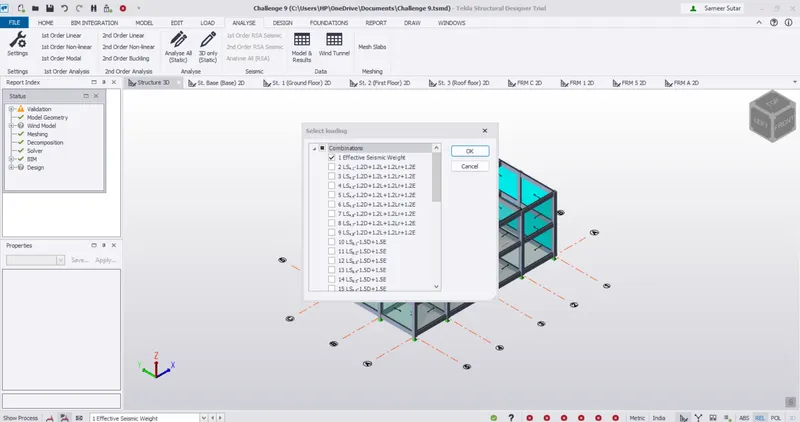
Check if there are any errors in the status window and solve it accordingly. here i got the error as shown below.
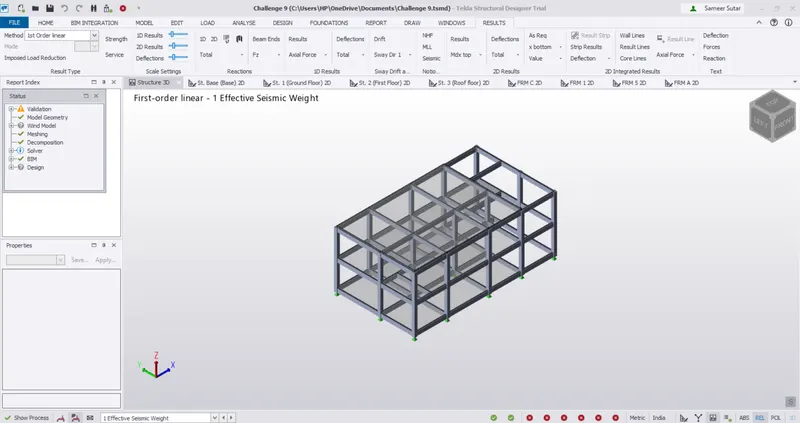
To solve the error i changed the supports condition as fixed for moment Y and Z.
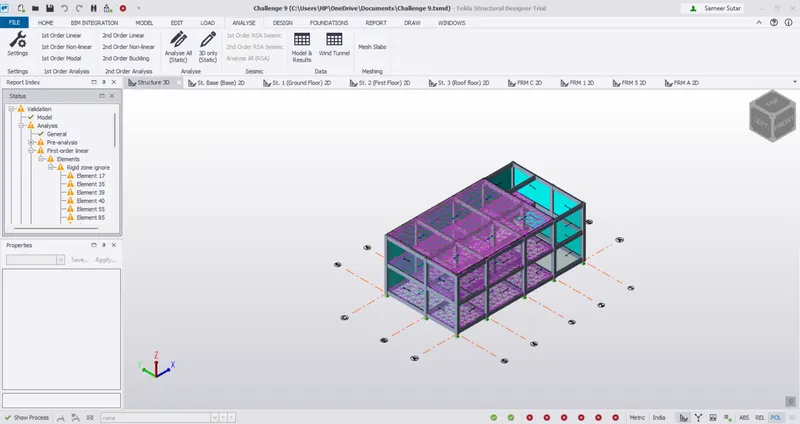
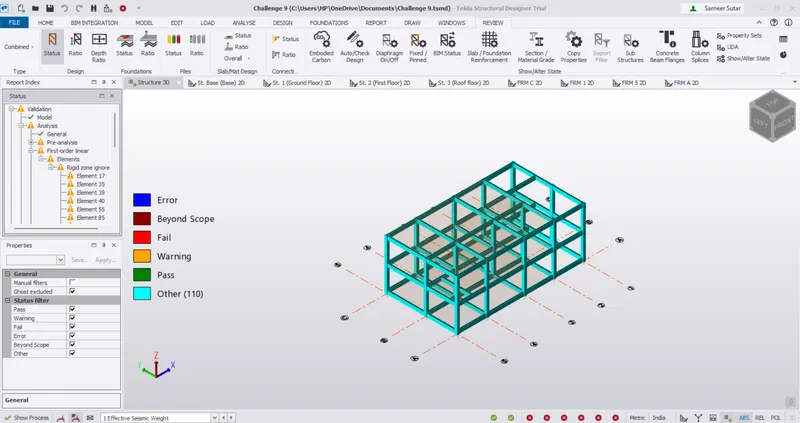
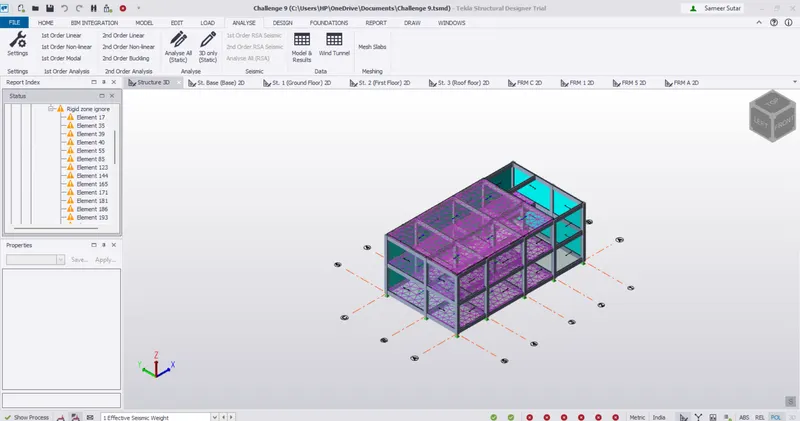
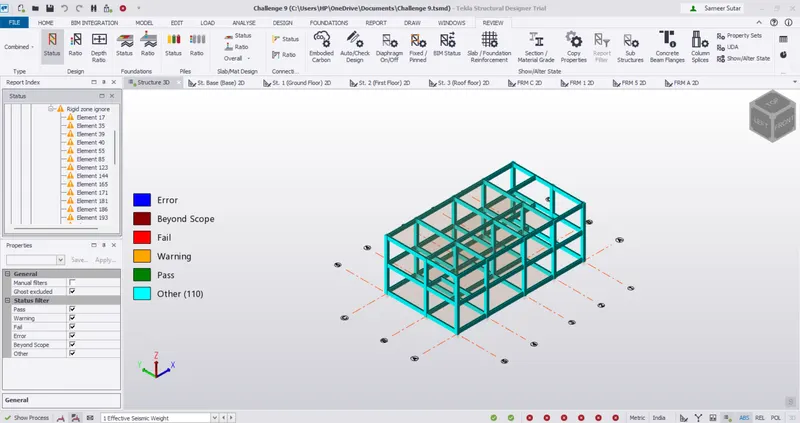
Then again run 1st order linear analysis and check if the structure is validated.
Click on tabular data in review tab after clicking on Analyze all in analyze tab.
Results -
The RCC structure is found to be error free and validated to be correct.