To Generate seismic loading based on IS code and to run the analysis using TSD
1)
Aim - To generate seismic loading based on IS codal provisions and zone 2
Procedure -
- Open previously saved tekla challenge 9 file
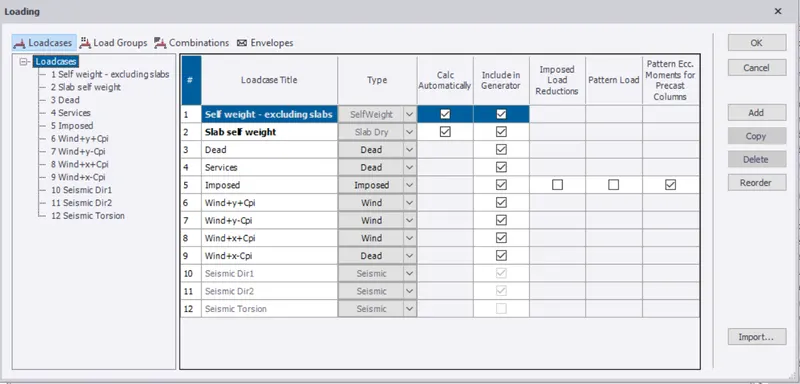
- In load cases,add the seismic load case and click ok
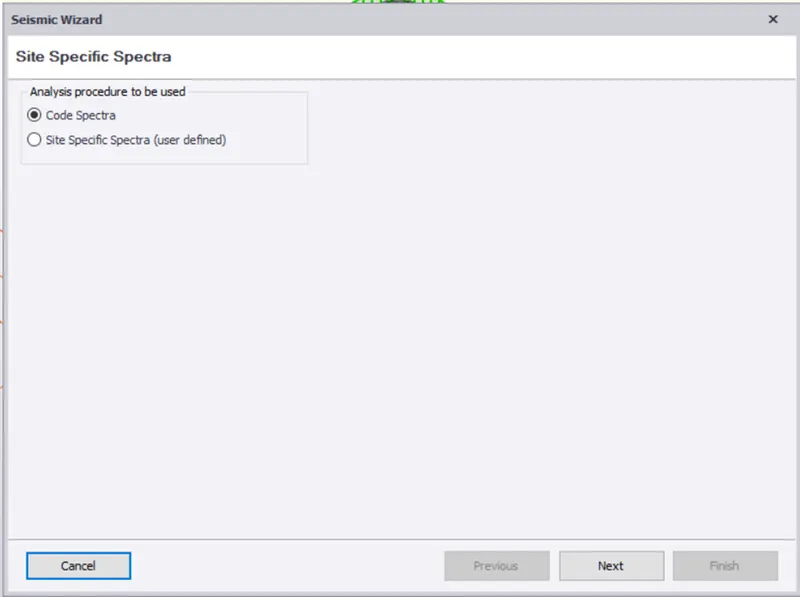
- Select seismic wizard and select code spectra and click next
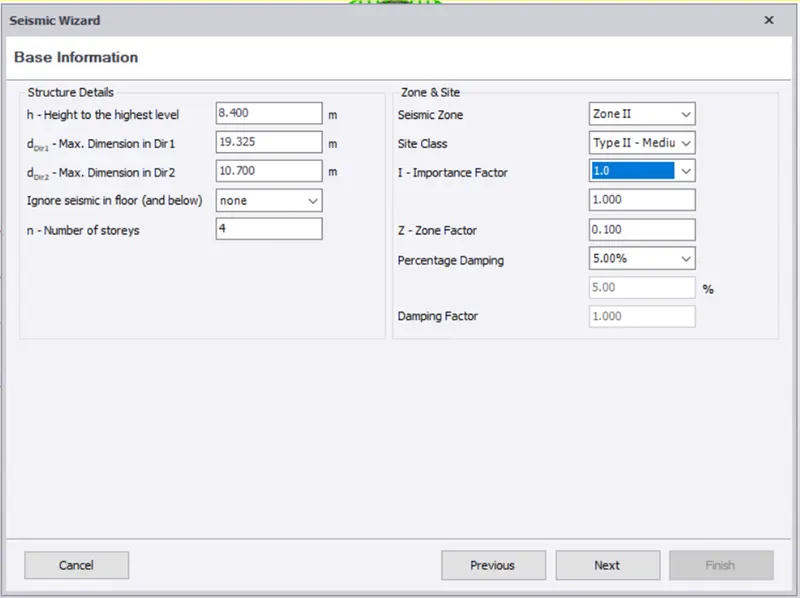
- In base information,select zone,site class,Importance factor and click next
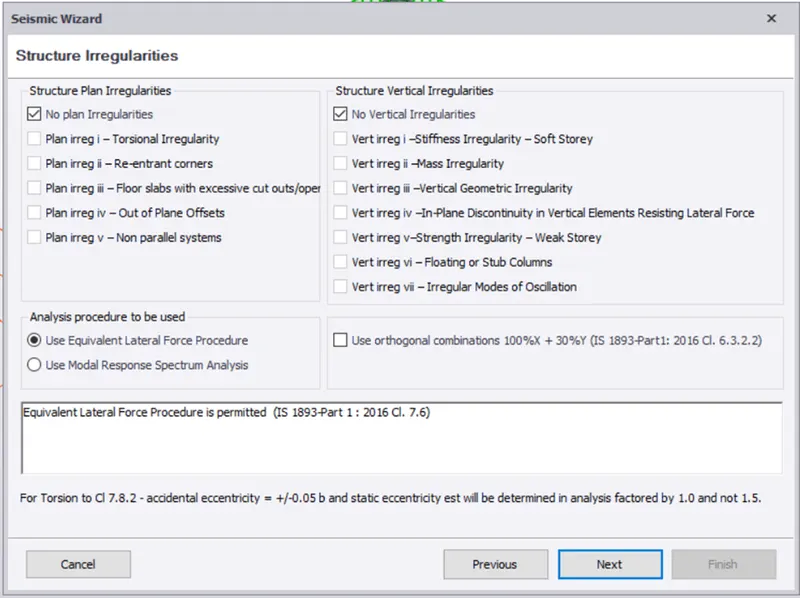
- In structural Irregularities,use lateral equivalent force procedure and click next
- Select fundamental period
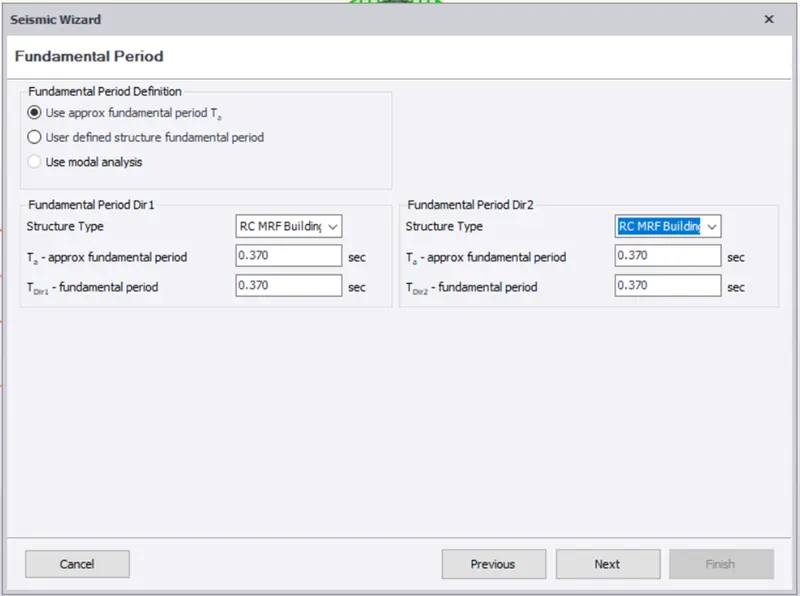
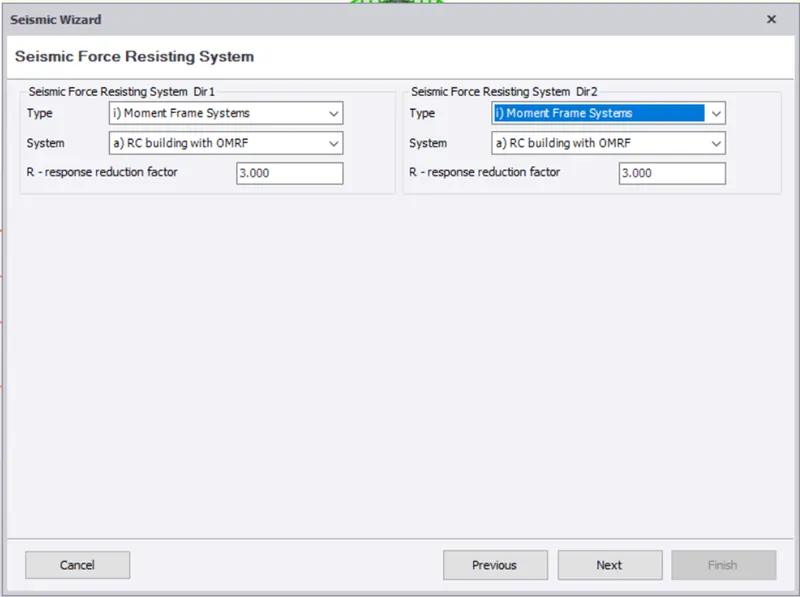
- In seismic force resisitng system, select type as moment frame system and system as RC building with OMRF in both direction and click next
- Select load cases and click next
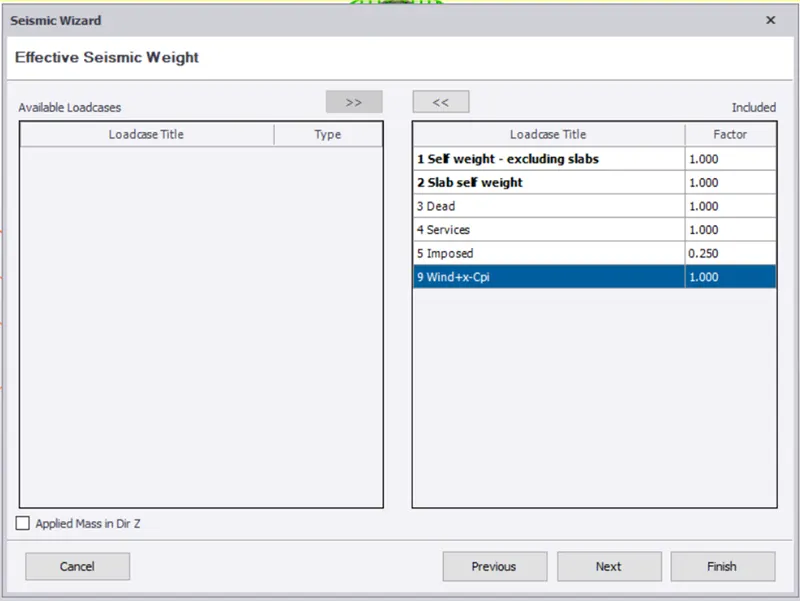
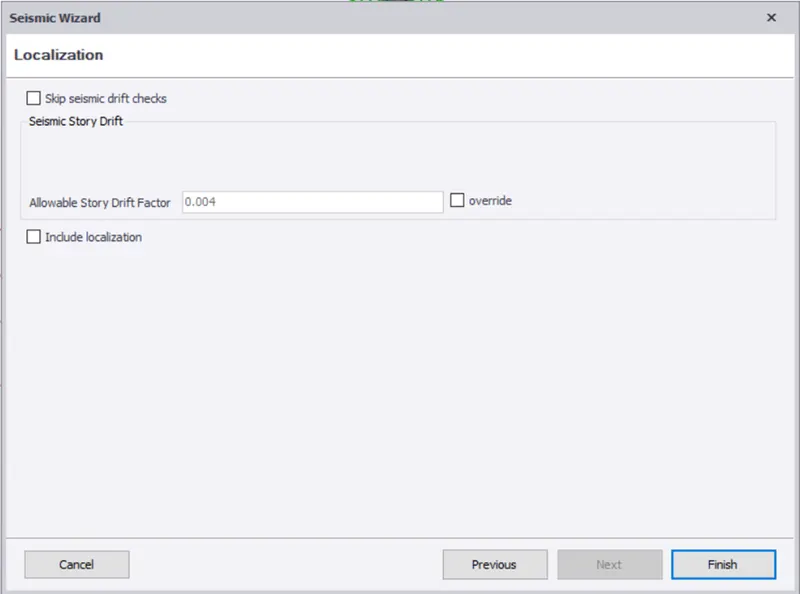
- Replace only combinations generated by this run
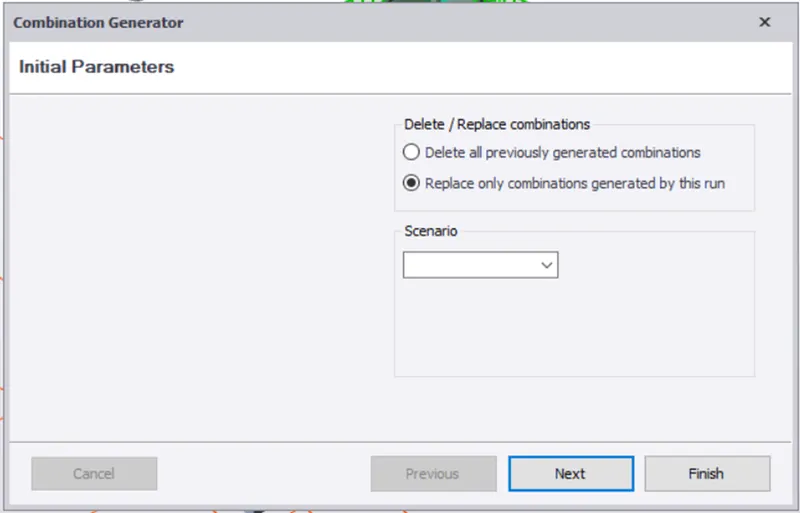
- Now all the load cases are generated
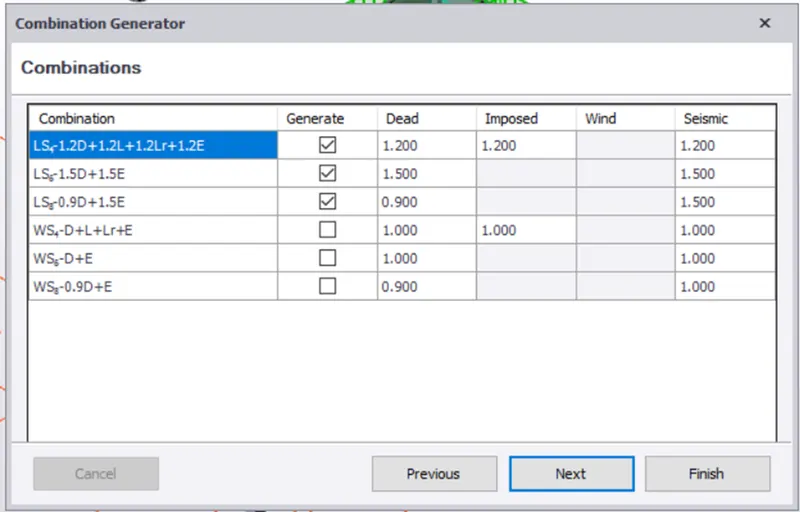
- Now select the load combinations
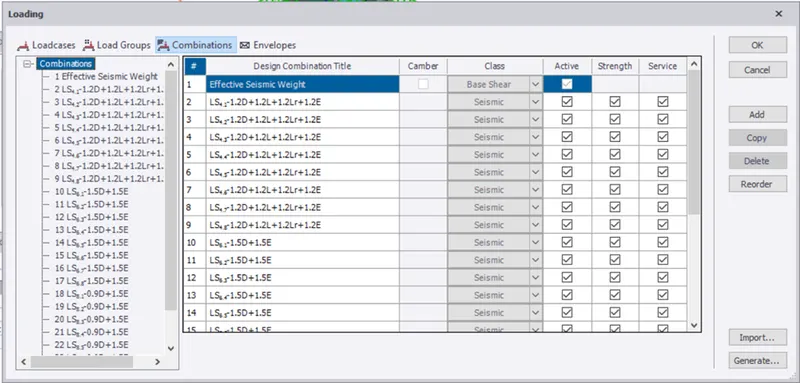
Result -
The seismic load is defined.
2)
Aim - To run the analysis and understand the analysis result
Procedure -
- In analyze tab,select 1st order analysis,analysis will run
- Bottom right corner select result view
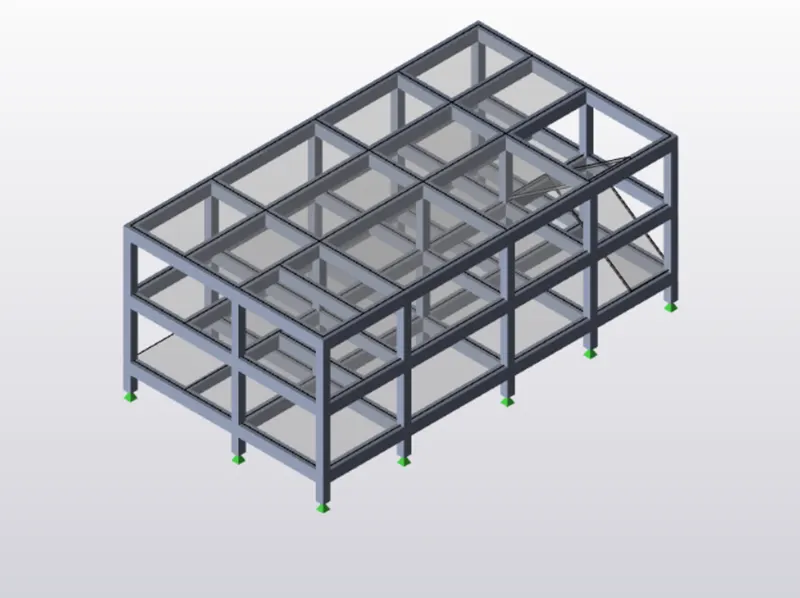
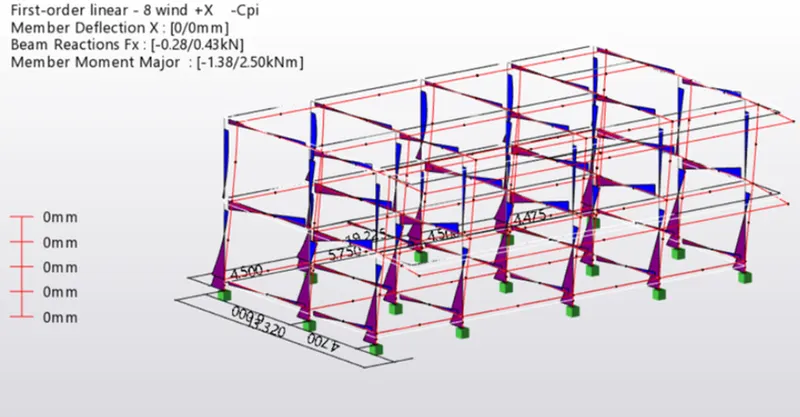
- Bending moment of column and beam -
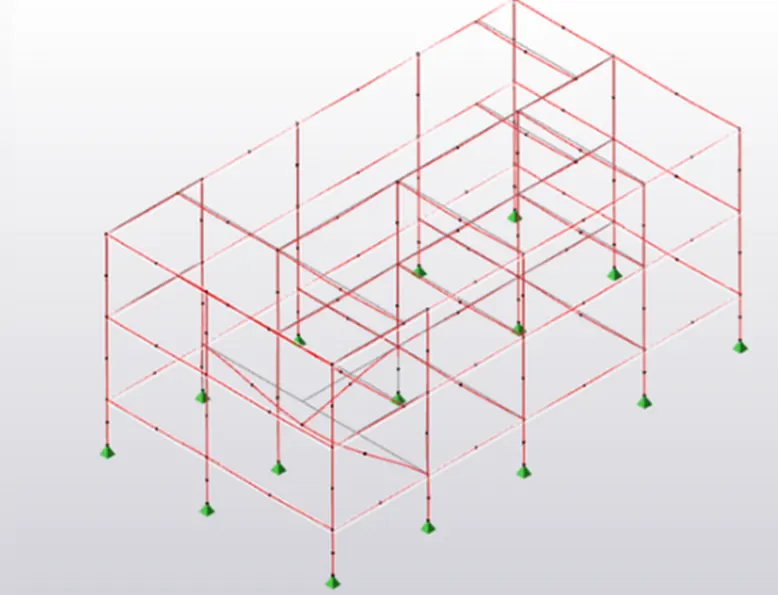
- Maximum deflection-
Result -
The model is analysed and output of analysis is summarized.