To Generate report for Steel Industrial and RC structures using TSD
1)
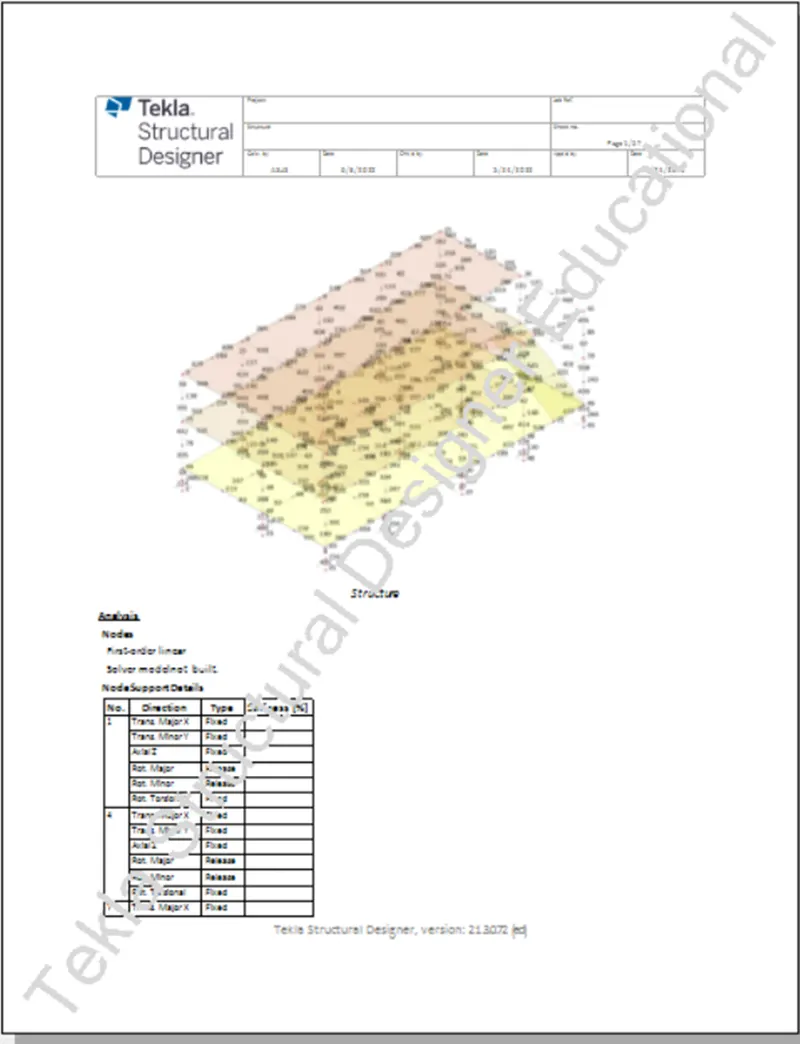
Aim - To generate report for steel building design with loading summary
Procedure -
- Open the file and click on model report in Report menu and the report content dialogue box open
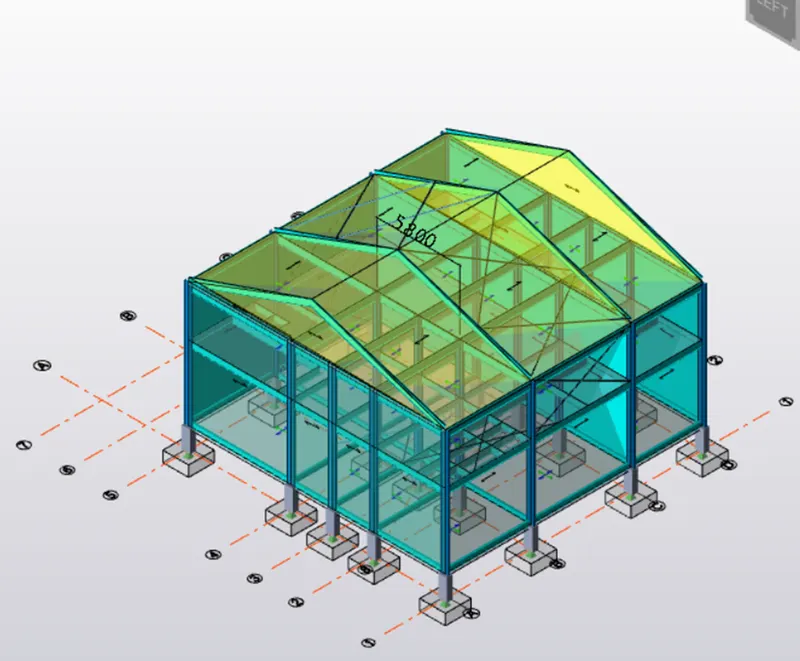
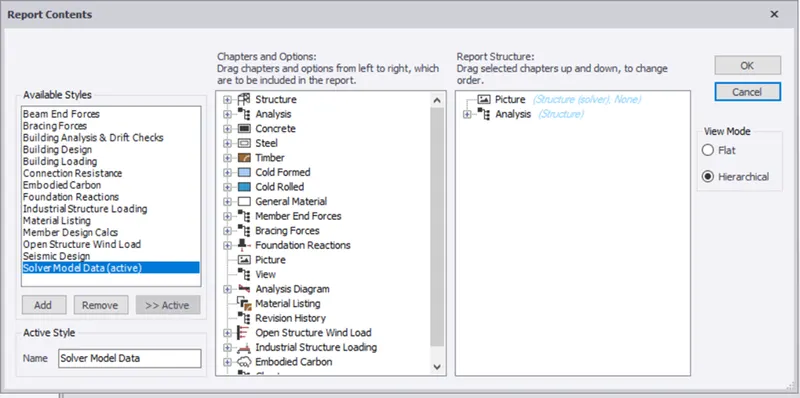
- Click on structure and add the loadcase summanry and also drag it into the content and click ok
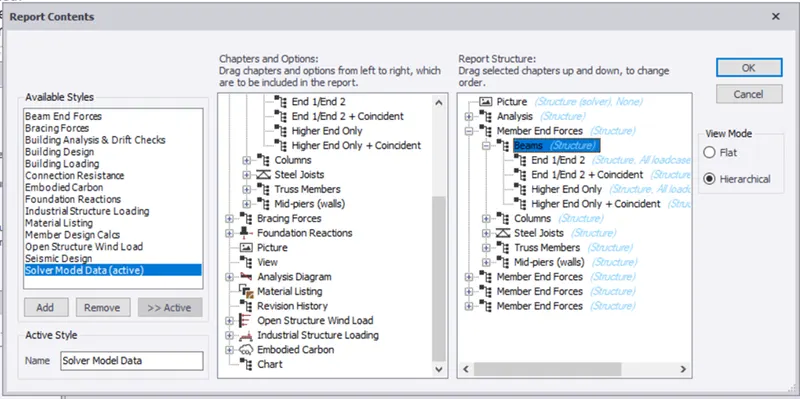
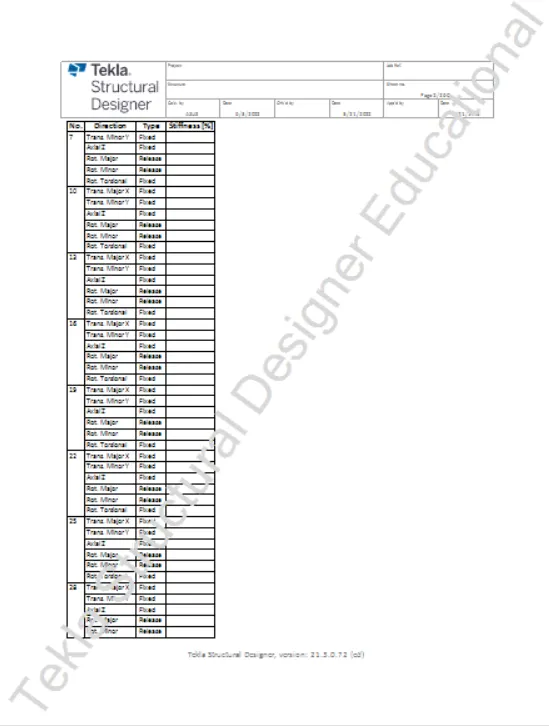
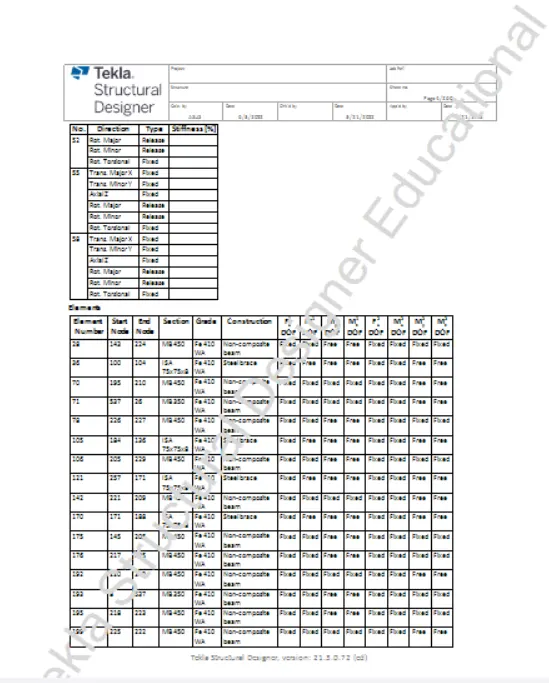
- Click on show report in report tab to generate reports
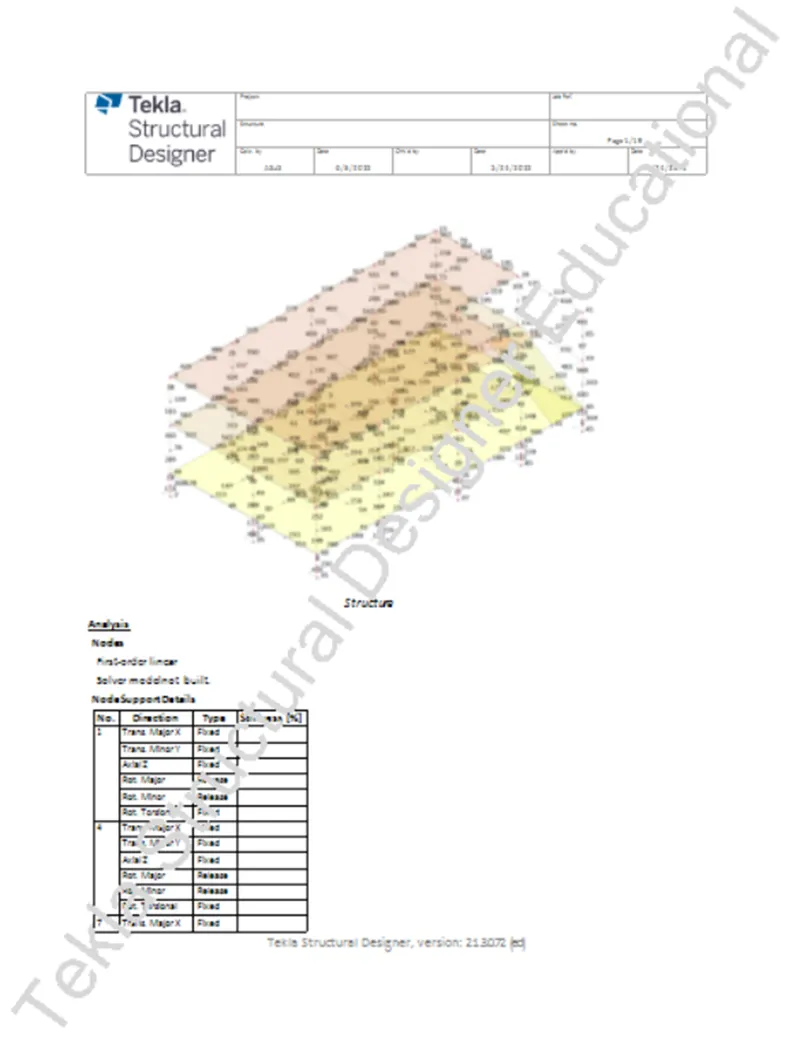
Result -
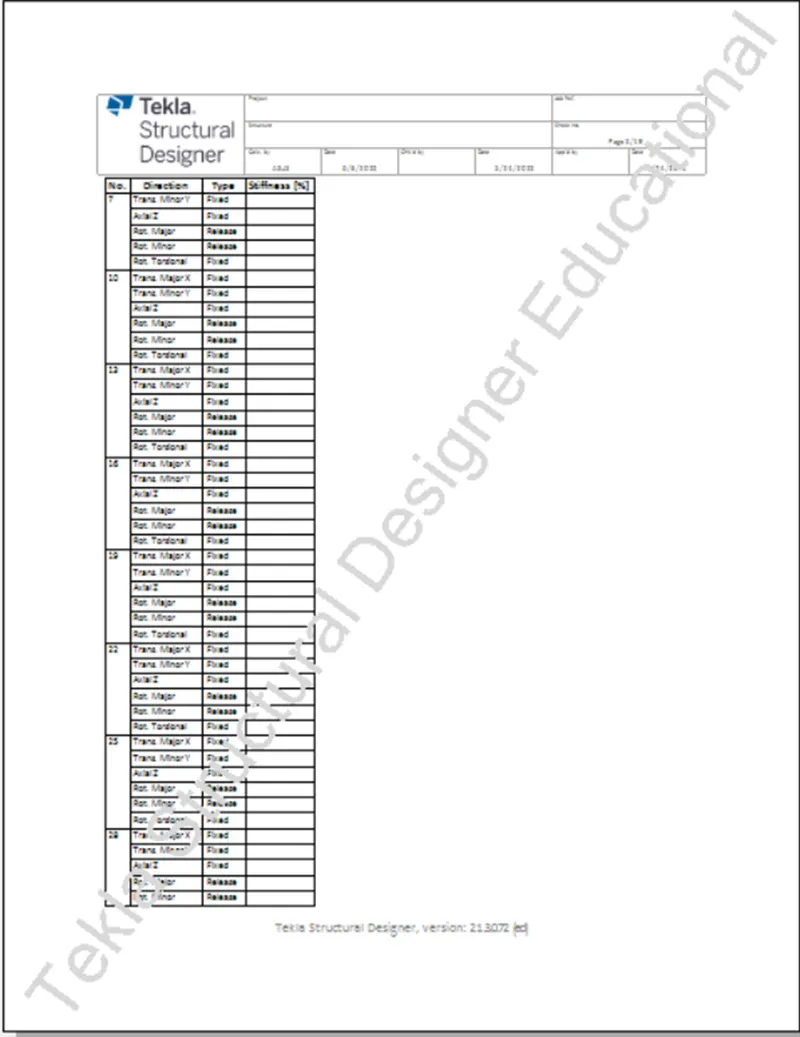
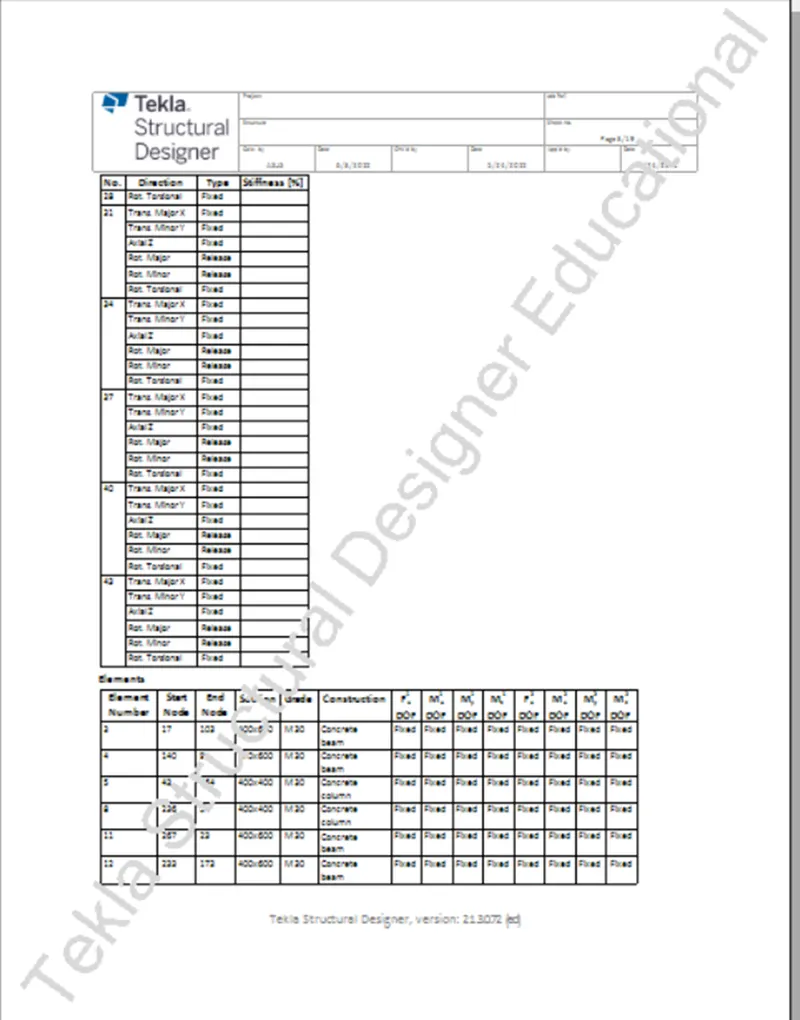
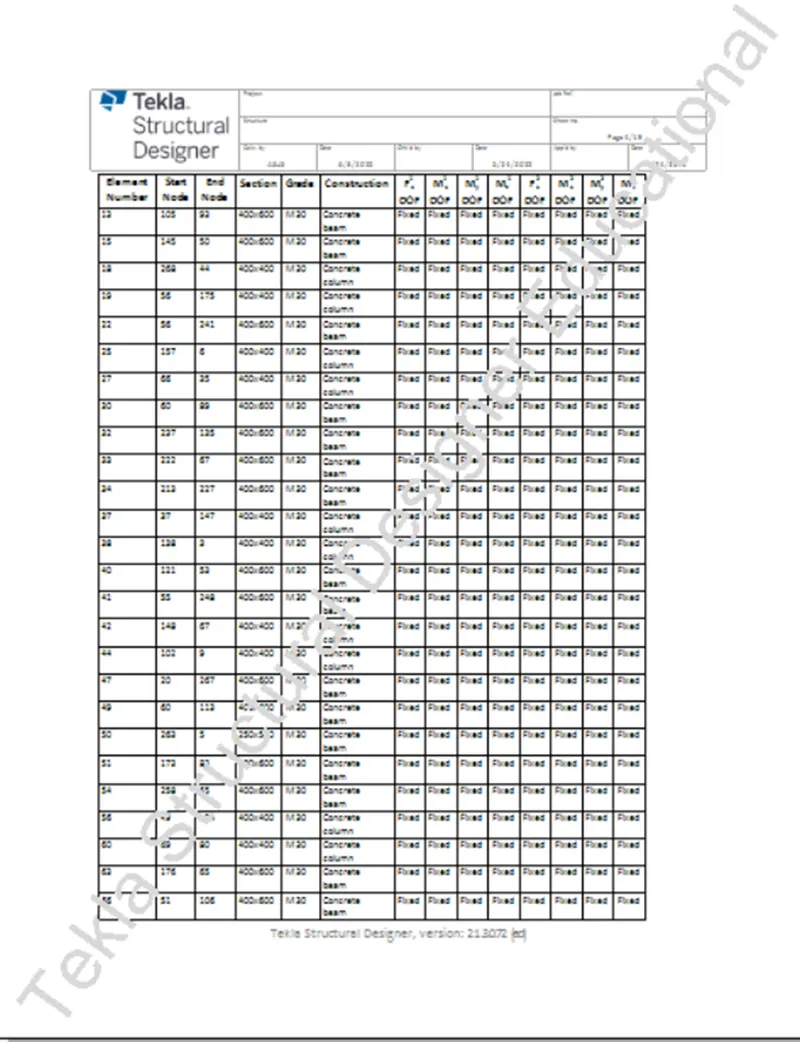
- The reports are generated successfully
2)
Aim - To generate report for Rc structure along with the loading summary
Procedure -
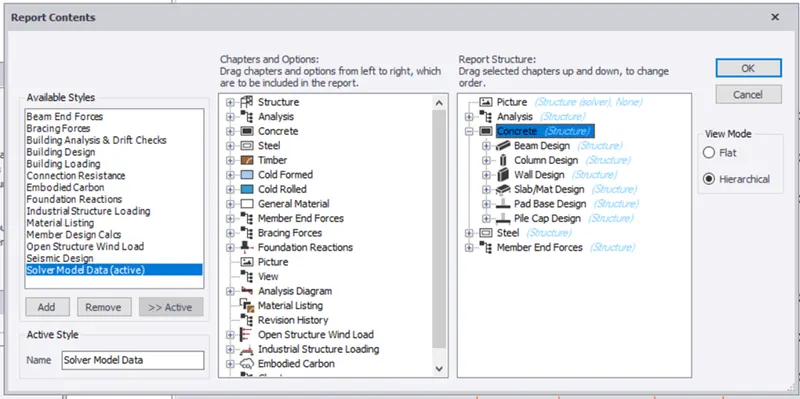
- Open the Rc structure file and click on model report in report menu
- Click on structure and add the loadcase summanry and also drag it into the content and click ok
Result -
The reports are generated successfully
3)
Aim - To update the layers setting in the model and generate plan drawings and details from the model
Procedure -
- In draw menu click on setting
- Under layer styles select planer drawing
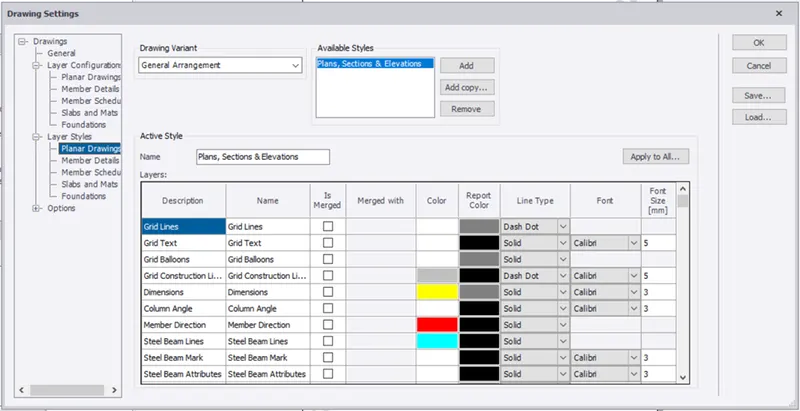
- Click on the colour and select the colour as you required and click ok
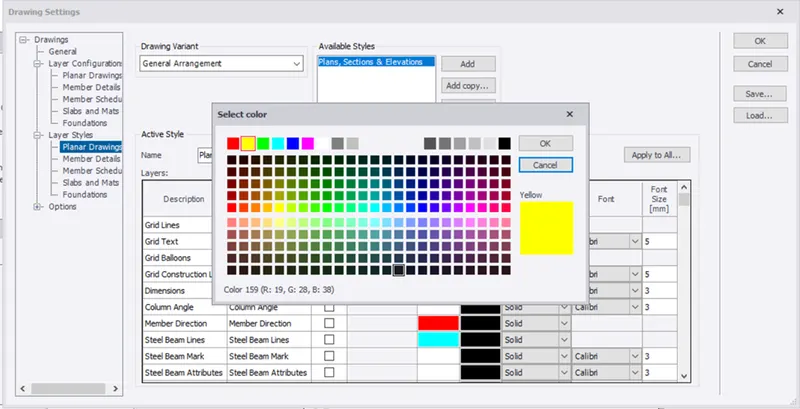
- After creating the layers again click ok
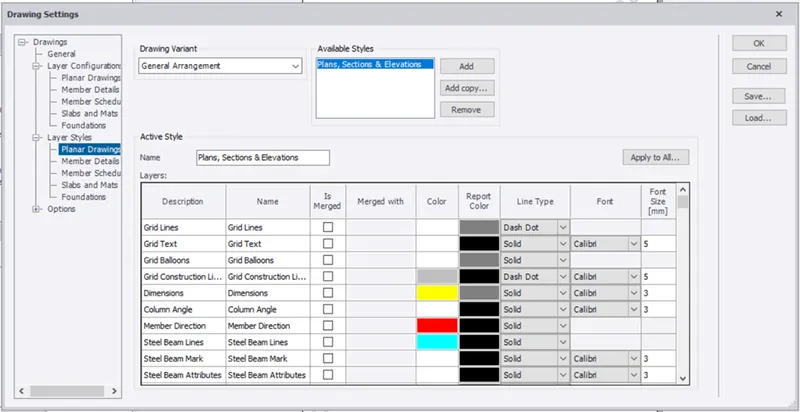
Result -
The layers are successfully created