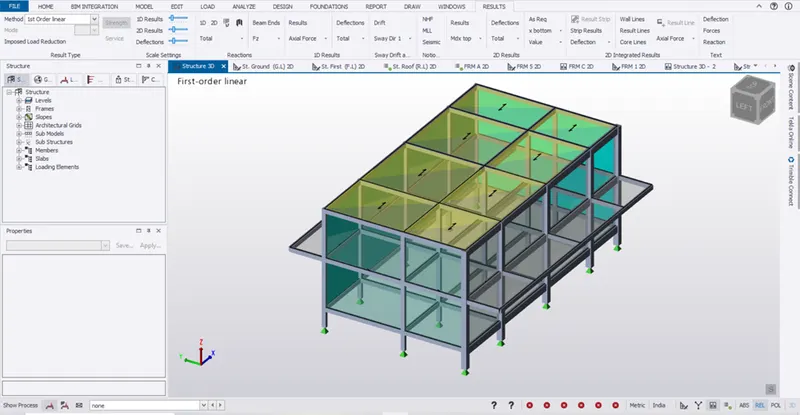
To Design RC column and beam for RC residential structure using TSD
Aim:
To design RC column and beam based on the analysis.
Procedure:
- Open the RCC TSD file which analyzed in the previous challenge.
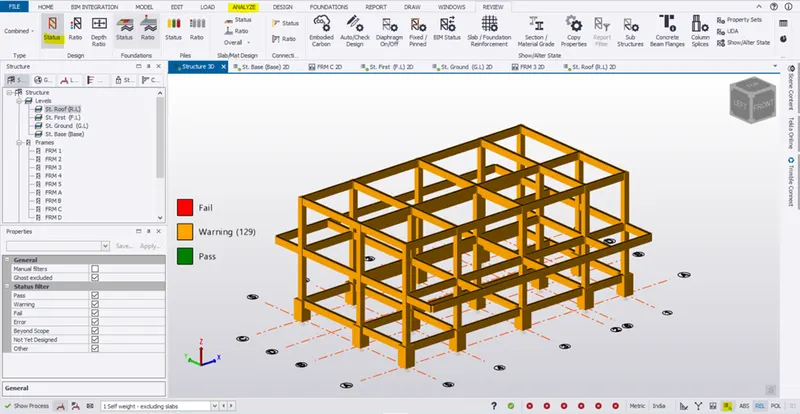
- Go to base level and check a column and reinforcement
- Select a column -> right click ->interactive design -> Static.
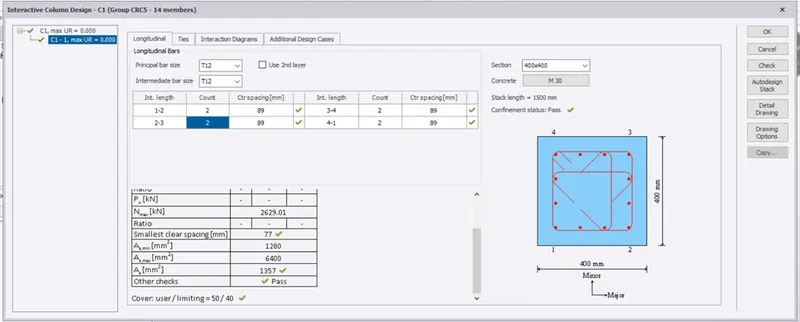
- Similarly check few more columns
- Go to property set and change the size as 400x400
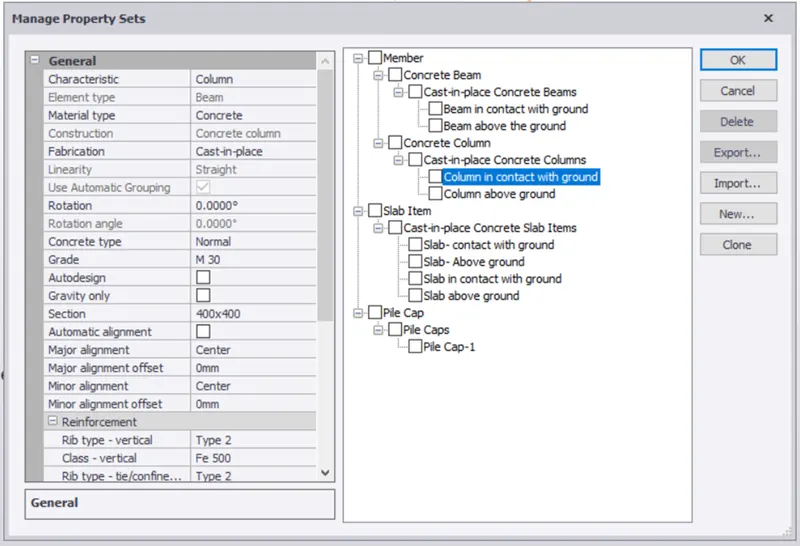
- Select all the column and change the size
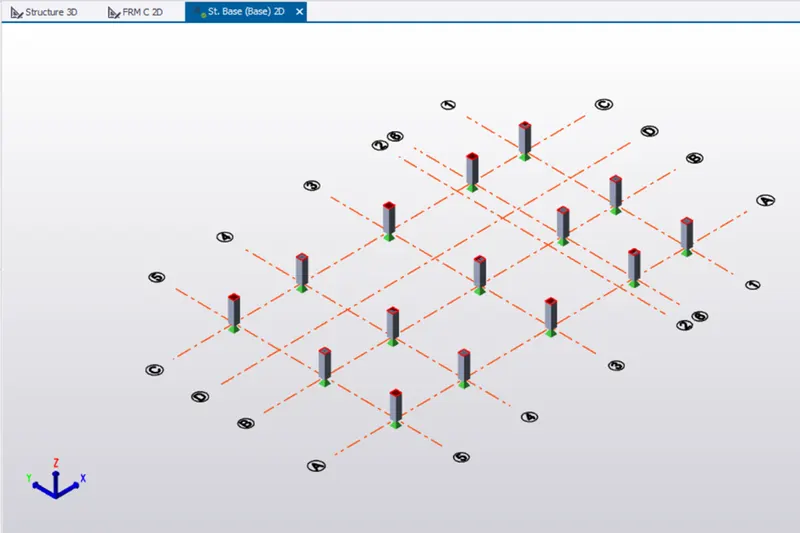
- Now select each column -> right click ->interactive design -> Static.
- Design the column to pass the required criteria.
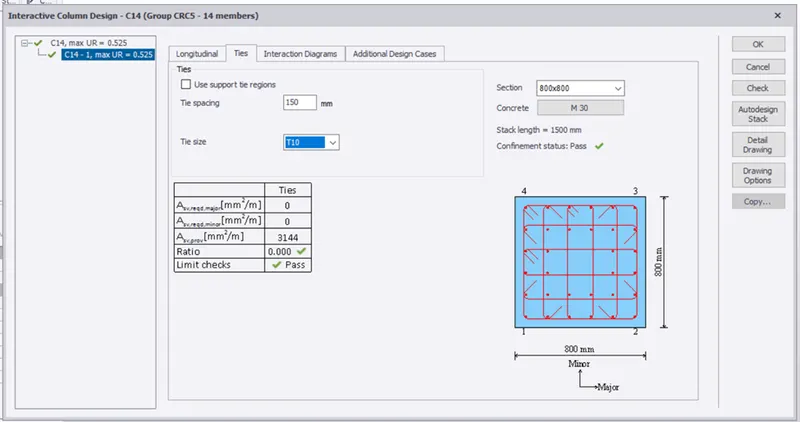
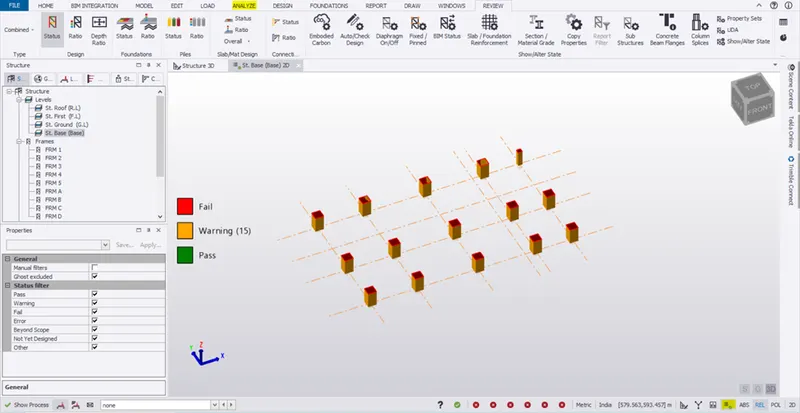
- All the columns are passed in the base.
- Go to FRM C 2D
- Select a column -> right click ->interactive design -> Static.
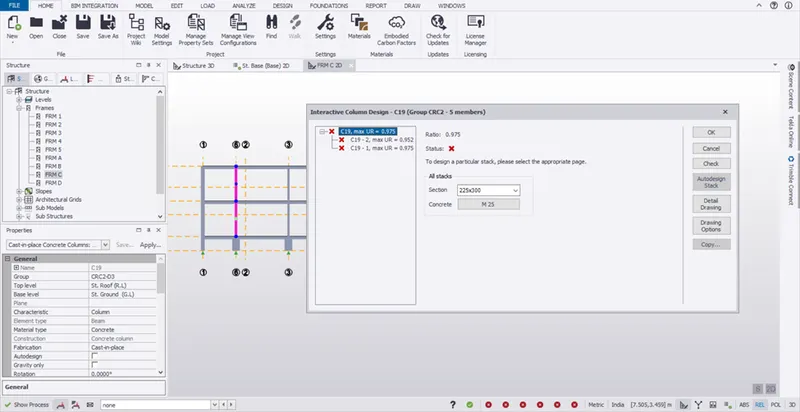
- Click the stack 1 and change the reinforcement and size to design the column.
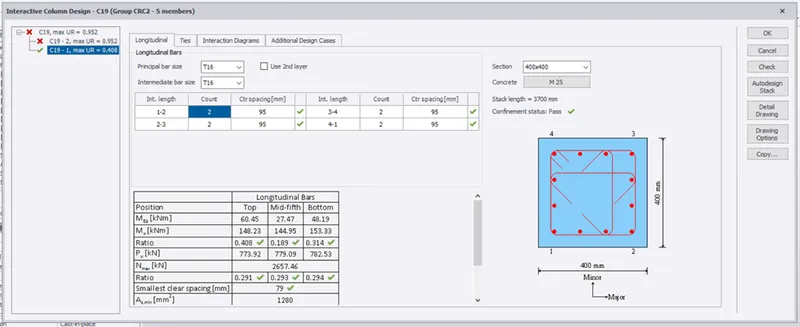
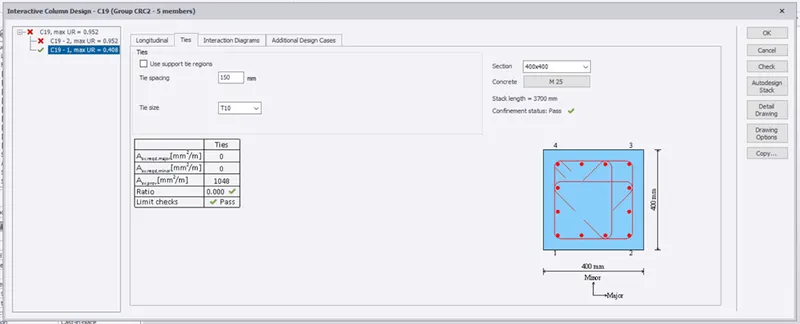
- Click C 20-2 and do the required changes
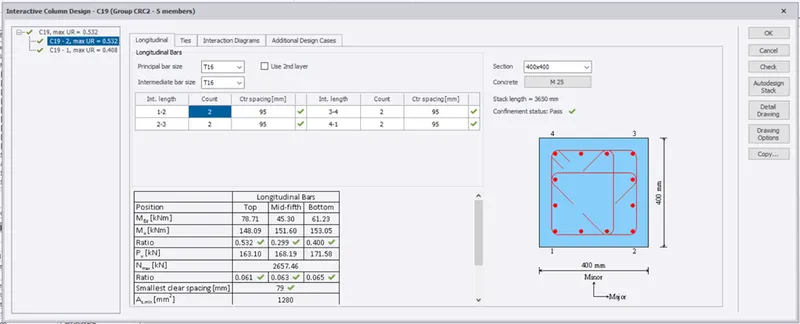
- Go to 3D view and uncheck all elements and member other than column
- Go to manage property set and change the column size to 400x400 and assign it
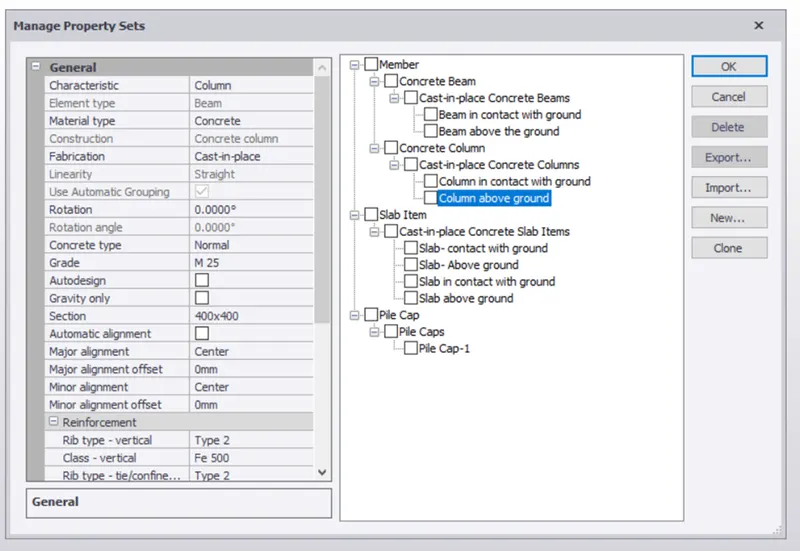
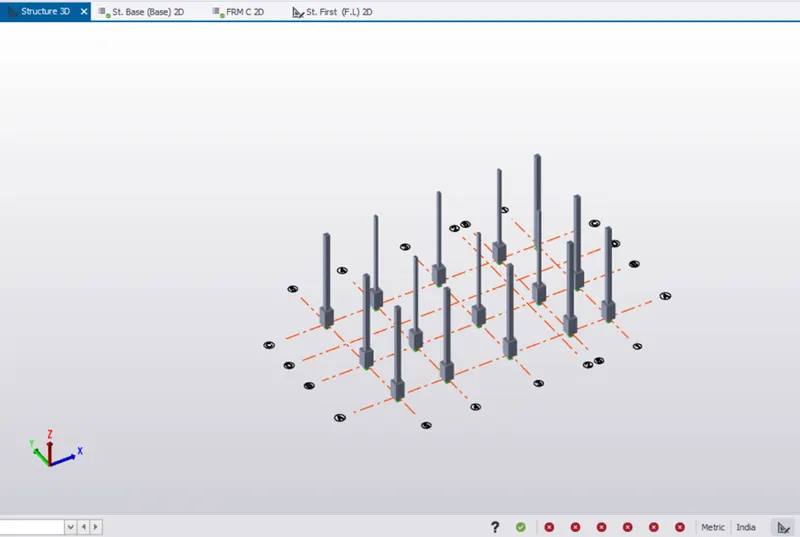
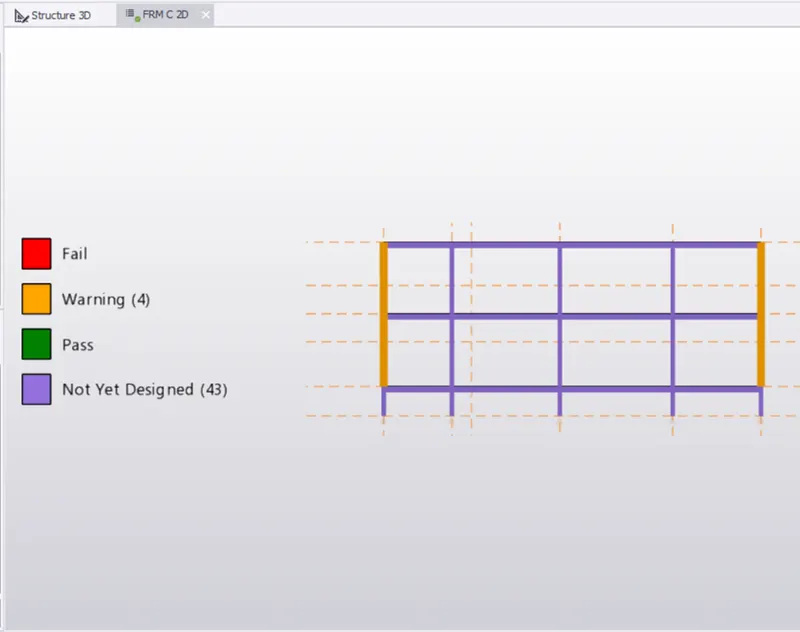
- Follow the same procedure for other columns.
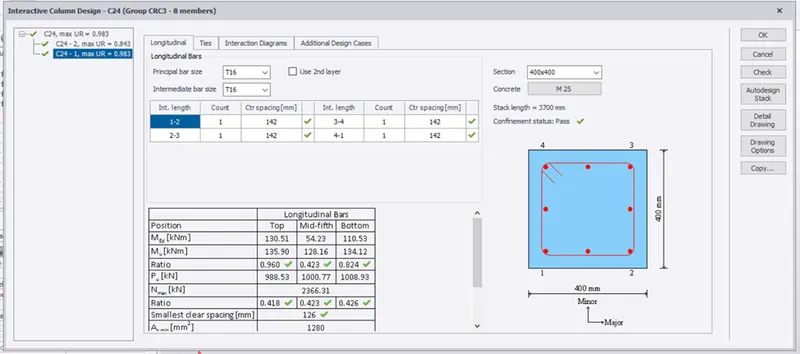
- All the columns are passed
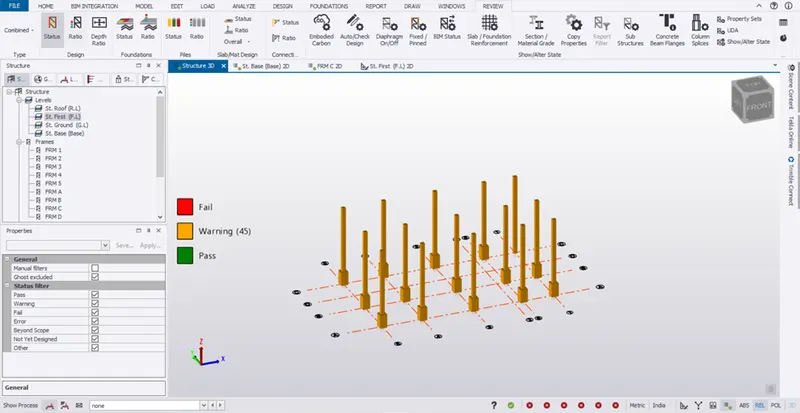
- Beams:
- Go to ground floor run the analysis.
- Select a beam -> right click -> interactive design ->static
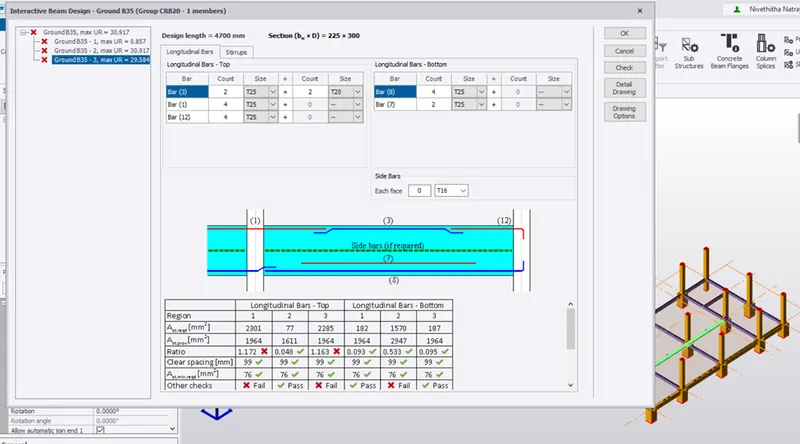
- Find the reason for failure.
- Go to manage property set and change the beam property and apply it to the beams
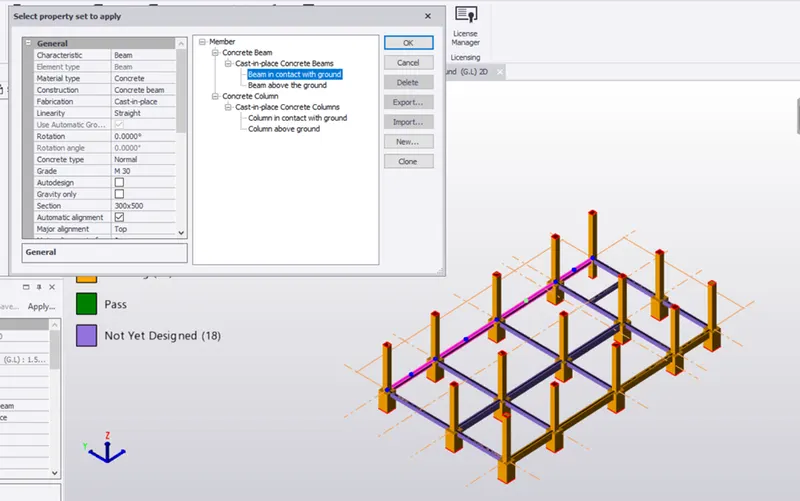
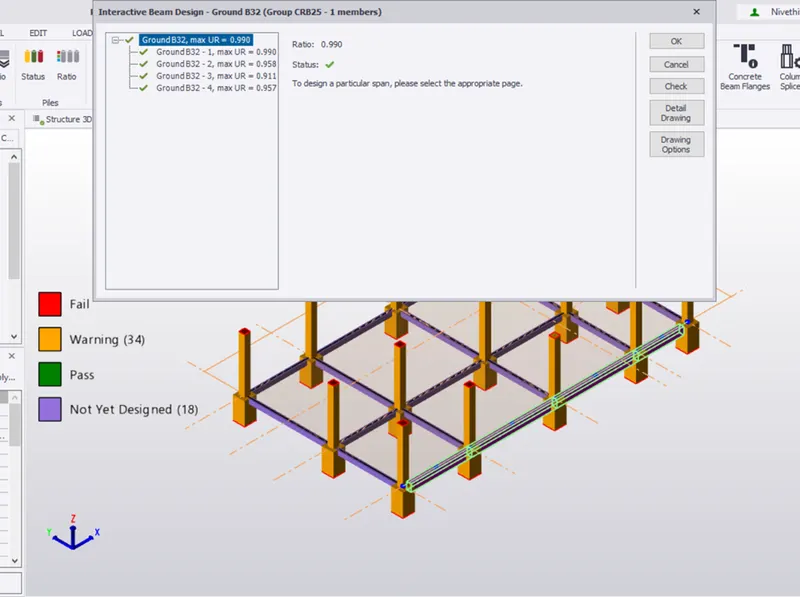
- Select the beams in the 1st floor -> right click -> apply property set
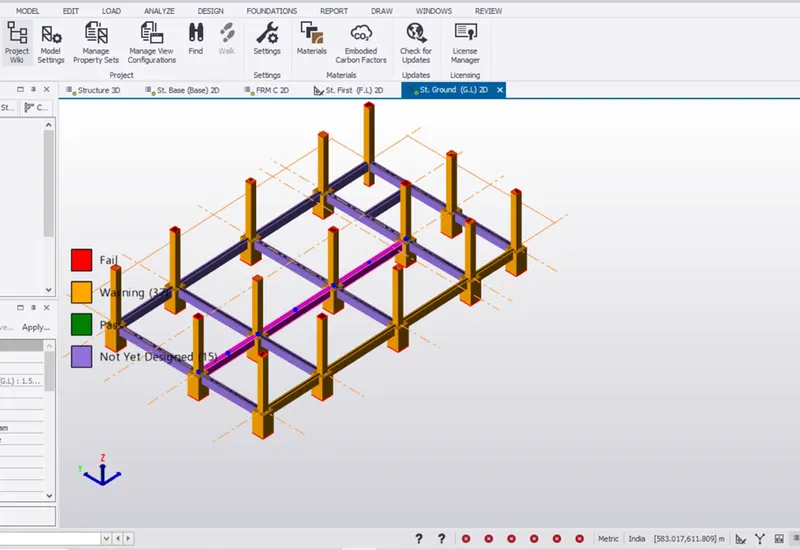
- Select a beam -> interactive design -> Static
- Check the reinforcement and size
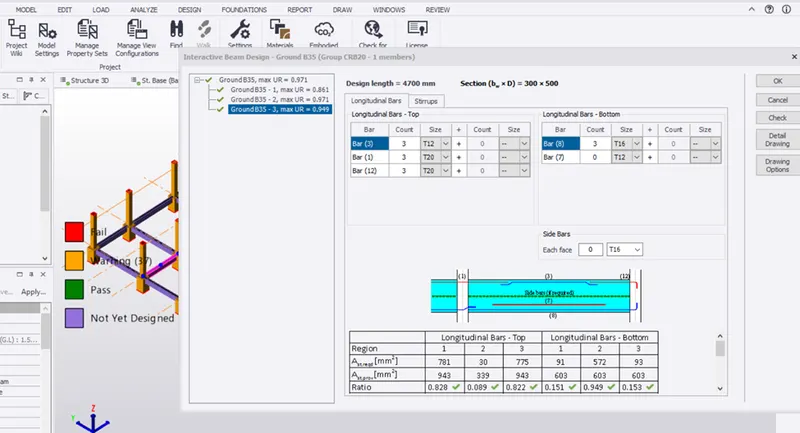
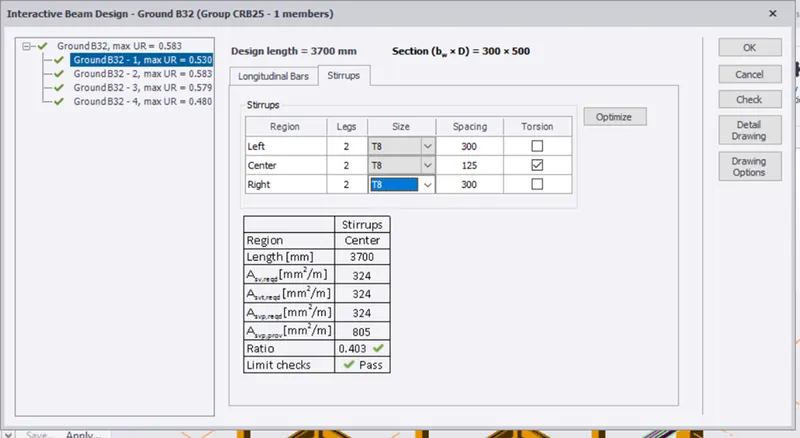
- Follow the same procedure to the other beams and do the changes.
- All beams are passed in G.L
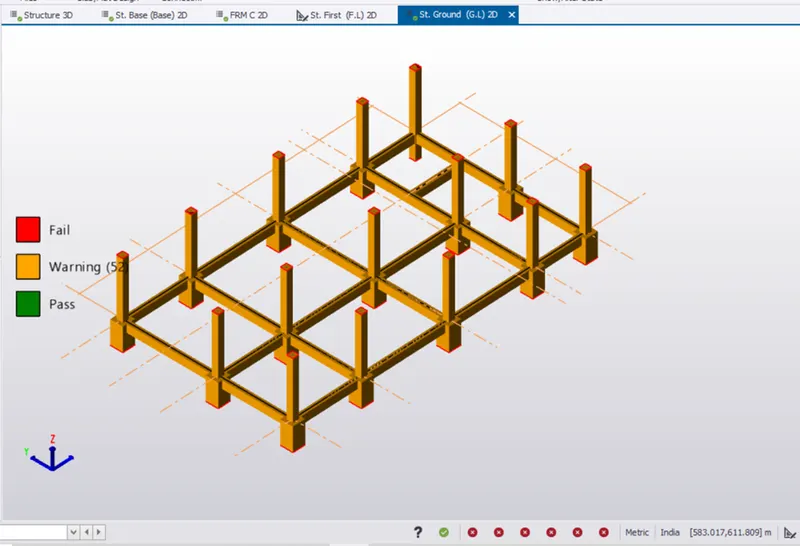
- Go to first floor change the beam property
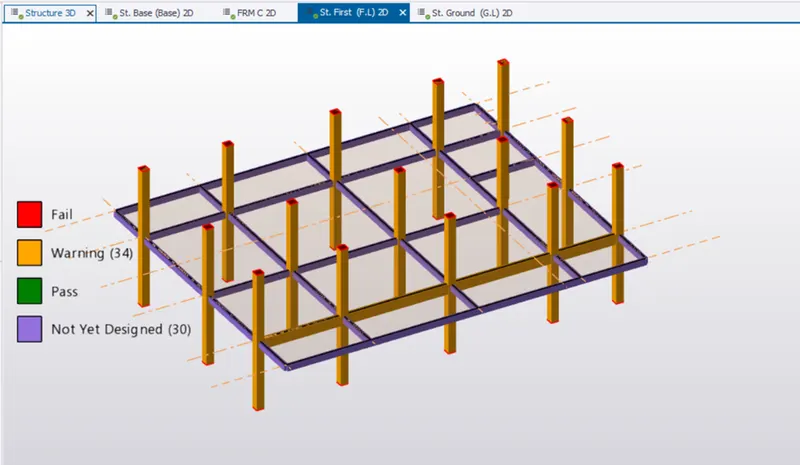
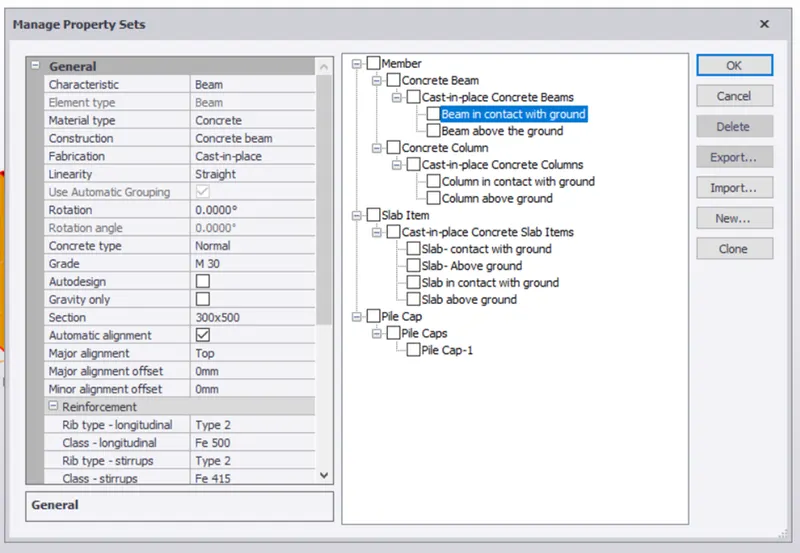
- Apply the property to the beam by right click -> apply property set
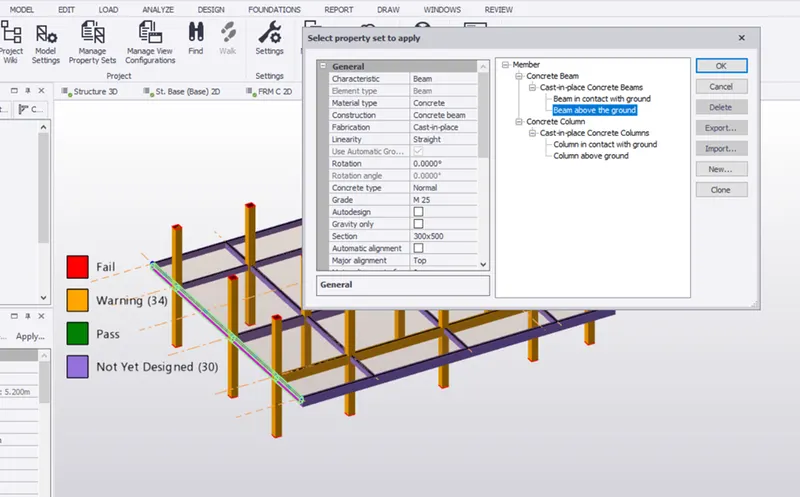
- Select a beam -> interactive design -> Static
- Check the size and reinforcement
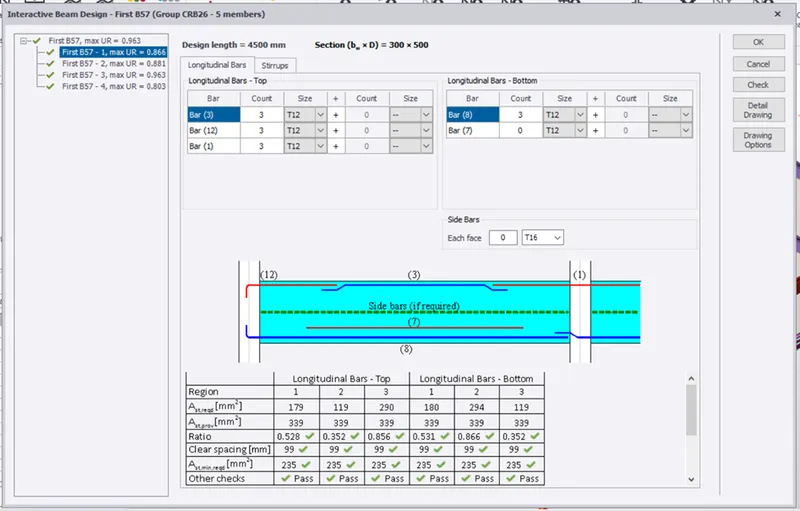
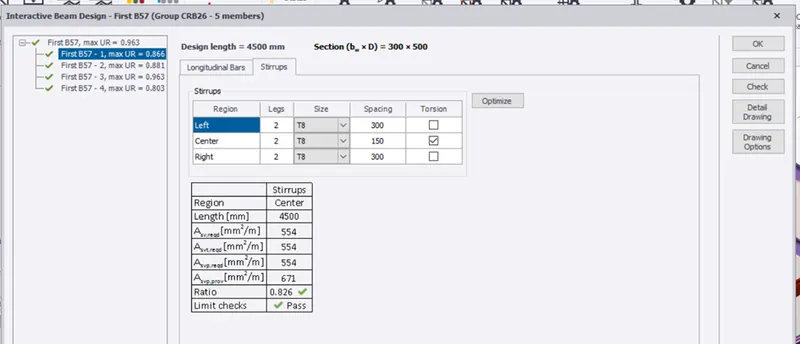
- Click the Grid B beam which holds the cantilever and check it
- Change the reinforcement
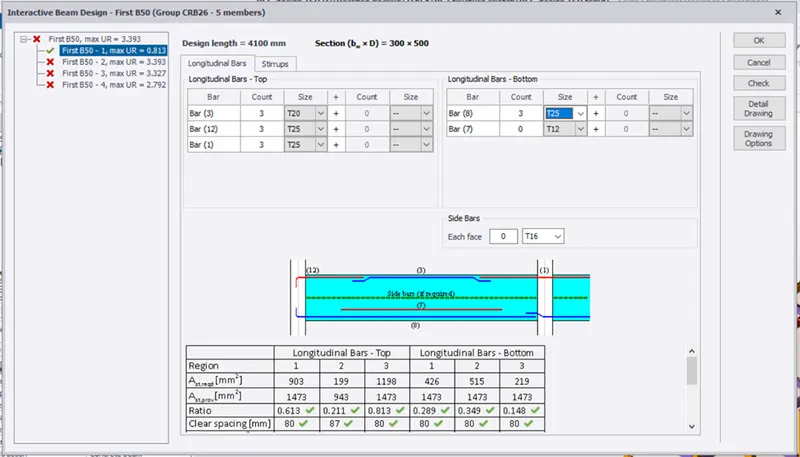
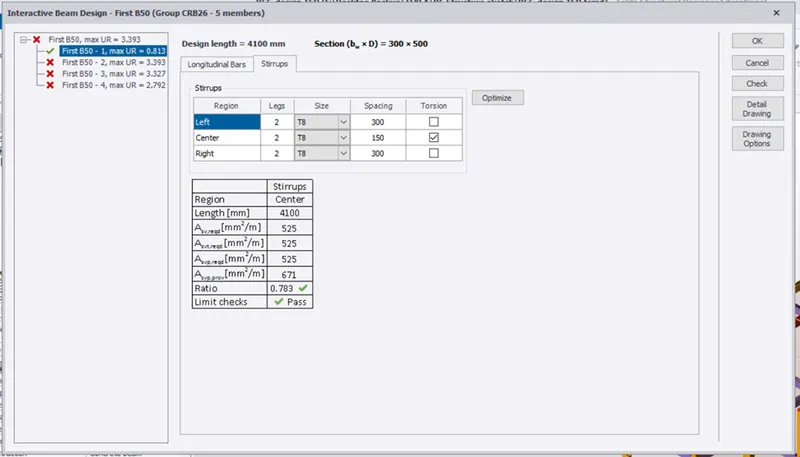
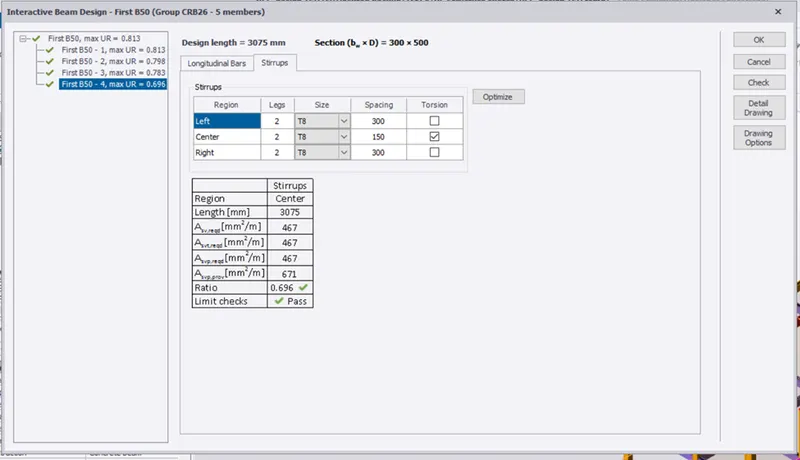
- Check all other beams and do the changes in reinforcement.
- Now beams in F.L are passed
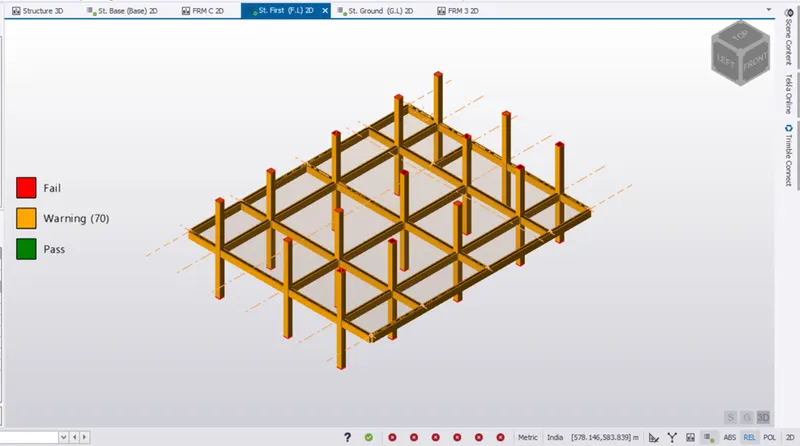
- Go to R.L
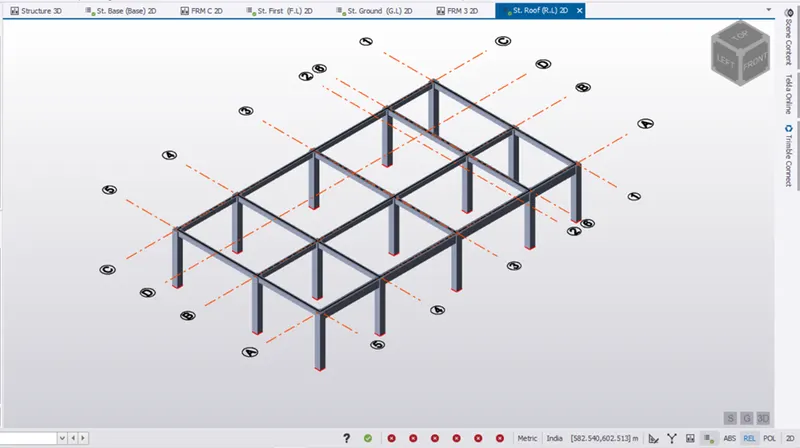
- Apply the changed beam property to the roof beams to have uniformity and to pass
- Check the reinforcement and do the changes
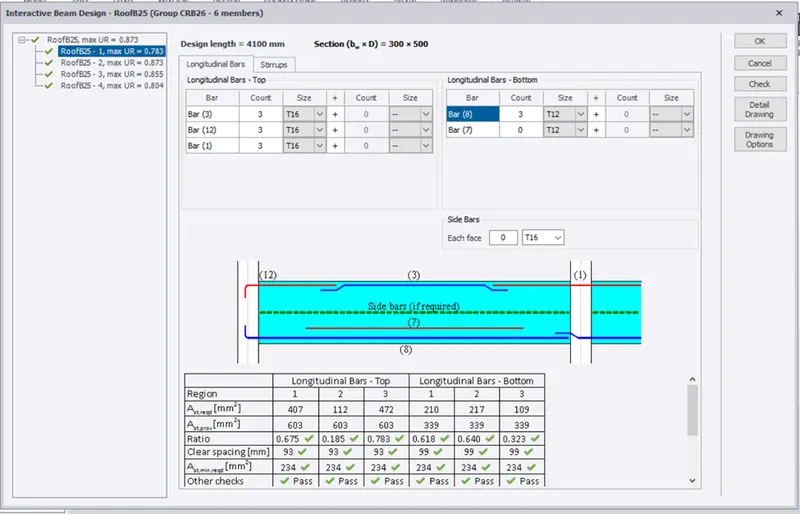
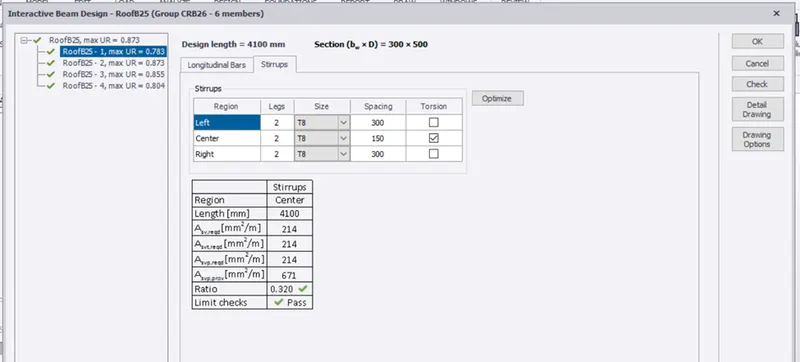
- Check all the beams and do the changes to get passed.
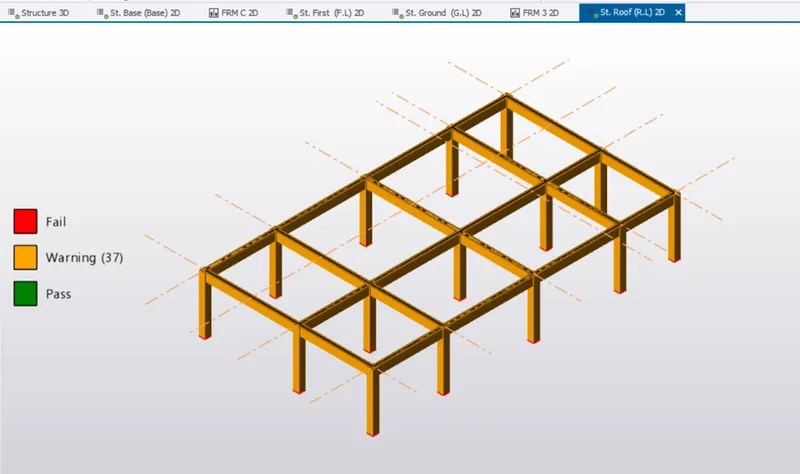 Results:
- Run the analysis again.
- All the members are passed