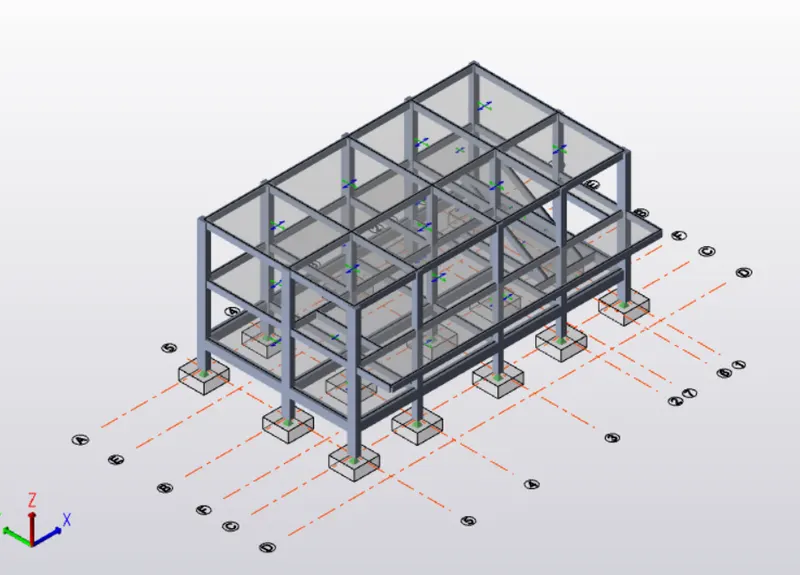
To Design RC column and beam for RC residential structure using TSD
AIM : To design RC Column and Beam based on the analysis using TEKLA Structural designer
INTRODUCTION :
Design of members can be done in two ways
- Auto design : Tekla Structural Designer determines a suitable size automatically.
- Interactive design : After assigning the desired section size for members, Tekla Structural Designer determines if the section or reinforcement is sufficient or not. Interactive design allows designer to select sizing and reinforcement of members and a summary is provided after interactive design.
PROCEDURE:
- Analyse model by selecting 1st order linear in analysis tab.
- Check out for any failure of columns or beams in the review tab
- Now check the column and beam reinforcement by selecting interactive design
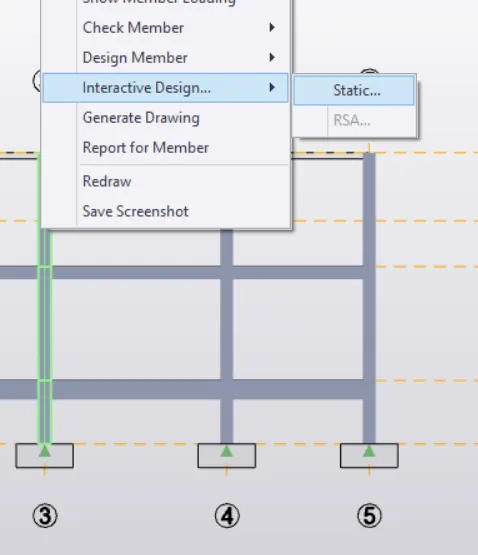
- Select each column and beam, check member reinforcement
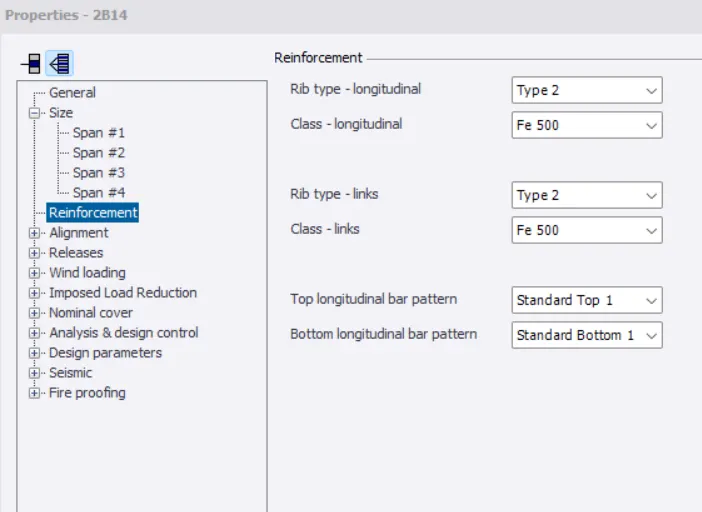
- Change member reinforcement wherever failure occured
- Sizes of columns or beams can be changed by double click on each members
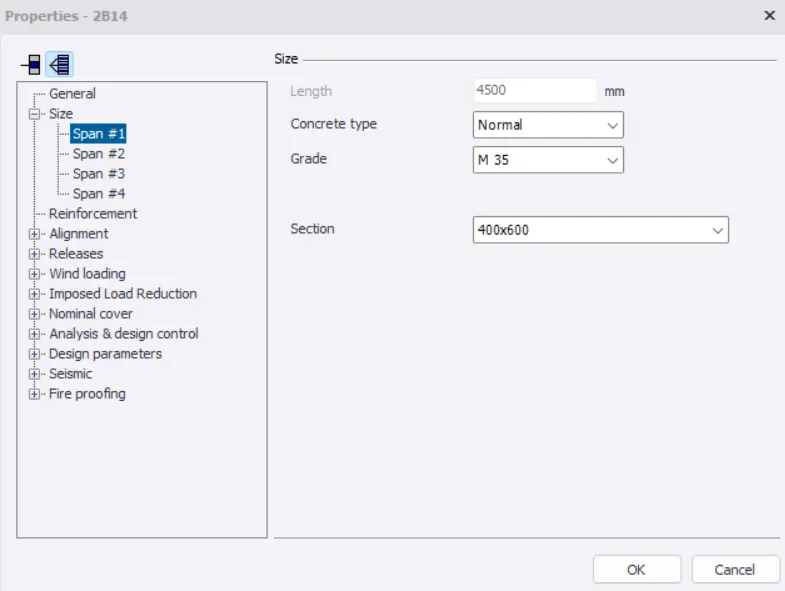
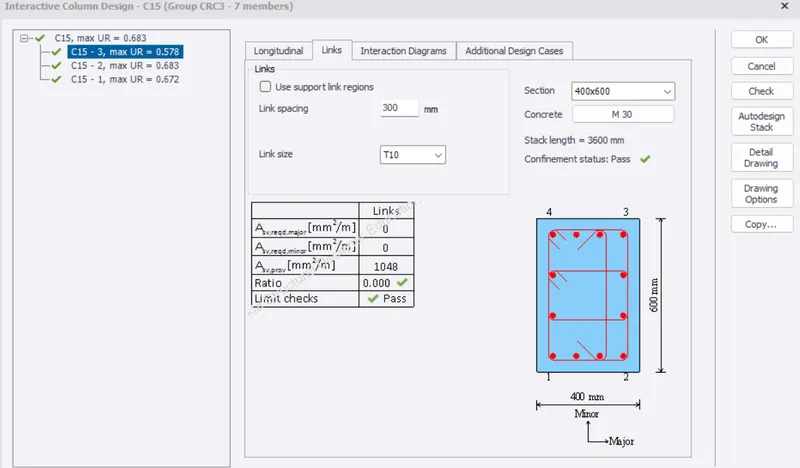
- Failure occured in C15 column
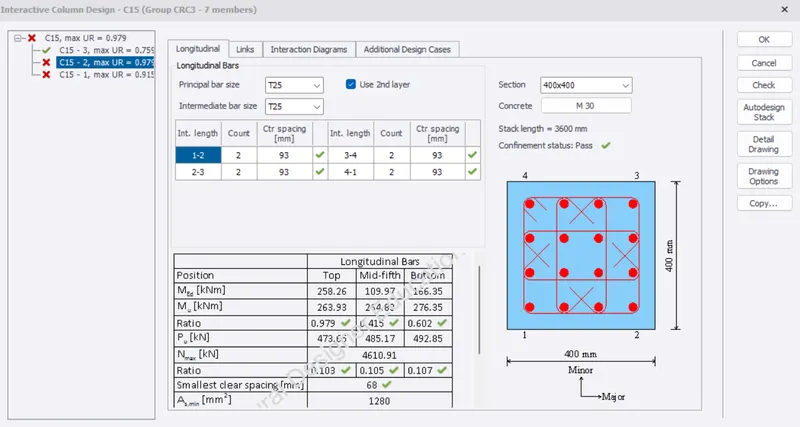
- Member sizes are changed to 400x600mm and Link size as T10
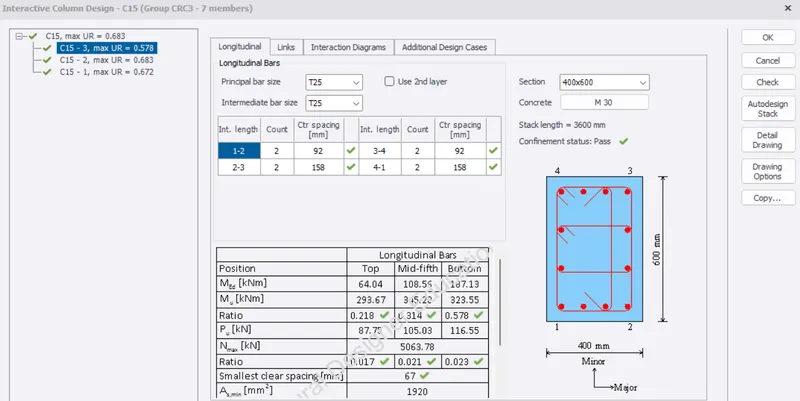
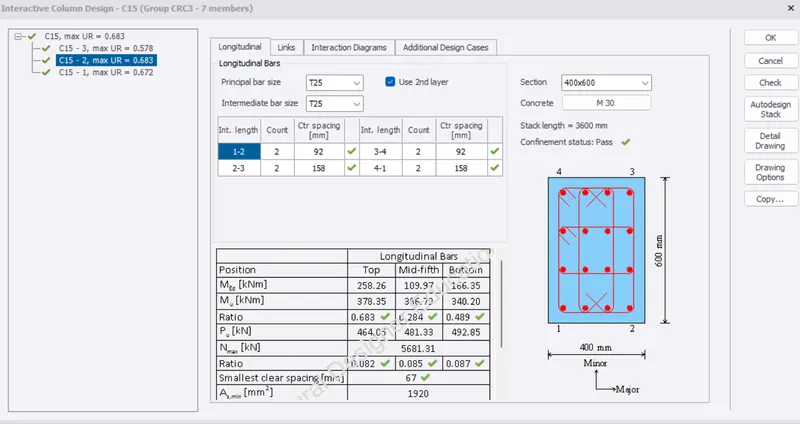
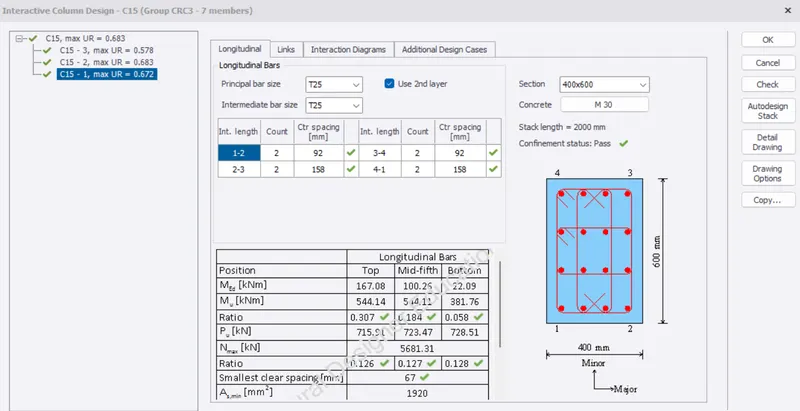
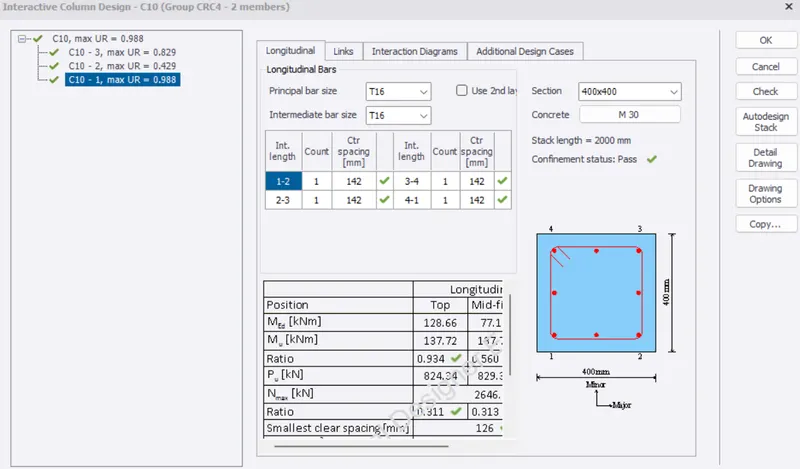
- Remaining all other columns size are in 400x400mm with principal, intermediate bar size as T16
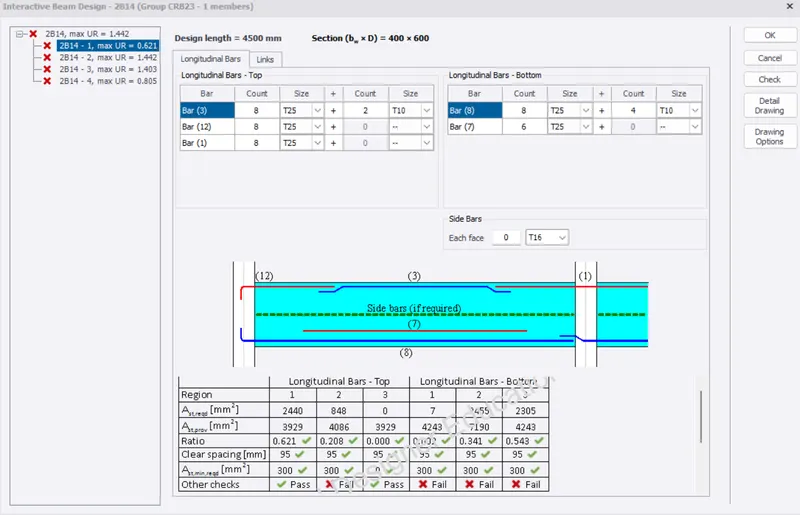
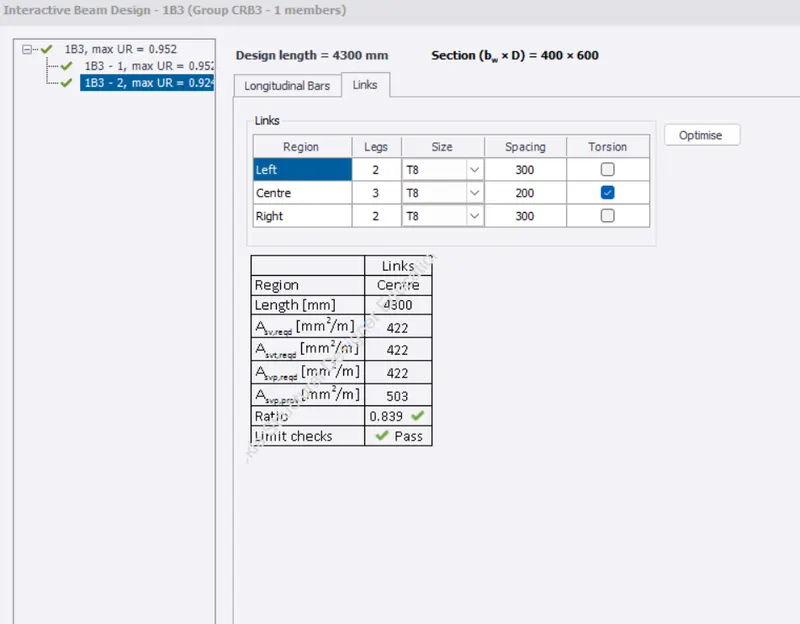
- Failure occured in Cantilever beam
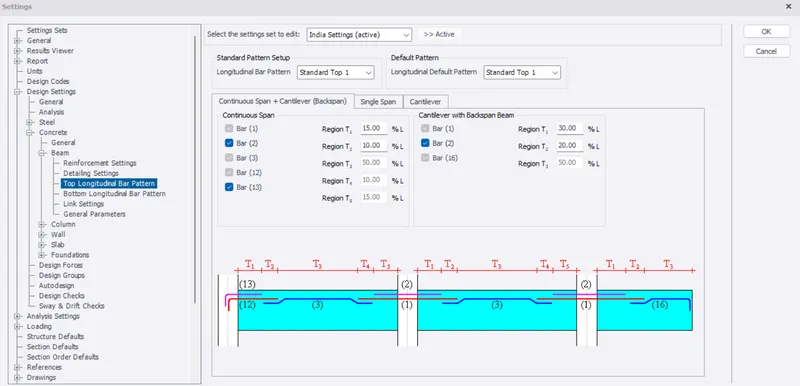
- In properties, change beam settings
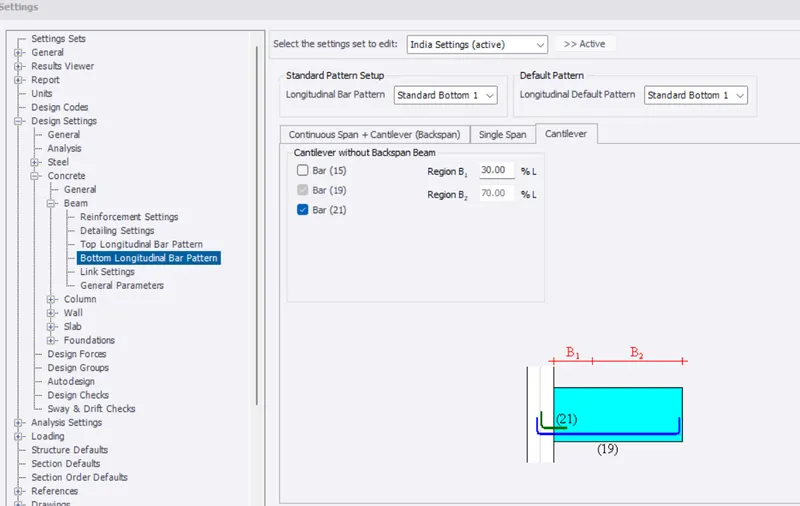
- Size and reinforcement of cantilever beam is changed to 400x600mm, grade M30 and Fy = 500
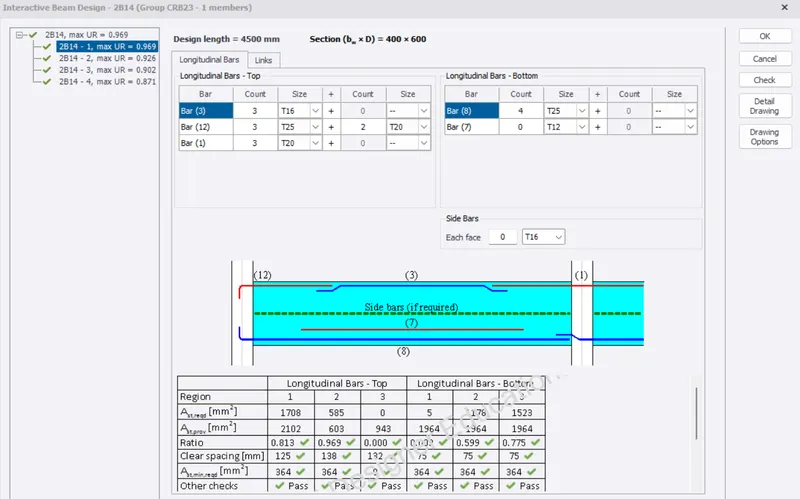
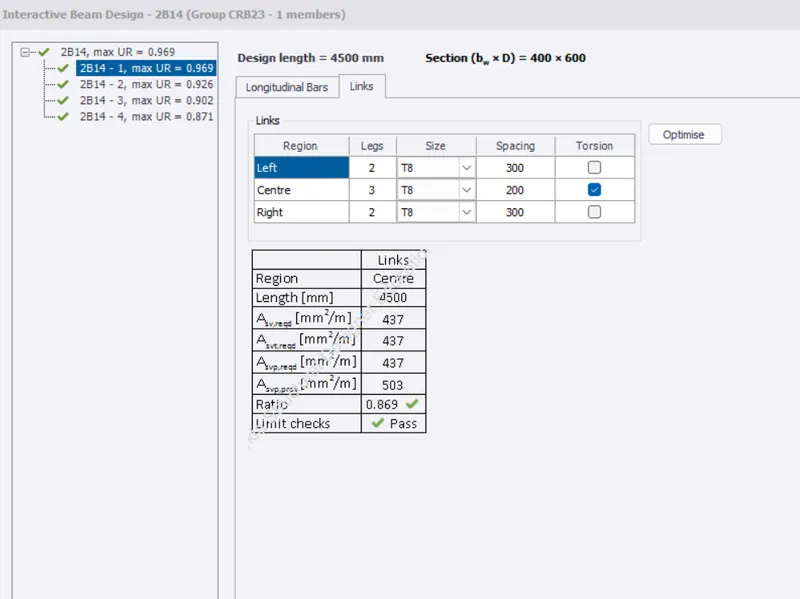
- Failed beam
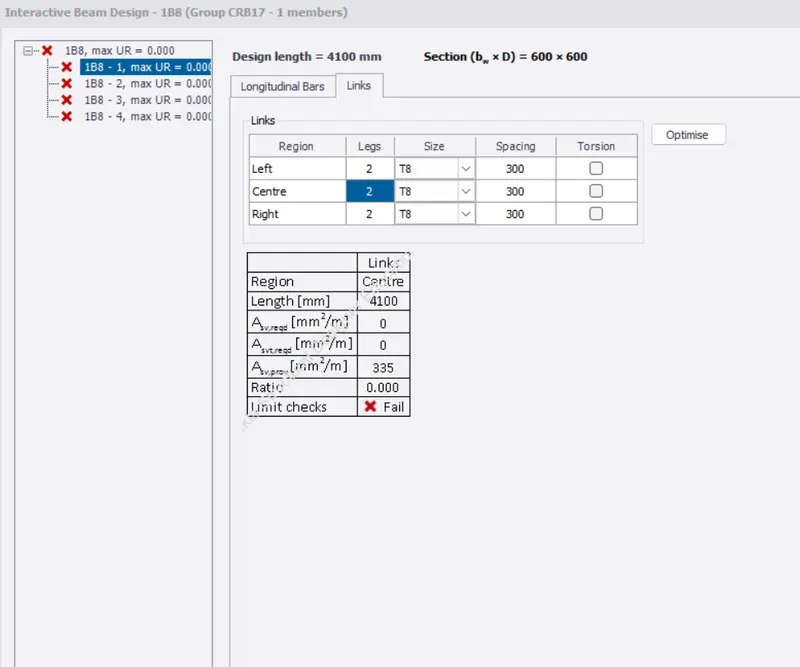
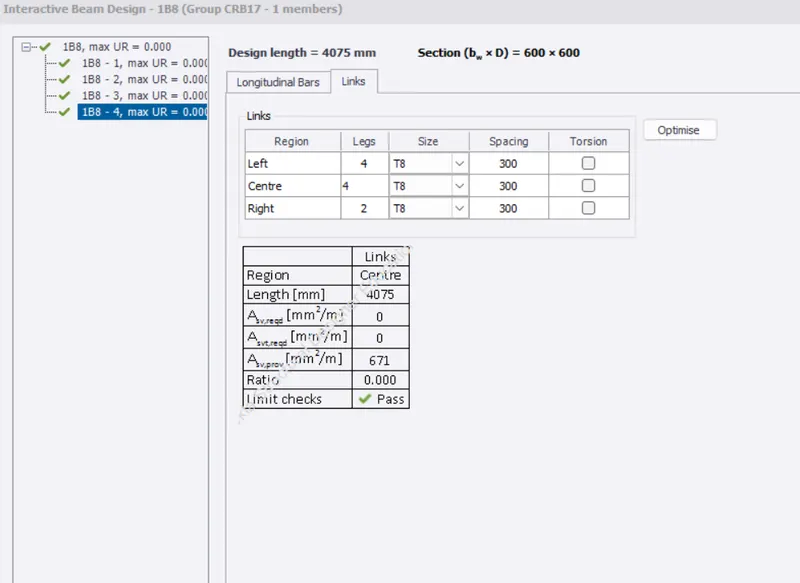
- After changing link size, all checks is cleared
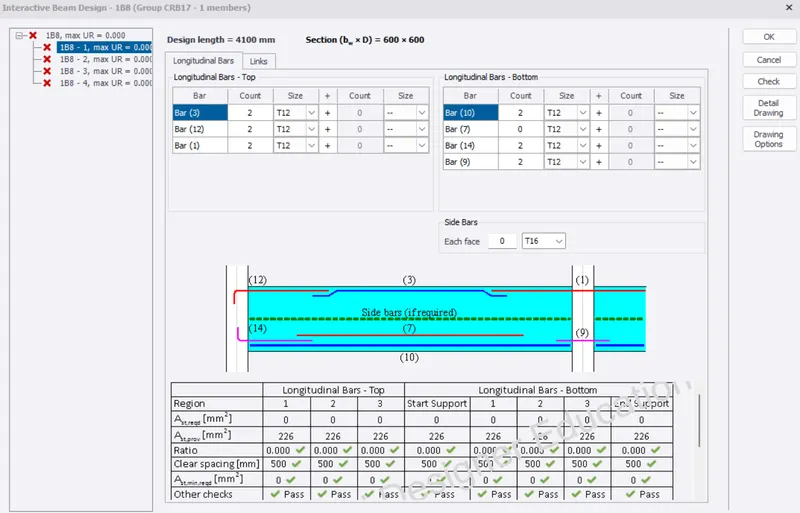
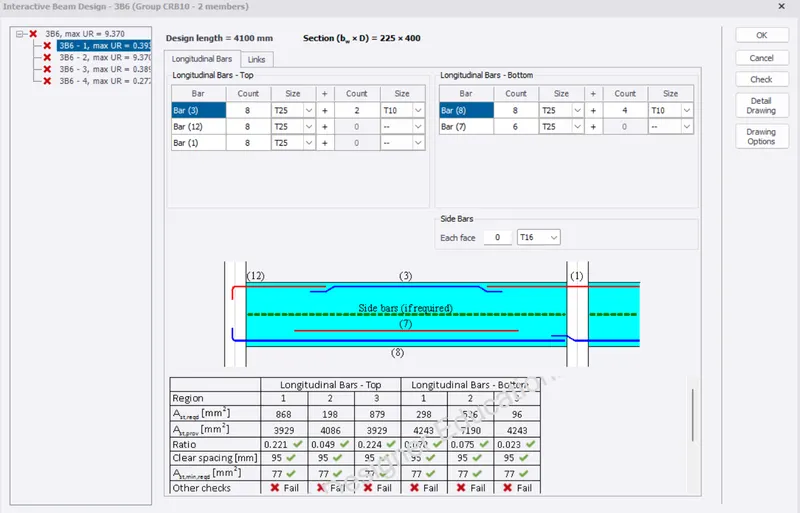
- Roof beam failed where water tank load acts
- Sizes and reinforcment are changed in the roof beams
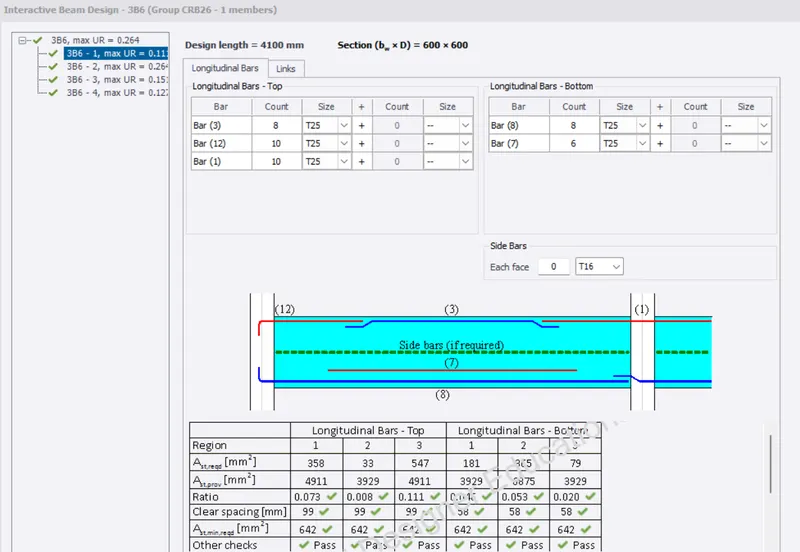
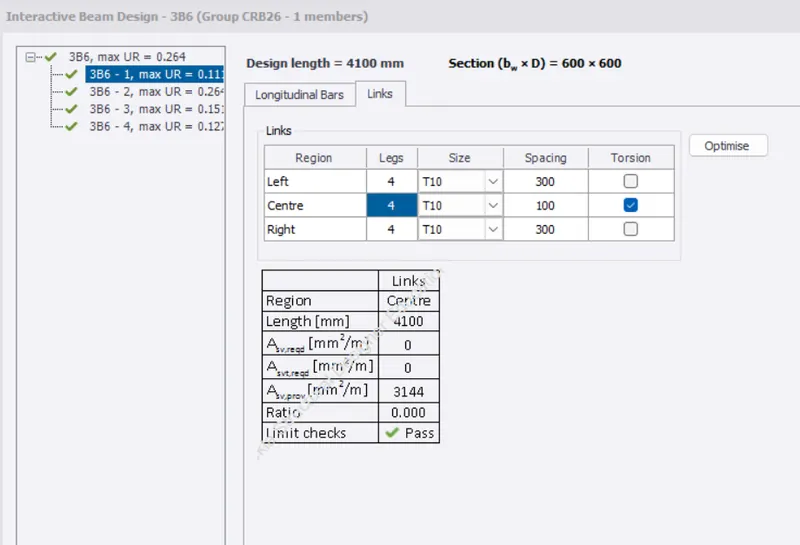
- Other beams are analysed and design checks are passed
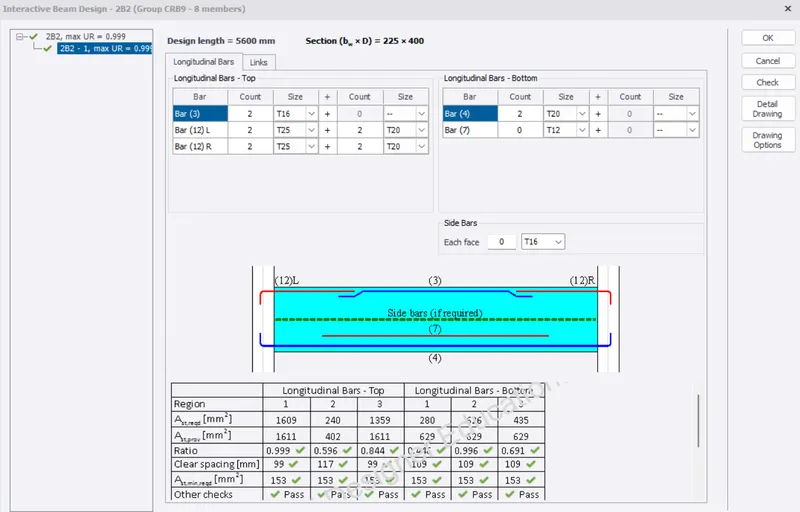
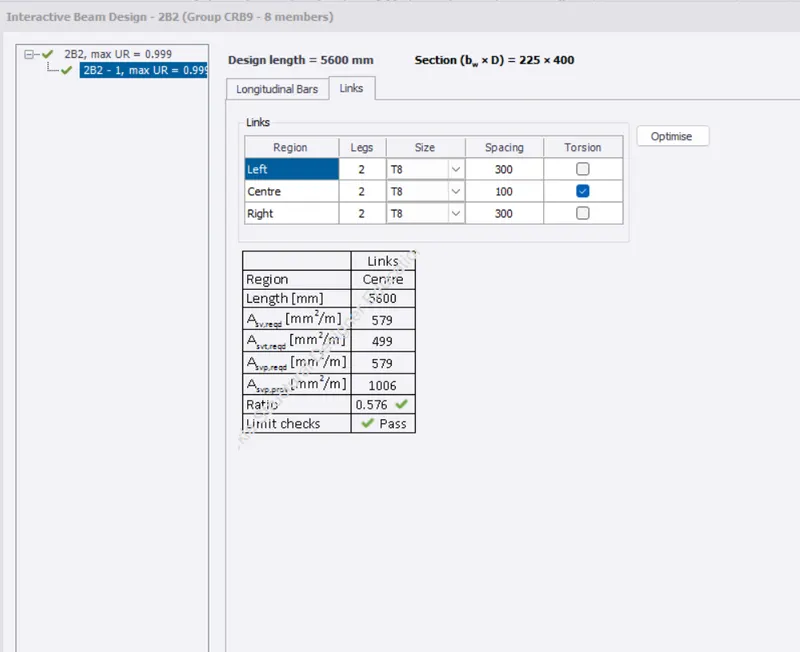
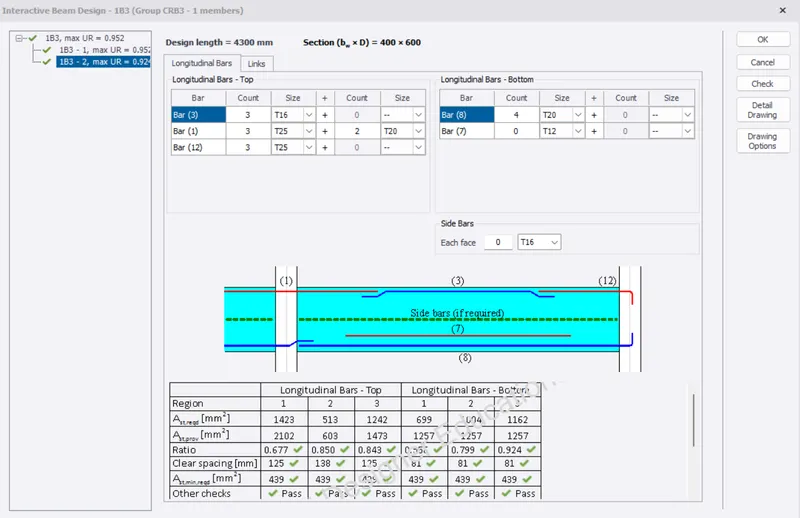
RESULTS :
All the columns and beams are checked and applied interactive design whereever failure is occured