To Design RC column and beam for RC residential structure using TSD
Aim - To design RC column and beam for RC residential structure using TSD
Procedure -
- Open the previous tekla file
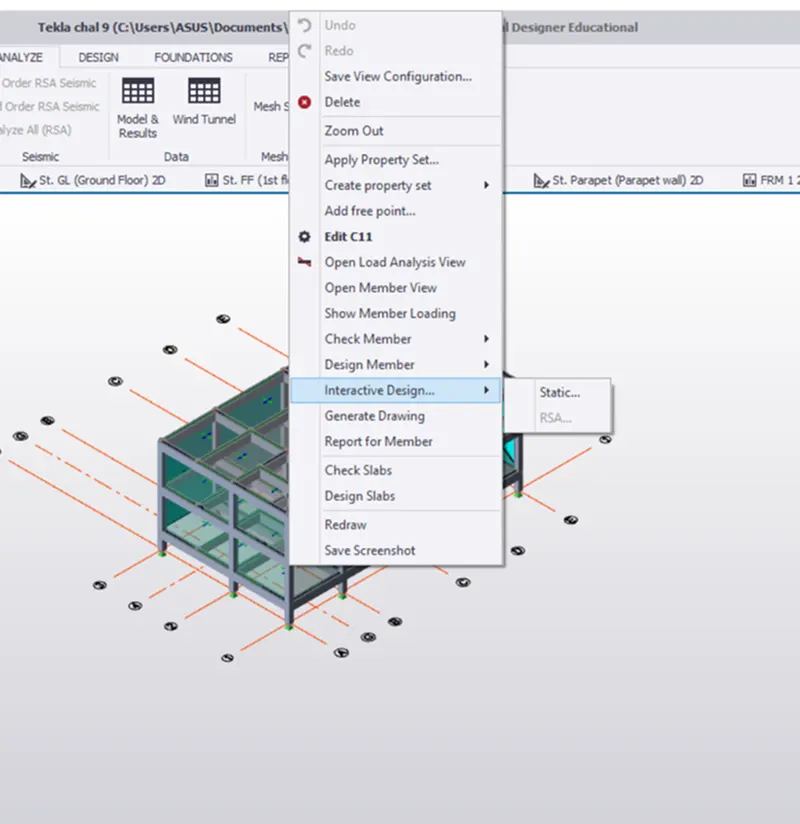
- Right click the member to designed and select Interactive design and static
Design of Beam -
- Select the beam,right click on one beam,select interactive design and select static
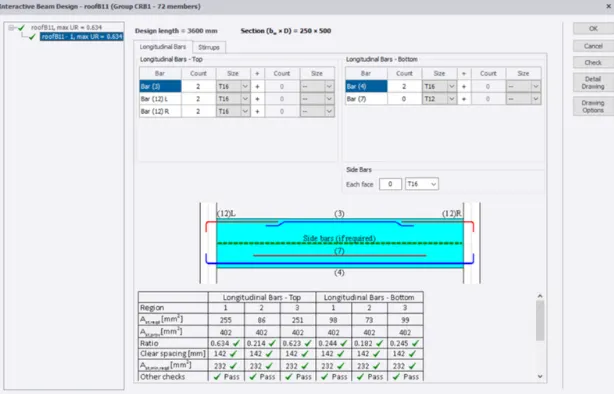
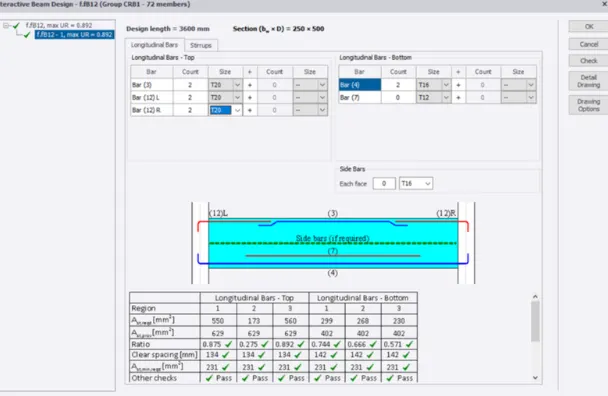
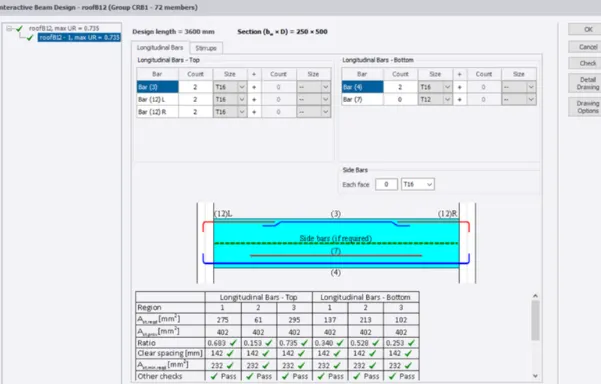
- If any beam shows red colour,it shows failure of beam.for that correction increase the bar size and section size
- If there is no irregularities in the bar,then no need to change the bar size
- Repeat the same procedure for all the beams
- After that,select Status it shows if the member is passed or not,if the member is passed then the analysis is correct.
Design of column -
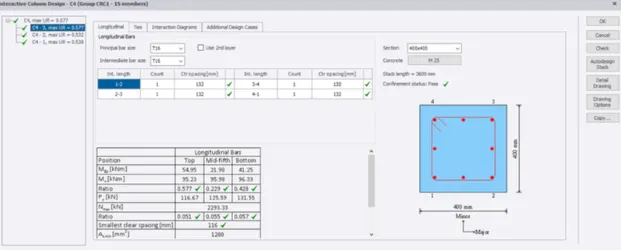
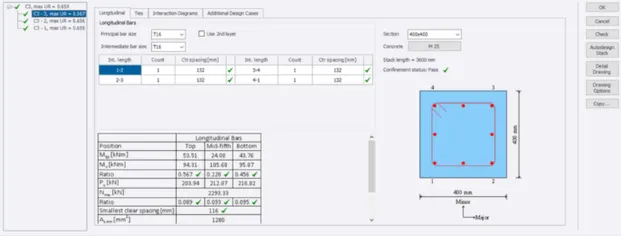
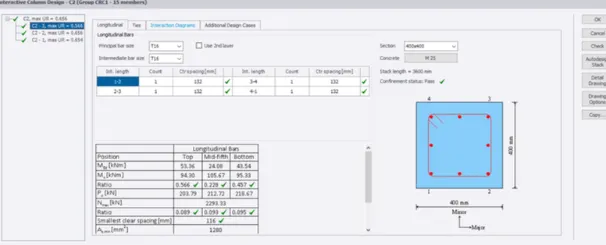
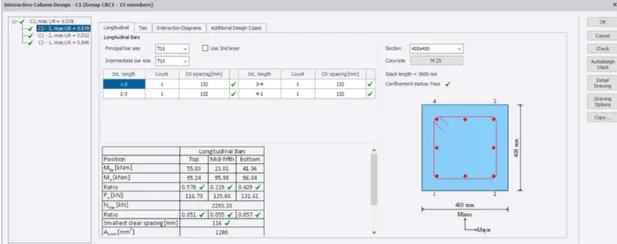
- Select the member and Right click the member to designed and select Interactive design and static
- It shows detailing of column
- If there is any failure in column it shows in red colour.for that correction increase the column bar size and section size
- If it shows green colour,that means it is correct
- Repeat the same procedure for all columns.