To calculate dead and live load for industrial steel structures and to apply them using TSD
1. Aim: To Calculate dead load in design report based on IS code and apply dead load on the model.
Given Data:
- Finishes of 50mm
- Slab as per design
- Brickwall 150mm thickness
- Roofing load based on purlin size
- Ceiling loading 0f 0.3KN per sq m
Dead load:
- finishes load = 0.05x24 = 1.2 KN/m^2
Brick wall load:
- Ground to intermediate load = 0.15x20x5.2 = 15.6 KN/m^2
- Intermediate to roof load = 0.15x20x6.8 = 20.4 KN/m^2
- Roof to top most roof = 0.15x20x4.8 = 14.4 KN/m^2
Procedure:
- Open the Tekla software
- And go to the File tab and open the previous project.
- Go to the load cases and add loads that are required.
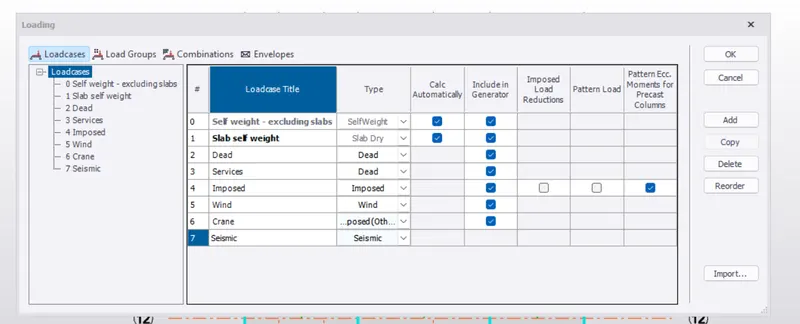
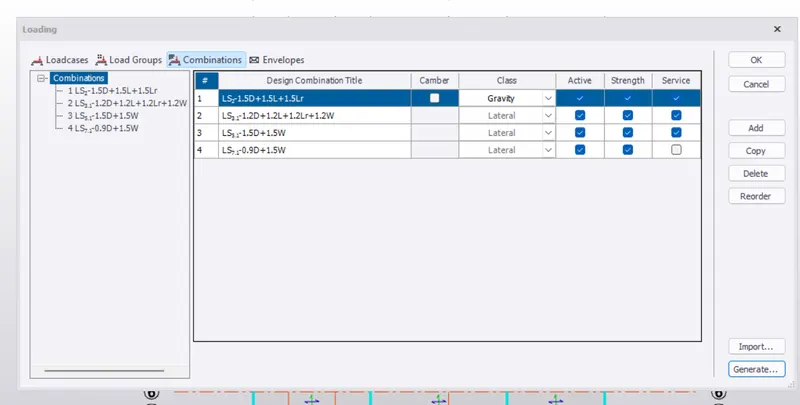
- Now go to load combinations and generate the loads.
- Now applied the dead load of finishes
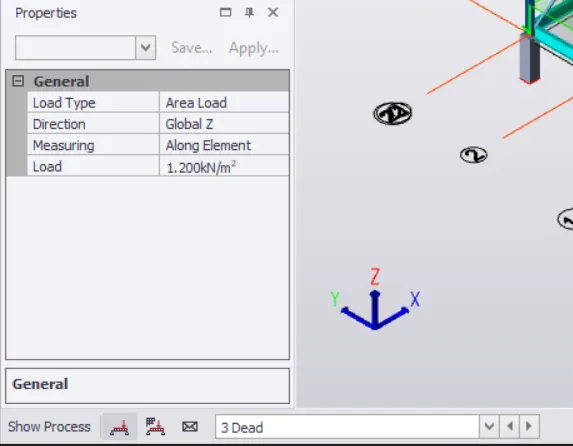
- Apply the finishes load to all floors
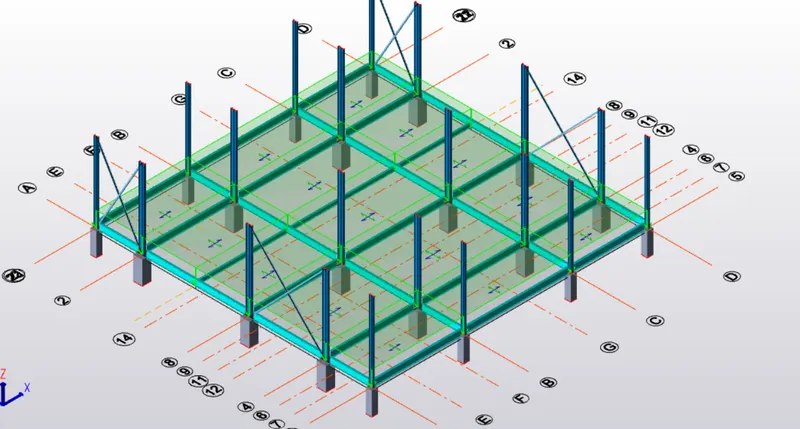
- Now apply the brick wall load for the wall is present.
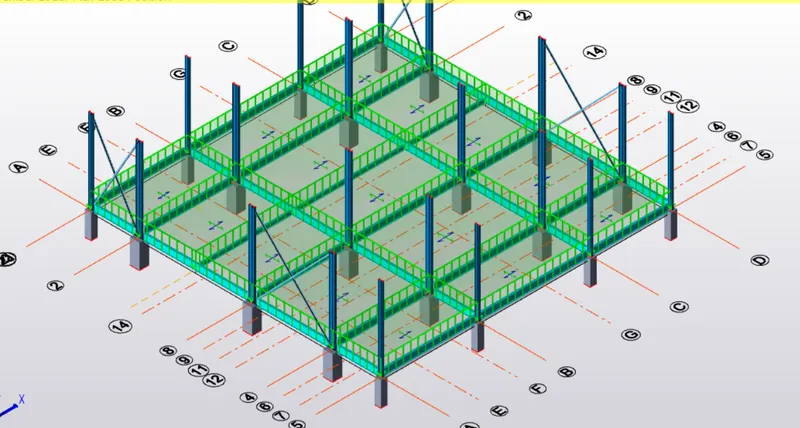
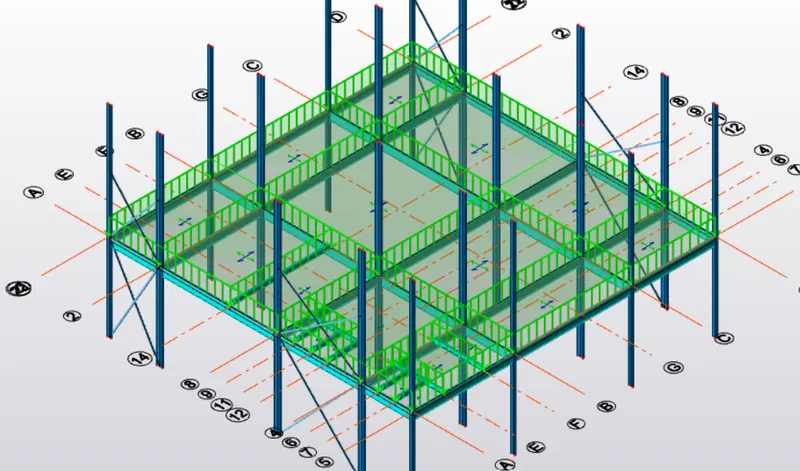
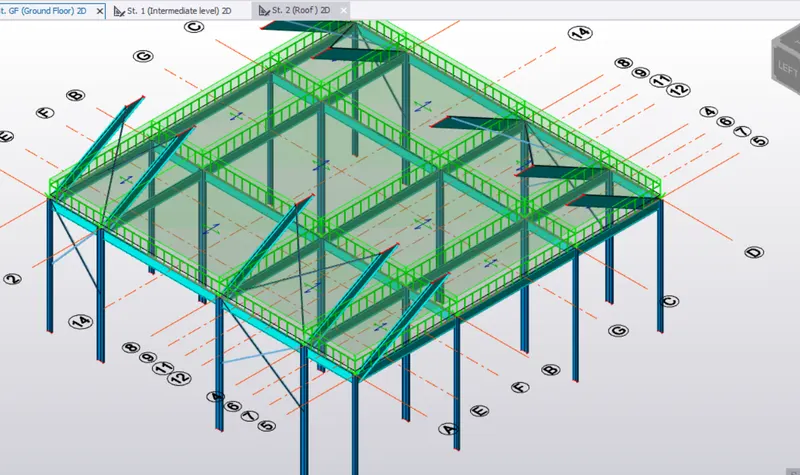
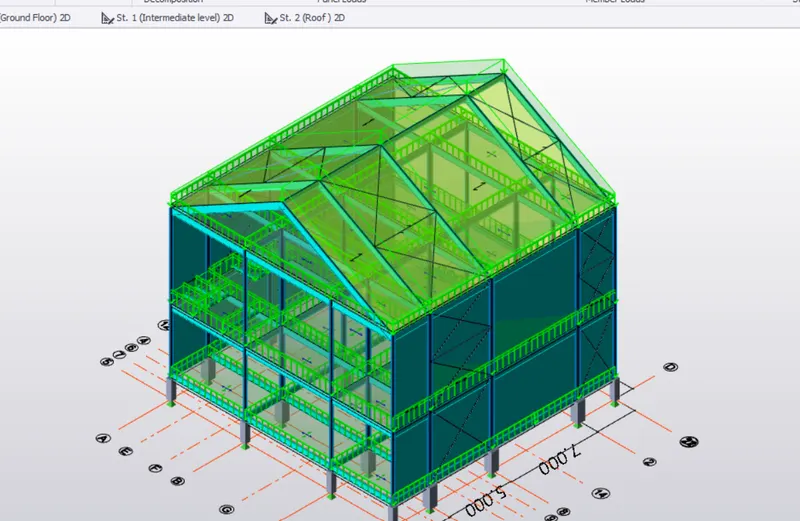
Result:
2. Aim: To Calculate live load in the design report based on IS code and apply live load on the model.
- Assume the loading based on IS 875
- Roof loading
- Consider equipment loading as 5KN per sq m
Procedure:
- To get the live loads values to refer the IS 875 codebook
- Workshop = 5 KN/m^2
- Staircase = 5 KN/m^2
- Corridor = 5 KN/m^2
- Meeting room = 5 KN/m^2
- storeroom = 5 KN/m^2
- Toilet = 2 KN/m^2
- Office room = 3 KN/m^2
- Canteen = 3 KN/m^2
- Restroom = 2 KN/m^2
- Equipment = 5 KN/m^2
- Administration room = 5 KN/m^2
- Now apply the impose load for slab
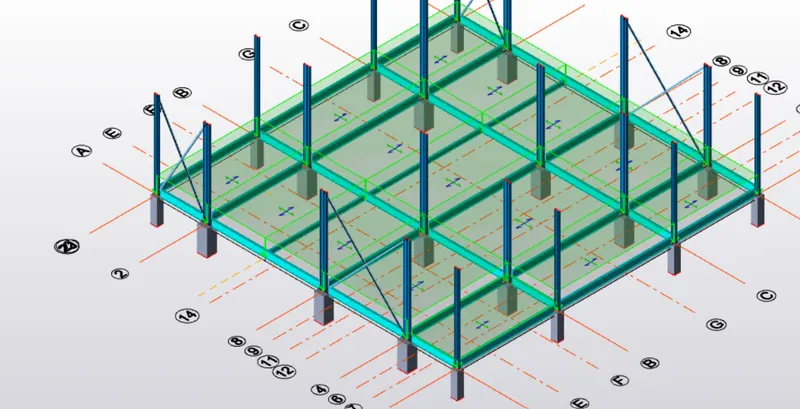
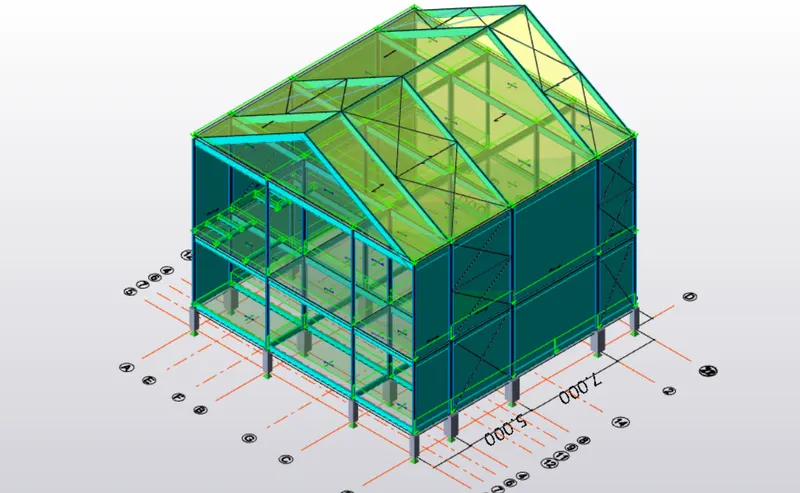
Result:
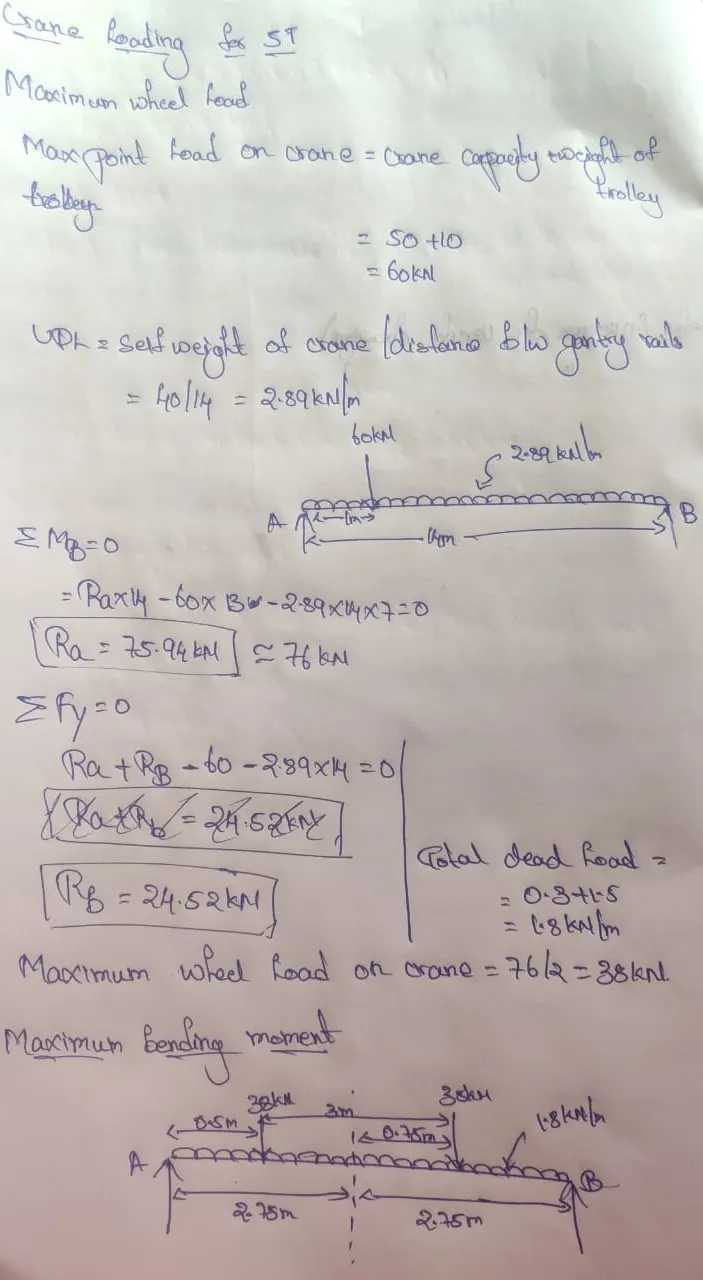
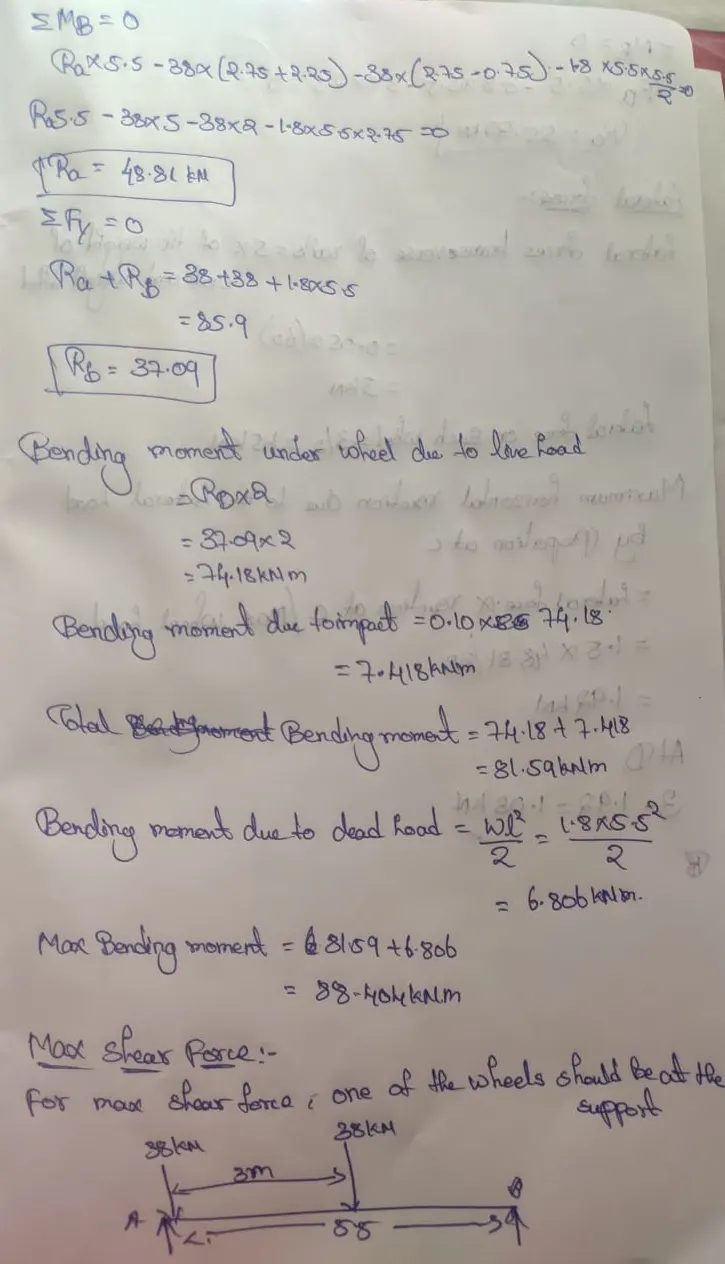
3. Aim: calculation for 5T crane loading based on following inputs
- Centre to Centre of wheel = 10m
- Weight of crab = 40 KN
- Number of wheels = 4
- Wheelbase = 2m
Procedure: