To Analysis and Design of Steel Structures using TSD
- Summarize your study for the bending moment, shear force and deflection diagrams for the elements of the model
AIM:
- Summarize your study for the bending moment, shear force and deflection diagrams for the elements of the model
PROCEDURE:
- Initially open the TEKLA file you saved previously
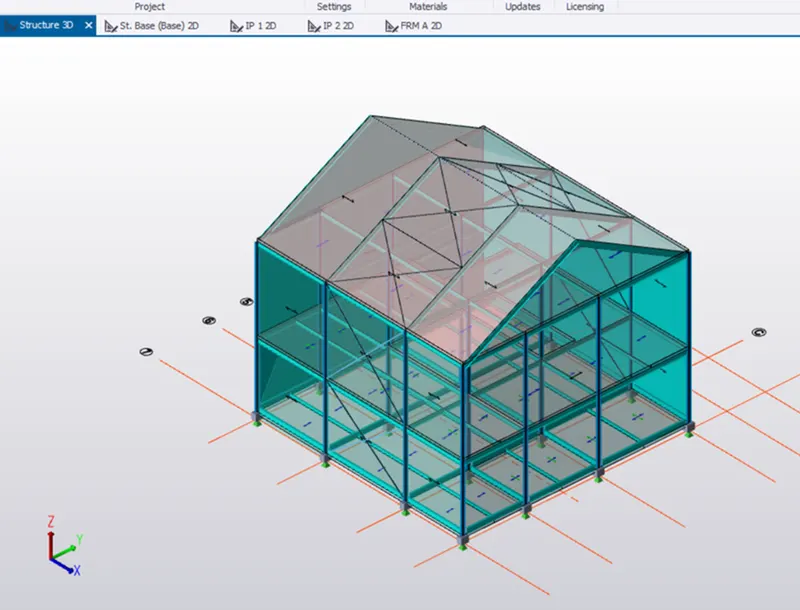
- After opening the file->We state the Seismic data in the structure
- To set->go to Load panel->Under seismic load go to Seismic wizard
- Select the code spectra->Next
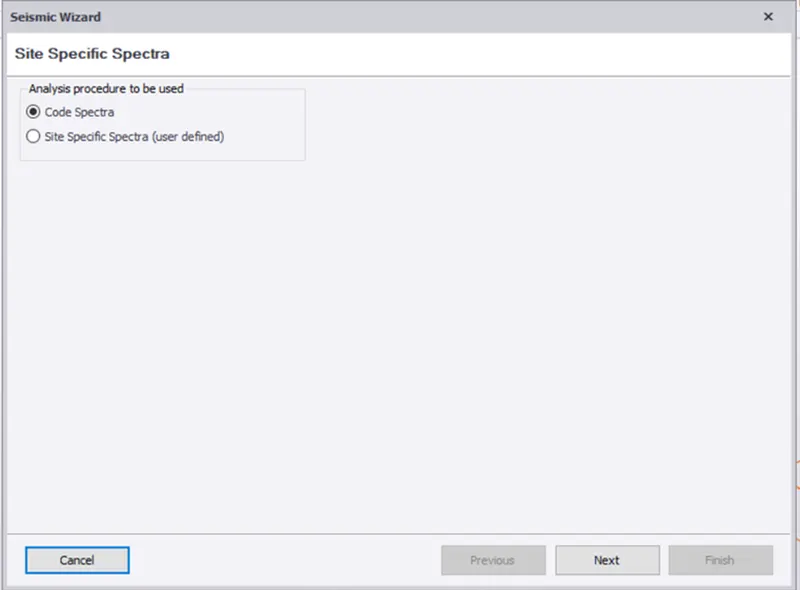
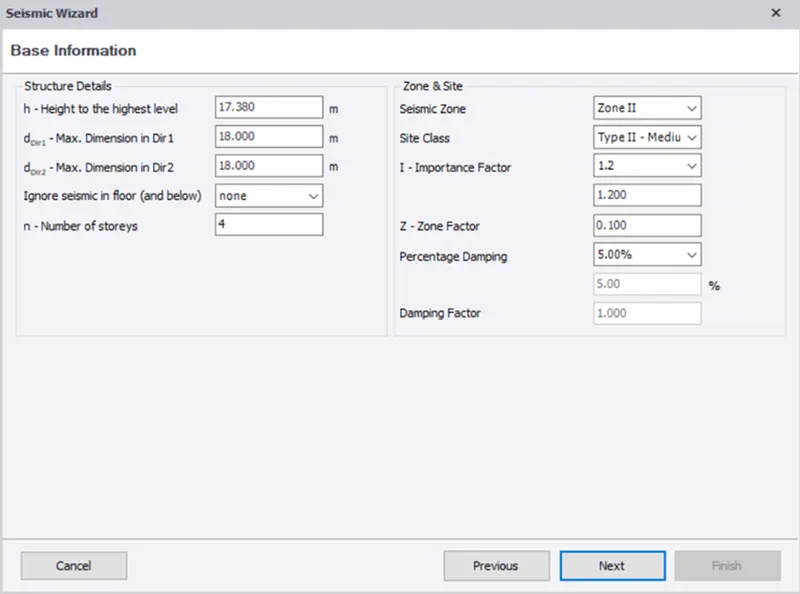
- A new tab opens->Check the base information of the model
- Check seismic zone and site->Click Next
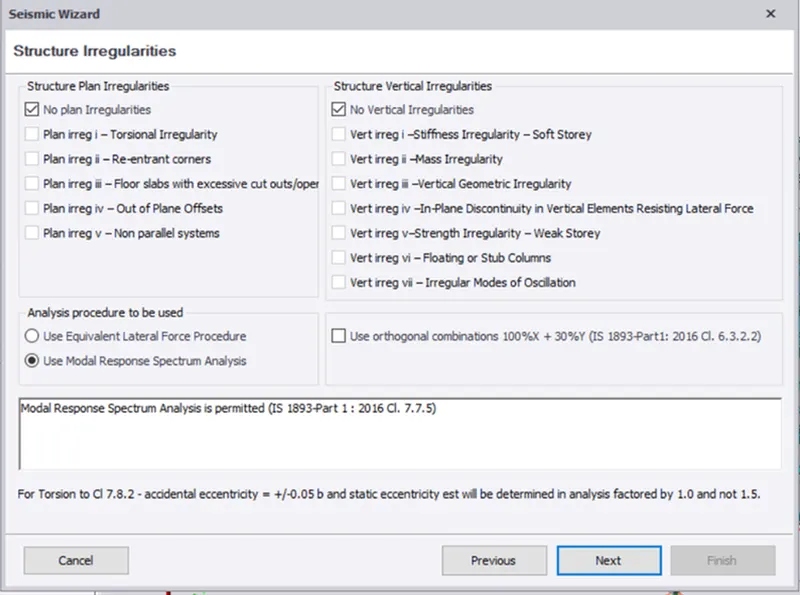
- Now set the structure irregularities->If any plane or cliff give
- or else click next
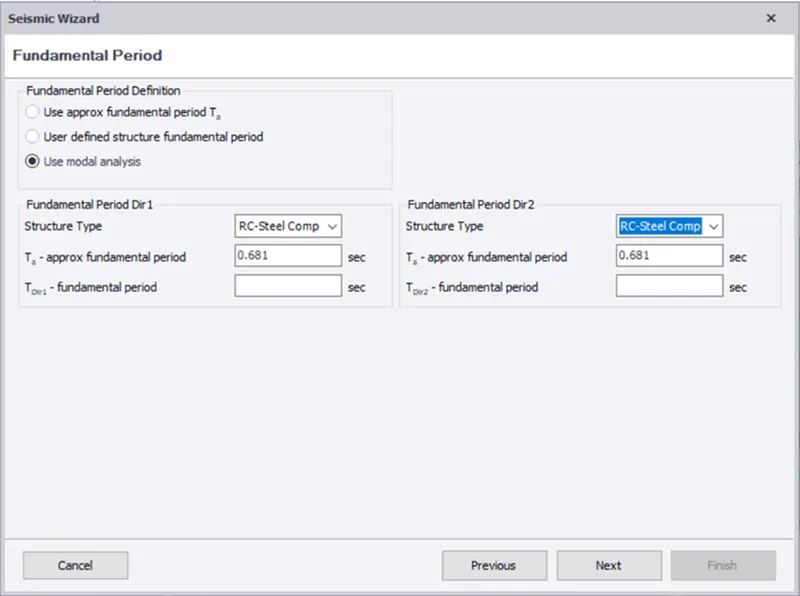
- on the Fundamental period->select structure as RC steel composite
- Click on Nex
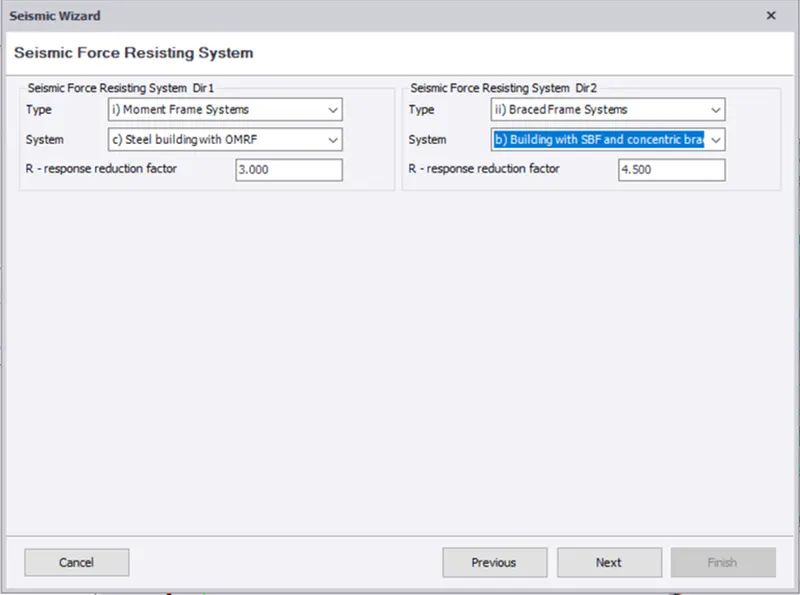
- In seismic force resisting system->select the type as Moment frame systems->steel building with OMRF
- In Direct select the braced system ->building with SBF and concentric braces
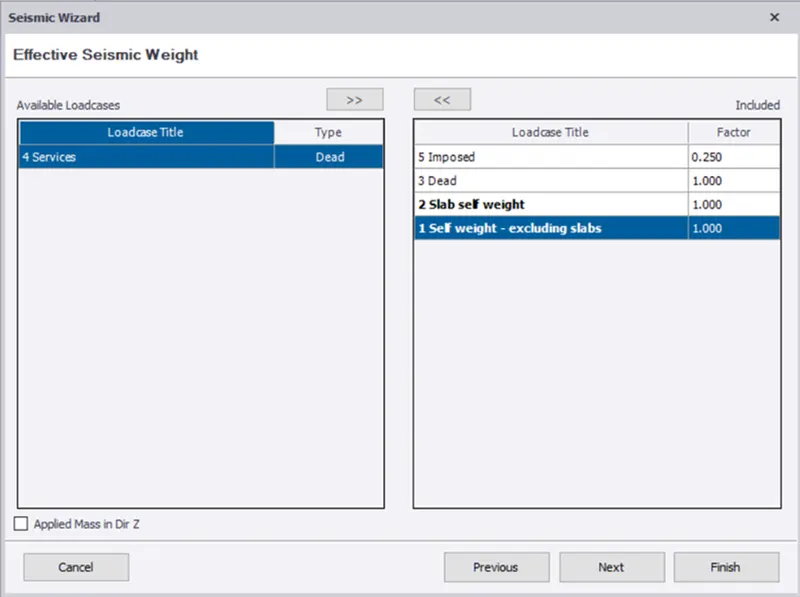
- On the next tab->exclude the service load and select all others
- click next
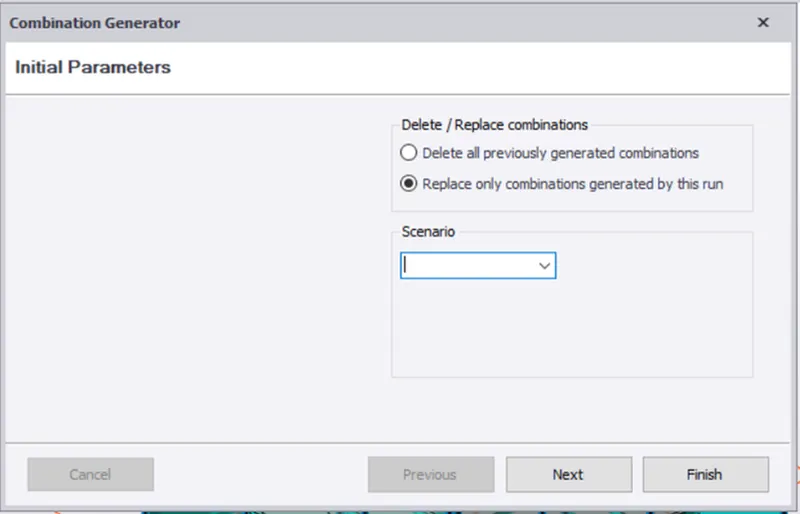
- Select the seismic combination ->click next
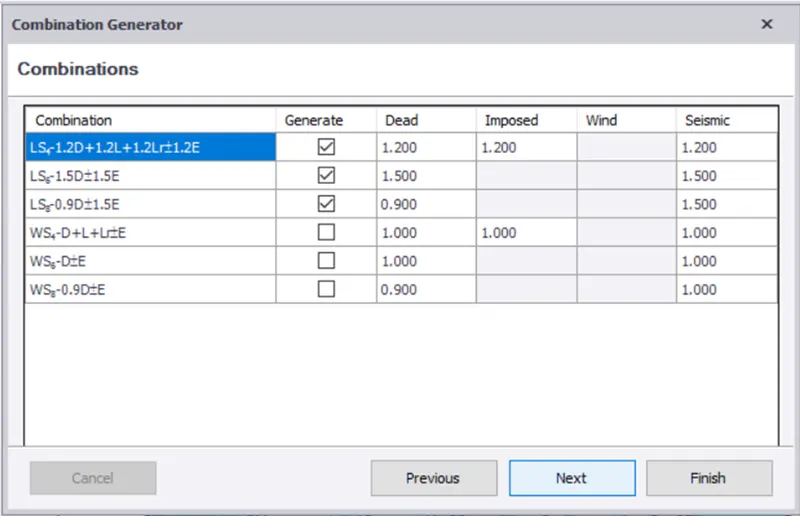
- Click on finish
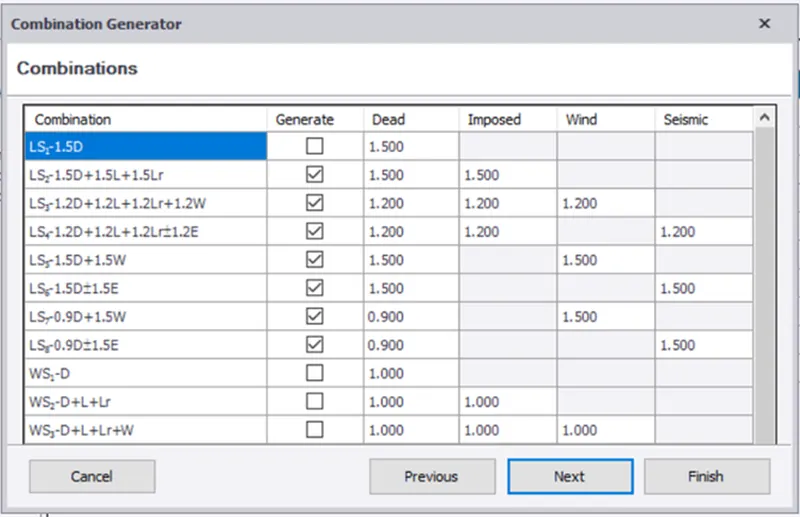
- Now go to load combination->click on generate
- Click next and select the load combination and finish.
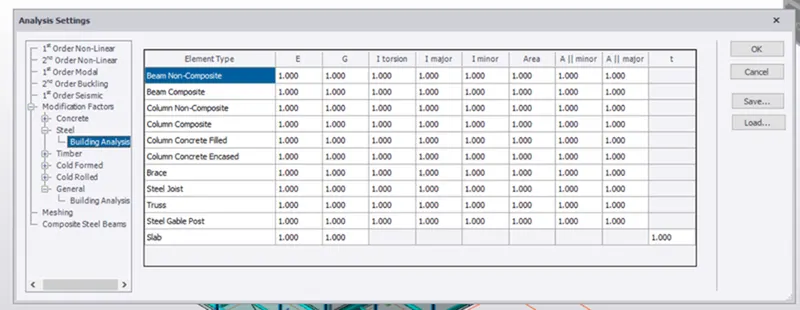
- Now before starting the analysis we check the factors
- Go to Analyse tab->Go to settings
- under the modification factors tab->select steel
- Check for tall the factors to be 1.0
- you can modify the factors if needed
- Now to analyse the structure->click on 1st order analysis
- After select the combination and cases you want to analyze
- click on Ok
- After the analysis is done ->go to result view from the bottom right corner
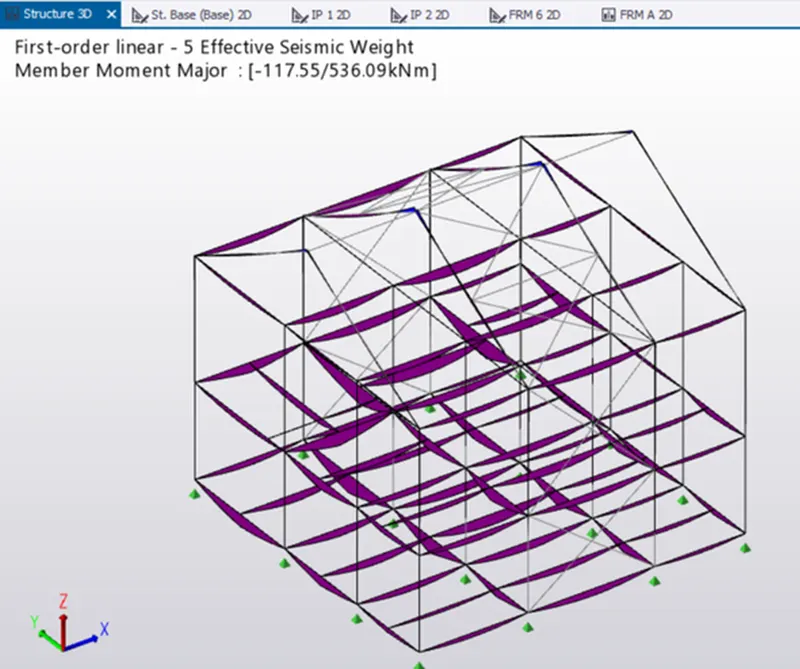
- On the result panel->Go to result->moment Major->Select the axis
- It'll show the results of the bending Moment Major
- These are the loads of Effective Seismic weight
SHEAR MAJOR: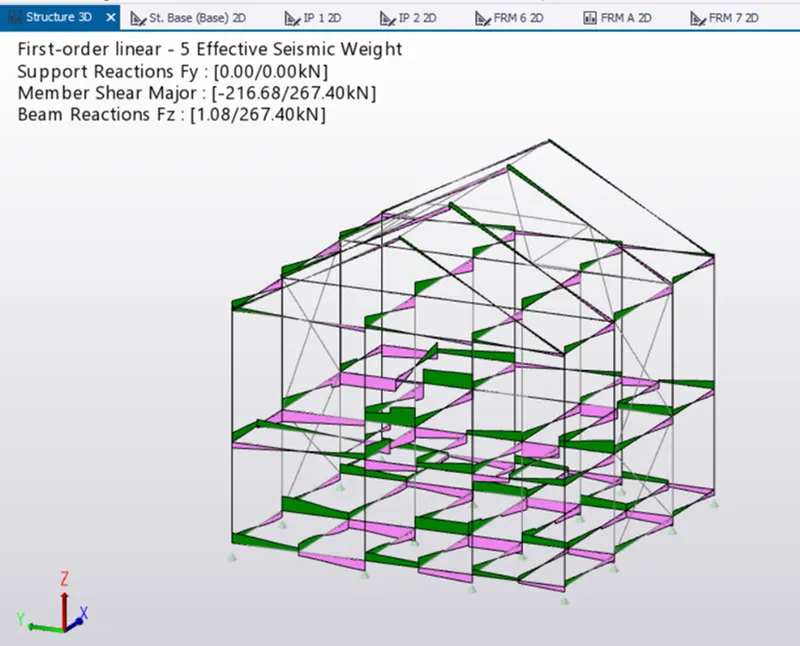
AXIAL FORCE :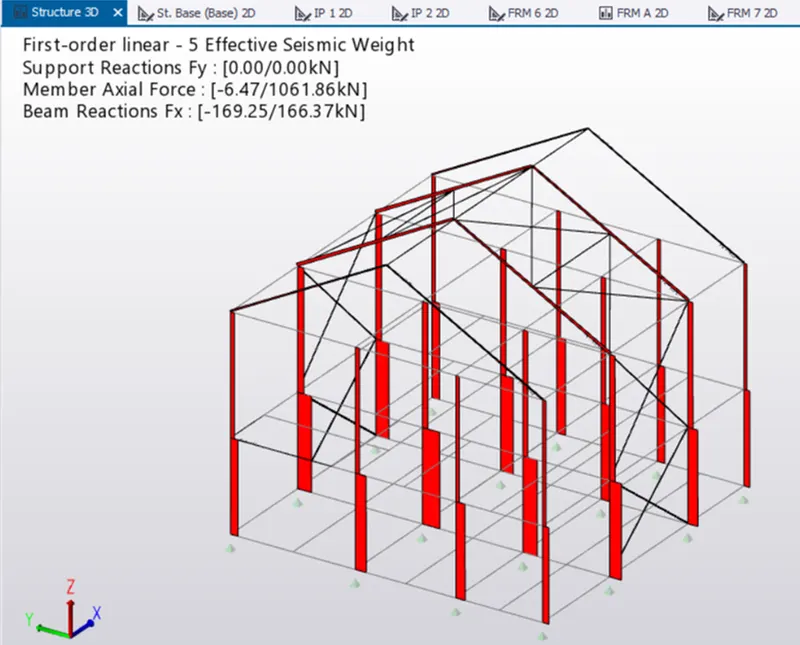
- Now check for the frames members individually
- For now open frame A section
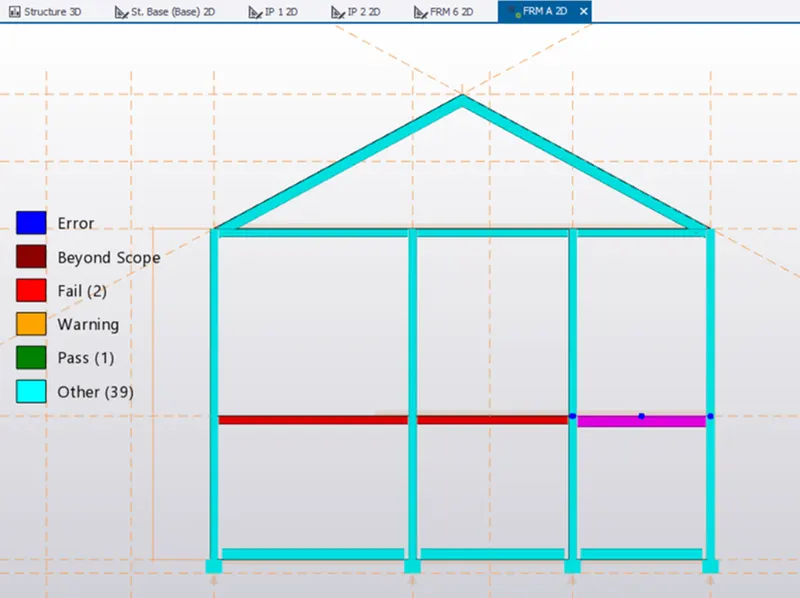
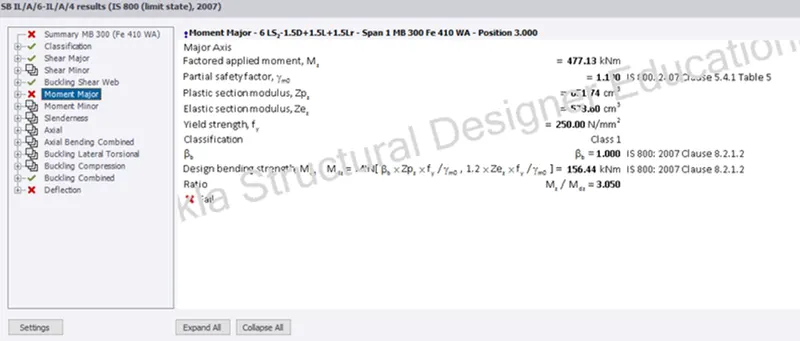
- The frame A above->The beams shown in red has failed so we try to check the member
- select the beam->right Click->Check member
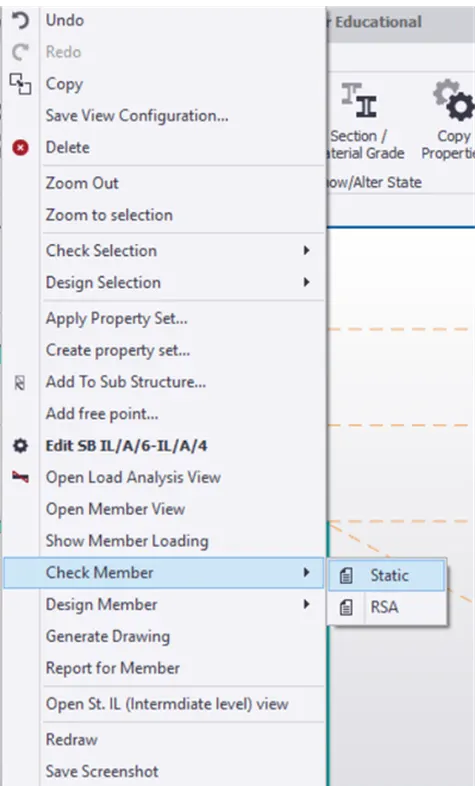
- Click on check member->a list is shown here the critical failure of beam in moment major
- So we try changing the beam section to MB400 (Previously MB300)
- After trial and errors we rectify the error by giving the section of MB500 to the beams
- similarly we check the other members and change the sections or areas accordingly
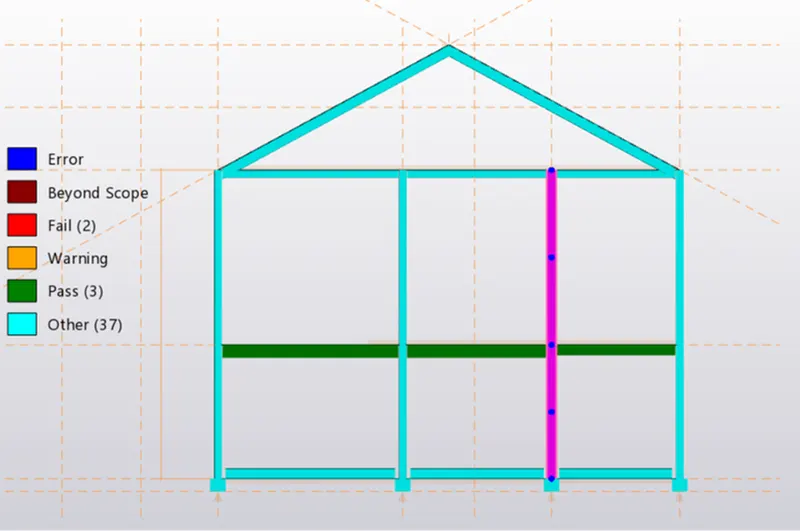
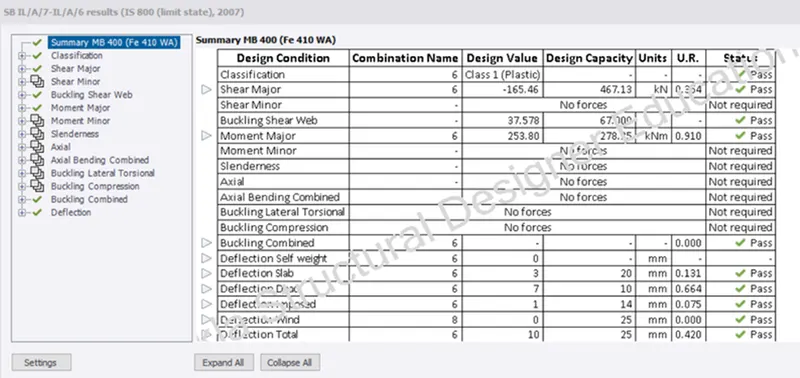
- Similarly do it for all other members and check for the errors
RESULT:
- To studied for the bending moment, shear force and deflection diagrams for the elements of the model
- Based on the analysis design the members and outline the thought process in selecting the member sizes along with the foundation design
AIM:
- Based on the analysis design the members and outline the thought process in selecting the member sizes along with the foundation design
PROCEDURE:
- Now for the design of the foundation under the columns
- Go to the foundation tab
- Open the base level ->Under the foundation panel click on pad base foundation
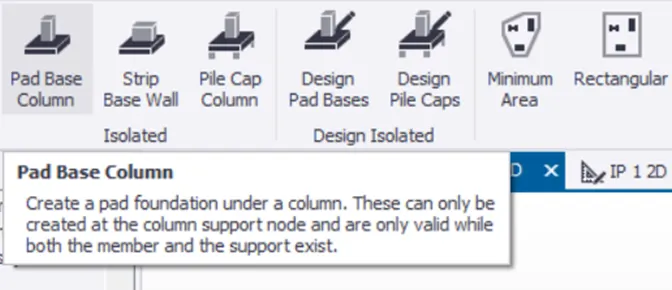
- Select the pad base foundation->Click on the column under which you want the foundation to be placed.
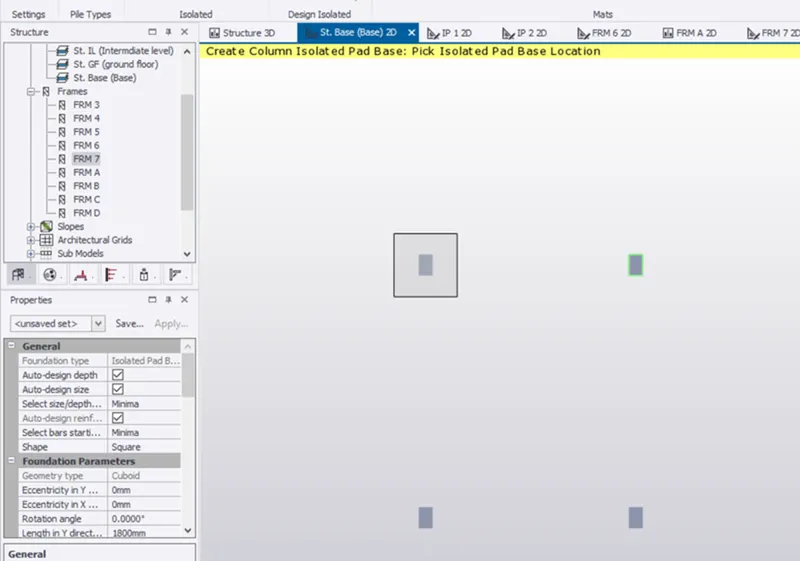
- Select the column ->Right click and check members ->This foundation is failing under bending capacity
- So we try to increase the area of steel provided
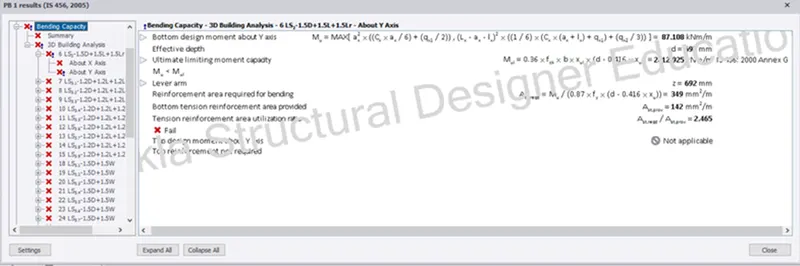
- Providing 25mm dia bars with 300mm spacing and increasing the depths
- The dimension of foundation is 2500mm both in X&Y direction and depth 850mm
- we again check the foundation and the errors are removed
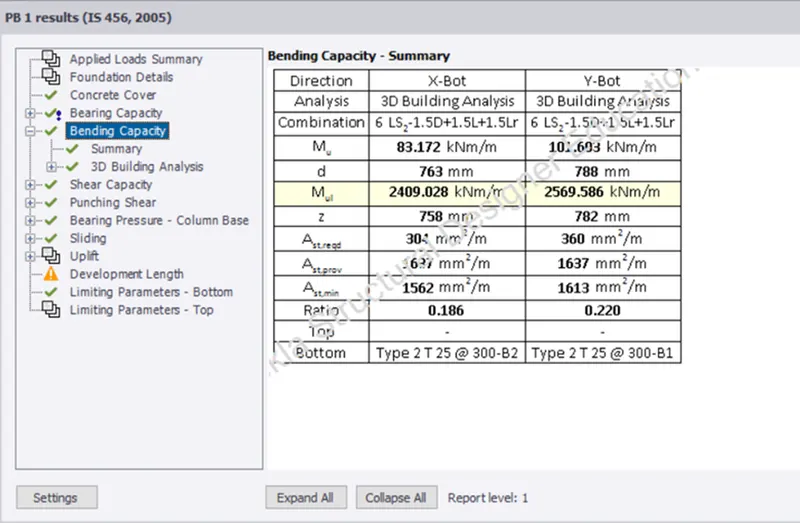
- Similarly we provide foundation to all other columns
- Select the foundation ->copy and apply to all other columns.
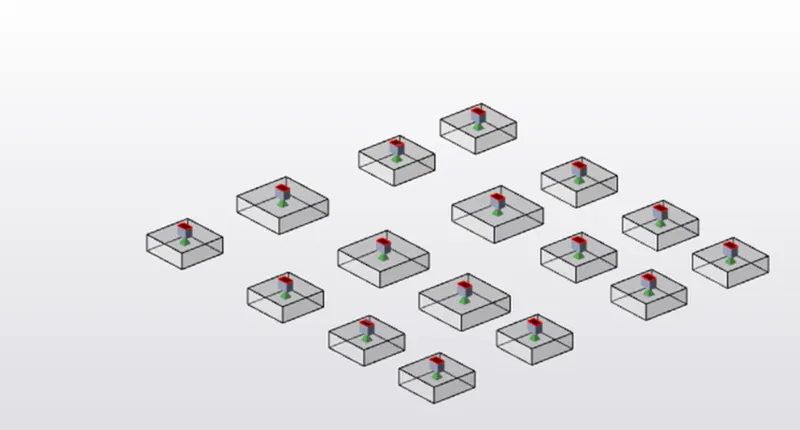
- Check the foundation for the errors
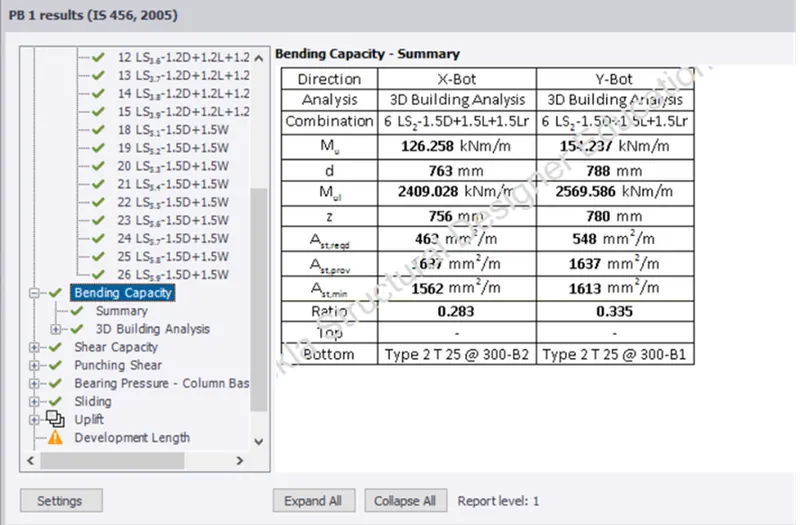
- All foundation are check there are no shown errors
RESULT:
- Successfully designed the foundation and the beams
- Removed the errors of the section which were failing under the critical loads