To Analysis and Design of Steel Structures using TSD
1. Summarize your study for the bending moment, shear force and deflection diagrams for the elements of the model
AIM : To summarise bending moment, shear force and deflection diagrams for the elements of the model
INTRODUCTION : 1st order linear analysis is the stiffness of the structure is assumed to be constant and unaffected by changes in the geometry of the structure when it is loaded.
Deflections under serviceability loads of a building or its component should not impair the strength of the structure. Deflections should be checked for the most adverse but realistic combination of service loads and their arrangement by elastic analysis using load factor 1. IS800 Table 6 gives recommended limits of deflections for certain structural members and elements.
PROCEDURE :
- Open the model in tekla structures
- Go to " Analyse tab"
- Click on settings
- Click on 1st order non linear
- Maximu iterations= 100
- Tolerance =0.01%
- Click on modification factor, check all one "1"
- Click on ok
- Select 1st order Linear in the analysis
- Select combination and load cases
- Click on OK
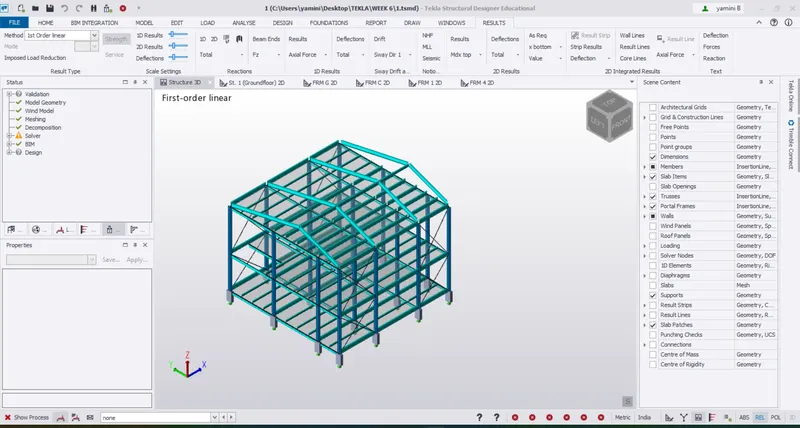
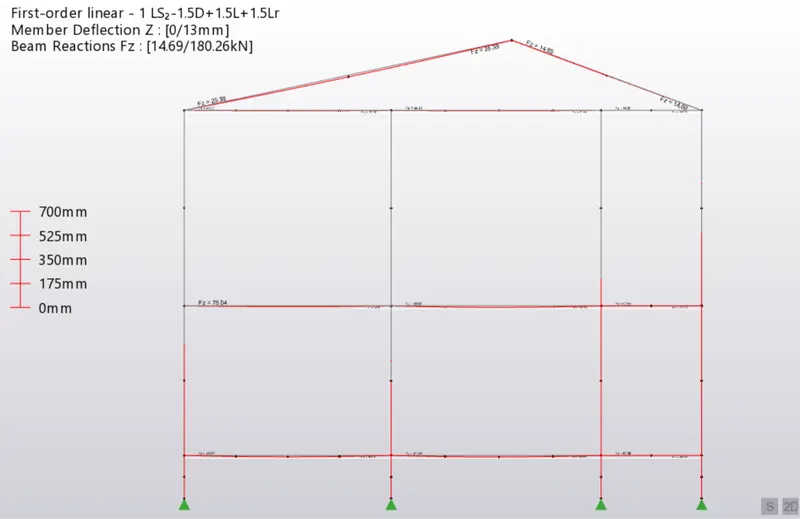
- Click on result view, select deflection
- Select load combination at the bottom
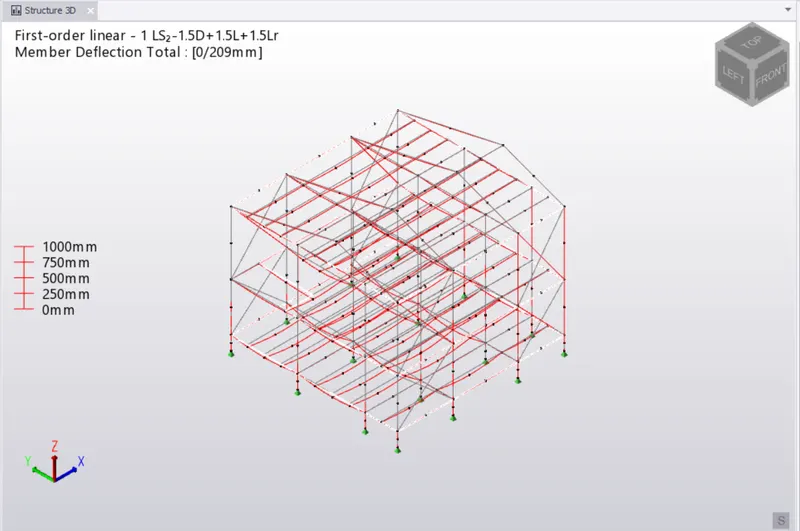
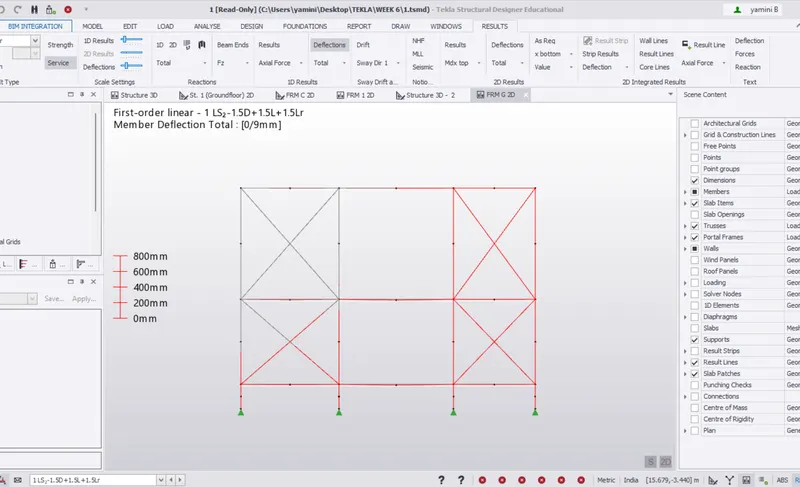
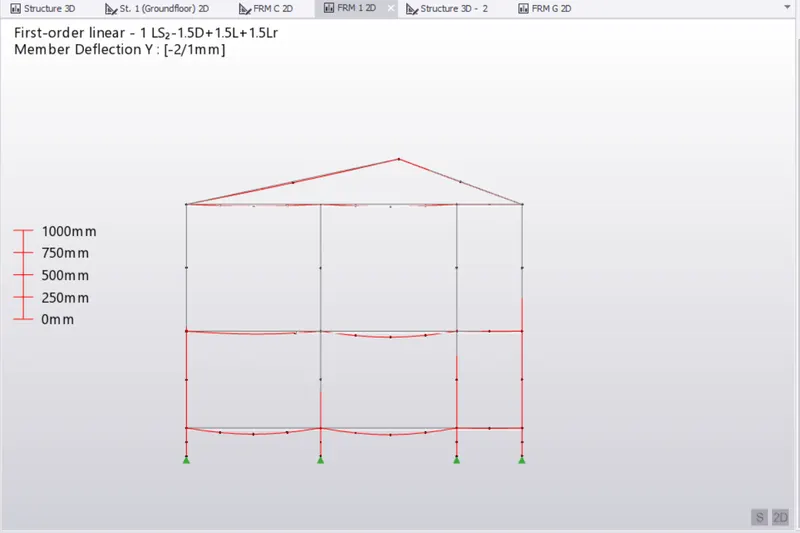
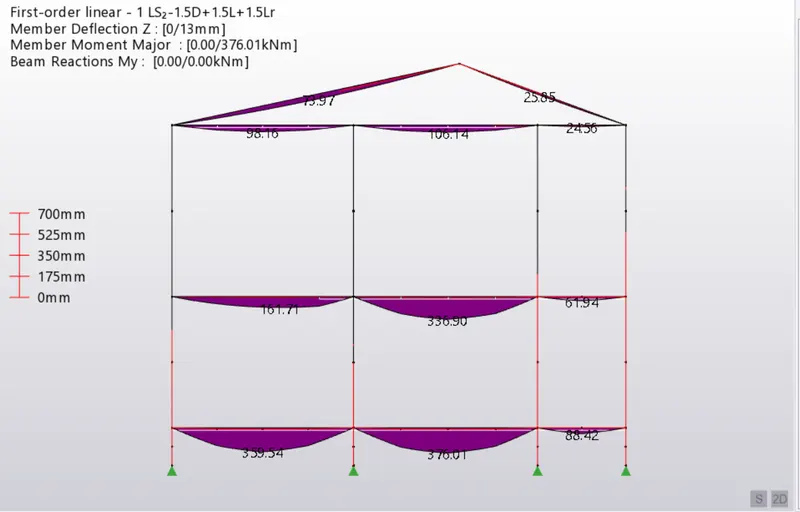
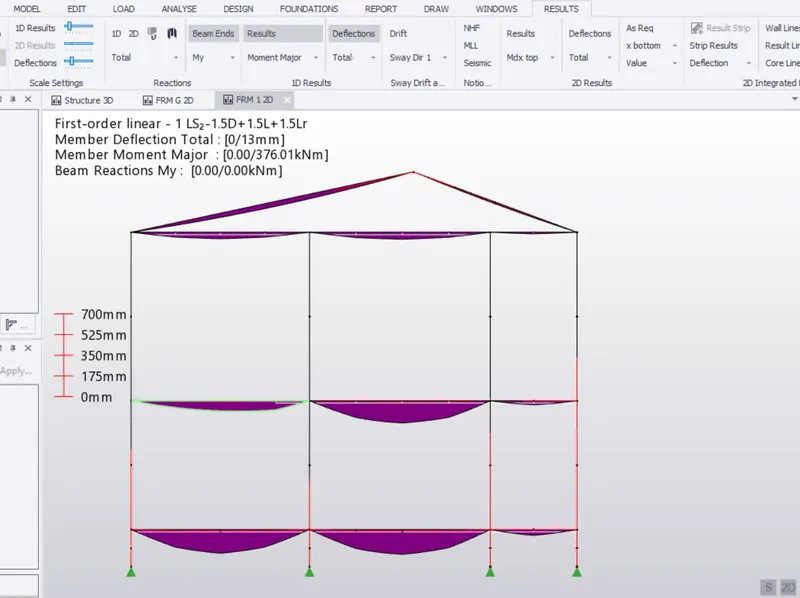
- Bending moment
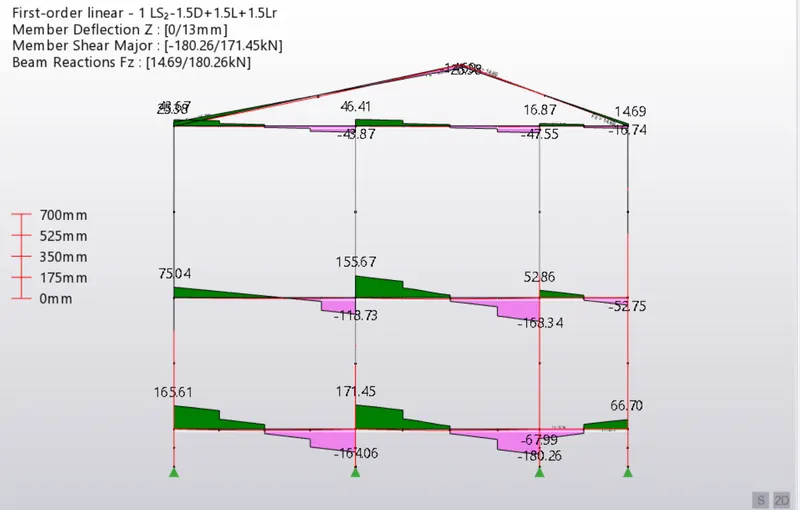
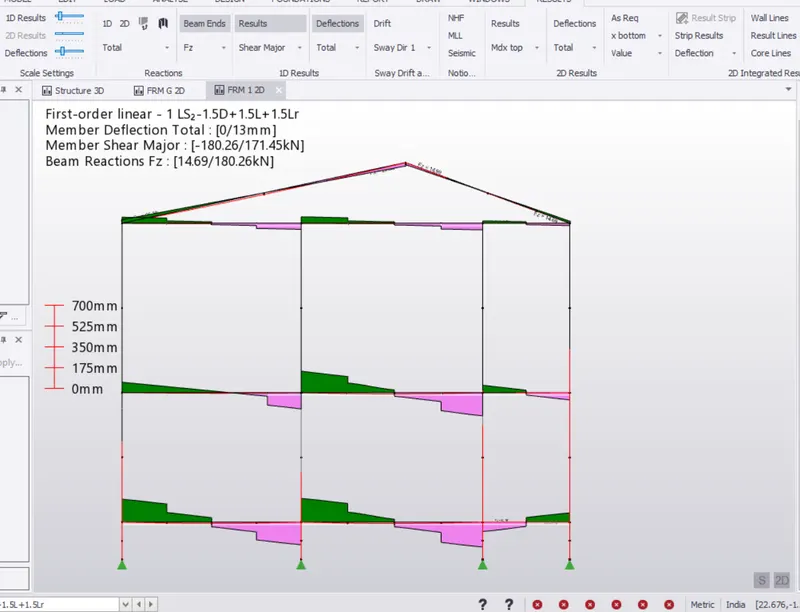
- Shear force
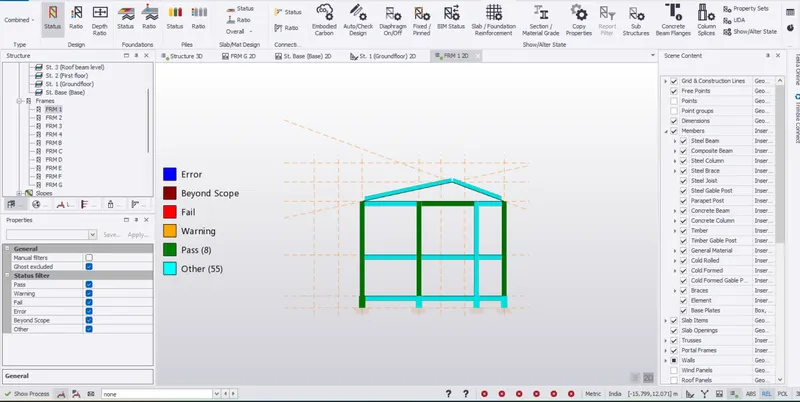
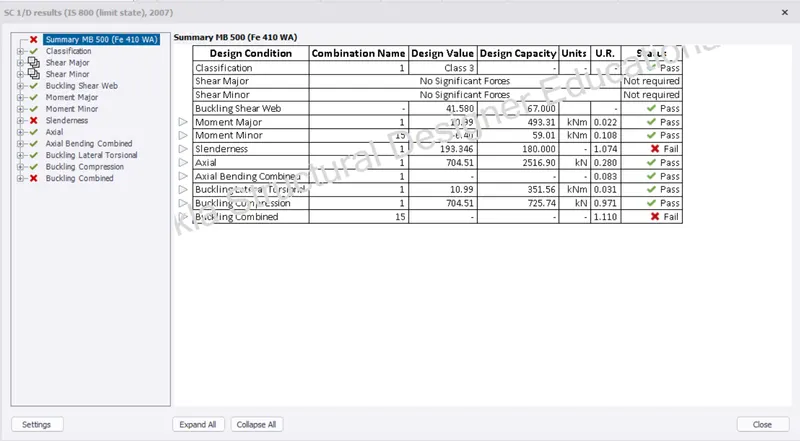
- Right click on members, select check member-static
- Column member sizes are need to be changed
RESULTS :
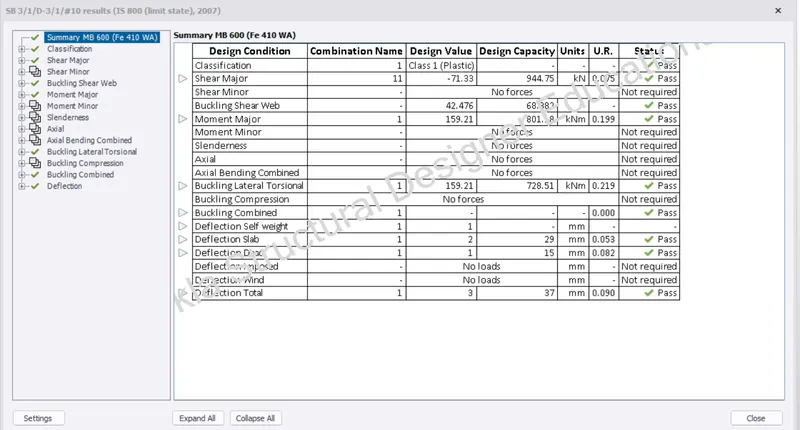
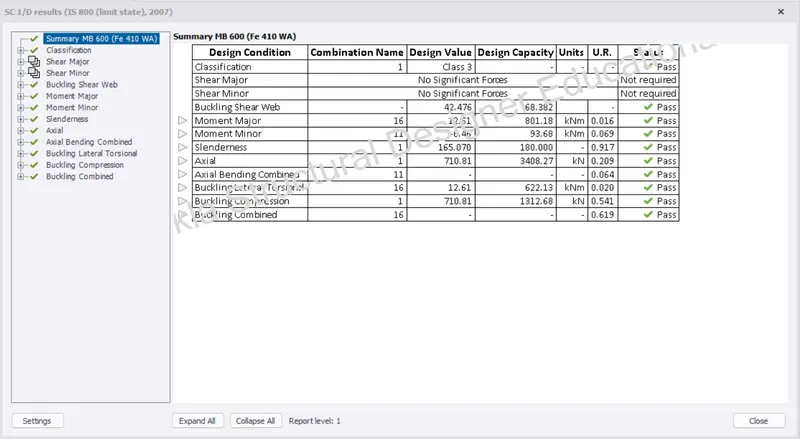
- Primary Steel member sizes changed to ISMB600
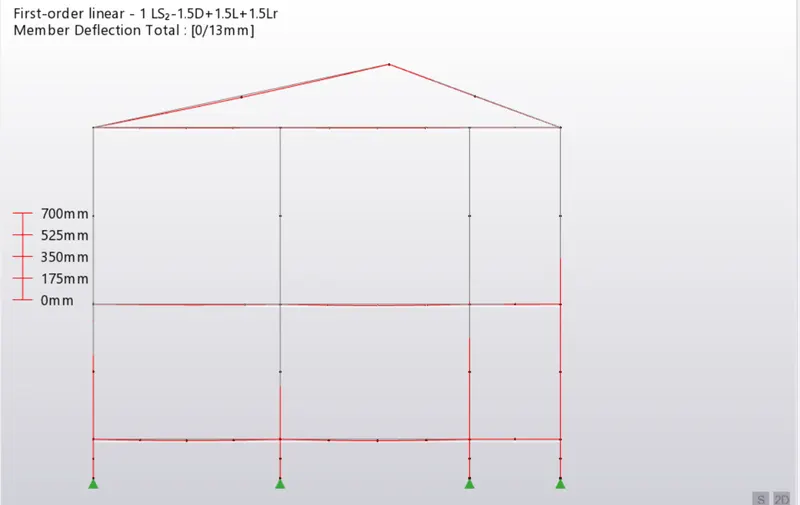
- IScode 800 table 6 is applied
- After changing sizes deflection reduced:
- Beam results
- Column results
2. Based on the analysis design the members and outline the thought process in selecting the member sizes along with the foundation design
AIM : To analyse and design members and selection of member sizes along with foundation design
INTRODUCTION :
PROCEDURE :
- Go to ground floor and analyse pedestal elements.
- Select 1st order Linear in the analysis
- Select combination and load cases
- Click on OK
- Now Right click on any pedestal element
- Select "Check member"-Static
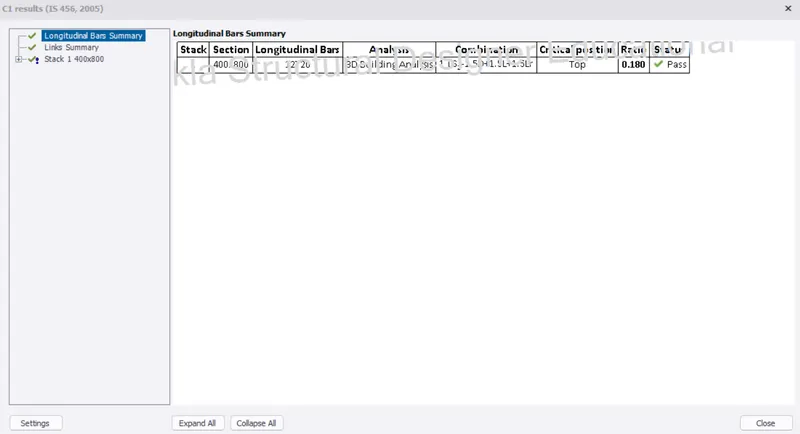
- Go "Design tab"
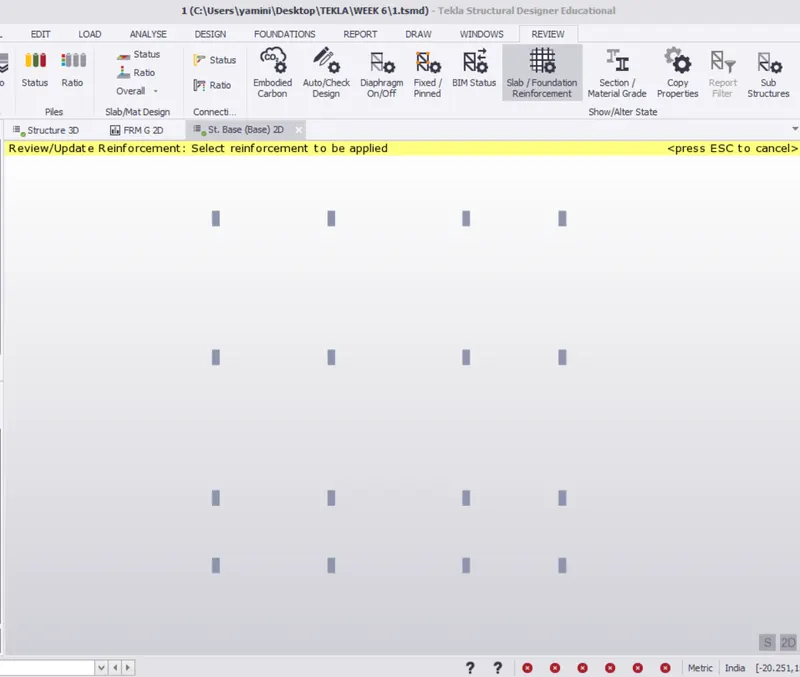
- Click on design slabs
- In "Review" tab select "slab reinforcement"
- Select "Foundation" tab
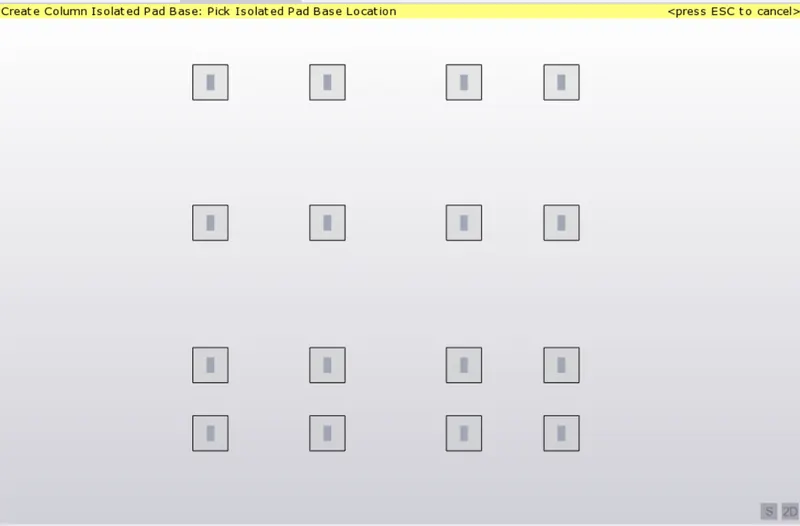
- Select "Pad base column"
- Select pedestal and assign it
- Select 1st order Linear in the analysis
- Select combination and load cases
- Click on OK
- Select "Review" in the bottom and check pass or fail
- Go to "Results" tab
- Select axial force-Fz in ID analysis
- Click on "Forces" in text
- Select load combination
- Similarly check Shear force and Moment
Results :