Radar Mast & Final Assembly of Yacht
PROJECT REPORT:
TITLE:- Design of Yacht
OBJECTIVE:- Creating individual part files and then Assembling all the parts into one model
INTRODUCTION:- In this project, we are going to make an assembly of yacht. It is divided into part files of the model and then we will assemble all the parts in an assembly file where we will do our final render
DESIGN METHODOLOGY:- Design of Yacht
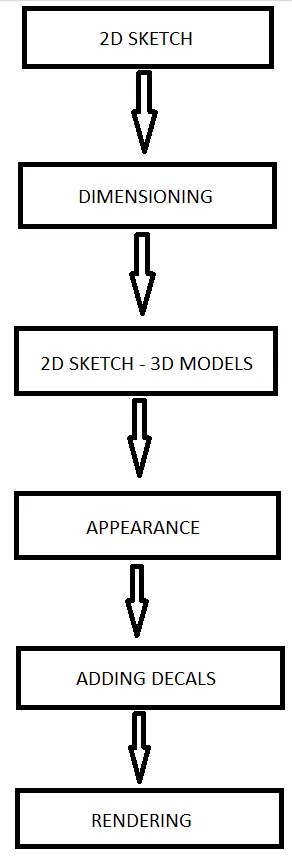
COMMANDS USED FOR MAKING YACHT:-
1. Solid Modelling:-
a. Boss-Extrude is used for converting 2d drawing into 3d object by adding materials into the drawing.
b. Boss-Revolve converts 2d sketches into 3d objects by revolving the profile around the mentioned axis.
c. Swept-Boss makes a solid body by sweeping a profile over a sweep path.
d. Lofted-Boss is used for making solid bodies by connecting two different profiles.
e. Cut-Extrude is used for removing material from a solid body.
f. Cut-Revolve removes material by revolving one or more profile around a centerline.
g. Fillets gives radius to the edges of the solid body.
h. Chamfer makes the corners of the solid body flat by the mentioned value.
i. Linear-Pattern is used for creating multiple instances of one or more features along a linear path.
j. Circular-Pattern is used for creating multiple instances of one or more feature along a circular path.
k. Shell converts a solid body into a hollow body with some thickness by removing material from the inside.
l. Mirror creates the selected feature about the axis in a mirrored form to make a solid.
m. Split-Line tool projects an entity to surfaces, or curved or planar faces. It divides a selected face into multiple separate faces.
n. Projection-Curve creates a 3D curve that represents the intersection of two extruded surfaces generated by creating sketches on two intersecting planes.
o. Dome makes a sperical extrude at the faces.
2. Surface Modelling:-
a. Surface-Extrude is used for making 3d surfaces by adding some material into it.
b. Surface-Revolve makes a surface by revolving one or more profile around a centerline.
c. Swept-Surface creates surface by sweeping the 2d profile along a sweep path.
d. Lofted-Surface is made by joining two edges or profile, we can use guide curves if needed to.
e. Filled-Surface constructs a surface patch with any number of edges within a closed boundary.
f. Offset-Surface creates a copy of the selected surface at the mentioned offset distance.
g. Ruled-Surface creates surfaces that extend out in a specified direction from selected edges.
h. Fillets gives radius to the edges of a surface.
i. Delete-Face is used for deleting the selected surface from the part.
j. Extend-Surface creates an extended surface of the selected edge by some value.
k. Surface-Trim is used for removing the extra surfaces we dont need.
l. Knit-Surface is used for knitting/joining two or more surfaces.
m. Split is used to create multiple parts from an existing part.
n. Thicken is used for applying some thicknedd to a surface by adding some material into it.
DISCRIPTION:-
1. Propeller:- This is the part that is responsible for the forward motion of the yacht. It pushes the water backwards for the forward motion. Features used for making the propeller are: Boss-Revolve, Lofted-Boss, Fillets, Cut-Extrude, Circular-Pattern. 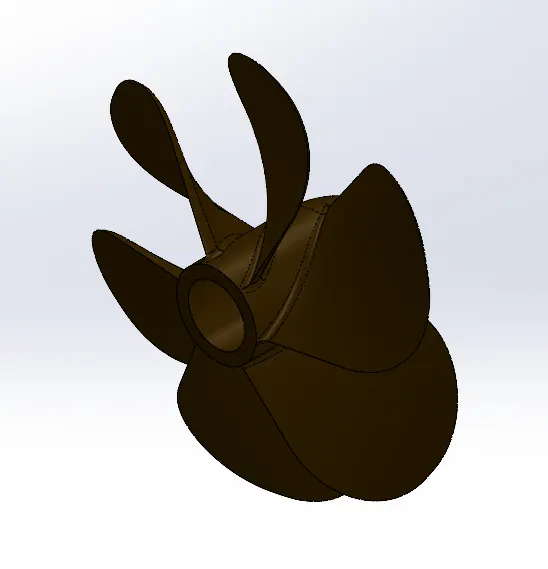
2. Radar: It is used as a receivers for resiving outside signals and communicate with the coast. Features used for making the radar are: Boss-Extrude, Fillets, Cut-Extrude, Mirror, Split-Line.
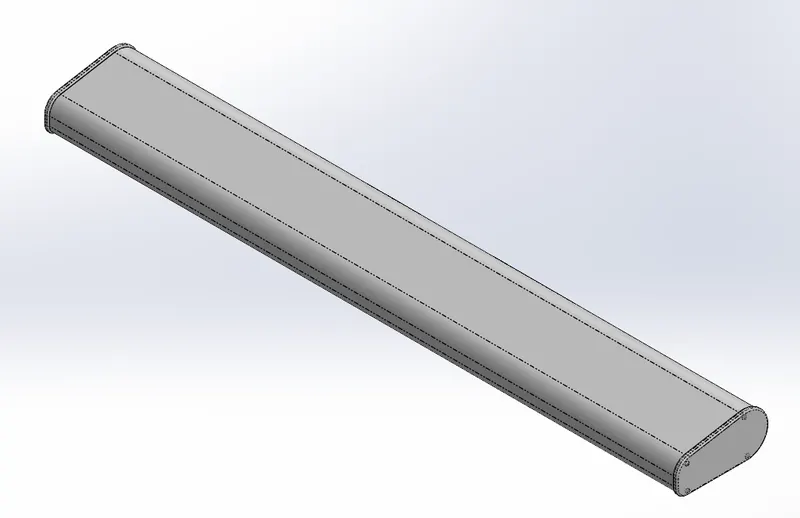
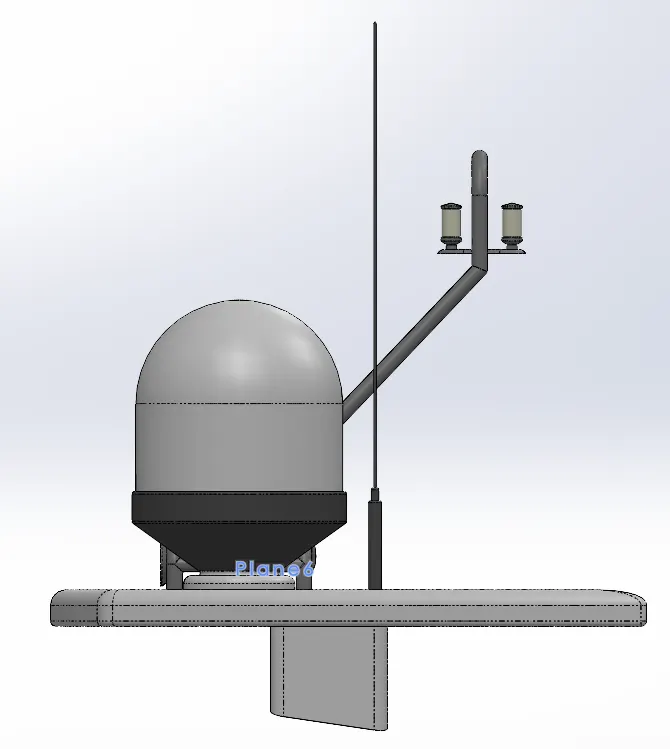
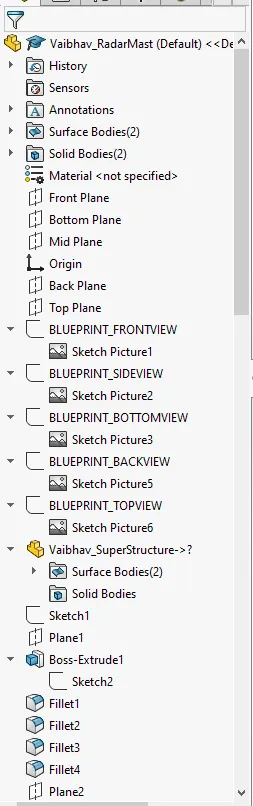
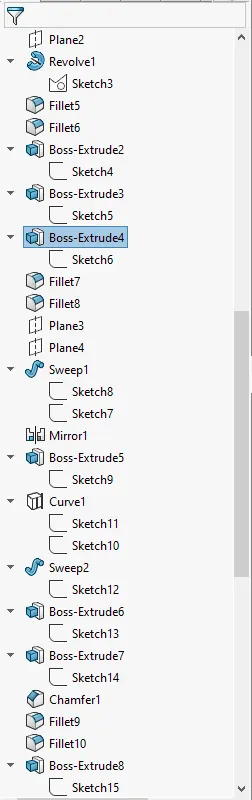
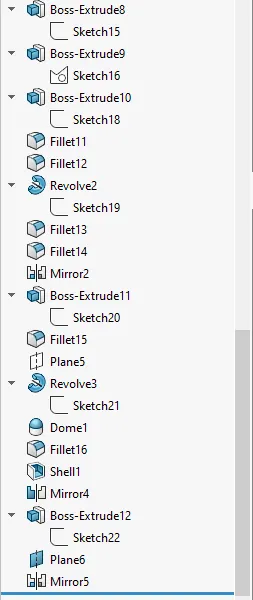
3. Radar-Mast: It is the main mounting of the radar. It is an electronic navigation instrument that use a rotating antenna(radar) to sweep a narrow beam of microwaves around the water surface surrounding the ship, detecting targets by microwaves reflected from them, generating a picture of the ship's surroundings on a display screen. Features used for making the radar-mast are: Boss-Extrude, Fillets, Boss-Revolve, Bose_Sweep, Mirror, Projection-Curve, Chamfer, Dome, Shell.
4. Hull: It is the main body of the yacht that floats on the water also this is where all the other parts are attached. Features used for making the hull are: Projection-Curve, Surface-Loft, Surface-Trim, Surface-Extrude, Surface-knit, Surface-Fill, Shell, Boss-Extrude, Cut-Extrude, Fillet, Chamfer, Sweep-Boss, Revolve-Boss, Dome, Linear-Pattern, Delete-Face, Mirror, Split.
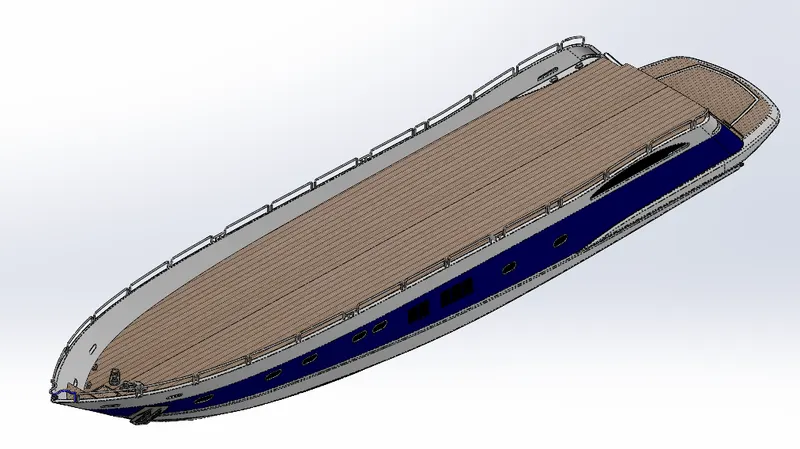
5. SuperStructure: It is a Decked-Structure on the hull that consist of a control room for controlling the ship, it also has free space for making rooms. Features used for making the superstructure are: Extrude-Surface, Sweep-Surface, Surface-Knit, Fillet, Ruled-Surface, Surface-Trim, Projection-Curve, Lofted-Surface, Surface-Fill, Extend-Surface, Boss-Extrude, Cut-Extrude, Delete-Face, Offset-Surface, Thicken, Dome, Mirror, Chamfer.
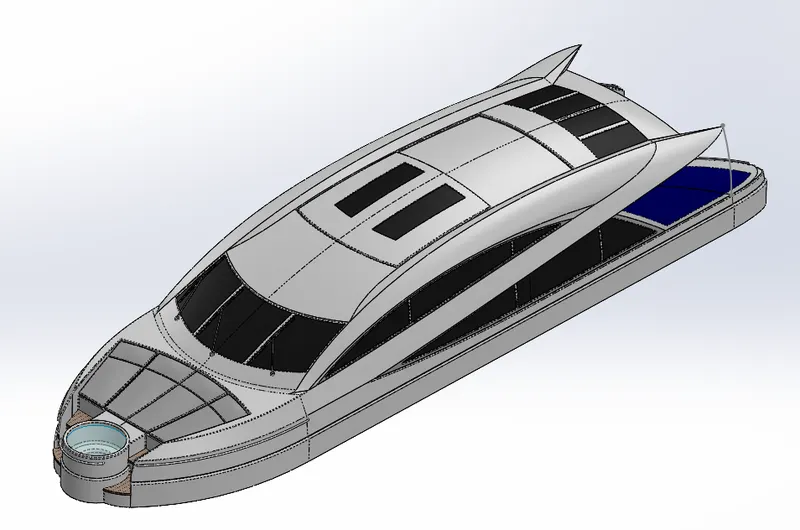
6. Garage-Door: This Helps in Keeping the Empty area of the superstructure closed. Features used for making the Garage-Door are: Cut-Extrude, Shell, Fillet, Mirror.
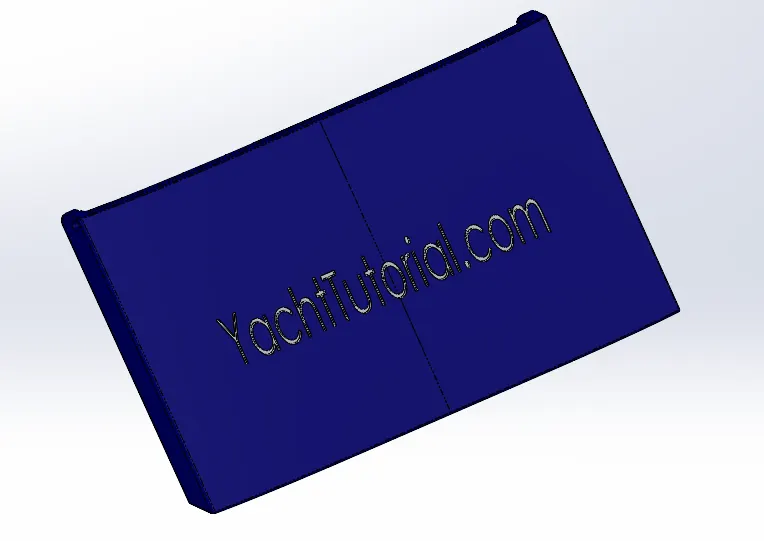
7. Front-Seat: This seat goes at the front side of the deck. Features used for making the Front-Seat are: Sweep-Surface, Surface-Extrude, Surface-Trim, Surface-Loft, Surface-Knit, Surface-Fill, Chamfer, Boss-Revolve, Cut-Extrude, Fillet, Mirror, Dome.
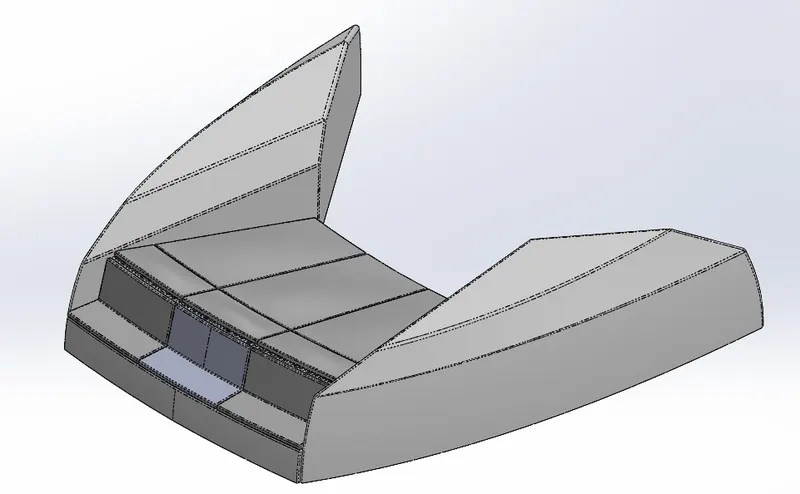
8. Middle-Seat: This seat goes at the back side of the hull deck near the superstructure. Features used for making the middle-seat are: Boss-Extrude, Chamfer, Fillet, Mirror, Cut-Extrude.
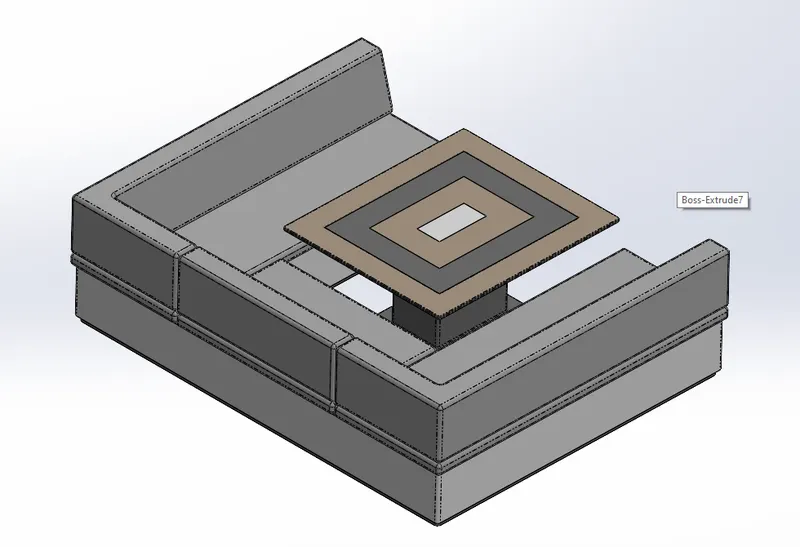
9. Rear-Seat: This seat goes at the back side of the hull deck above the garage-door. Features used for making the rear-seat are: Surface-Sweep, Offset-Surface, Surface-Extend, Surface-Trim, Ruled-Surface, Surface-Knit, Extrude-Surface, Lofted-Surface, Boss-Extrude, Cut-Extrude, Chamfer, Fillet.
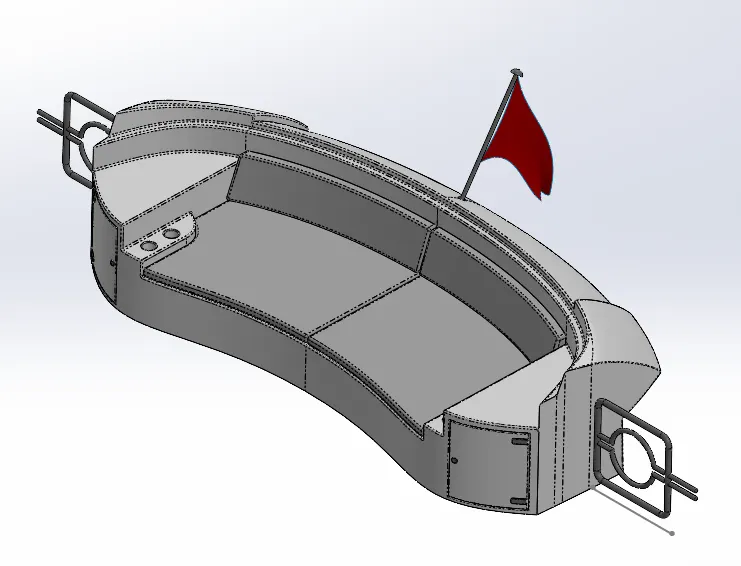
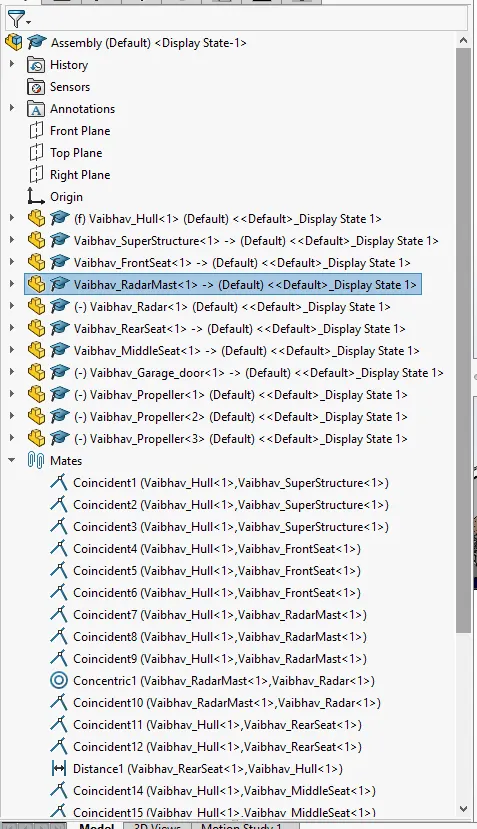
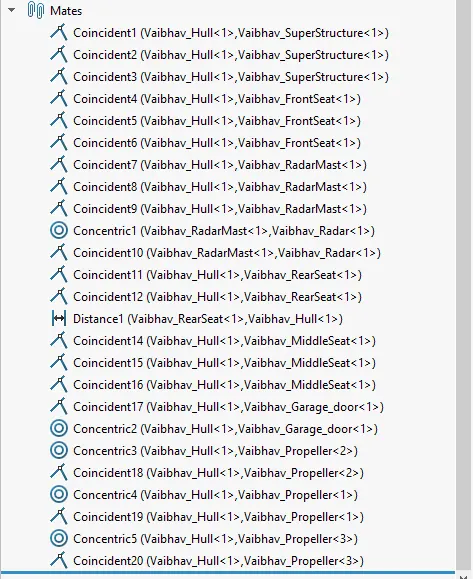
SCREENSHOTS OF THE ASSEMBLY MODEL:-
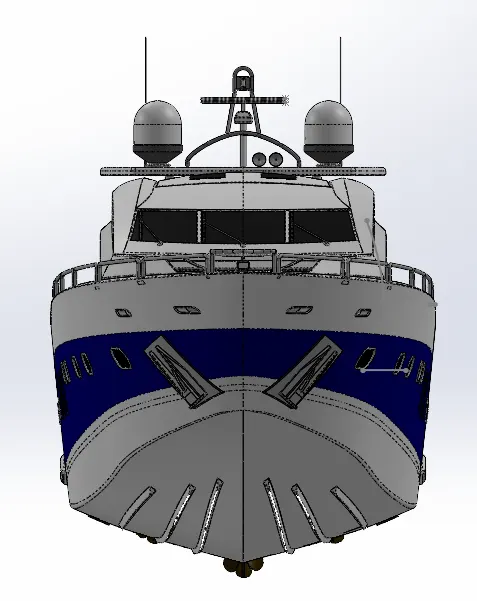
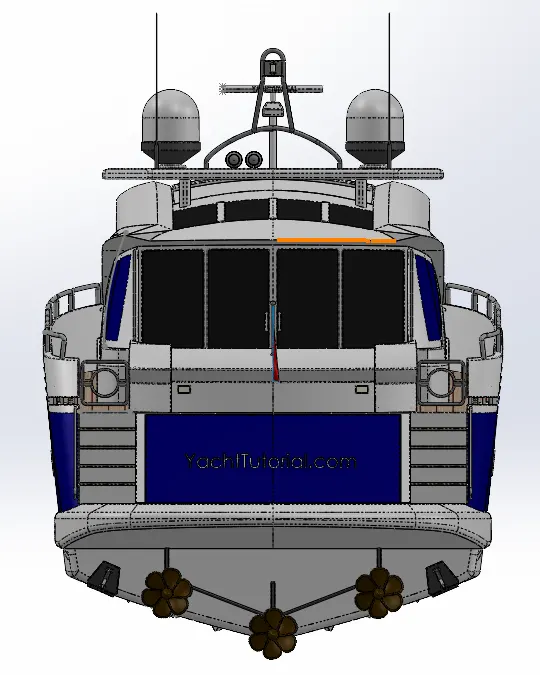
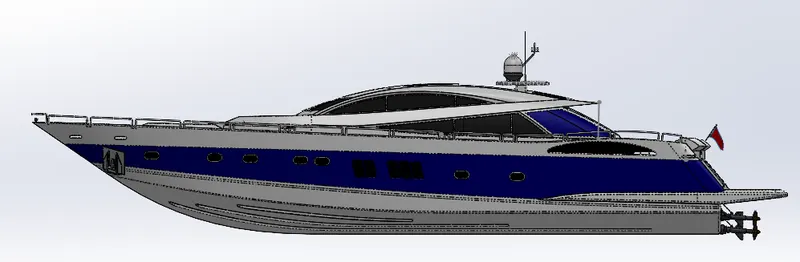
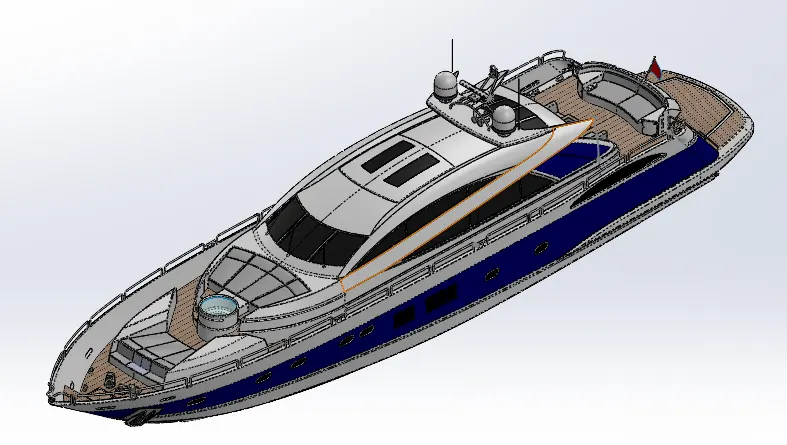
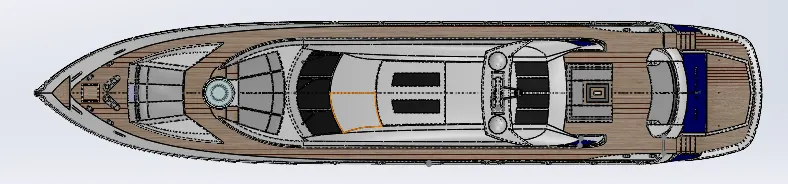
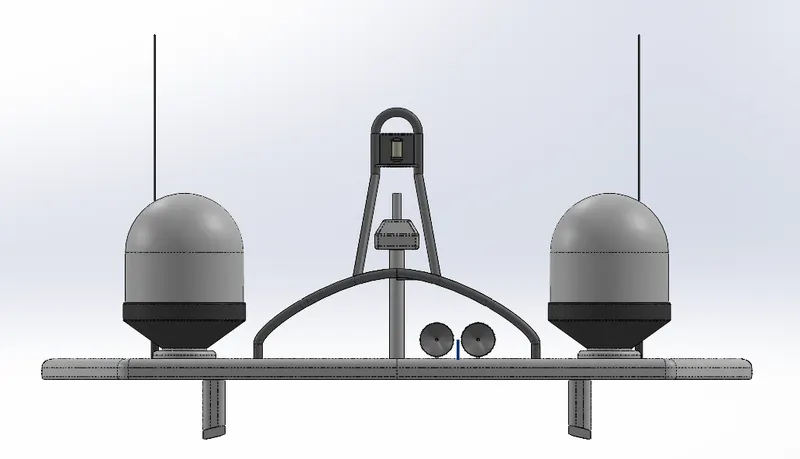
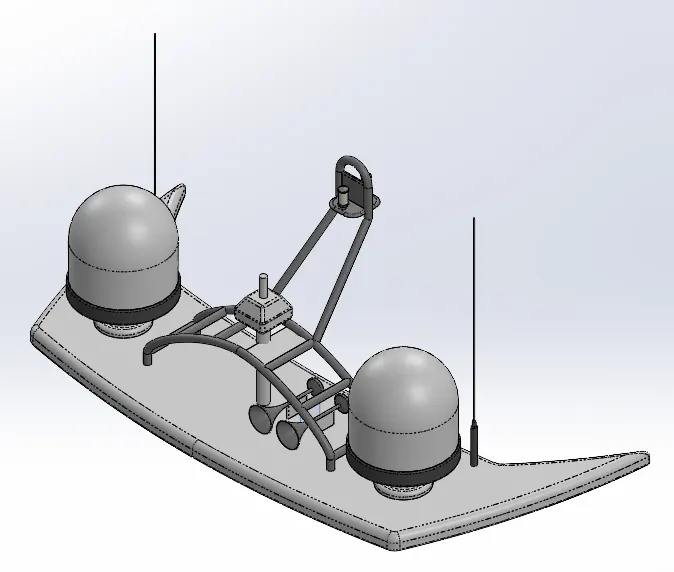
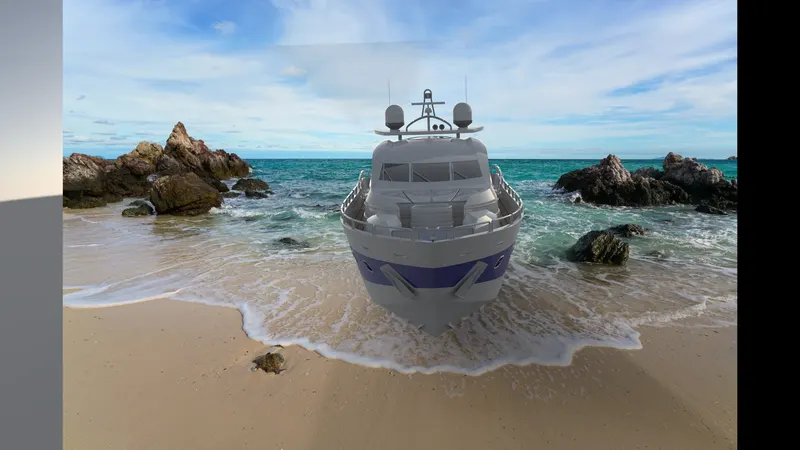
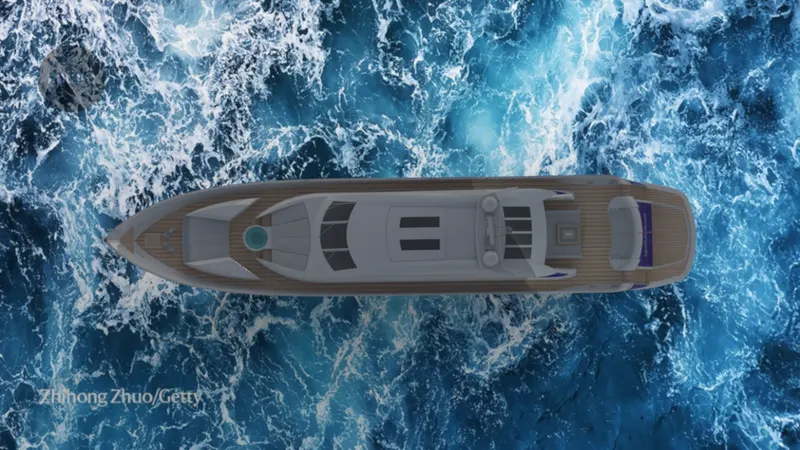
RENDERED IMAGES OF THE YACHT ASSEMBLY:
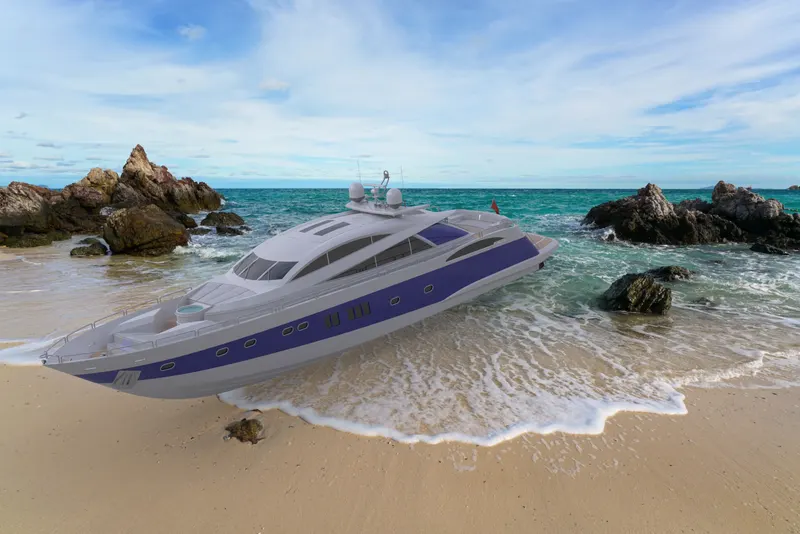
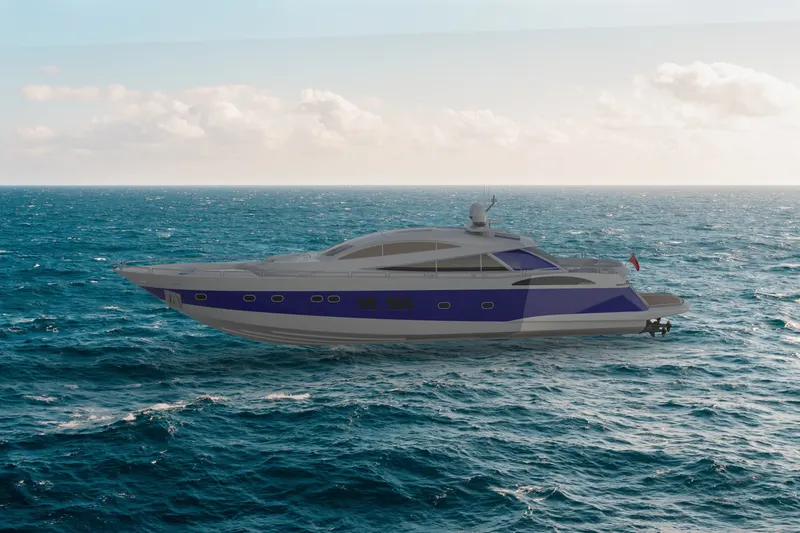
CONCLUSION: We made a Yacht By using most of the features of the solidworks, We saw how to convert a 2d sketch into a 3d objects by adding some features into it.We also saw how to deal with surfaces. We added some Appearences, decals Scenes to make our Yacht more realistic.