Sunseeker Predator 108 Yacht Assembly and Rendering
SUNSEEKER PREDATOR 108 YACHT
Objective: To learn and apply different SOLIDWORKS commands/features to design and render Sunseeker Predator 108 yacht.
Introduction: This report contains details about design of Predator 108 bike using SOLIDWORKS, PhotoView 360, SOLIDWORKS Visualize. SOLIDWORKS is a 3d CAD design software and it was used in this project for modeling all the bike components and assemble them using proper mates and relations. PhotoView 360 is a visualization and rendering tool for creating photo-realistic renderings of your designs. SOLIDWORKS Visualize is a tool used to turn your CAD data into realistic photo-quality images.
Design Methodology:
The steps followed in the process are as follows,
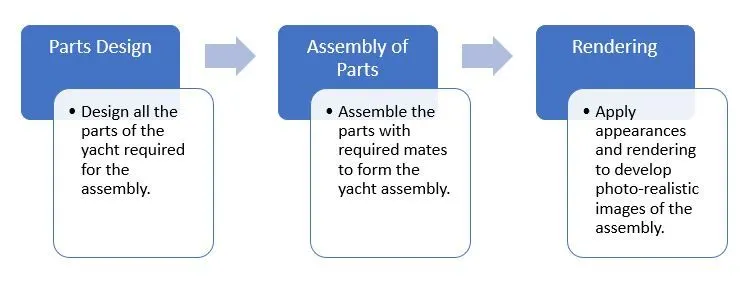
Fig.1 Design Methodology Flowchart
Various components of the yacht are designed with the help of the blueprints. Then in order to design the yacht, we need to assemble all the parts with proper mates (relations) between them, to form the assembly. Further the assembly is given appropriate appearances and lighting effects to produce photo-realistic rendering images of the yacht.
Tools and Features:
- Chamfer: Chamfer is used to give a sloped or angled corner to otherwise sharp edge.
- Dome: As the name suggests, dome feature is used to provide dome shape to surfaces.
- Extrude: Extrude feature allows to form 3D solid body from surface or plane.
- Fillet: Fillet is used to give rounded shape to (internal or external edges) otherwise sharp edges.
- Loft: Loft feature allows you to generate complex geometry in a single feature by specifying cross sections made from faces and profiles of closed sketches.
- Mirror: As the name suggests, mirror feature allows you to create an opposite hand version of a part.
- Pattern: Pattern tool allows you to create patterns of desired parts/sketches along open or closed curves, edges, surfaces etc.
- Projected curve: This tool allows you to create a projected curve, from 2 different curves. The resultant curve is the intersection of surfaces formed by the two curves.
- Revolve: This feature allows you to revolve a closed sketch around a selected axis of rotation to form solid body.
- Shell: Shell tool hollows out a part and creates thin-walled features on all sides, leaving the selected faces open.
- Split surface: As the name suggests, split surface feature allows you to split a surface into two separate surfaces.
- Surface knit: Surface knit feature is used to merge 2 surfaces into one surface.
- Surface loft: Surface loft feature is used to generate complex surfaces by specifying cross sections made from sketches.
- Surface sweep: As the name suggests, sweep surface command allows you to sweep a surface along a given curve, to form a complex surface geometry.
- Sweep: Sweep command is used to sweep a feature along a provided curve to form a solid body.
- Surface Trim: It is used to trim undesired parts of intersecting surfaces.
Description:
Parts of the Yacht:
- Propeller
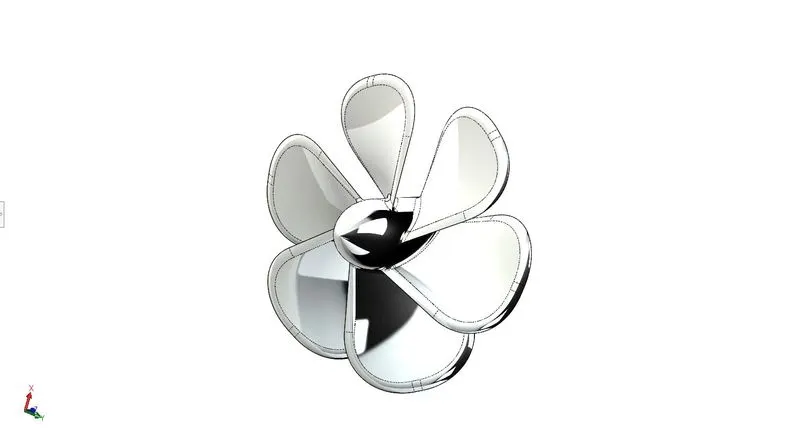
Fig.2 Propeller
Propeller is a rotating device with blades, which converts rotational power into linear thrust by acting on a working fluid. The features used for modeling the propeller are,
- Cut Extrude
- Pattern
- Revolve
- Fillet
- Loft
- Radar
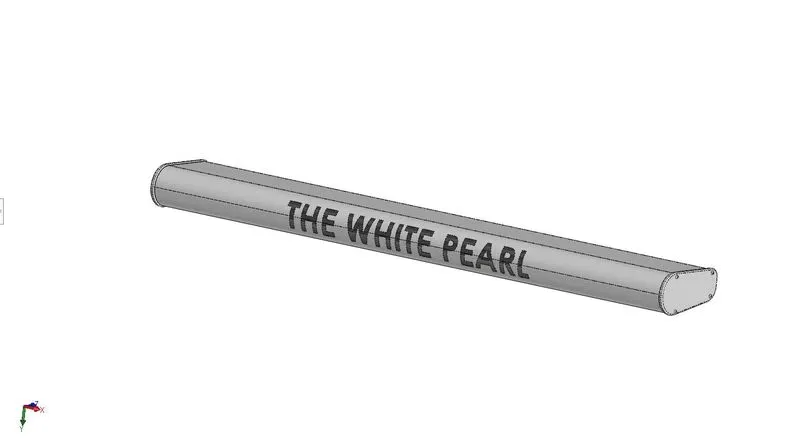
Fig.3 Radar
Radar is a detection system which uses radio waves to determine the range, angle or velocity of objects. The features used for modeling the radar are,
- Cut Extrude
- Boss Extrude
- Mirror
- Fillet
- Split Line
- Sketch Pattern
- Hull
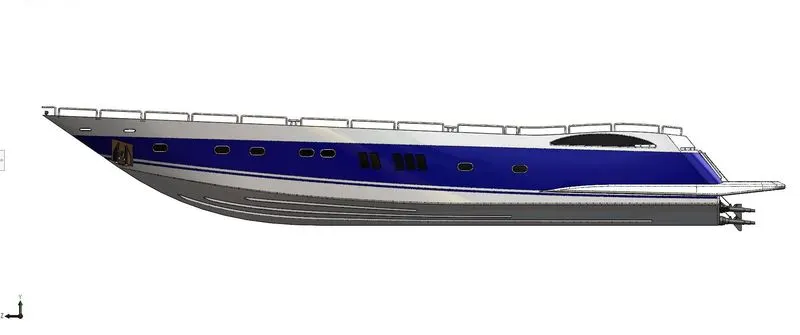
Fig.4 Hull
Hull is the watertight body or frame of a ship. The features used for modeling the hull are,
- Cut Extrude
- Boss Extrude
- Revolve
- Dome
- Fillet
- Chamfer
- Pattern
- Mirror
- Split
- Combine
- Sweep
- Projected Curve
- Surface Loft
- Surface Knit
- Surface Trim
- Surface Extrude
- Shell
- Helix/Spiral
- Surface Fill
- Shell
- Garage Door
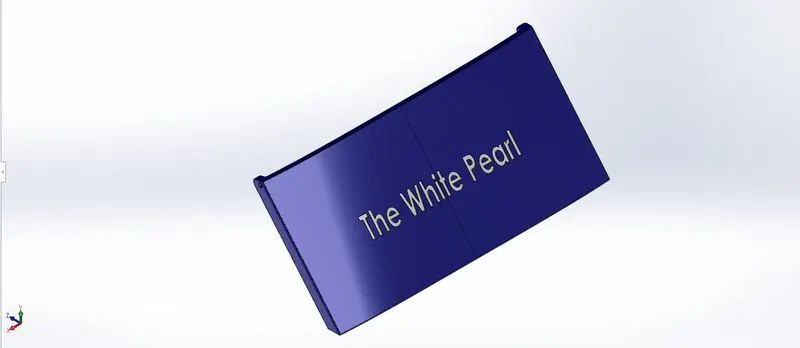
Fig.5 Garage Door
It is the door for a garage where vehicles may be stored on a yacht. The features used for modeling the garage door are,
- Cut Extrude
- Shell
- Mirror
- Fillet
- Front Seat
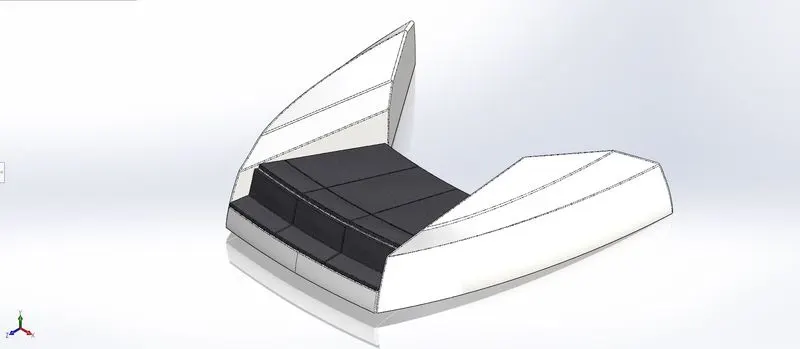
Fig.6 Front Seat
It is the seat at the front part of the yacht. The features used for modeling the front seat are,
- Revolve
- Cut Extrude
- Chamfer
- Dome
- Fillet
- Surface Sweep
- Projected curve
- Surface Extrude
- Surface Trim
- Surface Fill
- Surface Loft
- Mirror
- Middle Seat
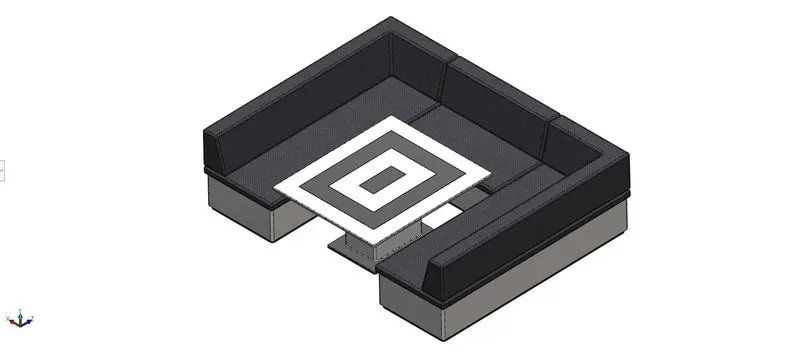
Fig.7 Middle Seat
It is the seat at the middle part of the yacht. The features used for modeling the middle seat are,
- Mirror
- Boss Extrude
- Fillet
- Chamfer
- Rear Seat
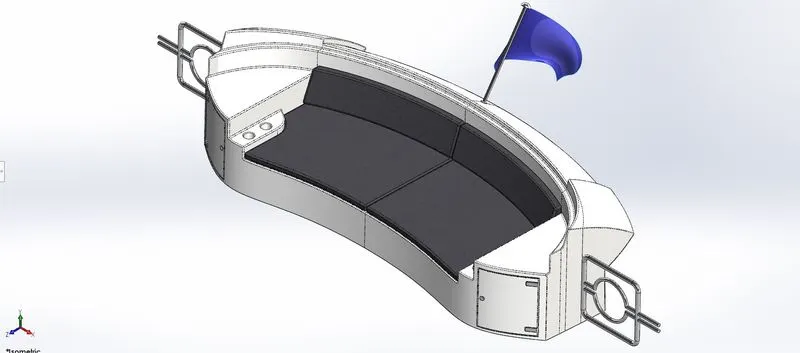
Fig.8 Rear Seat
It is the seat at the rear part of the yacht. The features used for modeling the rear seat are,
- Surface Sweep
- Surface Trim
- Surface Offset
- Surface Knit
- Surface Extrude
- Projected Curve
- Surface Loft
- Cut Extrude
- Boss Extrude
- Revolve
- Split line
- Mirror
- Fillet
- Chamfer
- Shell
- Superstructure
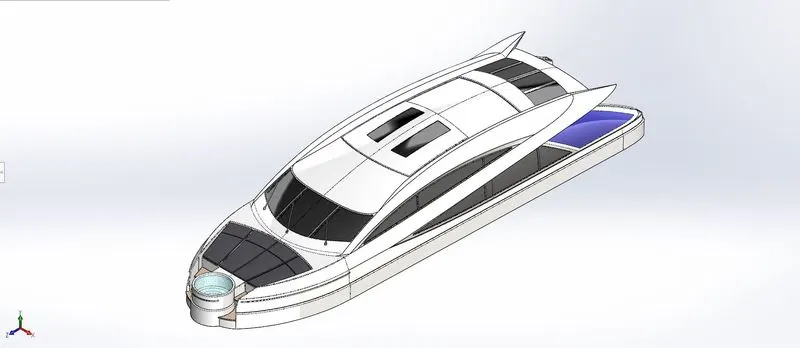
Fig.9 Superstructure
Superstructure is an upward extension of an existing structure. It is part that projects above the deck of the ship. The features used for modeling the superstructure are,
- Surface Extrude
- Surface Loft
- Surface Sweep
- Surface Knit
- Surface Trim
- Ruled Surface
- Boss Extrude
- Projected Curve
- Surface Extend
- Cut Extrude
- Fillet
- Sweep
- Split Line
- Chamfer
- Mirror
- Radar Mast
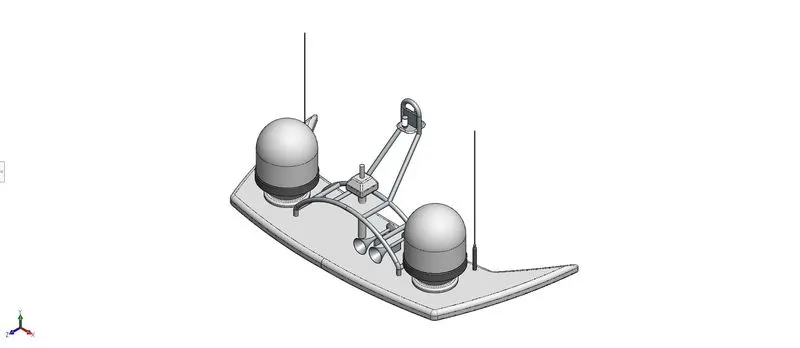
Fig.10 Radar Mast
It is the Radar system fitted on the ship. The features used for modeling the radar mast are,
- Boss Extrude
- Revolve
- Sweep
- Mirror
- Chamfer
- Dome
- Fillet
- Shell
Assembly Views:
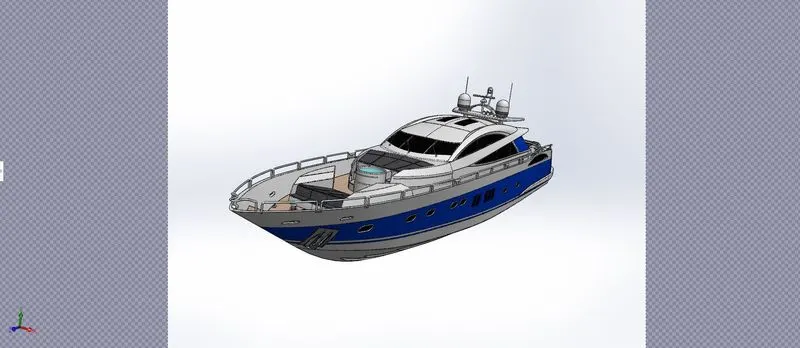
Fig.11 Camera View
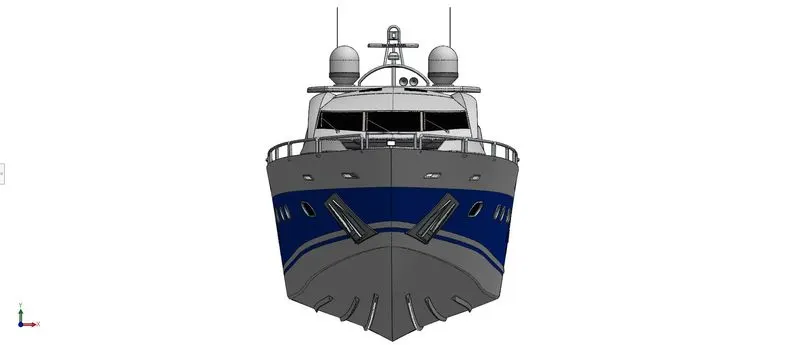
Fig.12 Front View
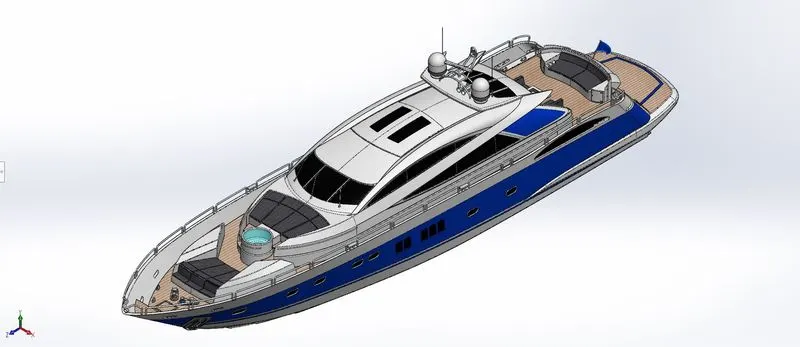
Fig.13 Isometric View 1
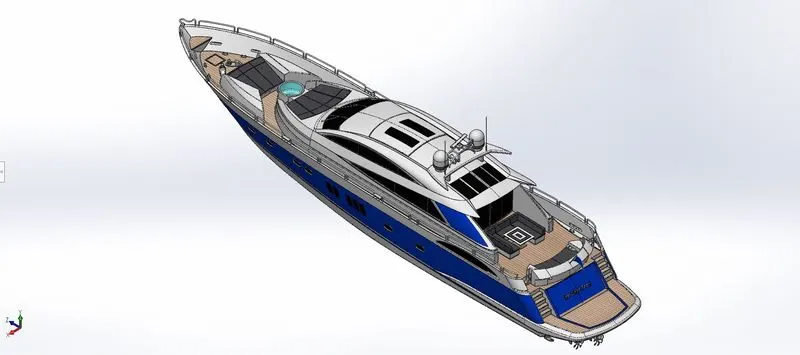
Fig.14 Isometric View 2
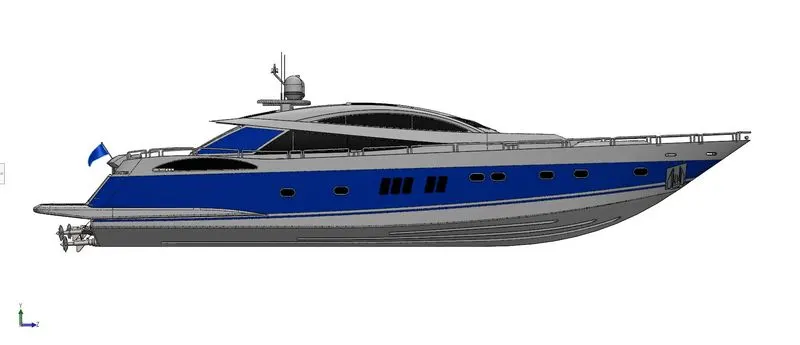
Fig.15 Side View
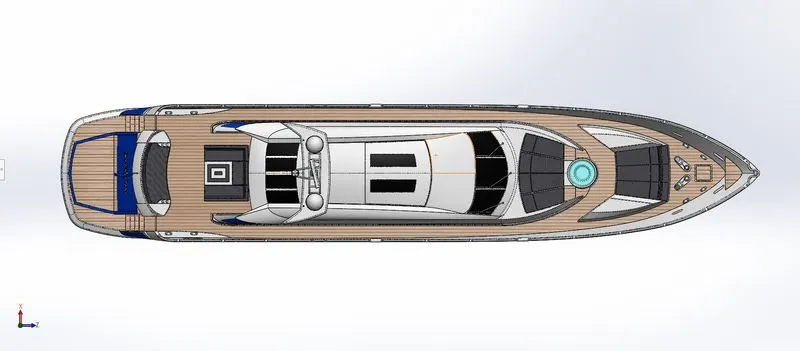
Fig.16 Top View
Rendered Images:
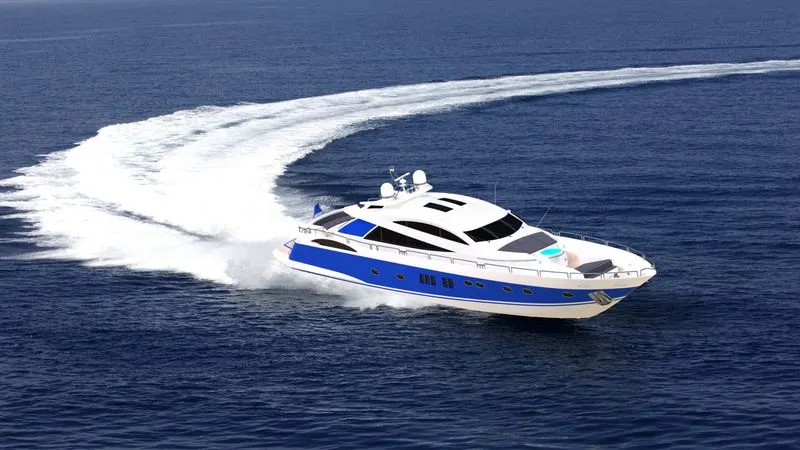
Fig. No.17 Render 1
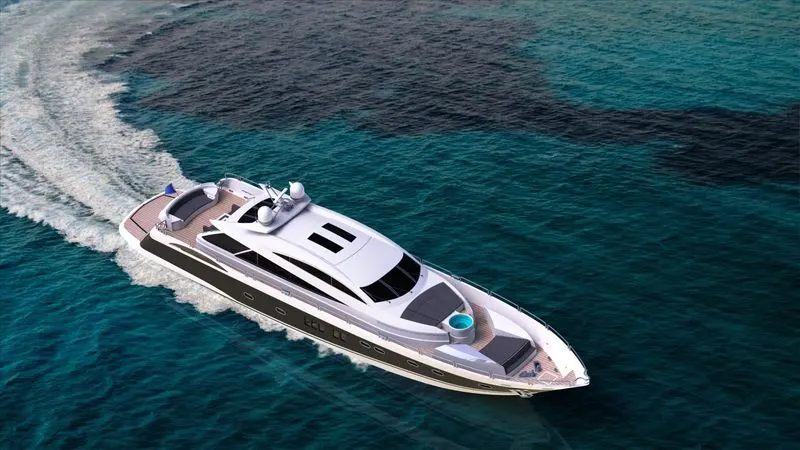
Fig. No.18 Render 2
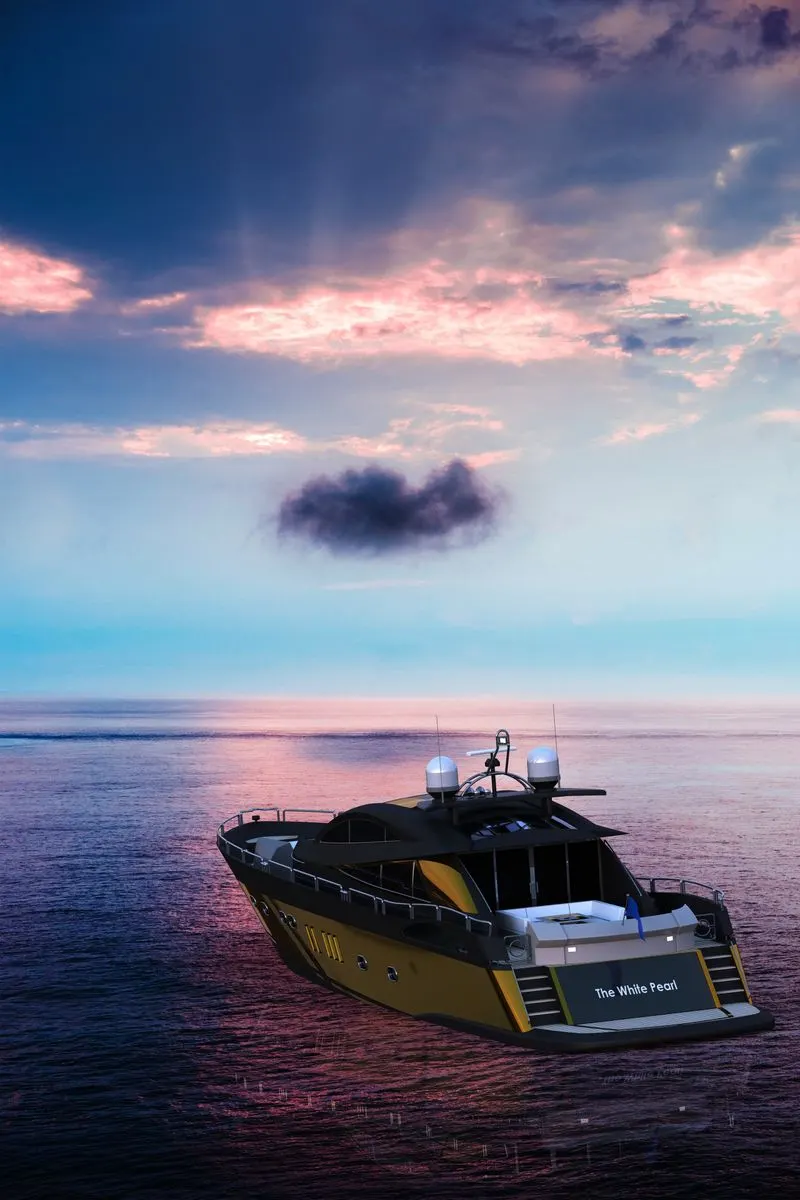
Fig. No.19 Render 3
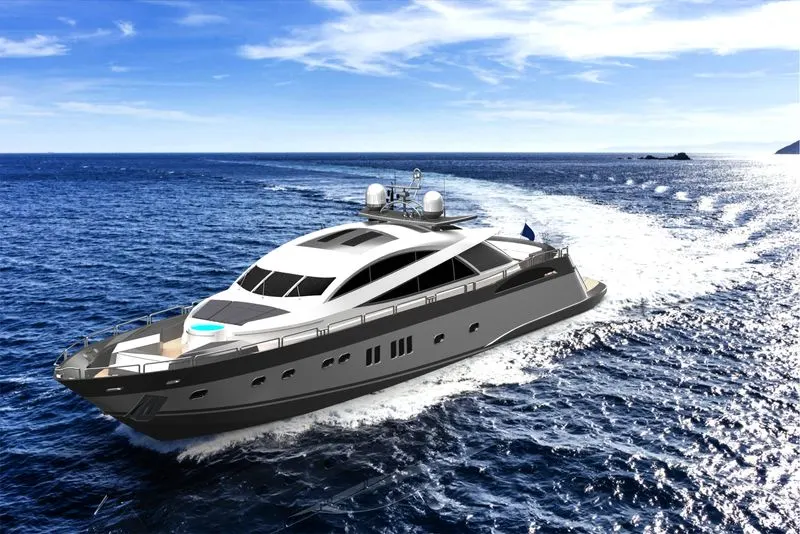
Fig. No.20 Render 4
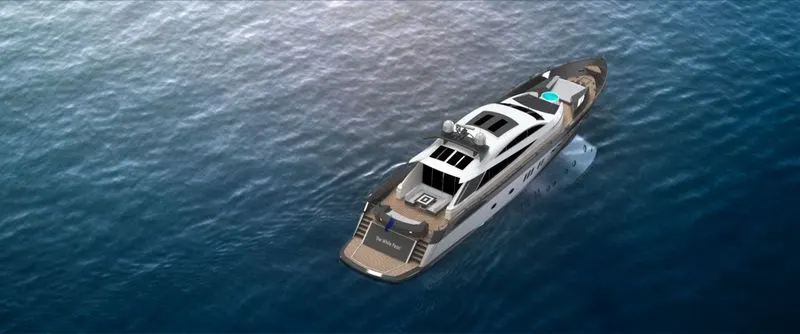
Fig. No.21 Render 5
CONCLUSION:
I used various commands and features in SOLIDWORKS to design and render the Sunseeker Predator 108 Yacht.