Project 2 - V&V SW Analysis II
1.Solution:- Perform StaticCodeReviewAnalysis“C:\**\LDRA_workarea\Examples\C_tbrun_examples\Ggrocers.c” (Single .c file),modify the Code to remove violations and make compliant to MISRA: C 2012 & CERT standards.
- Generate Code review report compliant to MISRA: C 2012 Coding Standards
- Generate Code review report compliant to CERT Coding Standards
- Perform Static Code Review Analysis for “C:\**\LDRA_workarea\Examples\C_tbrun_examples\Ggrocers.c” (Single .c file), modify the Code to remove violations and make compliant to MISRA: C 2012 & CERT standards.
- Generate Code review report compliant to MISRA: C 2012 Coding Standards
- Generate Code review report compliant to CERT Coding Standards
Static code analysis is a method of debugging by examining source code before a program is run. It's done by analyzing a set of code against a set (or multiple sets) of coding rules. Static code analysis and static analysis are often used interchangeably, along with source code analysis.
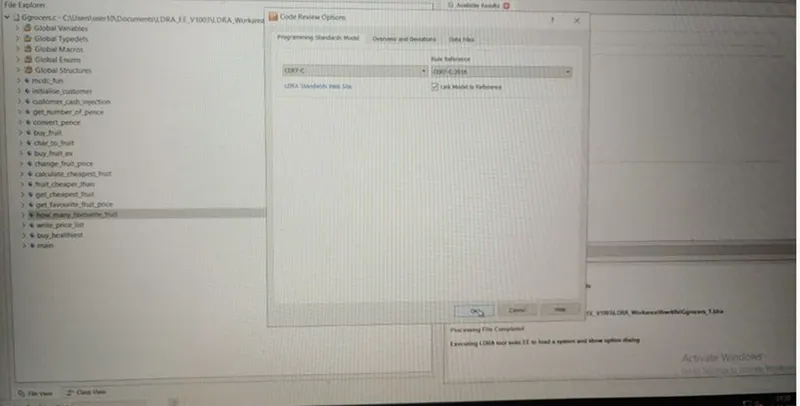
We are going to open TBvision, open the Ggrocer.c file, and set the standard as Cert c.
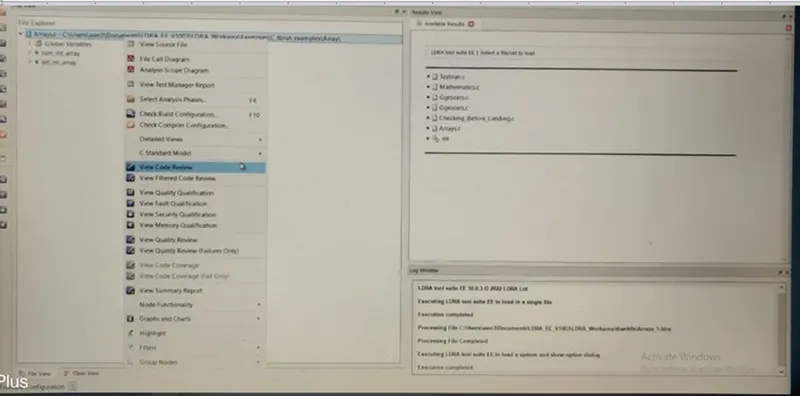
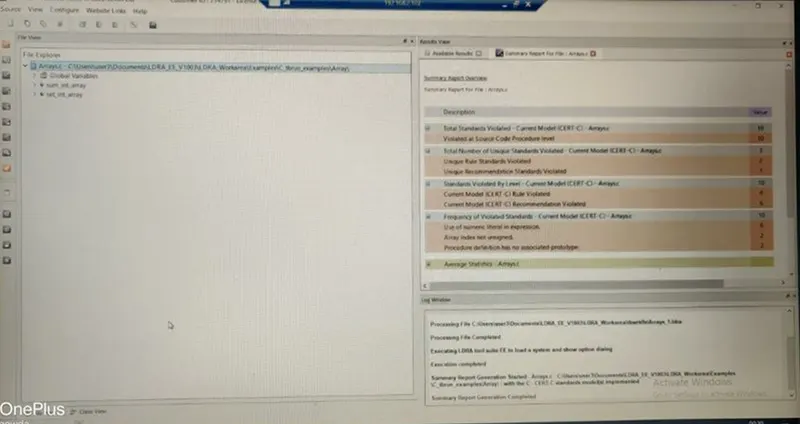
Here we are Fixing Cert.C standard
After performing Cert.C standard we are going to view the summary report:-
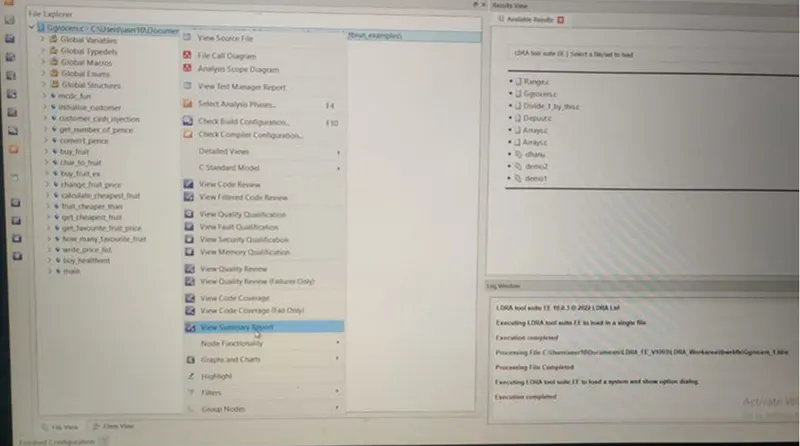
AS per Summary report we see that what the Rule Violation is done
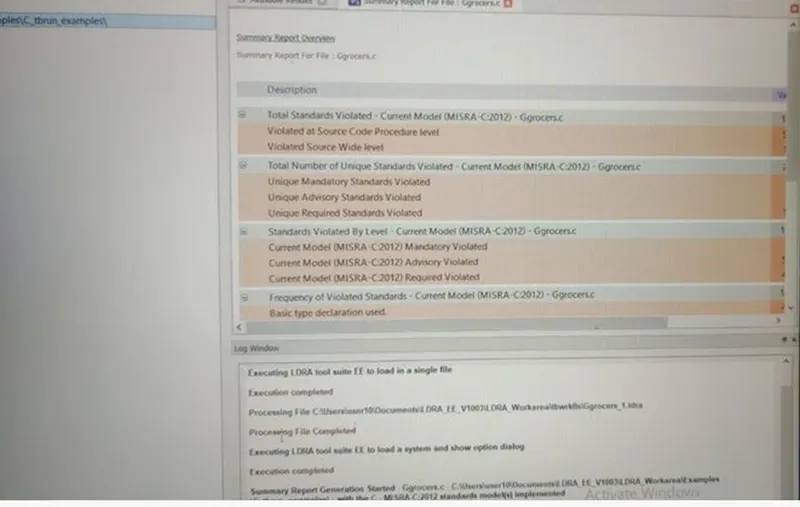
Violations marked the tool:-
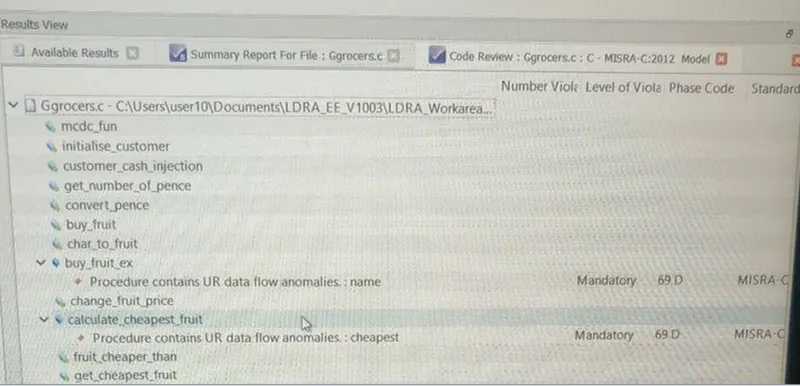
2. Perform Unit testing for “C:\**\LDRA_workarea\Examples\C_tbrun_examples\Ggrocers.c” (Loading Single file)
- Create the test cases manually as well as automatically using TBExtreme and execute the test cases to get 100% statement, Branch/Decision and MC/DC coverage.
- Generate Dynamic Code coverage report, Regression report and Testmanager report.
- Save the test cases as .tcf file.
Output/Reports: Dynamic Code coverage report, Regression report and Testmanager report. (3 html reports with 100% statement, Branch/Decision and MC/DC coverage and one .tcf file )
Unit Testing:-
Unit testing is a software testing technique by means of which individual units of software i.e. group of computer program modules, usage procedures, and operating procedures are tested to determine whether they are suitable for use or not. It is a testing method using which every independent module is tested to determine if there is an issue by the developer himself.
Black Box Testing: This testing technique is used in covering the unit tests for input, user interface, and output parts.
White Box Testing: This technique is used in testing the functional behavior of the system by giving the input and checking the functionality output including the internal design structure and code of the modules.
Steps involved in Unit testing:-
1st here we perform white box testing:-
- Chose a single.c file from source file.
- we create a sequence, with initializing Code Coverage using White Box testing
- Run static analysis
- Include a MCDC function using STUB management
- again run static analysis
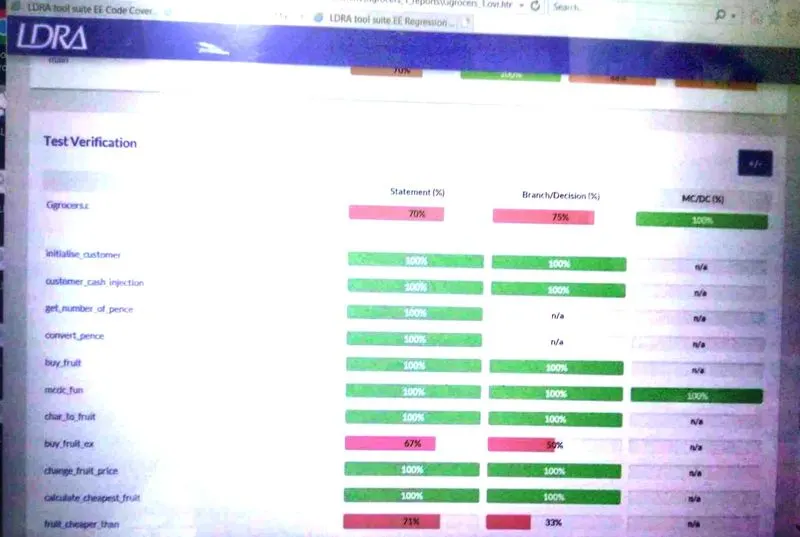
- we get the C0,C1, and MCDC coverage report
- Again create a new test case for checking the various code by applying different input.
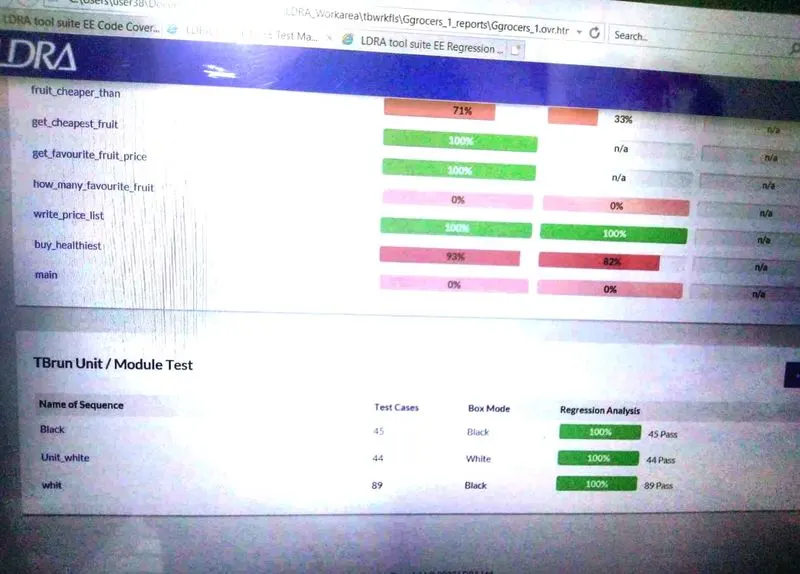
- Get the Test Manager Report
Here we select Grocer.c from source file:-
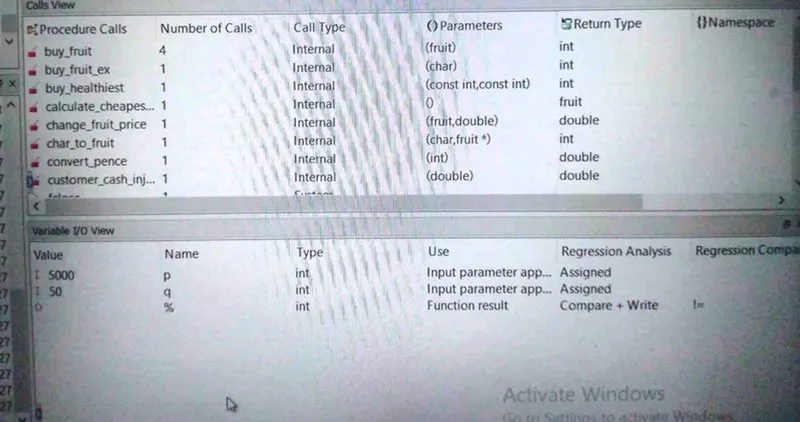
Here providing the input variables to test the cases
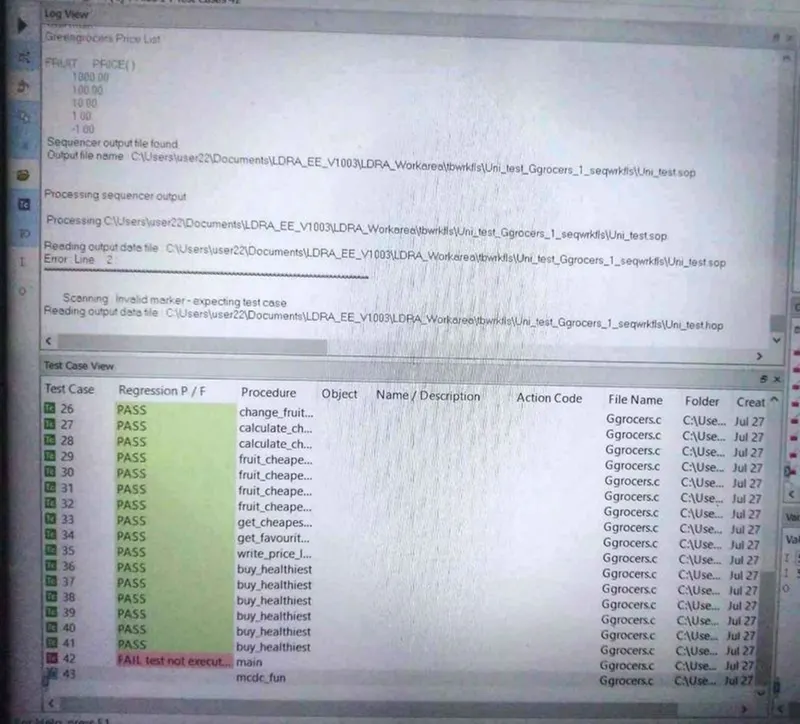
Here we include MCDC function and run the static analysis
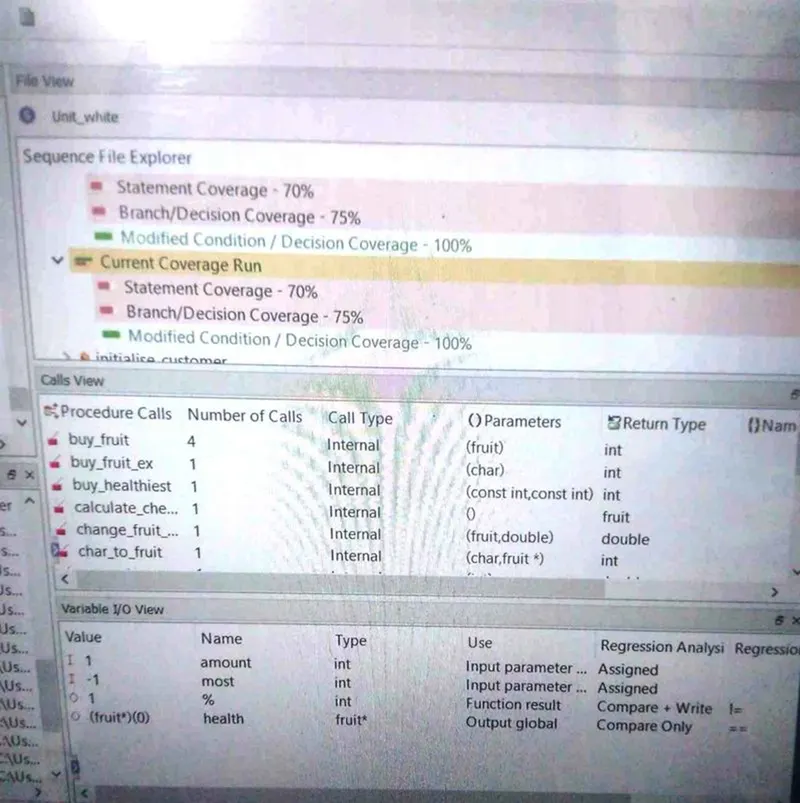
Here we get the Dc Coverage analysis report:-
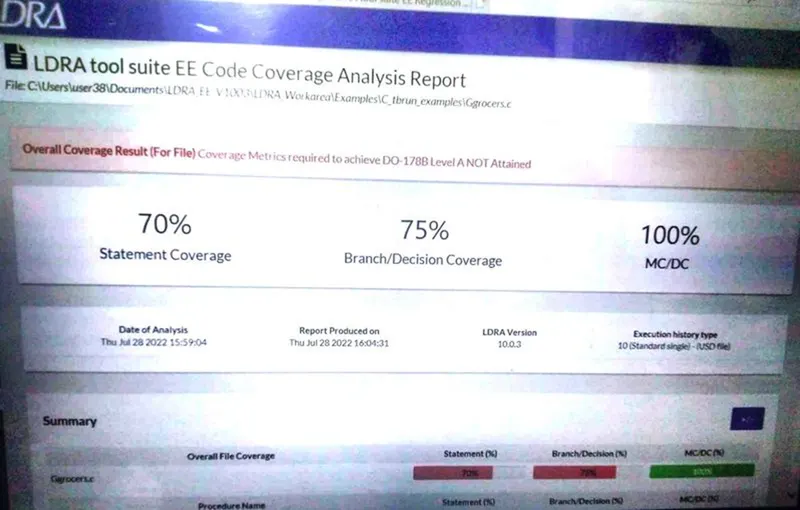
This way we completed the White Box Testing, and get C0,C1 and MCDC coverage Report.
3. Solution:-
Perform Unit testing for “C:\**\LDRA_workarea\Examples\ C_testbed_examples\Advanced\Big_gear.c” (Loading Single file)
- Create the test cases manually as well as automatically using TBExtreme and execute the test cases to get 100% statement, Branch/Decision and MC/DC coverage.
- Generate Dynamic Code coverage report, Regression report and Testmanager report.
- Save the test cases as .tcf file.
Output/Reports: Dynamic Code coverage report, Regression report and Testmanager report. (3 html reports with 100% statement, Branch/Decision and MC/DC coverage and one .tcf file)
Here we select Grocer.c from source file:-
Here providing the input variables to test the cases
Here we include MCDC function and run the static analysis
Here we get the Dc Coverage analysis report:-
This way we completed the White Box Testing, and get C0,C1 and MCDC coverage Report.
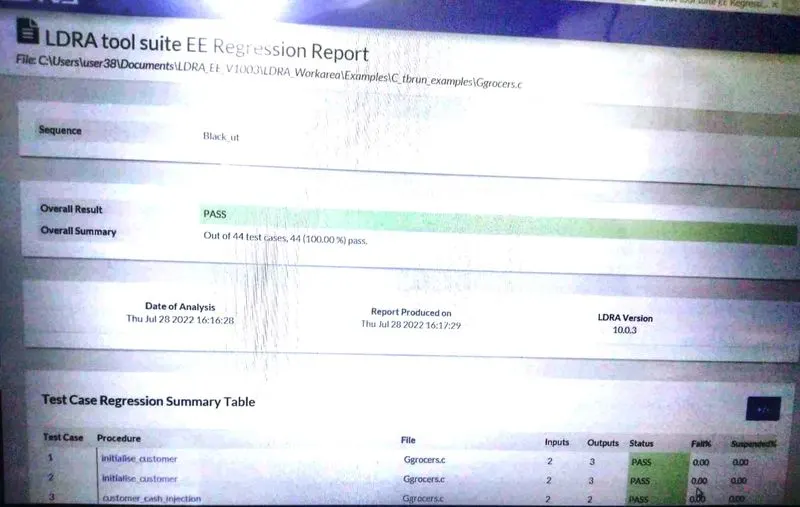
4.Solution:-
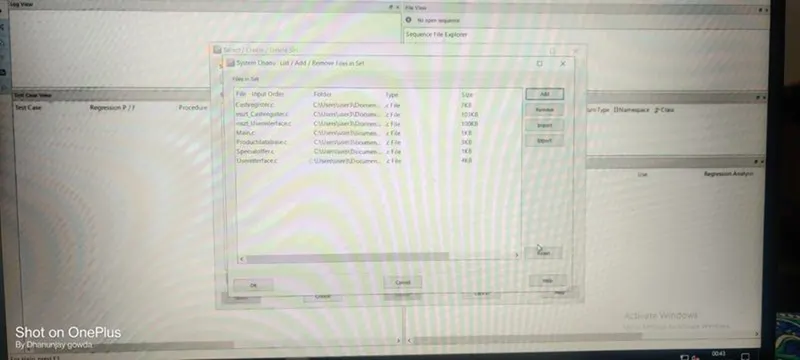
Perform Integration testing for “C:\**\LDRA_workarea\Examples\Toolsuite\Cashregister_6.0\ Cashregister.tcf” (Multiple files/Set creation using tcf file or manual way)
- Create the test cases manually as well as automatically using TBExtreme and execute the test cases to get 100% statement, Branch/Decision and MC/DC coverage.
- Generate Dynamic Code coverage report, Regression report and Testmanager report.
- Save the test cases as .tcf file.
Output/Reports: Dynamic Code coverage report, Regression report and Testmanager report. (3 html reports with 100% statement, Branch/Decision and MC/DC coverage and one .tcf file)
Integration testing is a type of testing meant to check the combinations of different units, their interactions, the way subsystems unite into one common system, and code compliance with the requirements. For example, when we check login and sign up features in an e-commerce app, we view them as separate units.
Software Engineering defines variety of strategies to execute Integration testing, viz.
- Big Bang Approach :
- Incremental Approach: which is further divided into the following
- Top-Down Approach
- Bottom-Up Approach
- Sandwich Approach – Combination of Top-Down and Bottom-Up
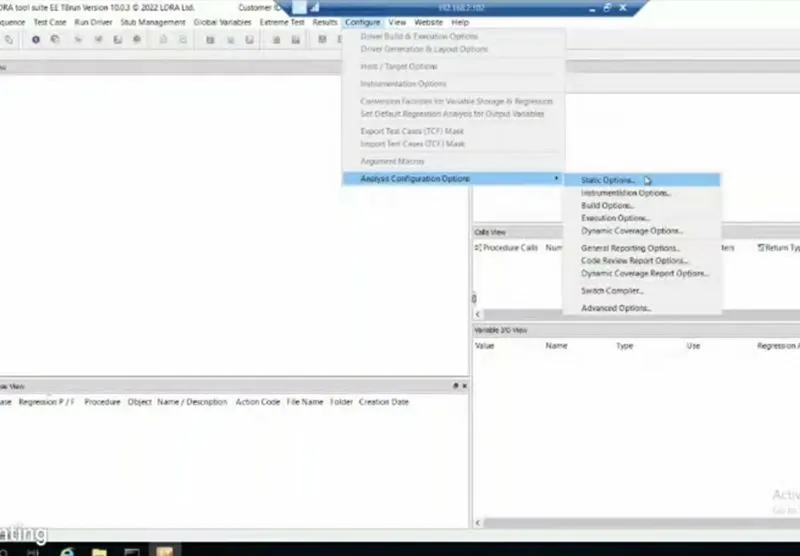
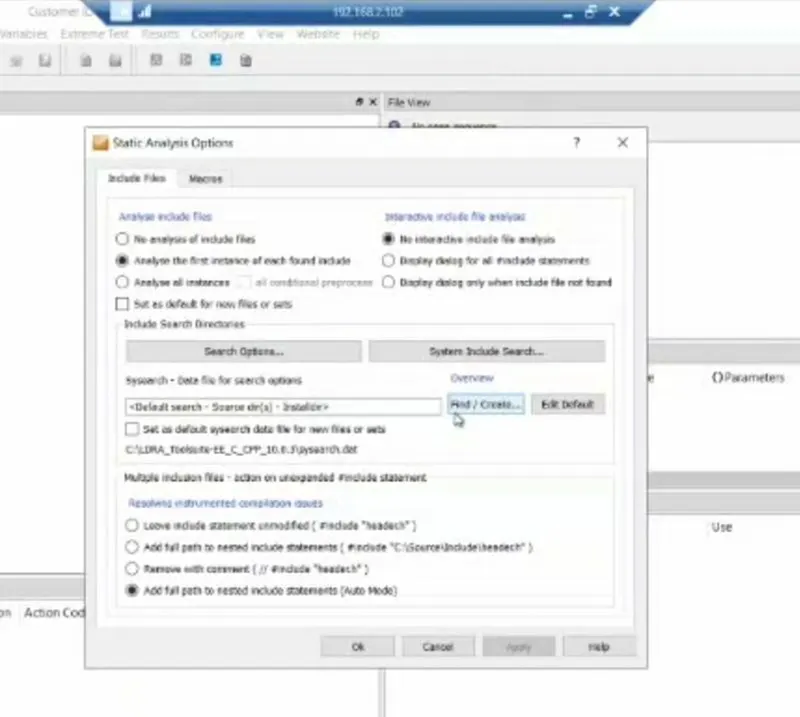
First, we are going to use the LDRA launcher
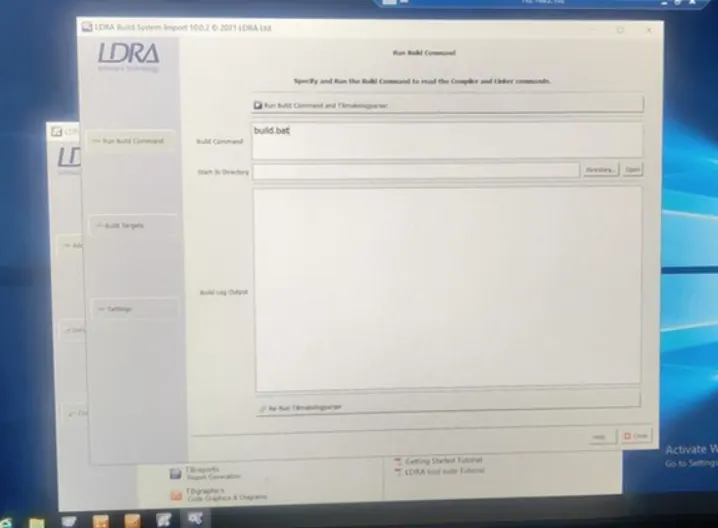
create a file as demo.
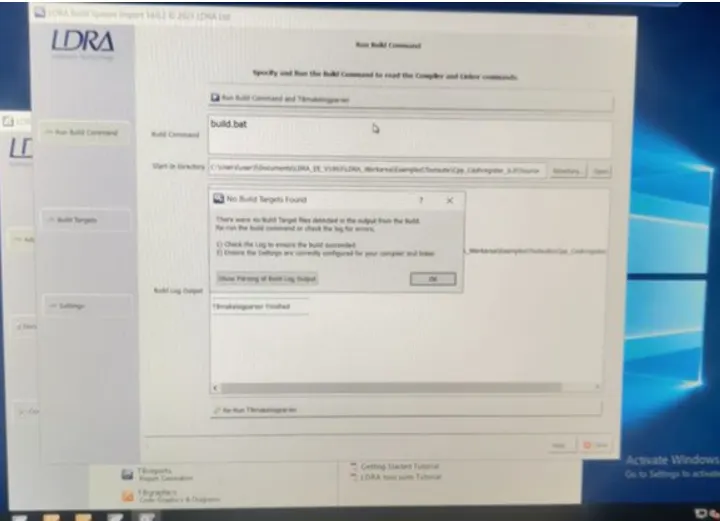
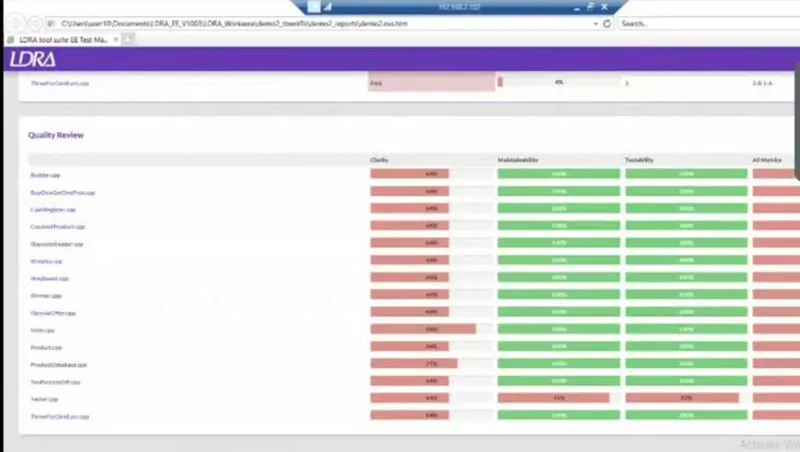
intergration is done completely and dynamic coverage report is generated.
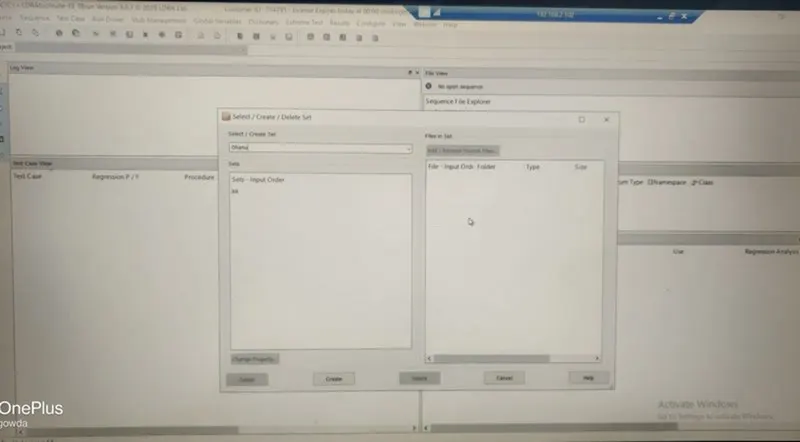
With integration testing, you can find the defects in a structure while interactions happen between modules. So, as a tester, if you would like to have a streamlined development process, where implementing new functionality into production is easy, you should perform integration testing.