Project 2 - V&V SW Analysis II
1. Perform Static Code Review Analysis for “C:\**\LDRA_workarea\Examples\C_Testbed_examples\Testrain\Testrain.c” Generate Code review report and upload them.
here in the above we have to perform the static code review analysis for the above mentioned path file
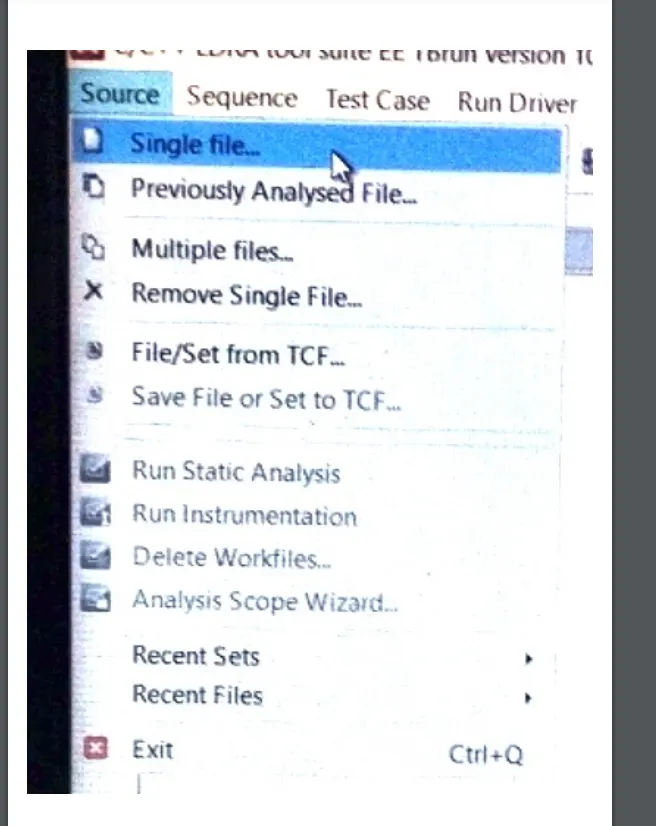
we have to selct the go to the single file first
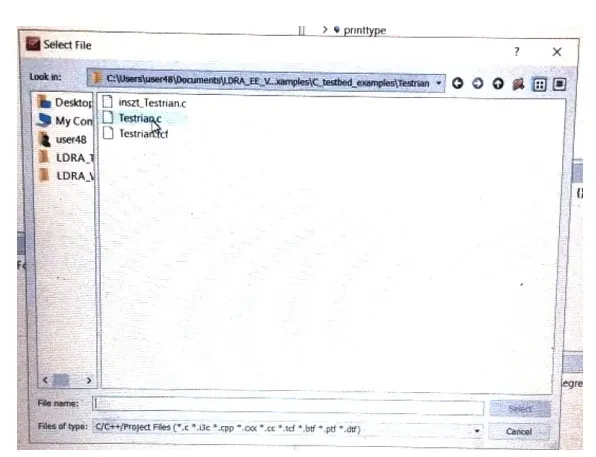
and we have selected the above mentioned path and by double clicking it were gonna open that
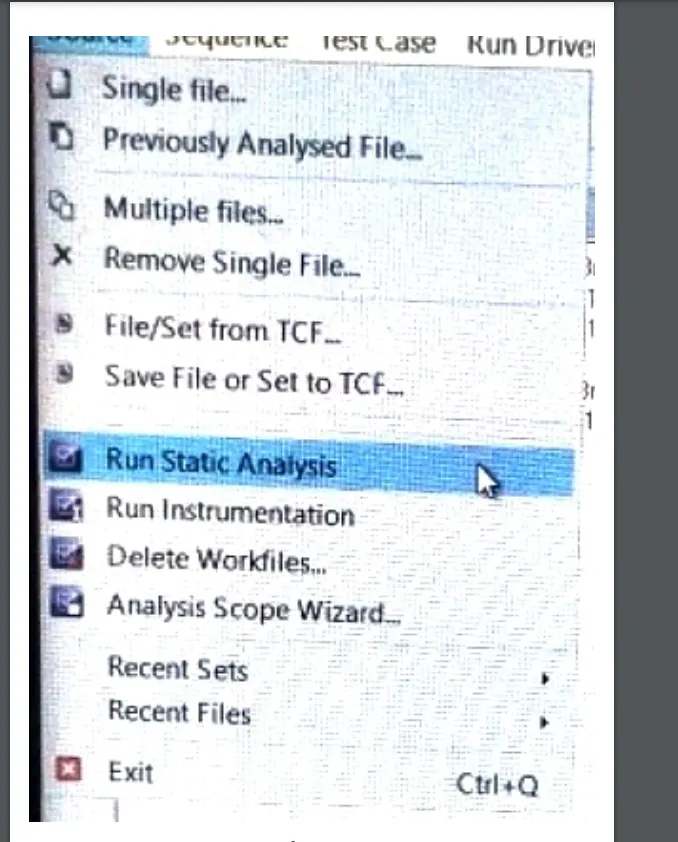
after that we have to run the static by selecting the run static analysis
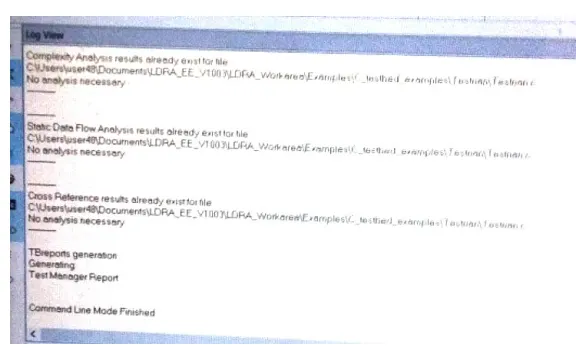
after that this kind of interface will appear it starts to do the analysis
- Perform Integration testing by including all the .C files available in the folder location C:\**\LDRA_workarea\Examples\Toolsuite\Cashregister_6.0\ ** A)Create the test cases manually as well as automatically using TBExtreme and upload the reports. B)store the test cases as .tcf file. Upload the location image where the .tcf file is stored.
here in the above they mentioned like we have to perform the integration testing by including all the .c files in the folder location and after we have to crearte the test manually and automatically by using the tb xtreme and have to upload after that we have to store the test case as tcf.c file and have to show the image which loacation were stored and upload here
integration testing means by adding the multiple c files
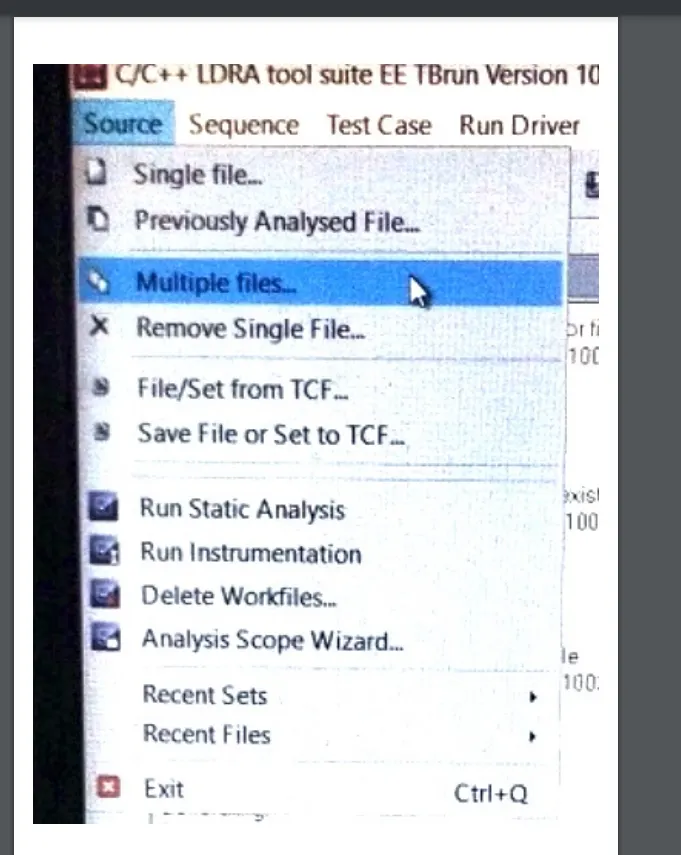
for doing the integration testin first we have to go the source in that we have to selct the multiple files
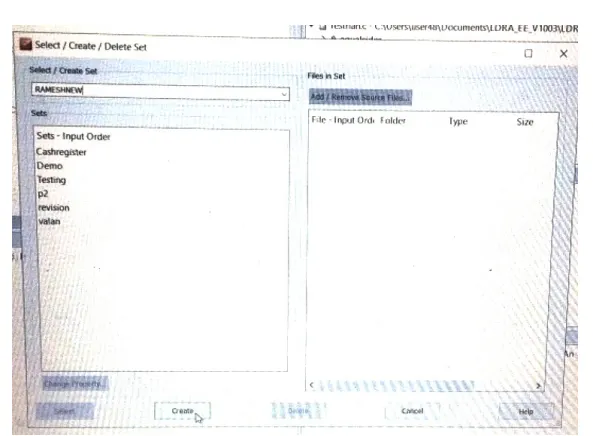
after this kind of interface appears in this im giving some name and selected the create
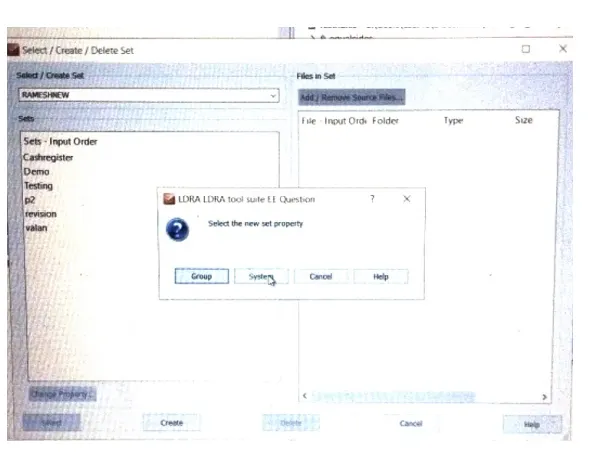
in here we have to select the system it indicates that were interlinking the each file
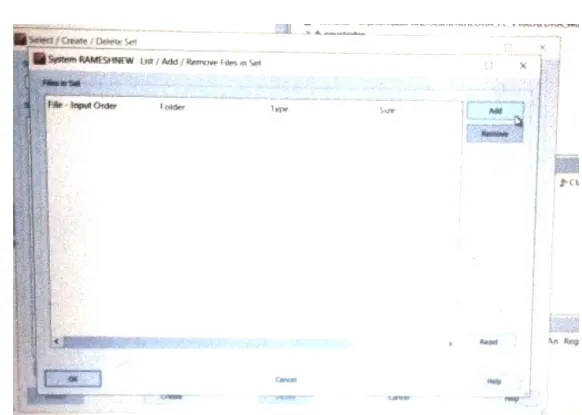
here we have to add the files we the files we want for that we have to select the add
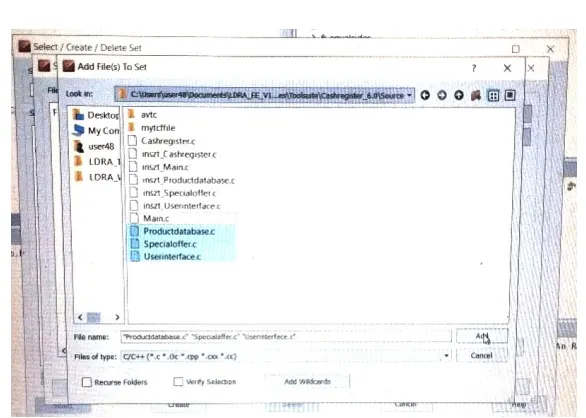
here we have to selct the files we want here im selecting the 3 files and select the add we can see in the above
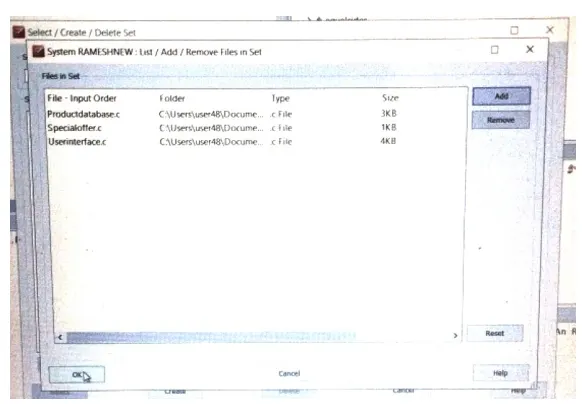
after selecting the files clicked ok
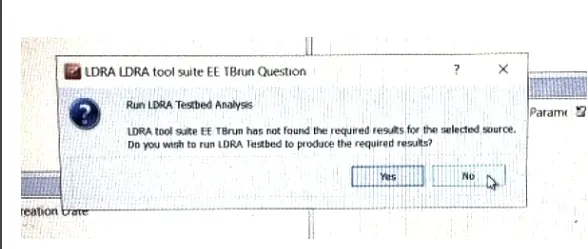
here we have to select the no option
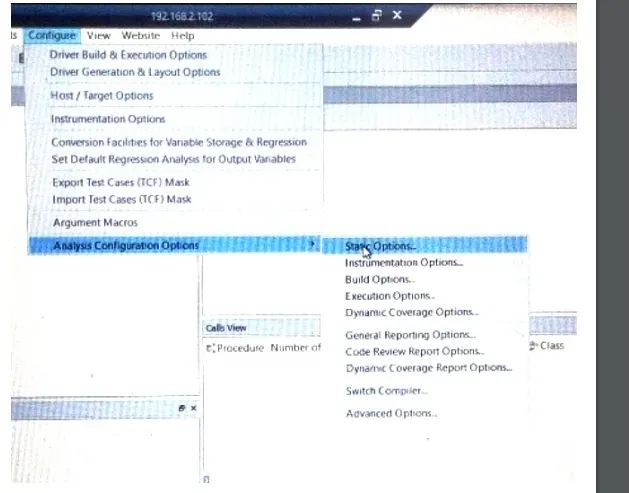
after in here we have to select the configure in that we have to select the analysis configure option in that we have to select the static options
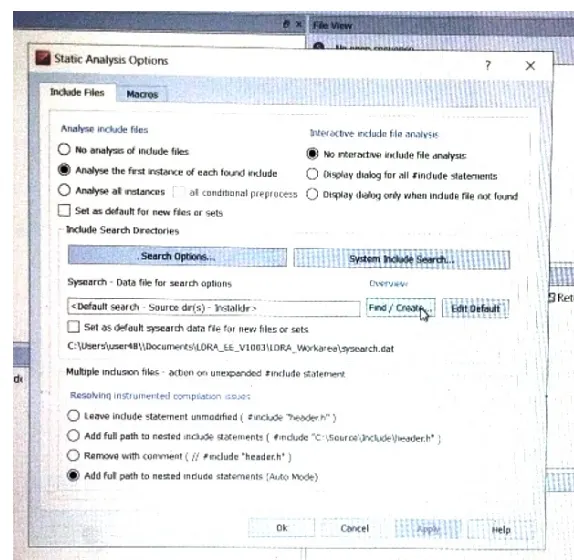
in here we have to select the find / create
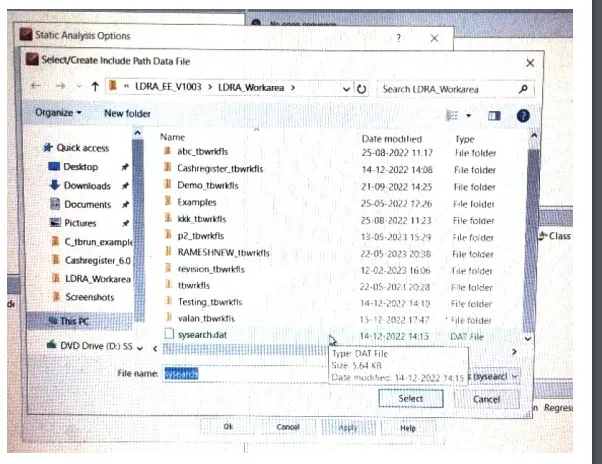
here we have to select the sysearch .dat and select
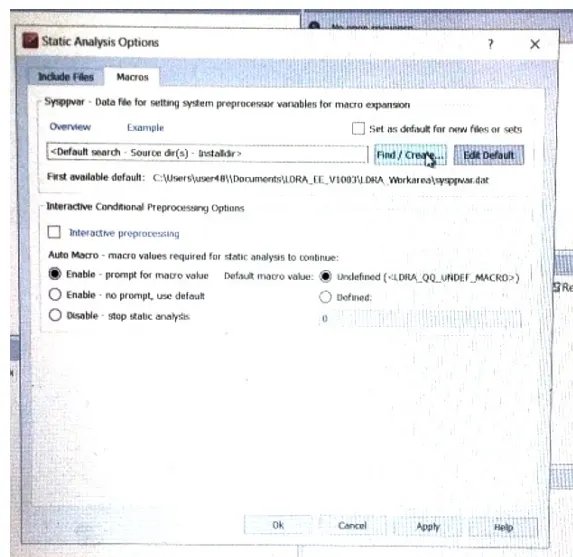
after that we have to go to the macros and selct again the find / create option
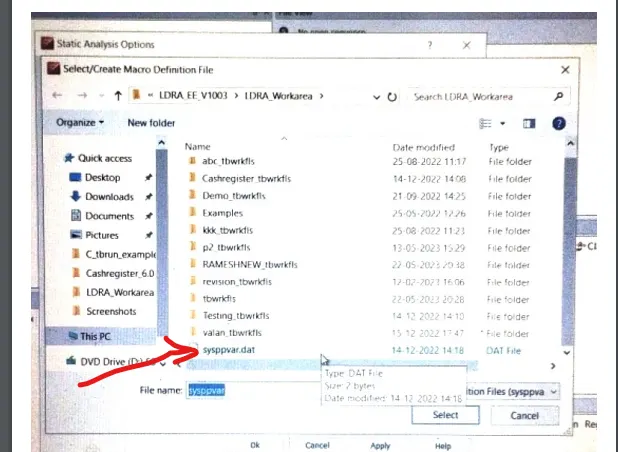
here we have to select the sysppvar .dat and select
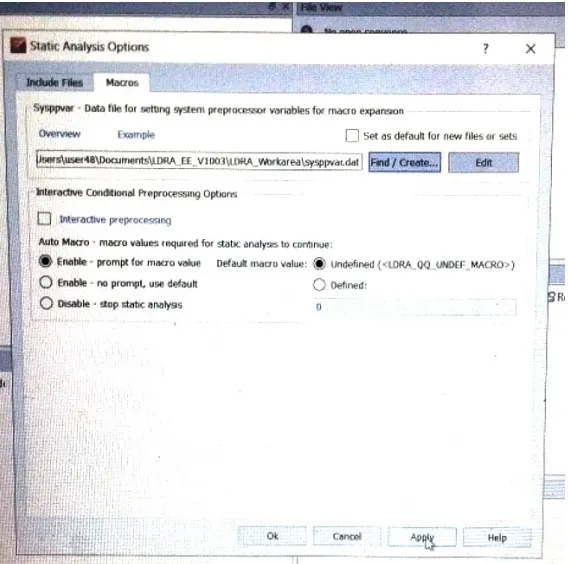
after we have to apply what changes were made
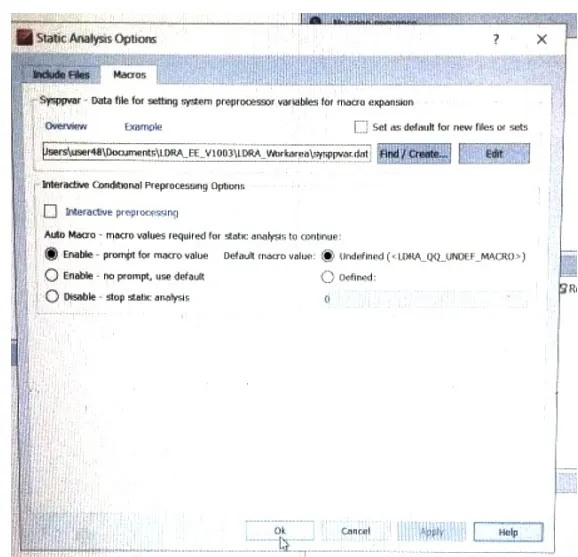
after selecting the apply we have to click ok
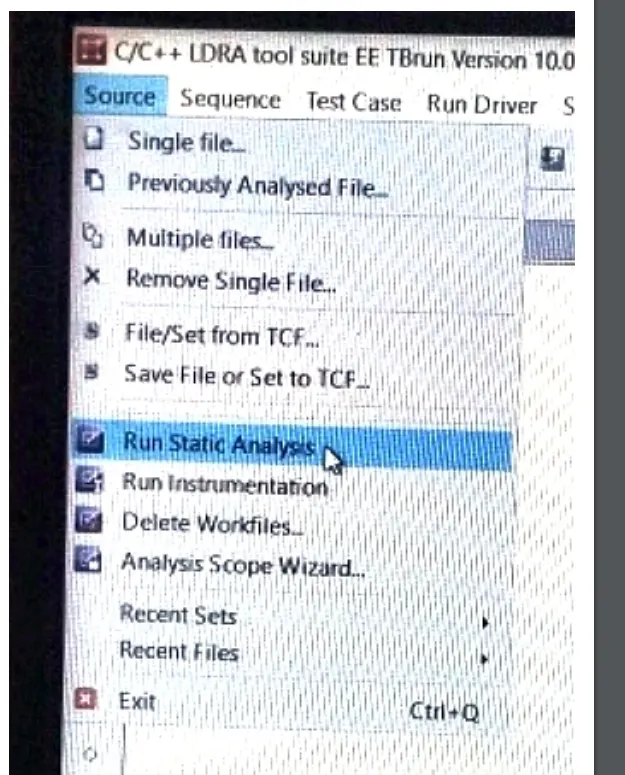
after that we have to go to the source and select the run static analysis
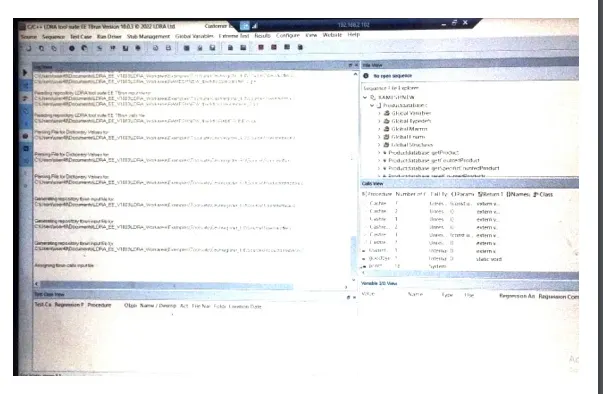
here it does the analysis like this and we can see the functions on right side
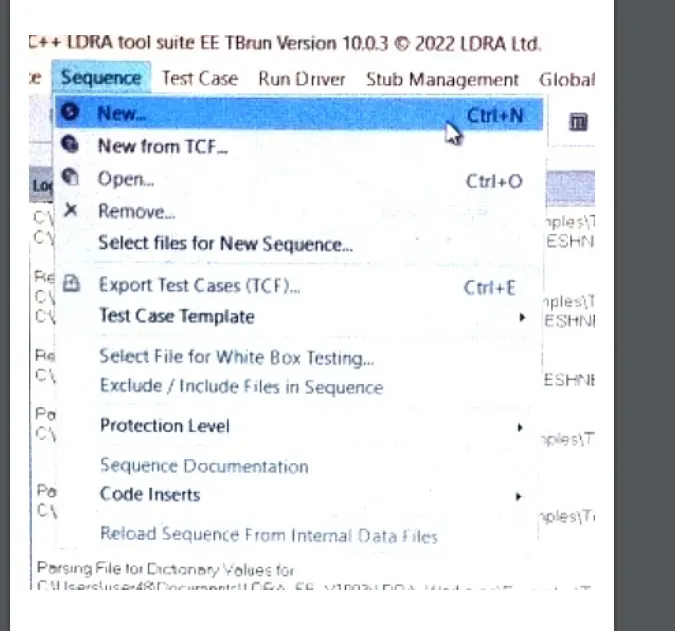
after we have to create the new test cases for that we have to create the sequence first for creating the sequence we have to go the sequence and select the new
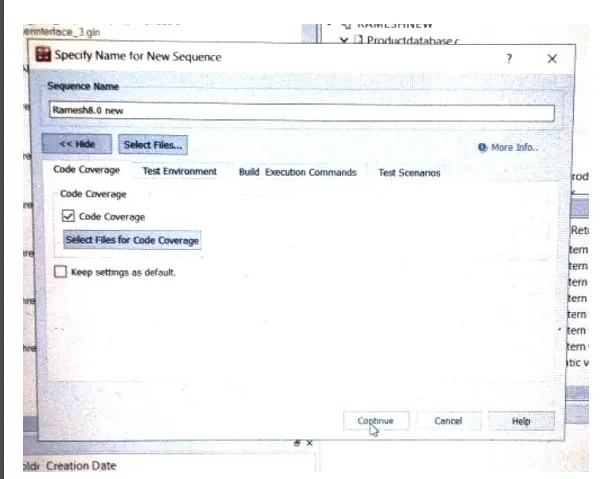
in here im giving some name and after in code i gave the tick mark and it indicates that were going to perform the test in white box mode
creating the test case manually
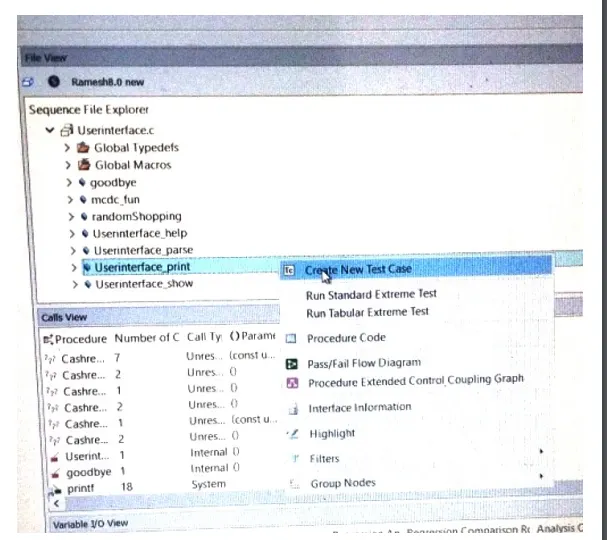
here to create a new test case we have to select the function and after right clicking it by double times we have to choose the create new test case
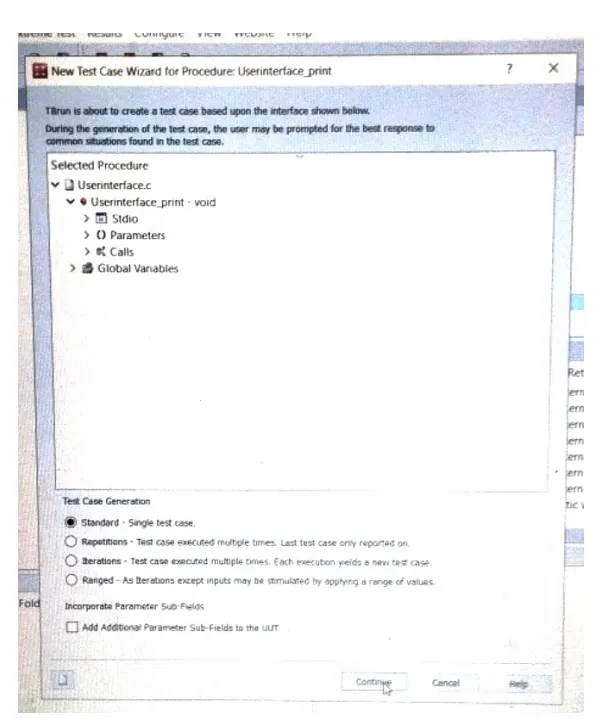
here we have to select the standard and continue
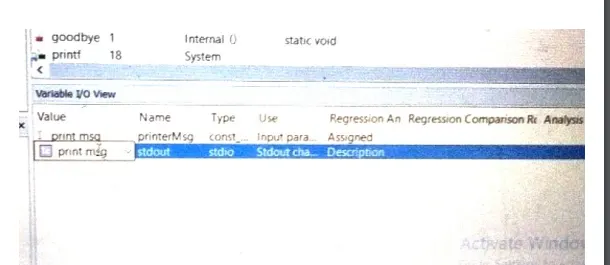
here im giving some inputs and outputs
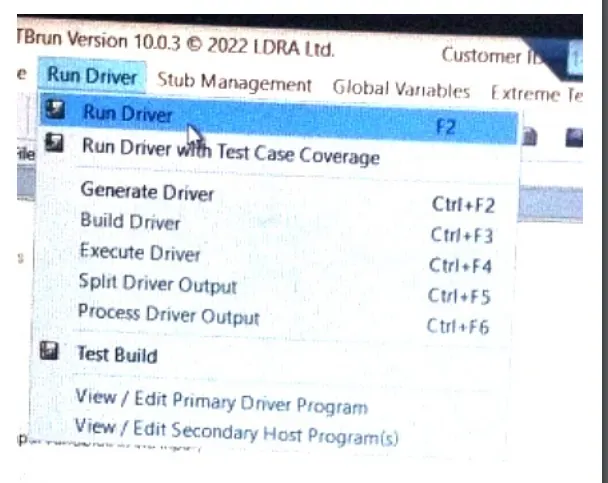
after we have to select the run driver to do the analysis
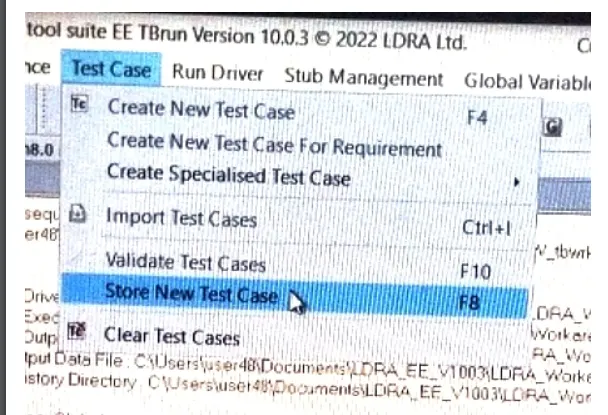
to show the test case result we have to select the test case in that we have to select the store new test case
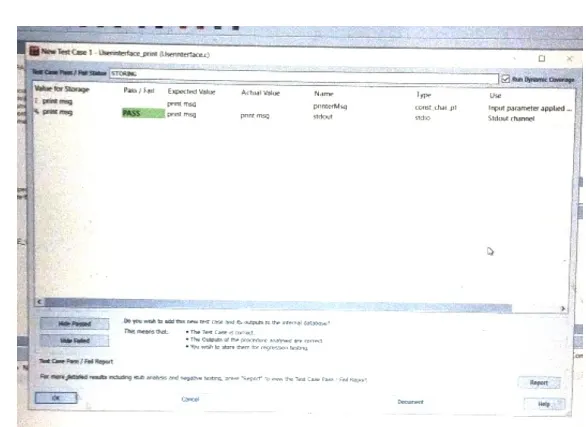
here it shows like our test case would have pass or fail
to run the test case in auto mode
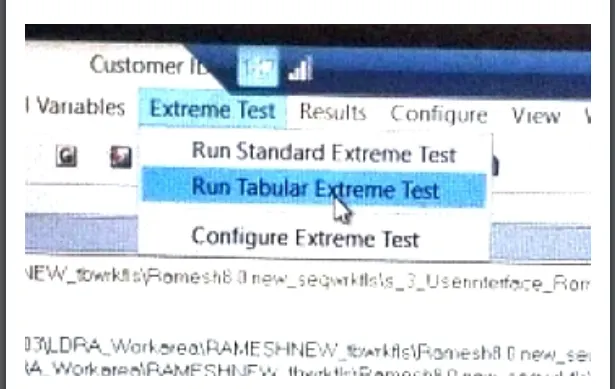
here we have to select the extreme test in that we have to select the run tabular extreme test
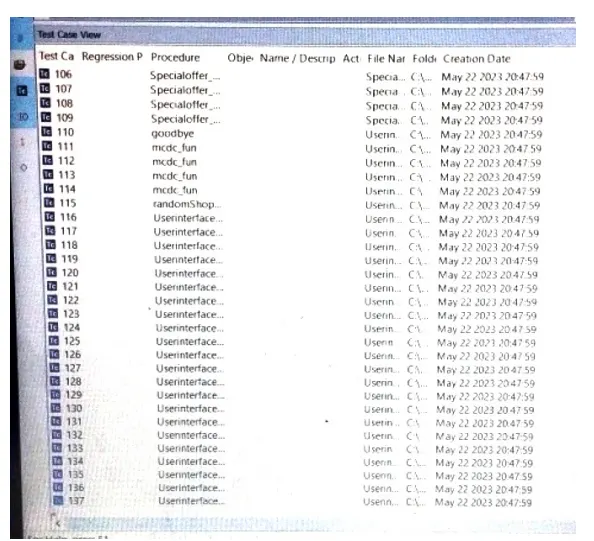
here are the results of automatic test case
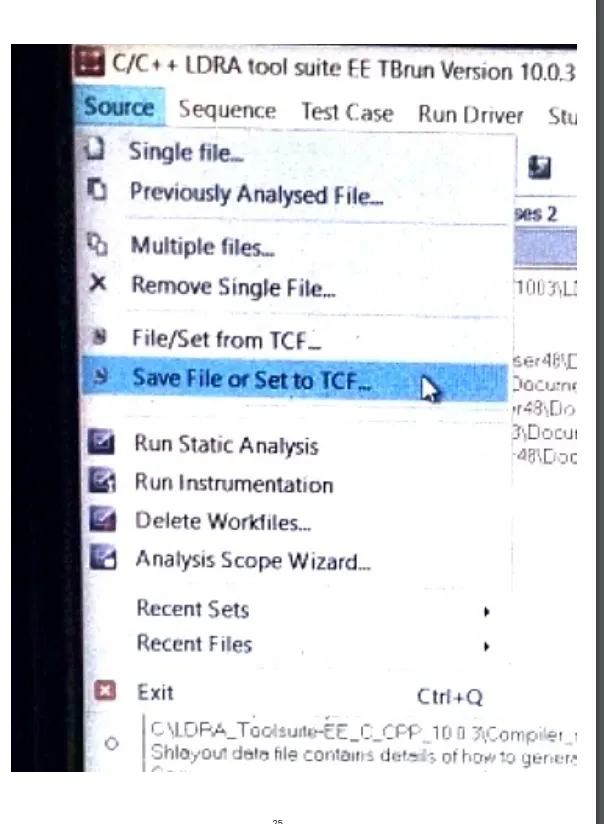
here we have select the source and in that we have to select the save file or set to TCF to store the test cases and the selected functions
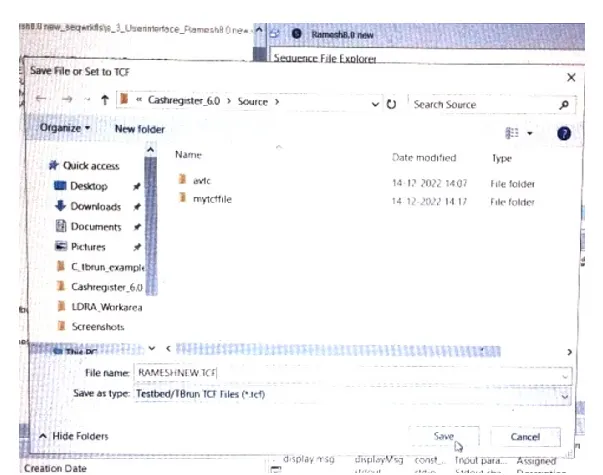
here im giving some name rameshnew .tcf and im saving it in this location
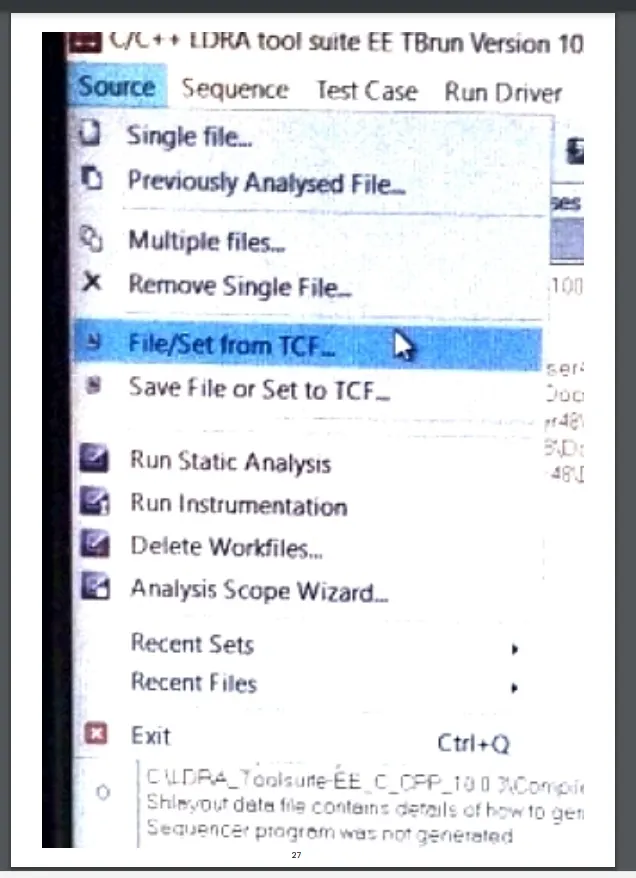
after if we wanna upload the file just we created now we have to go to the source and select the file/set from tcf
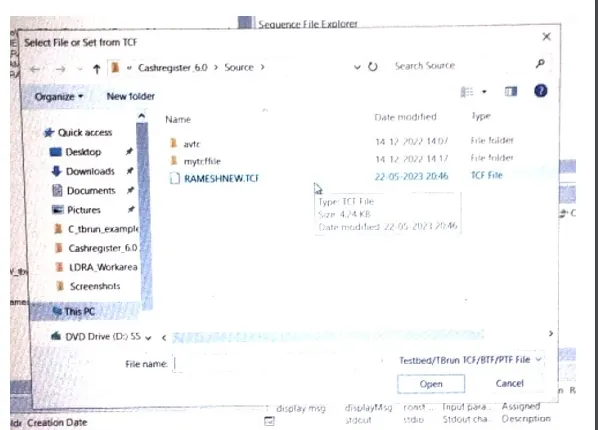
here what ever we created the file that is availble in this location in the name of rameshnew.tcf if we wanna use this next time we can go like this from as like said above and we can upload when ever we want