Project 2 - V&V SW Analysis II
Problem Statement 1.
Perform Static Code Review Analysis for “C:\**\LDRA_workarea\Examples\C_Testbed_examples\Testrain\Testrain.c” Generate Code review report and upload them.
Solution-
Steps envolved in code review report generation with the help of LDRA tool TBvision:
Step 1
frist open TBvision and upload file by finding the.c file at locotion.
Step 2
Name of .c file is given and location is also given.
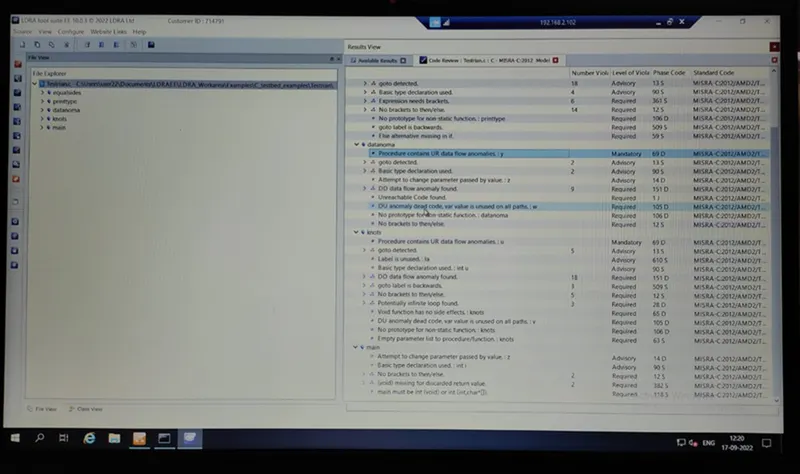
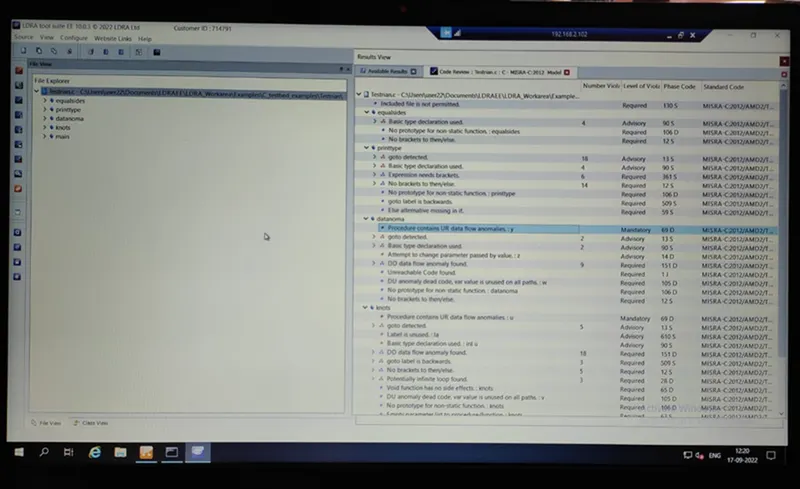
Now view code review report.
Code review report: This analyse the code and report on metrics for testability, maintainability, and clarity. Even beyond these metrics, LDRA helps you identify and visually highlight areas of code which may require refactoring. You can easily configure the parameters of the overall quality model to meet the needs of your organisation or application requirements.
Problem Statement 2.
Perform Integration testing by including all the .C files available in the folder location
C:\**\LDRA_workarea\Examples\Toolsuite\Cashregister_6.0\ **
A)Create the test cases manually as well as automatically using TBExtreme and upload the reports.
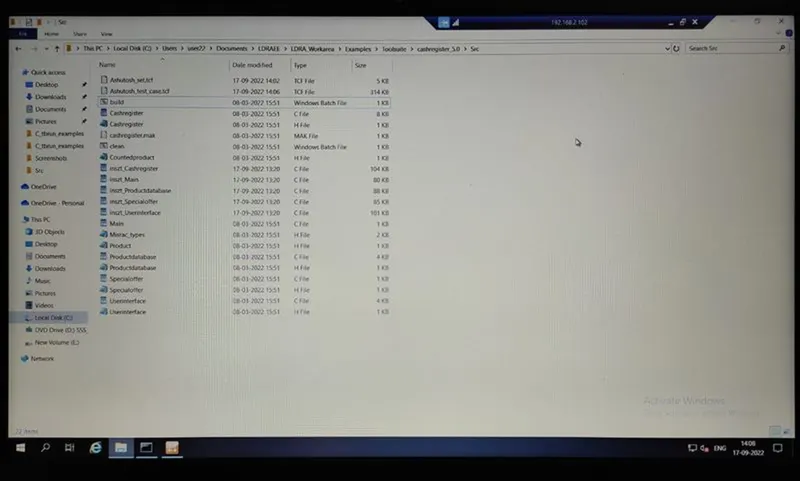
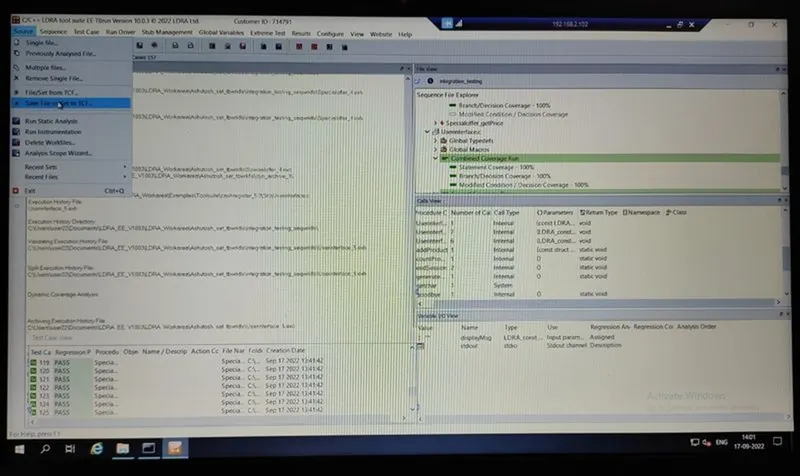
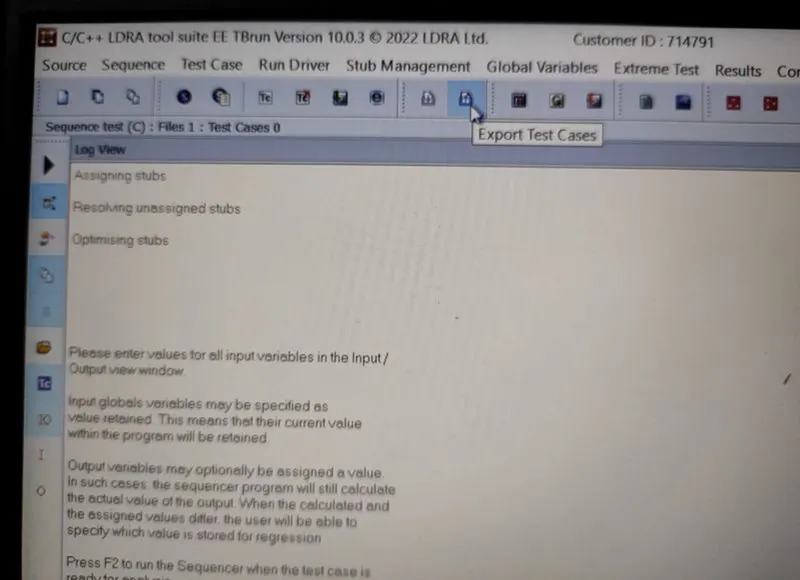
B)store the test cases as .tcf file. Upload the location image where the .tcf file is stored.
Solution-
Performing Integration testing:
What is Integration testing?
Integration testing also known as integration and testing (I&T) is a type of software testing in which the different units, modules or components of a software application are tested as a combined entity. However, these modules may be coded by different programmers.
The aim of integration testing is to test the interfaces between the modules and expose any defects that may arise when these components are integrated and need to interact with each other.
Now performing Integration testing:
To perform Integration testing on LDRA software we need to follow these step:
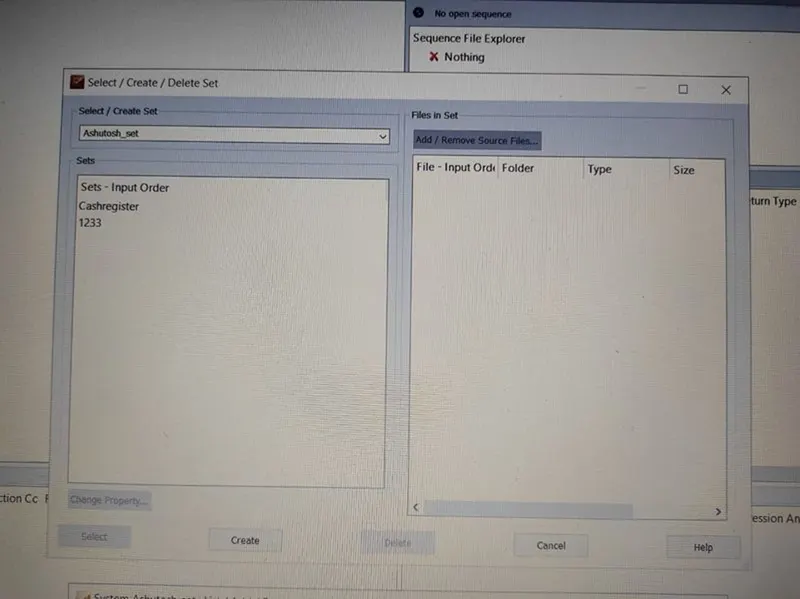
1) Create a set in LDRA TBrun:
2) Now add all files on which you want to do testing:
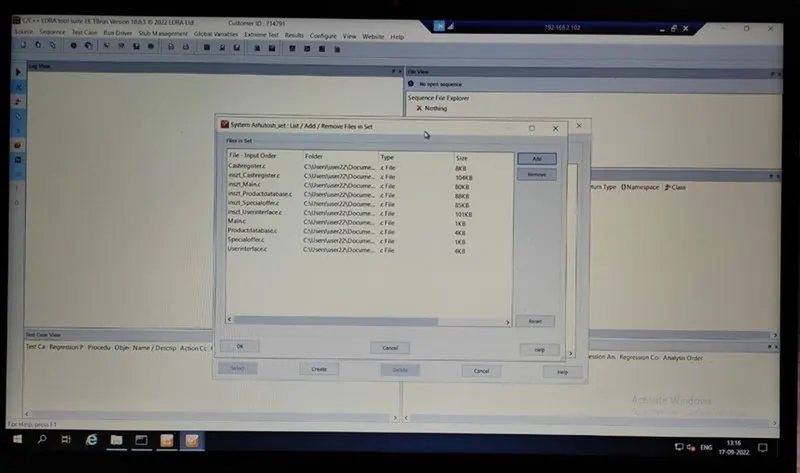
3) You can see all .c files are loading one by one:
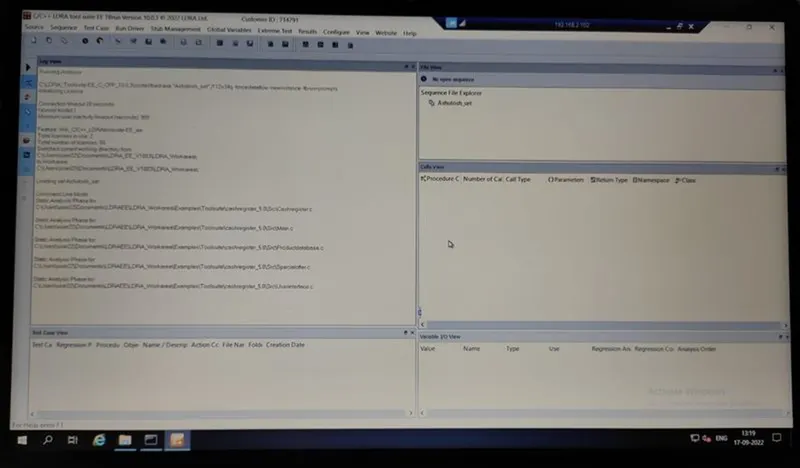
4) In this photo we can see all .c fils are loaded successful:
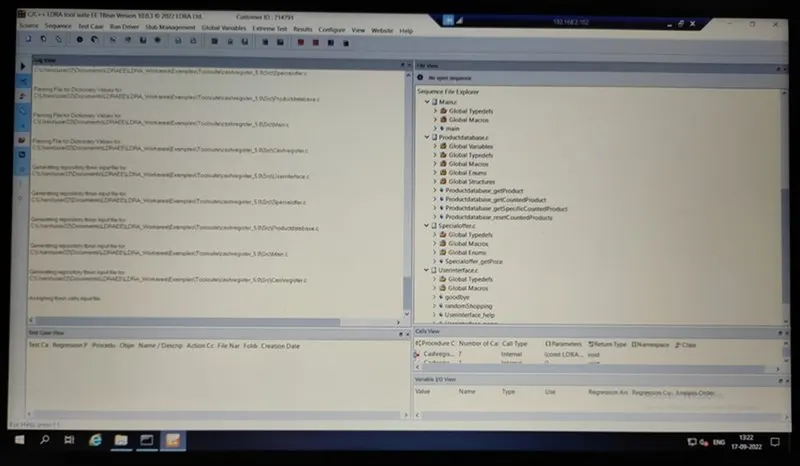
5) We can also see all the functions which are related to our seleected .c files are shown here:
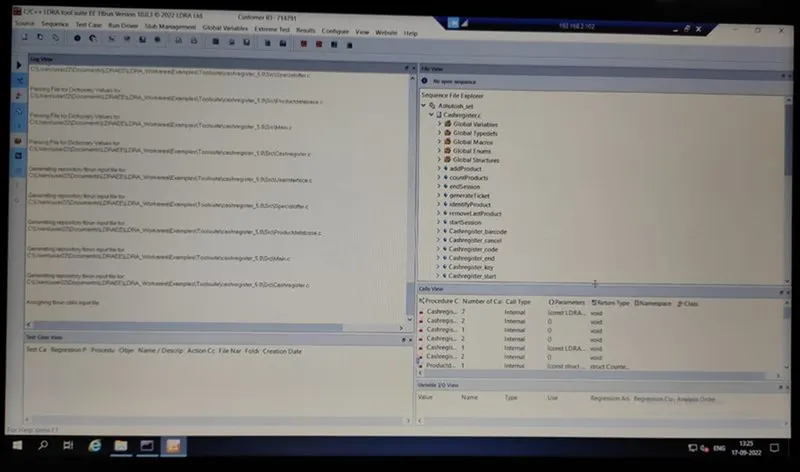
6) To perform testing frist we need to create Sequence in LDRA tool:
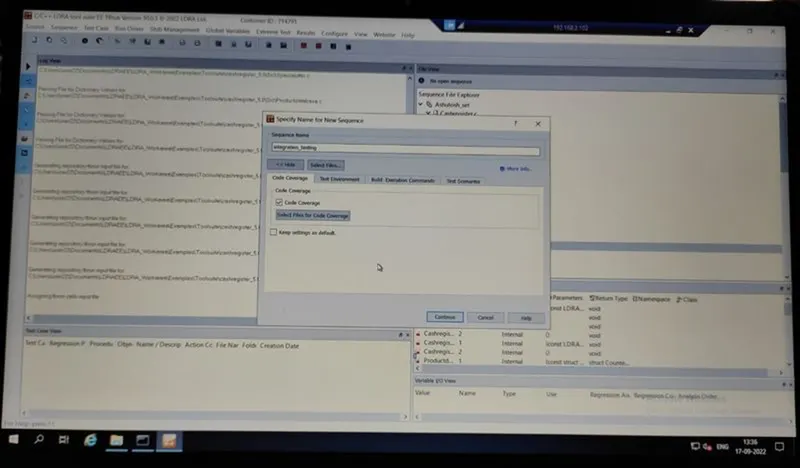
7) For creating test cases manually:
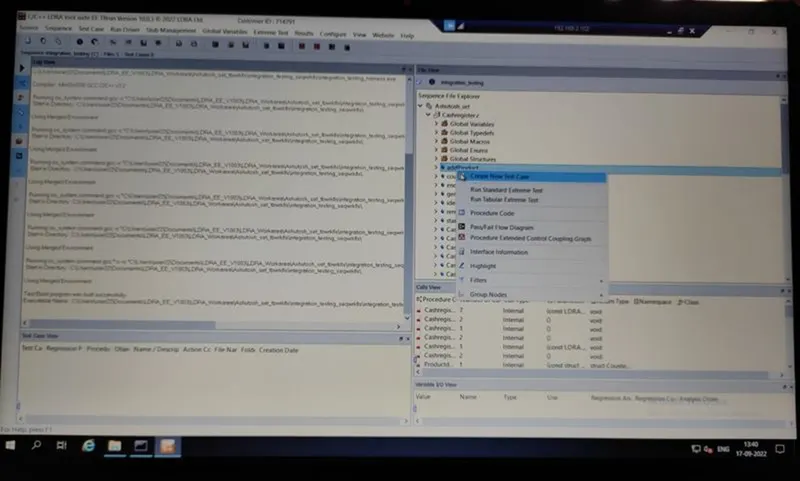
8) For automatic genrated test cases:
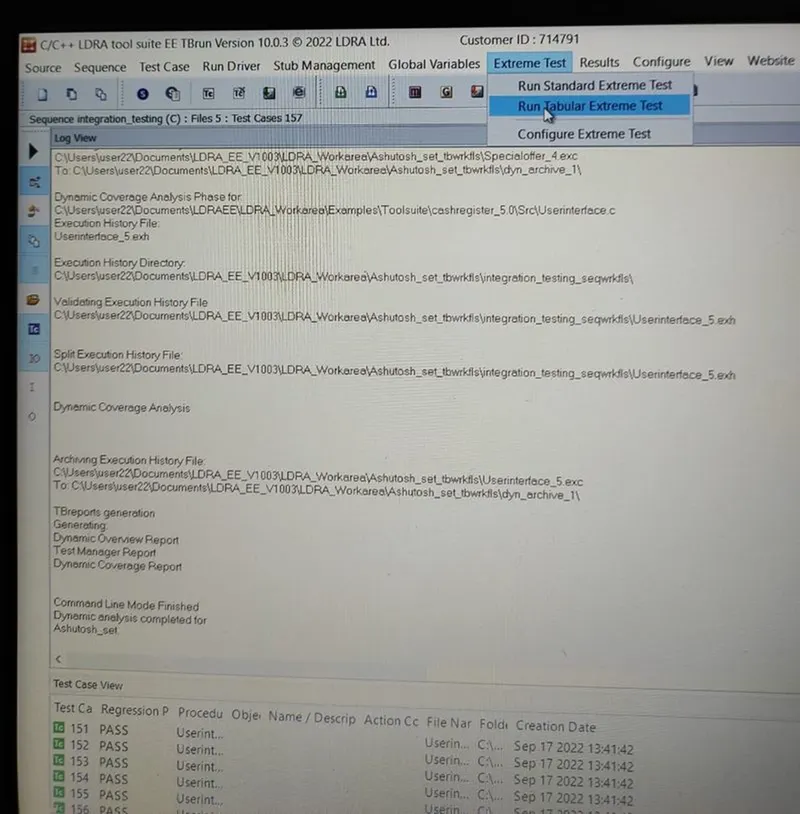
9) All created test cases are listed below:
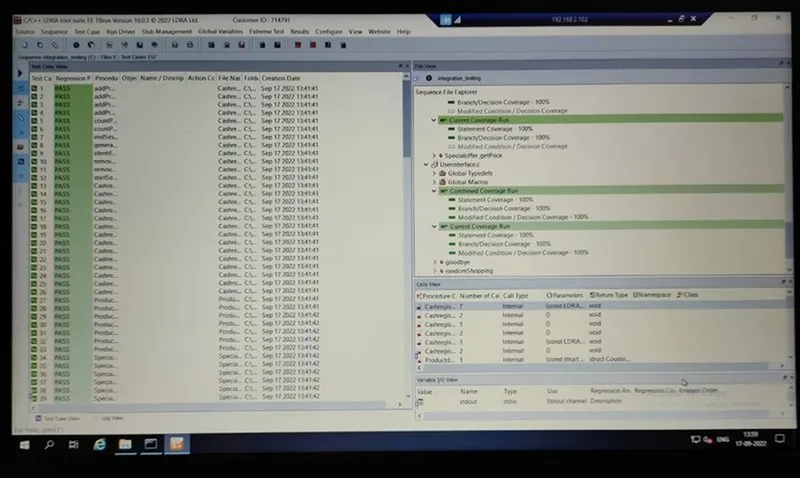
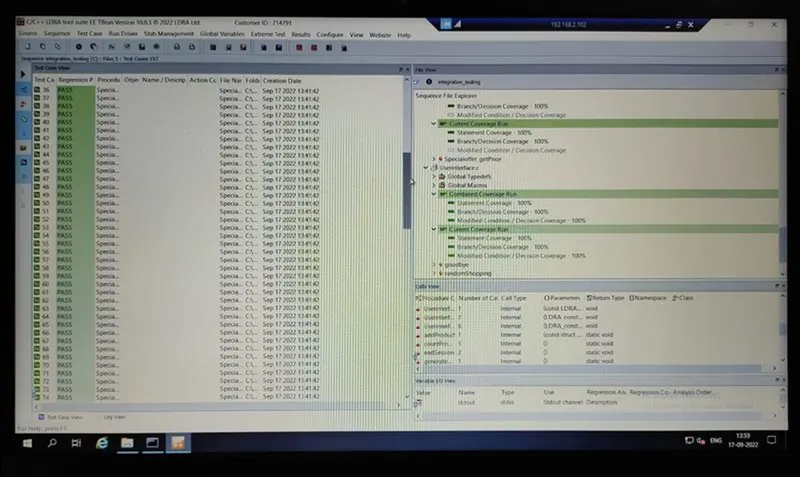
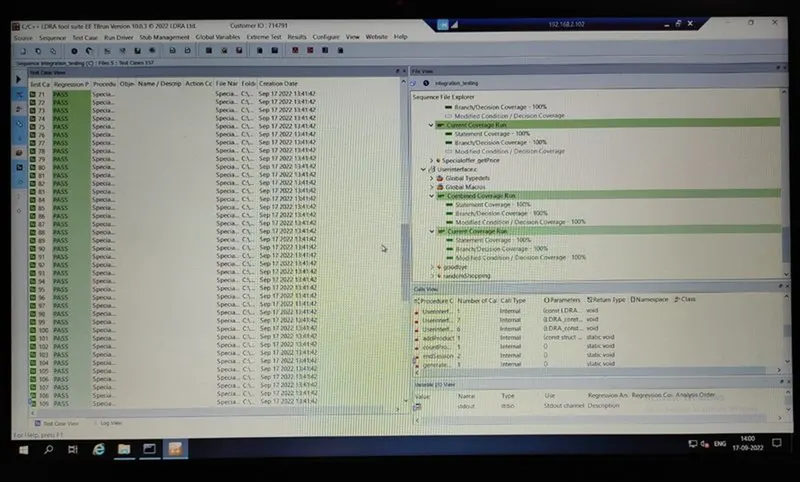
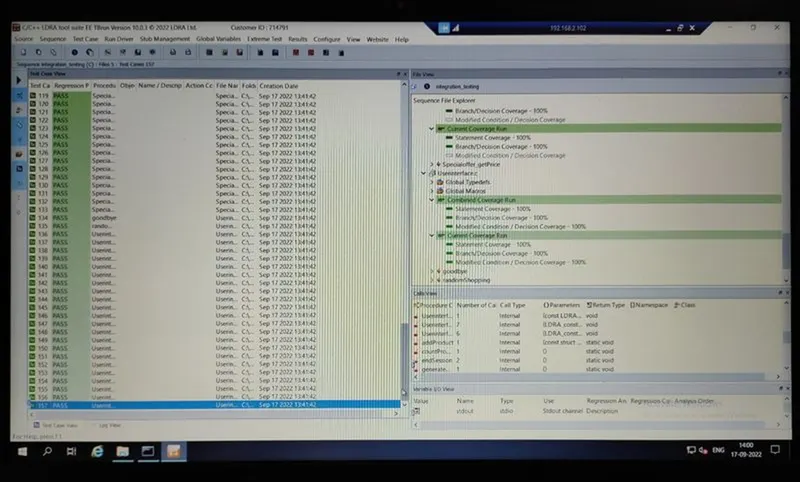
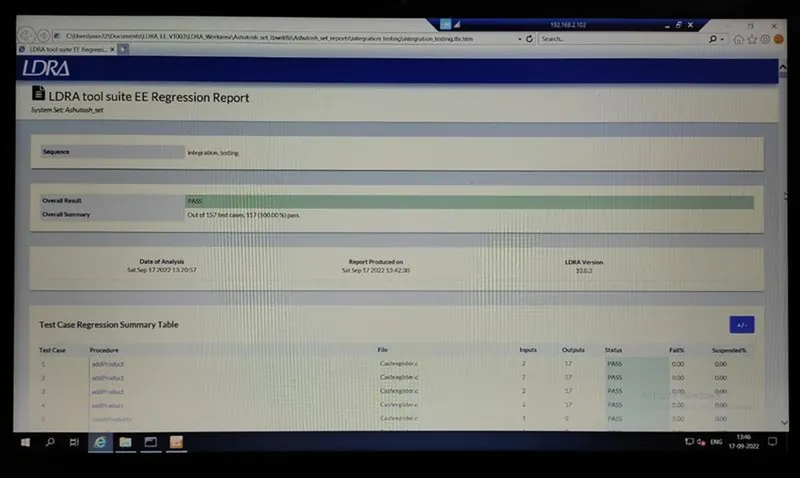
10) Regression Report summary:
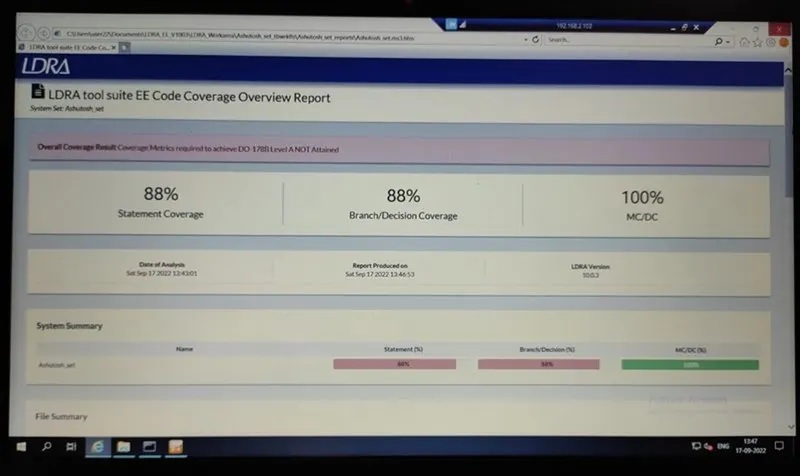
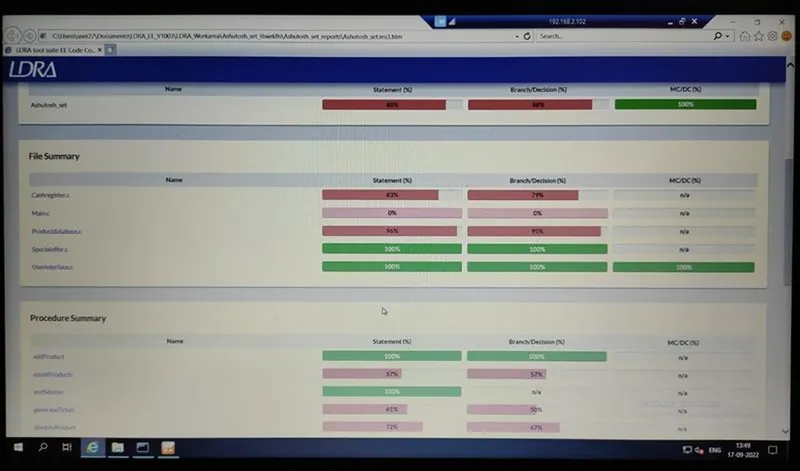
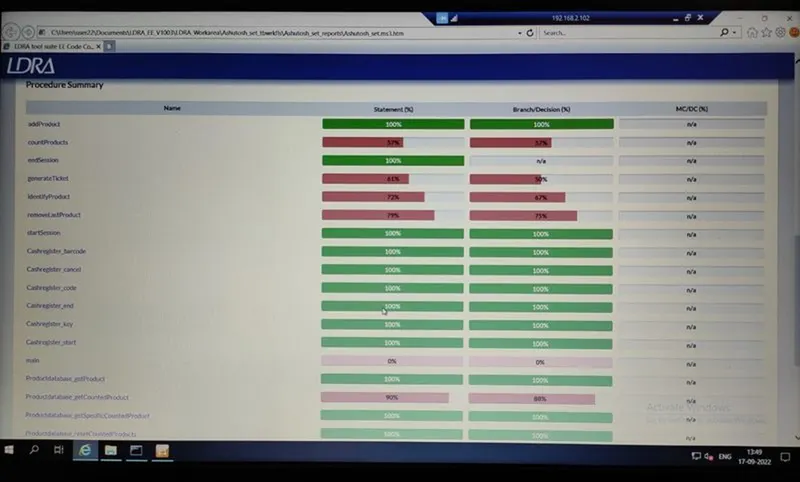
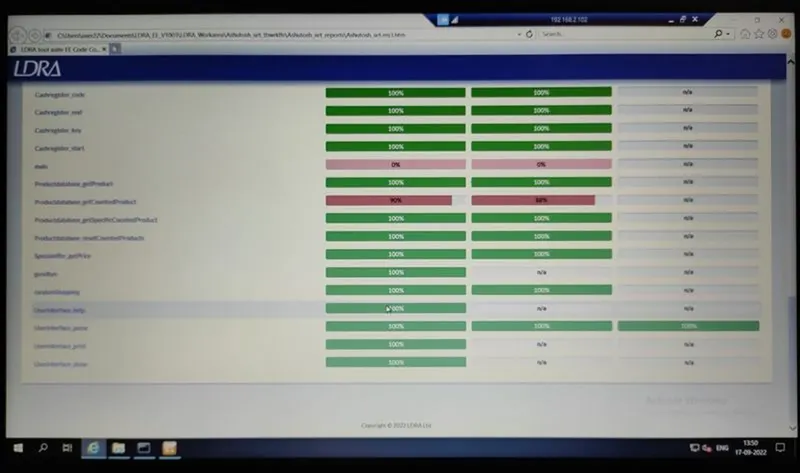
11) Dynamic coverage analysis:
12) This photo show how you can save your set file as .tcf file.
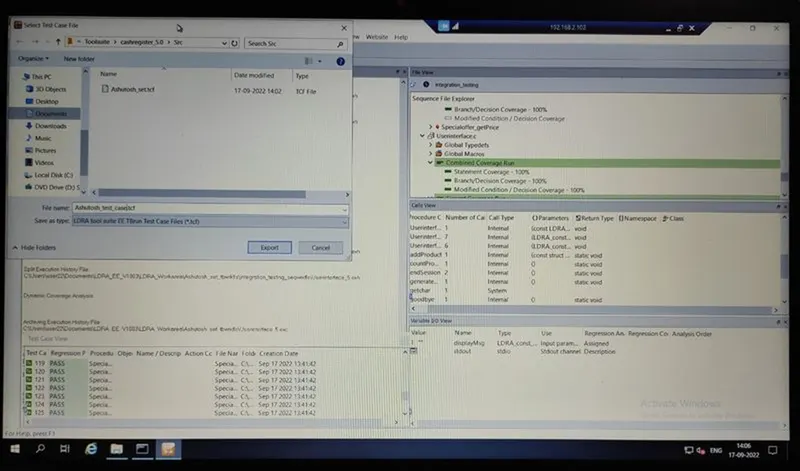
13) This photo show how you can save all your test cases:
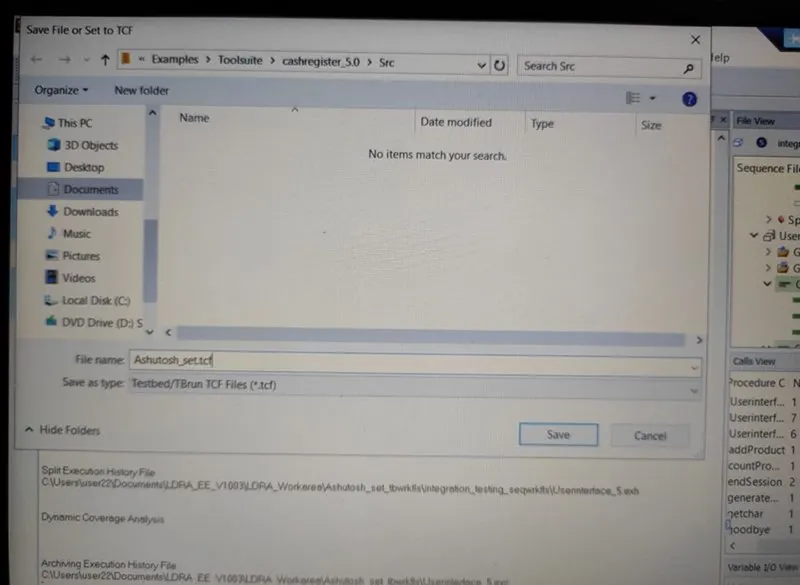
14) Location image where the .tcf file is stored: