Project - 2 - Meshing on the suspension Assembly
Report project 2 Meshing on the suspension Assembly
Provide Aim: create 3d mesh on suspension assembly, create appropriate connections
Procedure:
1.clean up geometry, devide parts into different properties
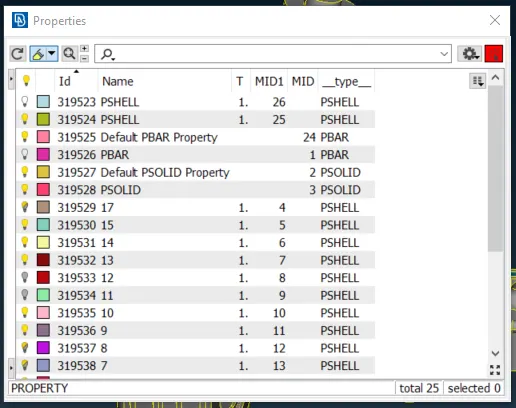
2.create 2d mesh in each properties based on quality standard
Rim&Tire:
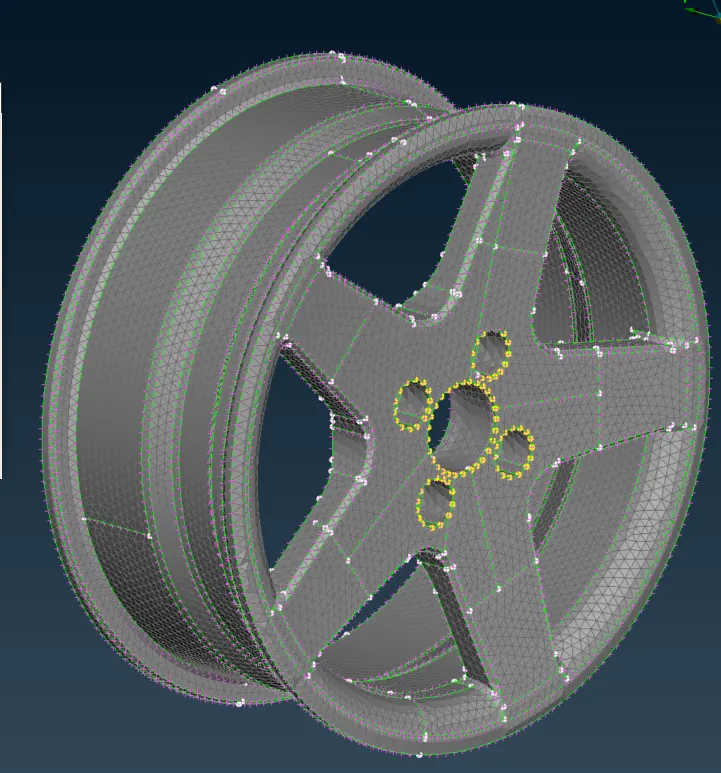
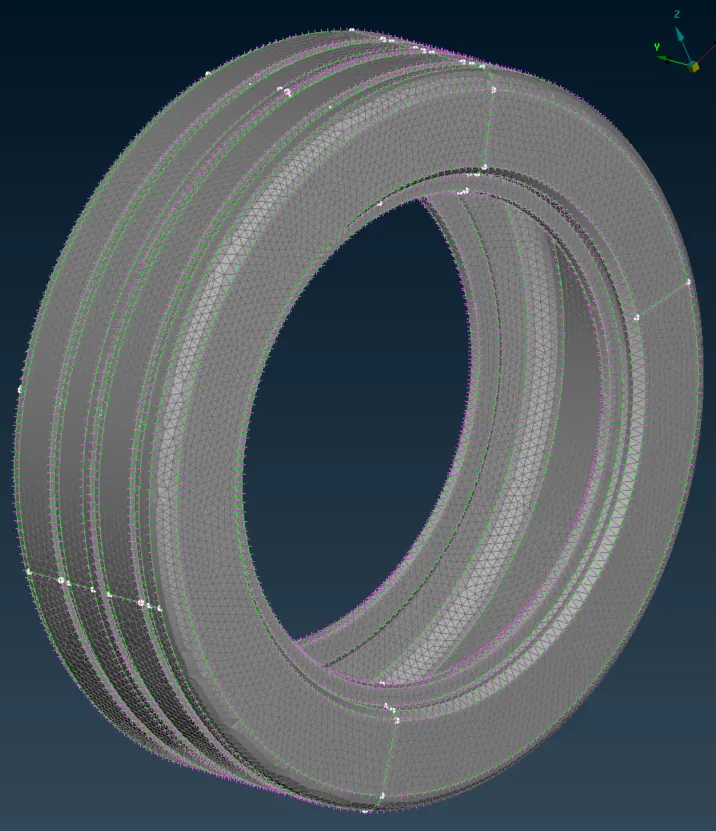
Quality Criteria for Surface Meshing of Tyre and Rim (Element type: Tria) :
|
S.No |
Quality Criteria |
Value |
|
1 |
Target/Average length |
6.5 |
|
2 |
Minimum Length |
5 |
|
3 |
Maximum Length |
10 |
|
4 |
Skewness |
45 |
Other parts:
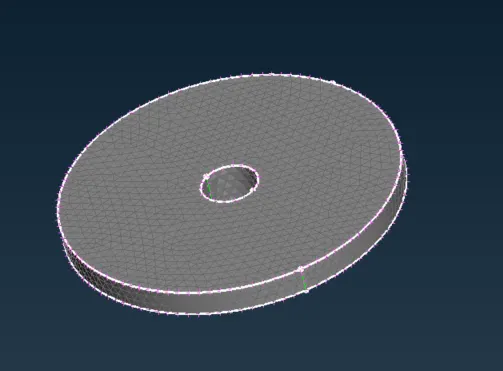
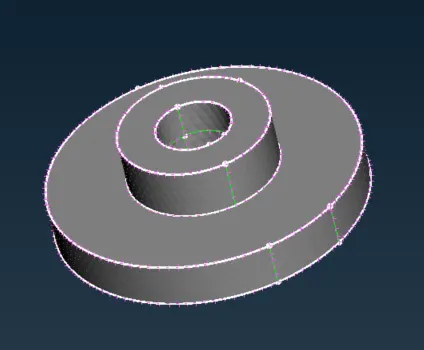
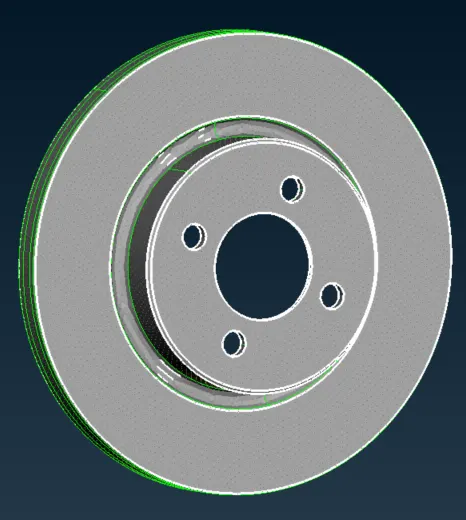
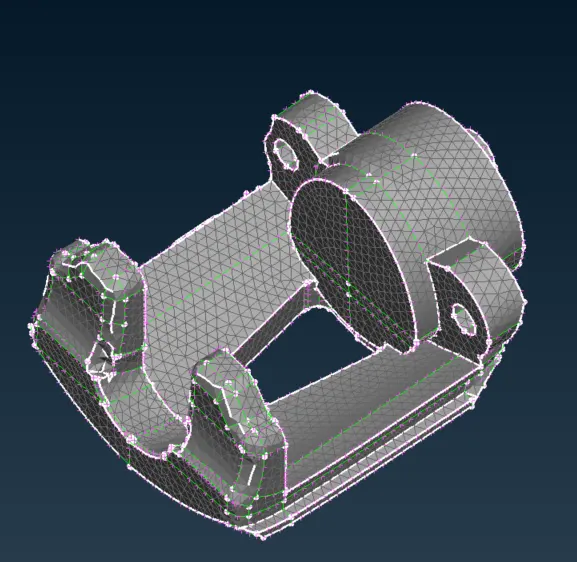
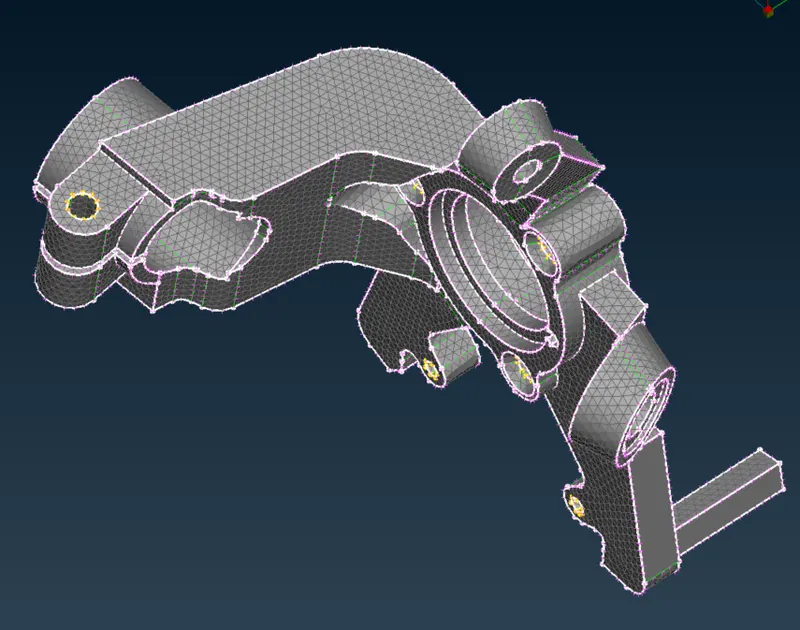
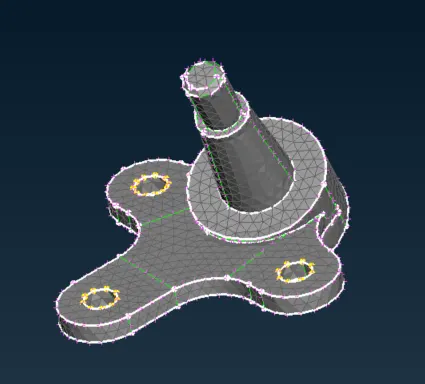
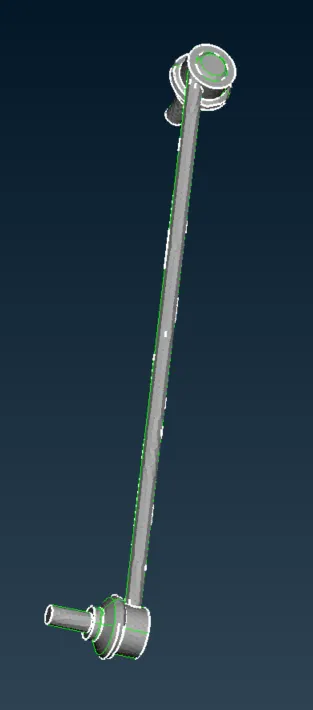
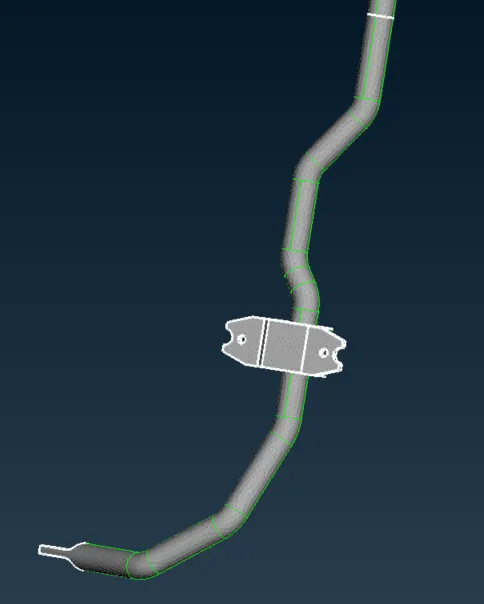
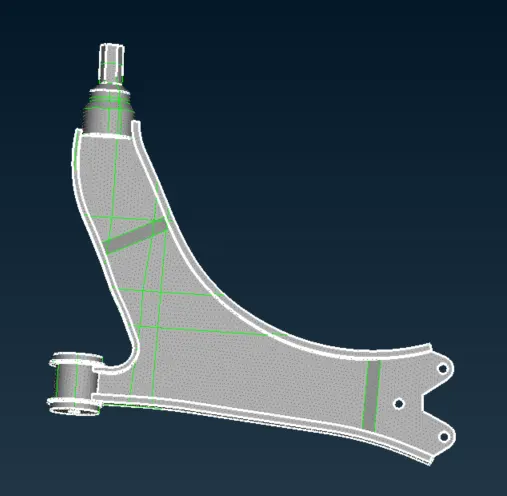
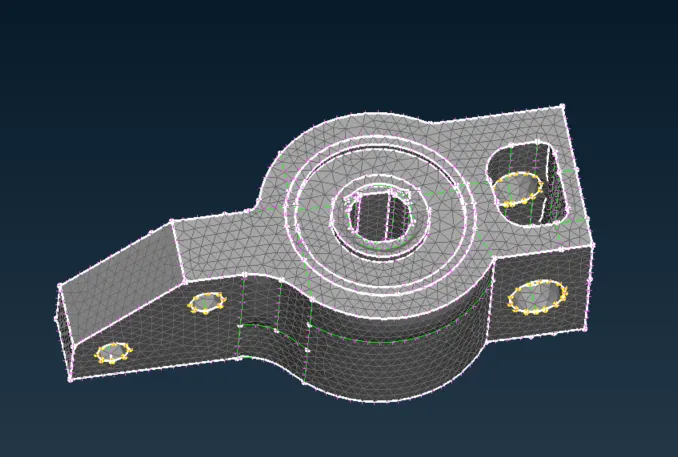
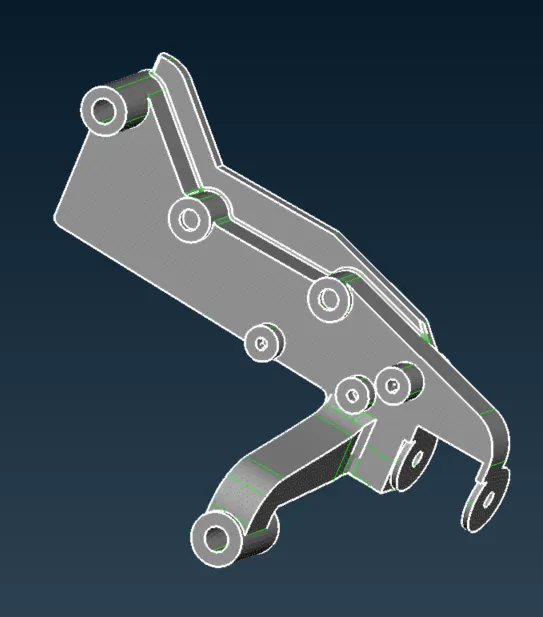
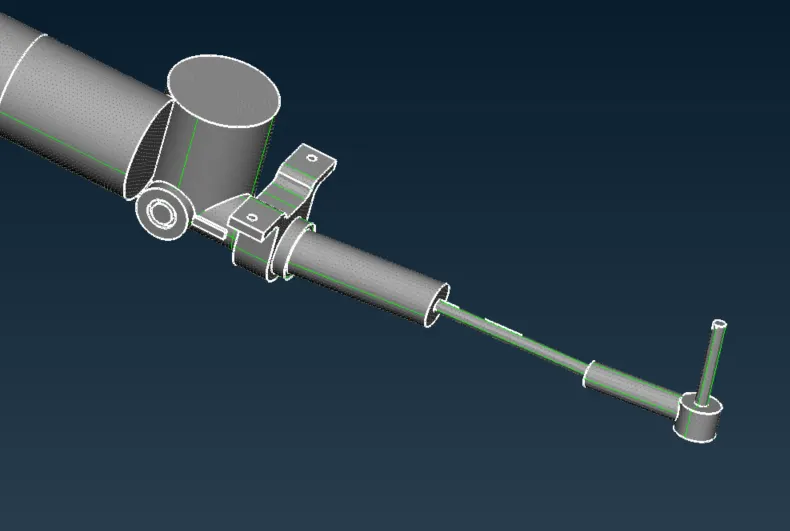
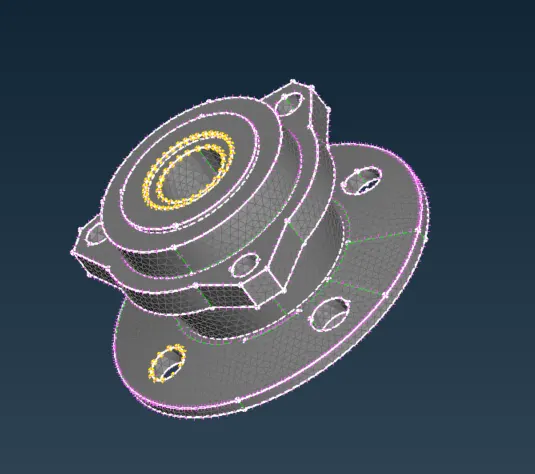
Quality criteria for Surface Meshing of Non Uniform thickness components other than Tyre and Rim (Element type: Tria) :
|
S.No |
Quality Criteria |
Value |
|
1 |
Target/Average length |
4 |
|
2 |
Minimum Length |
2 |
|
3 |
Maximum Length |
6 |
|
4 |
Skewness |
45 |
There are parts thickness is less than 5mm, so they need to create middle surface for 2d mesh:
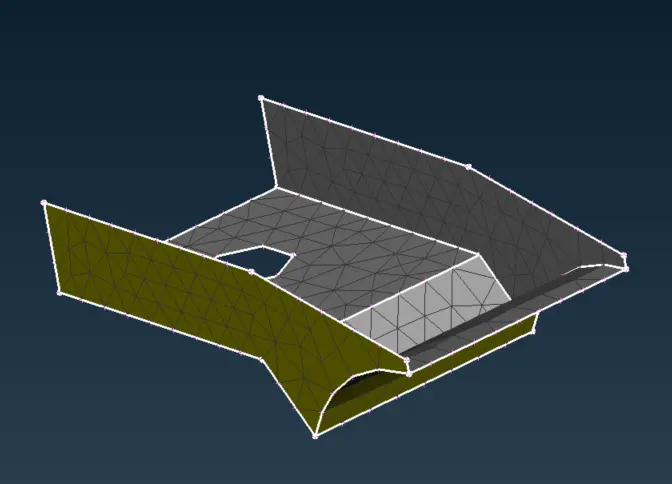
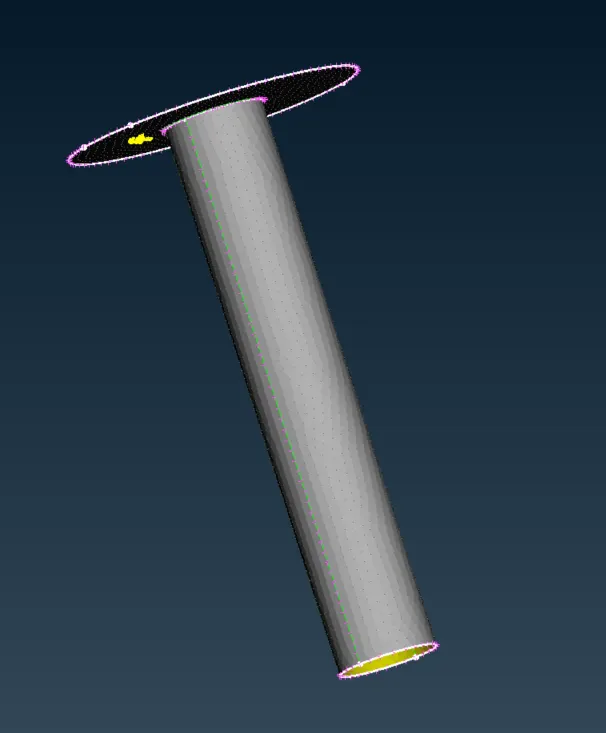
Quality criteria for Mid surfacing of Uniform thickness part which has thickness less than 5 mm (Element type: Mixed elements) :
|
S.No |
Quality Criteria |
Value |
|
1 |
Target/Average length |
4 |
|
2 |
Minimum Length |
2 |
|
3 |
Maximum Length |
6 |
|
4 |
Aspect |
3 |
|
5 |
Warpage |
15 |
|
6 |
Skewness |
45 |
|
7 |
Jacobian |
0.7 |
|
8 |
Minimum Quad Angle |
45 |
|
9 |
Maximum Quad Angle |
135 |
|
10 |
Minimum Tria Angle |
30 |
|
11 |
Maximum Tria Angle |
120 |
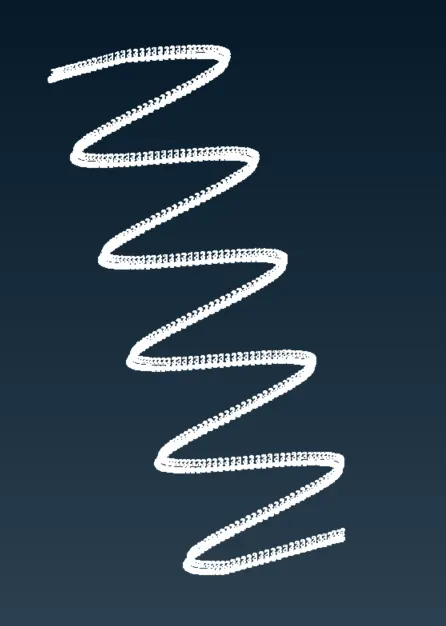
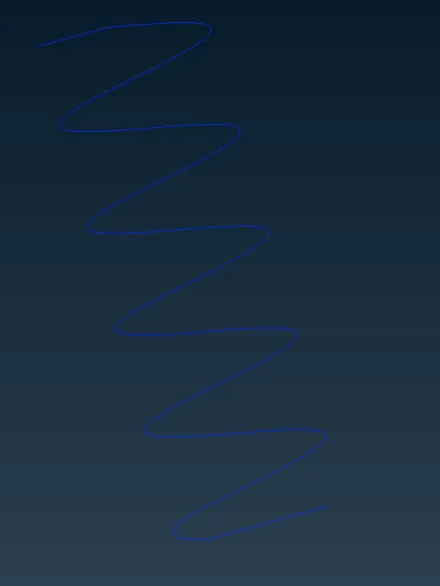
For spring, use CBAR element
3.Then create 3d mesh:
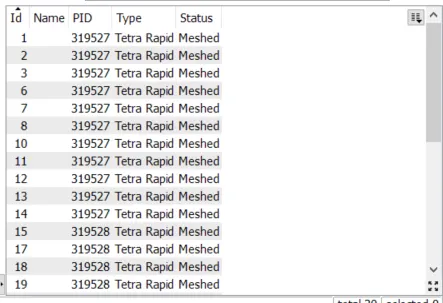
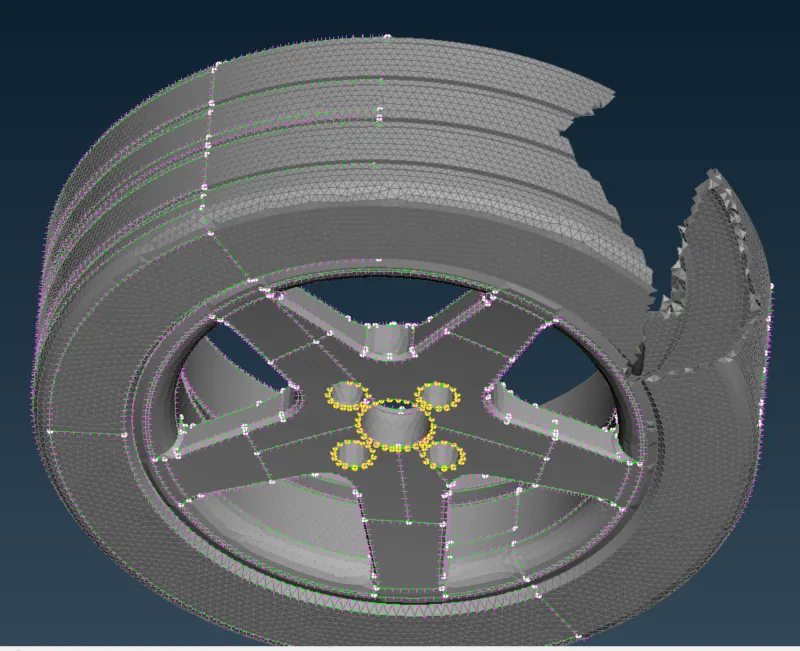
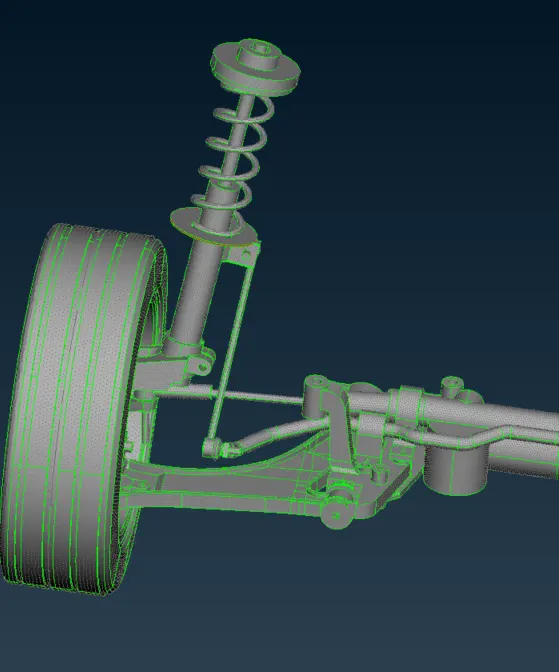
create volume list for each properties, use tetra rapid method to create 3d mesh.
Rim&Tire:
Whole parts:
Quality Criteria for Volume meshing of all Non Uniform thickness components (Element type: Tetra Elements):
|
S.No |
Quality Criteria |
Value |
|
1 |
Tet-collapse |
0.2 |
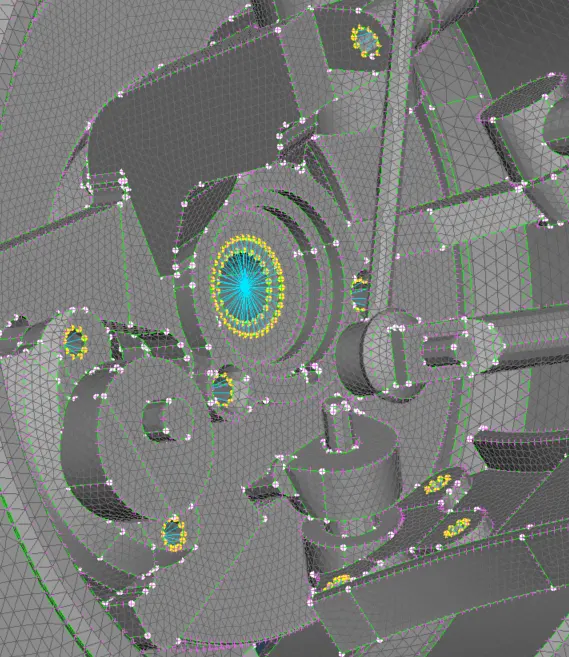
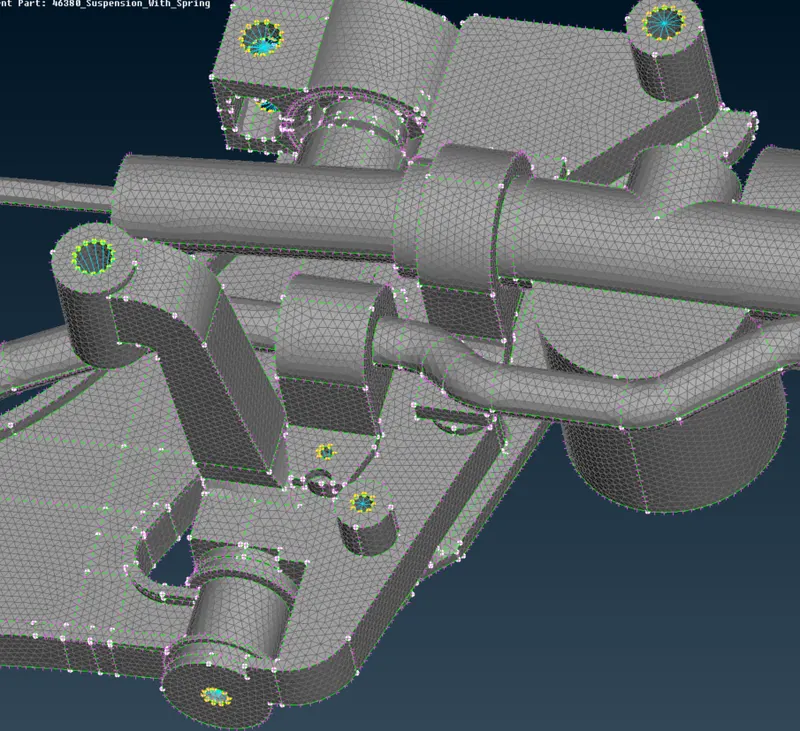
4. create connection
RBE2 connections:
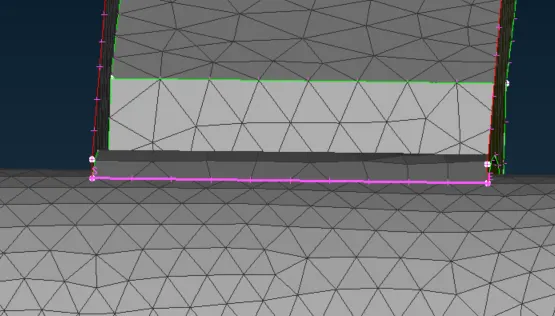
spotweld:
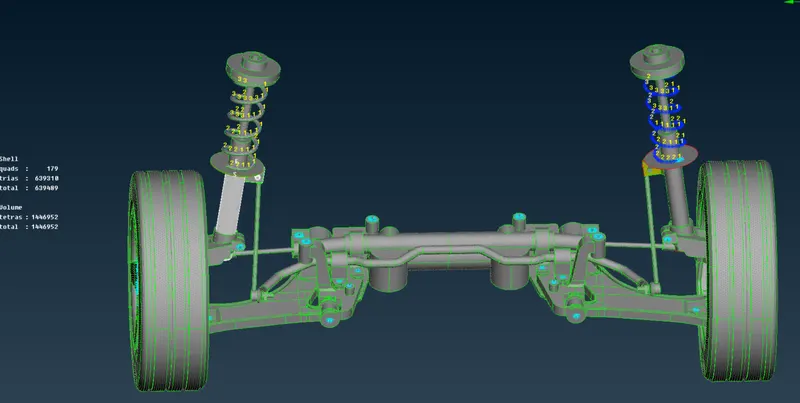
6. use symmetry to copy the other side of the suspesion:
Learning Outcomes: There are some new points in this project. I learned how to dicide and combine shell element and tetra elements together. I learned how to use CBAR element.
Conclusion: This is a good projects. It combines 2d mesh and 3d mesh. It also combine different connections: reb2 and spotweld connections. Finally use symmetry to display the whole parts.