Project - 2 - Meshing on the suspension Assembly
AIM: To mid-surface the features of thickness less than 5 mm and meshing to given quality criteria. To the features of thickness greater than 5mm do the tetra mesh and volume mesh is to be done. Necessary connections has to be made.
Procedure:
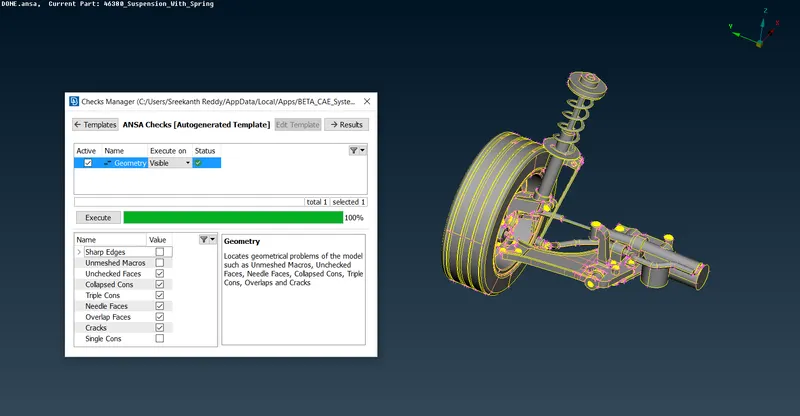
Import the model and make sure that there are no geometrical errors in the model.
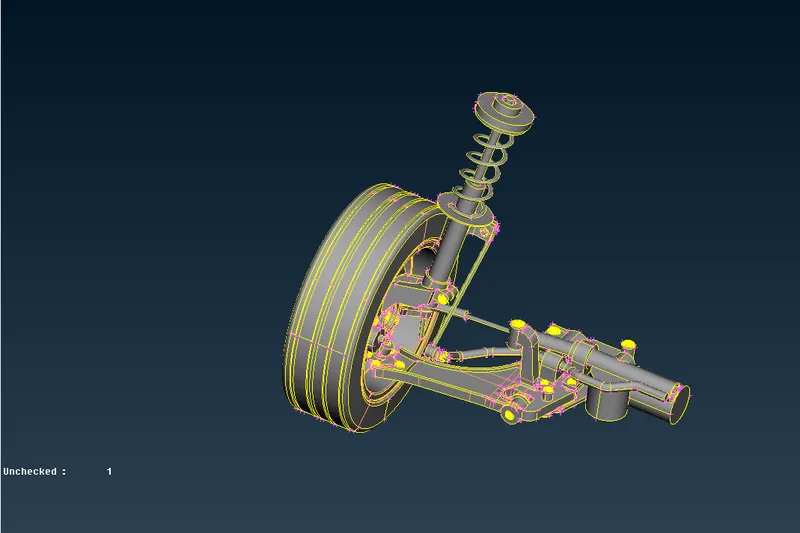
After geometrical clean-up:
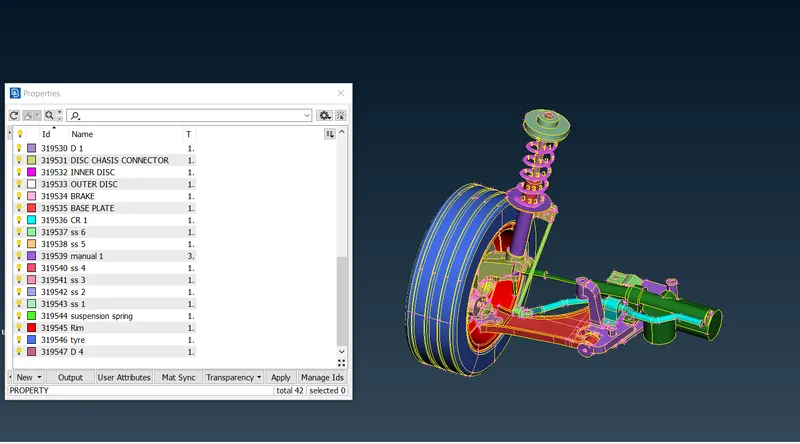
Create different PID's for different components.
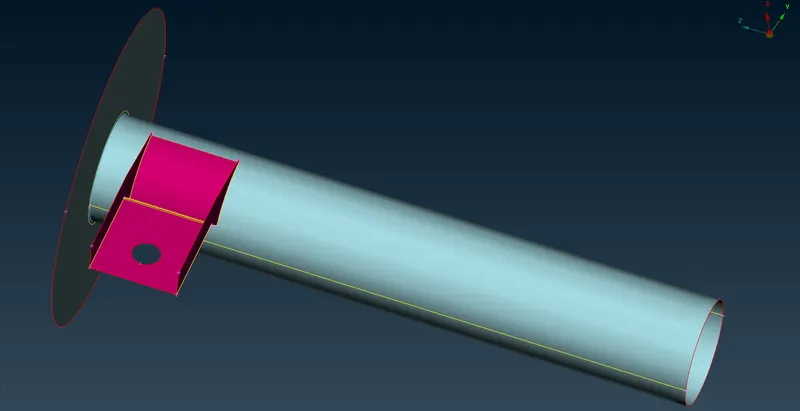
Take mid-surface using manual methods or auto methods to extract mid-surface of the components of thickness less than 5 mm.
Here, I have used OFFSET to extract the mid-surface. Extend and Intersect is used to get appropriate connectivity.
Mesh has to be performed as per given Quality Criteria:
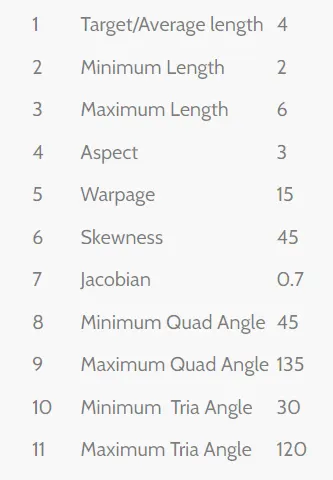
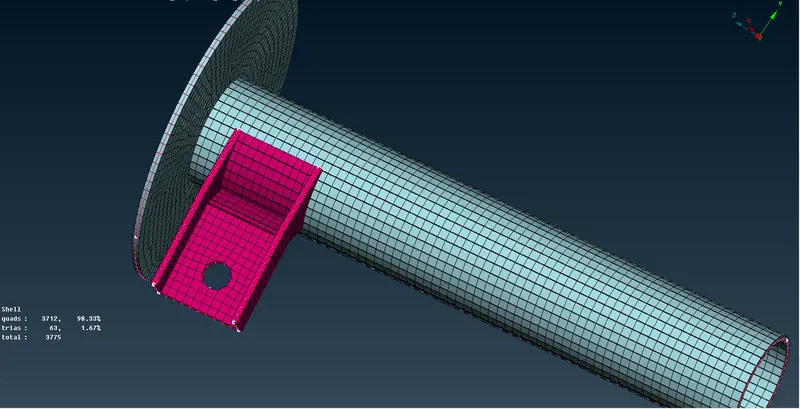
Mesh >>> Mesh Generation >>> Best mesh, is used to meshing the above feature.
Split, Paste, Swap commands are used to remove OFF elements.
Reconstruction and smooth commands are used if necessary.
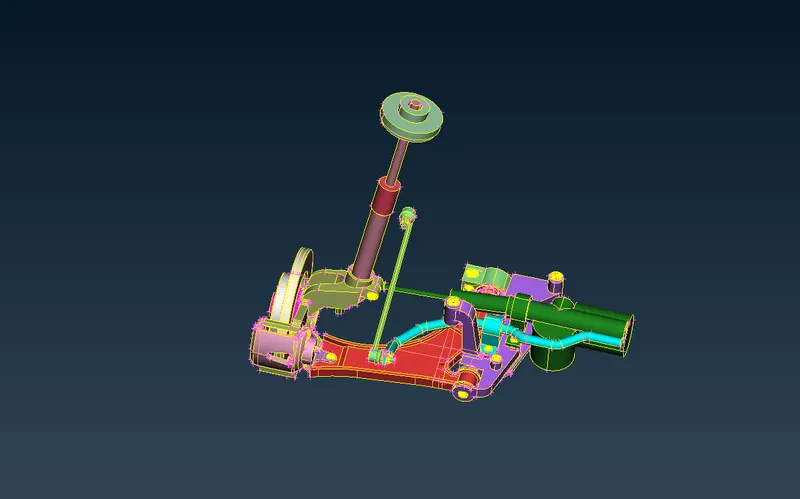
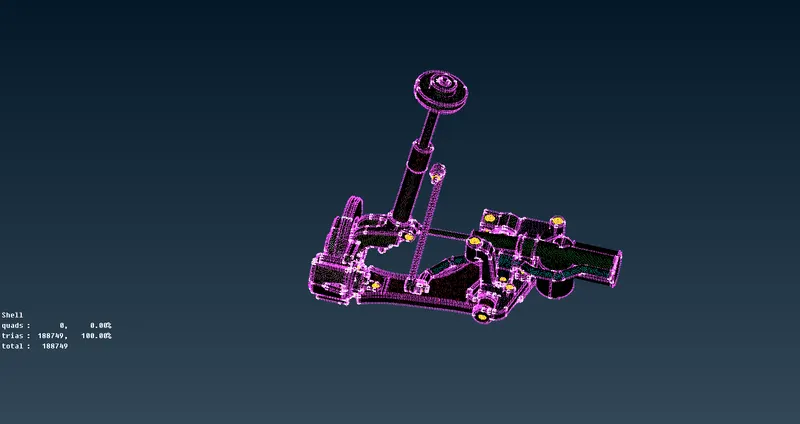
For the non-uniform thickness components and components with thickness more than 5mm, Use tetra elements to model the components according to the given quality criteria. Volume mesh has to be performed after tetra mesh.
Components of non-uniform thickness and uniform thickness with more than 5mm.
Given quality criteria:
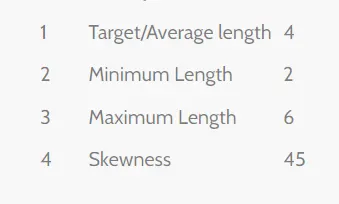
Tetra mesh:
Mesh >>> Mesh Generation >>> Best mesh, is used to meshing the above feature.
Split, Paste, Swap commands are used to remove OFF elements.
Reconstruction and smooth commands are used if necessary.
Given volume Quality criteria:
Tet Collapse: 0.2
Volume mesh:
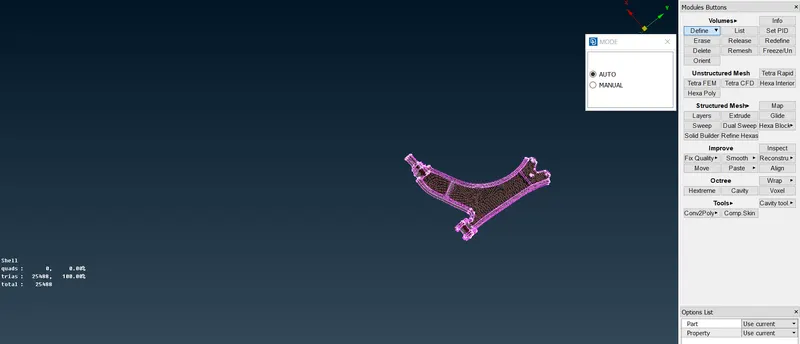
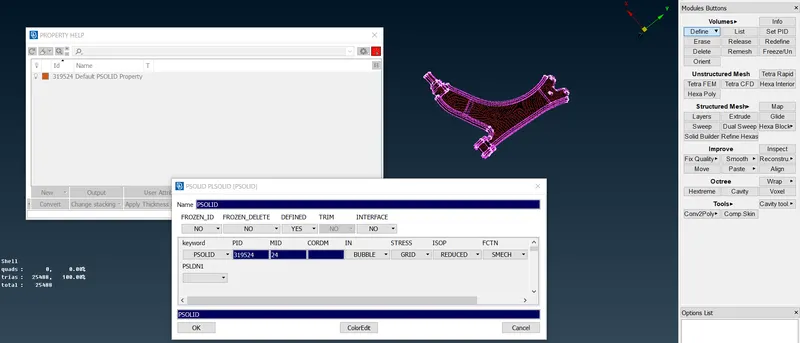
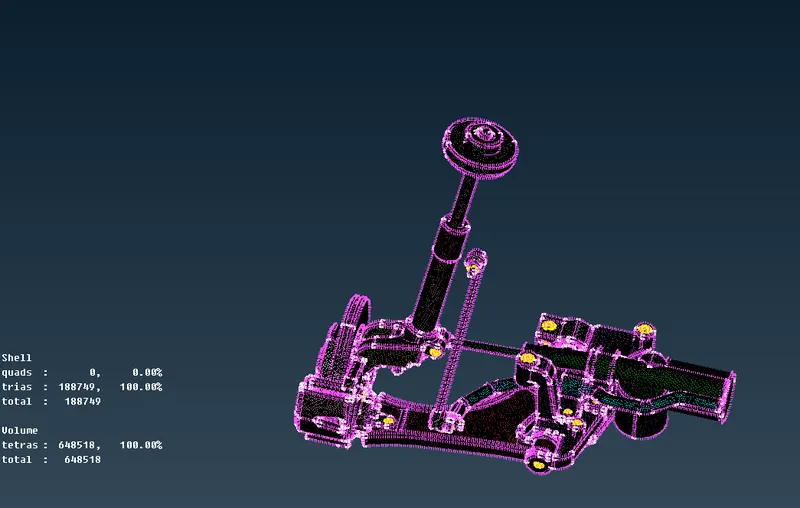
Define the volume in volume deck. Create PID as shown below. Go to List in volumes and perform remesh using Tetra Rapid. Check for the quality criteria.
Step 5:
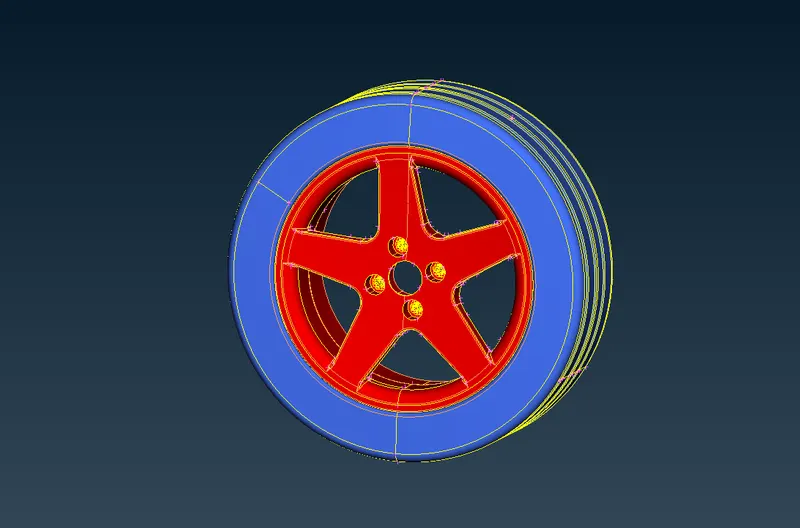
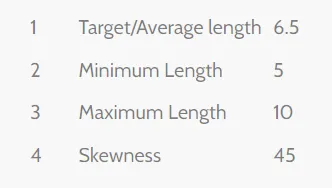
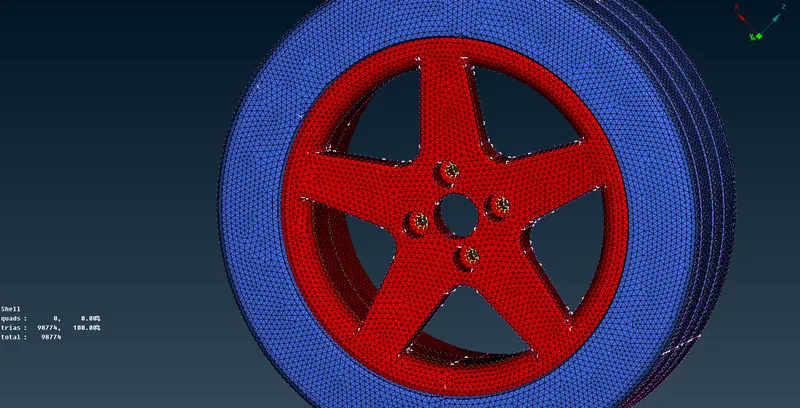
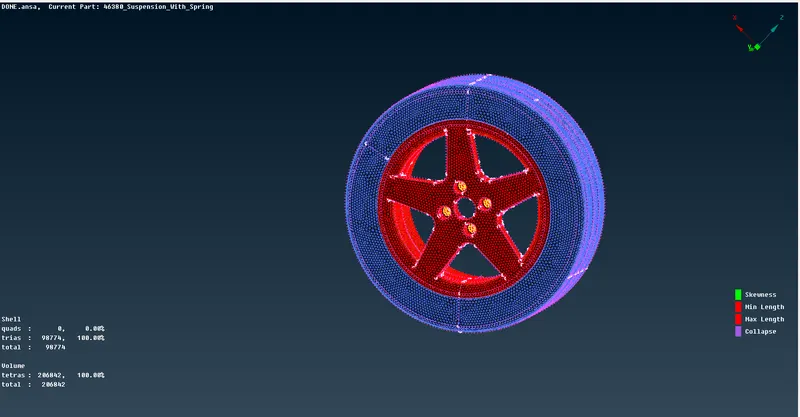
As per given data, Tyre and rim has to be meshing with tetra elements with given quality criteria and volume mesh is to be defined satisfying given quality.
Appropriate De-featuring is performed to meet the given Quality and get smooth and refined mesh.
Given quality criteria:
After tetra meshing:
After volume meshing:
Quality criteria: tet collapse = 0.2.
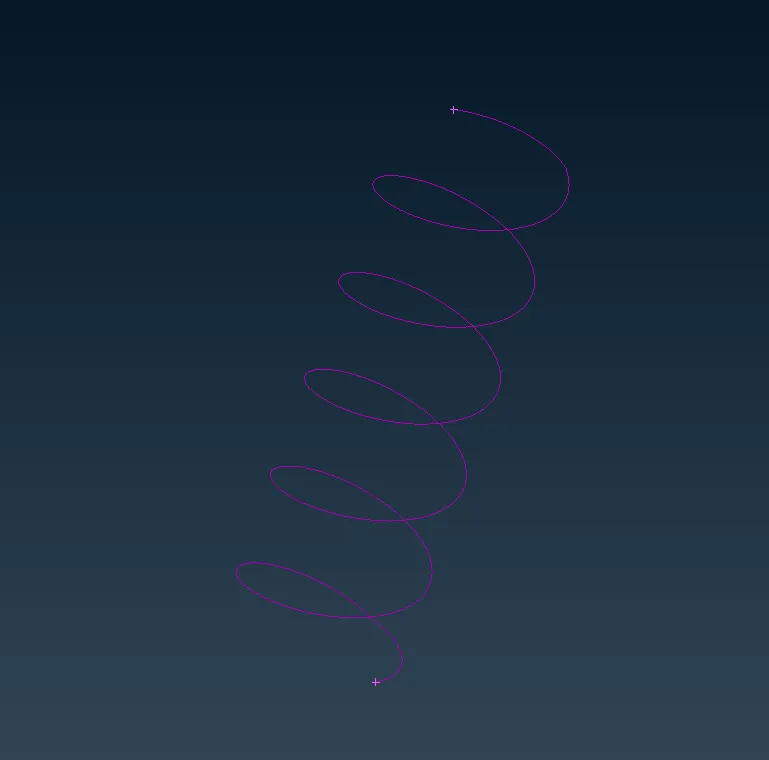
For suspension spring:
Use curve middle ( Topo >>> curves >>> middle )
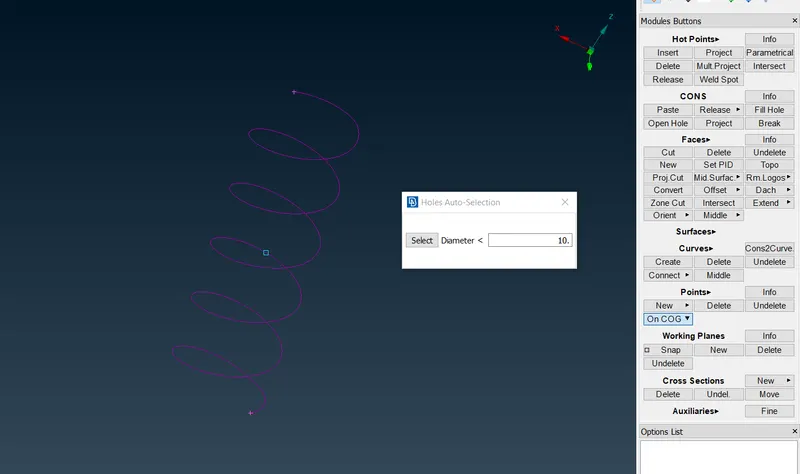
Use points on COG to specify the orientation:
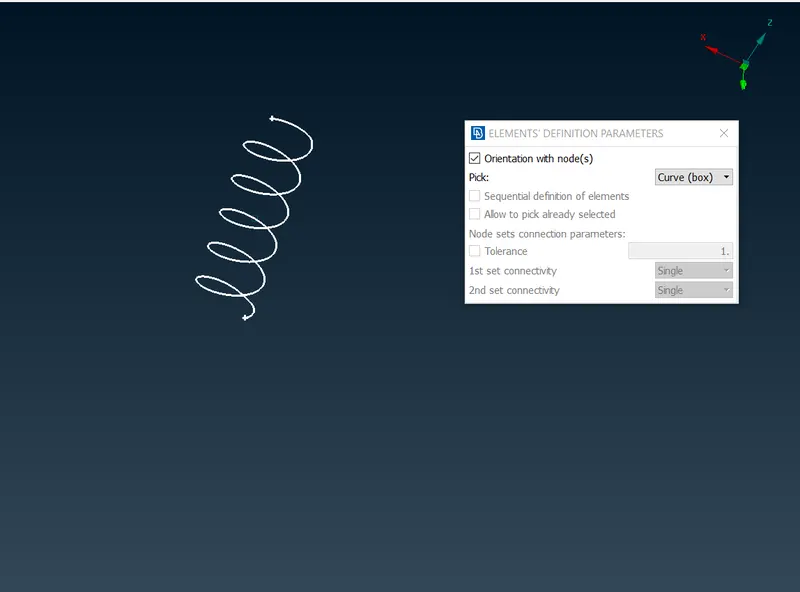
PBar elements has to be assigned as shown below.
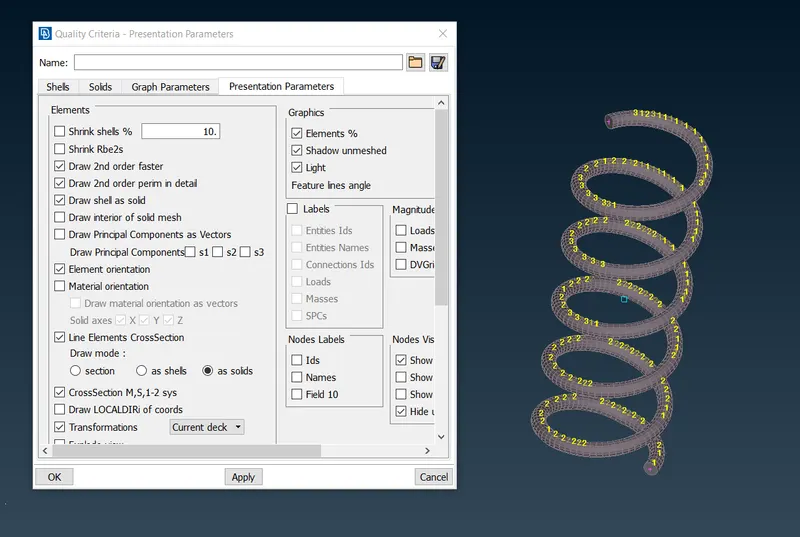
Quality criteria >>> line elements cross section >>> as solids is to be active.
Connections:
NASTRAN deck is used to make the appropriate connections.
Nastran >>> Elements >>> RBE2 >>> Many node, is used to represent a rigid connection.
Nastran >>> Elements >>> RBE2 >>> Two noded, is used to connect two parts representing the bolt connection.
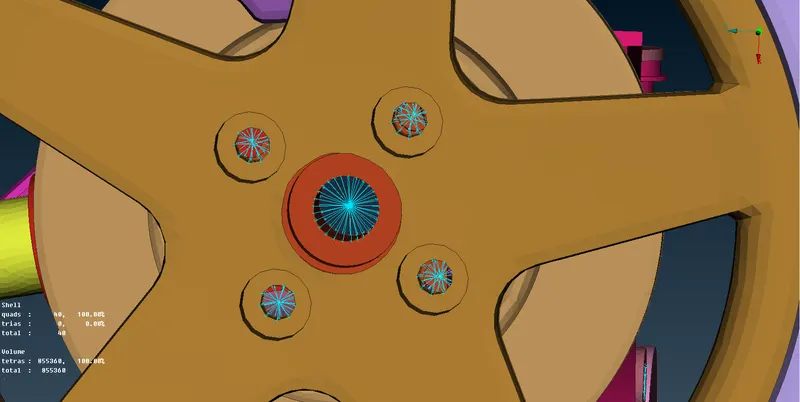
In the below figure, Two noded RBE2 connecton is made b/w the spring and the adjacent plate.
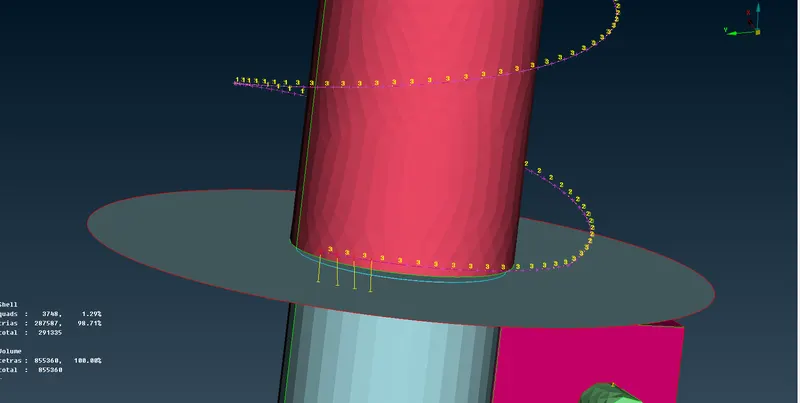
Bolt connections are represented below using many node RBE2 and two noded RBE2.
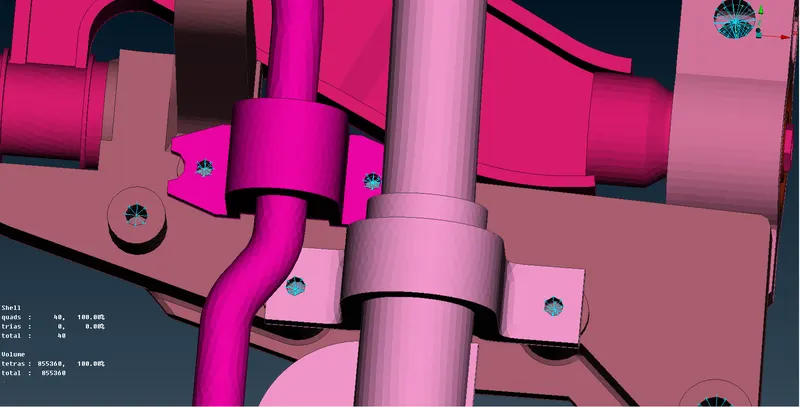
Spot weld is show below between the Two features.
A curve is created uses curve >>> new, Curve is transformed into a seam line and in connection manager, Overlap shell is used to represent the spot weld.
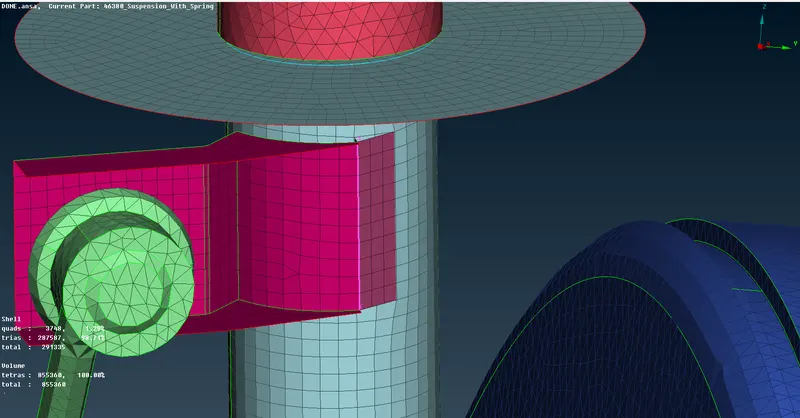
Appropriate Bolt connections are made by using the method above.
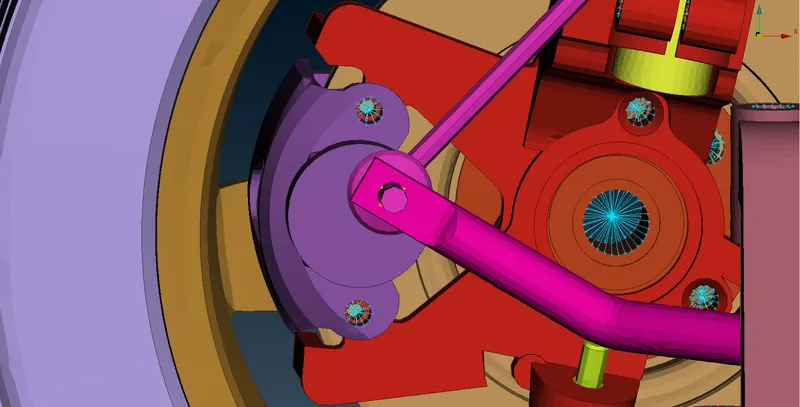
Draw shell as solid is activated:
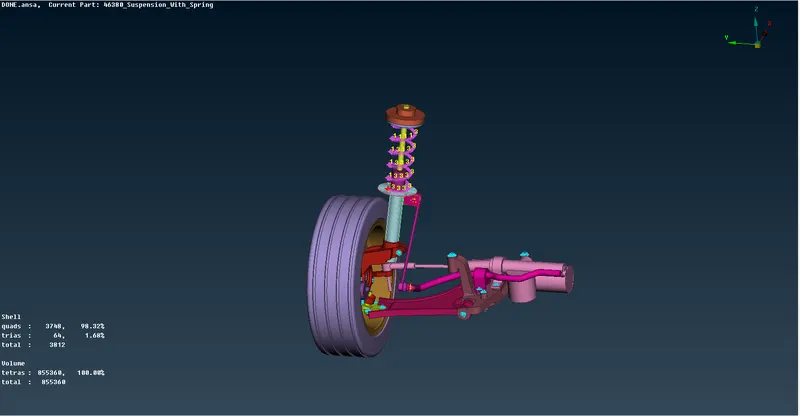
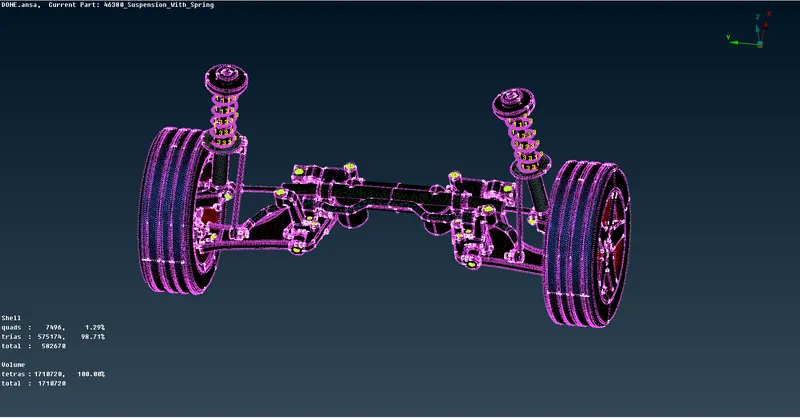
Symmetry is performed:
LEARNING OUTCOMES:
- Geometric clean-up
- Manual and Auto mid-surfacing
- Tetra meshing and Volume meshing
- Connections using RBE2, CBA
CONCLUSION:
As per given Quality criteria, The Tetra mesh and volume mesh is performed with zero OFF elements. Appropriate connections are made.