Project - 2 - Meshing on the suspension Assembly
Aim:
Meshing for a suspension assembly.
Pre-requisites:
-Geometry
-ANSA software
Overview:
-Import geometry to ANSA
-Topology Cleanup
-Extracting mid surface if the thickness is more than 5 mm.
-Generating mesh
-Cleaning up mesh
Procedure:
-First, import the given geometry(suspension assesmbly) to ANSA software.
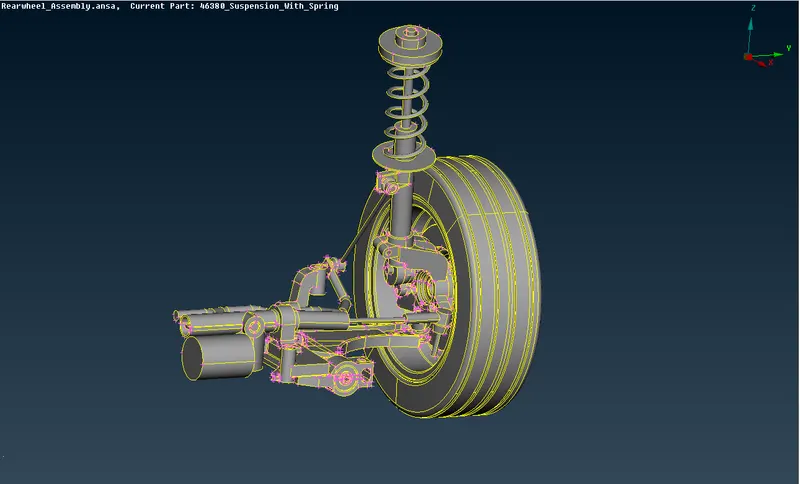
-See weather the geometry is good or having any errors, if having any errors fix those errors.
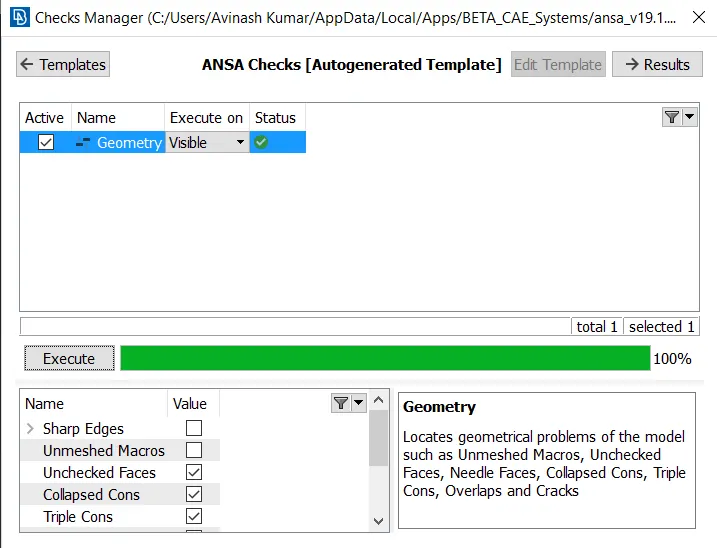
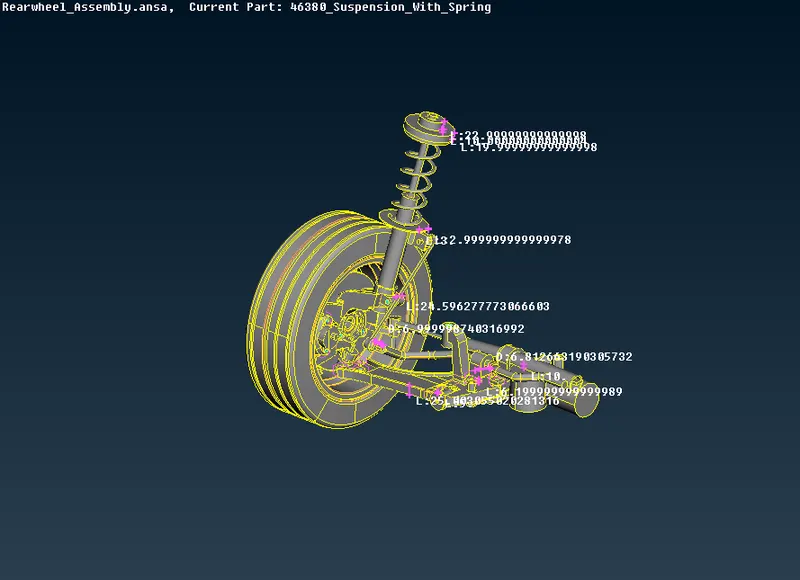
-As most of teh parts of the geometry are more than 5mm. I choose to go with unstructured mesh for the entire geometry.
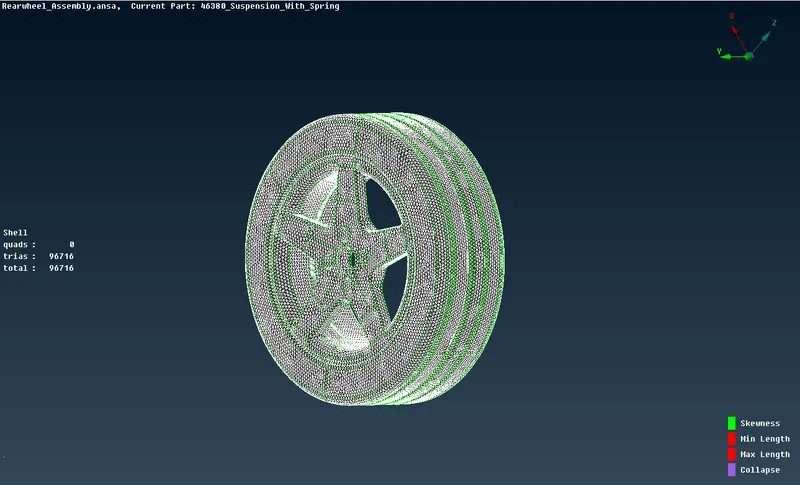
-Now, select elements by elements and go with tetra mesh for the elements. For the tyre and Rim we need the tetra mesh with the given quality criteria.
-Now go with the other elements with their respective quality criteria.
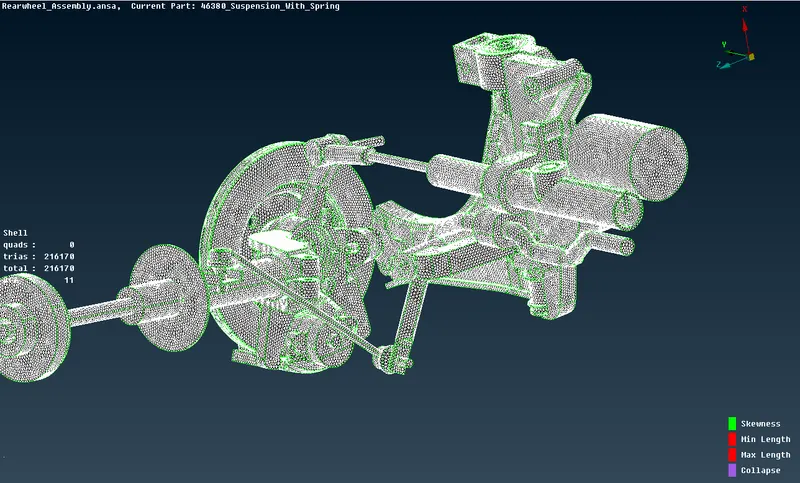
-Now, as we have generated mesh for all the elements, we need to create volume for these elements.(v.mesh->Define-manually->list->remesh use either tetra rapid and so on).
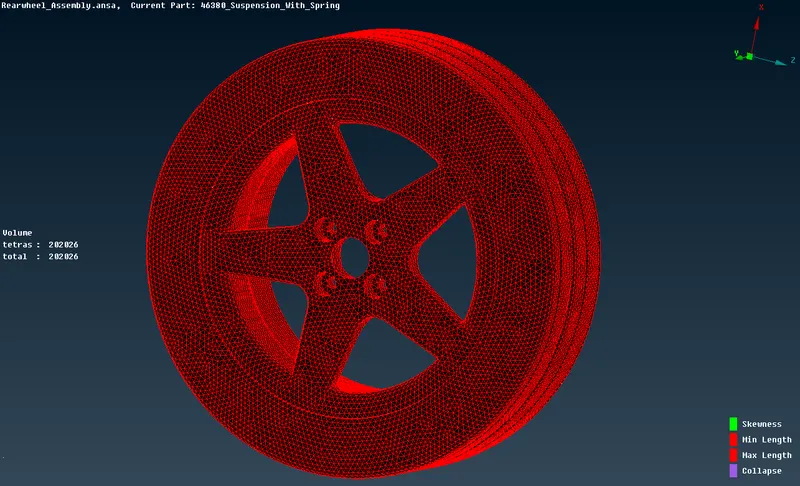
-First let's see for the tyre and Rim.
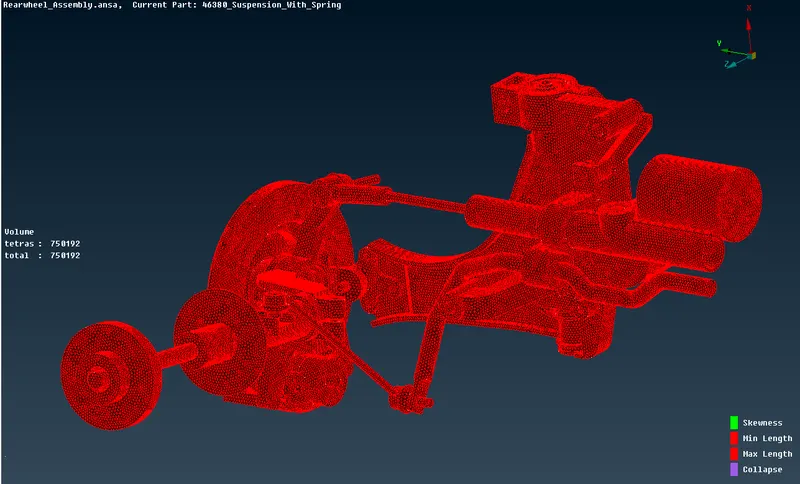
-Now, let's go with other parts.
-Now, we need to give proper connections to the geometry as they are connected with bolts at few places.
-To do that you need to know where the bolts are placed and should give proper connections.
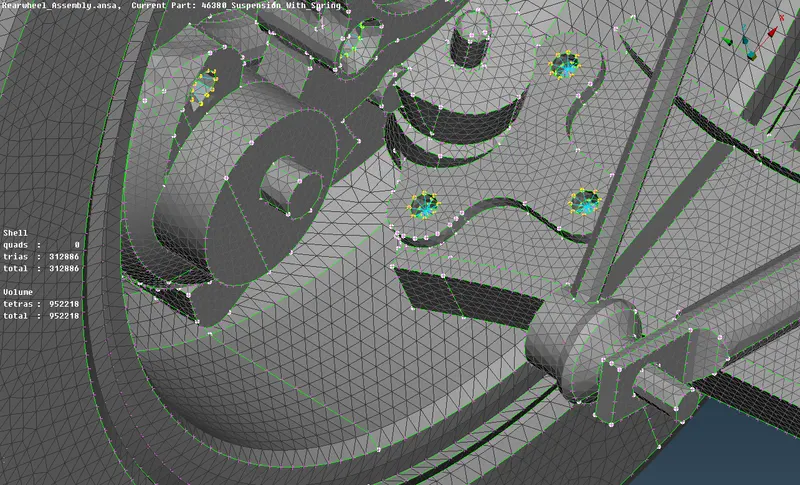
-As we can see here that only half of the suspension assesmbly is there and we have generated mesh and volume for this half suspension assembly. So, now we need to create this half suspension assembly symmetry. As the suspension will be a symmetry for any car. And to do that we need to have knowledge of how to make a symmetry for any geometry.
-First, assemble the entire geometry with volume as we need to copy the entire geometry.
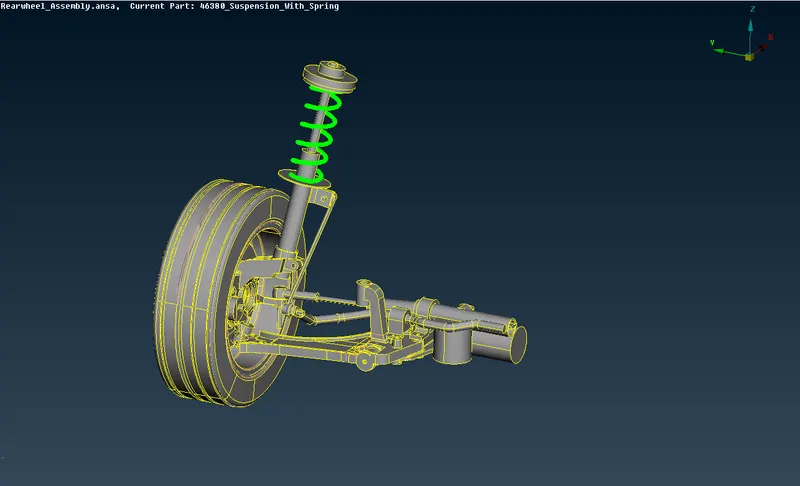
-Now, to replicate this exsisting geometry we have an option called as transform, from there we have to choose the copy option and choose the entire geometry under entities.
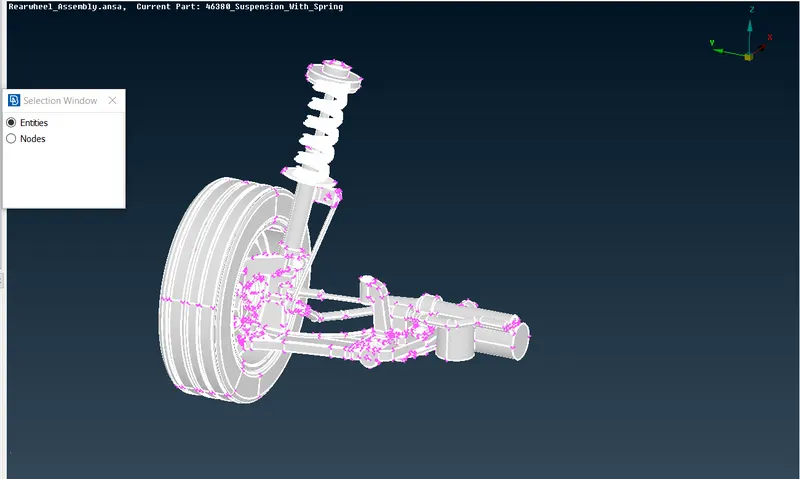
-After accepting a box will pop up in that you need to choose symmetry option and go with default symmetry plane or choose what ever you feel comfort and give middle mouse click to accept the symmetry which created by ANSA.
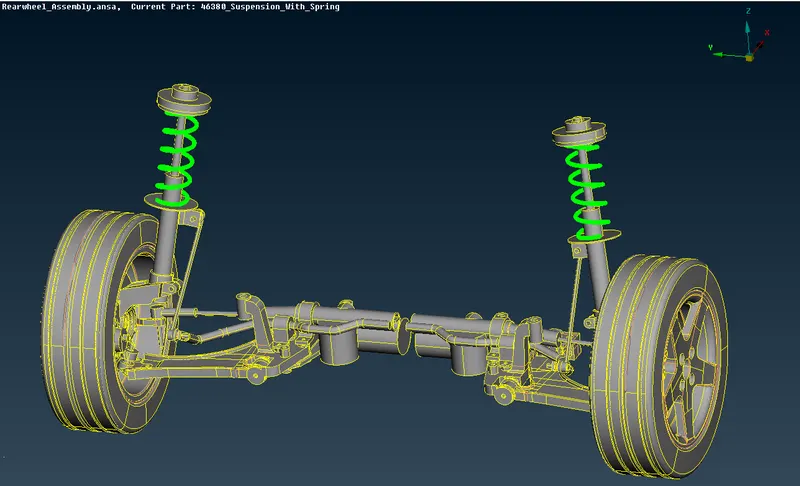
-That's the entire geometry of suspension assembly.
Learning Outcomes:
In this project, I need to have knowledge of each and every topic which have been taught in this course either generating a mid surface or generating an unstructured mesh or creating connections where ever they are required and to form a symmetry of the given geometry.
Conclusion:
Mesh for the following geometry(Suspension Assesmbly) has been generated and even created a symmetry of the geometry.