Project - 2 - Meshing on the suspension Assembly
AIM:
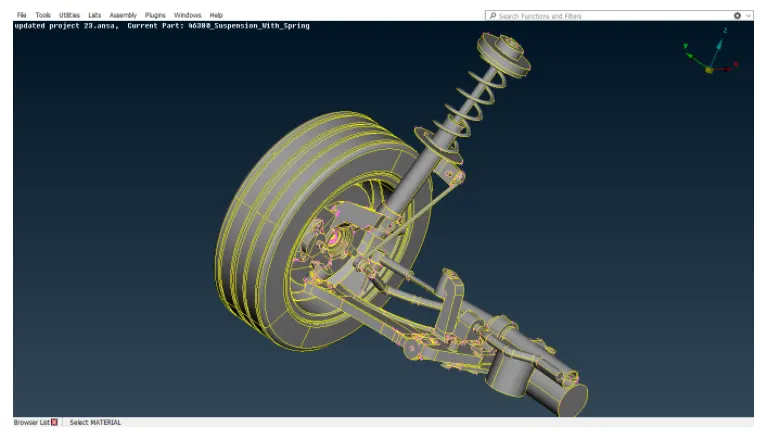
- Importing rear car suspension geometry into ANSA.
- Clean up the geometry until no topological error is found.
- Generate mid surface for required parts.
- Generate volume mesh for hollow parts.
- Improve the mesh flow and solve off elements according to given quality criteria.
- Give connections for rear suspension for NVH analysis.
PROCEDURE:
Step 1: Import the geometry into ANSA and do topo to stich the surfaces, isolate each part and set PID's for the rear suspension geometry.
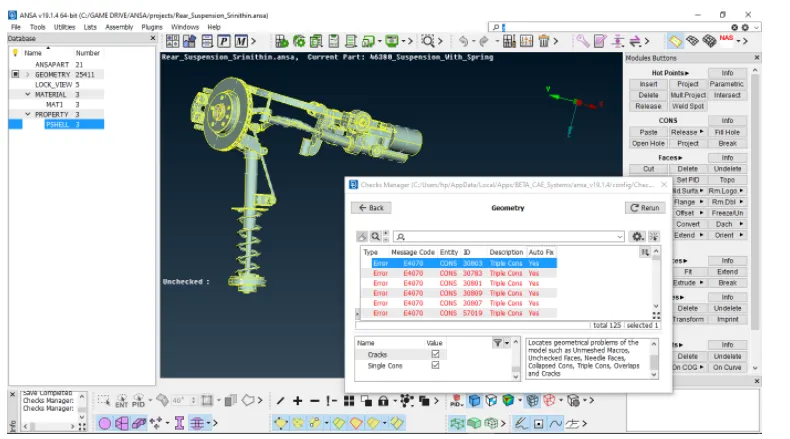
Step 2: Clean up the geometry using checks manager.Enable uncheckedd faces,collapased cons,triple cons,needle faces,overlapped faces,cracks,single cons.Clear all these issues until no error is found.One can use fix option in ANSA to clear all the errors automatically.However,sometimes manual intervention is required for fixing some errors. Manually we can use options like cut,release and delete for topo clean up.
Step 3:
- One can do mesh generation for tyre and rim either by meshing them manually using spot mesh or by baatch mesh.
- The advantage of batch mesh is that ANSA will do topological clean up automatically which is time saving process. Even through sometimes we must clear some errors manually after batch meshing also.
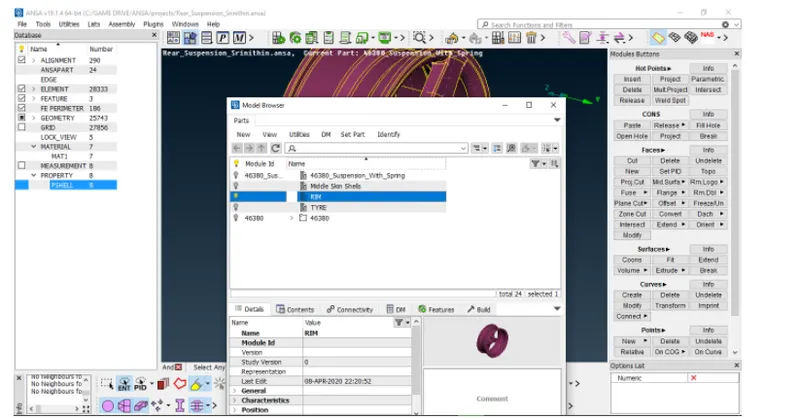
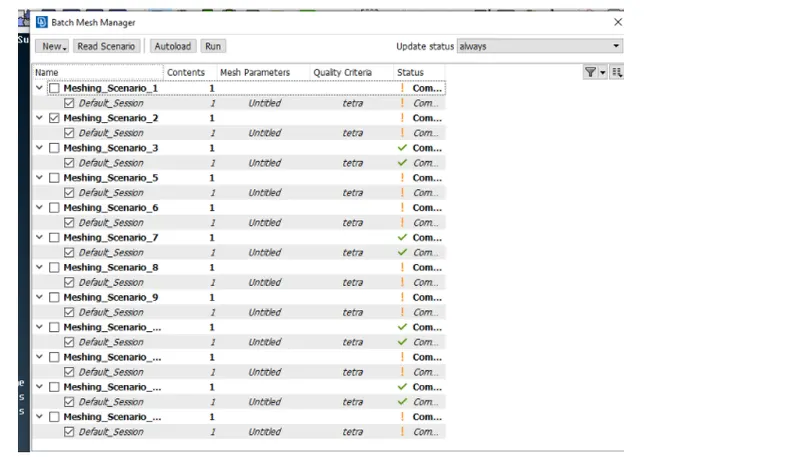
- Mesh generation using batch mesh option. The 1st step is to create a new part in the model browser and assign the mid surface to that new part. Then open the batch mesh and create a new meshing scenario.
- Update the content i.e., the mid surface and the required mesh parameters and quality criteria. Then click on RUN to generate batch mesh.
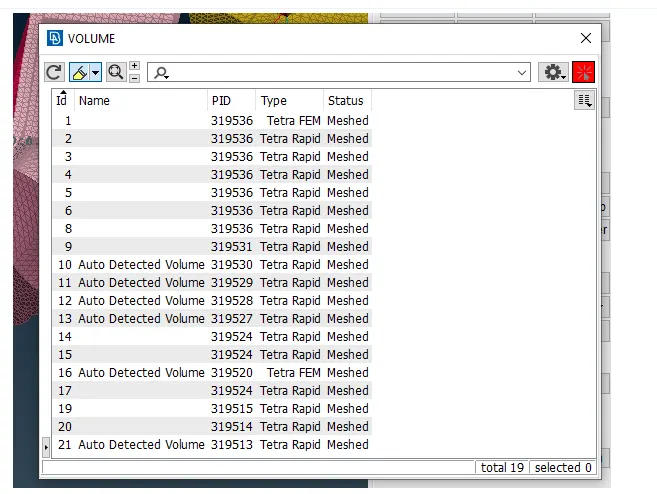
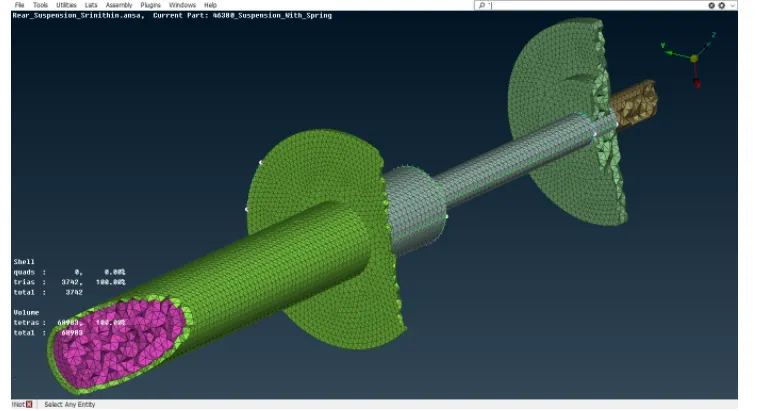
Volume Mesh Generation for Tyre and Rim
- After clearing all the off elements on the surface mesh one can proceed further to volume mesh generation.
- Volume mesh can be created in ANSA only if it recognizes the geometry as a closed volume.Therefore, we must manually update our model to closed volume.
- ANSA might crash if you generate volume mesh for the whole geometry.So, define individual closed volumes for diffrent PID's.
- Defined volumes can be checked under list option under volume dialog box.
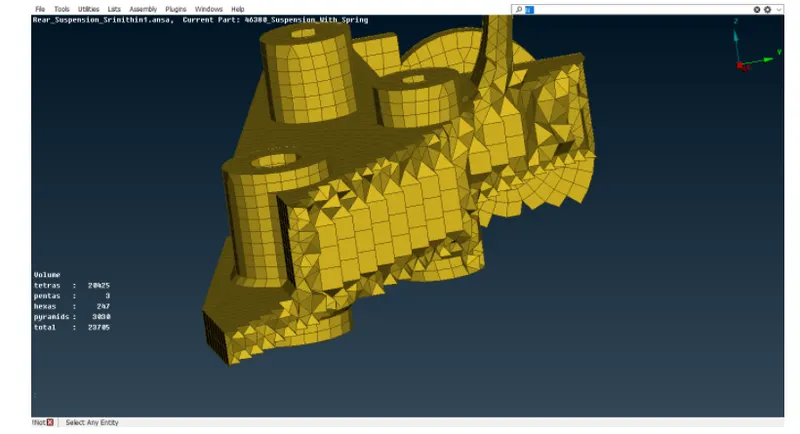
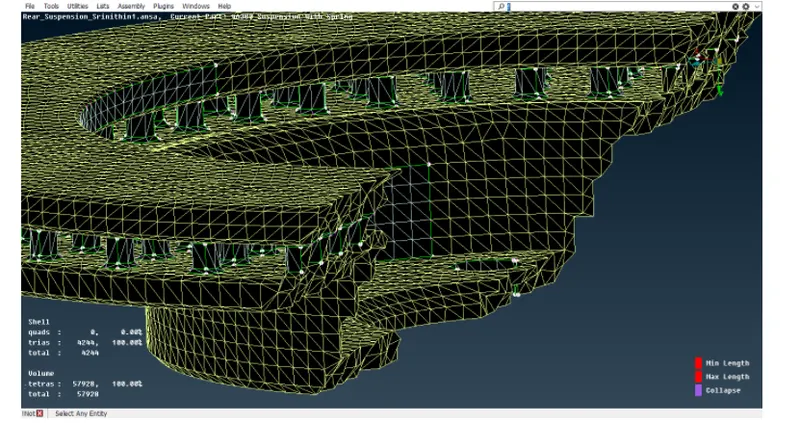
- One can give eitherr Tetra Rapid or Tetra FEM under unstructured mesh dialog box closed volume.
STEP 4:
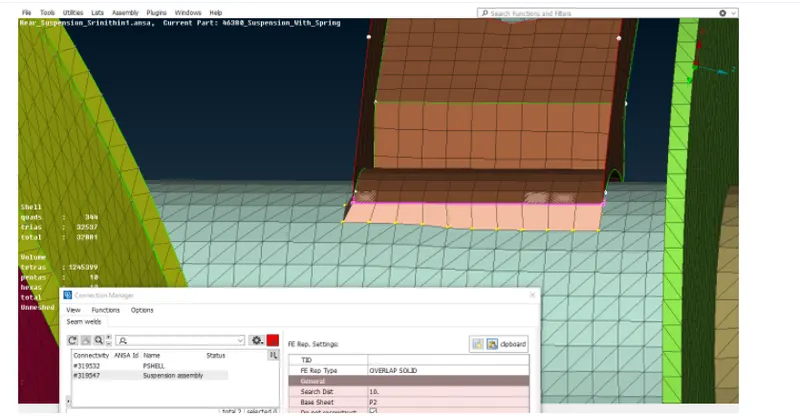
The welding operation is performed to join the two elements ridgidly were required.
STEP 5:
CONNECTIONS
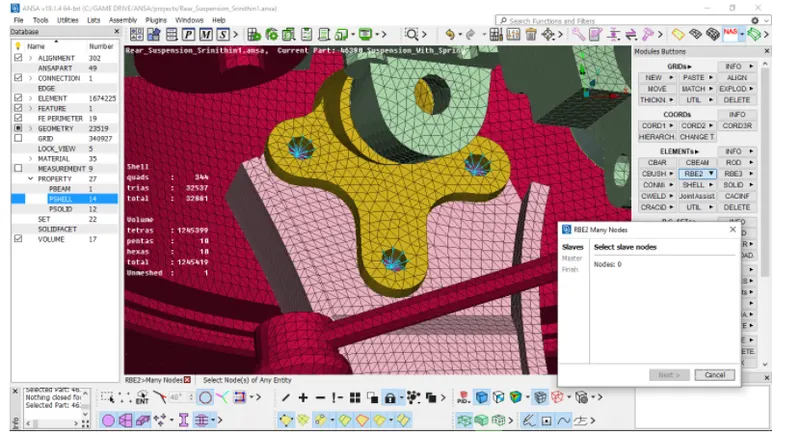
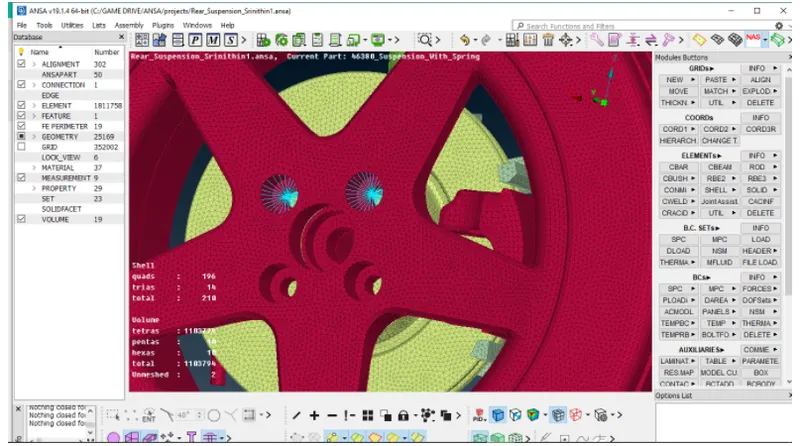
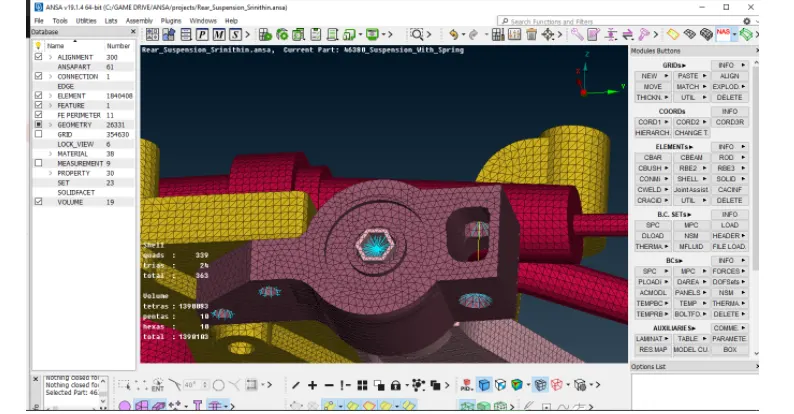
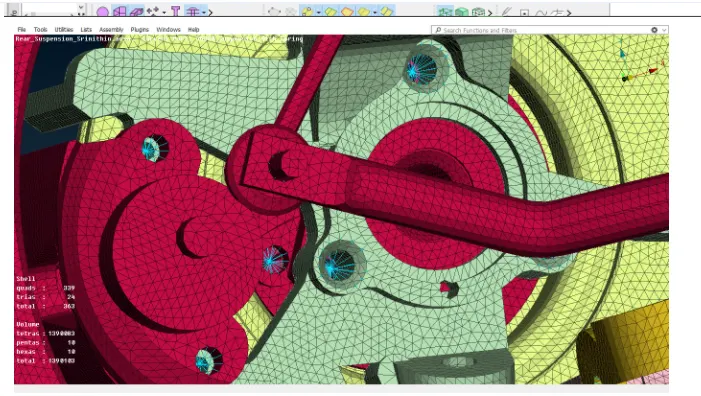
- After completion of mid surface and volume mesh we must connect them by using connections like bolt connection , spot weld connection , seam weld connection etc.,
- Bolt connection can be generated using RB2 option in the the NASTRAN desk.
STEP 6:
TRANSFORM :
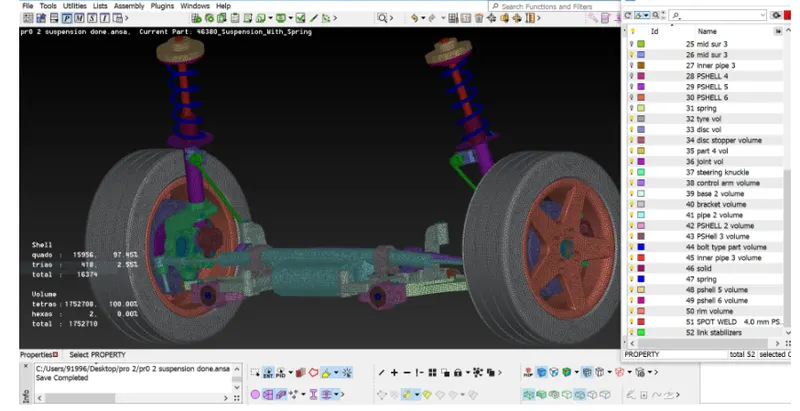
- After completing surface mesh , volume mesh , mid surfacing and connections we have to use transform option in order to create exact mirror of the model on the otherside.
- Use transform and select all the entities including connections to generate exact replica of the model on the other side.
- Now, use symmetry a mirror 3 points plan option and select 3 option on the edge. These 3 points represent all the 3 coordinates (x,y,z). This helps all the elemets all the entities to transform on the other side.
LEARNING OUTCOMES :
- Able to generate mid surface and volume mesh.
- Assigned seperate PID's for different surface and volumes.
- Aware of all the quality criterias and mesh parmeters during mesh generation .Learned how to improve mesh flow and remove trias to achieve better mesh flow.
- Understood concepts regarding connections.Deployed diffrent types of connections.
- Understood all the concepts regarding mid surface generatio, volume mesh generation,meshing connections used for NVH analysis in ANSA.
CONCLUSION:
In this project, I have generated mid surfaces and volume mesh using different options available in ANSA. Did topological clean up.Able to achieve better mesh flow using smooth,reconstruct,swap,paste,move options.Eliminated kinks and raised edges.Successfully applied different quality criterias and mesh parameters for different parts and cleared off elements during mesh generation.Successfully deloyed connections for the rear suspension.Overall I have done Pre-Processing for rear suspension using ANSA.