Project - 2 - Meshing on the suspension Assembly
AIM:-
To make the geometry clean up.and to mesh the given component 2D and 3D accordingly to given quality criteria.
Quality criteria:-
Quality Criteria for Surface Meshing of Tyre and Rim (Element type: Tria) :
|
S.No |
Quality Criteria |
Value |
|
1 |
Target/Average length |
6.5 |
|
2 |
Minimum Length |
5 |
|
3 |
Maximum Length |
10 |
|
4 |
Skewness |
45 |
Quality criteria for Surface Meshing of Non Uniform thickness components other than Tyre and Rim (Element type: Tria) :
|
S.No |
Quality Criteria |
Value |
|
1 |
Target/Average length |
4 |
|
2 |
Minimum Length |
2 |
|
3 |
Maximum Length |
6 |
|
4 |
Skewness |
45 |
Quality Criteria for Volume meshing of all Non Uniform thickness components (Element type: Tetra Elements):
|
S.No |
Quality Criteria |
Value |
|
1 |
Tet-collapse |
0.2 |
Quality criteria for Mid surfacing of Uniform thickness part which has thickness less than 5 mm (Element type: Mixed elements) :
|
S.No |
Quality Criteria |
Value |
|
1 |
Target/Average length |
4 |
|
2 |
Minimum Length |
2 |
|
3 |
Maximum Length |
6 |
|
4 |
Aspect |
3 |
|
5 |
Warpage |
15 |
|
6 |
Skewness |
45 |
|
7 |
Jacobian |
0.7 |
|
8 |
Minimum Quad Angle |
45 |
|
9 |
Maximum Quad Angle |
135 |
|
10 |
Minimum Tria Angle |
30 |
|
11 |
Maximum Tria Angle |
120 |
PROCEDURE:-
Open the cad model in ansa.
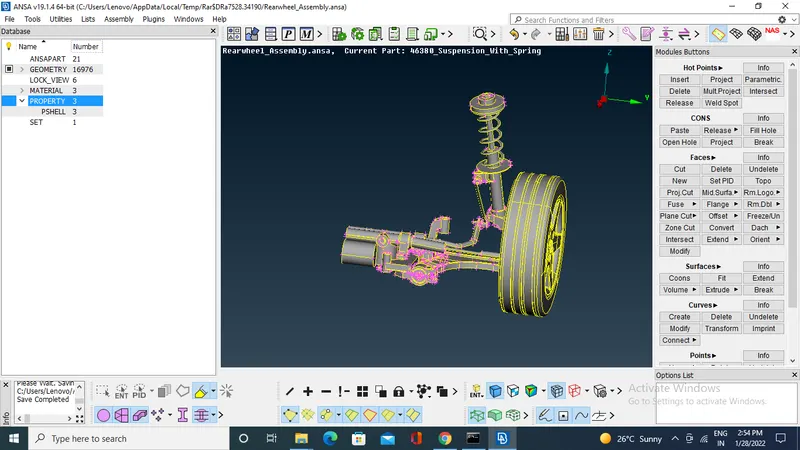
Check the geometry of component and clean up.
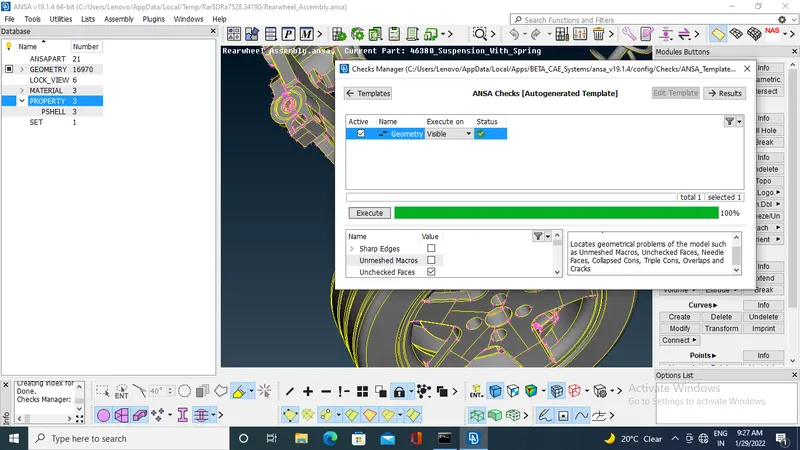
Go to properties start modeling one by one property.
Start modeling for rim to create the solid mesh.
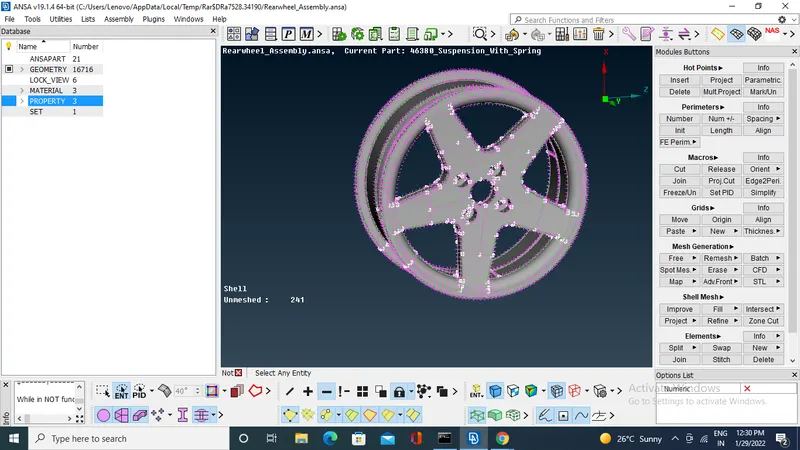
Give the mesh parameters and quality criteria.
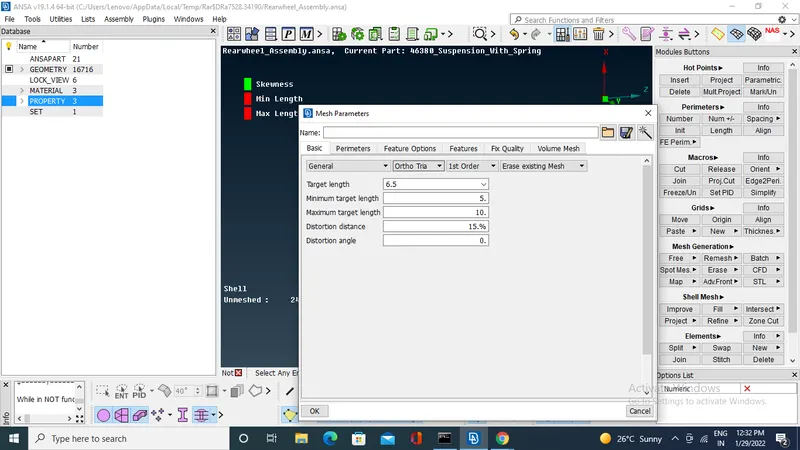
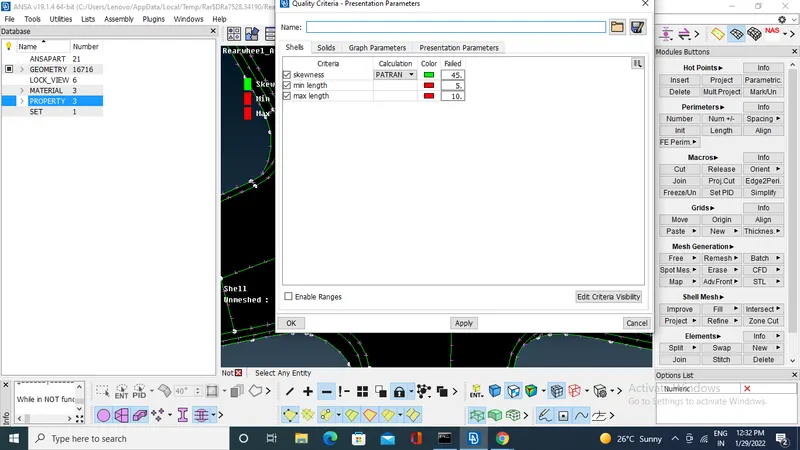
Set the average length of macros.
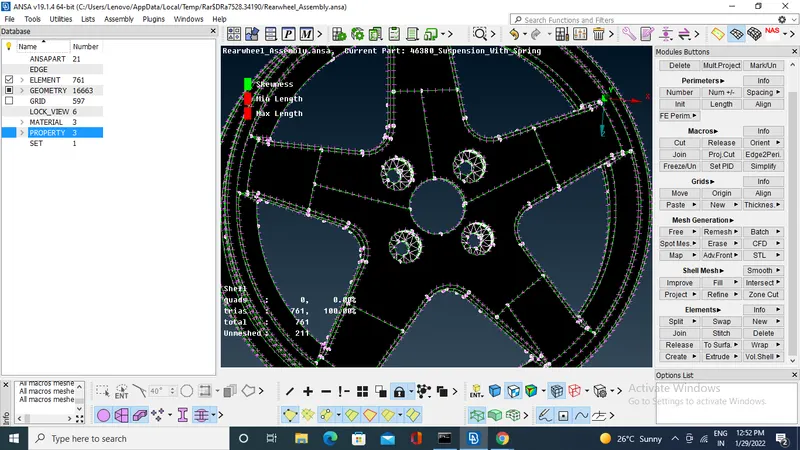
by using spot mesh generate the mesh one by one entity.
after completing the surface mesh switch to volume mesh module .
define the volume .
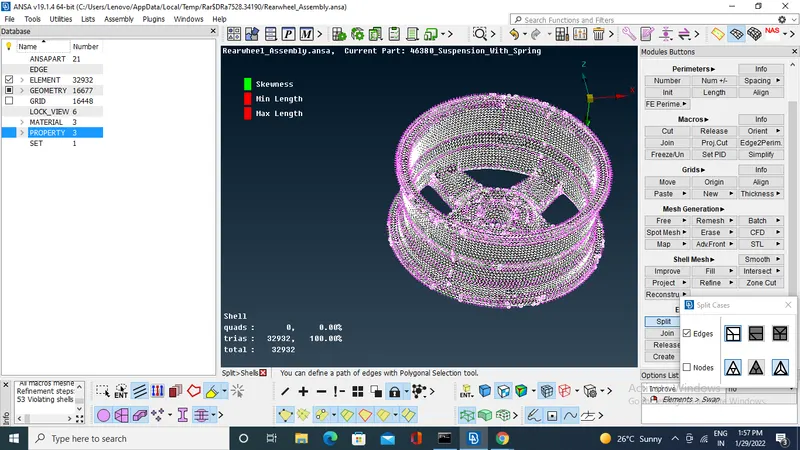
After the defining the volume go to lists and right click on volume>remesh>tetra rapid>ok.
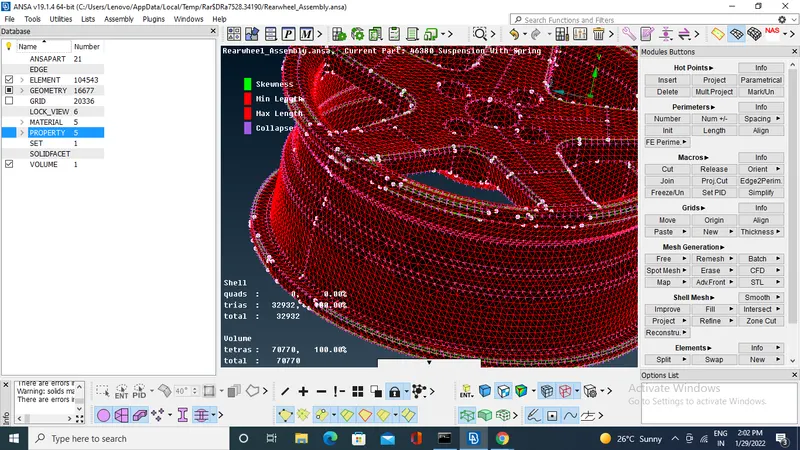
to model tyre have same process and same quality parameters as like rim.
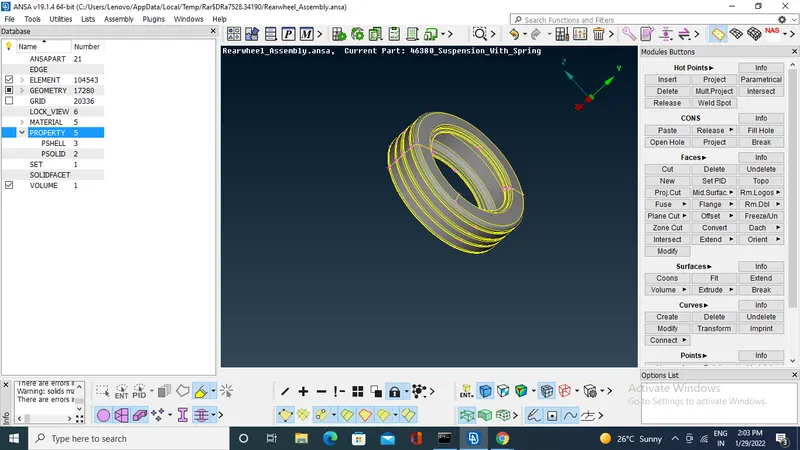
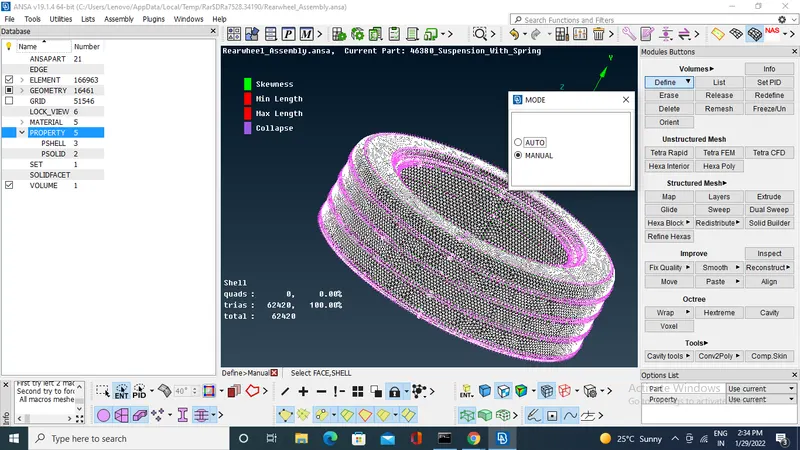
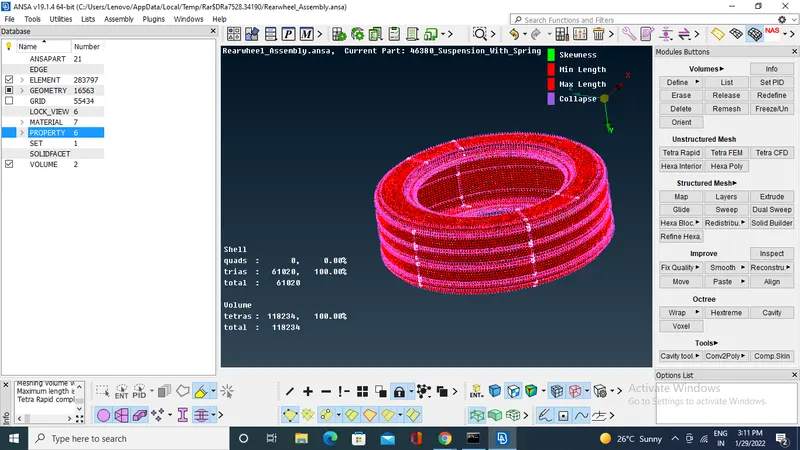
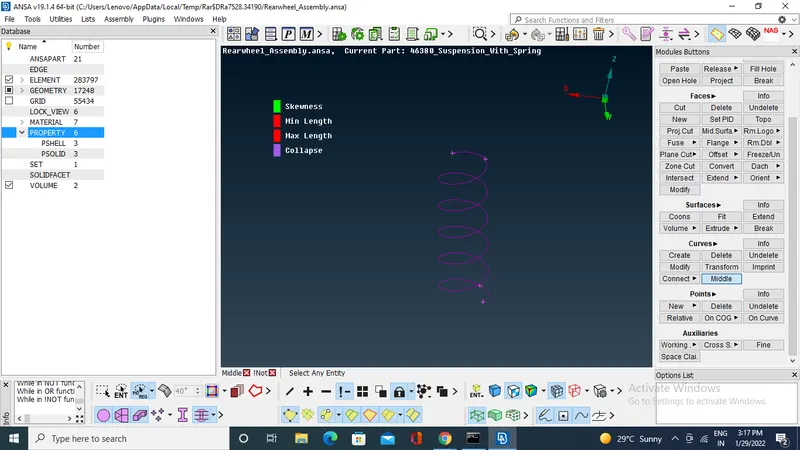
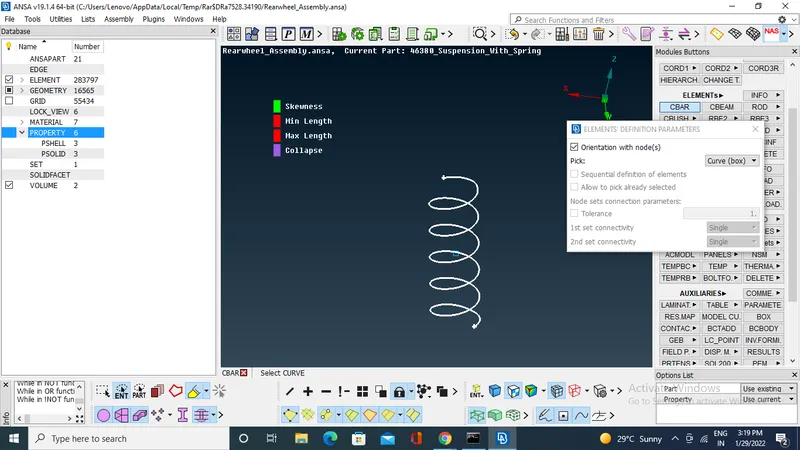
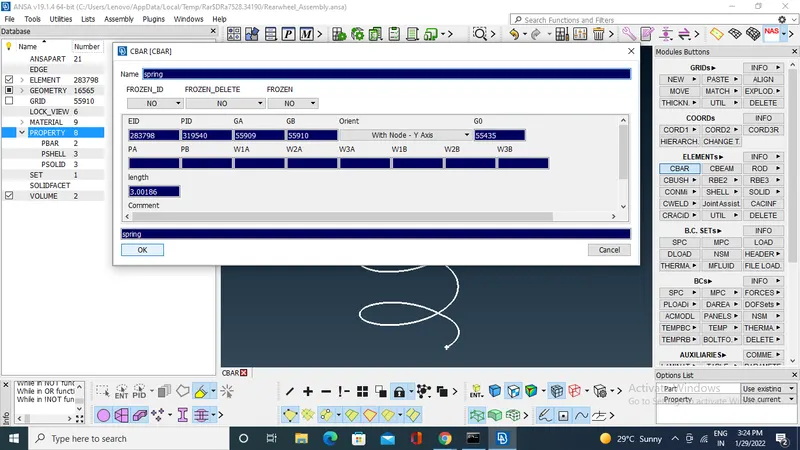
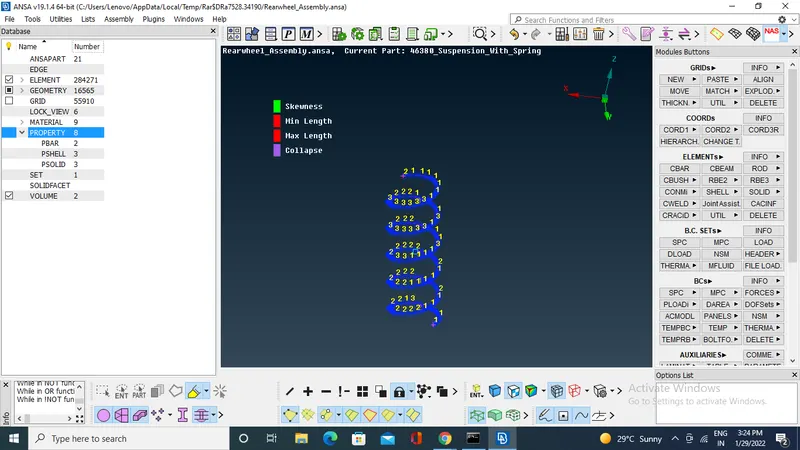
to create the 1D CBAR for spring.
first create the middle curve to the spring by using curves>middle
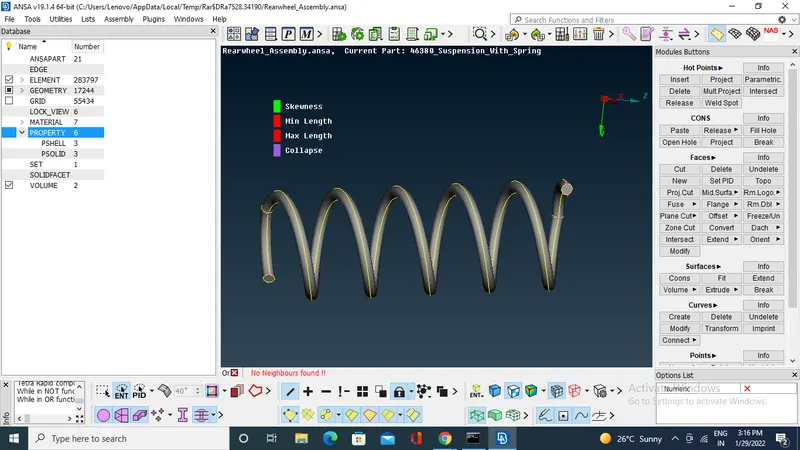
After generating the curve connect it as single curve .
create COG for the spring.
Switch to NASTRAN deck.
got to elements CBAR click on orientation with nodes and set curves box. and select the curve and middle click.
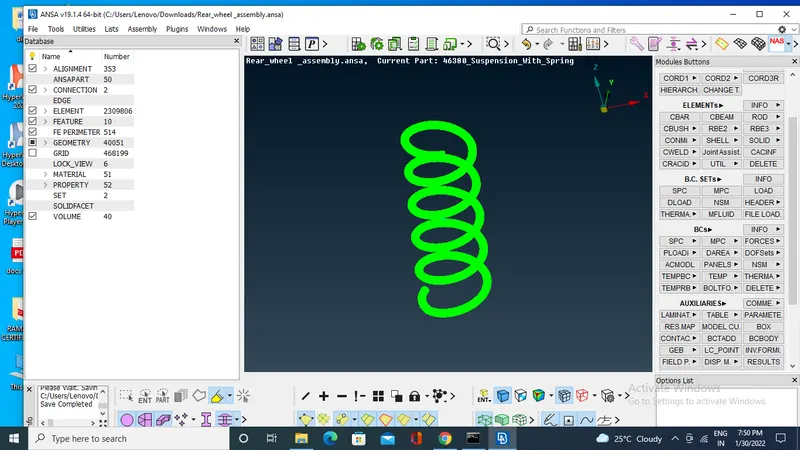
Start generating of mid surface which have uniform thick ness.
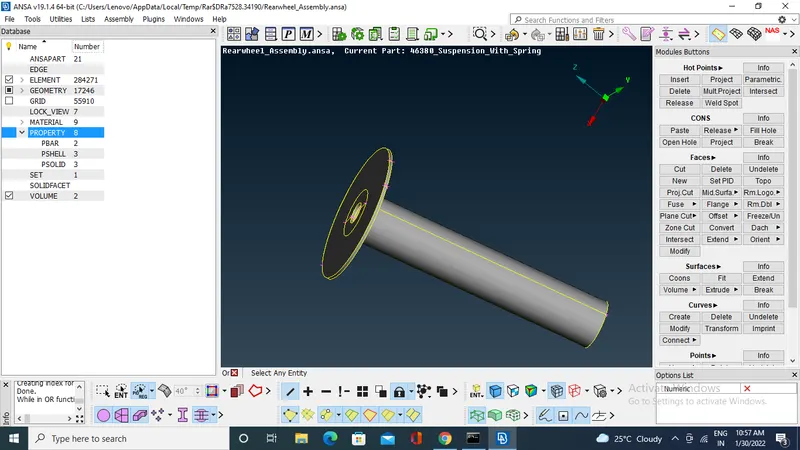
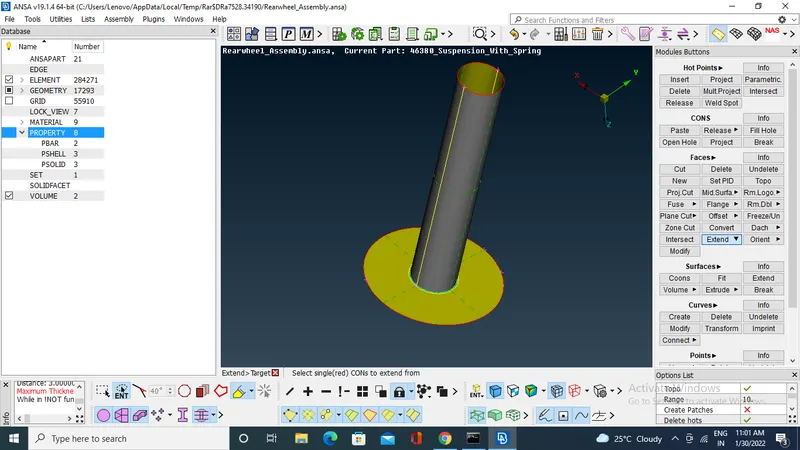
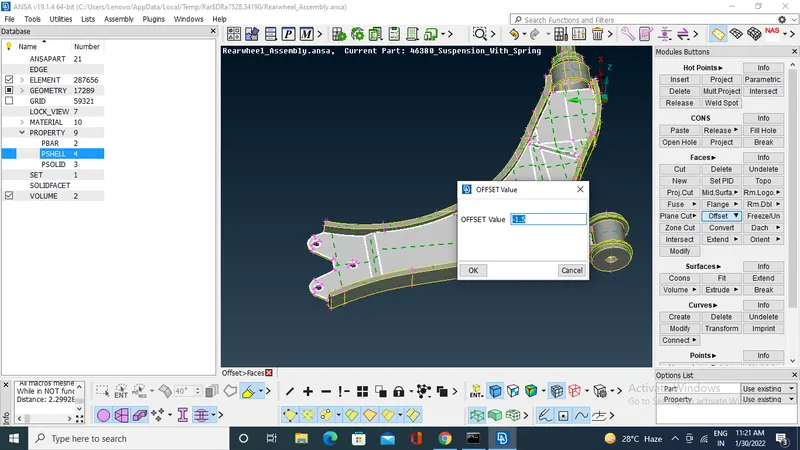
give the 2D quality criteria and mesh on mid surfaces
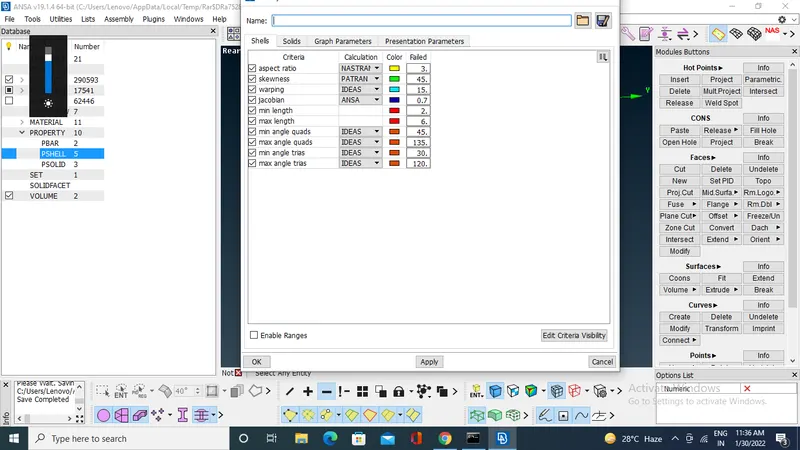
And start generating solid mesh for other parts and set PIDS.
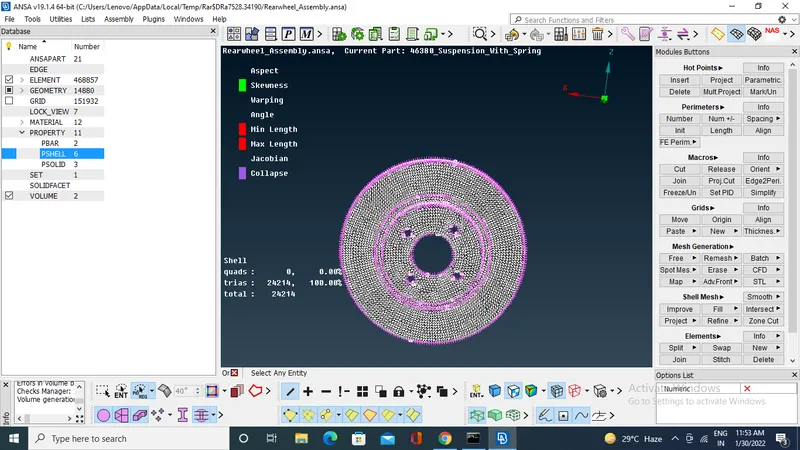
solid mesh for for break house.
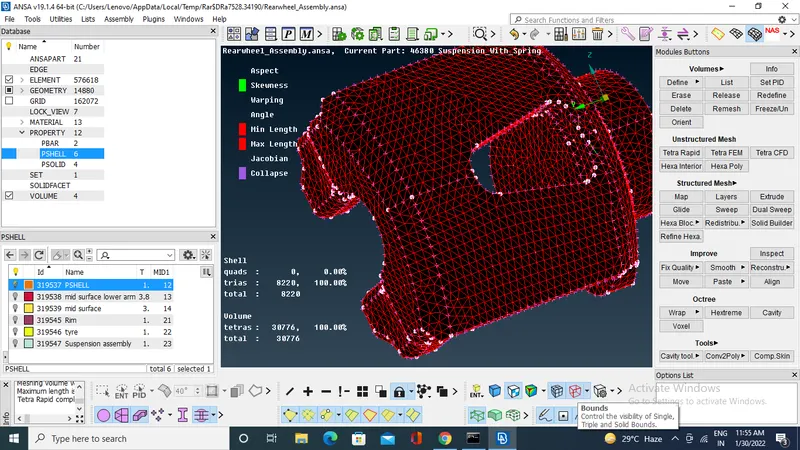
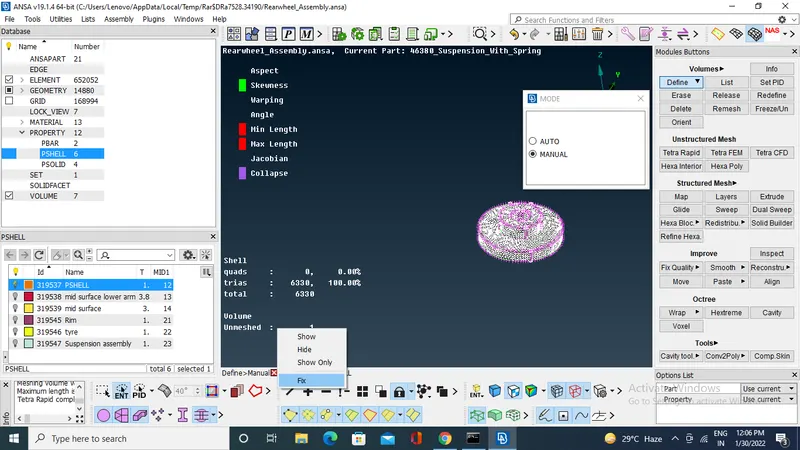
Do one by one part and complete for all parts
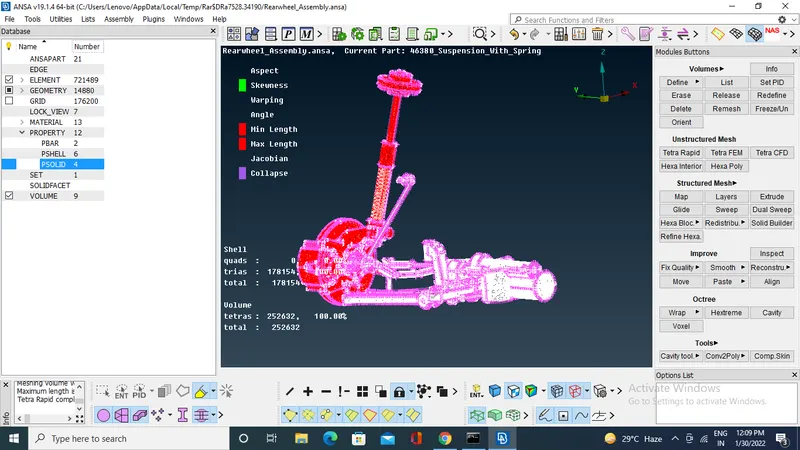
After completing the mesh do the connections like bolts and welds.
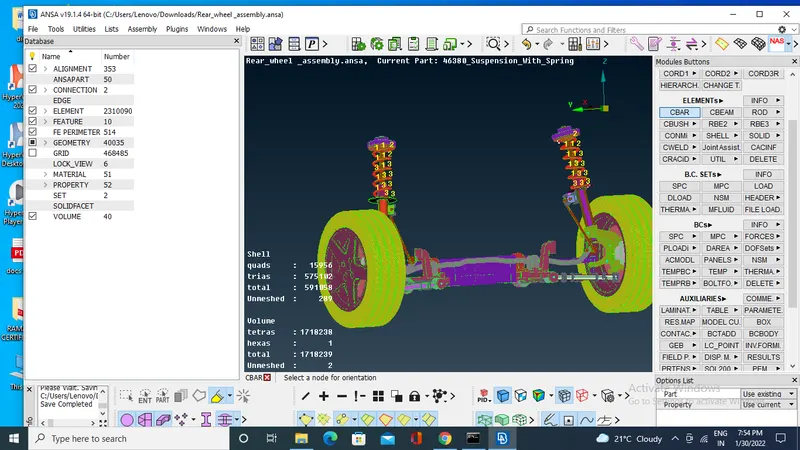
and do symetry to get another half of the rear wheel assembly.
go to transform>copy>select the model>middle click >symetry>apply>finish.
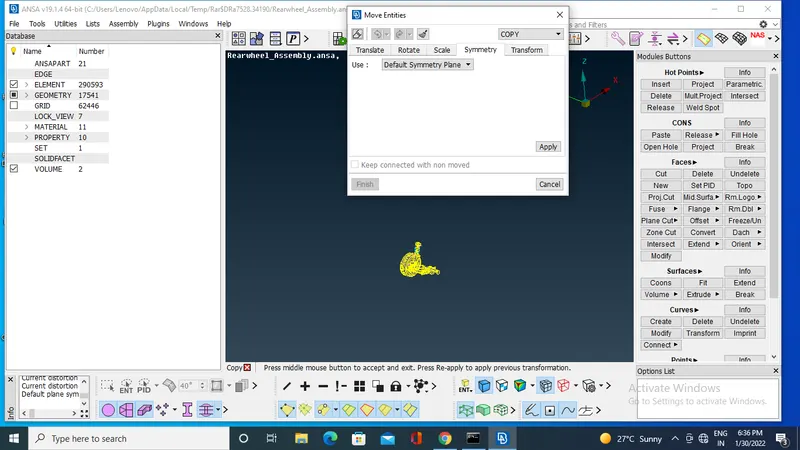
other half of the model is obtained .and connect it
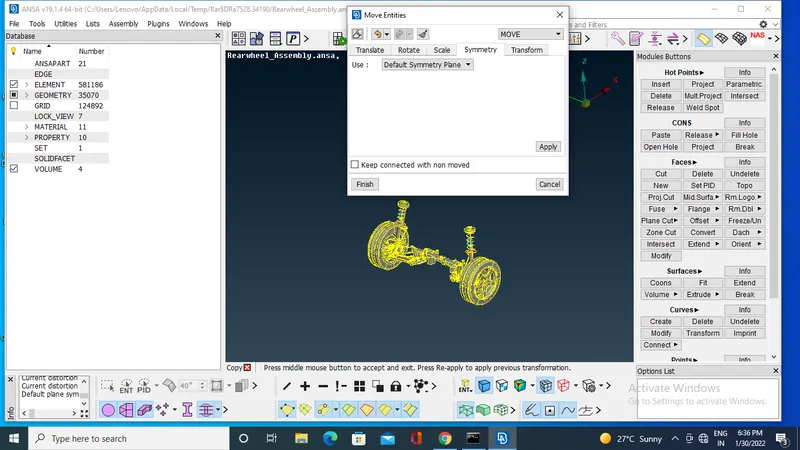
solid mesh is shoem in bounds.
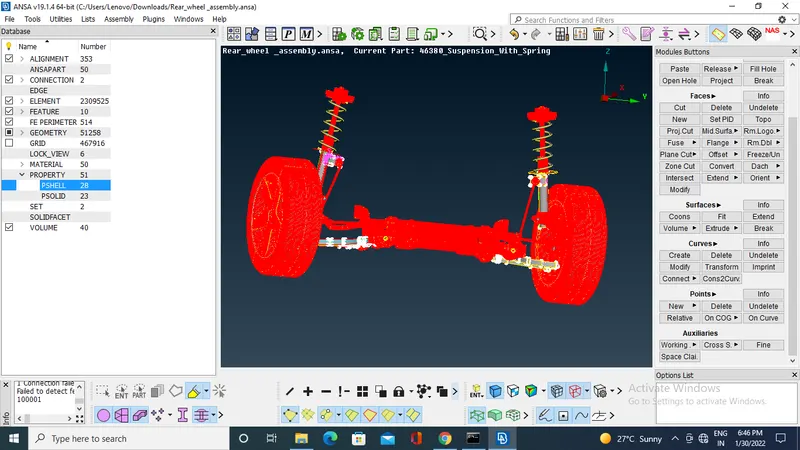
LEARNING OUTCOMES:-
- Learned about how to do symetry.
- learned how to create 1D CBAR elements.
CONCLUSION:-
Rear wheel assembly is geometry checked and meshed according to given quality criteria , 2D and 3D mesh is generated according to particular properties.