Project-2-Meshing of Door Inner Panel Challenge
Model link download
https://drive.google.com/file/d/1oq0HV983OfolrptO6aQJ1AyjmMuohFSc/view?usp=sharing
AIM: To perform on the given car side door Inner Panel component using hypermesh preprocessing software.
OBJECTIVE:To create shell (2-D) meshing for the Inner Car Side Door Panel by eliminating geometrical errors and considering the given element quality criteria using Hypermesh.
- To import the model into the Hypermesh module and check for geometrical errors and clear them so that we can extract a Mid-surface manually.
- To set the quality criteria and mesh the parts using 2-D Shell mesh.
- Make sure that the flow of mesh is maintained and avoid rotating quads, trias, and opposite.
- Adding thickness to the component.
Cad Model (Image)
- Import the cad model in hypermesh software.
- Try to clear geometrical error in model.And try to fix them manually.
- Defeature the ribs before the mid surfacing so that we can get proper midsurfacing of component.
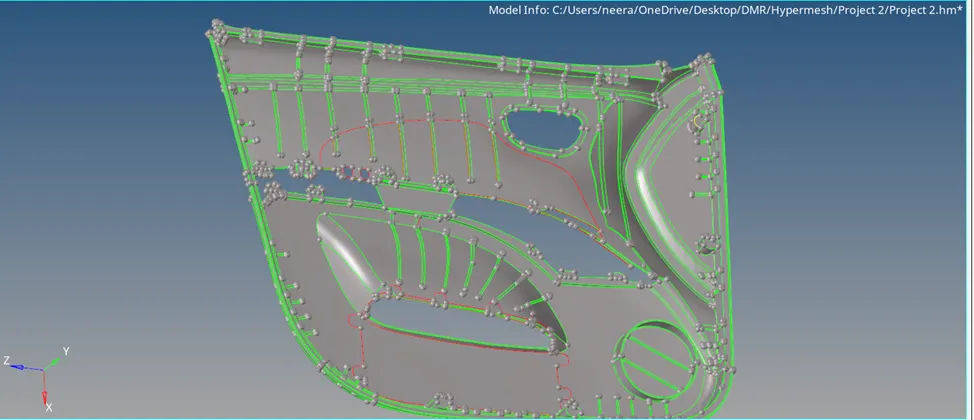
Midsurfacing:
After cleaning the geometrical error we should go for midsurfacing by using tools
Geom >midsurfacing > auto midsuface
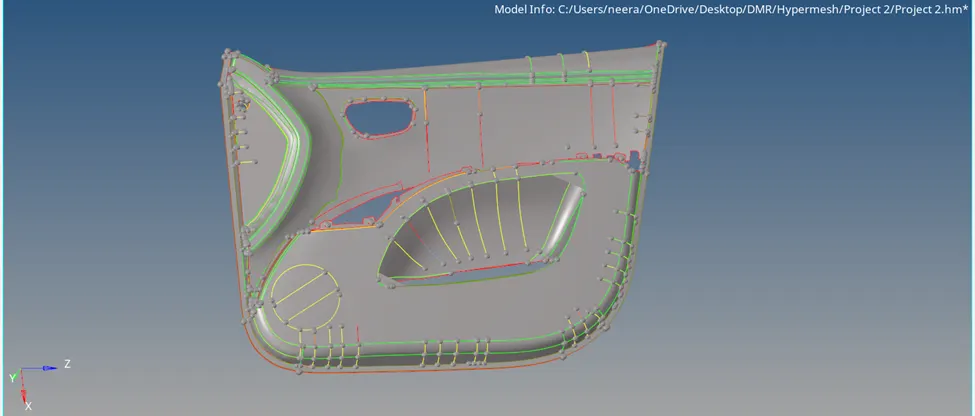
Quality criteria:
Follow the Quality Criteria and mesh the following component and assign thickness:
Target Element Length = 4 Units
| S.N | Quality Criteria | Value |
| 1 | Aspect Ratio | 5 |
| 2 | Skewness | 45 |
| 3 | Warping | 15 |
| 4 | Taper | 0.5 |
| 5 | Min. Length | 2 Units |
| 6 | Max. Length | 6 Units |
| 7 | Min angle Quad | 45 |
| 8 | Max angle Quad | 135 |
| 9 | Min angle Tria | 20 |
| 10 | Max angle Tria | 120 |
| 10 | Tria % | 10 |
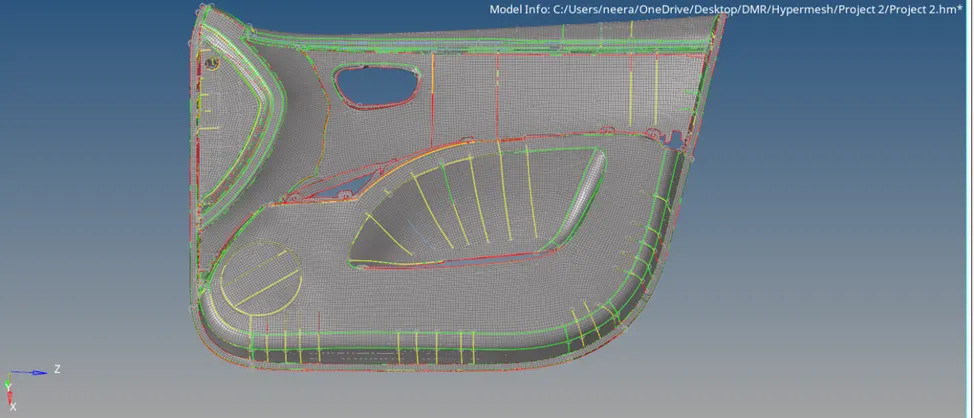
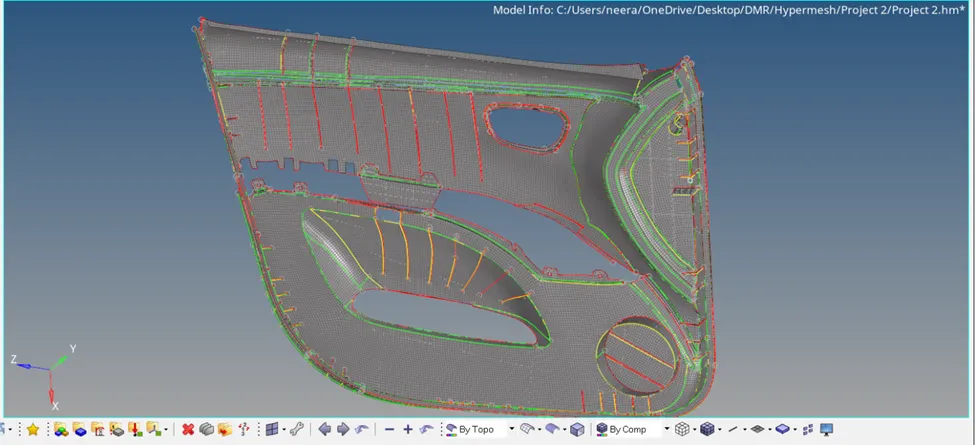
thank you