Project 1 - Meshing of Floor Panel
Link:https://drive.google.com/file/d/1zsjubDFsmDiAzm38SBileWWXi1T-Mwak/view?usp=sharing
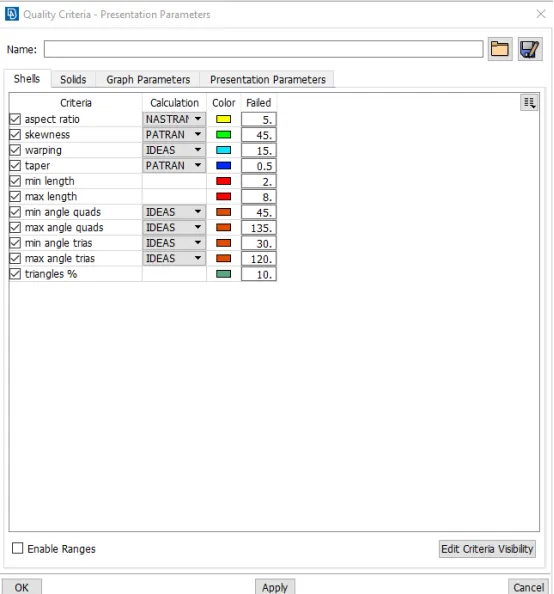
Aim: Follow the below-mentioned quality criteria, mesh the component given below, and assign thickness:
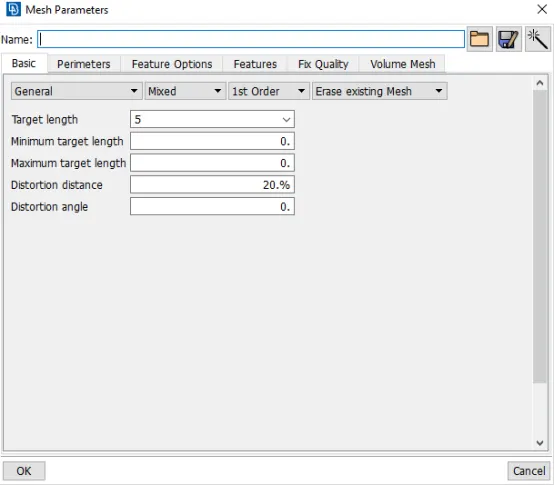
Target Element Length = 5 Units
|
S.N |
Quality Criteria |
Value |
|
1 |
Aspect Ratio |
5 |
|
2 |
Skewness |
45 |
|
3 |
Warping |
15 |
|
4 |
Taper |
0.5 |
|
5 |
Min. Length |
2 Units |
|
6 |
Max. Length |
8 Units |
|
7 |
Min angle Quad |
45 |
|
8 |
Max angle Quad |
135 |
|
9 |
Min angle Tria |
20 |
|
10 |
Max angle Tria |
120 |
|
10 |
Tria % |
10 |
Procedure: Opening the cad file in ansa first and then we have to understand the geometry of the floor panel model and to anaylaze it.Then performing the topo option to join the different part of floor panel.After that perform the check geometry there mighty be serval error in the cad file due to format conversion process error should be clear before starting for mid surfaces.after checks geometry we should measure the length of model at different part before performing midsurface.
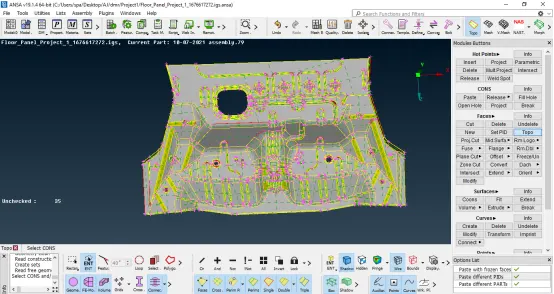
Topo:
Modules buttons>faces>topo>select model>middle mouse buttons
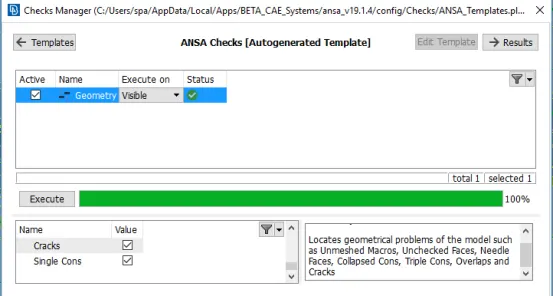
Geometry checks:Tools>checks>geometry>execute button>fix error right click>
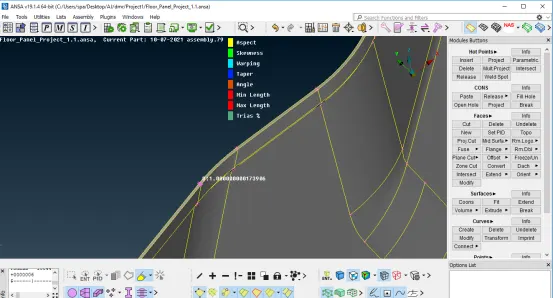
Measure:measure the length at different section of the model
Utilities> measure>nodes
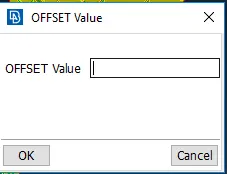
Mid surface:Modules Button>Faces>offset>select the face of model>middle clk>option list> ask always>enter the value
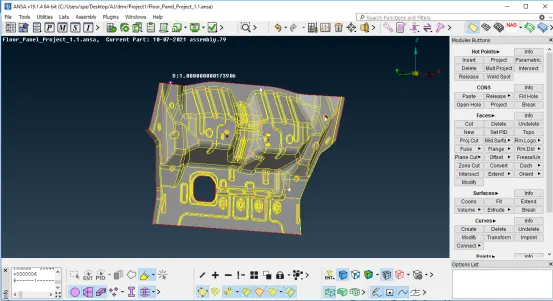
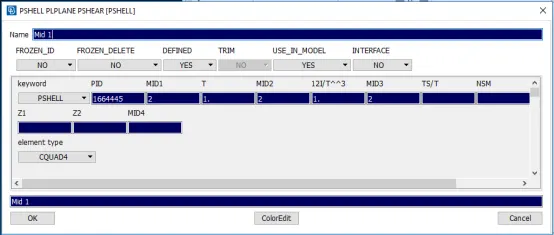
Property Id: ctrl+p>New>pshell>rename it
Quality criteria : press f11 and enter the parameter
Target length>Mesh paramater
Meshing:
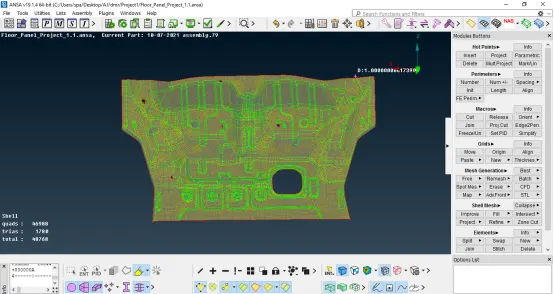
Tools Used:
- Mesh>Modules button>Shell Mesh>Reconstruct>select surfaces>middle mouse button
- Collapse>For oppsite trais>Mesh>Modules button>Shell Mesh>collapse
- Reconstruct
- Split & Swap
- Num+/-