Project-2-Meshing of Door Inner Panel Challenge
OBJECTIVE:
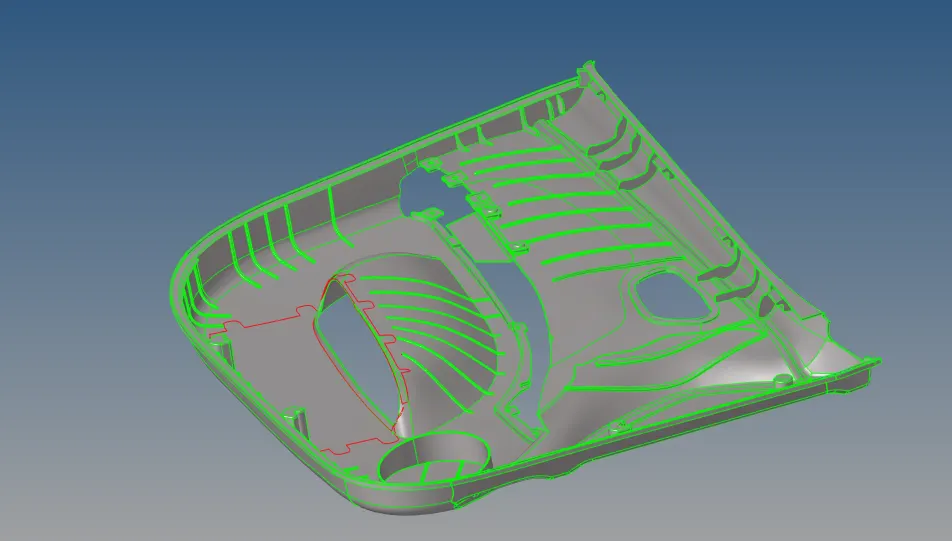
- Import the Car Backdoor Component, then clean up the geometry to remove the Mid-surface.
- Creating a high-quality mesh flow for the supplied shape with a target element size of 4 units and a low tria concentration.
- Checking all of the quality criteria factors and designing multiple collectors, including organizing the component for thickness assignment.
ABOUT HYPERMESH:
Altair HyperMesh is a high-performance finite element pre-processor that enables users to prepare even the largest models and generate fine-tuned, high-quality surface meshes from their CAD geometry, from import to export of an analysis run for numerous disciplines.
HyperMesh provides advanced control over the type and style of meshing performed on each CAD face or edge, as well as numerous automated tools to make difficult meshing operations simple. HyperMesh's high-quality surface meshes enable you to construct powerful and efficient 3D meshes for Computational Fluid Dynamics (CFD), Finite Element Analysis (FEA), Smoothed particle hydrodynamics (SPH), and other applications.
Step 1: Geometry Import
Importing a CAD geometry into Hypermesh. There are file formats like as IGES, STEP, and Parasolid that we may import into any CAD or CAE software. However, in Hypermesh, we can only import three file formats: IGES [Initial Graphics Exchange Specification], STEP [Standard for the Exchange of Product Model Data], and Solidworks, as illustrated in the figure below.
Step 2: Examining
Before working on the model.We need to organize the various components into single individual components so that they are easier to work on, and then inspect the geometry for mistakes. Some of the geometrical flaws are listed below.Damaged geometry.Remove any unwanted edges.There are unnecessary points on the lines.Unnecessary connections and connectivity errors.Organizing the Car Backdoor CAD model into three components.
Step 3: Extracting Midsurface
Automatic Midsurface extraction
To extract the midsurface, first delete the solids since the solid model will not be meshing.We're going to mesh on the surface.Check to see if you eliminated the solids.
Geometry>"> > Mid Surface>"> > Auto Mid Surface.
Extraction Options>"> > Use offset.This choice will accurately represent the features. Geometry>"> Mid Surface>"> Final Edit Tools.
Change the drop down choice from auto extract midsurface to final edit tools, then pick the surfaces from which you wish to extract the midsurface.
Geometry>"> > Surface Edit>"> > Offset>"> > Surface>"> > Offset.
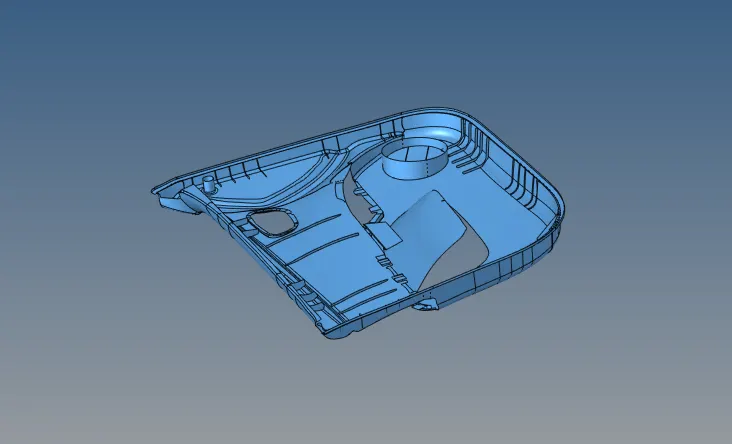
Every component has to have its thickness measured before its mid surface can be extracted. Only then can the mid surface be extracted.
We shall determine that a component is made of plastic if the thickness varies among its characteristics.
Mid Surface extraction is required for sheet metal and plastic components.
Step 4: Cleaning by Hand
In order to achieve things like proper mesh flow, manual cleanup is required.
capturing features.
to avoid the parts that don't work for the shortest amount of time.
for alterations in the surface.
for issues with connectivity.
Step 5: 2D meshing
The component must be meshed using the 2D-->automesh function after the midsurface has been extracted, and the surfaces must be chosen appropriately. Rebuilding the mesh should wait until the entire component has been meshing; else, connectivity problems may occur.
Rebuilding the mesh can help lower the proportion of failed pieces, and using the quality index can help optimize the elements.

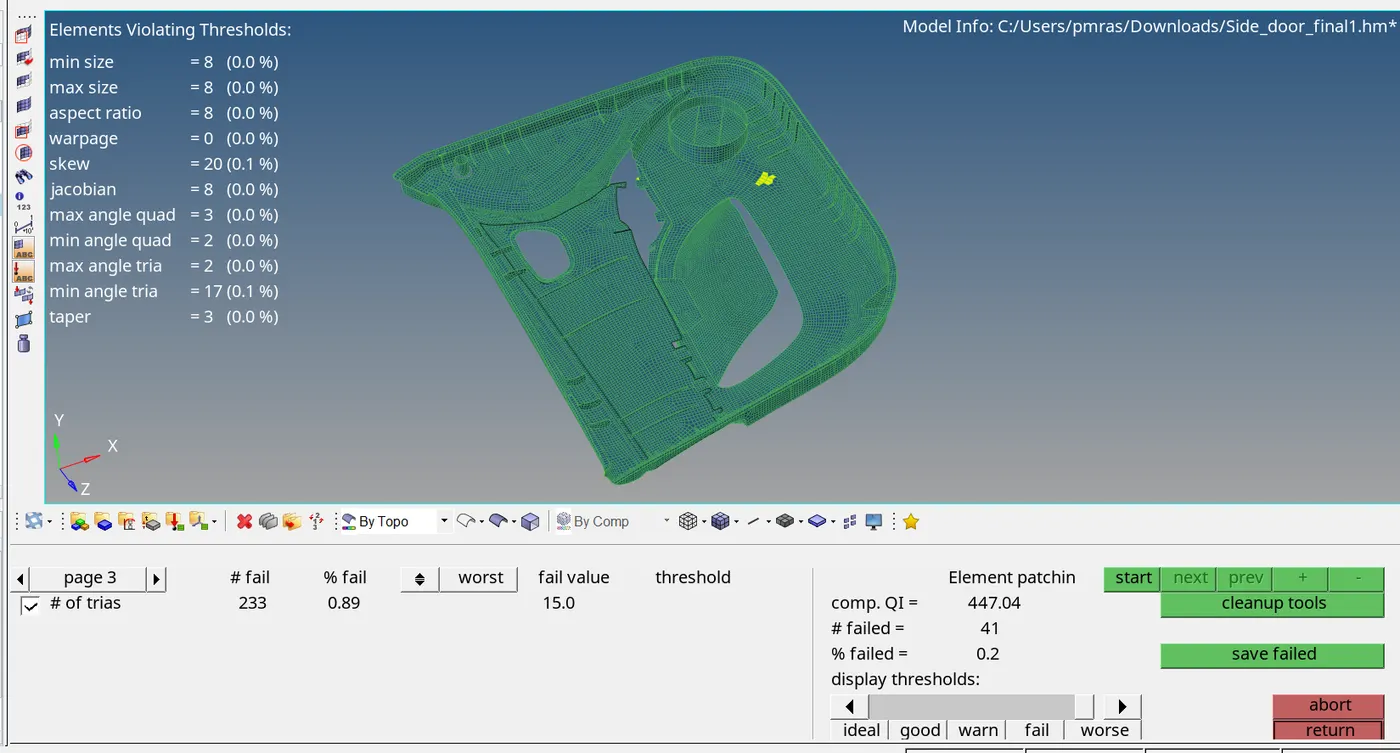
We must create the property on the left side panel and apply the thickness to the corresponding component after the component has been meshing.Lastly, use TOOL-->EDGES to make sure that no edge mesh is missing its connection to the neighboring mesh.
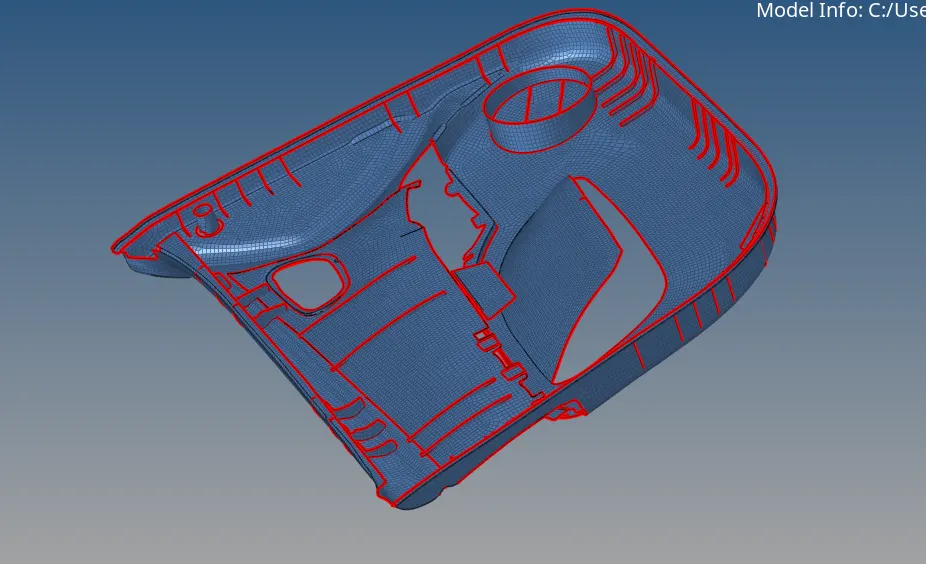
Click Check Nodes Tool, then pick Count, Nodes, right-click, select all, and press chosen (the number of nodes will appear).
Verify Normals
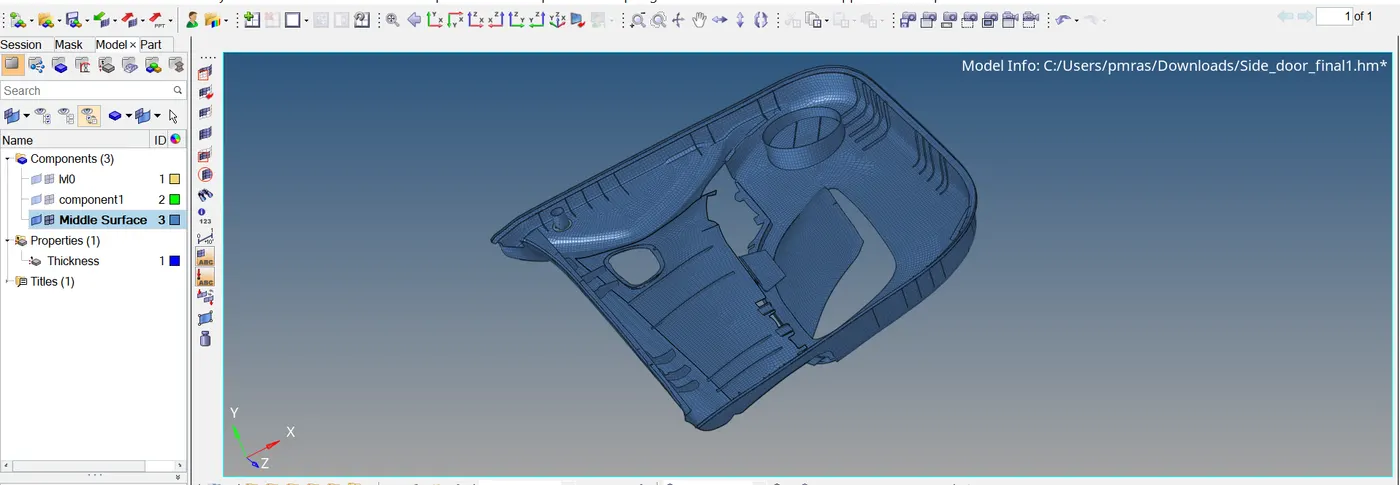
Conclusion: The midsurface of the specified side door panel is removed and meshed in accordance with the specified quality standards.
NOTE: Because it is preventing me from uploading files larger than 20MB, I have only uploaded the midsurface and mesh component and removed the provided component.
Link : https://drive.google.com/file/d/1Gs26xV3ft5FoHc1OudGHTsfiVBhdfQXg/view?usp=drive_link