Project-2-Meshing of Door Inner Panel Challenge
Aim: Follow the Quality Criteria and mesh the following component and assign thickness.
Procedures
1.First, import the side door inner panel model into HyperWorks.
- 2.Clean up the geometry of the components for obtaining better mid-surface.
- 3.get the midsurface extracted
- midsurface
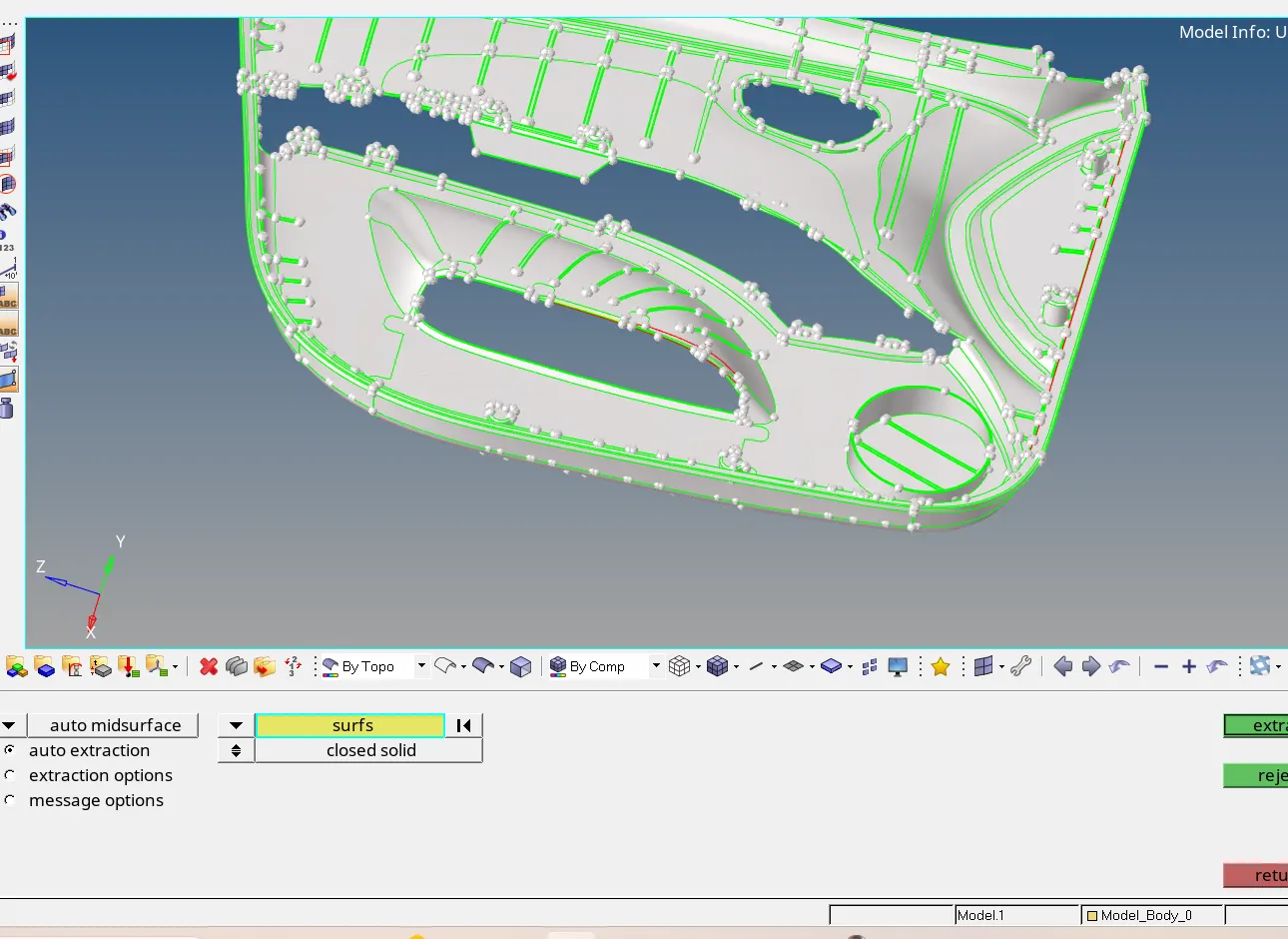
- 4.After extracting the mid-surface, perform the geometry clean up. Then, the mesh can be created by 2D > automesh > size and bias. Then, assign element size, mesh type , select surface and click mesh.
meshed surface
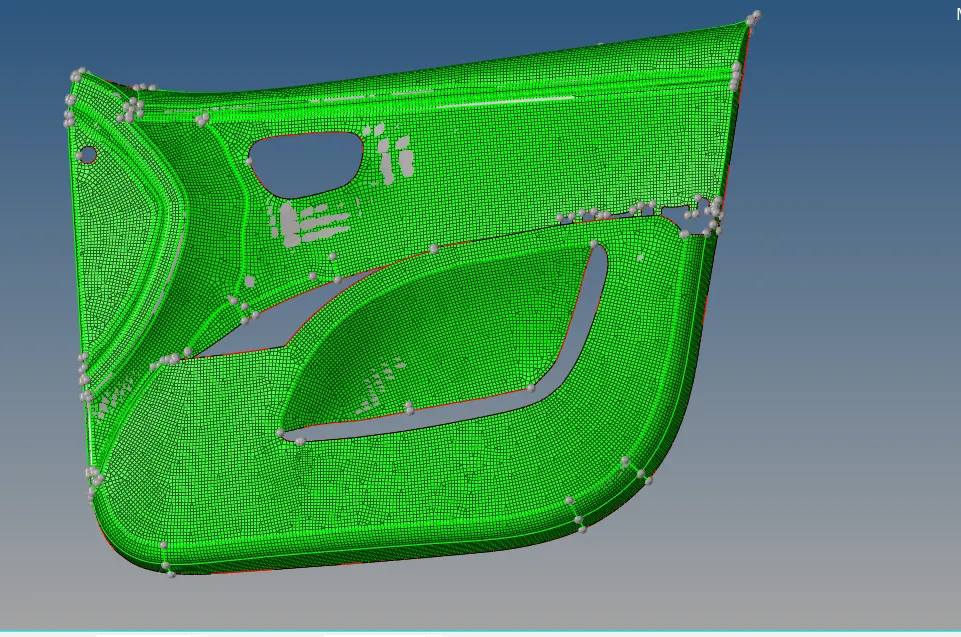
Final model link is given below
https://drive.google.com/file/d/1jDMMIRBzGQia-KN2WpBIL6RaYxDPGhc9/view?usp=sharing