Project-2-Meshing of Door Inner Panel Challenge
Aim:
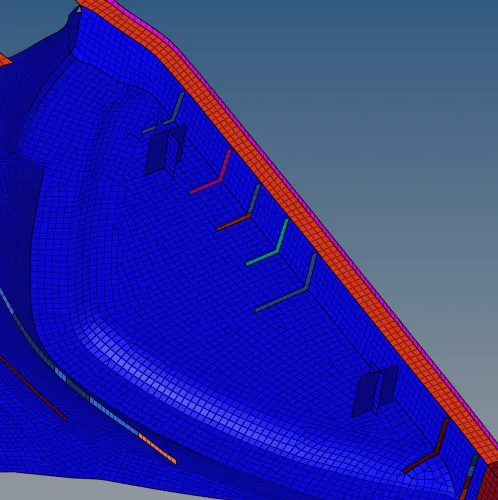
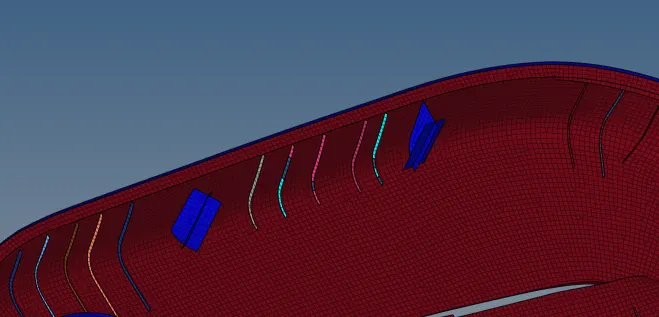
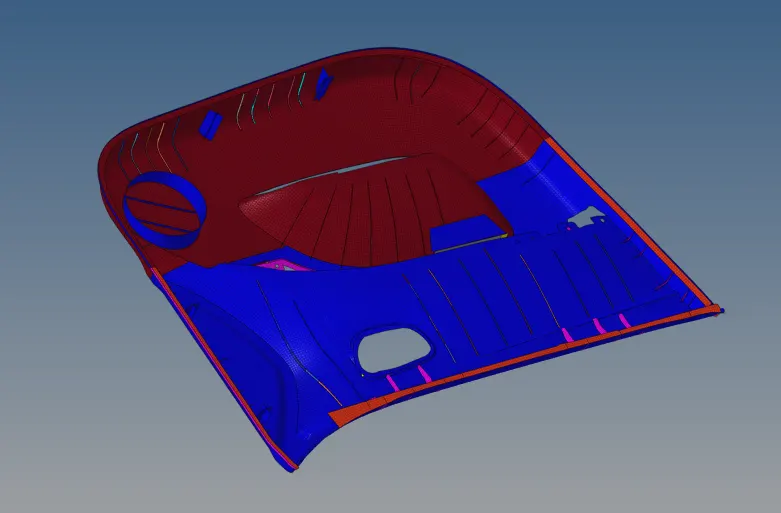
The aim of the project is to mesh of side door panel plastic model with the average mesh size of about 4mm and the assign the thickness for the model
Procedure:
1. The model is first imported and then the geometry by using the toggle, surface filler and ruled surface option


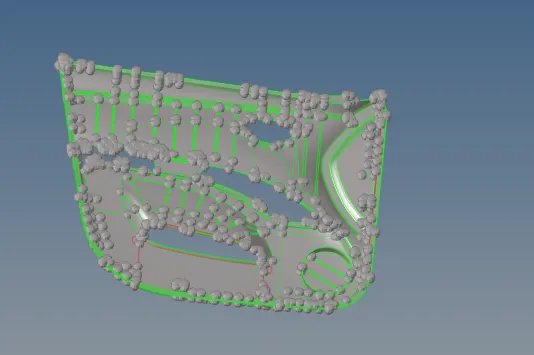
2. Then the model is splited into four parts to make the meshing easier by using the trim surface option

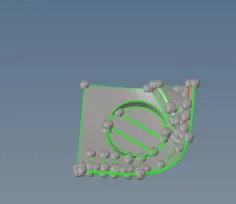
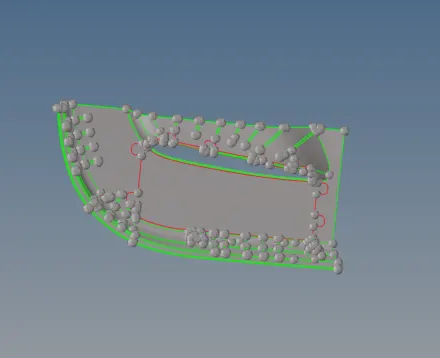
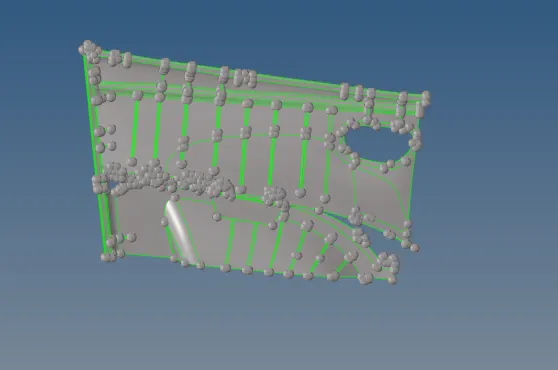
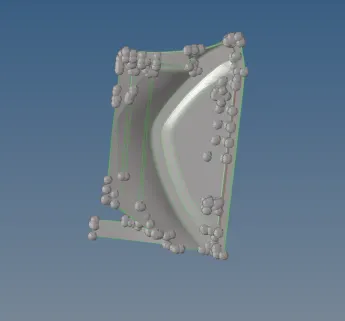
3. Then midsurface is taken for each of the surface and the ribs are to be taken separately if it is not coming properly
4. The midsurface is taken by using the midsurface option with offset as sub-option and for the manual midsurface option the offset and extend option are used.
5. In the offset option the thickness of the cad is measured and the half of the value is given as a offset value
6. The surface is first duplicated and then it is reverse normal to get the midsurface properly
7.Then the surface is extended to get attach with the surface so that the mesh will comes with a proper connectivity



8. After the surfaces are properly taken midsurface then the next step is the meshing
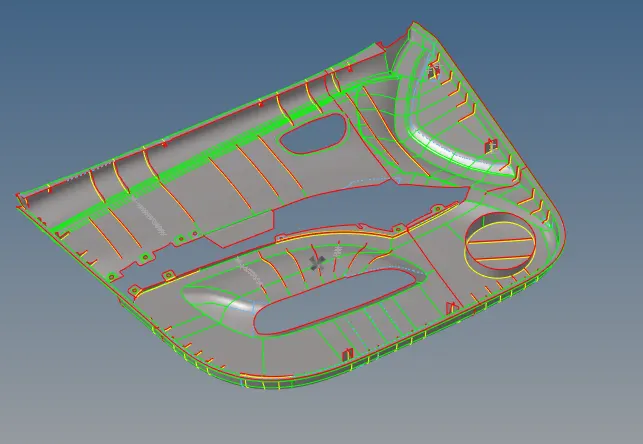
9.Then the surface is toggled for the features where the failure will happen and then it is meshed face by face to get a proper flow with the average mesh of about 4mm and the other quality parameters
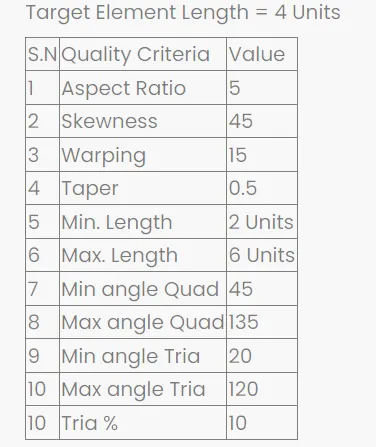
10.Then the surface mesh is corrected with the given quality parameter by using the check elements and by the element quality
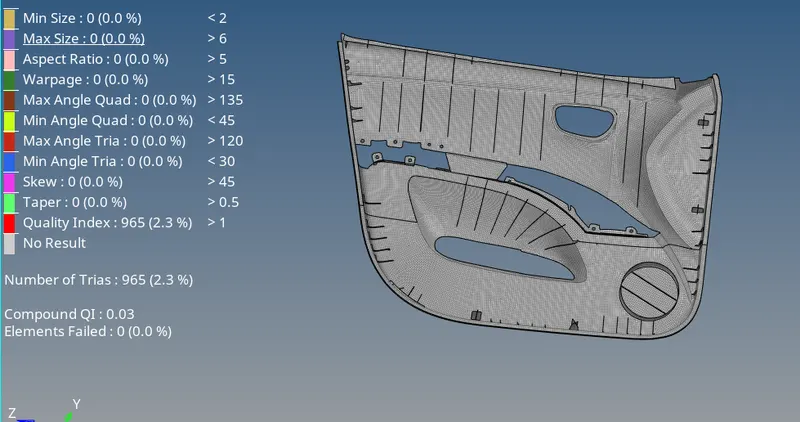

11. The quality error can be cleared using the quality index option, translate ,rebuild and remesh options




12. After the quality correction the edges are checked for the connectivity by using the edges option

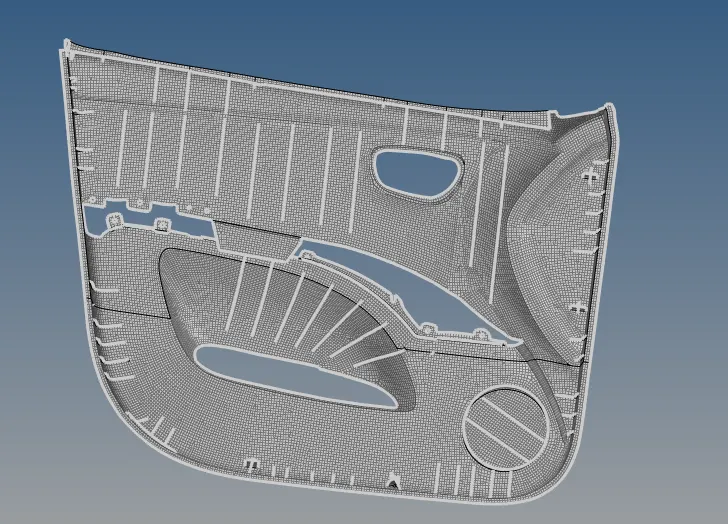
13. Once the connectivity issue is cleared the thickness is assigned for the each surface as it is a plastic component it does not have the same thickness
14.For the thickness assignment auto thickness option is used
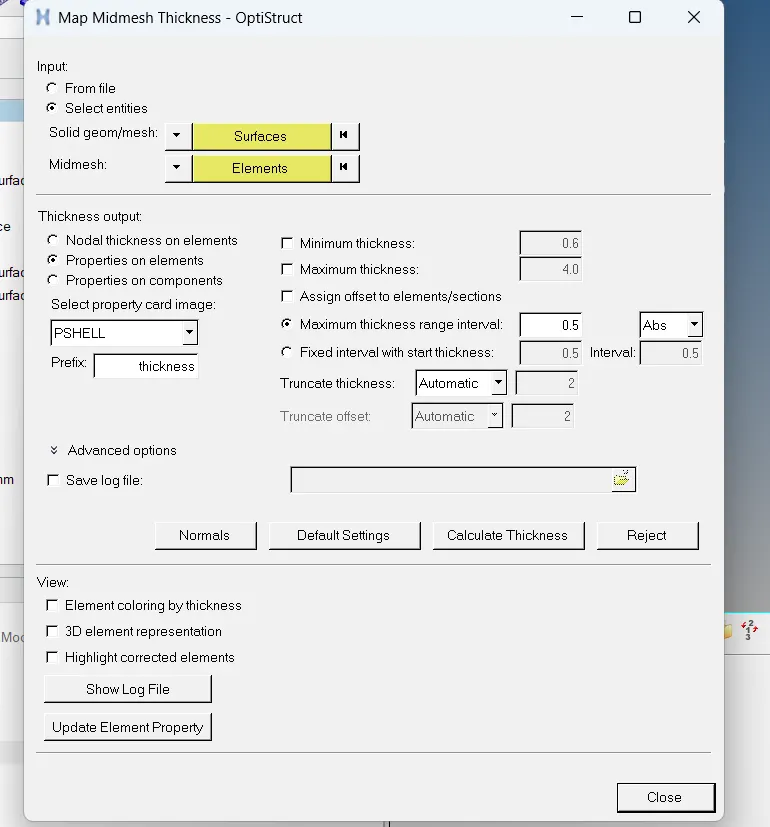
15. The surface is clicked as the parent geometry and the elements used are the midsuface elements
16. The elements can be viewed by the by thickness option
17. The thickness assignment is of the interval of 0.5mm and it is of absolute value
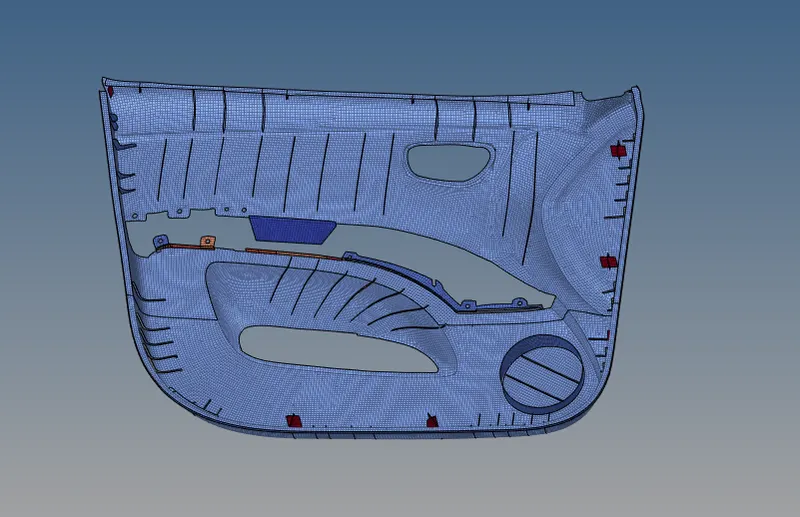
18. The model is checked for the thickness which is properly assigned and if not assign to the correct thickness by using the element property option
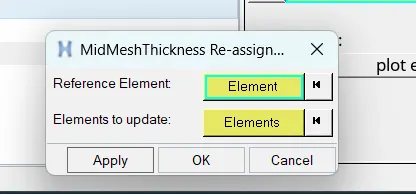
20.The thickness with more the 6mm are captured as a plus to give the thickness for that surface
Things learn in this project:
1.proper midsurface by using manual midsurface option
2.capturing of ribs properly
3.assigning auto thickness
4.rearranging the auto thickness
5.how to mesh the complete plastic component
conclusion:
The given project model of plastic door with 4mm average mesh size and the thickness is assigned.