Project-2-Meshing of Door Inner Panel Challenge
Aim-
Meshing of door Inner Panel by creating a midsurface and meshing it with given quality criteria.
Procdure-
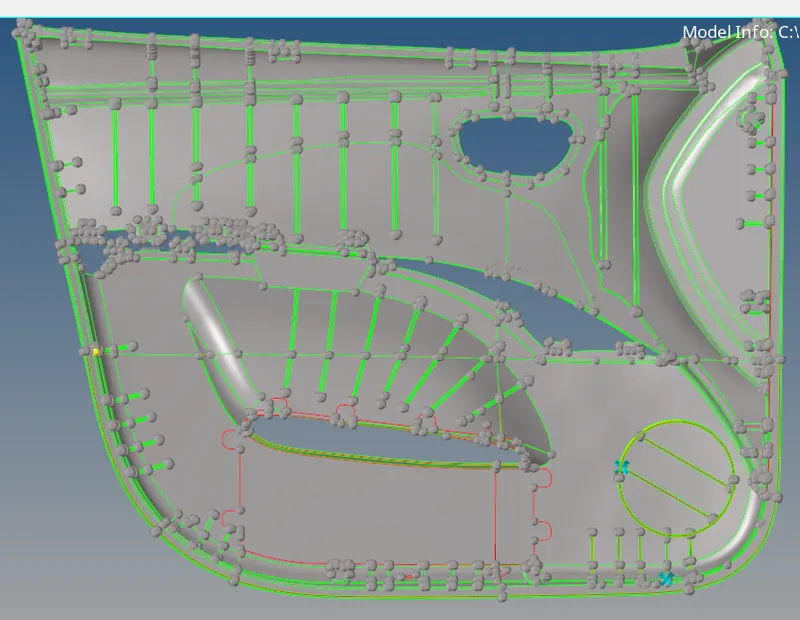
1. Importing the stp file and dividing the door inner panel in four parts by Surface Edit- Trim with Surface/Plane or Shift+F9 as shown below.
2.After Divinding into four parts segregate and organize them by making component ID and moving each one of them into different component ID.
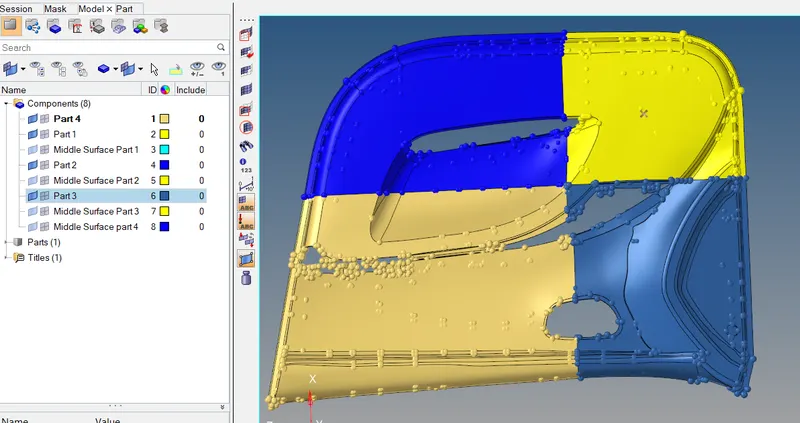
3.Now taking the midsurface manually of each portion by GEO- Surface Edit or by Shift+F9 through offset command by first duplicating the surface and then offseting into the direction we need. Offset-Surface-Duplicate

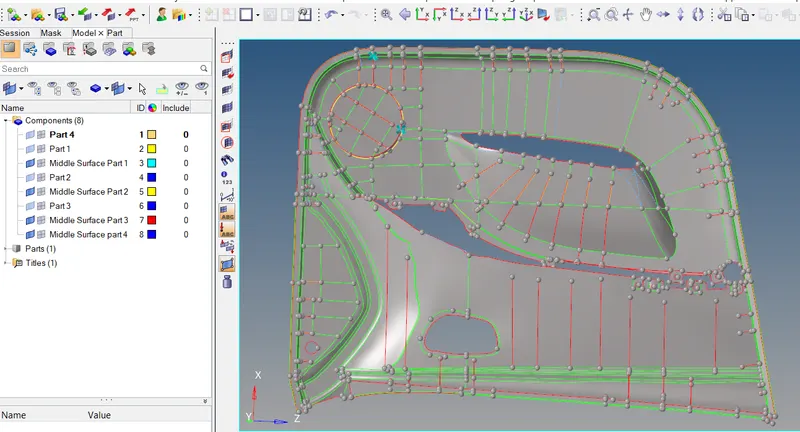
4. MidSurface for all 4 portion has been taken and shown below.
5.After Completing with midsurface starting with mesh with element size as 4mm which is given for meshing press F12 or 2D-Automesh and incase of any failure of any elements use tools like Element Cleanup or 2D-Quality Index-Cleanuptools.
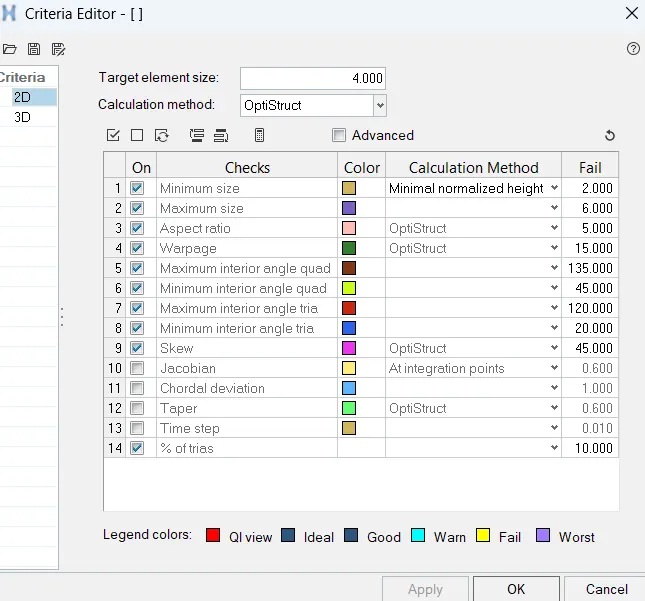
6. Applying the quality criteria which is given through Prefrences-Criteria File Settings
7.After Completing the mesh for the entire midsurface and also the feature of variable thickness need to segregate them into different component ID and assign thickness to same bt creating a property ID.
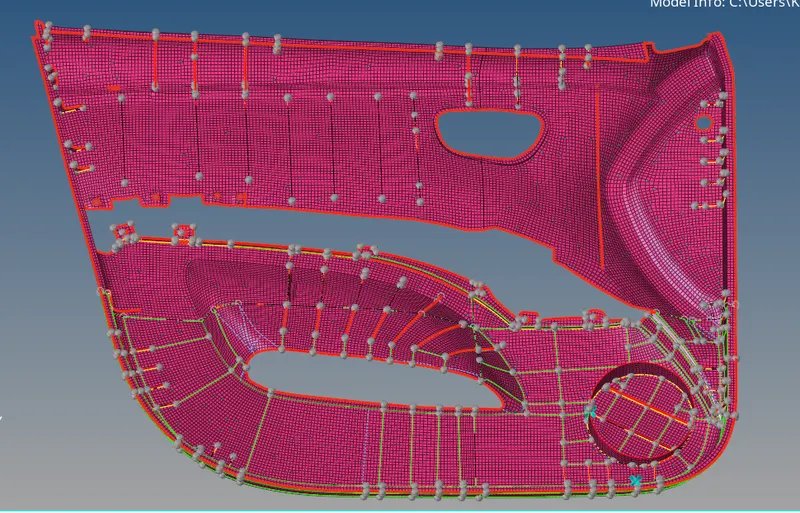
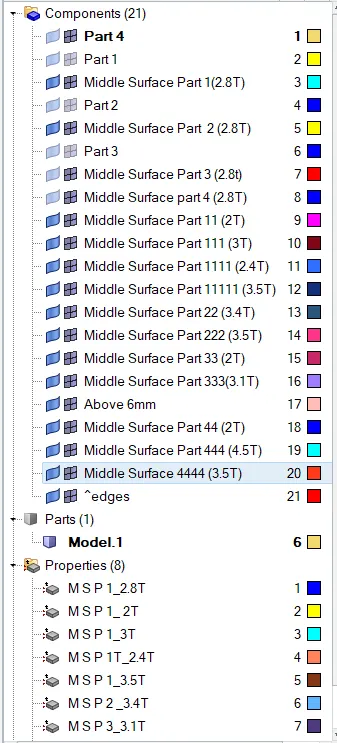
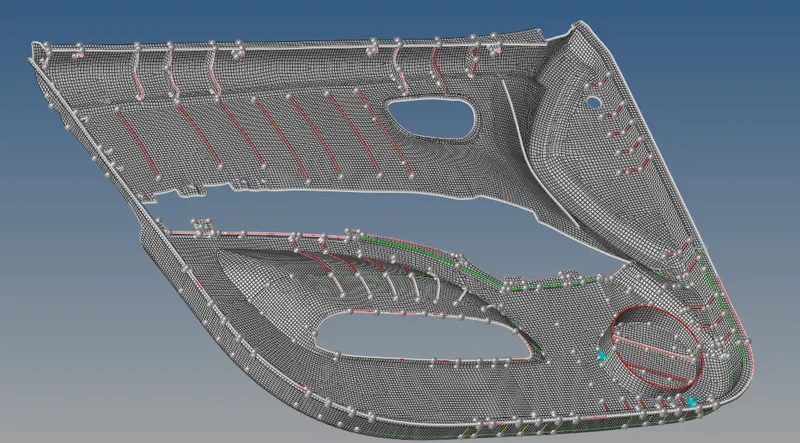
8. Check For Free Edges Tools-Edges.
9.Completed with project.-
Learning Outcome-
Learn how to deal with the major component size with variable thickness by dividing into parts and then meshing it and segregating them as different component and assigning thickness.