Project-2-Meshing of Door Inner Panel Challenge
Answer:
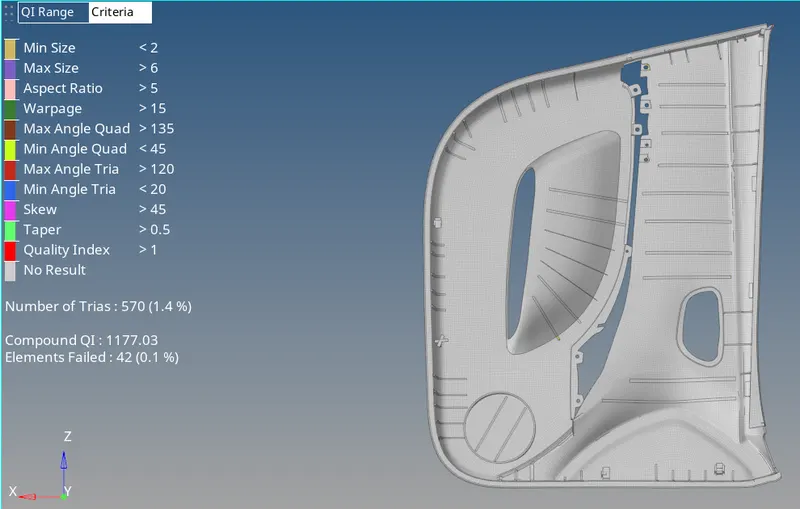
Side door component meshed and assigned thickness view:
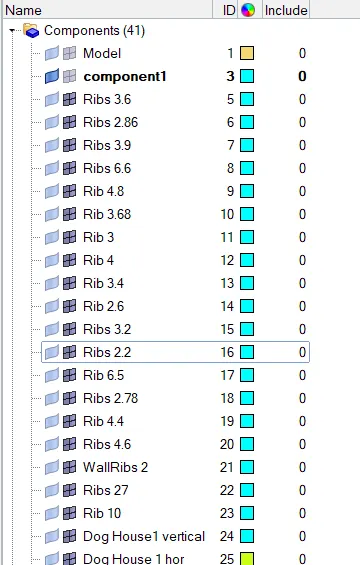
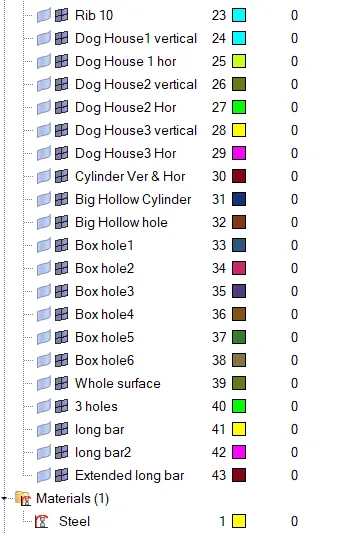
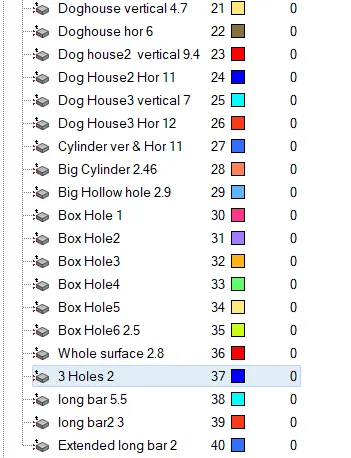
Component collectors: (Different components are created to assign different thicknesses)
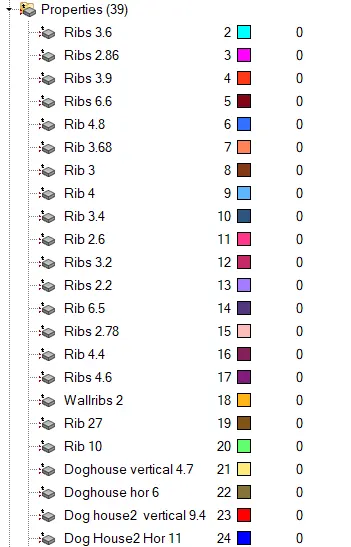
Properties collector:(Properties are assigned to components to give the thickness to the parts of component)
Procedure:
1.Import the iges model into hypermesh.
2.Change from auto to By topo mode.
3.Give the element quality by selecting criteria file settings as per given question.
4.Now change from By part to By element quality to view all the elements set in the criteria file settings.
5.Extract the midurface by selecting geometry module and selecting midsurface in that select extraction options select skin offset and extract the midsurface.
6.Make the midsurface component as current.
7.Check if there is any surface missing from parent geometry.
8.Then offset the surfaces from parentv geometry.
9.Mesh the component by selecting automesh option in 2D module.
10.mesh each surface of the component.
11.Commands used:
i.Geometry-midurface-extraction options-skin offset-extract
ii.Geometry-surfaces-ruled surface.
iii.Geometry-lines-midline.
iv.2D-automesh(F12):mesh.
v.Rebuild(shift+R):select elements to reconstruct the mesh.
vi.Smooth(shift+F12):select the elements to smooth the mesh.
vii.Quality index(shift+Q):swap edge,split/collapse edge,combine trias and element optimize.
viii.edit element(F6):create,combine and split elements.
ix.surface edit(shift+F9):trim with lines,surfaces,extend and offset.
x.quick edit(F11):split-surf-node,split-surf-line,toggle edge,replace point,add/remove point,release point and project point.
xi.replace node(F3):select the nodes to replace.
xii.distance(F4):select two points,two nodes.
xiii.delete(F2):delete elements,lines,surfaces.
11.After meshing and adjusting the emsh flow and managing the trias measure the thickness of each part.
12.after measurement create different components and their corresponding properties and materilas.
13.And change from 2D traditional rep to 2D detailed element representation.
14.After succesful accomplishment of the task,Save the model with suitable name.