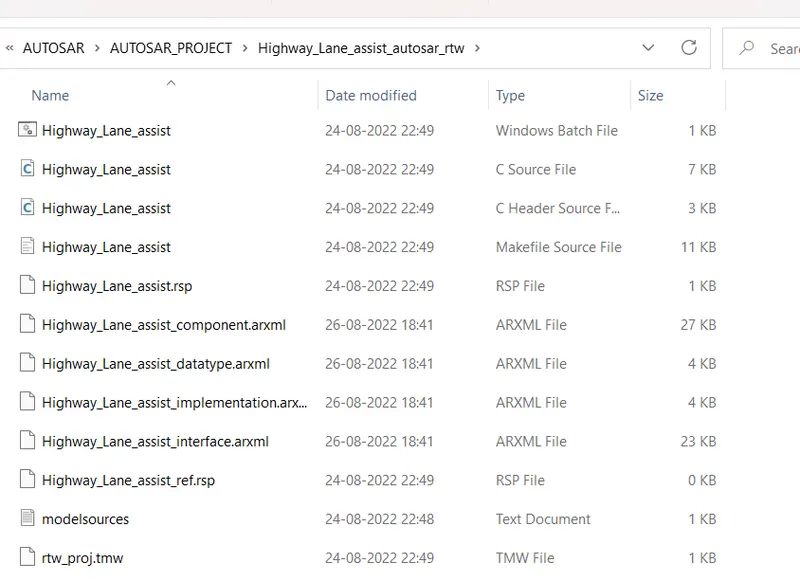
Project 2-Highway Assistant-Lane Changing Assistant
Highway Assistant-Lane Changing Assistant:
created a sldd file by name : HighwayAssistantLaneChangingAssistant.sldd
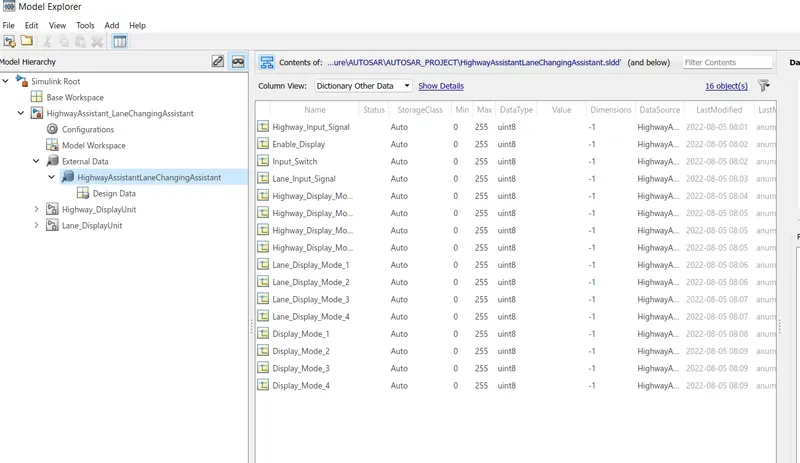
and linked with the model .
according to the requirement document , firstly analysised the document . and model the document .
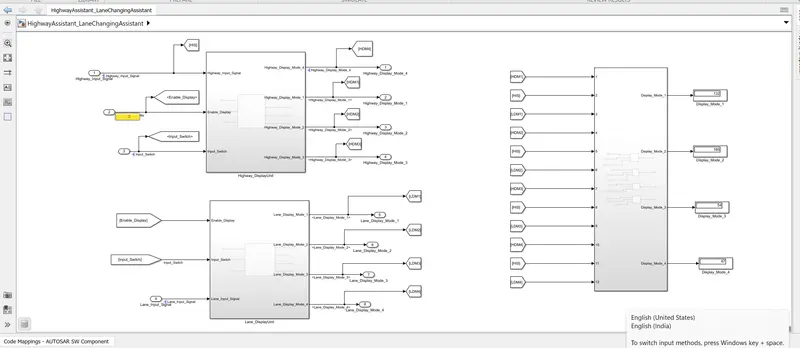
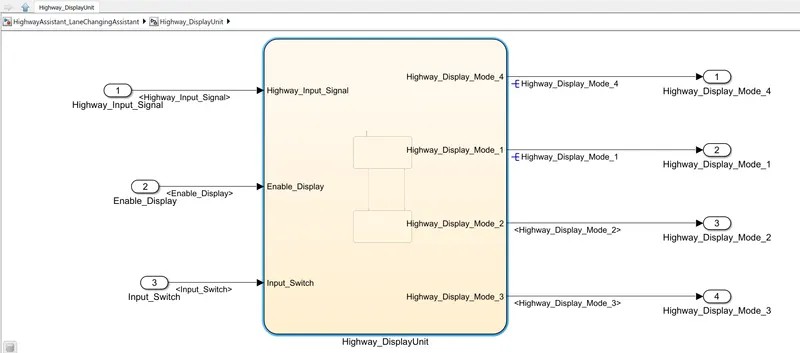
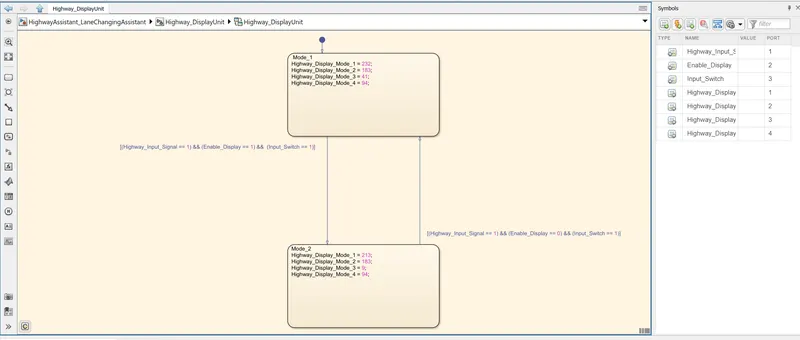
according to the first requirment :
Condition
Action
Highway_Input_Signal = 1
Enable_Display = off
Input_Switch = on
Highway_Display_Mode_1 = 232
Highway_Display_Mode_2 = 183
Highway_Display_Mode_3 = 41
Highway_Display_Mode_4 = 94
Highway_Input_Signal = 1
Enable_Display = on
Input_Switch = on
Highway_Display_Mode_1 = 213
Highway_Display_Mode_2 = 183
Highway_Display_Mode_3 = 9
Highway_Display_Mode_4 = 94
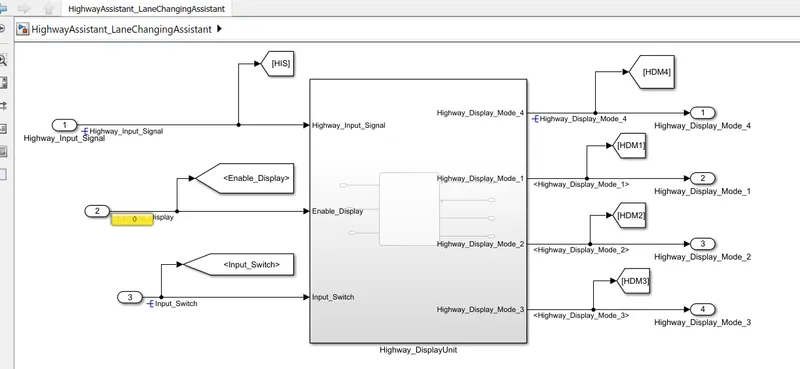
according to the second requirment :
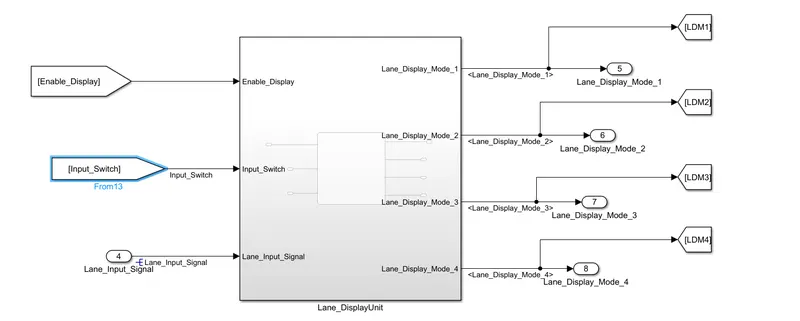
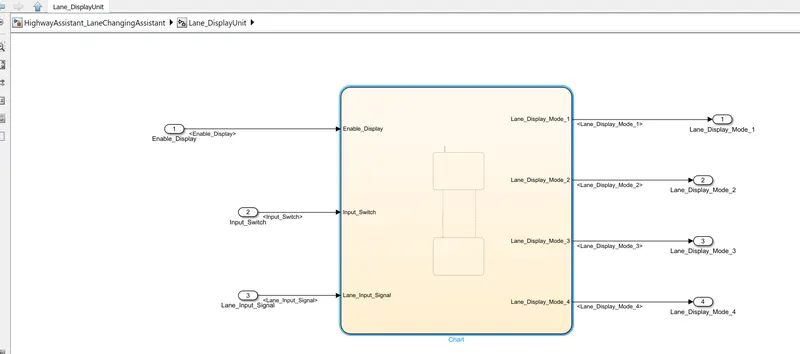
Requirement No 2 [Lane_DisplayUnit]:
Inputs to this particular subsystem are “Enable_Display”, “Input_Switch”, “Lane_Input_Signal”. These three input signals, when assigned to a particular value will give output signals of specific value. The output signals are “Lane_Display_Mode_1”, “Lane_Display_Mode_2”, “Lane_Display_Mode_3”, “Lane_Display_Mode_4”. The requirement must be implemented in the form of Stateflow logic.
|
Condition |
Action |
|
Lane_Input_Signal= 6 Enable_Display = off Input_Switch = on |
Lane_Display_Mode_1 = 132 Lane_Display_Mode_2 = 185 Lane_Display_Mode_3 = 54 Lane_Display_Mode_4 = 67 |
|
Lane_Input_Signal= 6 Enable_Display = on Input_Switch = on |
Lane_Display_Mode_1 = 127 Lane_Display_Mode_2 = 248 Lane_Display_Mode_3 = 186 Lane_Display_Mode_4 = 84 |
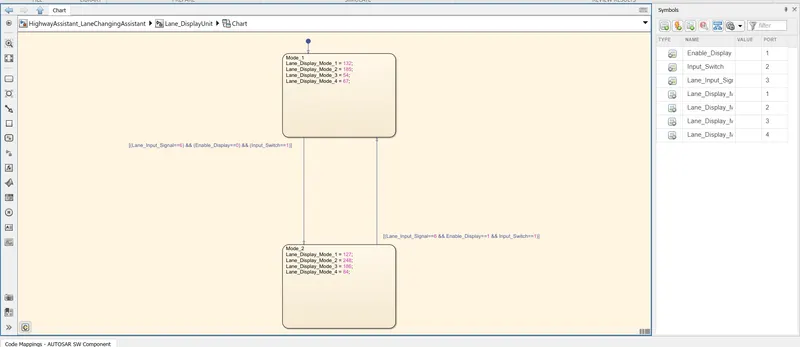
according to the document requirment :
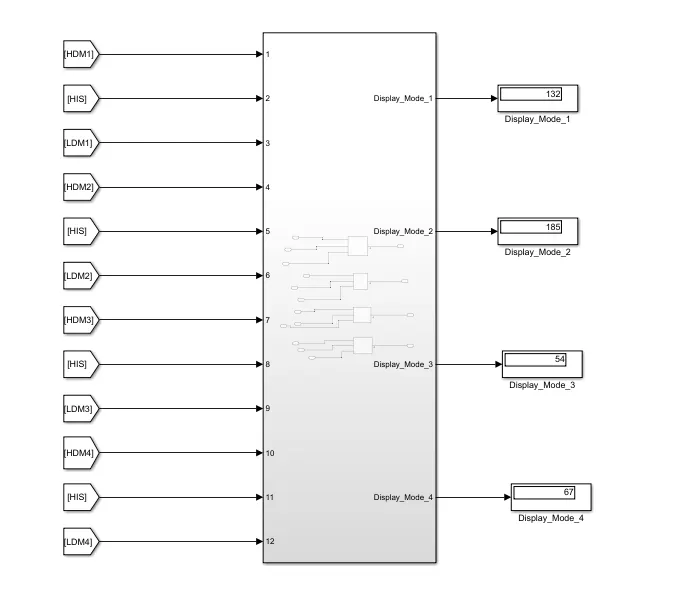
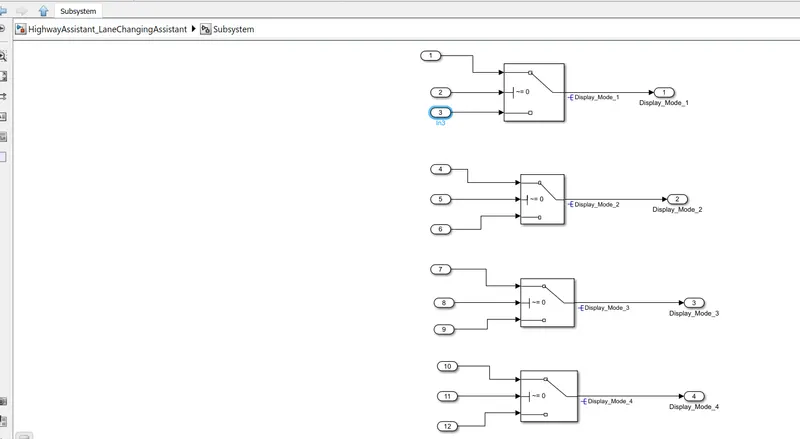
i have changed the target linked and choosed
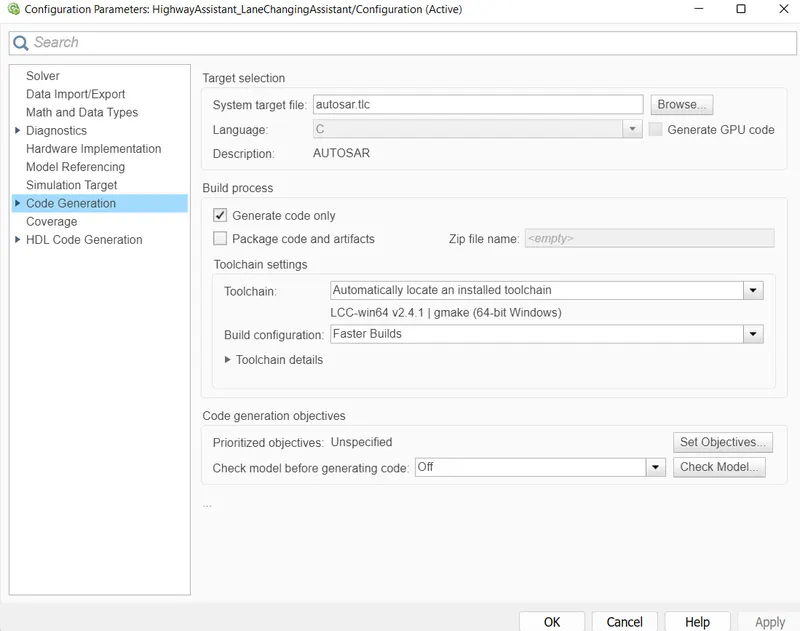
- selected Autosar Component .
- done port mapping,
- choosed sender and receiver option
- saved the model .
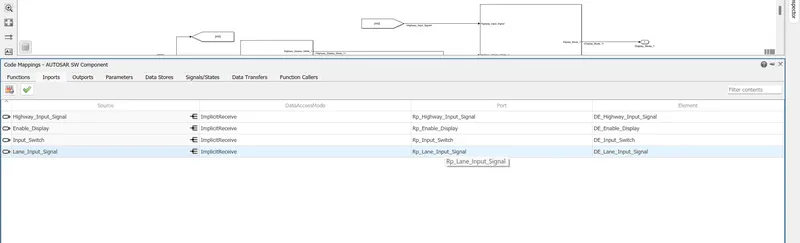
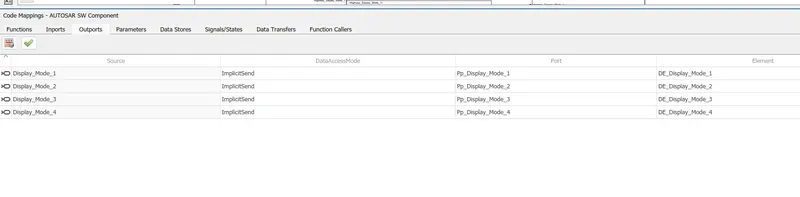
after that put all the details
- xmL option
- S-R interface
- Receiver port
- Sender port
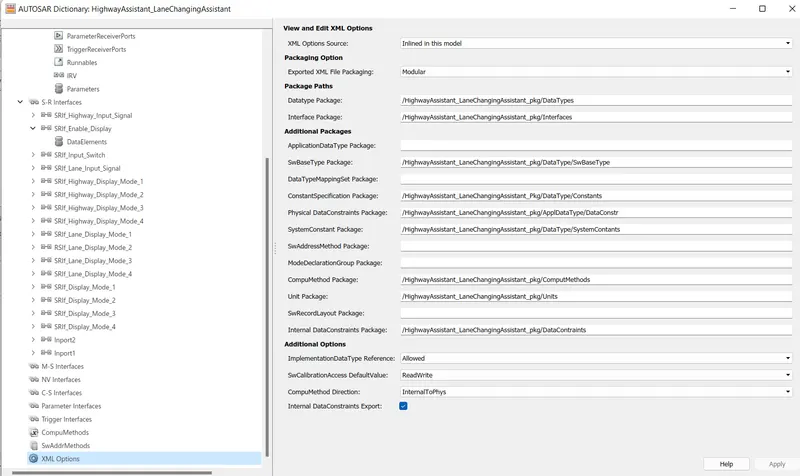
and validate the model .
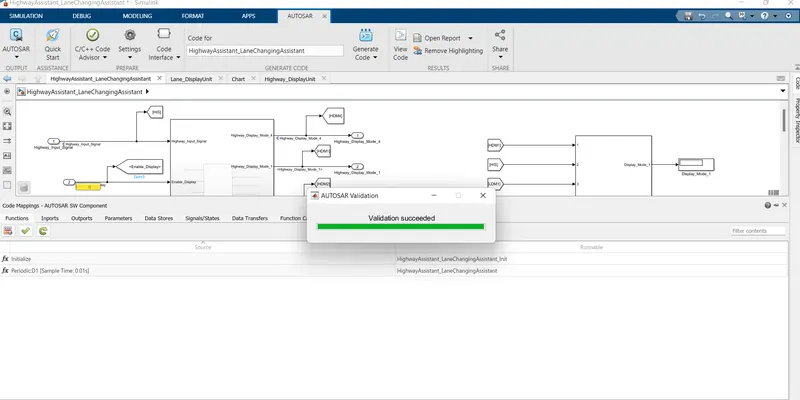
then i have followed the MAAB guidline and also genreat the report .
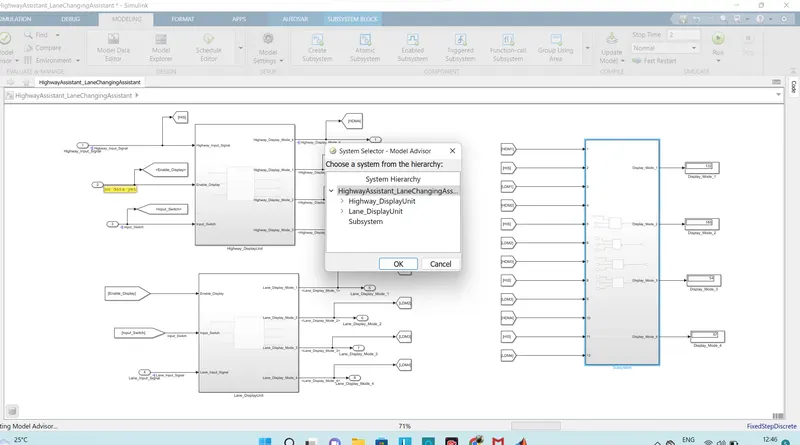
and attached for the reference .
the i have generate the code so
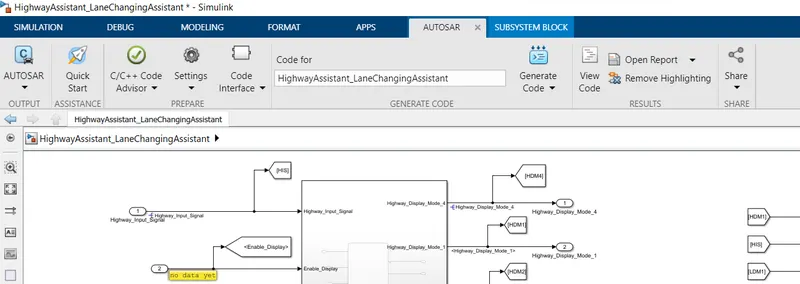
go on the Quick start
code genreation pop up window will come . after done setting given below will will appears.
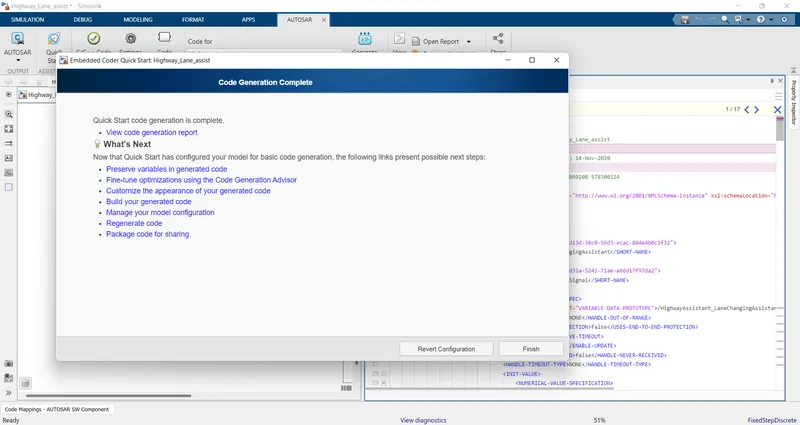
now code is genreated .