Project 2 - Development of TFT Cluster Speedometer Software Component
Solution:-
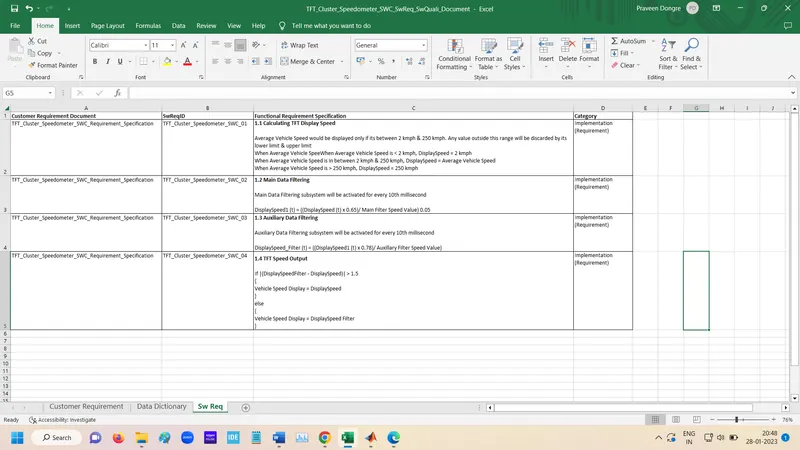
Create Requirement Excel file
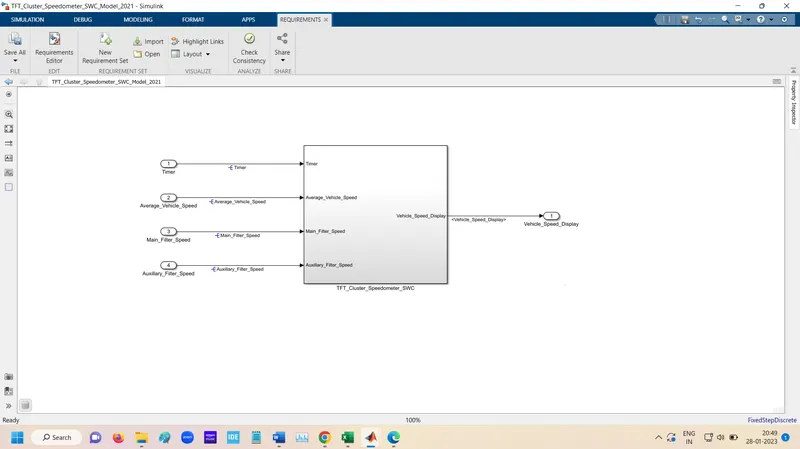
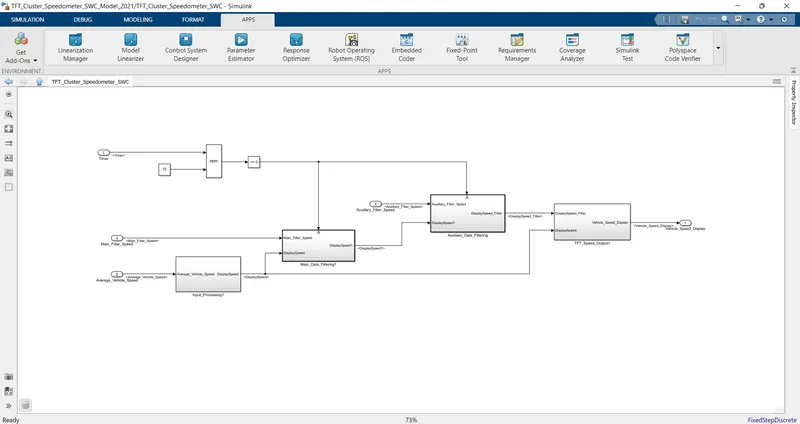
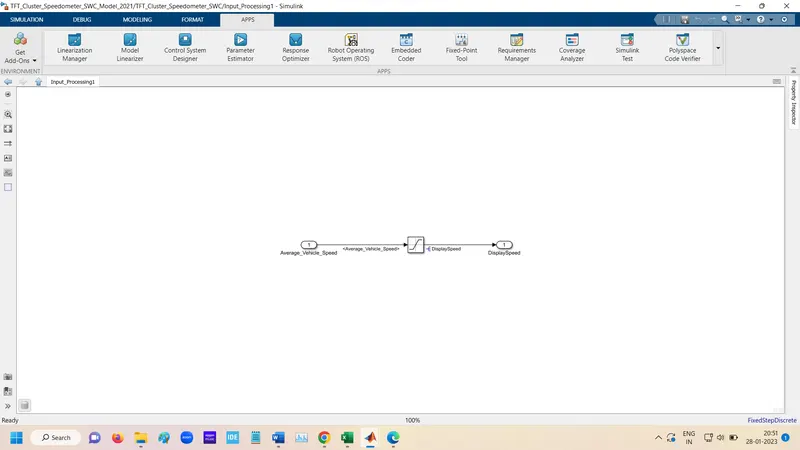
Simulation Model:-
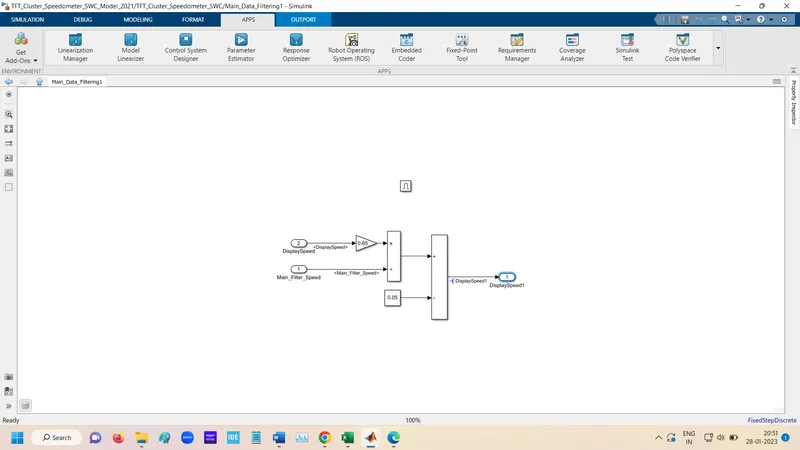
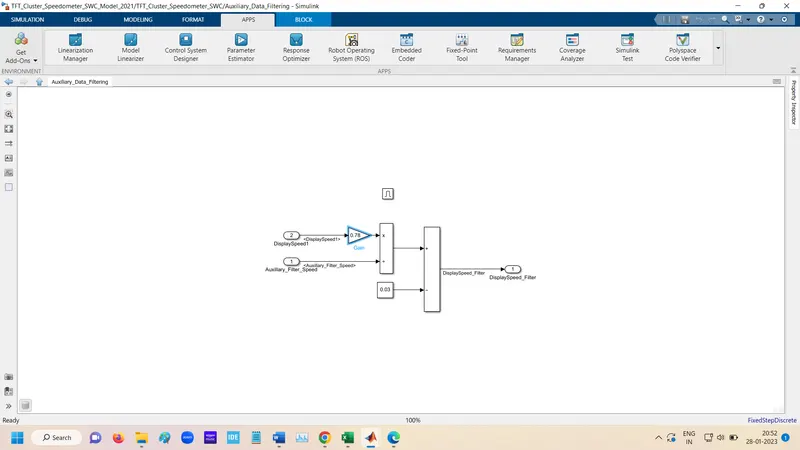
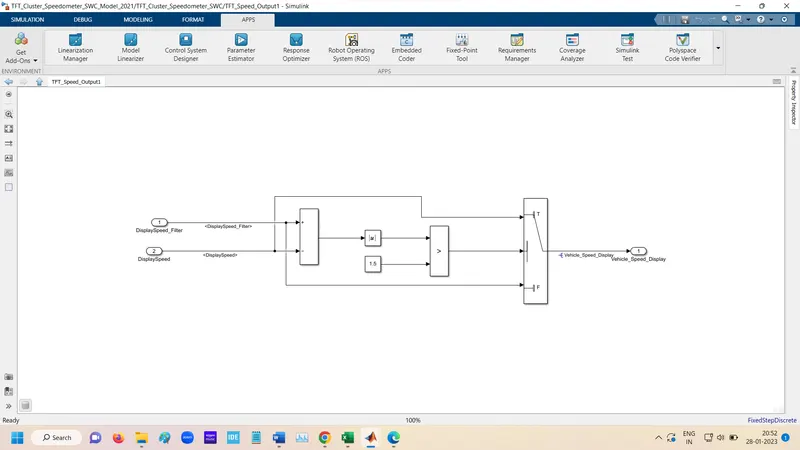
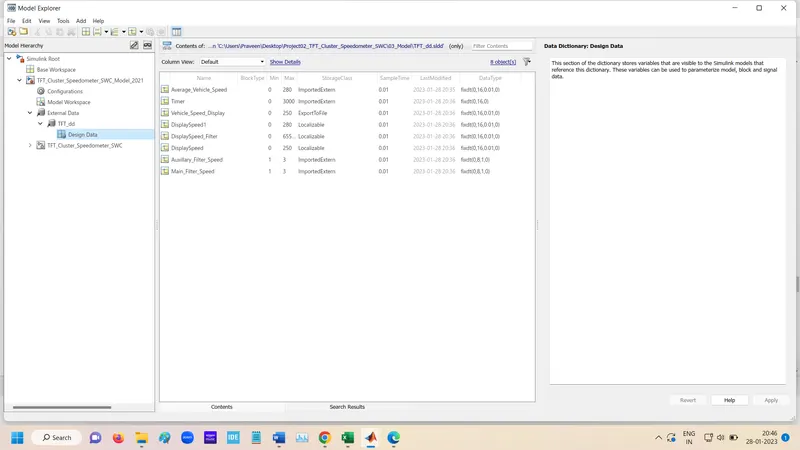
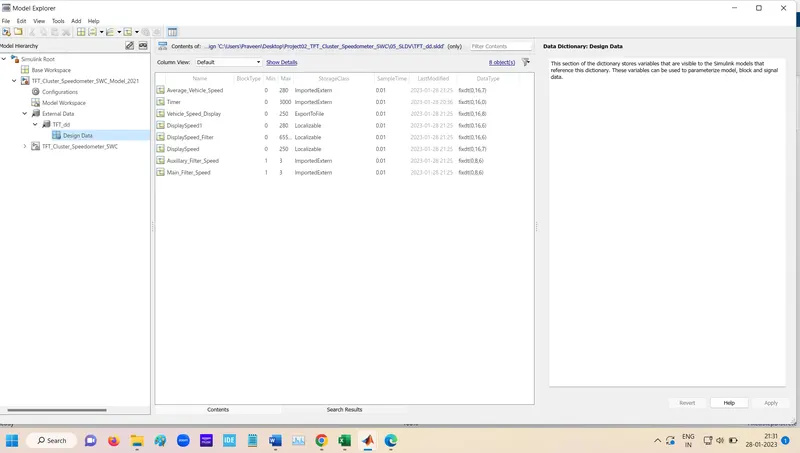
Simulink Data Dictionary:-
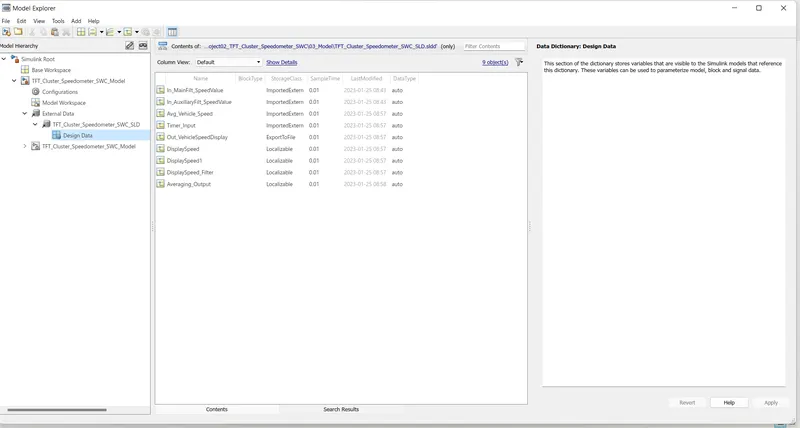
Settings
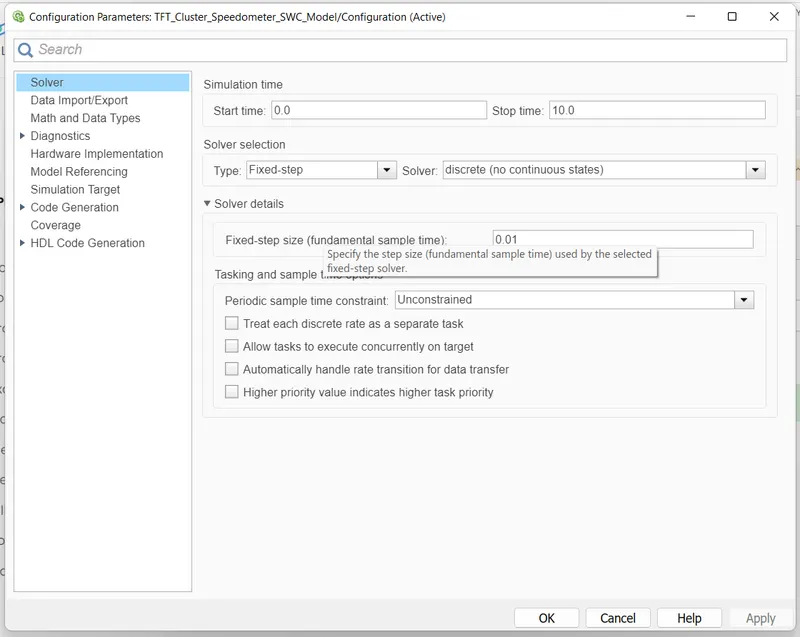
Solver Settings
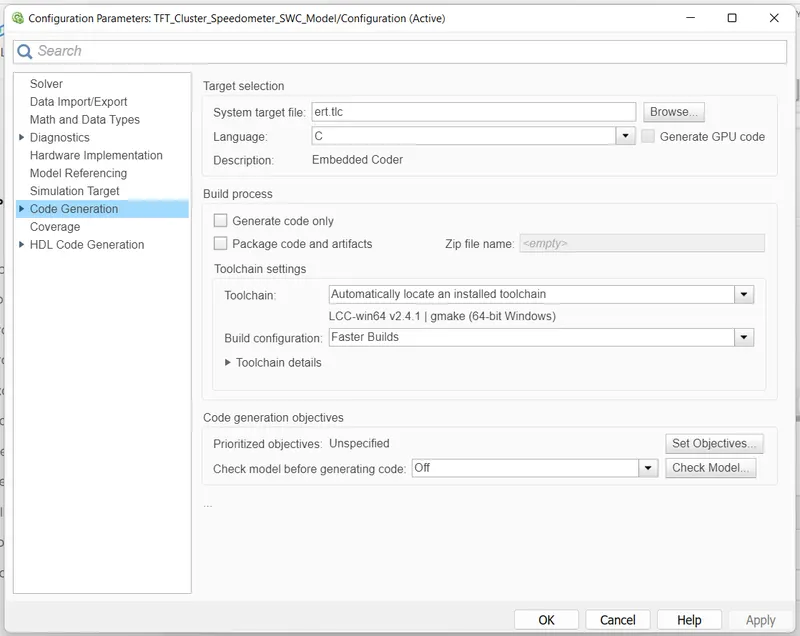
Code Generation Settings
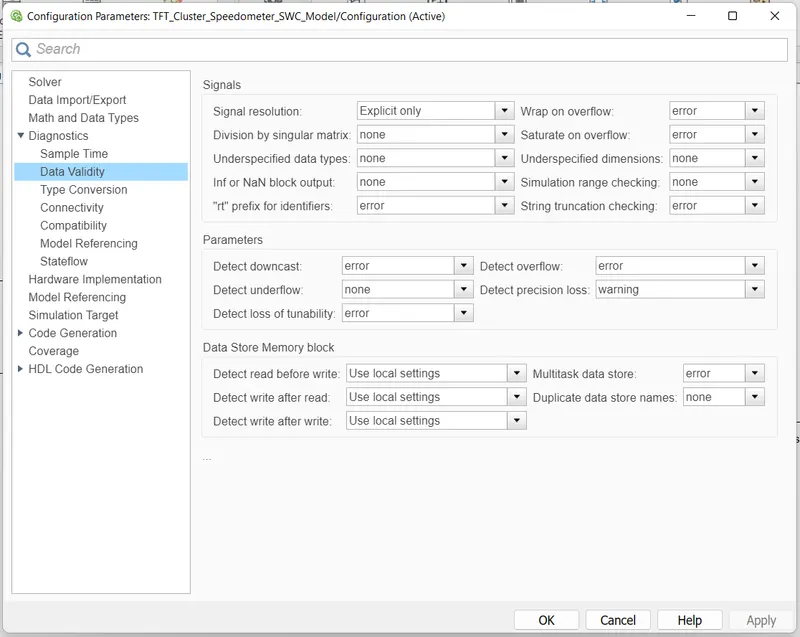
Requirement Tagging:-
For the Requirement Tagging goto in apps and open the Requirement Manager and select Requirement Editior.
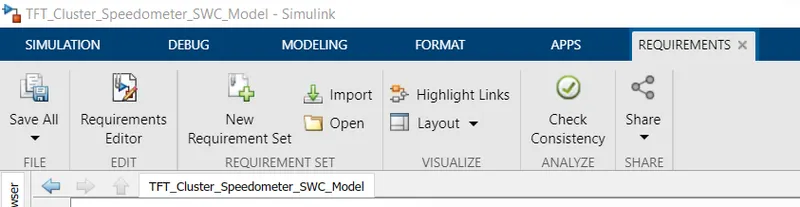
Below Tab is open.
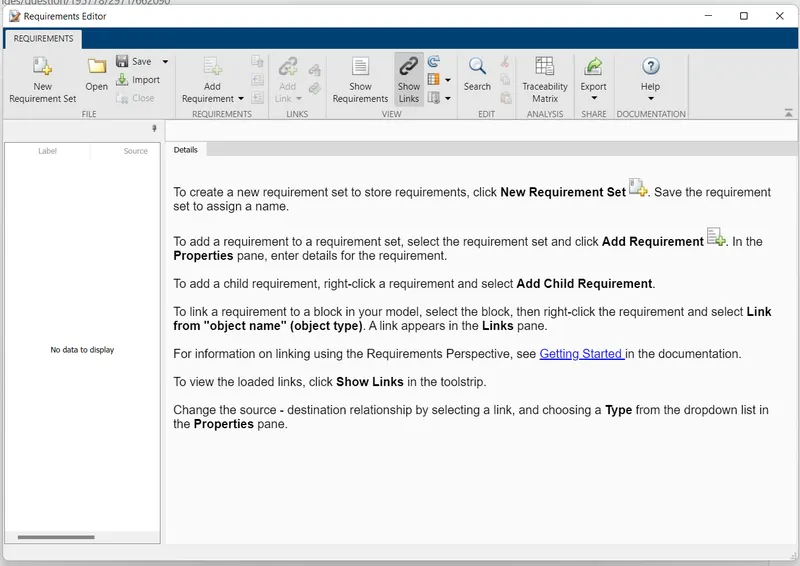
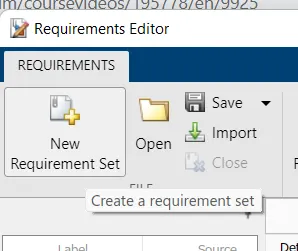
Click to New Requirement Set for adding new requirement. Save file in folder.
After Genrating id, Add Requirement.
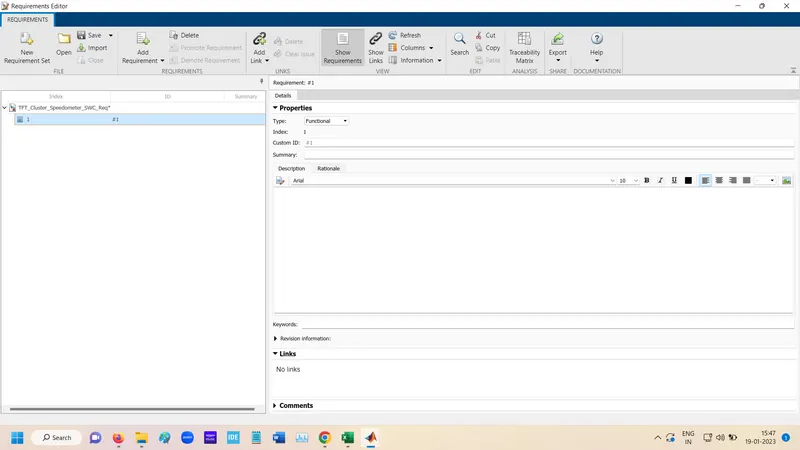
Added all the requirement.
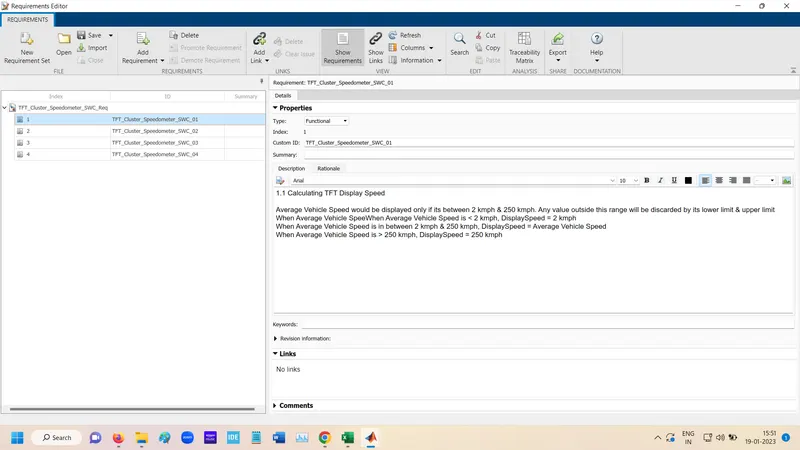
For Linking the requirement
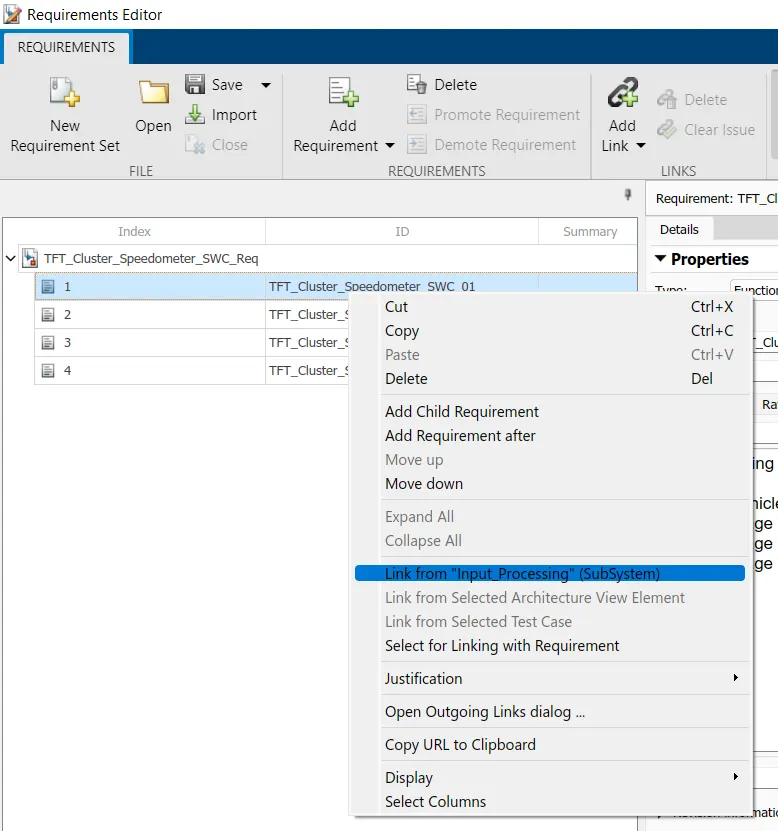
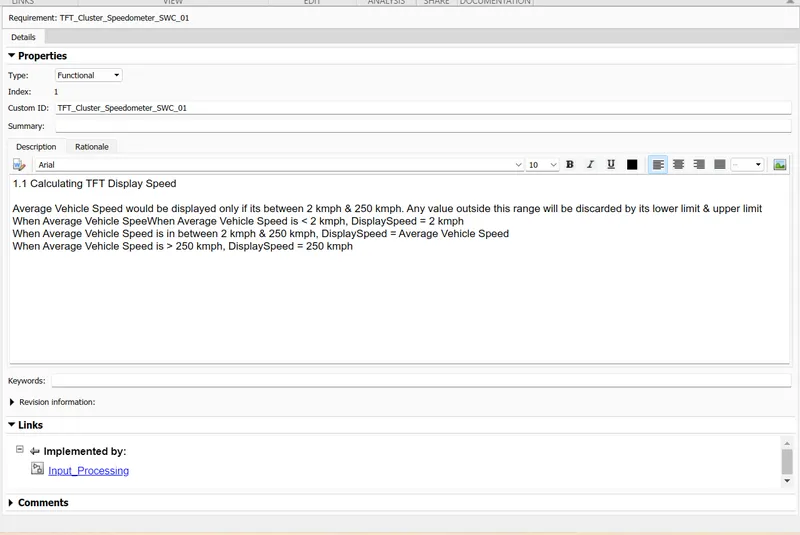
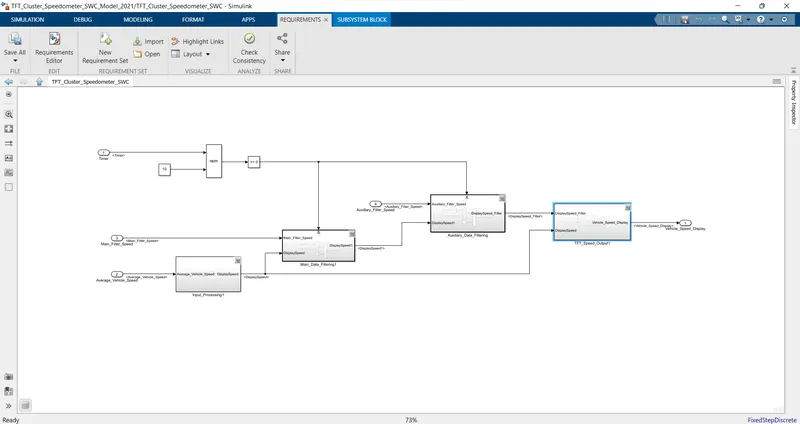
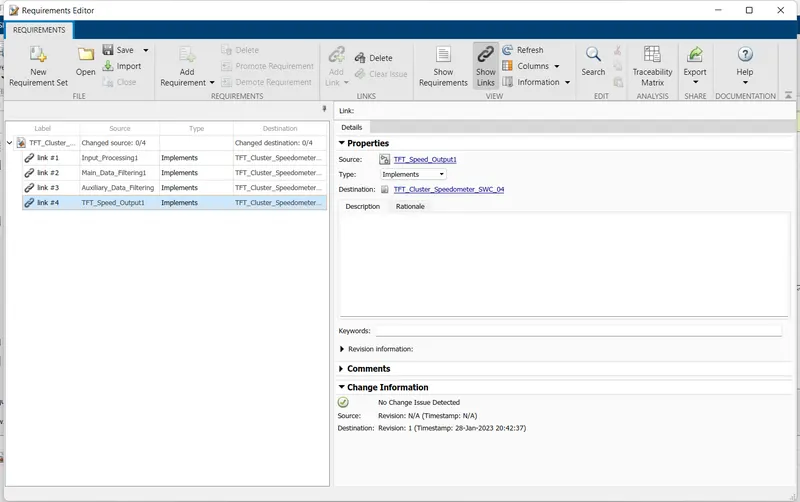
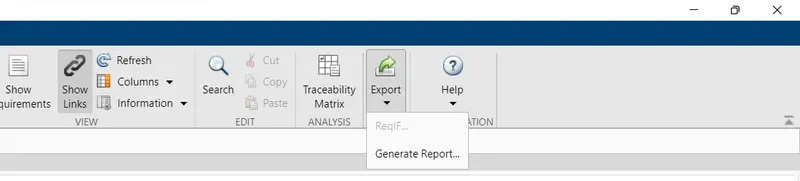
For Genrating Requirement Tagging Reoprt,
Goto the Export and Genrate the report.
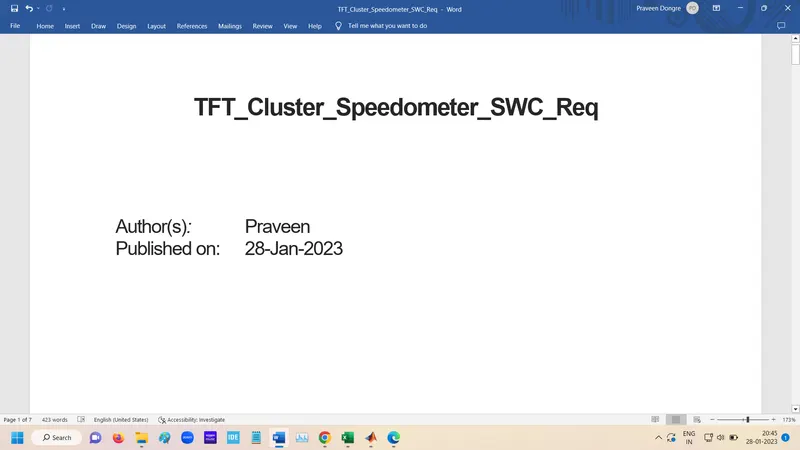
Report genrated
Run the simulation.
Error is come due to division by zero.

For this Changes need to done in required place.
Advisor Check JMAAB:-
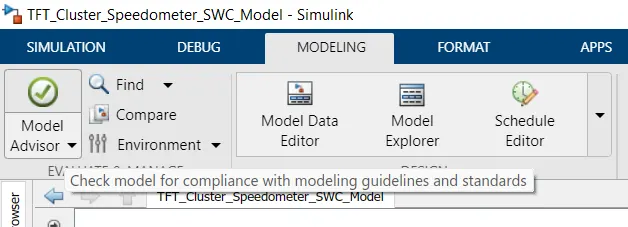
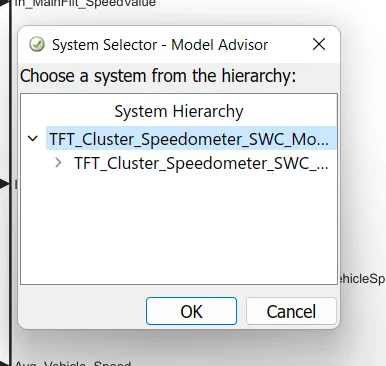
Select top model
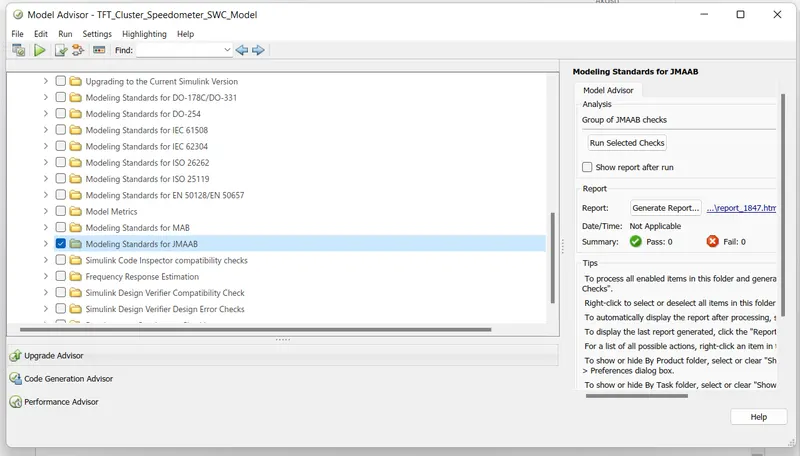
Select JMAAB Checks
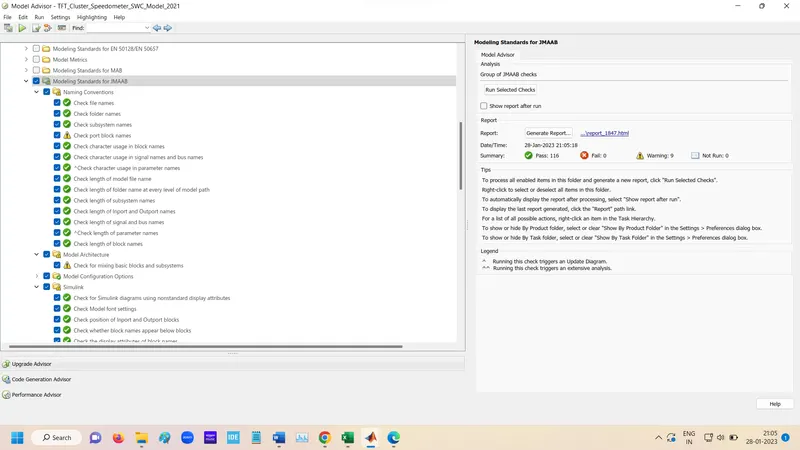
Run the selection check
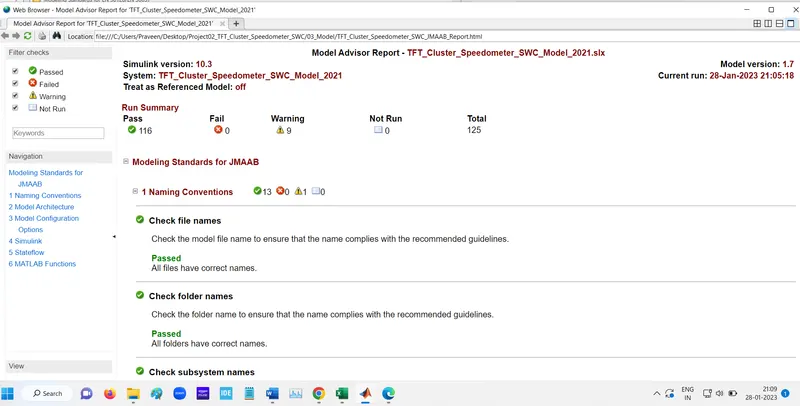
Genrate Report
Fixed Point Tool

open Fixed point tool and click to New and select Iteration Fixed point Conversion.
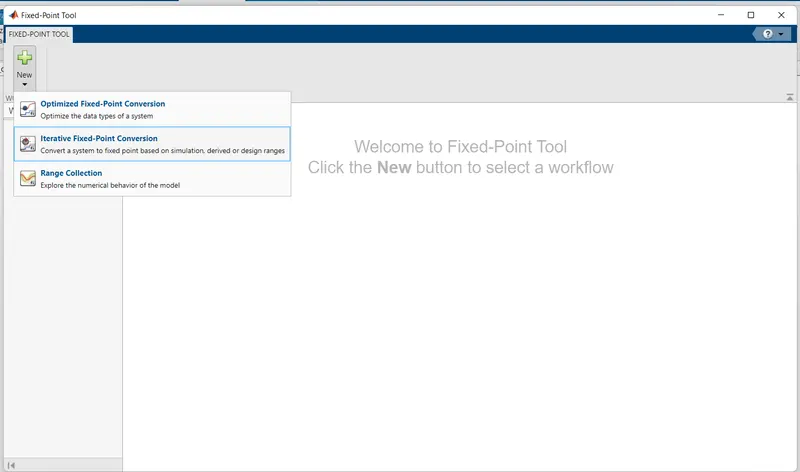
After this click to Prepare then Click to collect ranges.
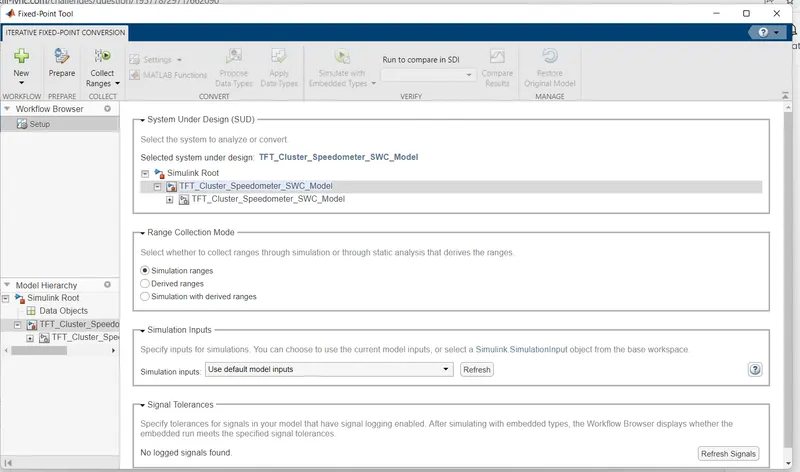
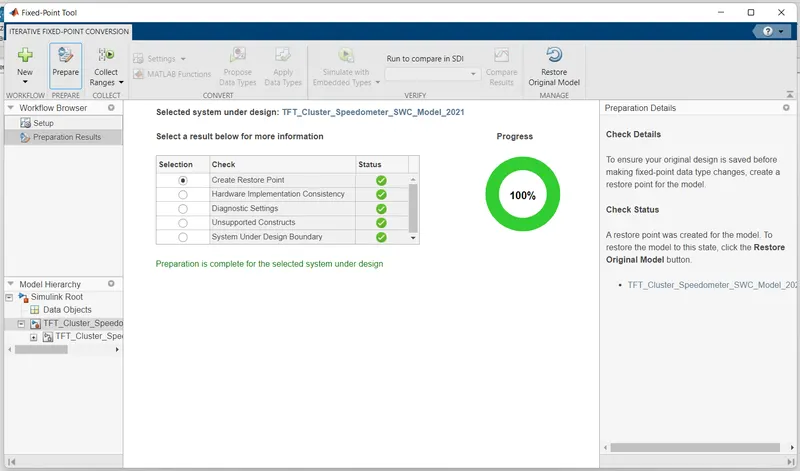
After collect ranges click to Propose data types.
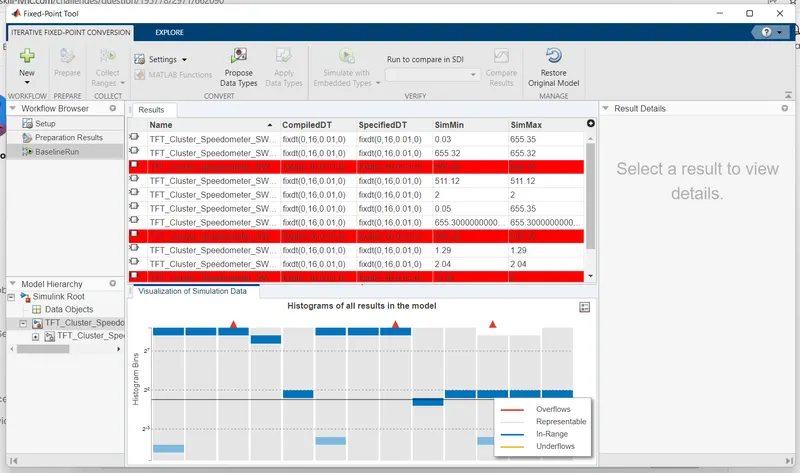
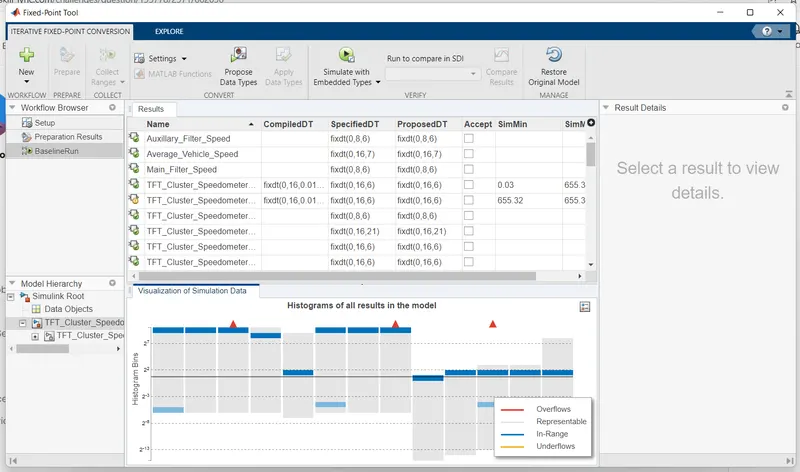
After that click to Apply Data Types.
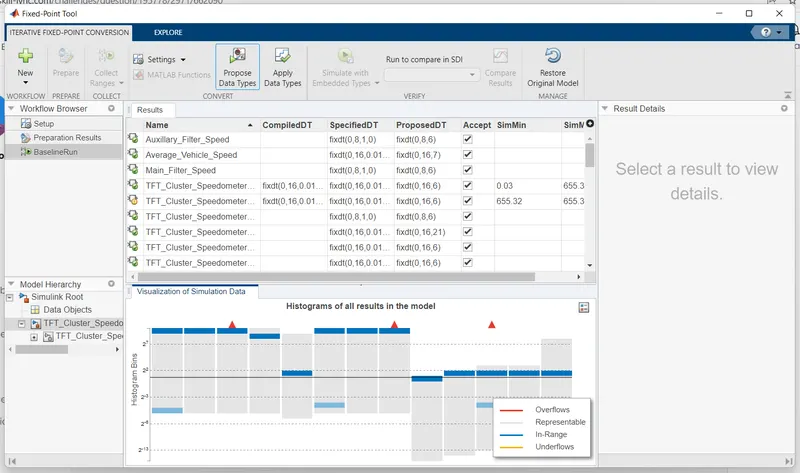
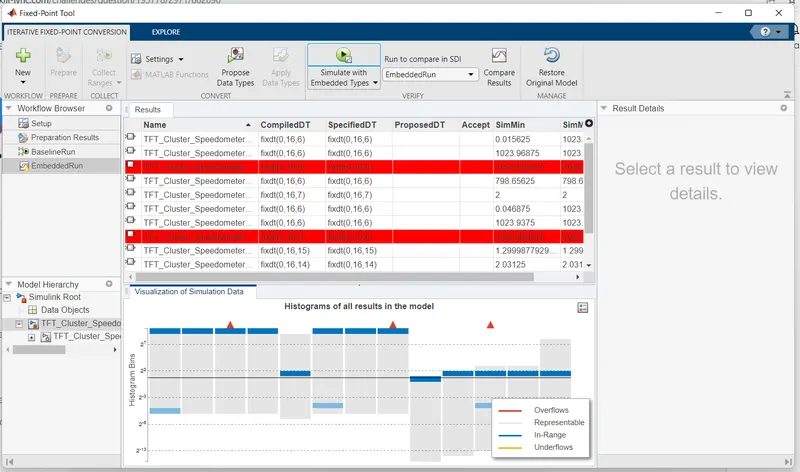
After that Simulate with Embedded Types.
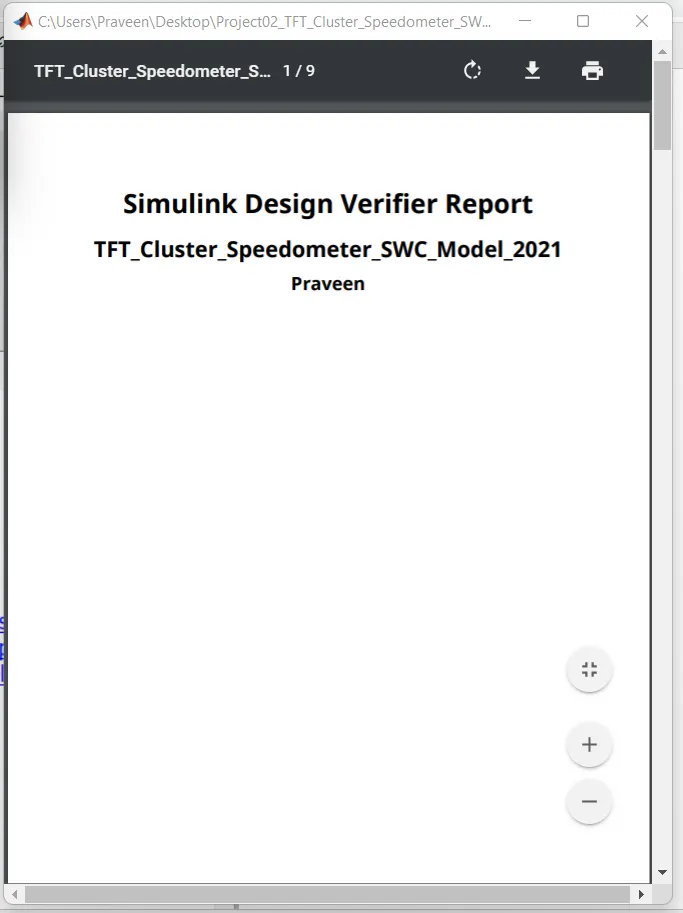
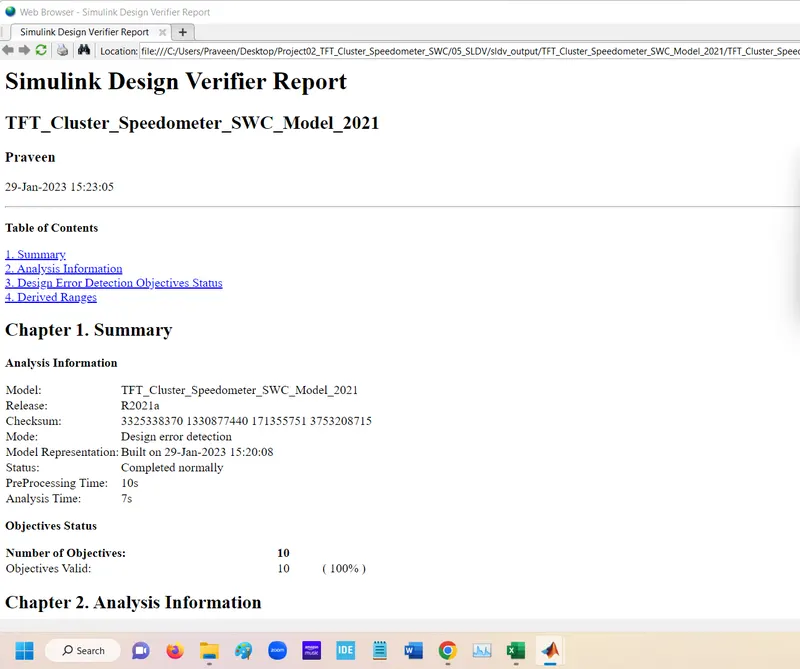
SLDV Degine Error Detection:-

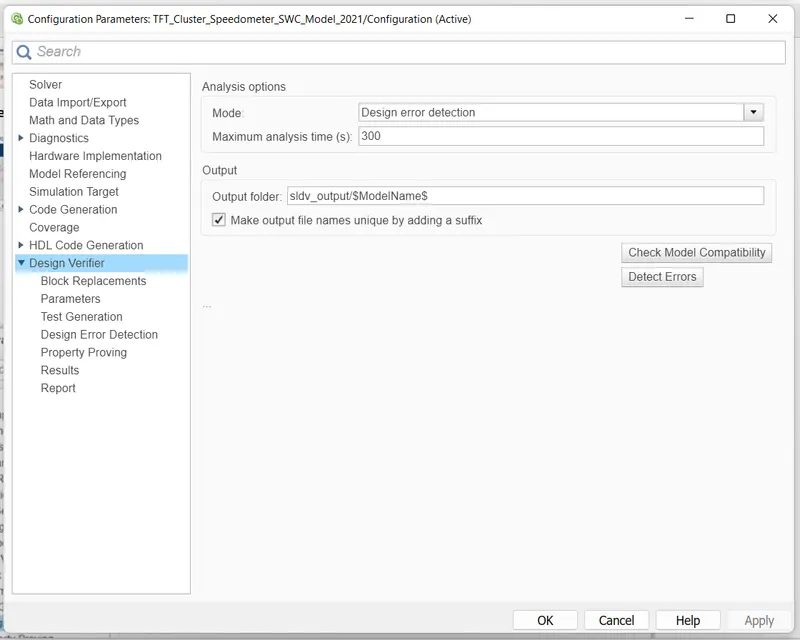
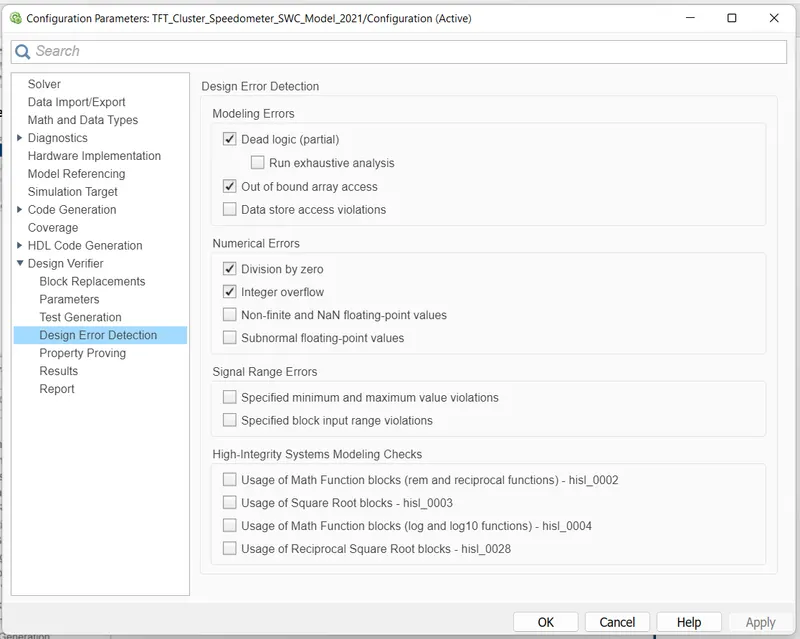
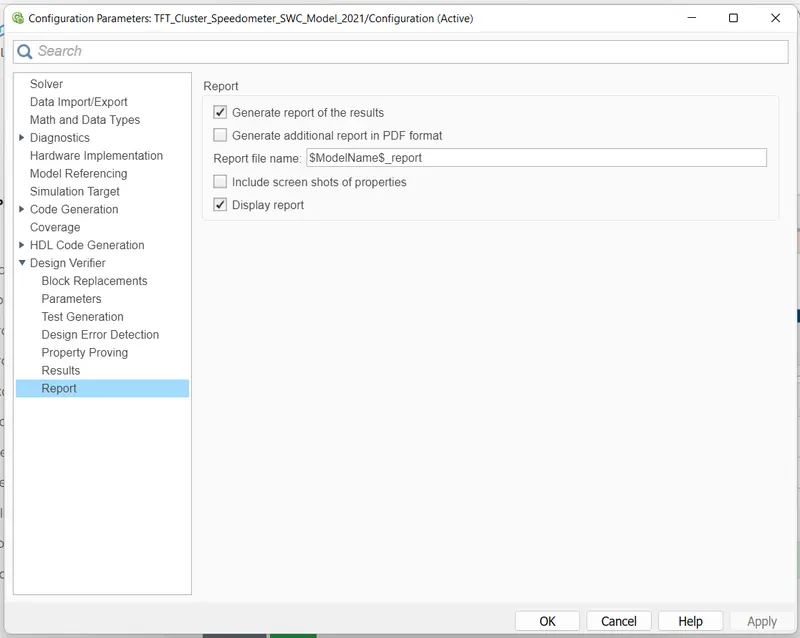
Run the detect desgin error
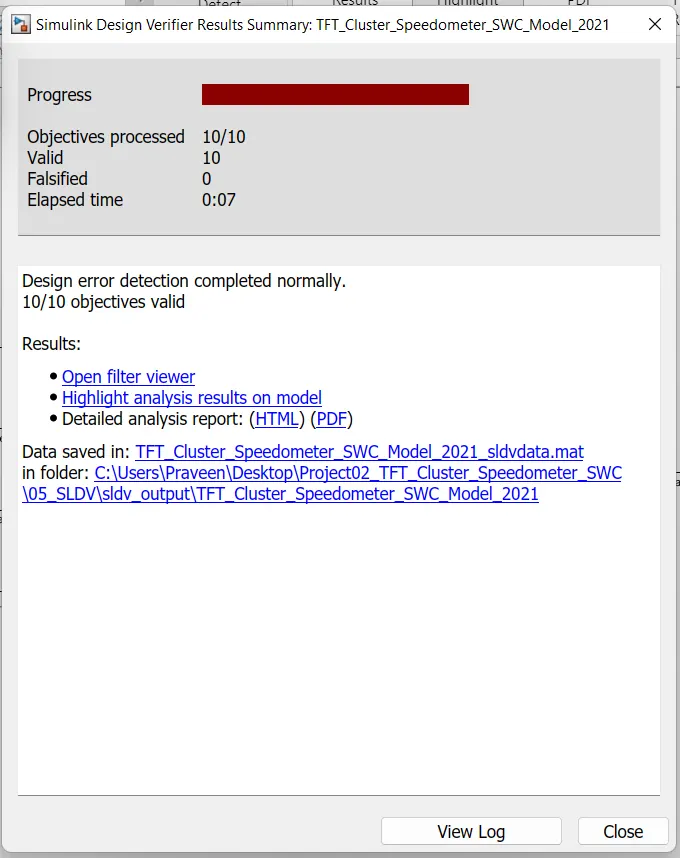
Genrate the report
SLDV Test Genration:-

In this First Run the Advisor
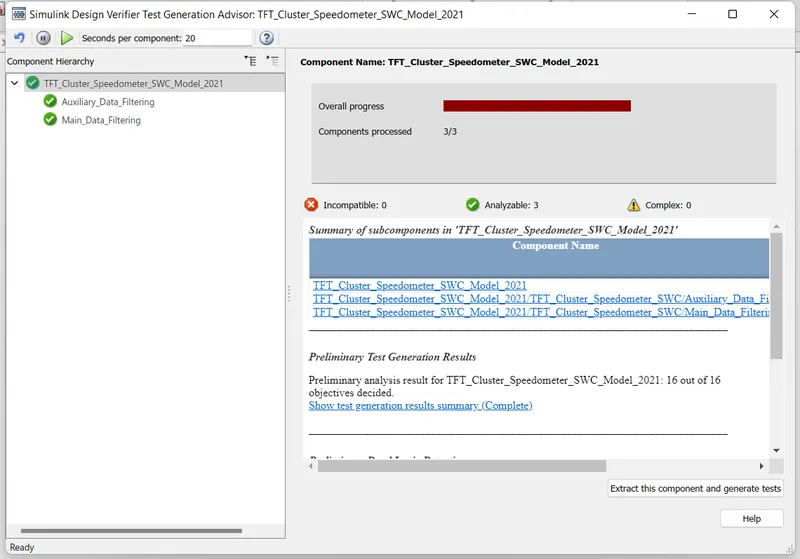
Then Run the Genrate Test
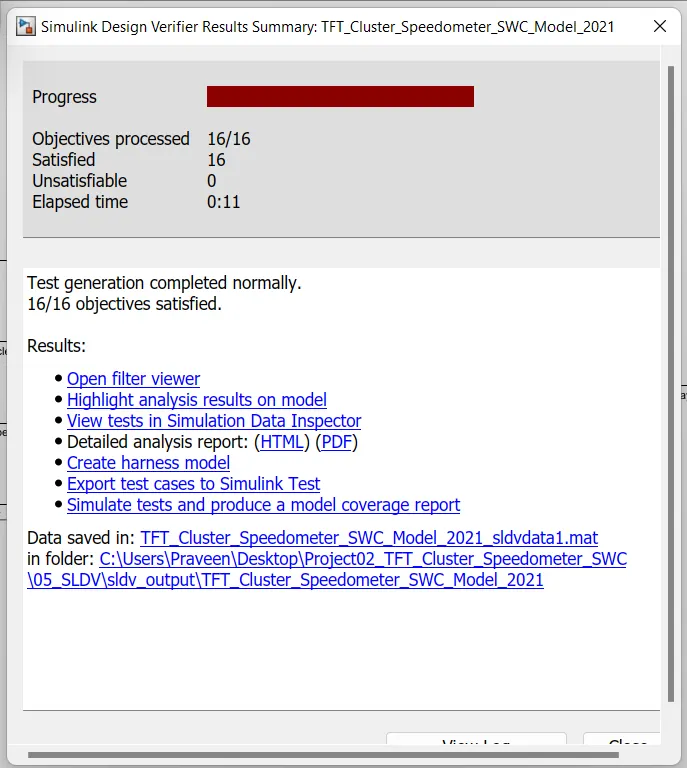
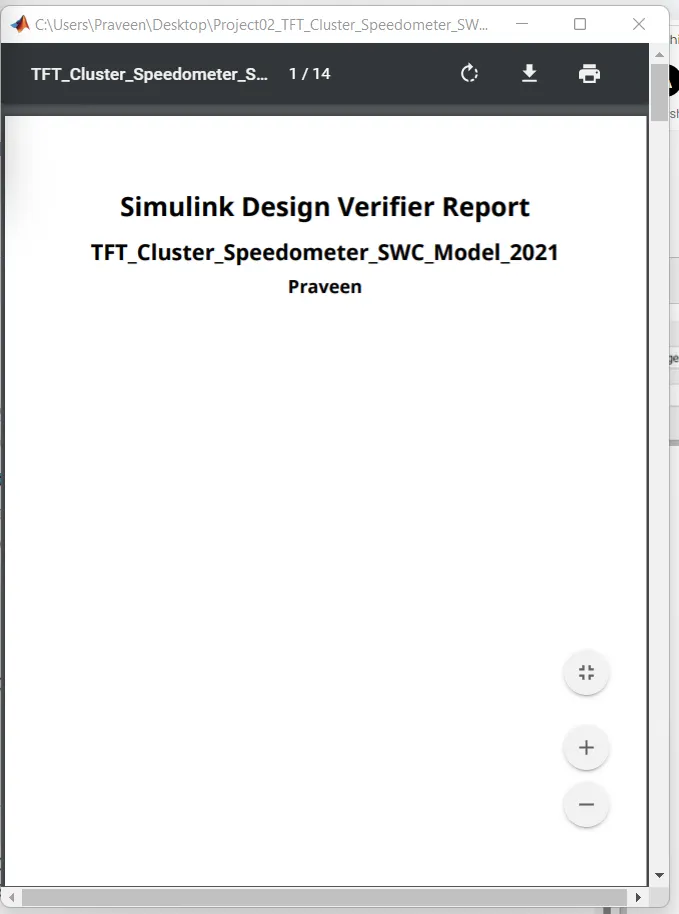
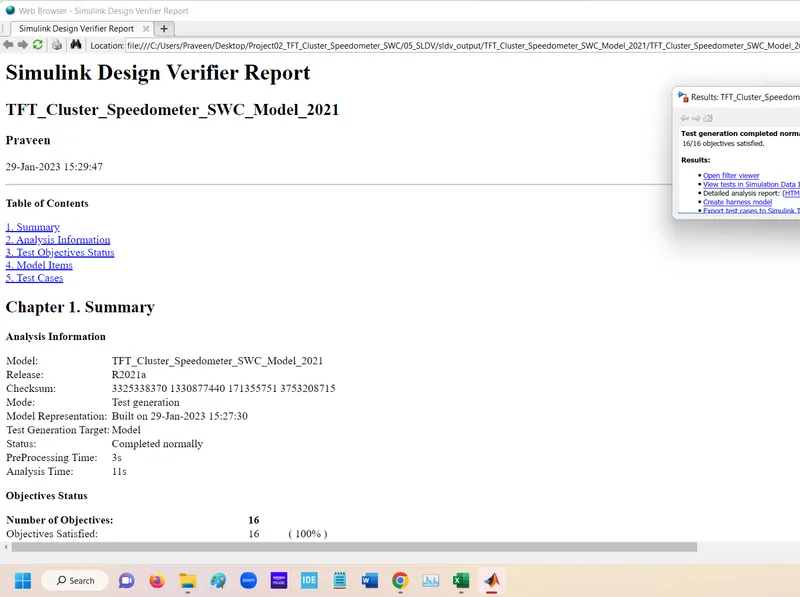
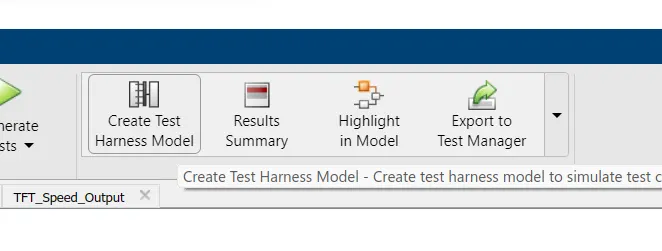
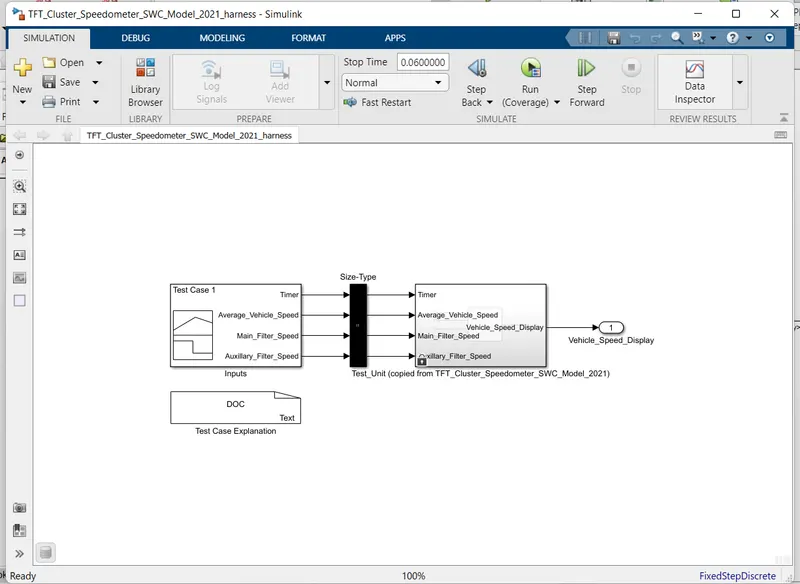
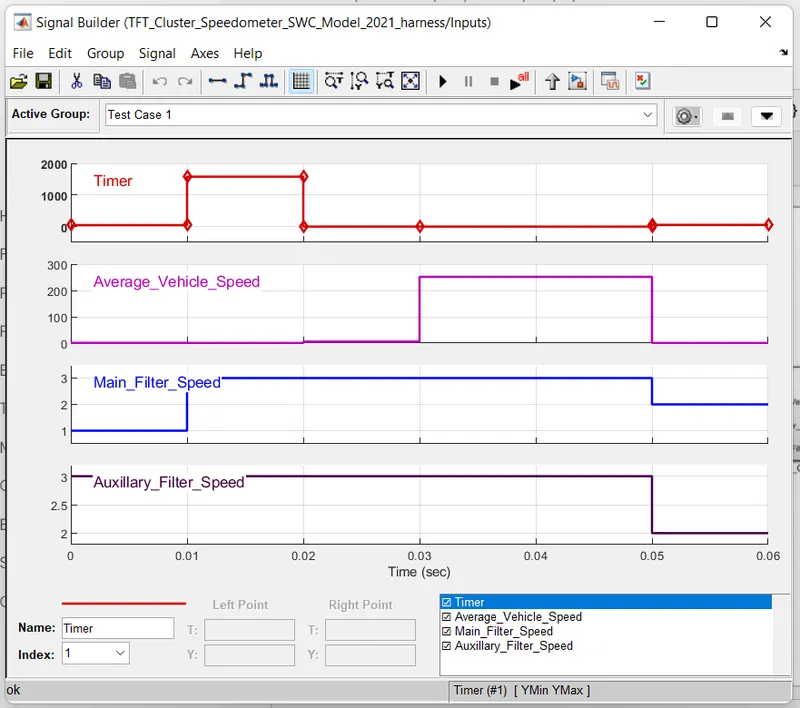
Run the coverage
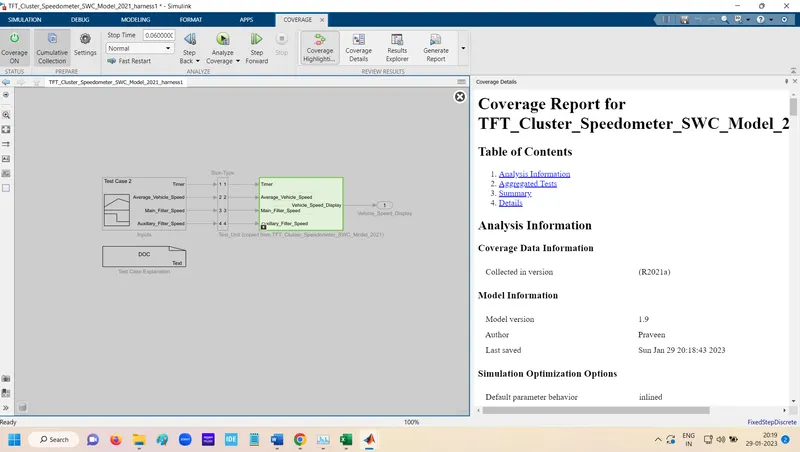
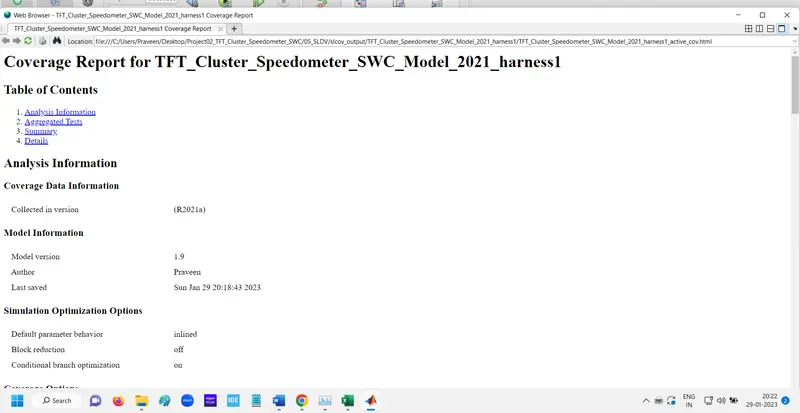
Report Genrated
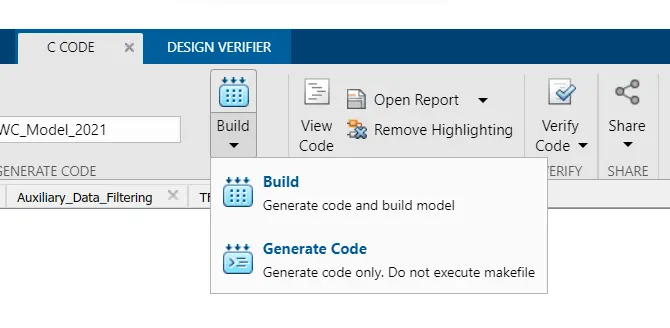
Autocode Genration:-

For Code Genration click to Genrate Code.
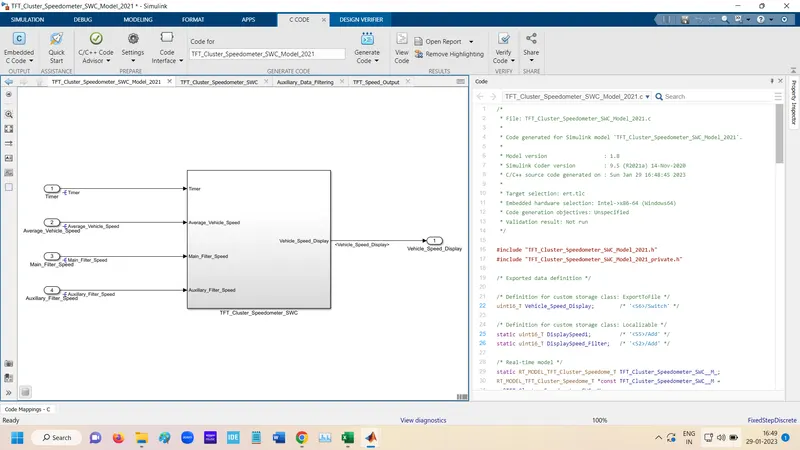
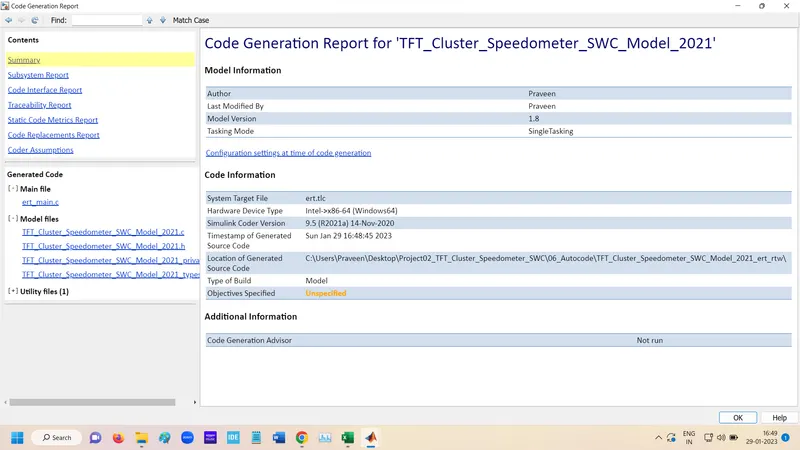
Code Genration Report
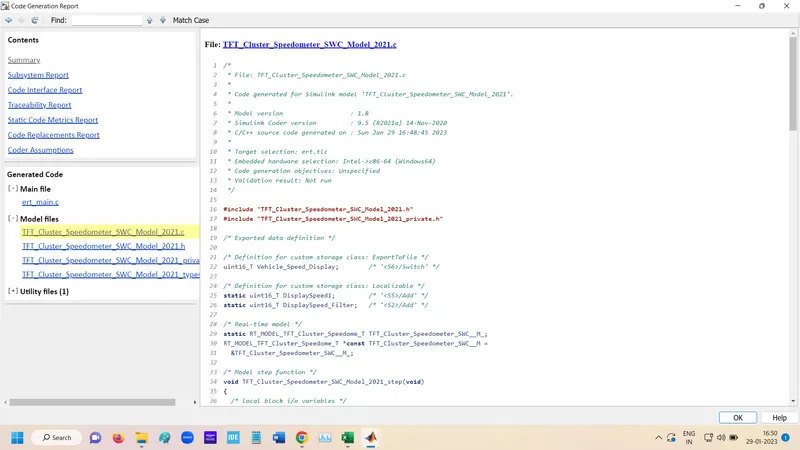
.C file
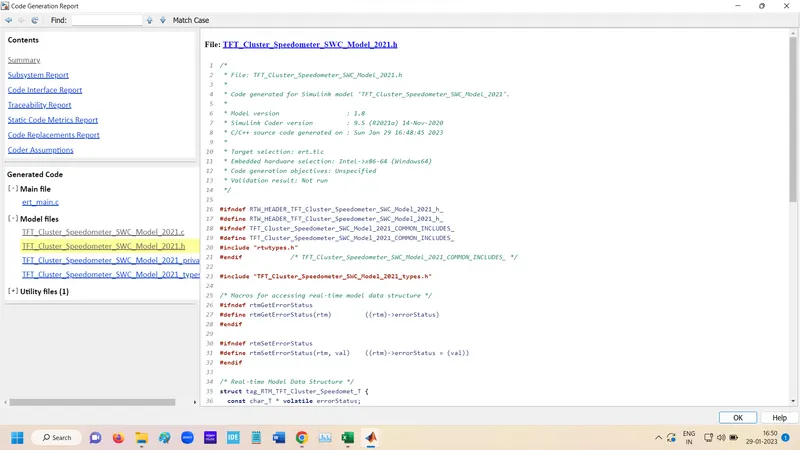
.h file
Code generate in folder
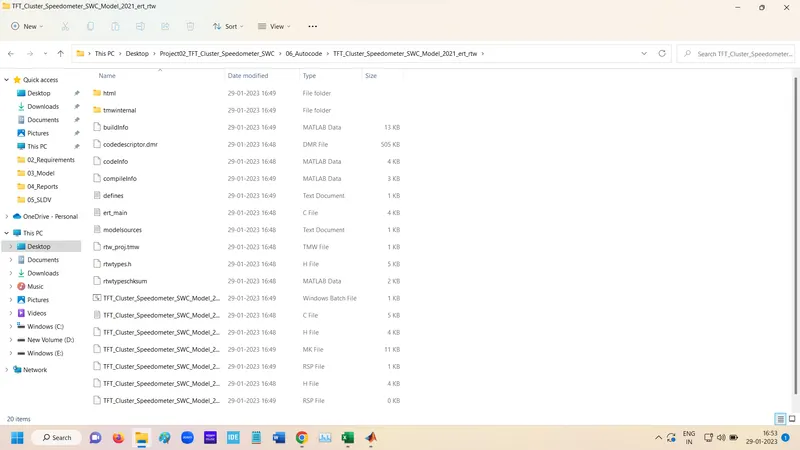
Functional Test Case MIL Harnesses:-
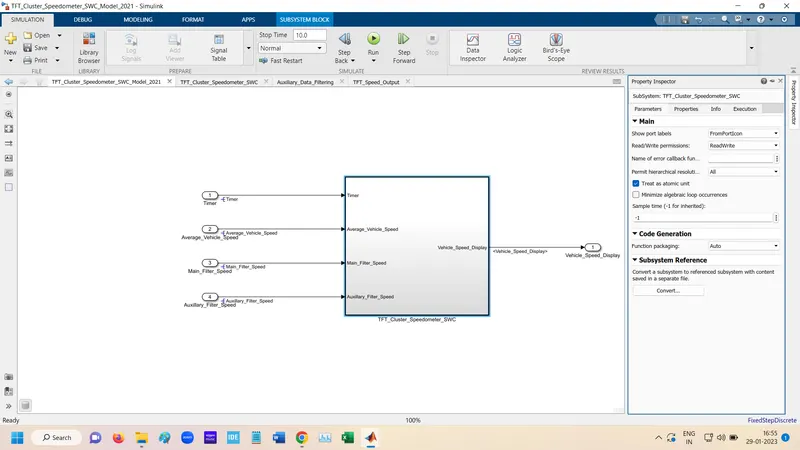
For MIL first main subsystem select as Treated as Atomic.
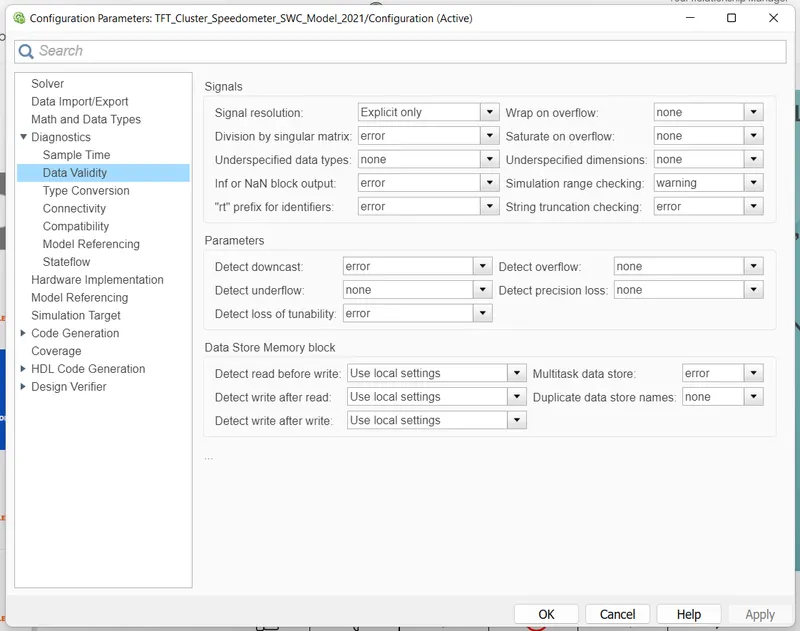
Setting for mil testing do some changes
" Wrap on Overflow " , "Saturate on overflow", "Detect overflow" and "Detect Under" change this setting From Warning to none.
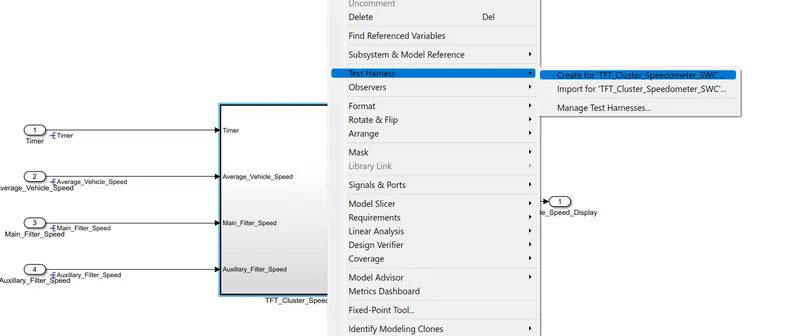
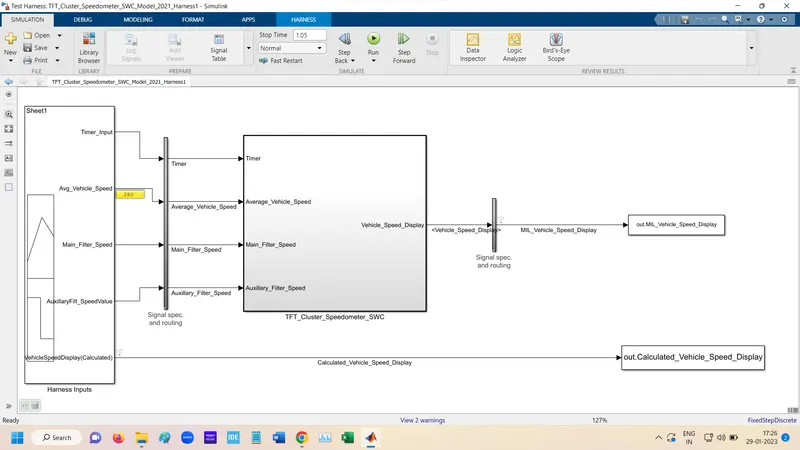
Right click on Main subsystem goto the Test Harnesses and create for subsystem.
For input select Signal Builder and for output select To Workspace.
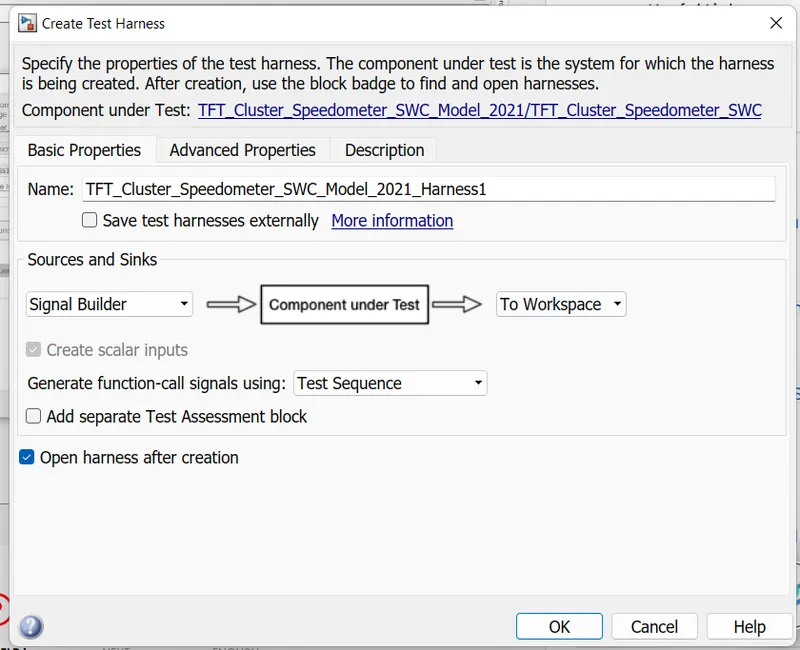
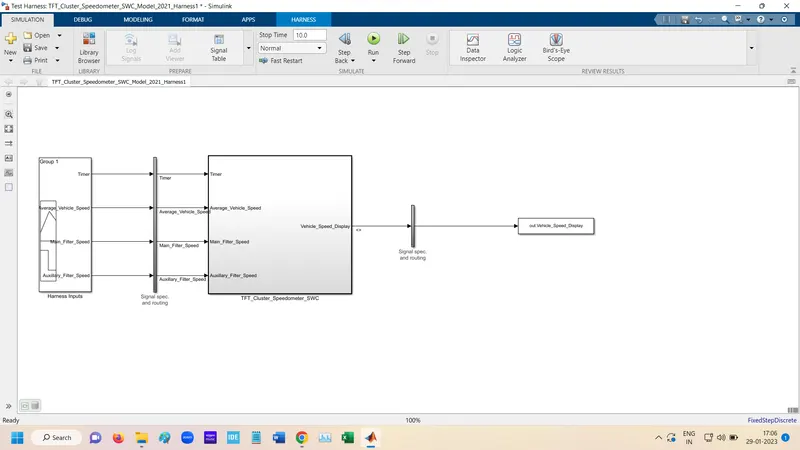
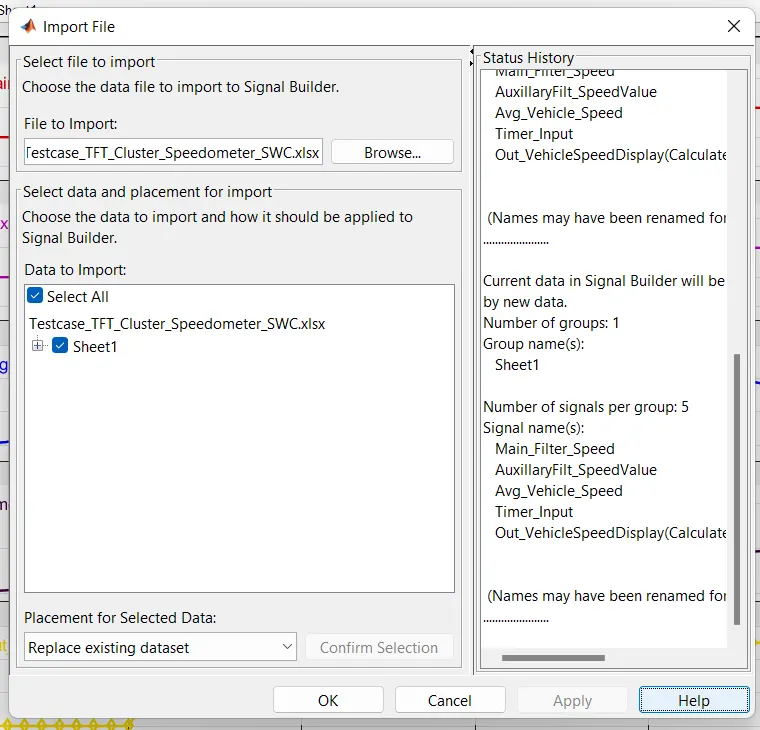
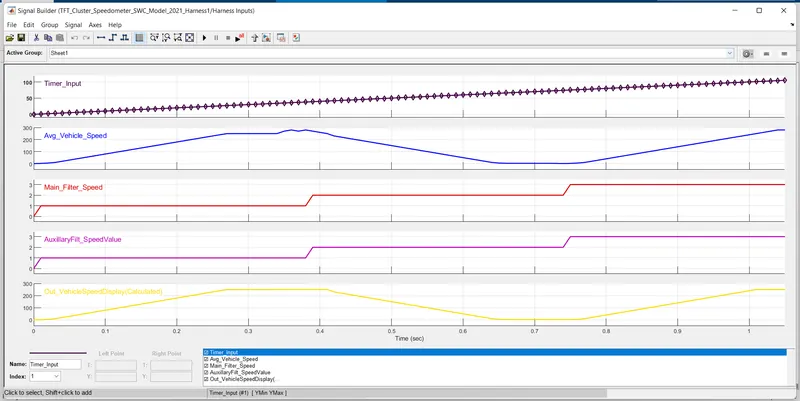
open signal builder and uplaod the Excel file.
Add To workspace for stoer calulated output data.
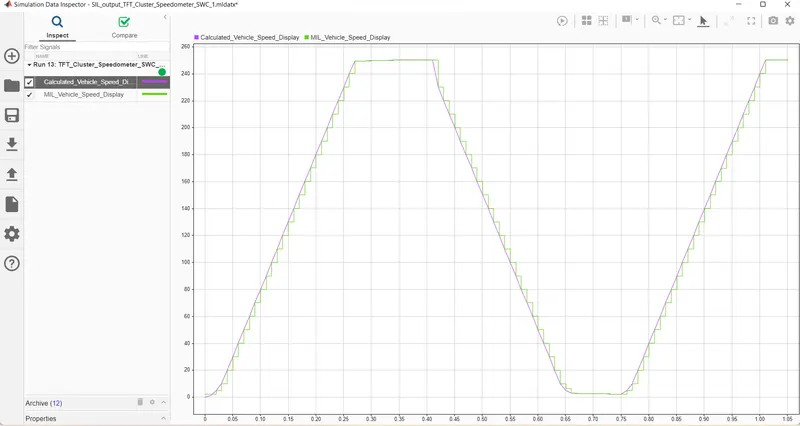
Output
In every 10th mill sec output is matched
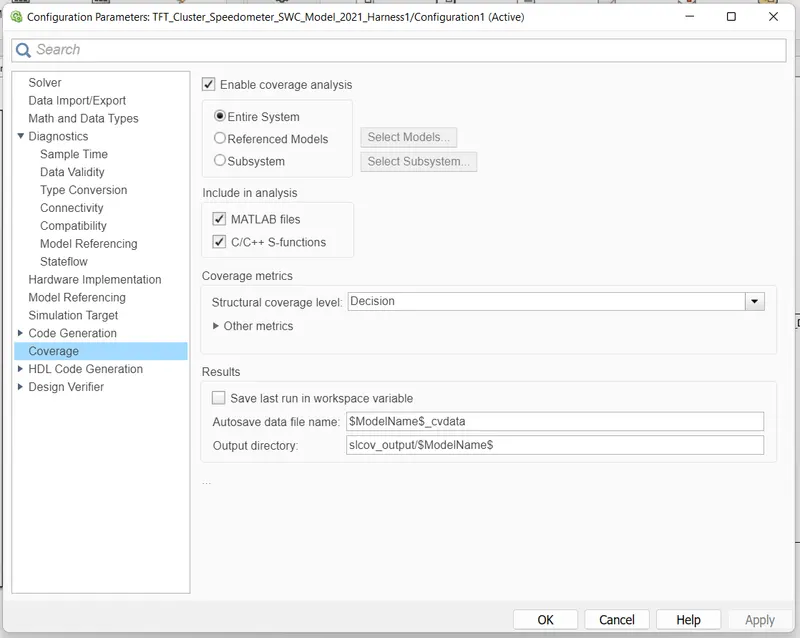
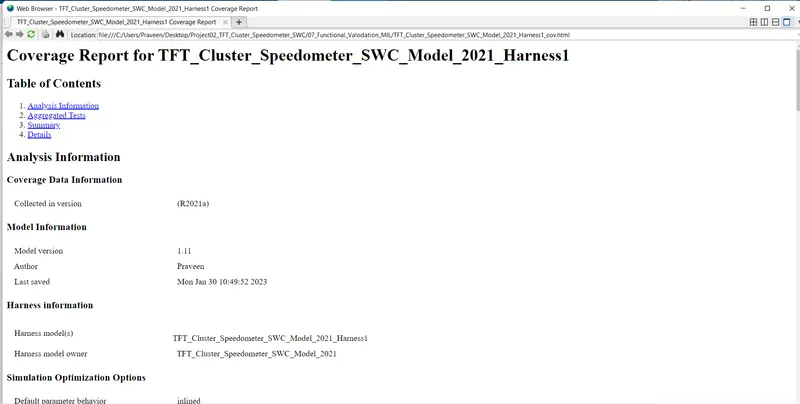
For Coverage
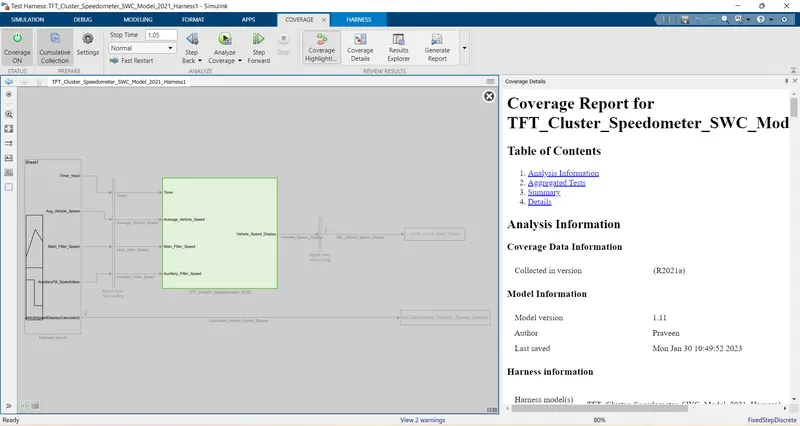
Genrate Report
Functional Test Case SIL Harnesses:-
Right click on Main subsystem goto the Test Harnesses and create for subsystem.
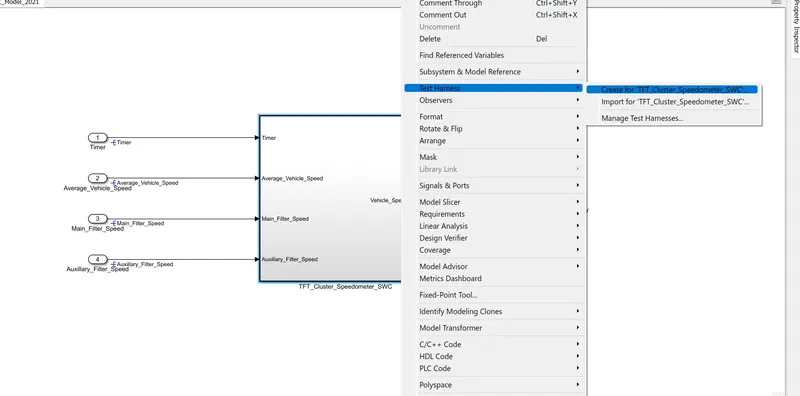
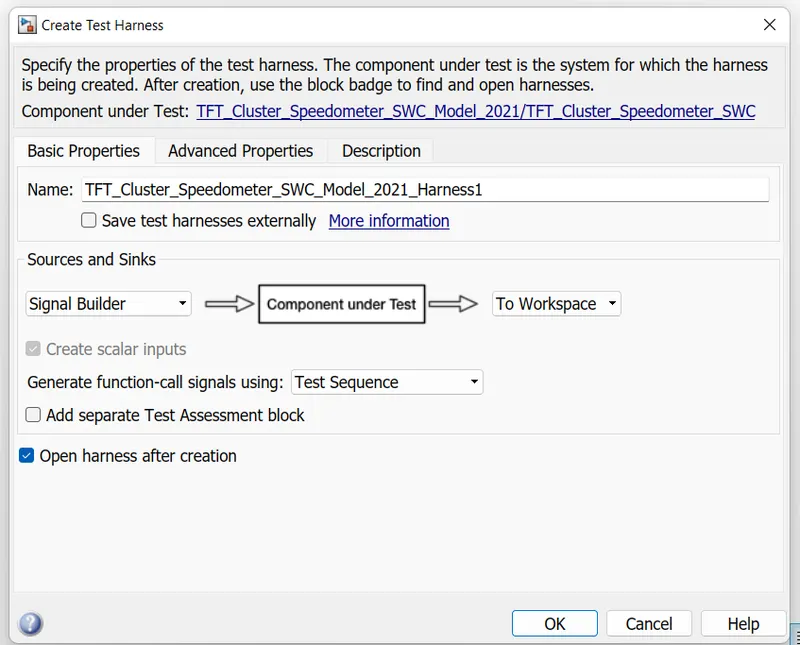
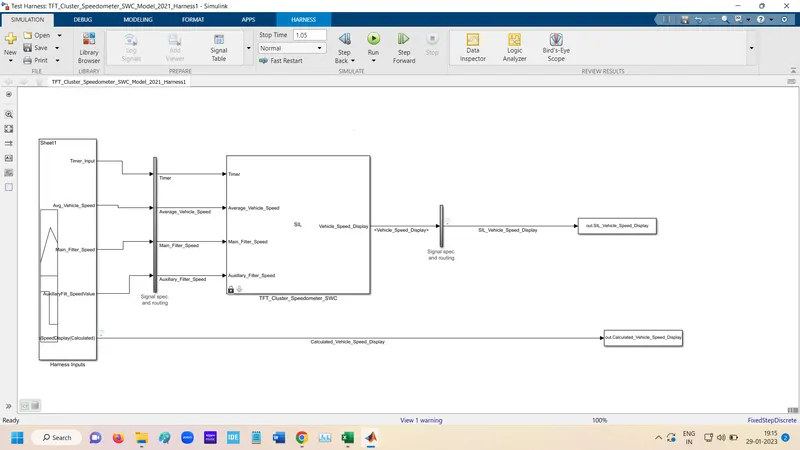
Select input as Signal Builder and output as To Workspace.
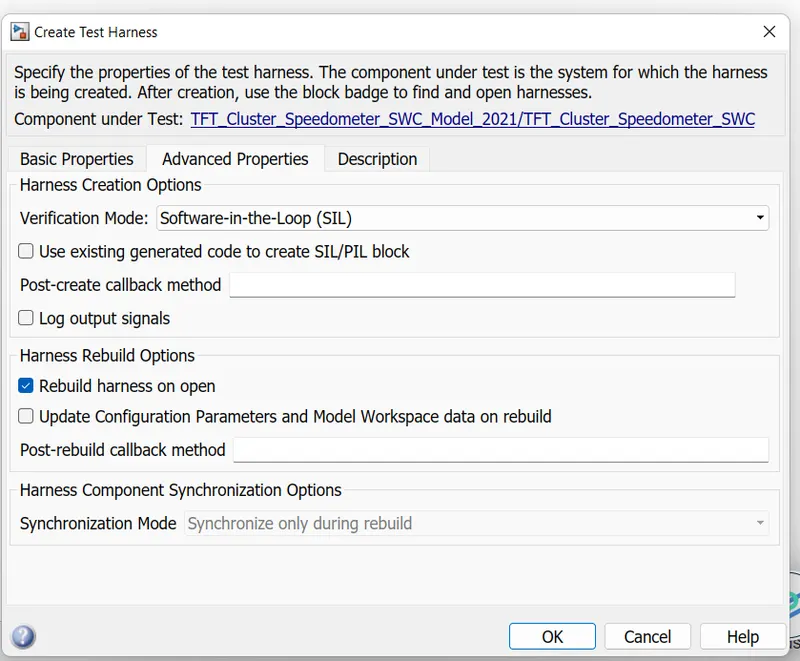
Select Verification mode as SIL.
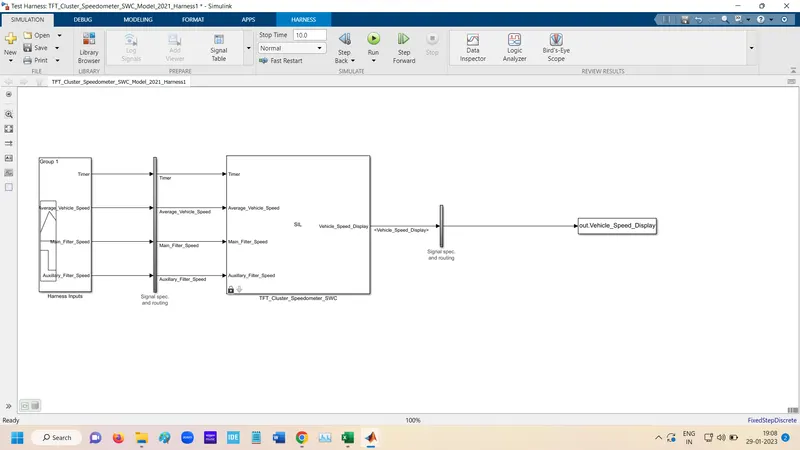
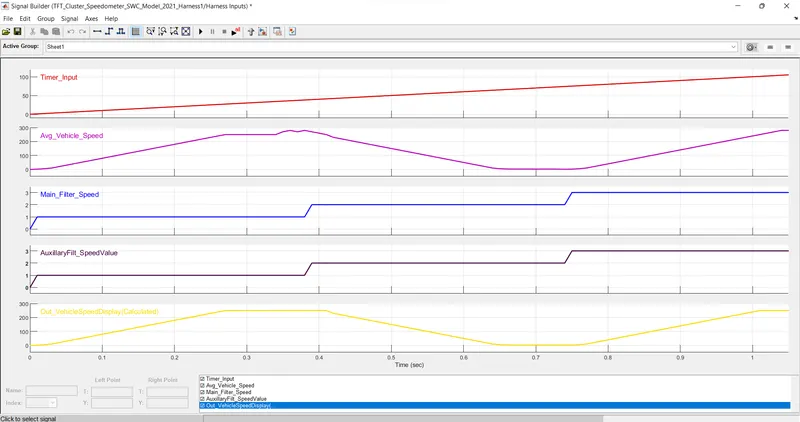
Open signal builder and upload the Testcase.
Add a To workspace ti signal Builder.
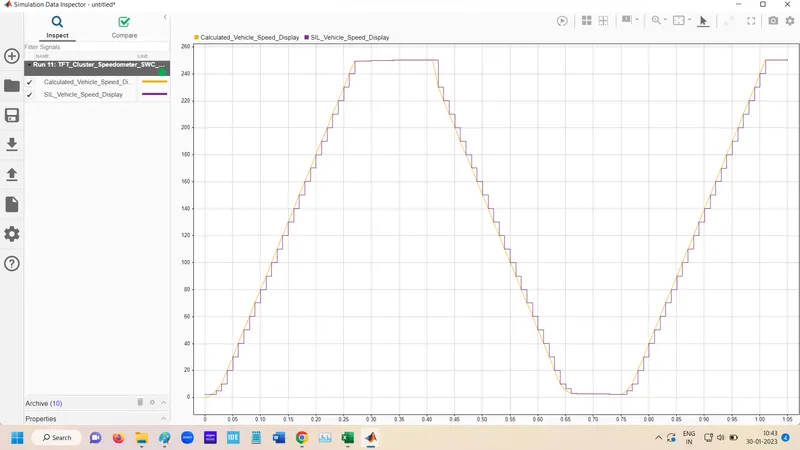
Output
In every 10th sec output is matched
For Coverage
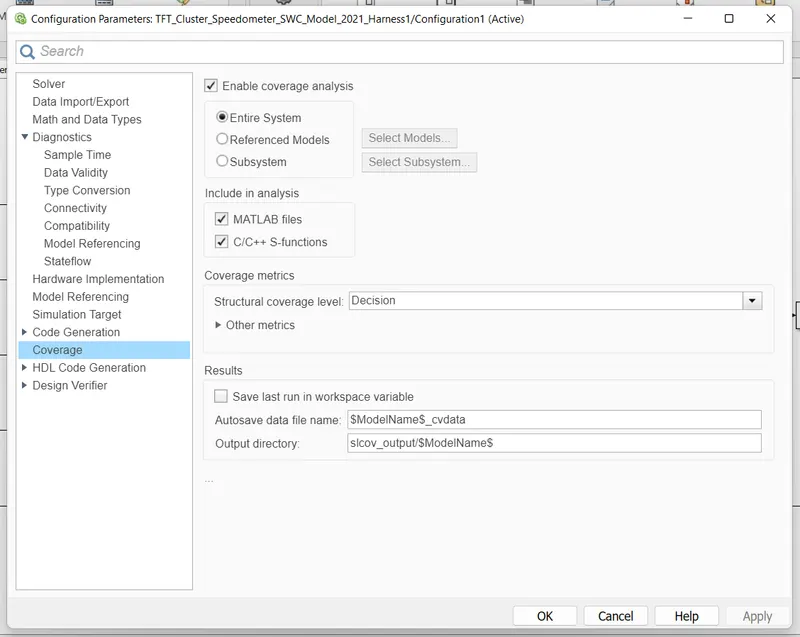
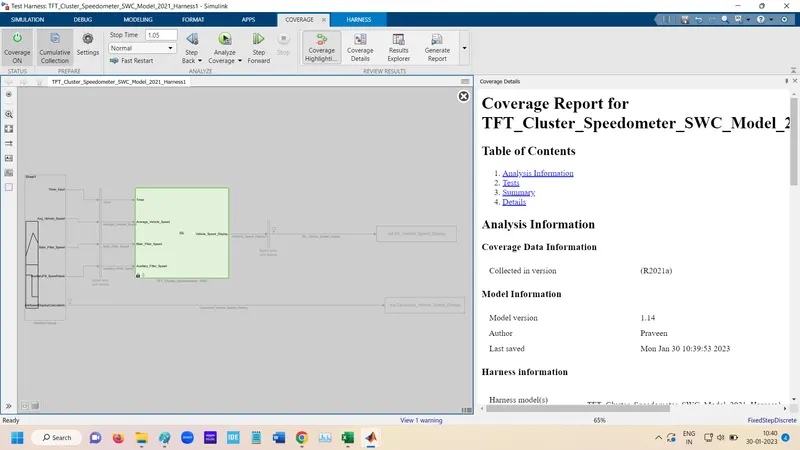
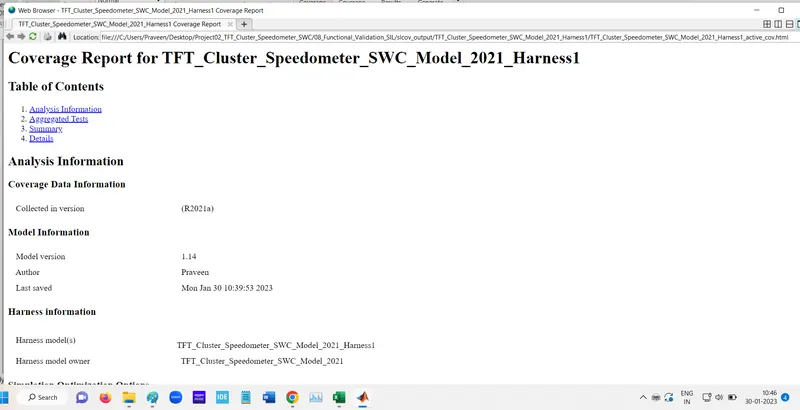
Generate report
Polyspace Analysis:-
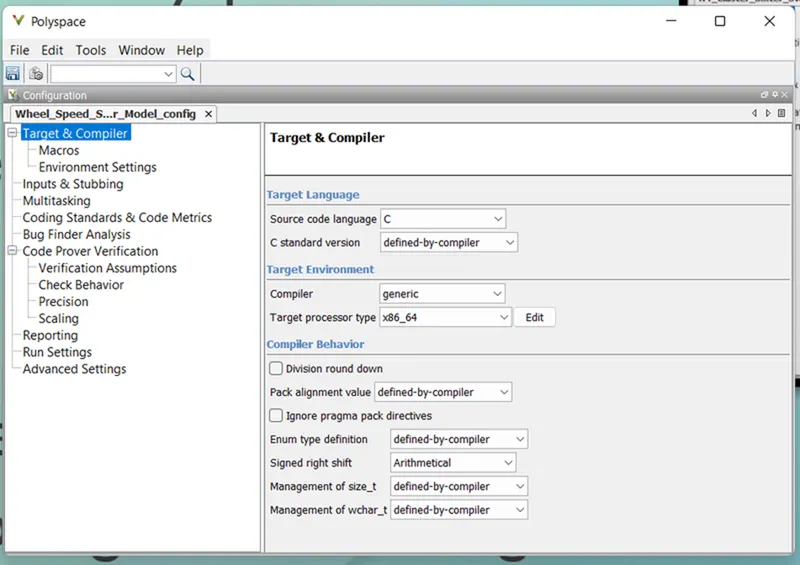
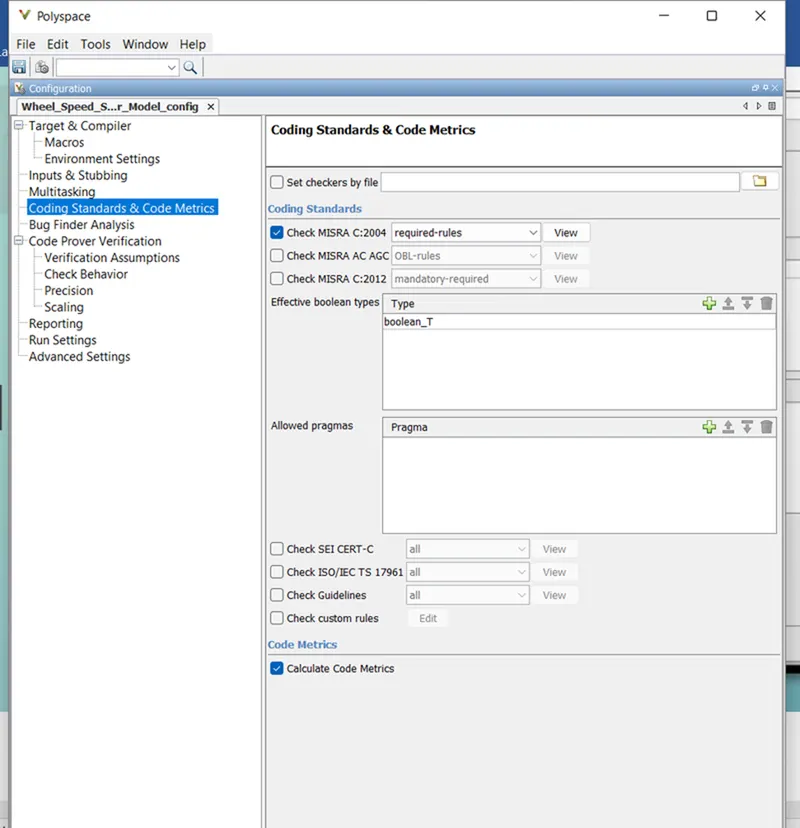
Select setting from is Project Configuration and MISHRA C 2004 checking.
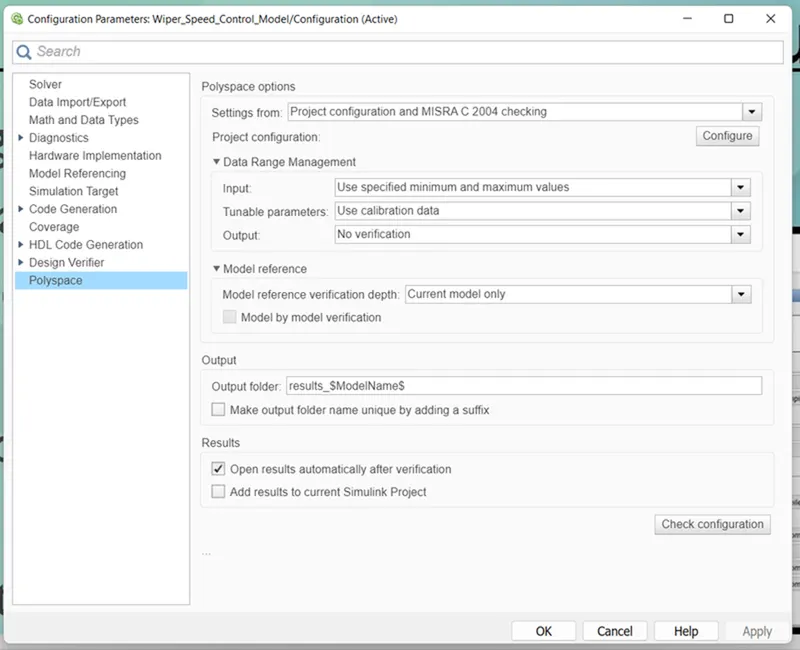
Open Polyspace Bug finder Select Source code language as "C".
Enable the MISRA C:2004
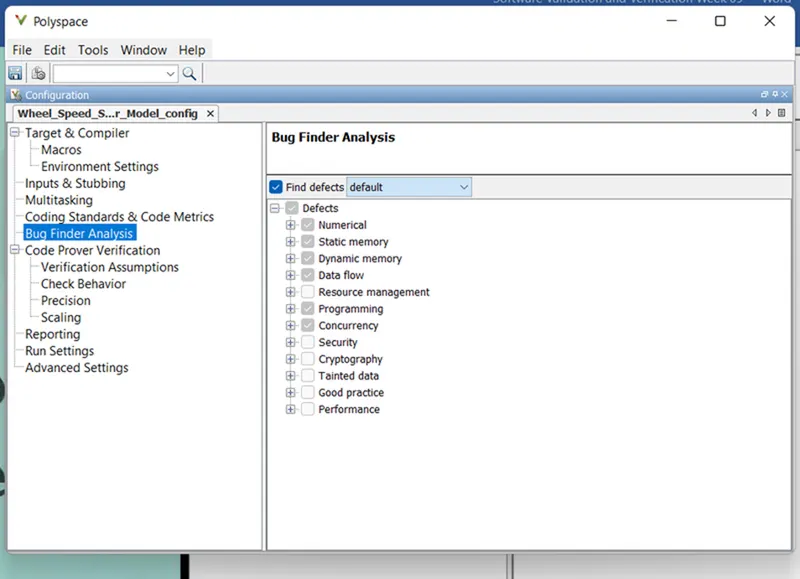
Find defects set as default according requirement.
After this Run Polyspace bug finder.
The RUN Polyspace prover
for Prover has following Settings.
Under check behavior enable "Allow negative operands for left shifts" & "Detect stack pointer derefrence outside scope".
Under "Precision", set "Precision Level" to 2 & "Verification level" to " Software Safety Analysis Level 2".
Test Manager:- Basline Test
For baseline test first goto Simulink Test Manager and open.

Then goto New and click to Test file.
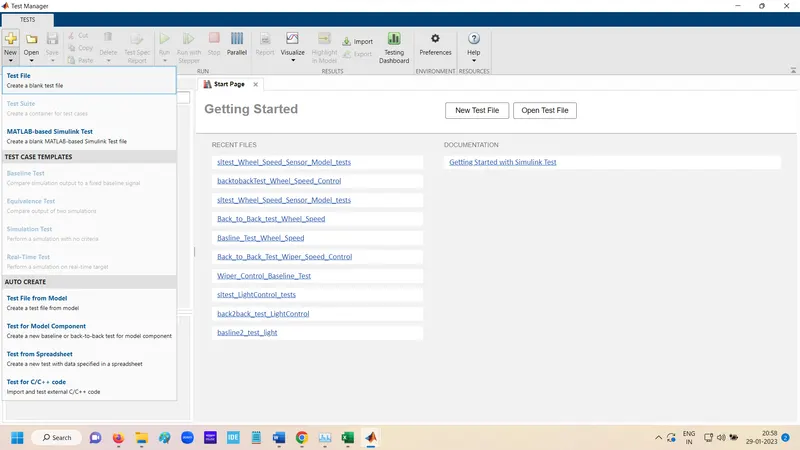
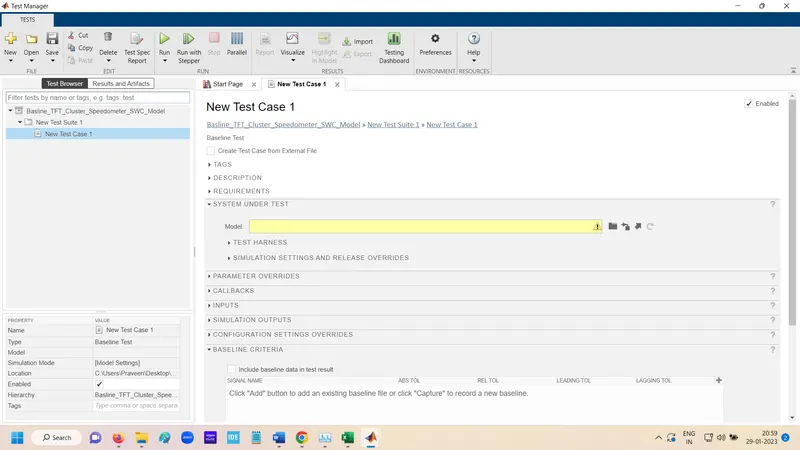
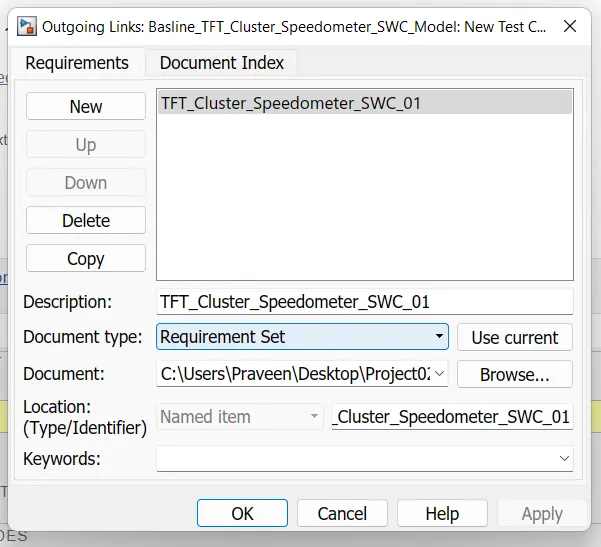
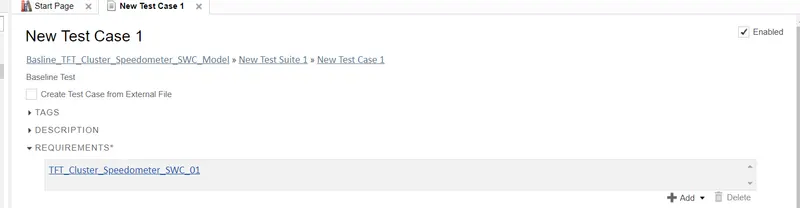
Add Requirement
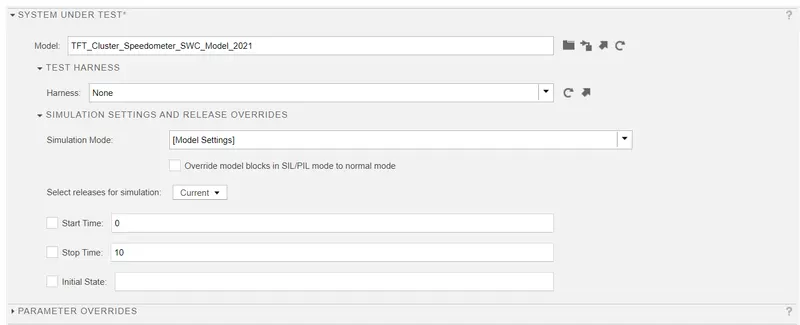
Add Main Subsystem
In input Create Input data File
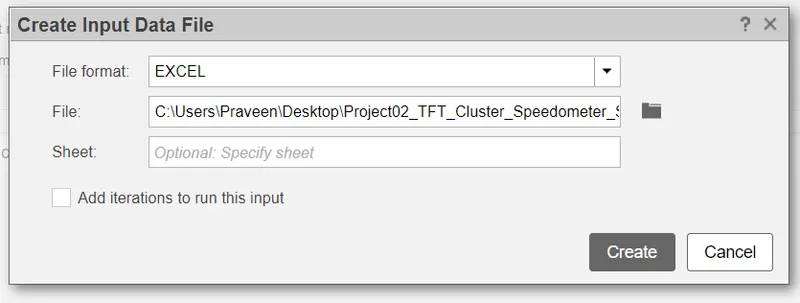
Excel File created
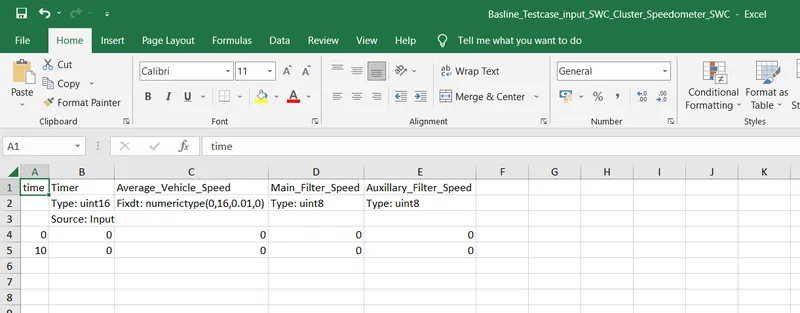
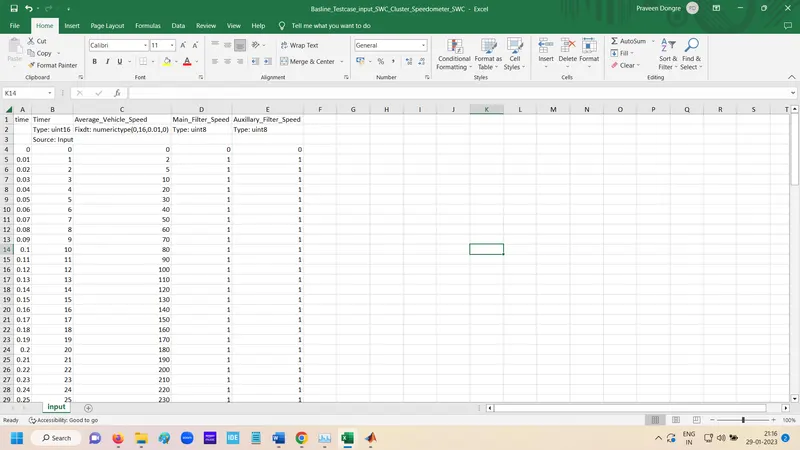
putting the data in Excel
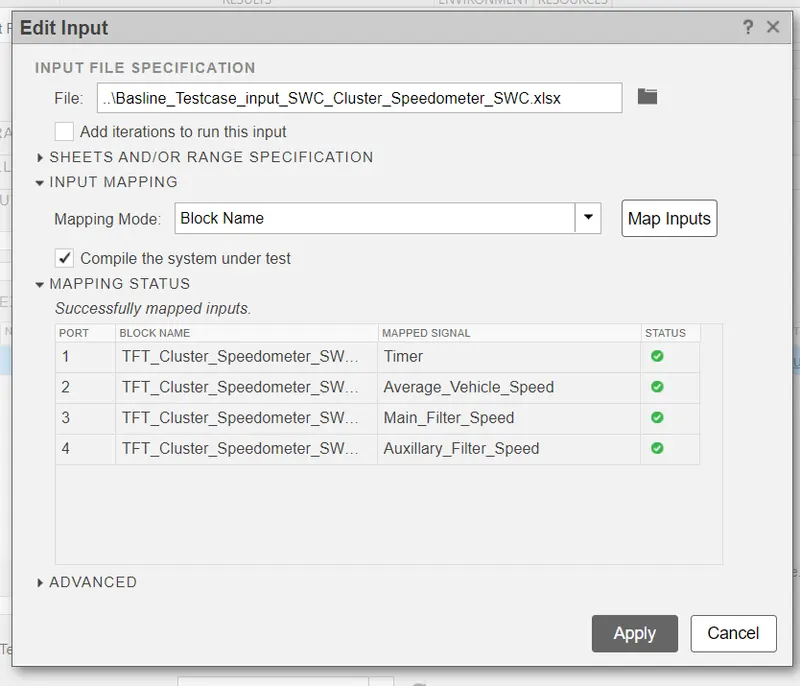
Mapped the data
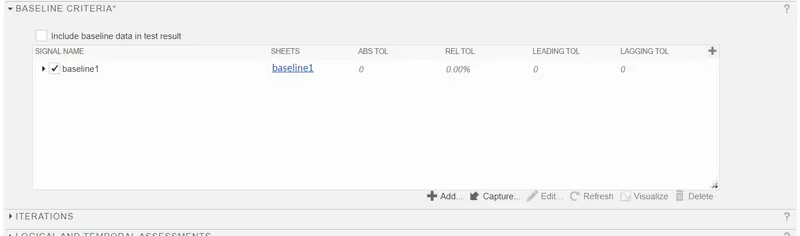
Create Baseline for output
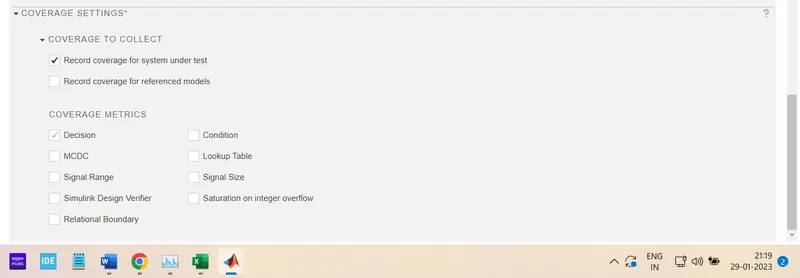
Enable Record coverage
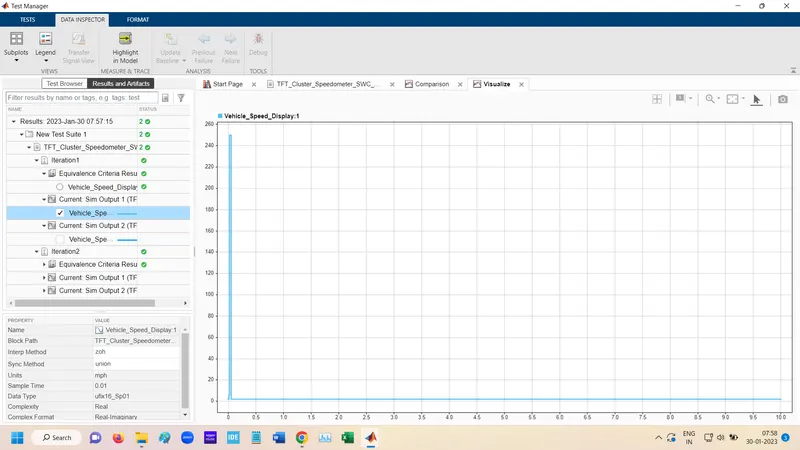
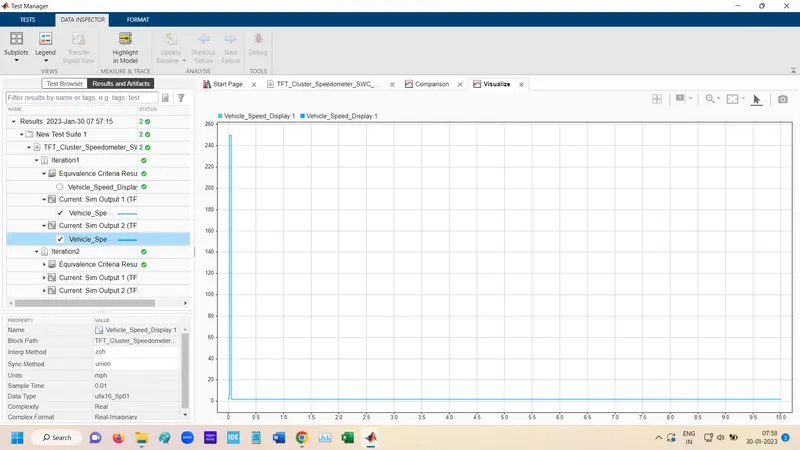
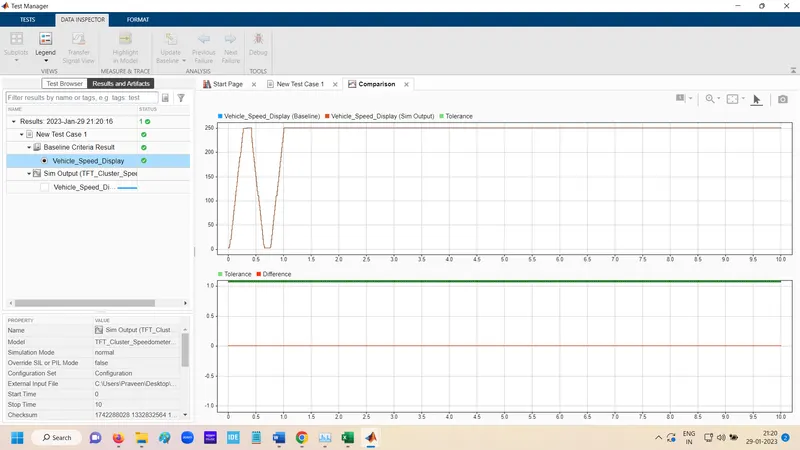
Run Baseline Test
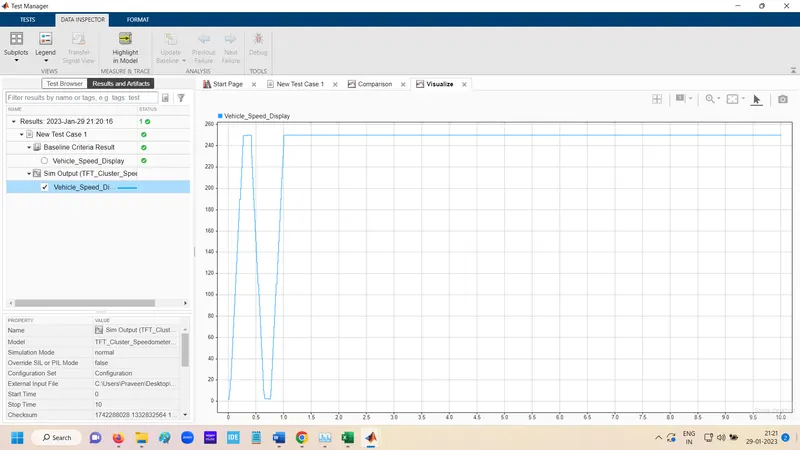
Create Report
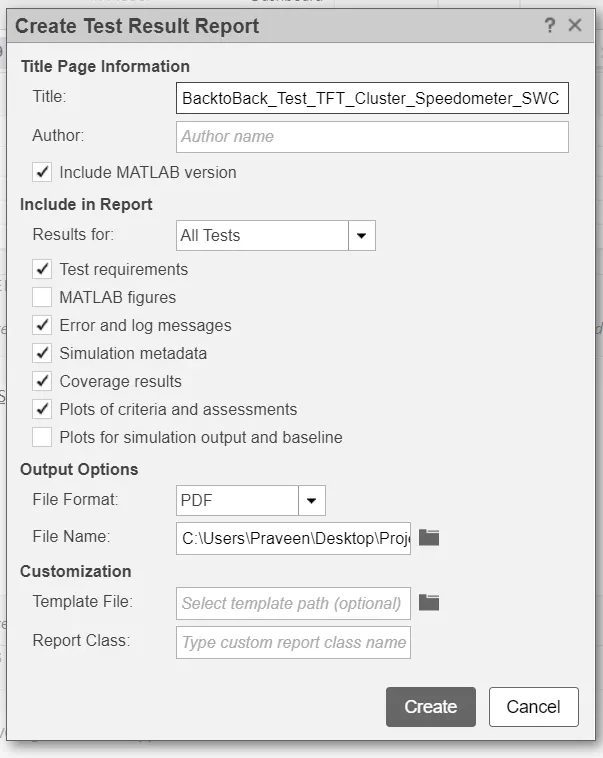
Genrate Report
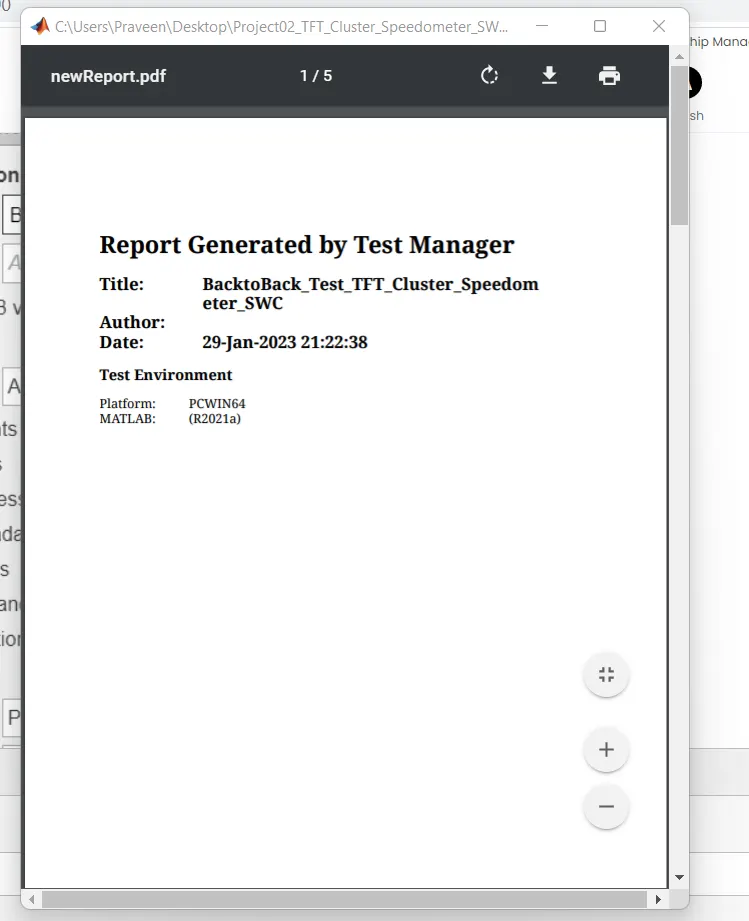
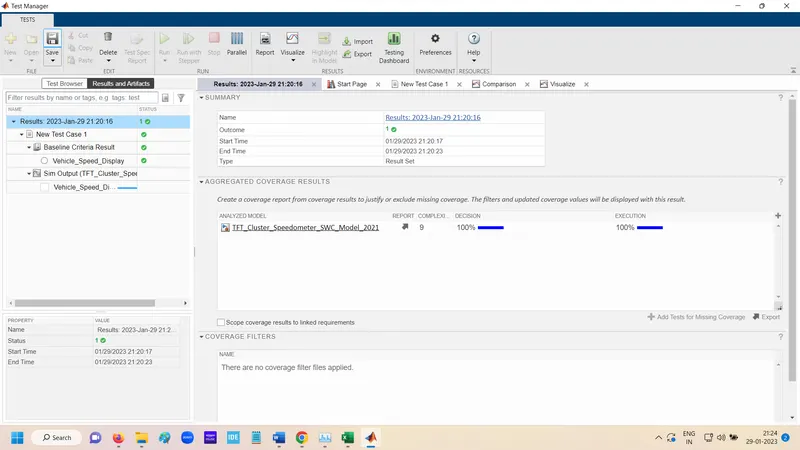
Test Manager:- Back to Back Test
For Back to Back test Click to Simulink Test Manager.

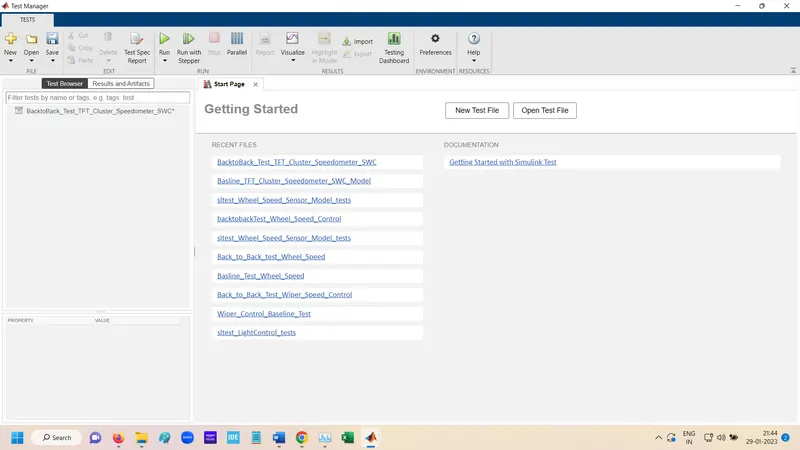
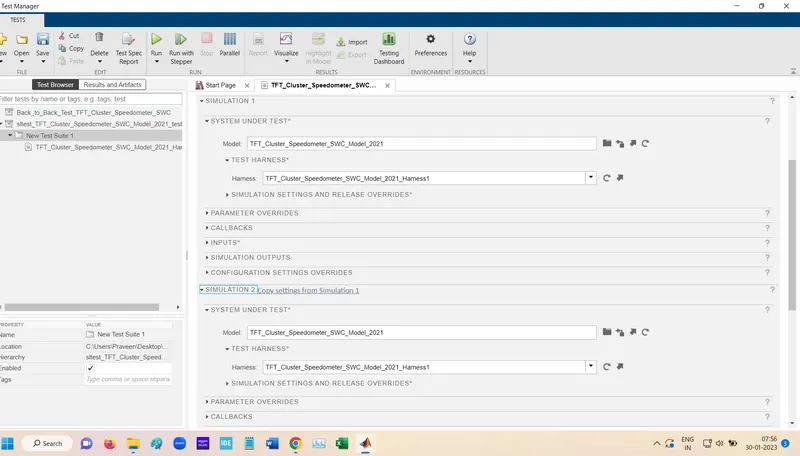
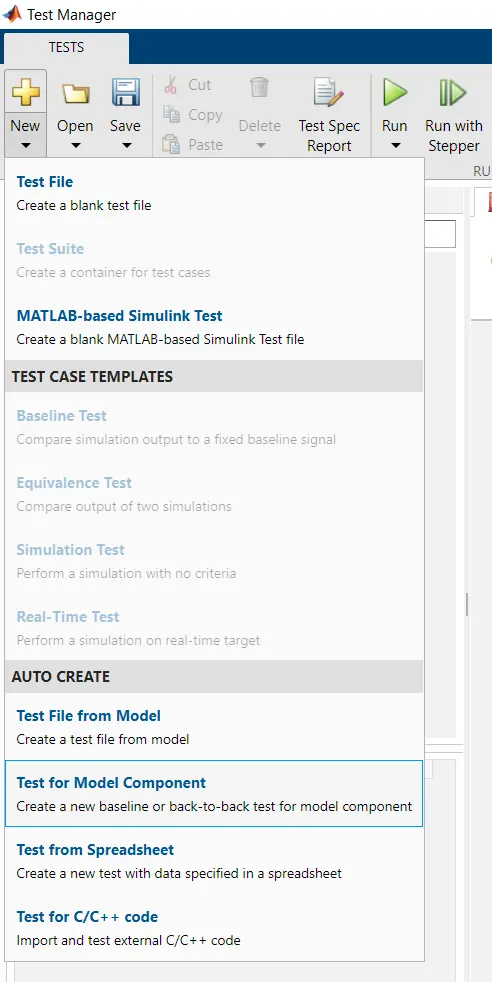
In New go Test for model component
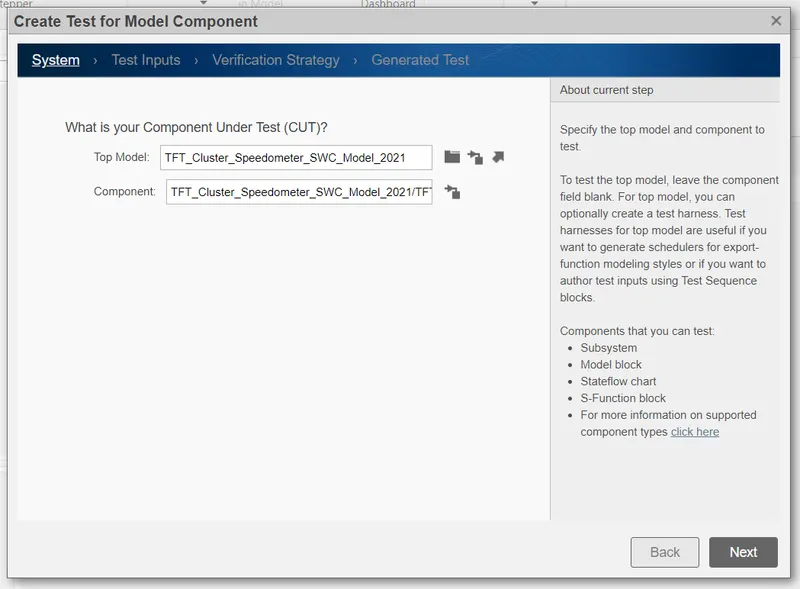
Top Subsystem module select.
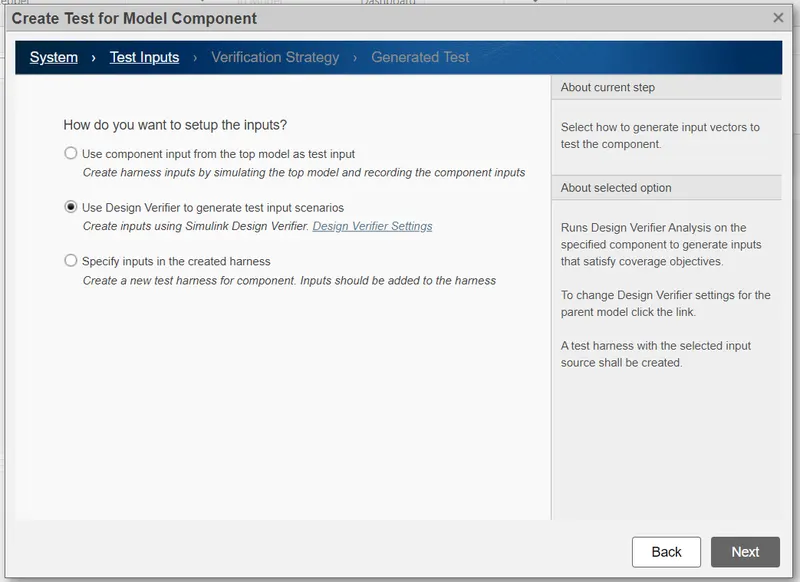
In Test Input select Desgin Verifier option.
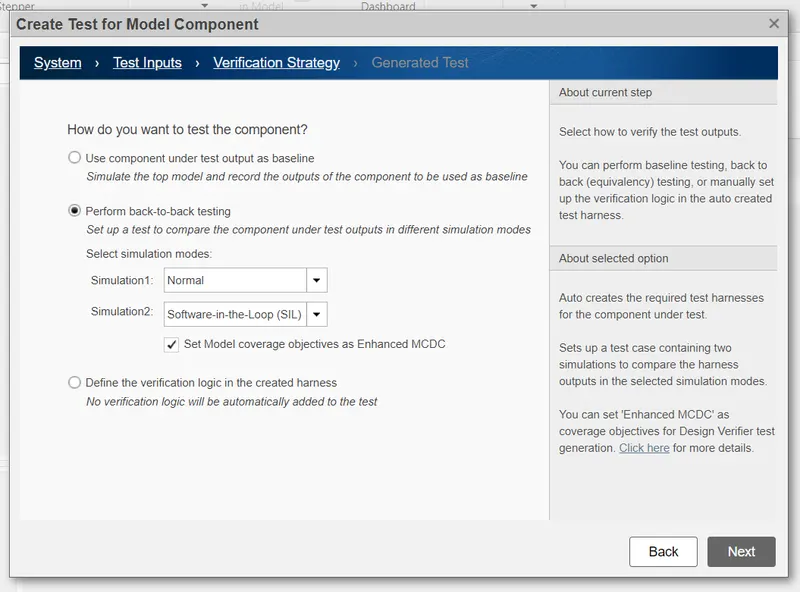
Verification Strategy select Perform bak to back testing.
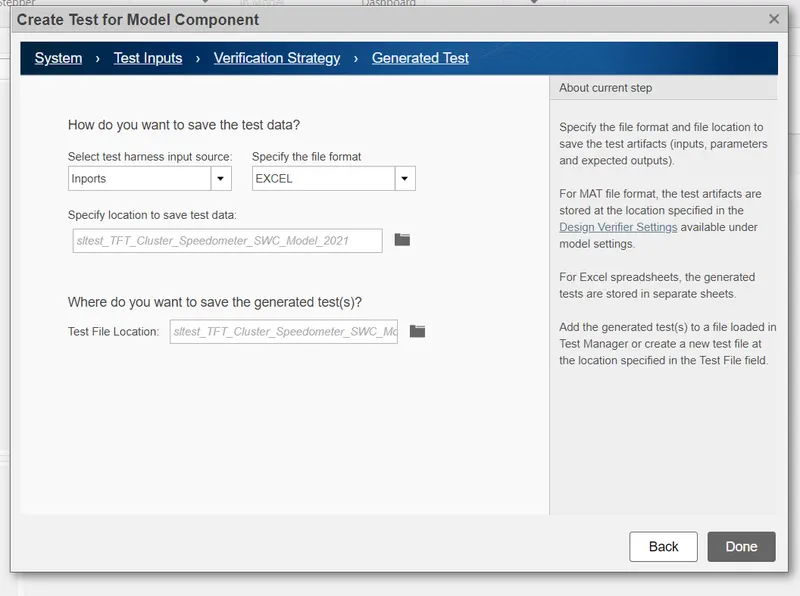
In Generated Test Select Inports and Excel.
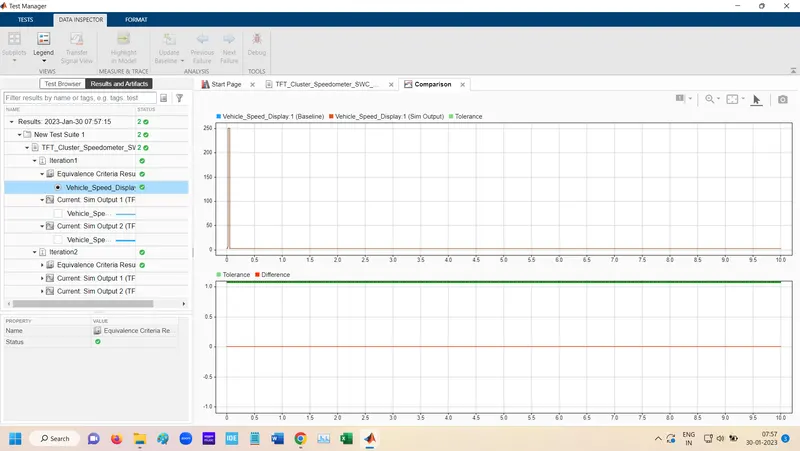
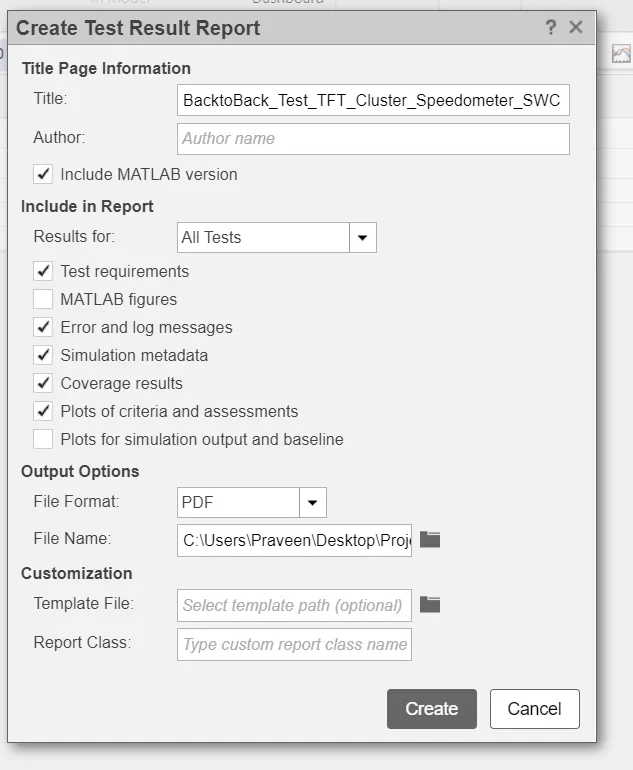
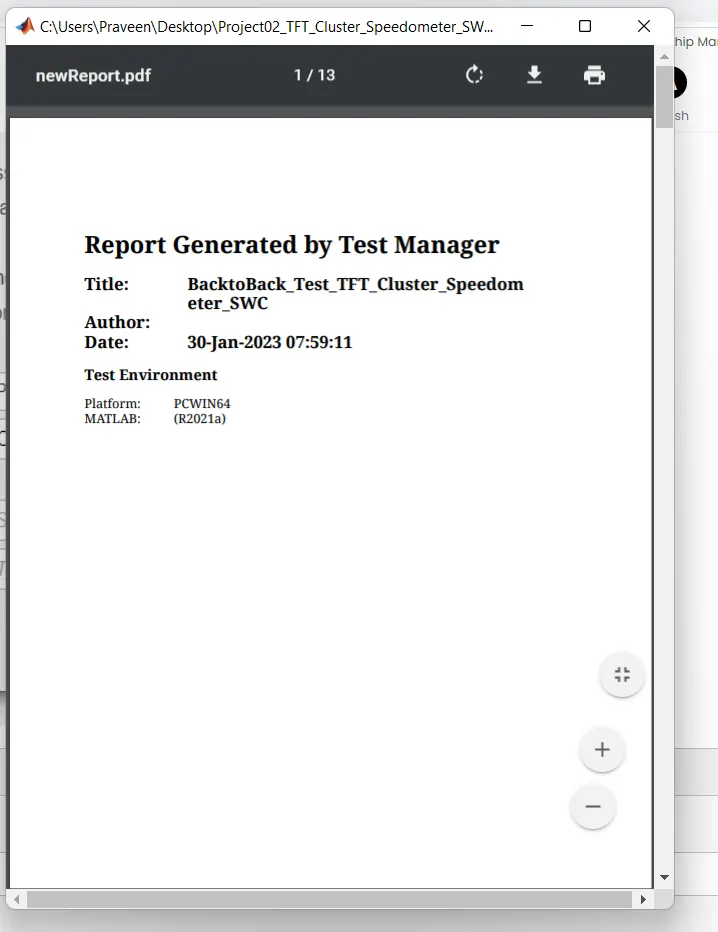
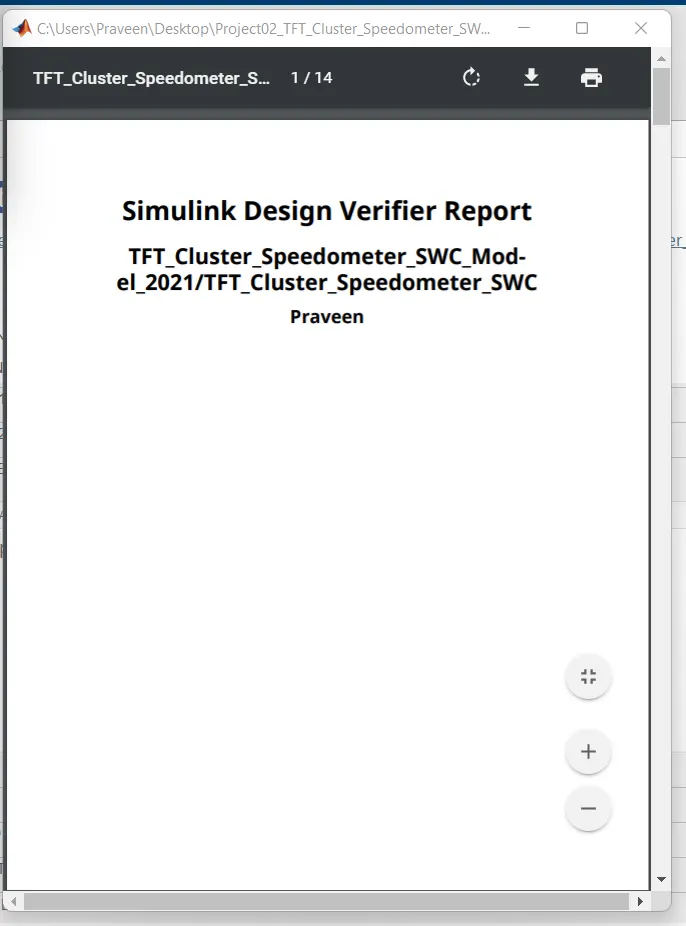
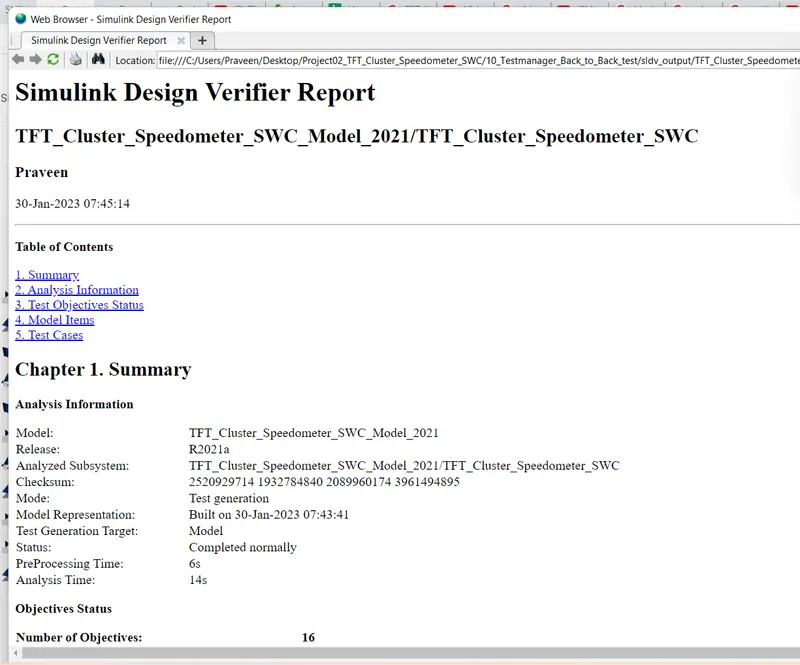
Generate report
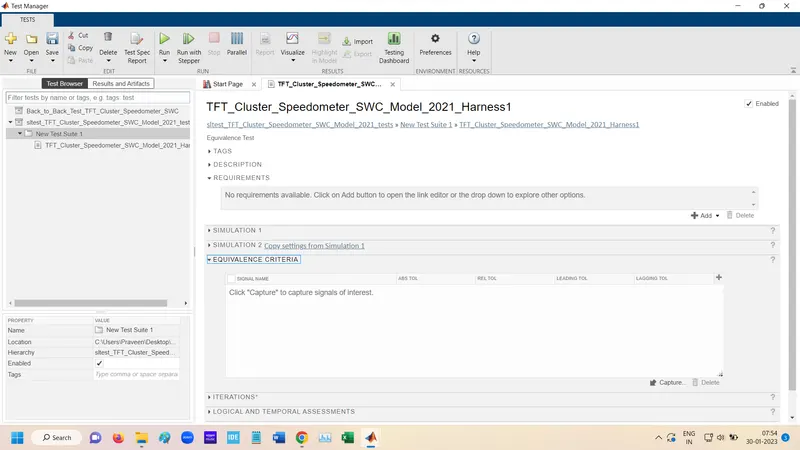
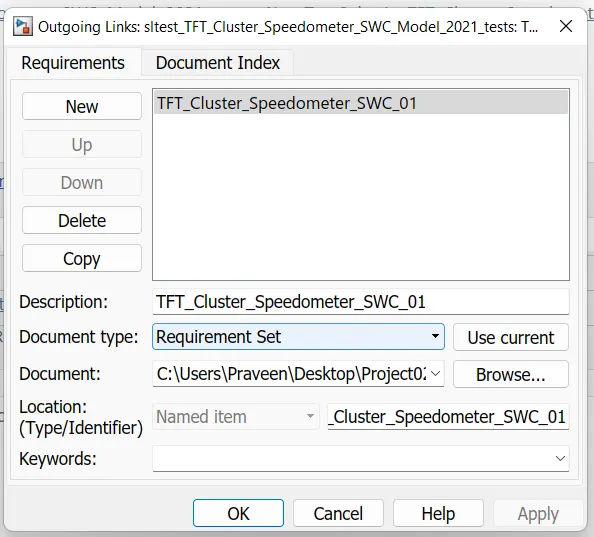
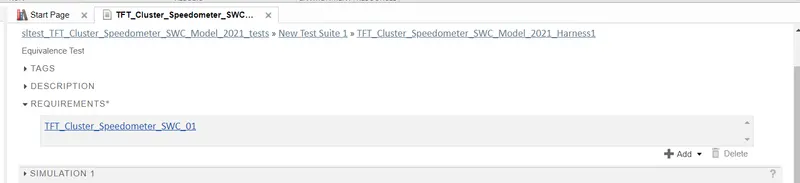
Add requirement