Project 2
''Routing for BACK DOOR ''
- TAIL GATE .STP FILE CONVERT IN PART FILE :-
- CREATE NEW ASS. GIVEN NAME OF THE ASS. IS " TAILGATE_WIRING_HARNESS_ASS.
- EXISTING COMPONENT IN THIS ASS.
- ADD NEW PRODUCT FILE IN THIS ASS. THEN GIVEN NAME THE PRODUCT FILE IS TAILGATE_WIRING _HARNESS_GEOMETRICAL_BUNDDLE
ADJUSTING CONNECTOR ACCORDING OVEN
- ADD FUUR TREE CLIP 10MM FOR BUNDLE SUPPORT
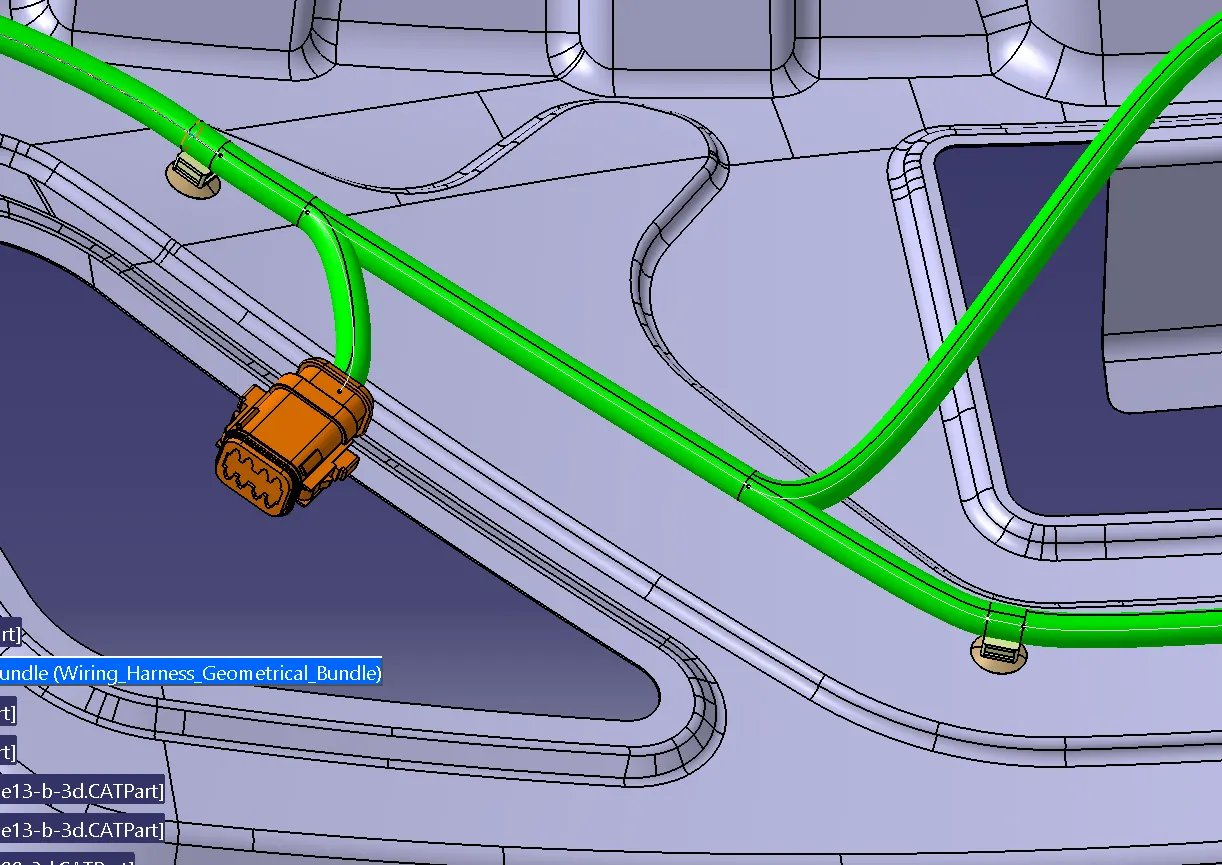
BRANCH DEFINITION :- BRANCH DIA IS 10MM
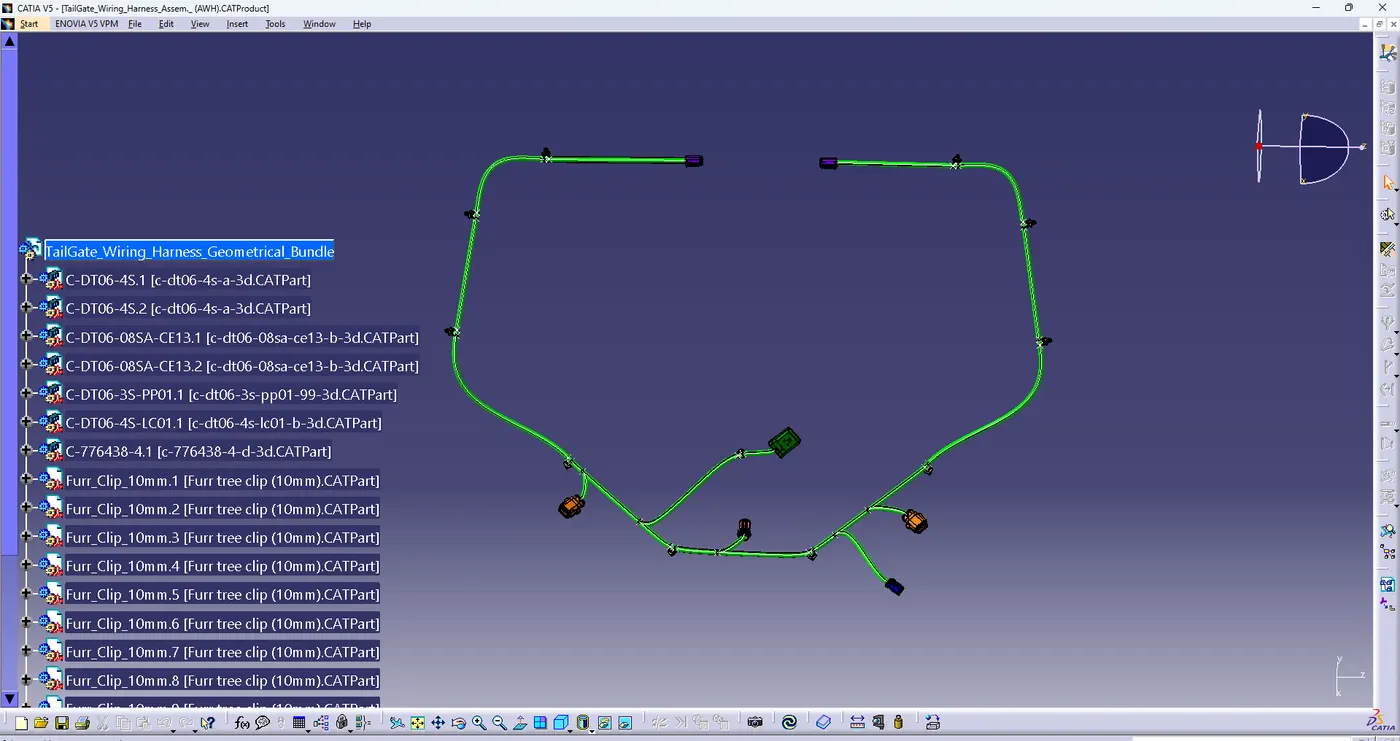
COMPLETE MULTIPLE BRANCHING WITH CONNECTORS:-
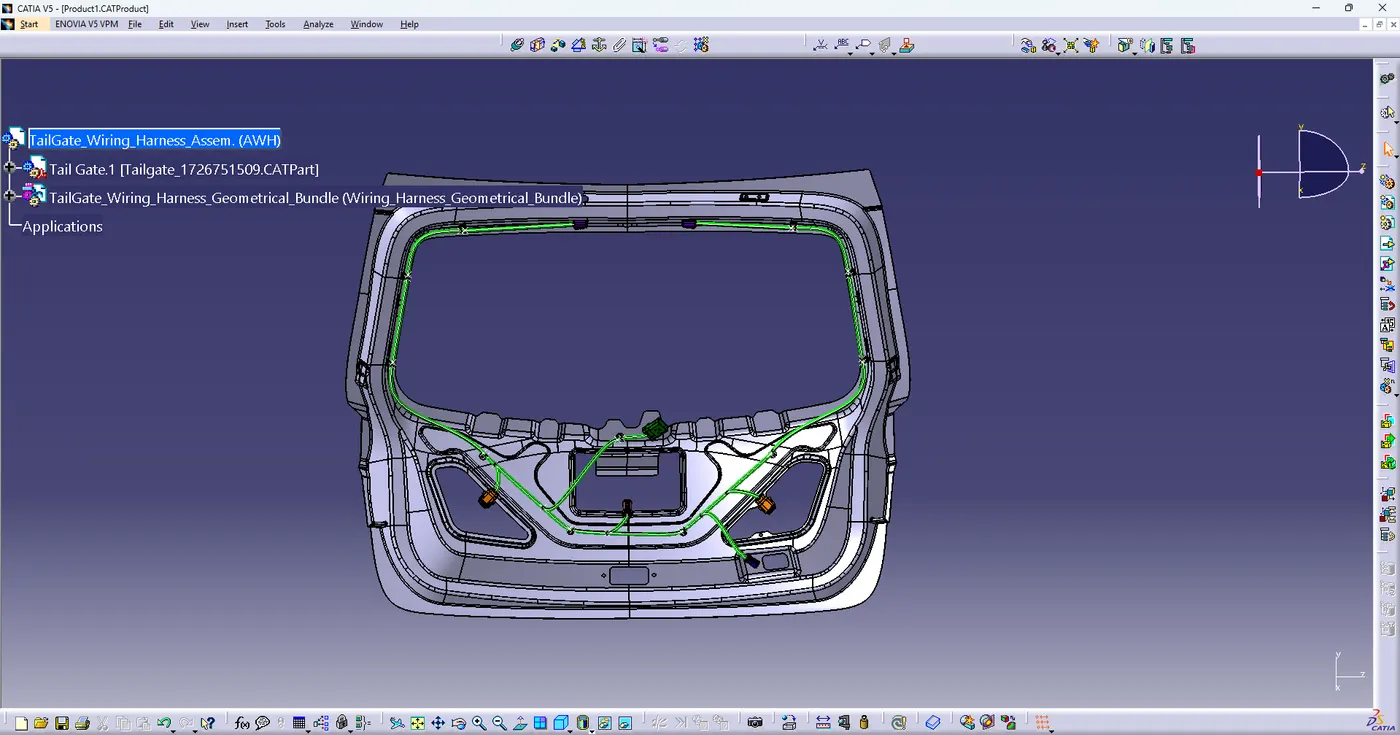
FINAL LOOK THIS ASSEMBLY :-
Switching to the electrical harness flattening workbench
- create New Product File
- Switch to the Electrical Harness flatten Workbench
- equipment & systems_ electrical harness discipline_electrical harness flattening.
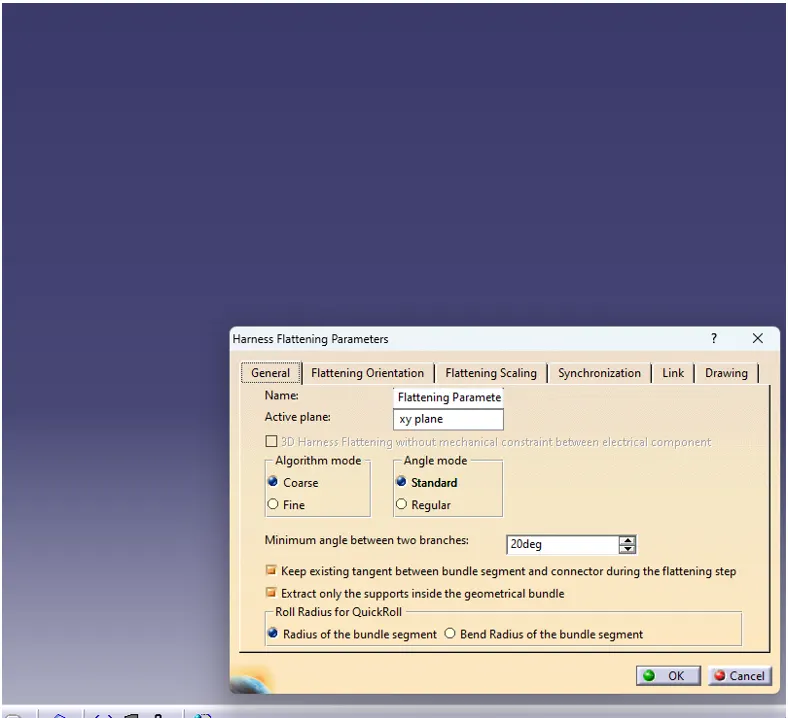
SETTING THE HARNESS FLATTENING PARAMETERS
- in the new prduct you have just created select the harness flattening parameters icon from the catia workbench .
- select the general tab and use the setting shown below for the parameters .
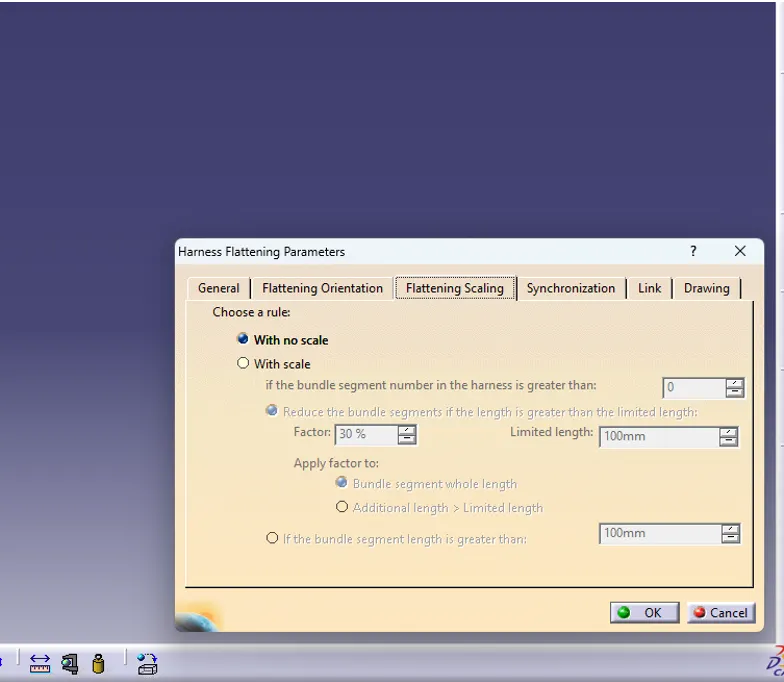
select the drawing Tab and use the setting shown below for the parameters
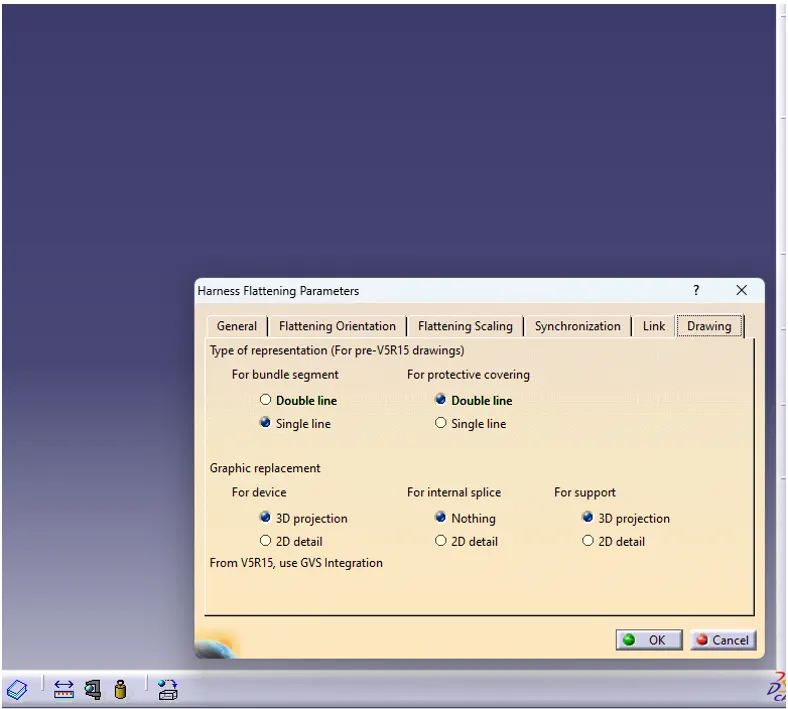
open both product file in vertical tabs
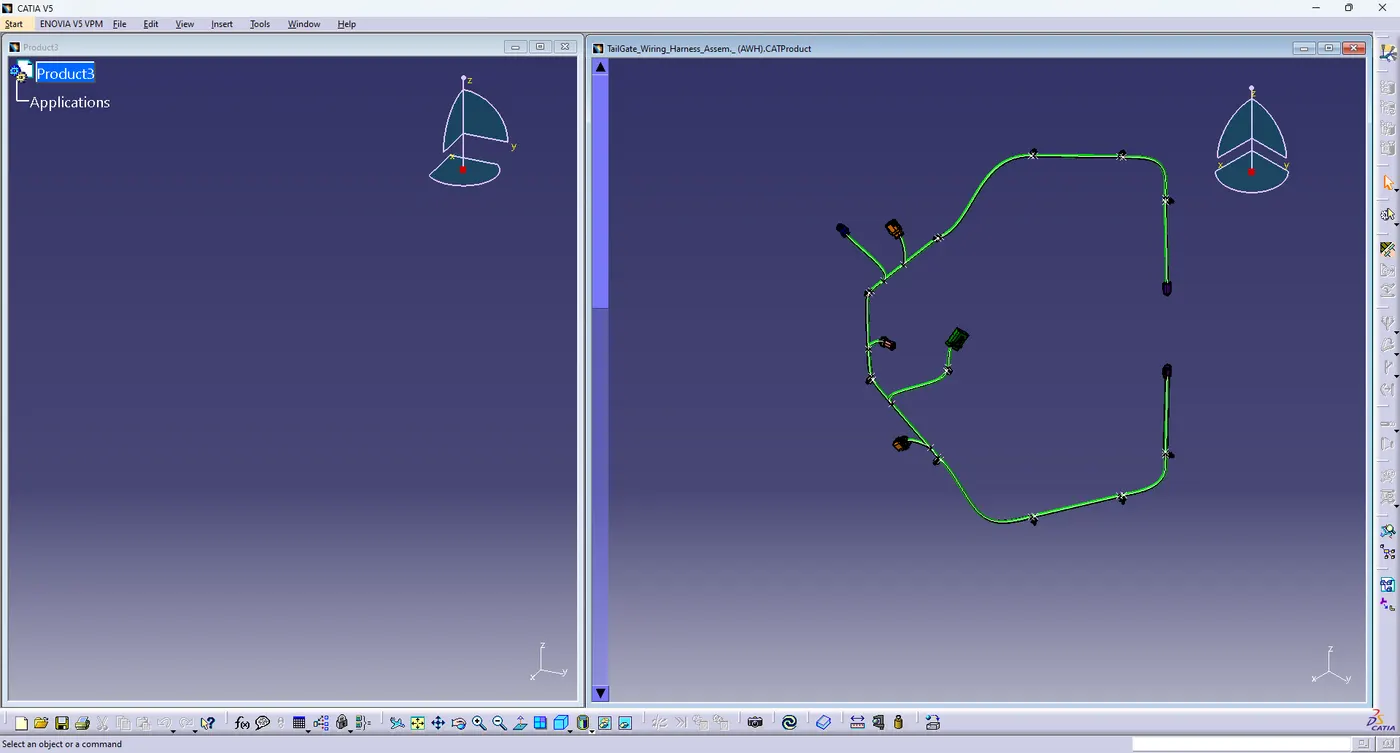

- using extract command for insert TAILGATE_WIRING _HARNESS_GEOMETRICAL_BUNDDLE in it
- select flatten command > select surface for active plane> select all branches >then ok
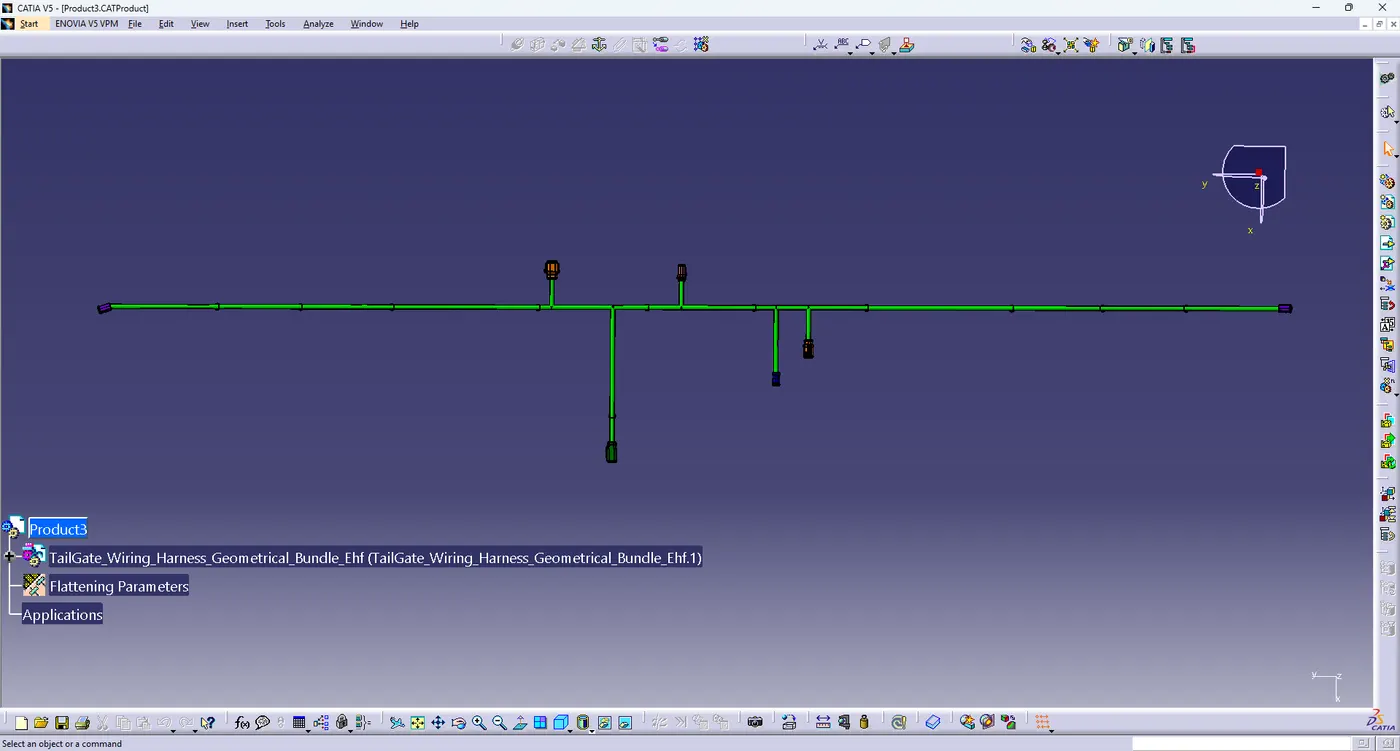
- open new harness drawing > select sheet style > select landscape ,portrait then ok
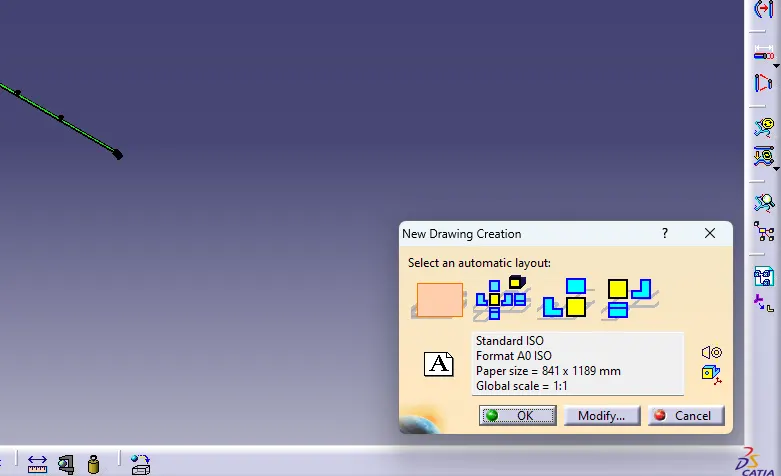
- select front view command > go to the flatten surface > select surface >drawing place in sheet
- get select the view and right click > goto the properties > go to view propertie> check 3d wireframe is always visible > then ok click
- final complete drawing with title box , connector details , branch details , protection details