Project 2
Step1 Download back door model and extract that file in catai.
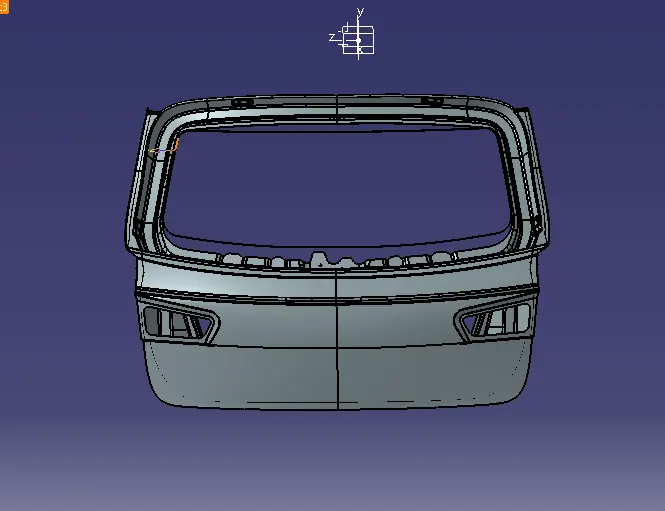
Step 2 Use required connector and clips on the back door for proper assembly of wirerouting.
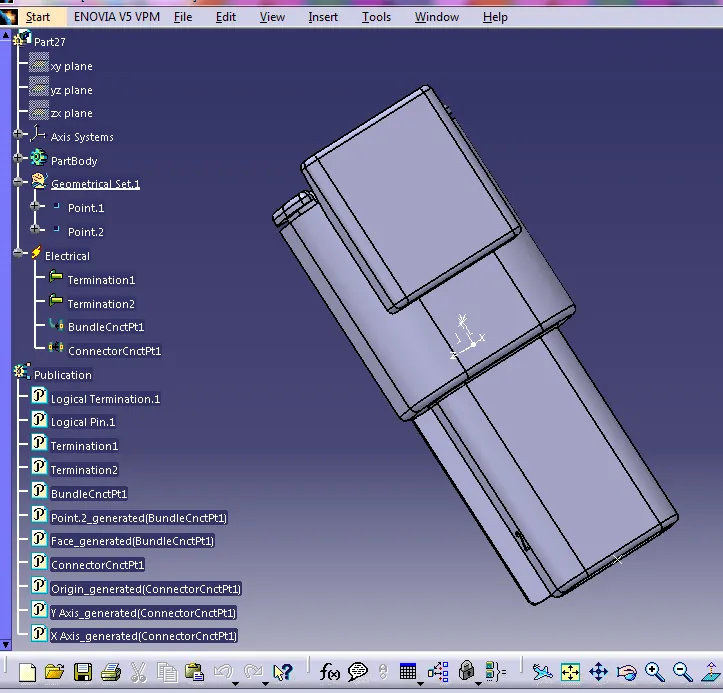
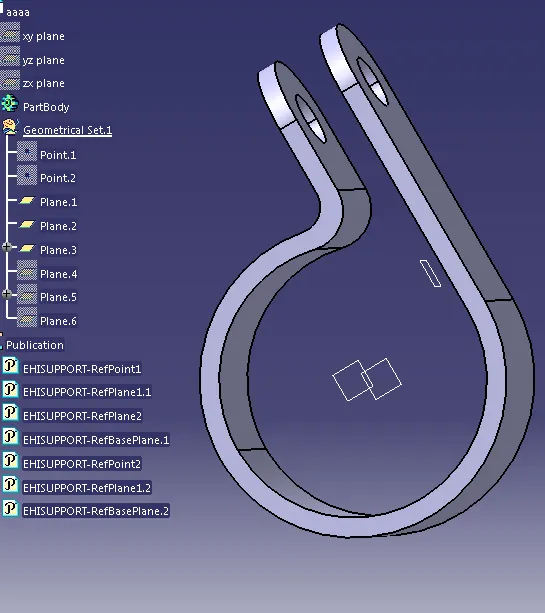
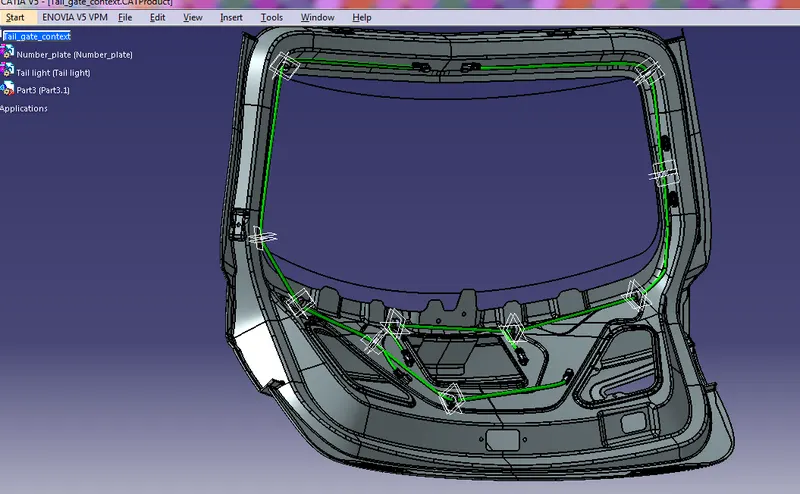
Step3- Use flattening command and change flattening parameter.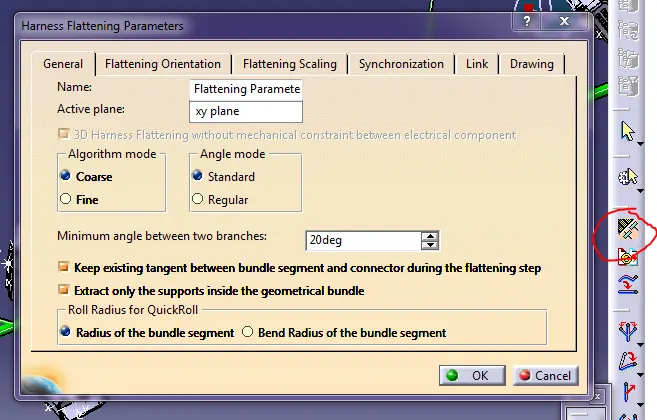
Step 4 Use wiring flattening command and extract tail light and perform flatten.
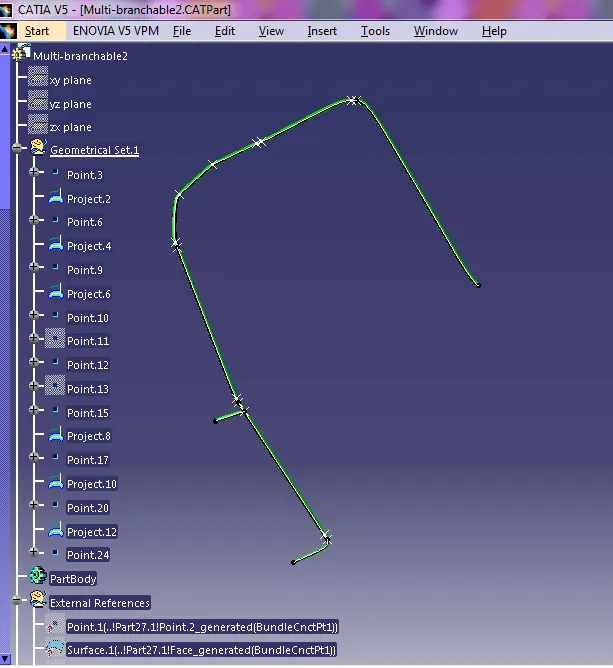
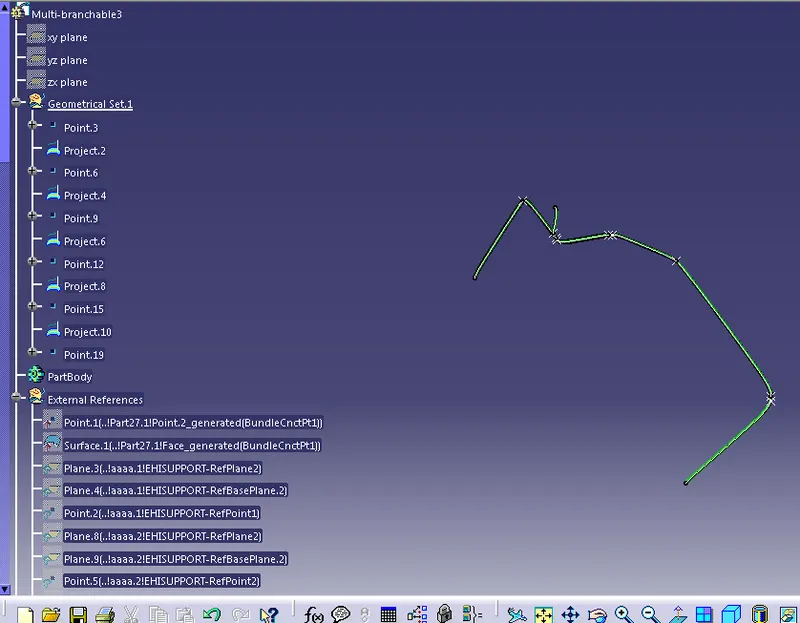
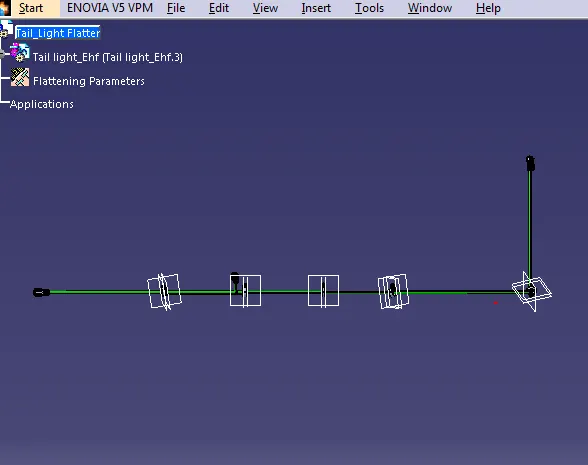
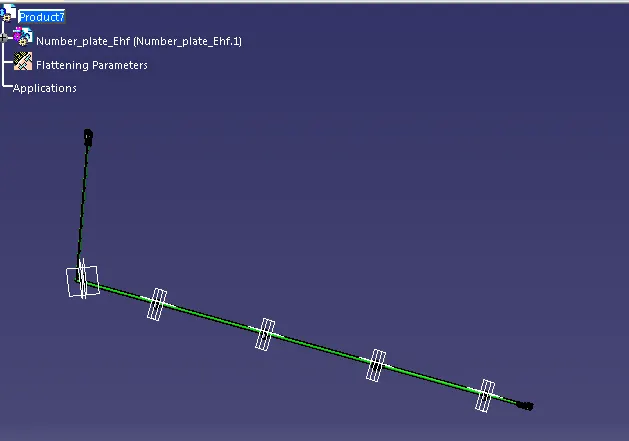
Step 5 Perform same operation from number plate part also for flattening.
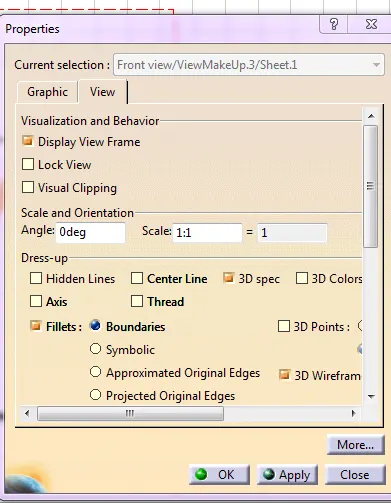
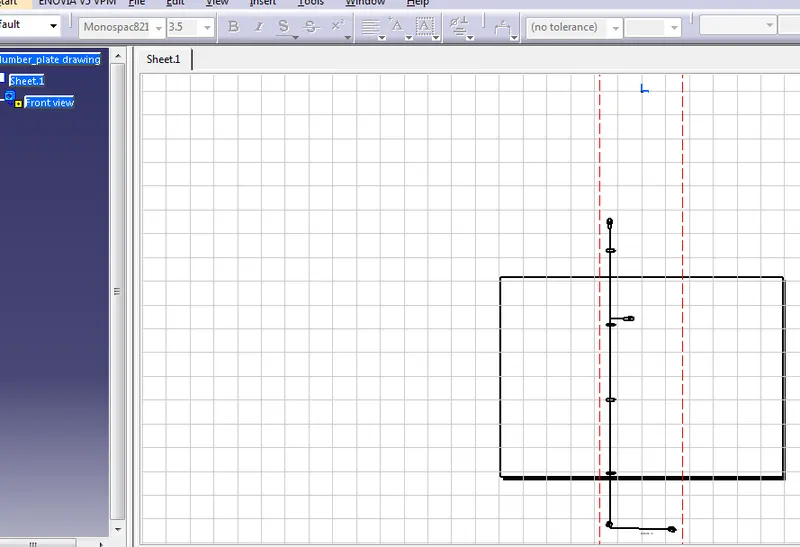
Step 6 Choose new file and choose drawing and perform the command by choose front view and extract the required flatten product.
Tail Light Drawing
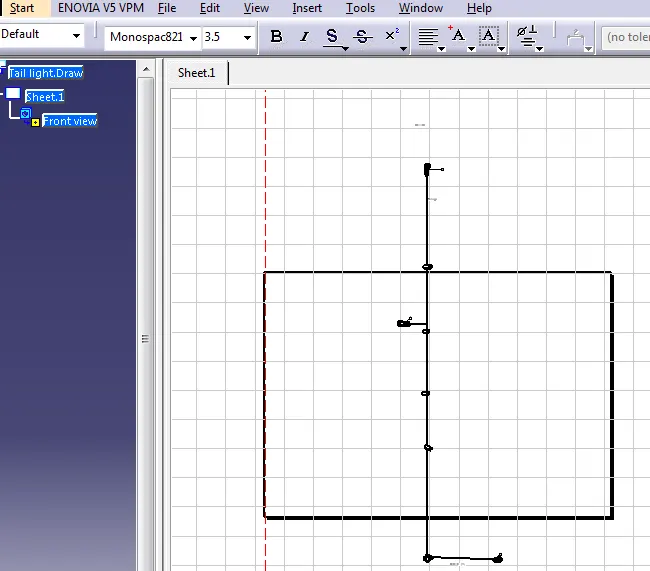
Number plate Drawig
change some properties to 3D