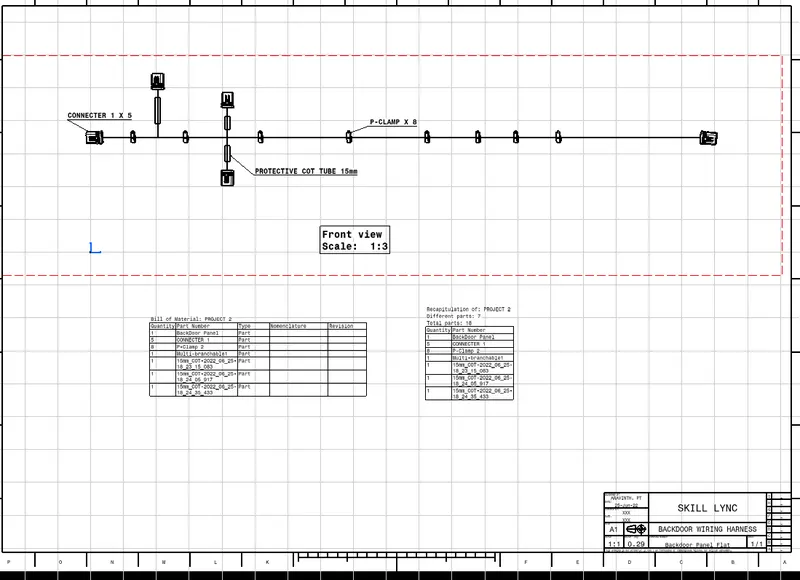
Project 2
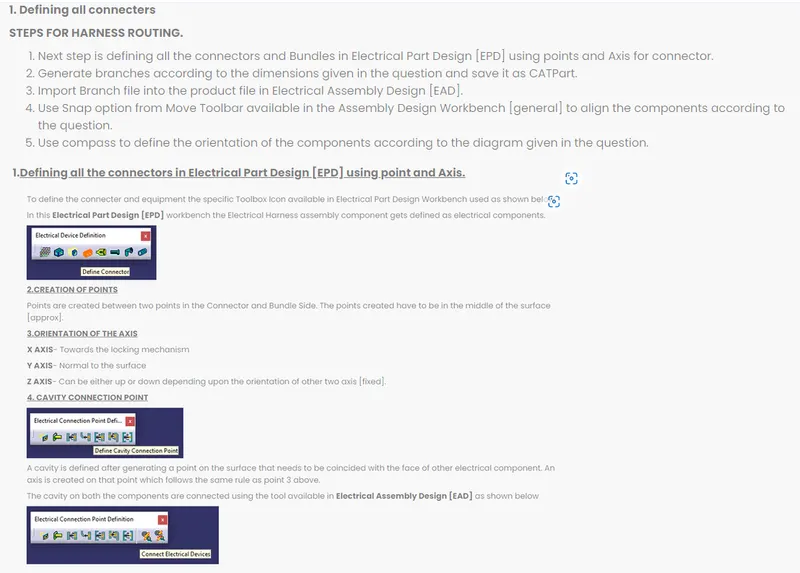
Electrically component is defined in Electrical Part Workbench [EPW]
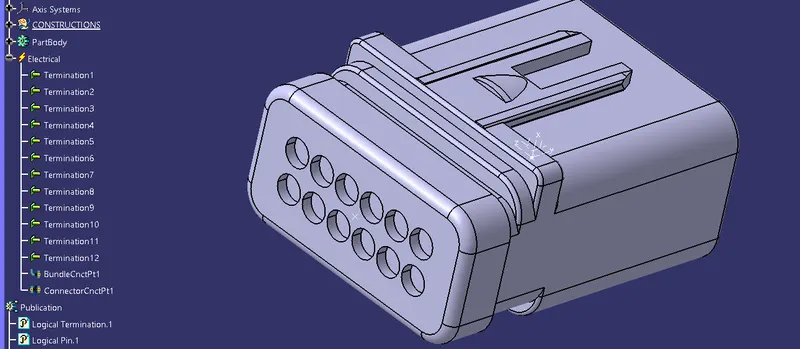
Harness is generated using Electrical Harness Assembly and Electrical Harness Installation Workbenches and final component is shown below with its tree structure.
//The connecters are snapped to the Back Door using snap option and manual orientation using compass available in Assembly Workbench//
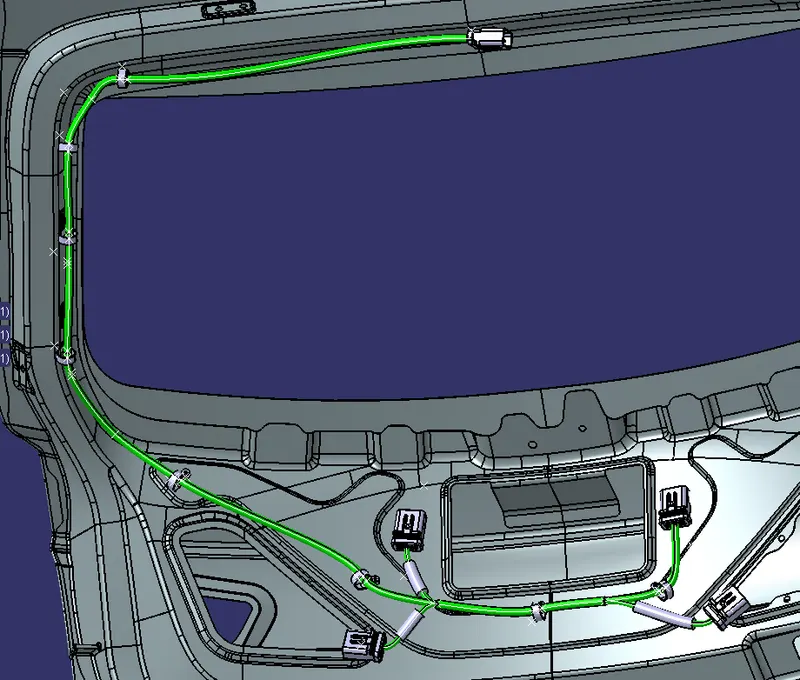
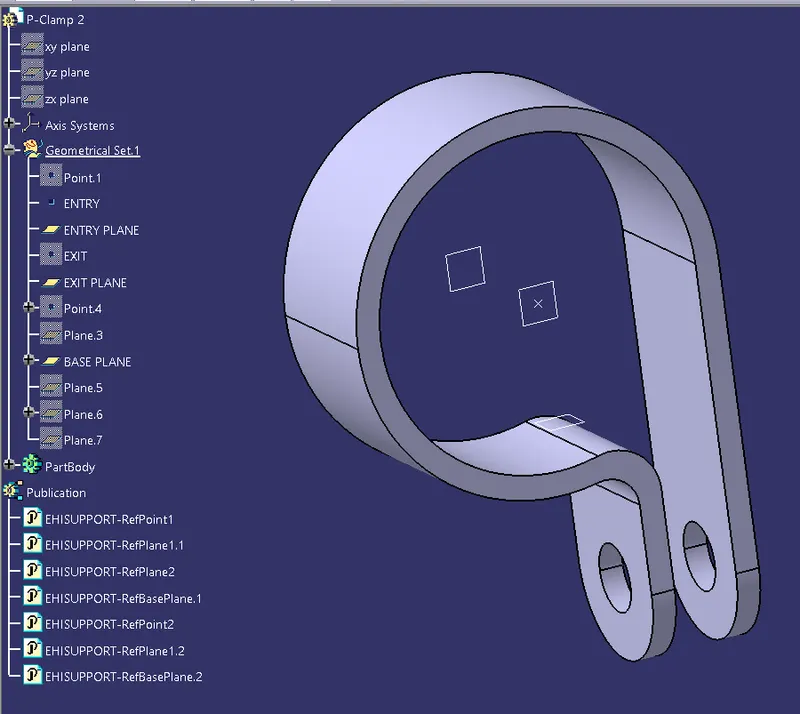
P clamp is defined as a support part and placed in such a manner according to the wiring harness direction like Entry point towards the wiring entry direction and exit on the other side.
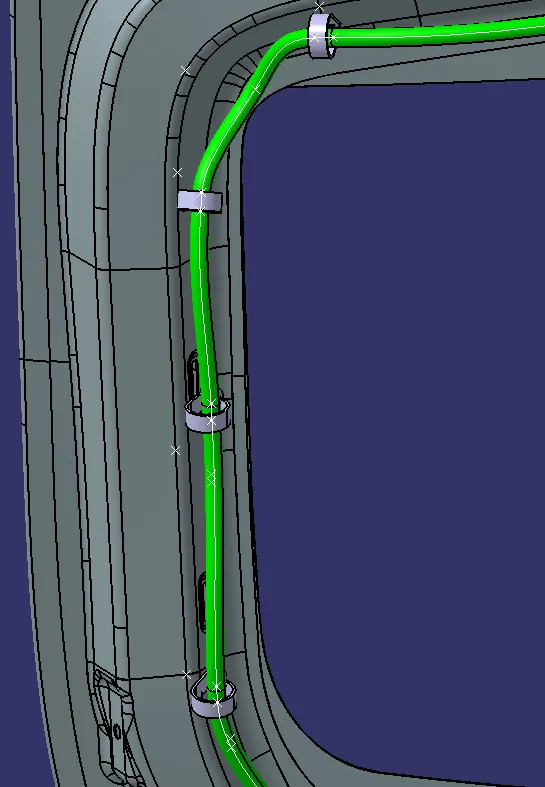
The placement of P clamp in appropriate position on the Backdoor assembly as shown below.
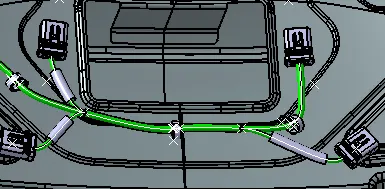
PROTECTIVE COT_TUBES are added to the branches from the catalog as shown below.

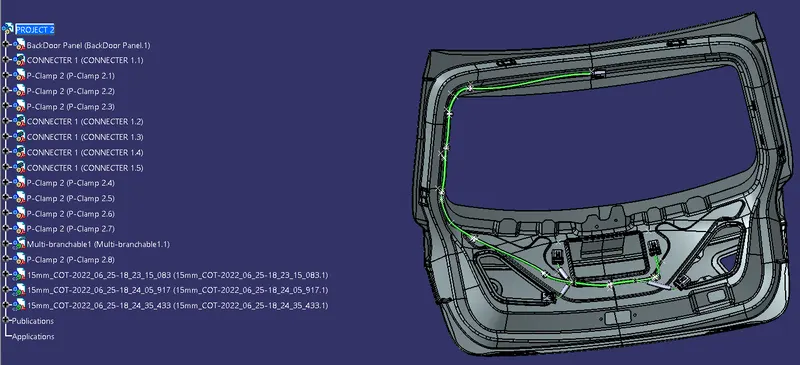
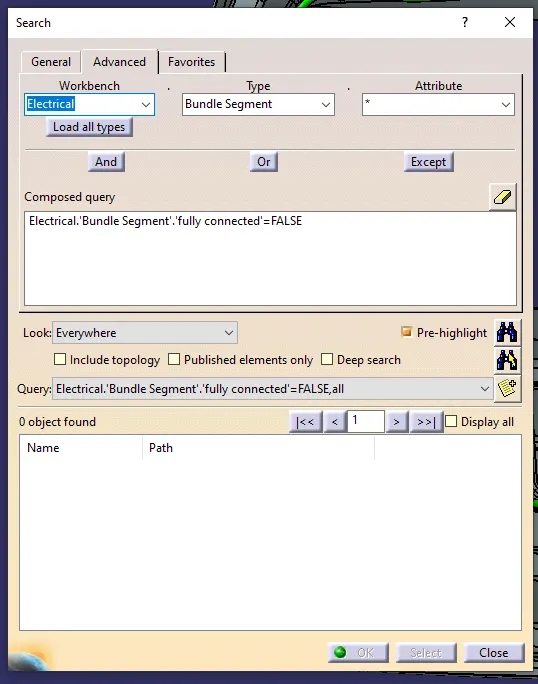
Bundle segment connection checking as shown below. From the below observation we can confirm that all bundle segments are connected without any break in segment.
Harness Assembly was flattened using Electrical Harness Flattening [EHF] Workbench.
Harness parameters are set before proceeding to the EHF Workbench.
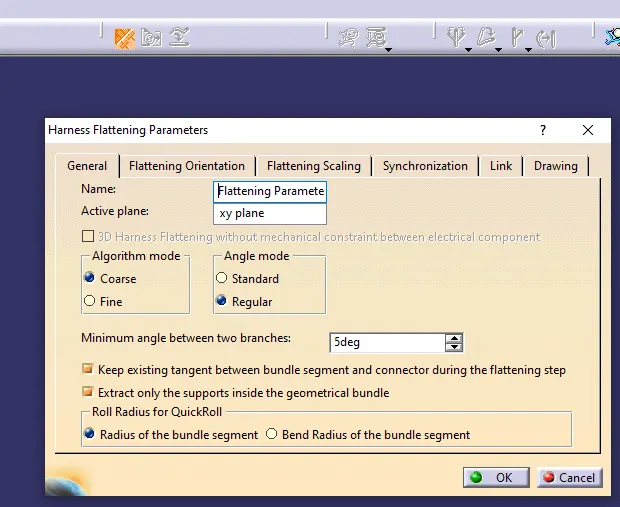
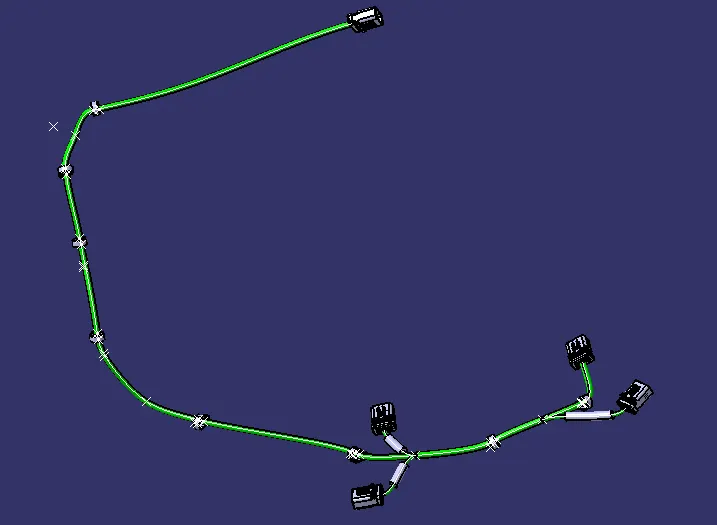
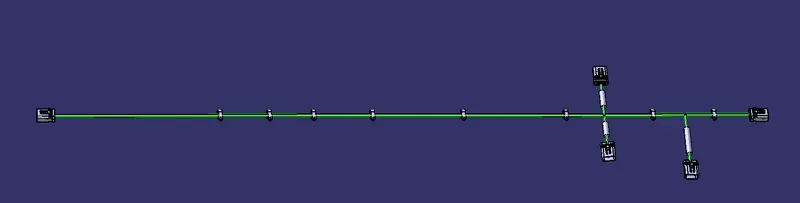
The Assembly Harness is extracted in the Flattening workbench using Extract option and flattened using Flatten tool as shown below. The file is saved with extension .ehf file
BEFORE FLATTENING OPERATION
AFTER FLATTENING OPERATION
Drawing Workbench is used to generate 2D drawings and it is opened using Files option available in main toolbar. The 2D drawing is generated using front view option and annotated is added using Text Tool with Title and Frame box and Bill of Materials [BOM] as shown below.