Construction Technology -Vaastu Shastra and Calculation of loads-project -2
- AIM:
To plan the G+1 residential building in AUTOCAD software, according to vastu shastra.
INTRODUCTION:
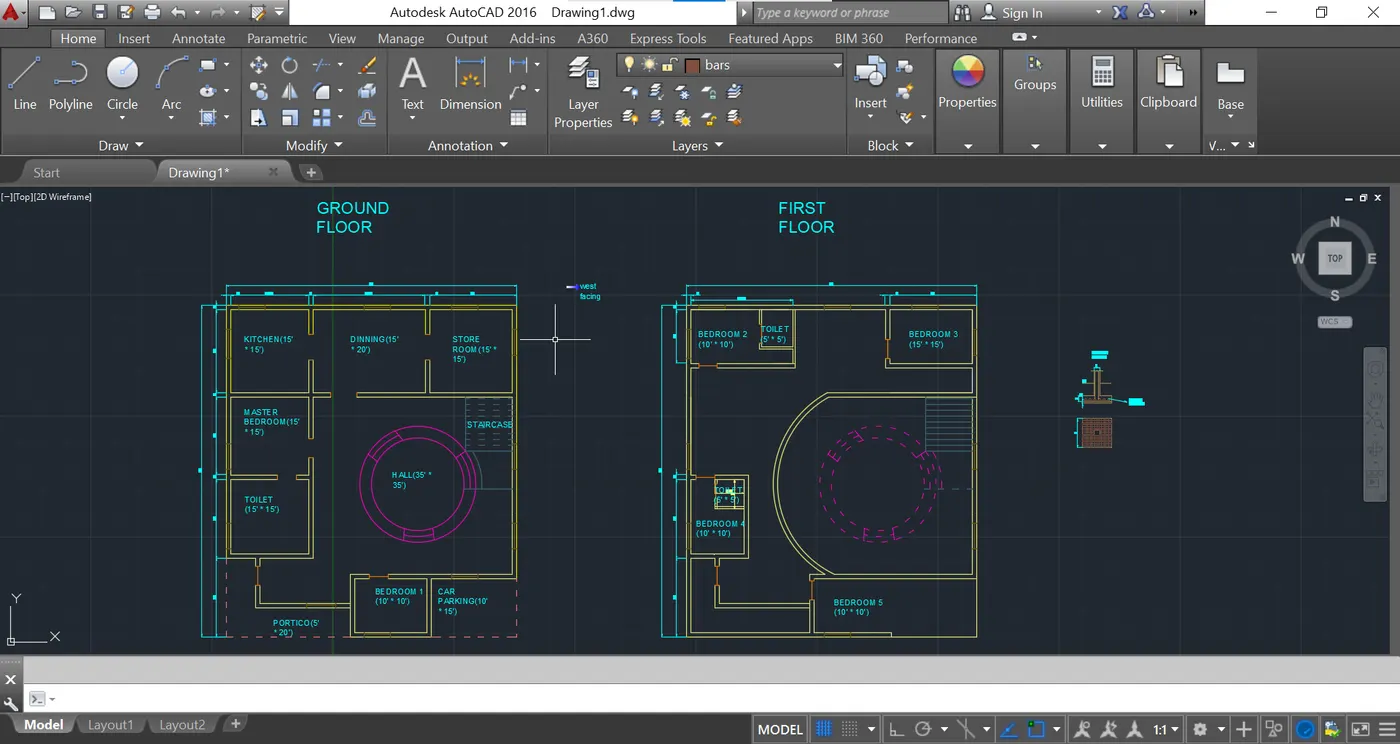
The Residential building(G+1)(60*50) 3000sq.ft. Draw plan in autocad .
To open the Autocad software , set the units to engineering mode and fix the dimensions in inches and create the limits in it, to the sketch the plan in the layer to the sheet and zoom it all enter.
Then, enter 'L' command to the draw the line,
DRAFTING PROCEDURE:
1. Begin a new project in AUTOCAD with imperial template.
2. Create the necessary projects elements.
3. create the followings: Ground floor, first floor, stairs doors, windows etc., using the properties given below.
4. save the drawing in drawing files.
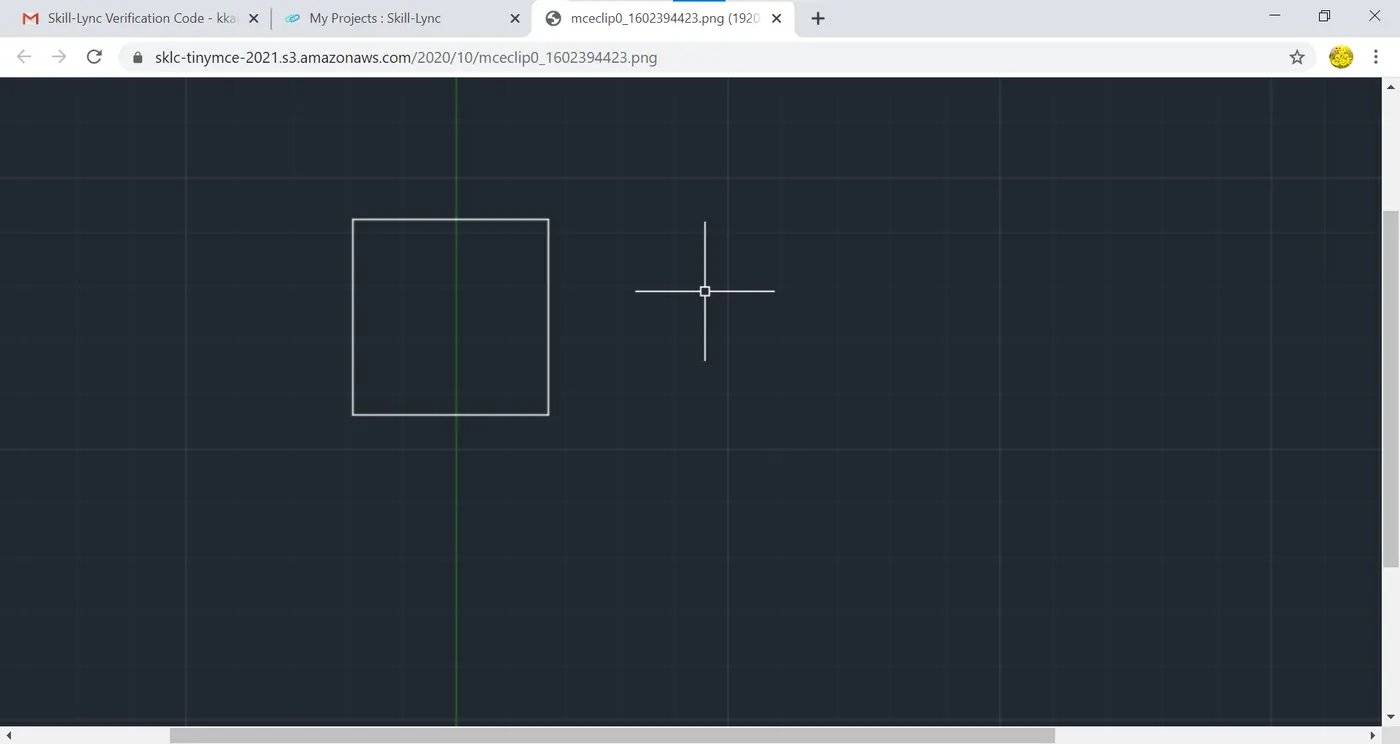
Then enter 'o' command to OFFSET the lines.
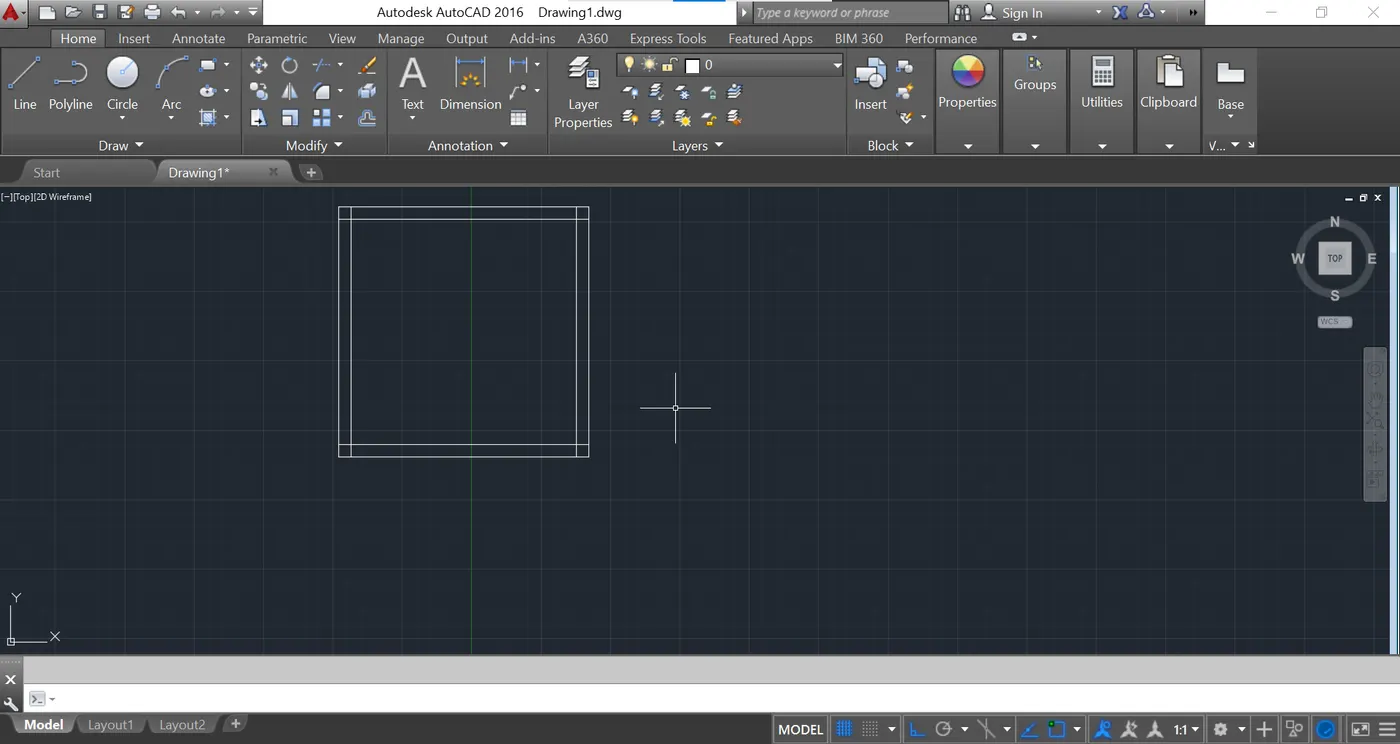
And the enter trim command to remove the inbetween lines of the offset portions.
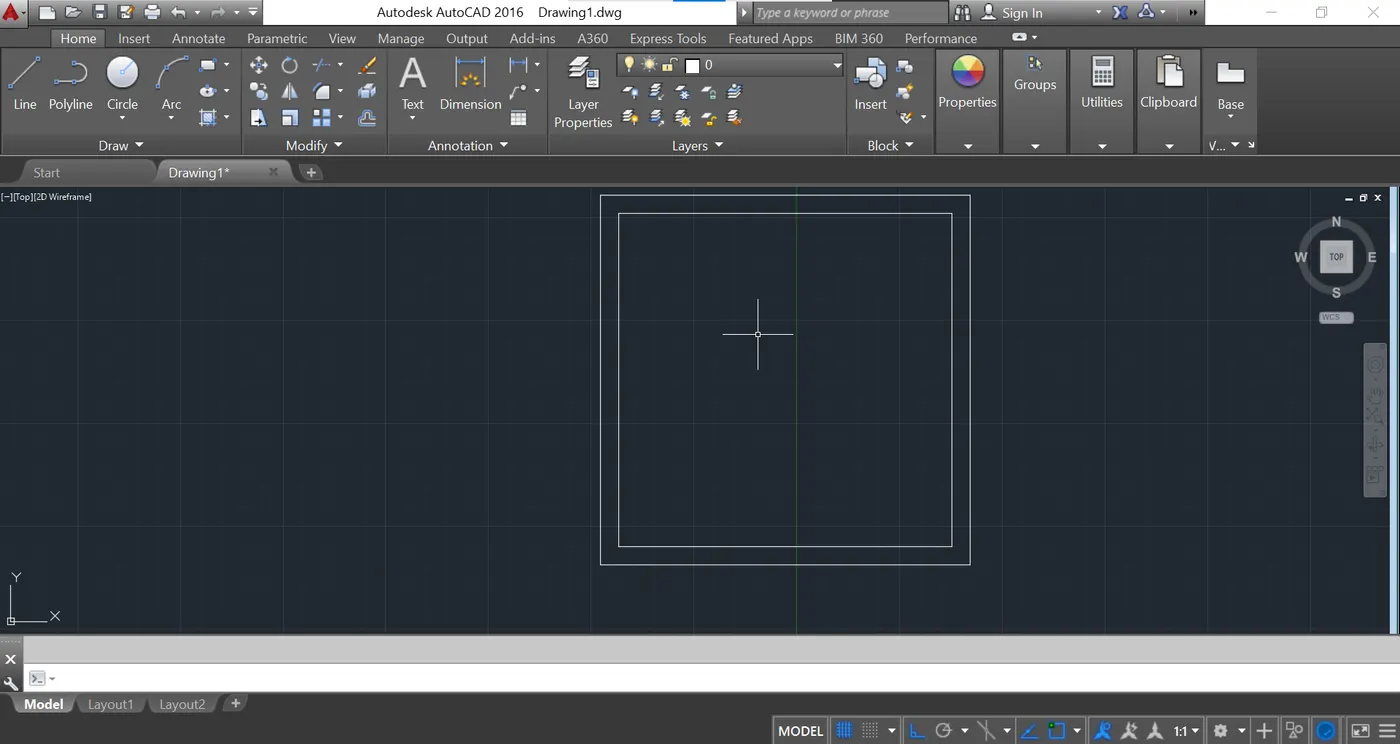
Then, repeat the same process to create other room also, enter the mirror command to repeat the process.
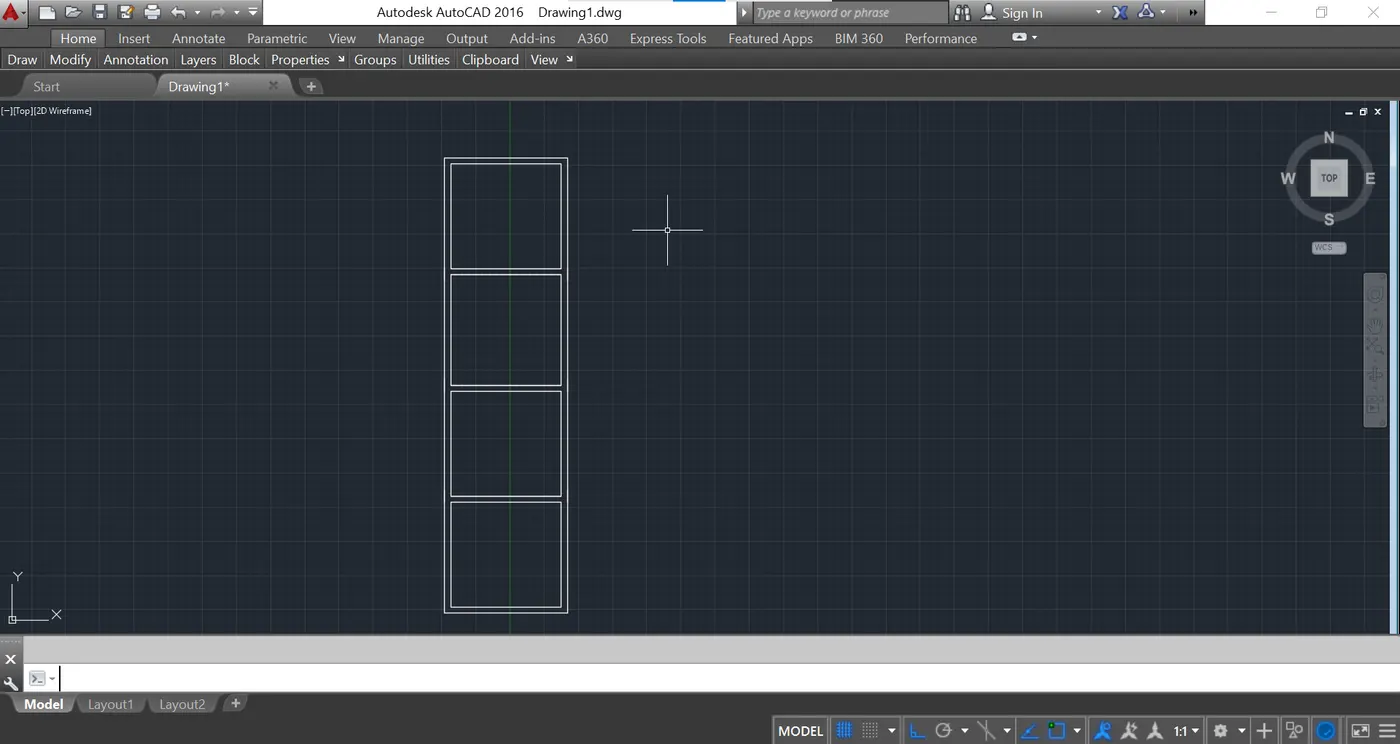
Then, again repeat the mirror command to the X-axis to create the other rooms.
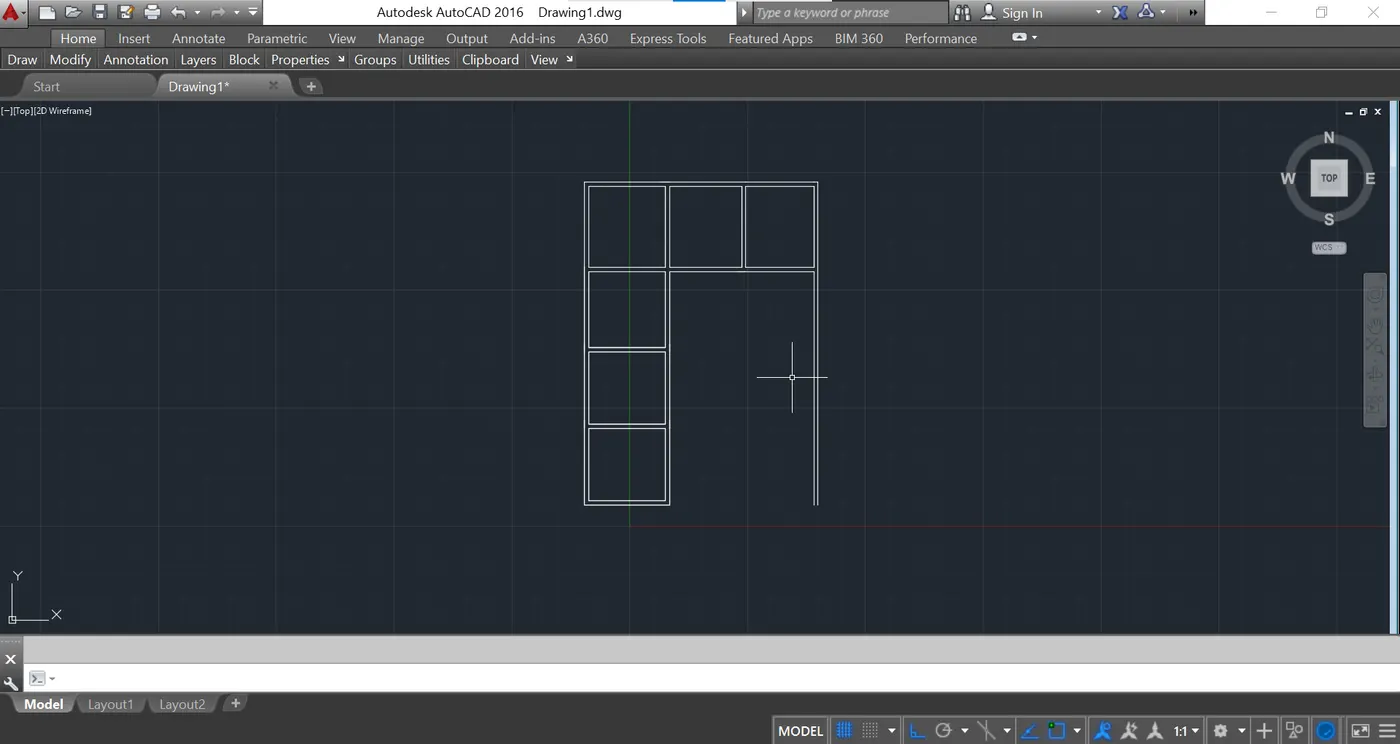
Now , complete the hall portion.
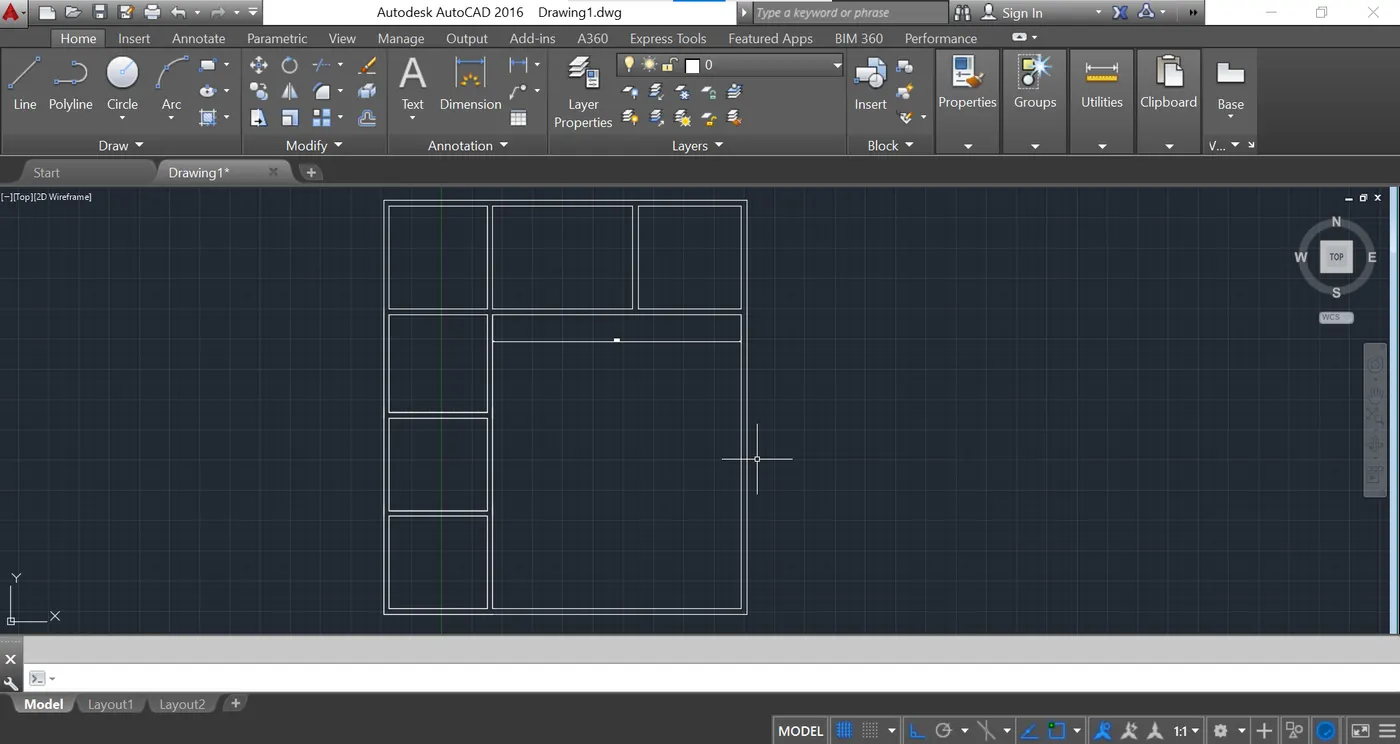
Then, drawn the circle to the centre of the hall.
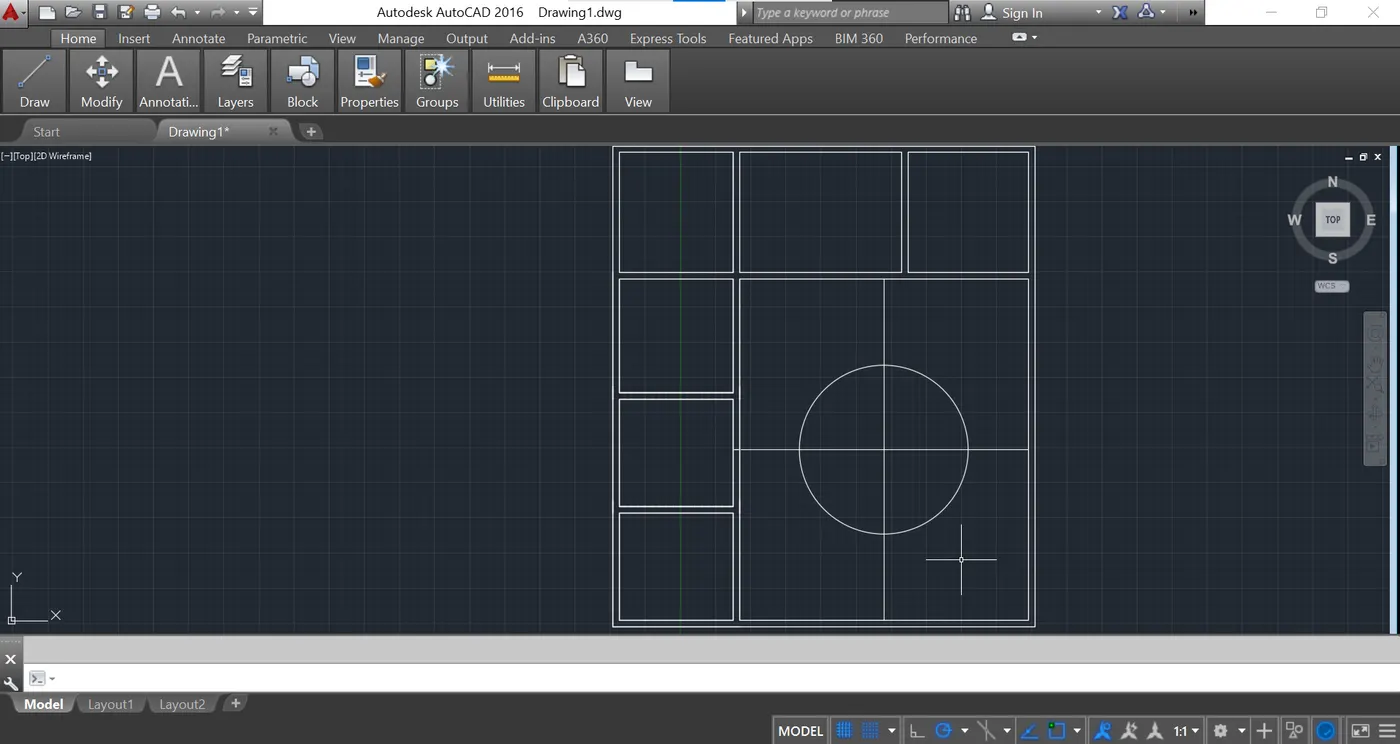
Enter the trim command to trim the unwanted lines and drawn the front portion.
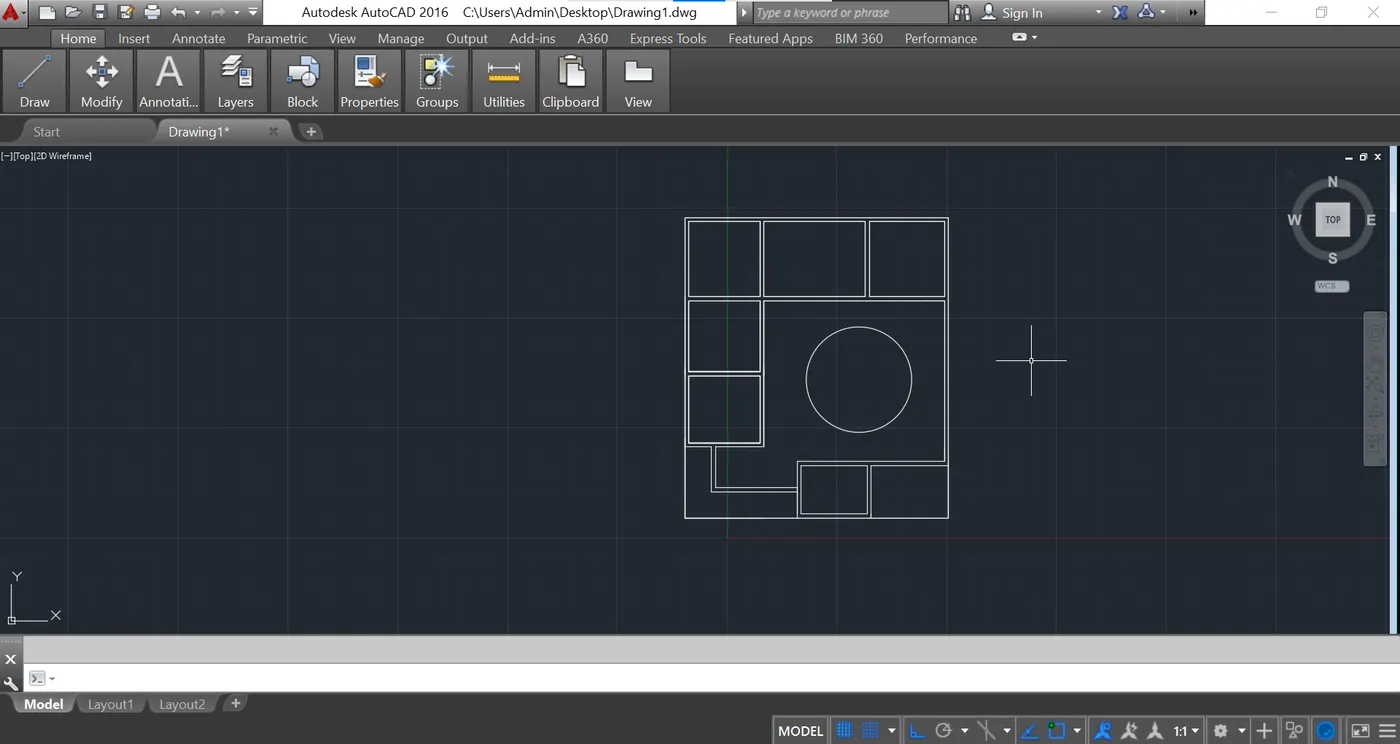
complete the bedroom, hall, kitchen, car parking,etc., in the layout.
Draw the staircase, enter the arc command, the draw the staircase. most of the staircase would be drawn in dotted line.
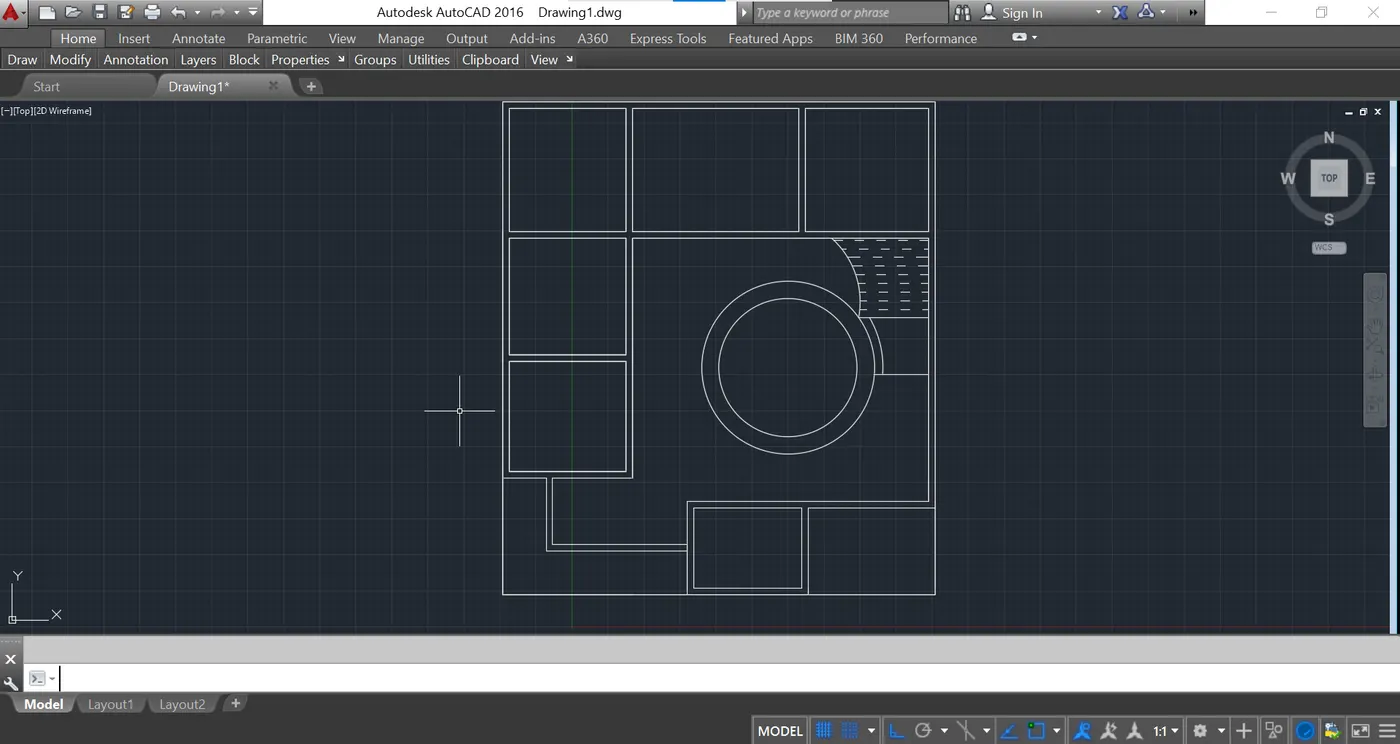
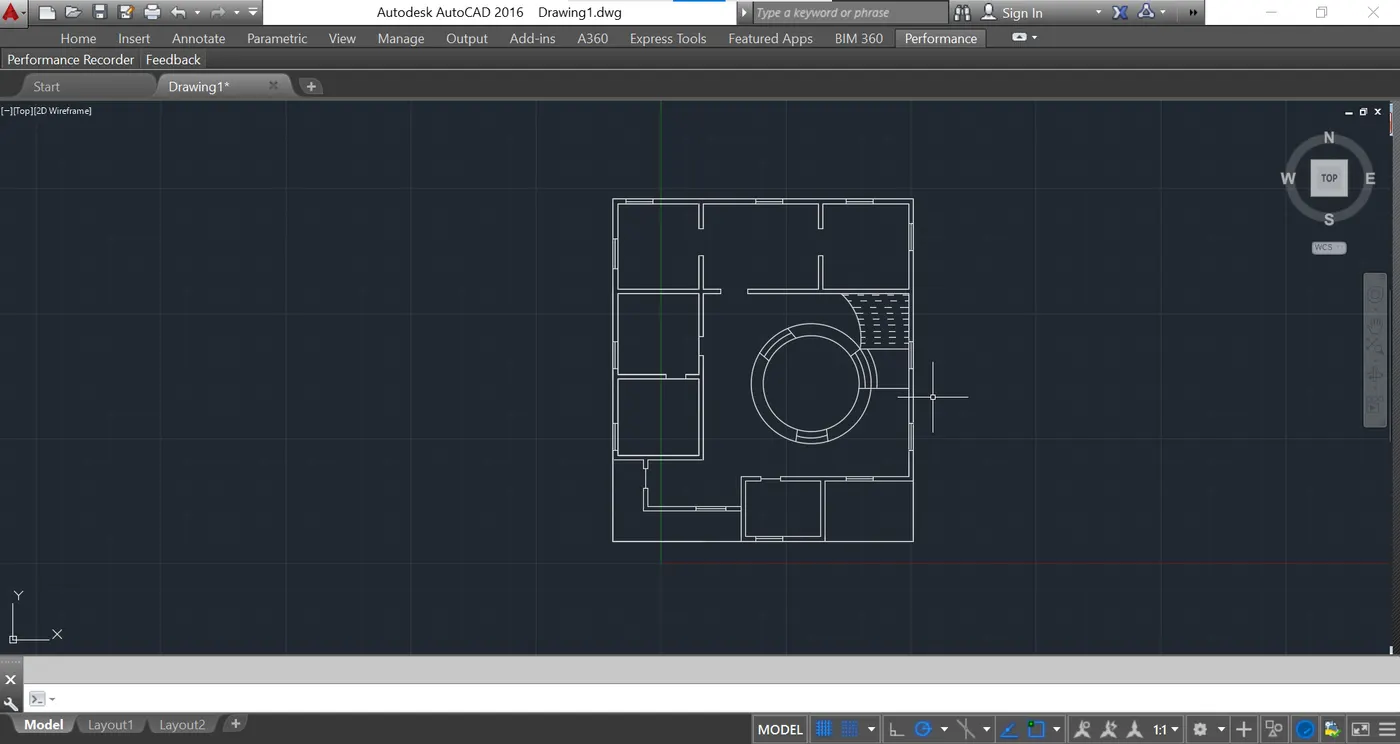
Then, draw the doors and windows.
PLAN must drawn in layers as a engineer its a must for drawn in layers.
so, i draw the plan in layer and give the dimension in feetand inches.
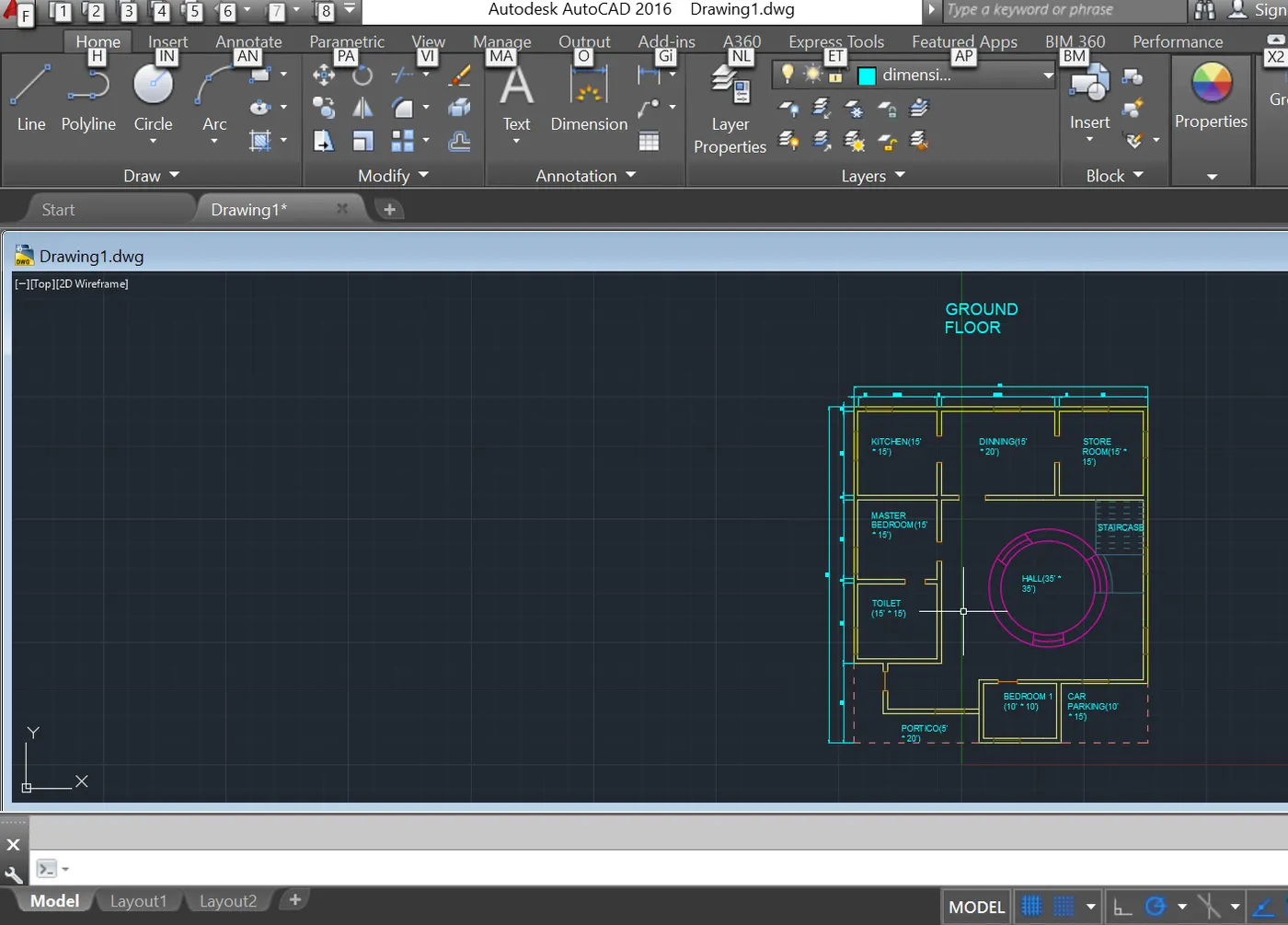
Now, complete the layout of the Ground floor plan in layers.
Then, draw the First floor plan repeat this process again.
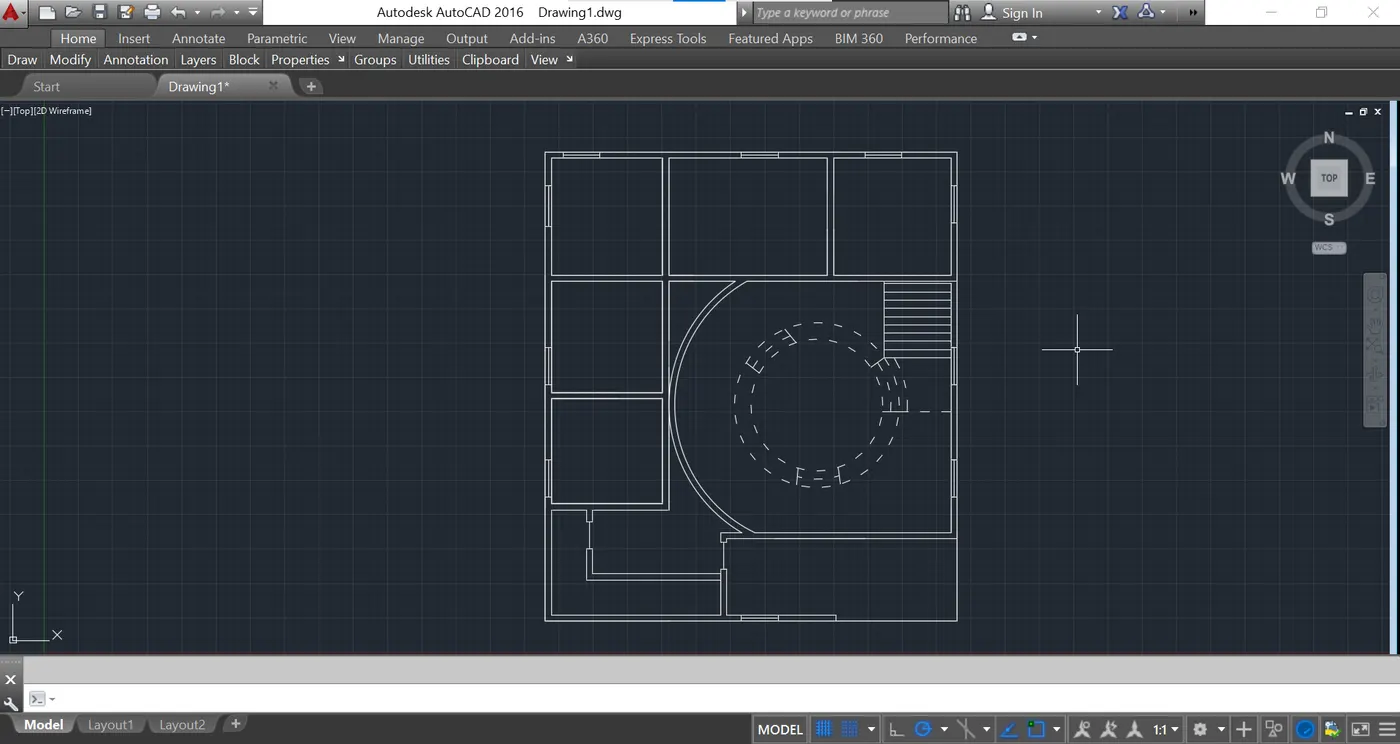
Completely the Ground floor plan and First floor plan in layer,
Now create the column in grid layer to column layout.
And, draw the column 12"*12"
Then create the column to the block and to command the hatch properties to hatch the column block,
Then, arrange the block into the plan, then select the block and click right click go to similar select ,
and the columns ar selected then, move the column blocks to the other side.
Then, command the Xline to put the grid the columns.
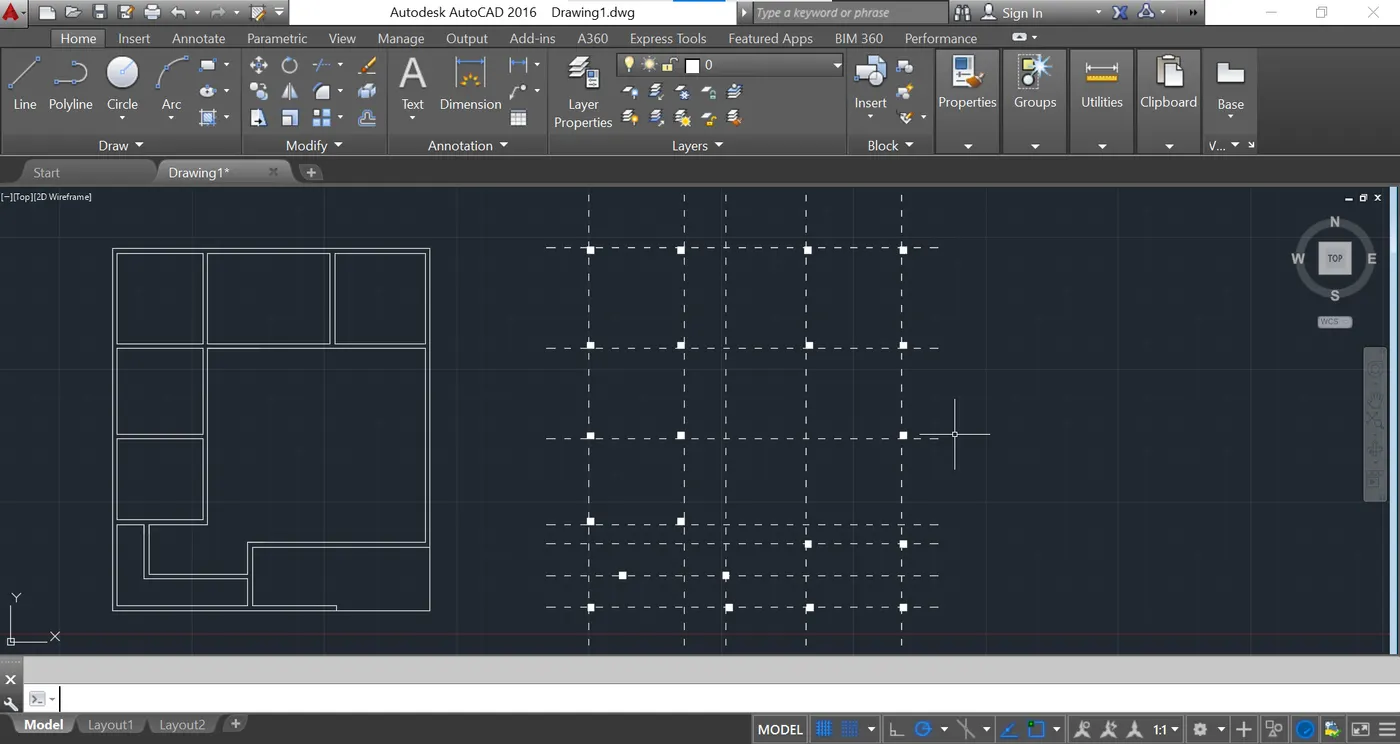
Now, give the dimensions to the grid column.
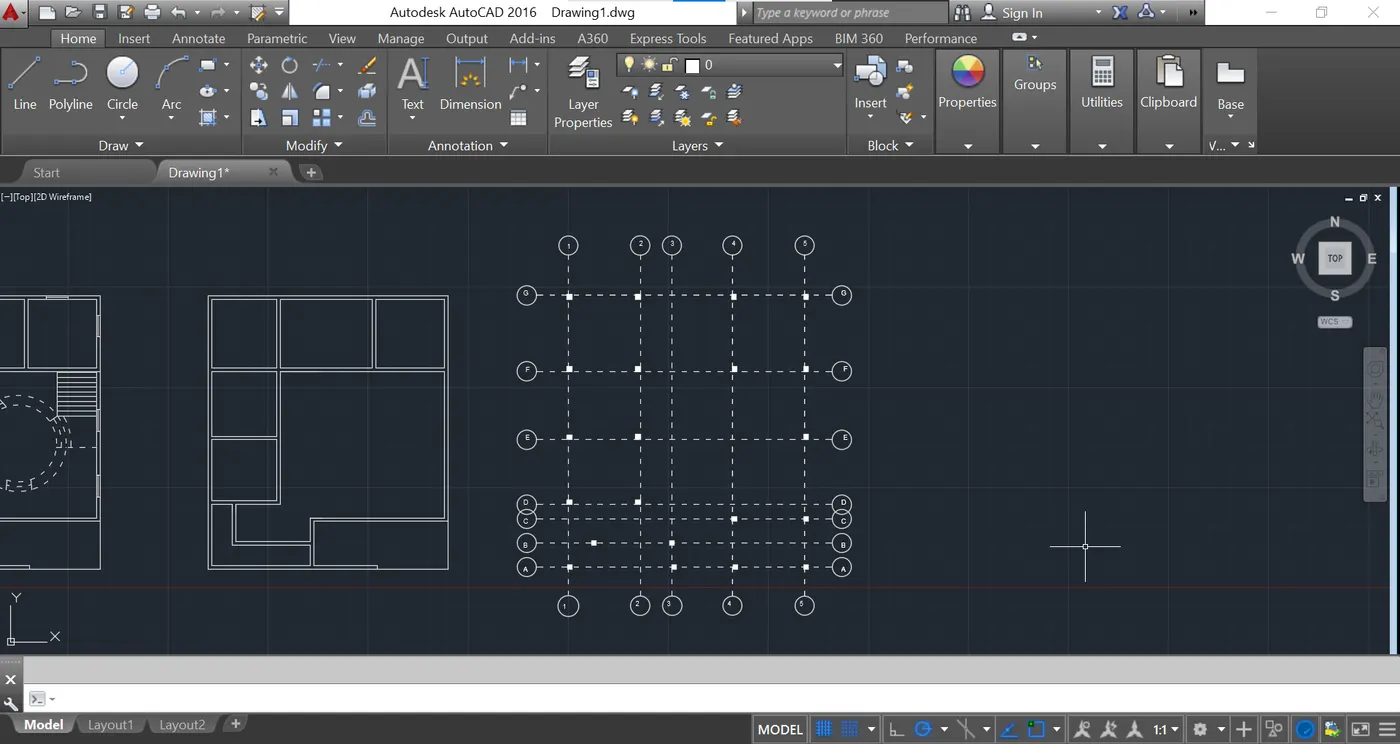
Then, Give the dimension of the column layout correct dimensions of the grid also that only to understand the engineer to the site .
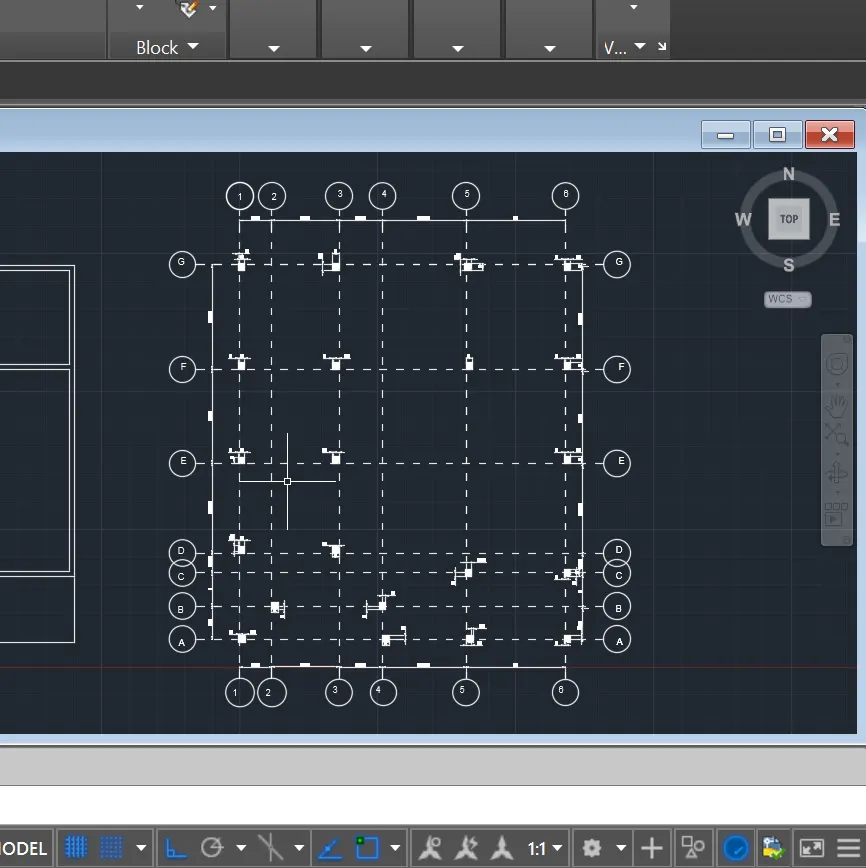
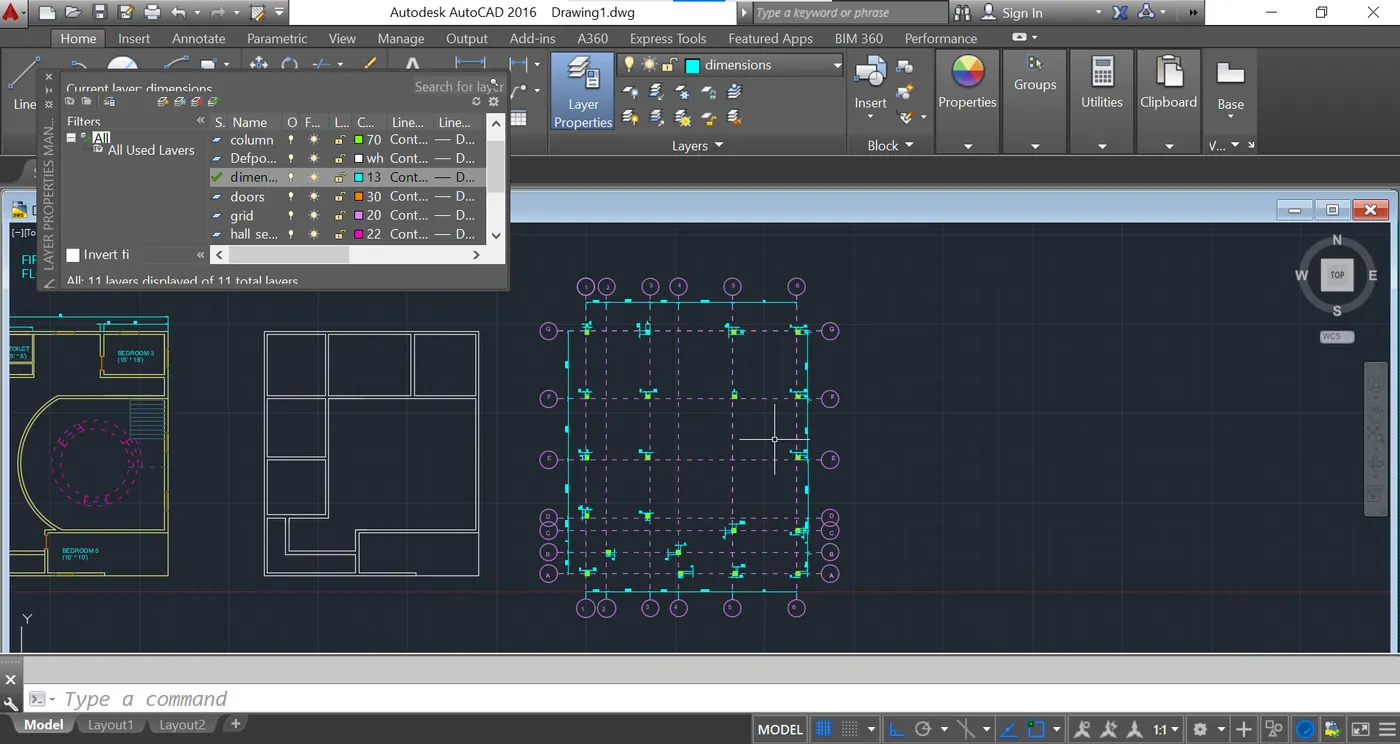
Then, draw the beam,slab layout.
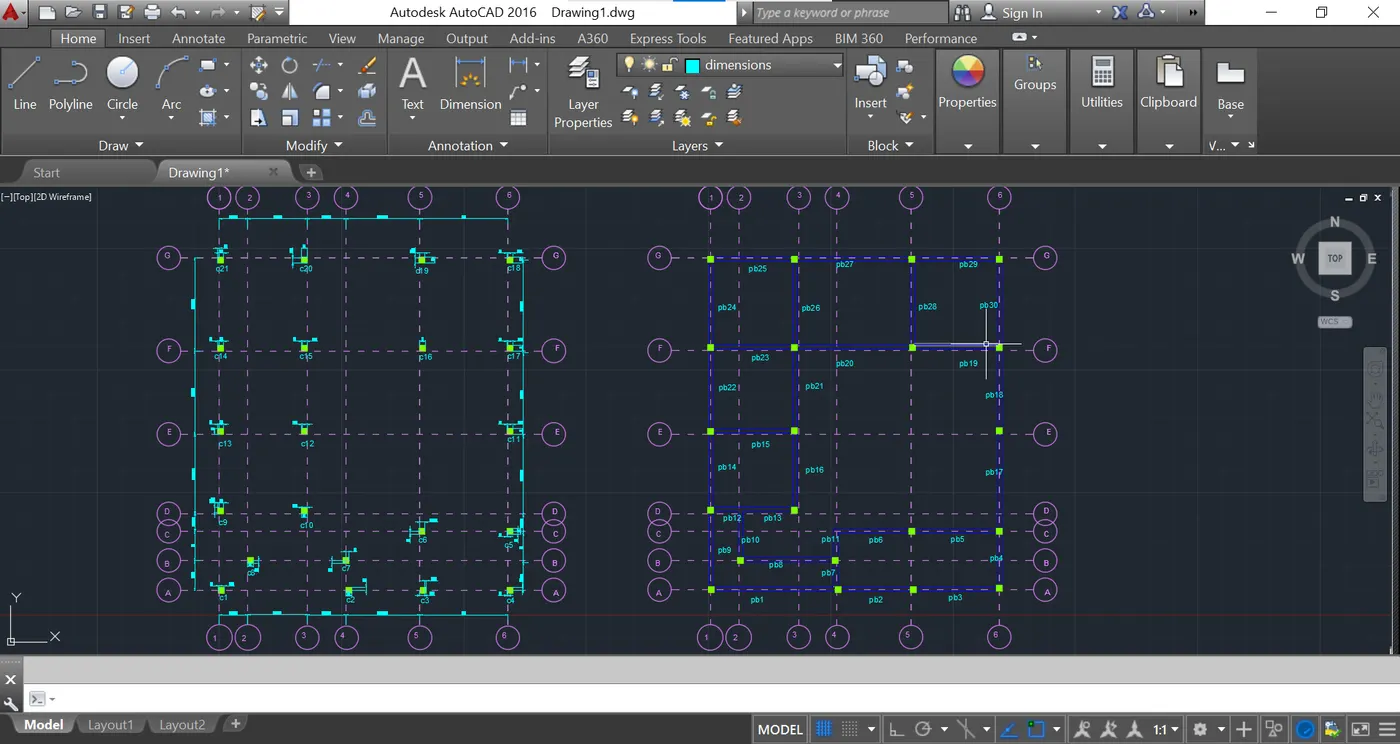
Draw the reinforcement details of the column,
ISOLATED footing :
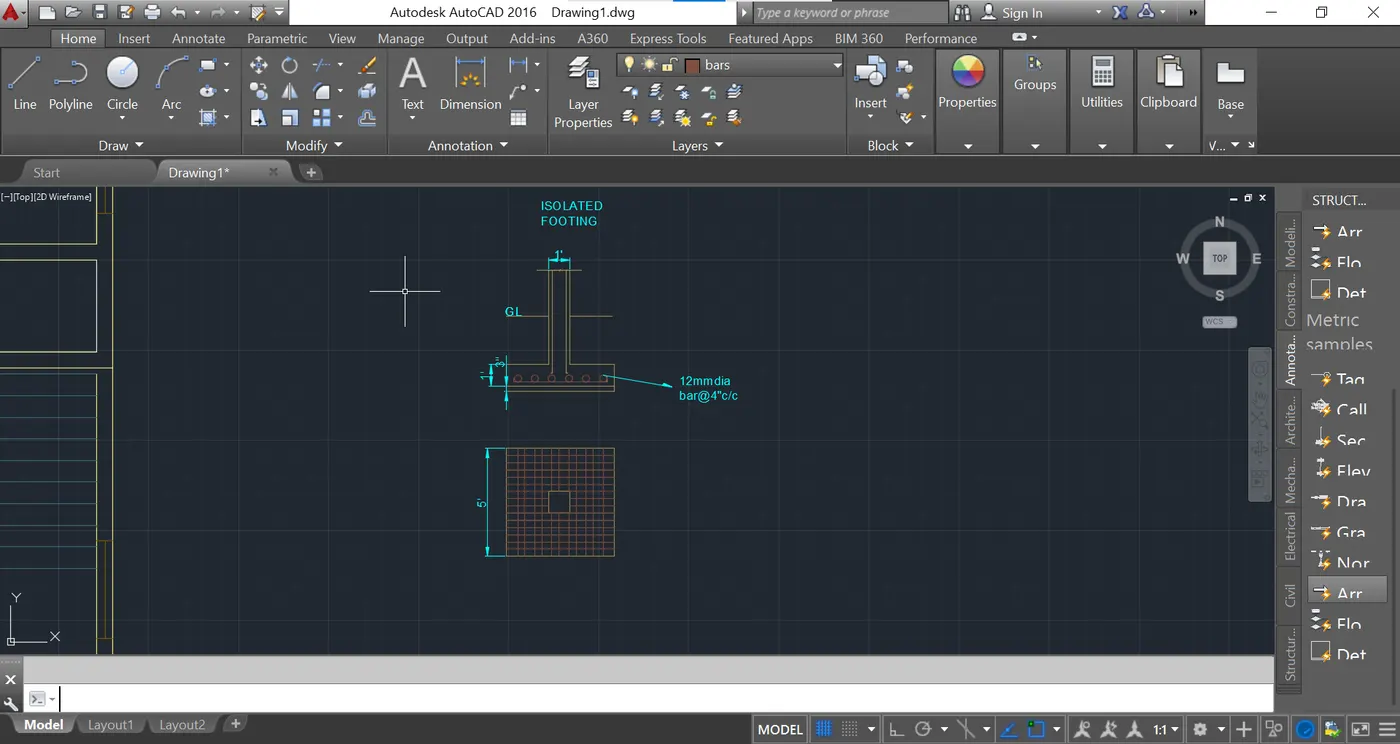
RESULT: