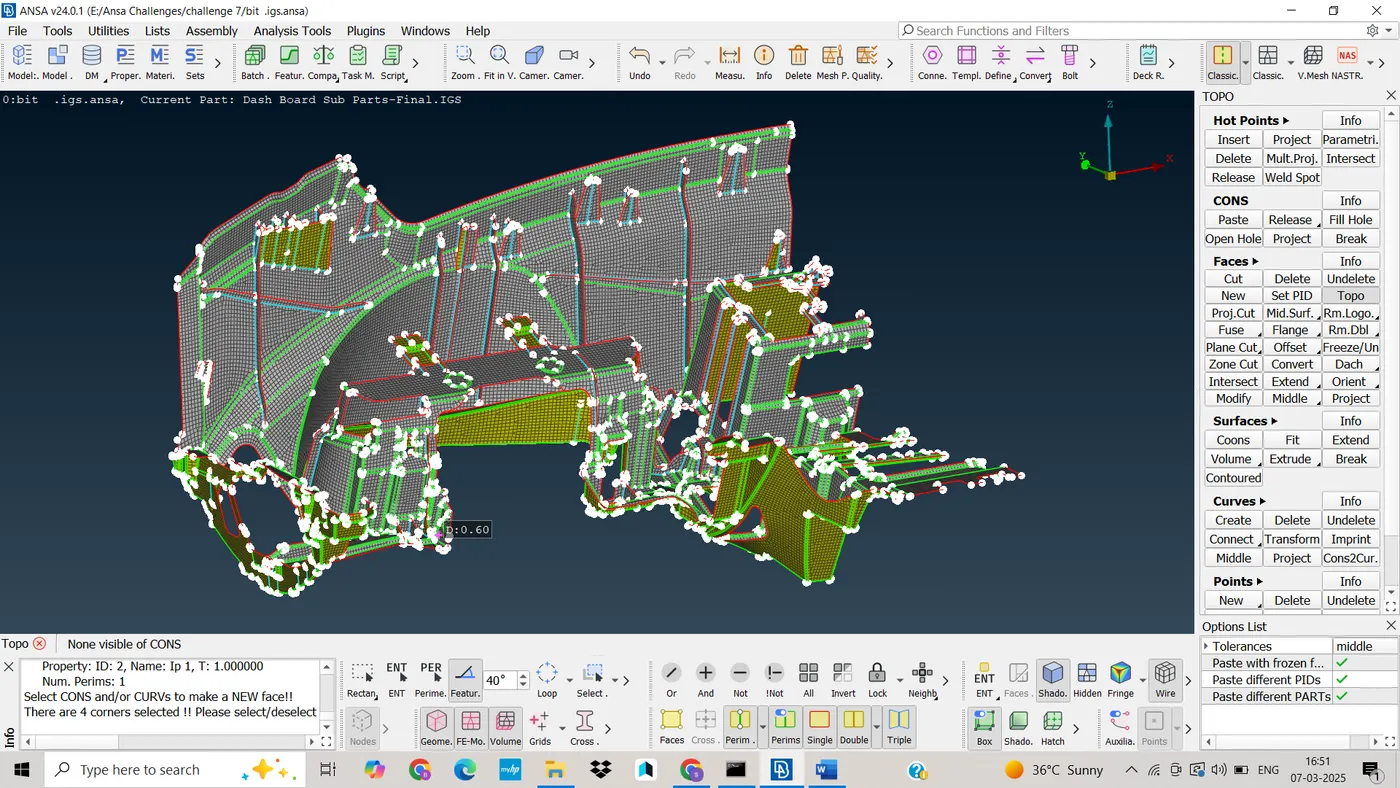
Project 2 - 2D meshing on the instrumental Panel
Introduction:
1. Objective:
The objective of this analysis is to perform meshing on a IP Console component using ANSA and pass all quality criteria, geometry check and proper mesh flow.
CAD Model Image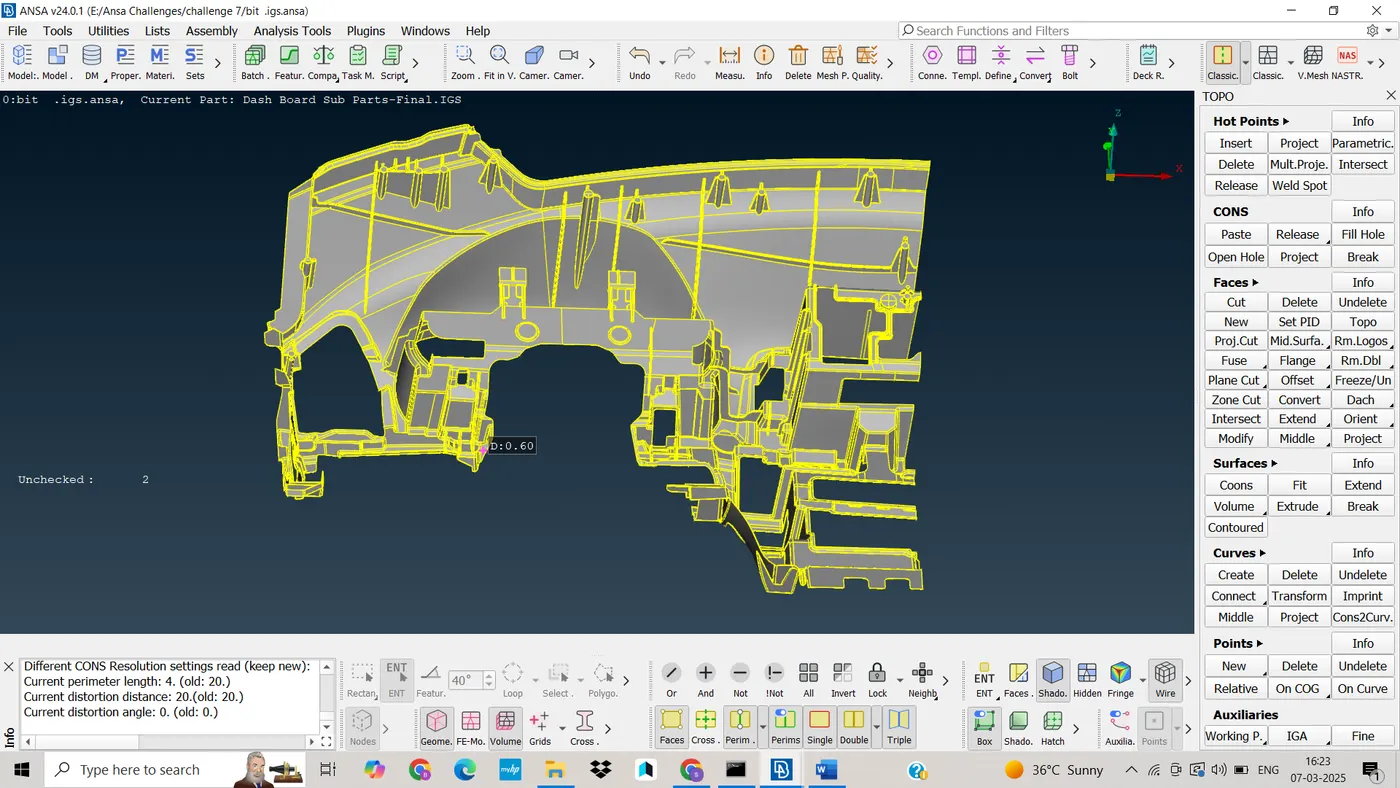
2. Procedure:
Import CAD Model
· The CAD geometry was imported into ANSA using .iges format.
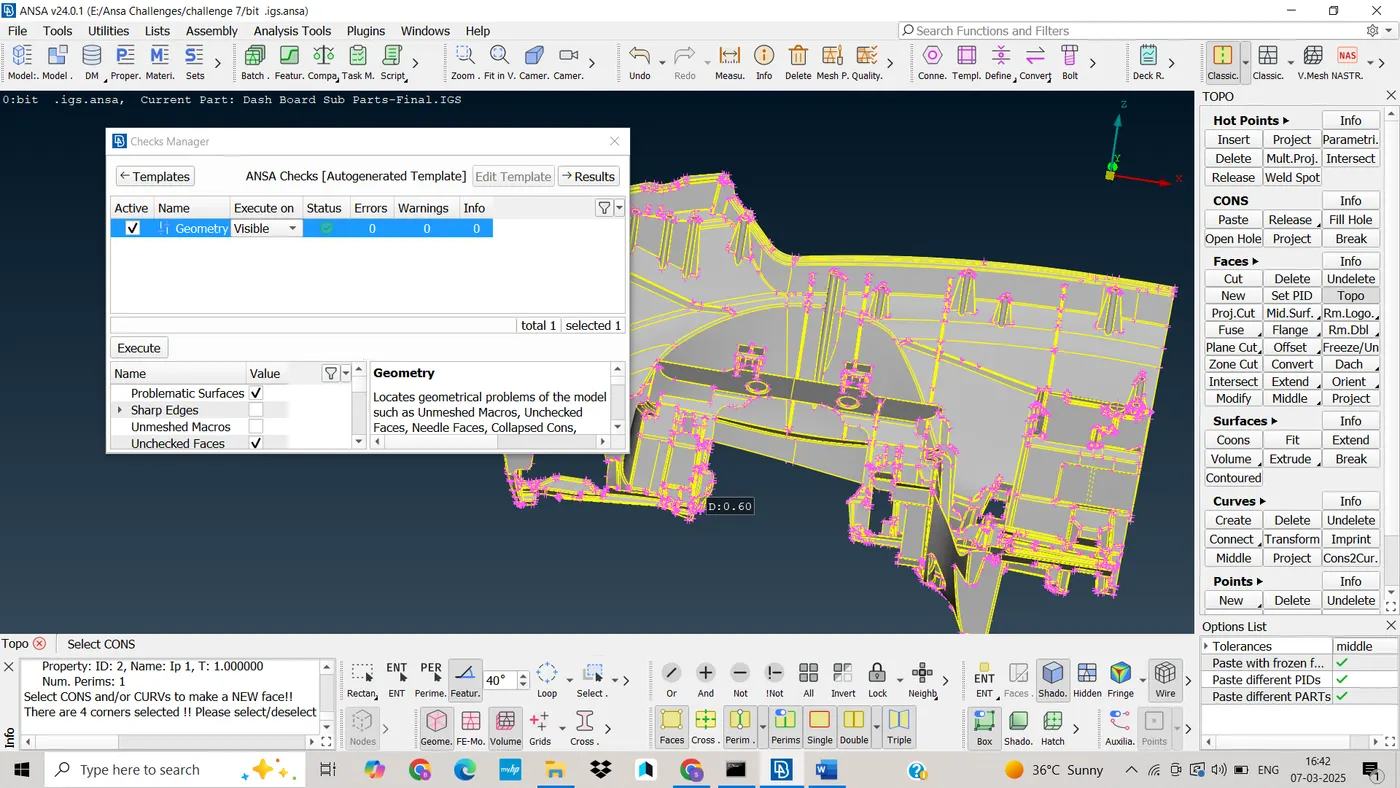
Check Geometry
· Removing all single cons available in model
· If the faces is deleted, creating new faces by selecting fitted option
· Removing attached two surfaces, by doing topo
· Orient is used to orient all surfaces into one direction
· If there is unchecked faces it should be cleared
· Finally Status shows 100% correct
· After doing these correction, model shown as below
3. Mid Surface Generation
· I have done Auto Mid surface generation for this model
· And finally Mid casting, we should assign minimum thickness, target element length, give input as handle as single solid
· Capturing Dog houses Using Alin Manager tool
· By using Area, perimeters, direct options, as shown below
· Finaly Mid surface is done for three cases.
4. Assigning Tickness for Geometry
· By doing Set PID , we can assign thickness for the mid surface and parent geometry
· By doing this, the separate property ID formed in PSHELL
5. Meshing Process
· Setup the elemental length
· Edge of the hole should be parallel to the perimeter for proper mesh flow
· The hole should only having even number of edges
· check the fillets are passing to my length criteria, if not do defeaturing
· Assign the Quality criteria as given, as shown below
· Assign the mesh parameters like Target length, min length
6. Meshing
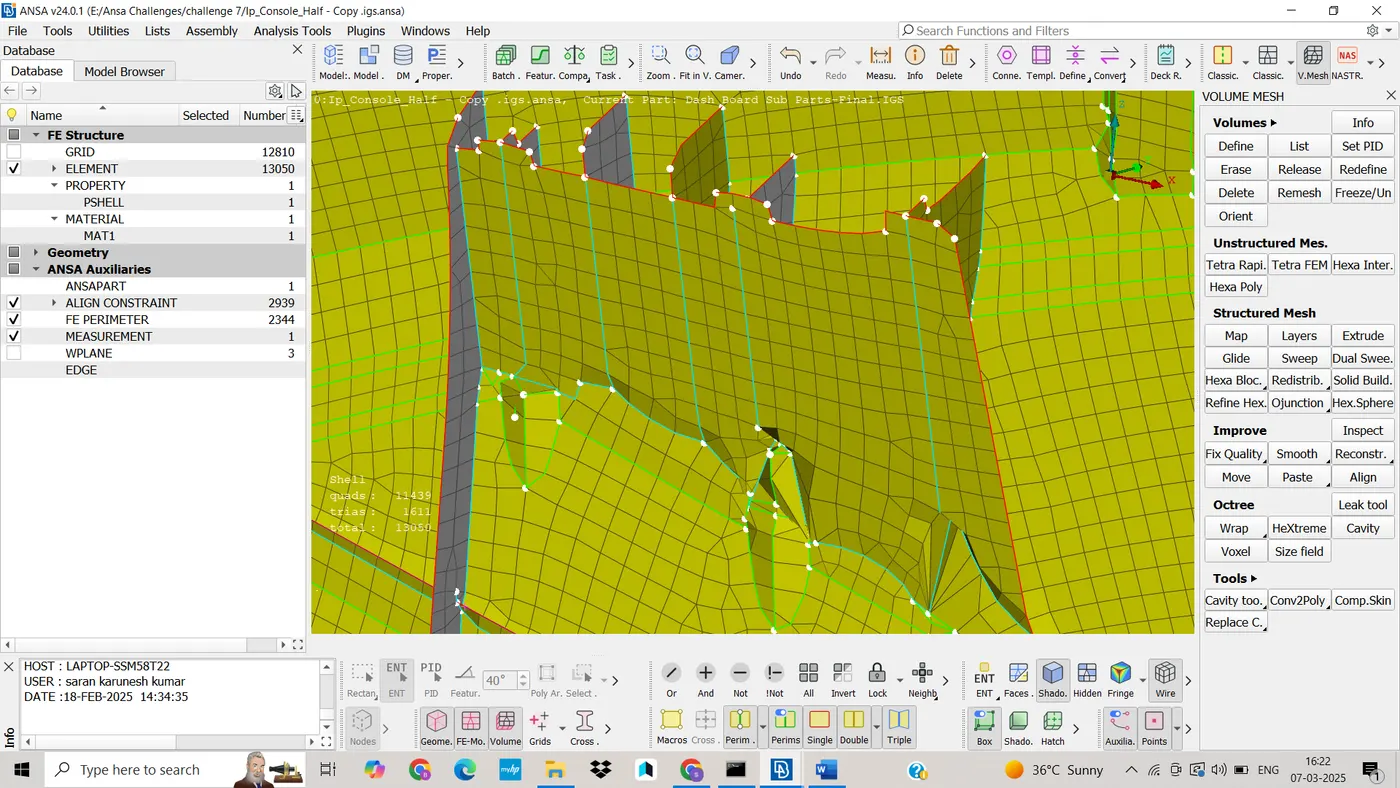
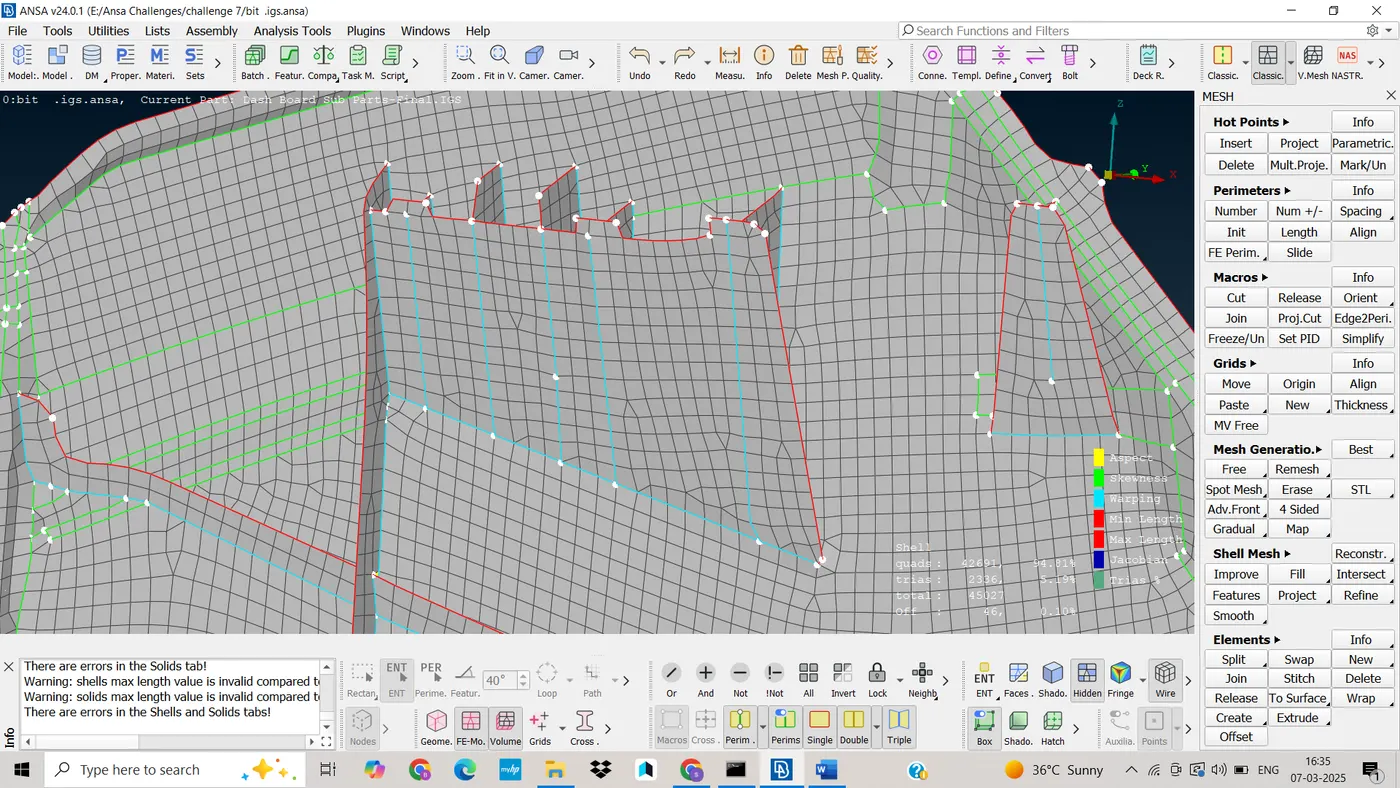
· A 2D surface mesh was first created using quad elements, This ensured a higher quality mesh for the simulation.
· First mesh is done on critical feature, fillet
· Maximum tria element should be removed.
· There is a associate between mesh and surface
· When we move or remove mesh the associative from the geometry
· The mesh behaves independent of the geometry
· Mesh quality is improved using mesh tools in Classic Mesh Tap
· Like Elements(split, swap, join ), Gride(Move, Paste), perimeter(Num+/-) etc
· Auto Mid And Mesh has taken 34min to complete
· Finally best mesh is achieved.
7. Learing outcomes;
ü ANSA Tools
ü Geometry cleanup for Ip console component
ü Extract Mid surface of varying thickness use different comments
ü Capturing feature using Align manager tool
ü Capturing mid for Solid Hollow component
ü Mesh the console component with less tria concentration and proper mesh flow.
8. Conclusion
· In this report, the meshing process for the given CAD model in ANSA was successfully done.
· Meshing is done in proper mesh flow
· In this meshing process for the plastic component, ANSA great to create a high-quality mesh suitable for further Finite Element Analysis.
Final Meshed Image