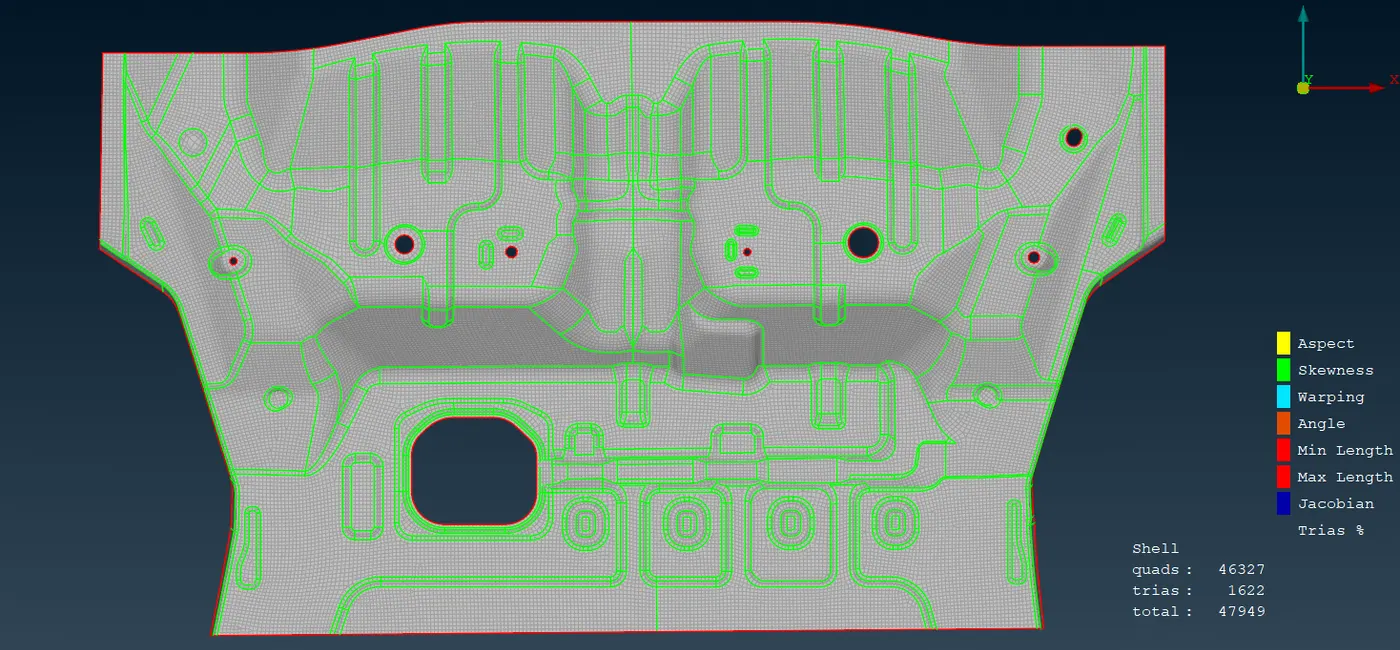
Project 1 - Meshing of Floor Panel
1. Objective:
· The objective of this challenge is to describe the process of meshing for given cad model using ANSA and pass all quality criteria, geometry check and proper mesh flow.
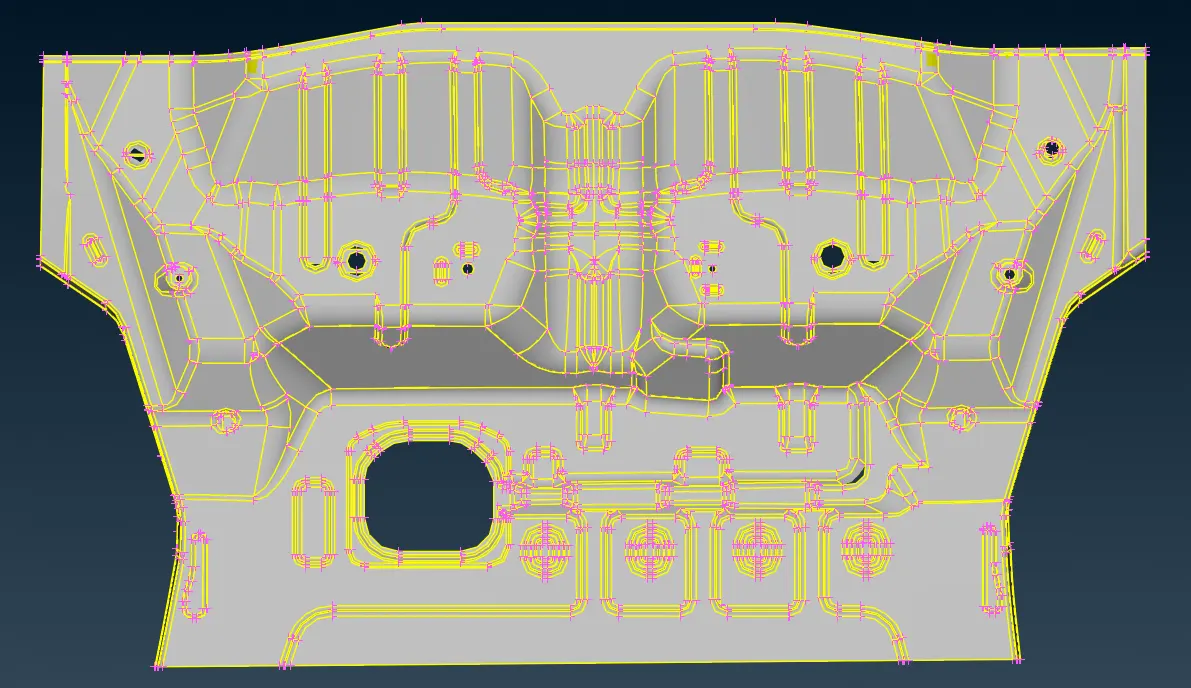
CAD Model Image:
2. Procedure:
- Import model:
The CAD geometry was imported into ANSA using .stp format.
3. Geometry Cleanup:
- Removing all single cons available in model
- If the faces is deleted, creating new faces by selecting fitted option
- Removing attached two surfaces, by doing topo
- Finally Status shows 100% correct.
Mid-surface Generation:
- I have done Manual Mid surface generation for the model
- By doing Offset for the entire cad model
- Finally child surface is formed.
4. Creating Property ID:
- By doing Set PID , we can assign thickness for the mid surface and parent geometry
- By doing this, the separate property ID formed in PSHELL.
5. Before Meshing:
- Setup the elemental length
- Edge of the hole should be parallel to the perimeter for proper mesh flow
- The hole should only having even number of edges
- check the fillets are passing to my length criteria, if not Do Defeaturing
- Finally Geometry ready for meshing.
6. Meshing:
- First Quality criteria should be given.
- In Mesh parameters, Target length is given as 5
- Given max, min length
- And mesh type, element type, element order
7. Process:
- A 2D surface mesh was first created using quad elements, This ensured a higher quality mesh for the simulation.
- First mesh is done on critical feature, fillet
- Maximum tria element should be removed.
- There is a associate between mesh and surface
- When we move or remove mesh the associative from the geometry
- The mesh behaves independent of the geometry
- Finally best mesh is achieved.
8. Result:
- In this report, the meshing process for the given CAD model in ANSA was successfully done.
The mesh passed all quality Criteria
Final Image: