Project 2 - 2D meshing on the instrumental Panel
 AIM
AIM
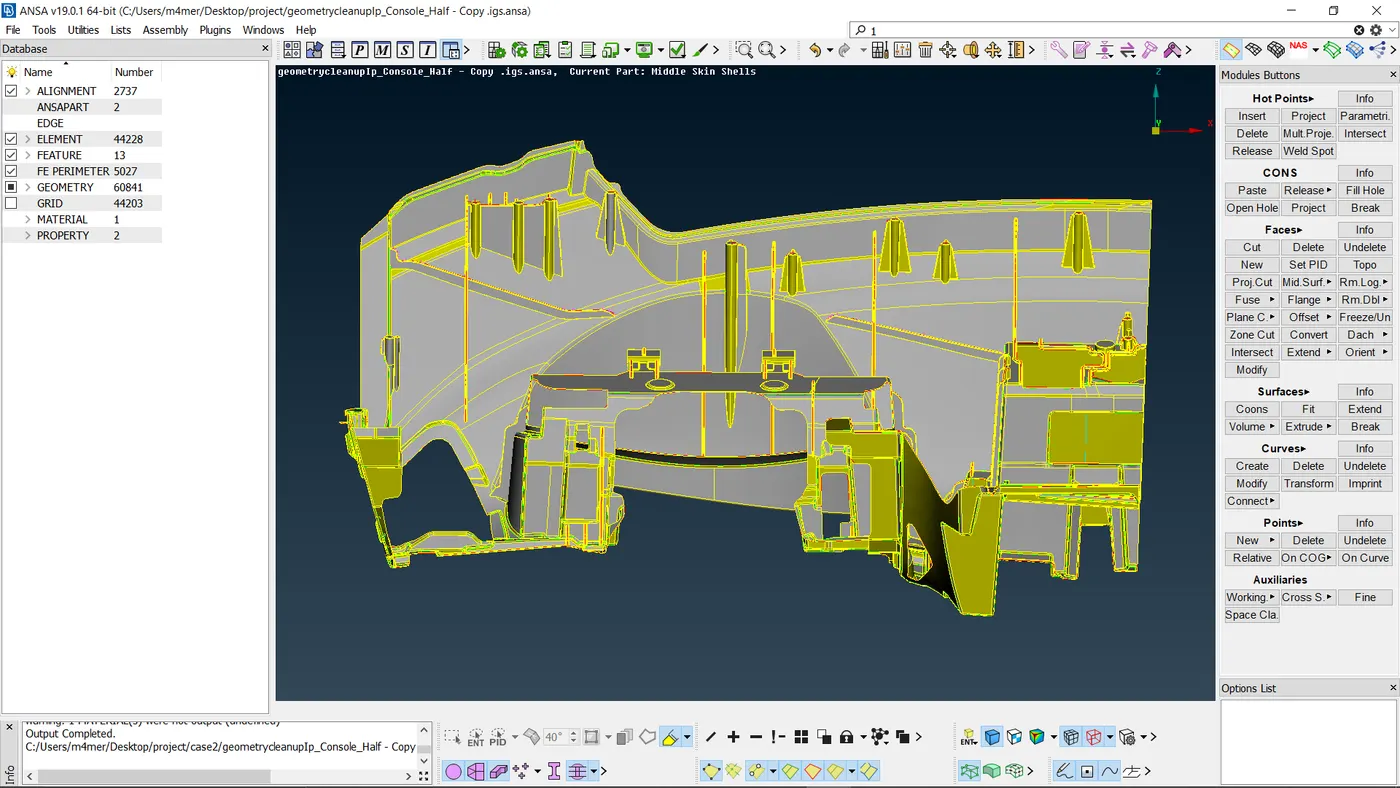
For the given component, check for the geometrical errors and mesh with the given element Quality criteria. After meshing the component the thickness has to be assigne
PROCEDURE
1.Topology & Orientation
Firstly, we need to use the topo tool to take care of all the single cons and to ensure there are no free edges. It can be accessed via Faces > Topo in the topo module. All the cons are selected and the algorithm takes care of all the single cons.
2.Geometry Clean-up
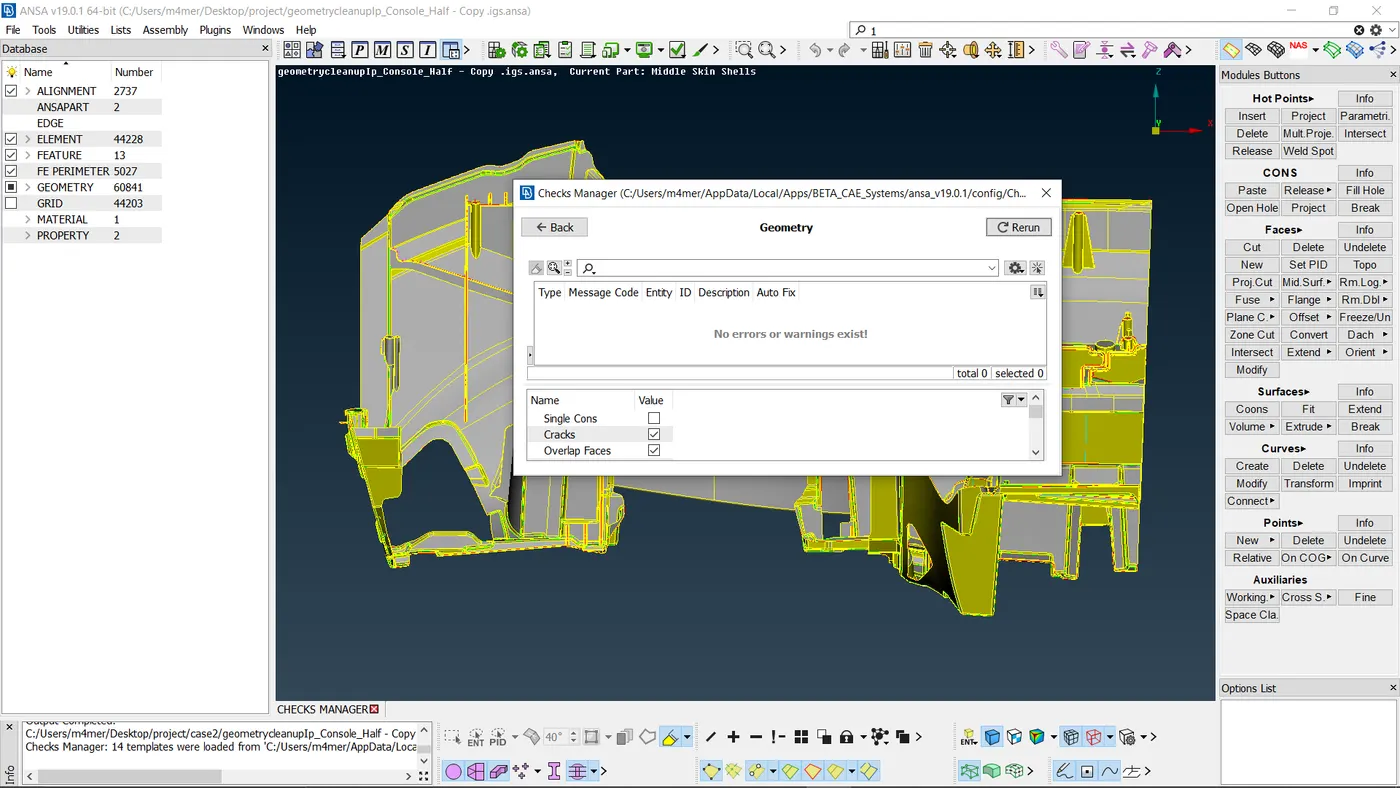
After that, as is the norm and before we carry out any other actions, we need to carry out a geometry check and fix all abnormalities. That is done via Checks > Geometry where we can execute checks of certain defects that can be selected from the menu and the algorithm looks for said defects. After detection, we can select all the defects and right-click > fix to fix them.
After geometry cleanup.
3.Casting _ Mid-surface
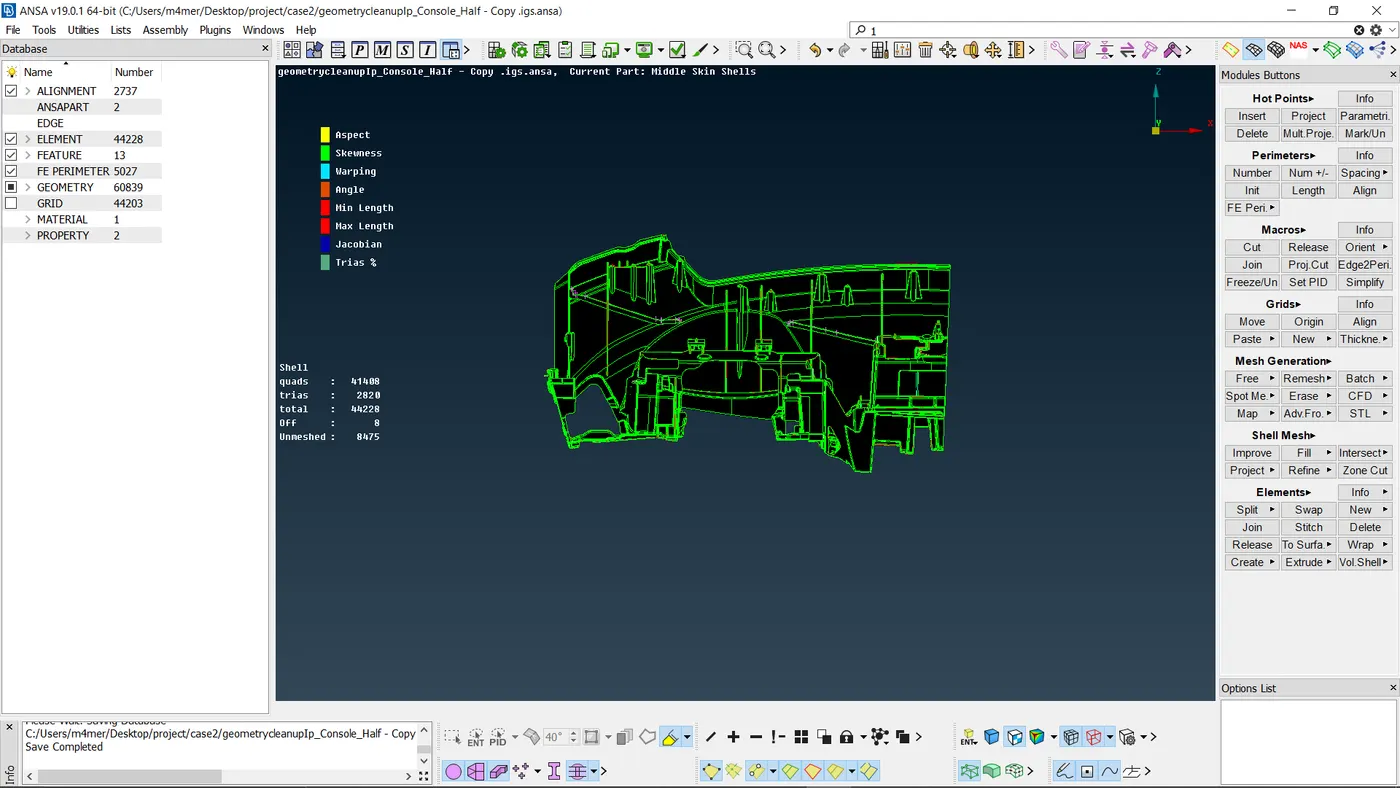
Now to generate the mid surface and mesh we have used the 'casting' option from Mid surface command as the geometry is complicated and it saves a lot of time.
Mesh Length
Before beginning the meshing process the model is checked for the length between the two hot points since the require target length is 4mm so using “Classic-Mesh> Length>Perimeters/Macros” command it is set to 4mm. for the entire model.
Quality Criteria
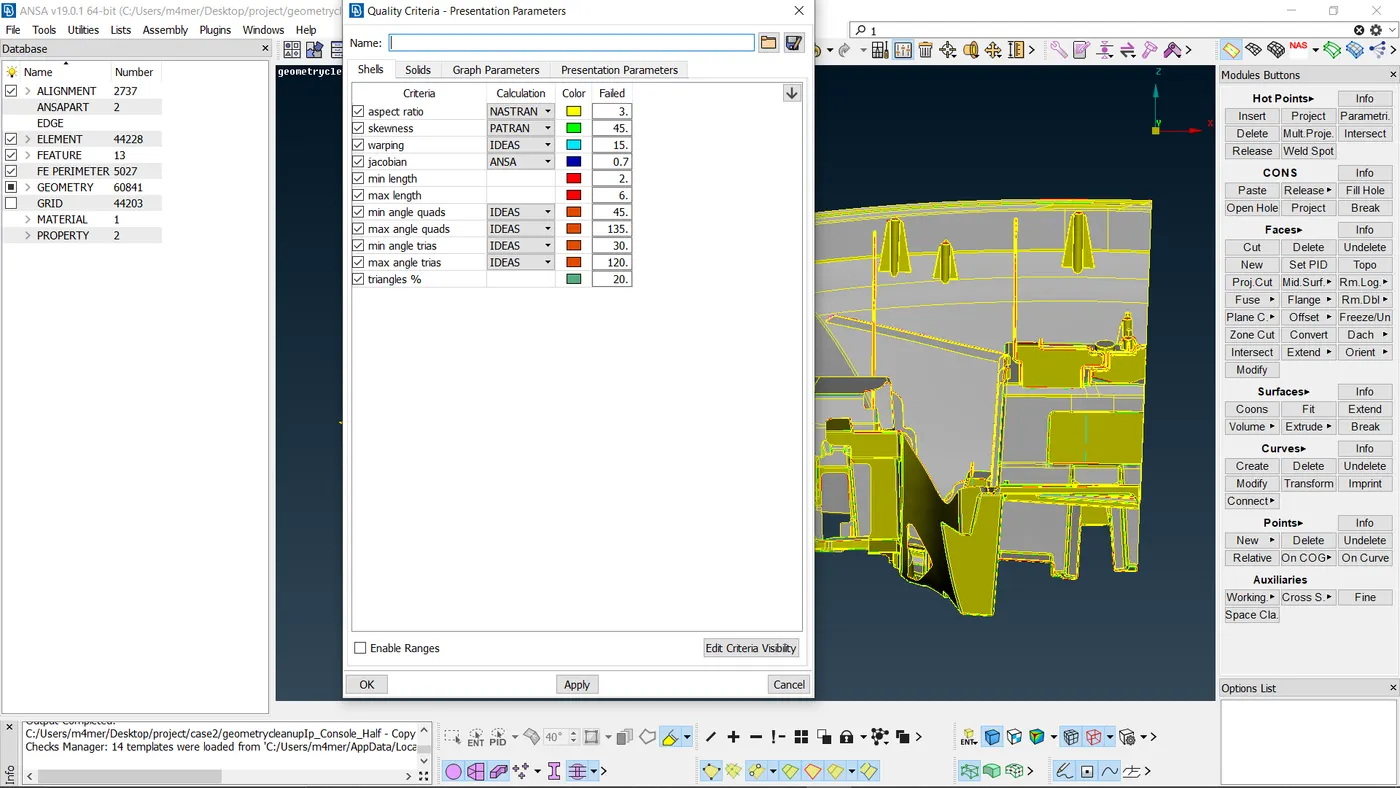
Set-up: We can say that result quality is directly proportional to the element quality. The parameters like skew, included angle, Jacobian, warpage, etc. are the measure of how far a given element deviates from the ideal shape. If we talk about a square which means 90 degrees and equal side similarly equilateral triangle 60 degrees and each side equal. so, we will discuss the quality criterion and try to understand them before assigning them into ANSA environment.
Casting ->
Since this is a complex model so, Casting option taken for taking Mid-surface / FE automatically. And after Align elements by Align Manager.
Improve the mesh flow and quality of mesh
- smoothing the mesh: (mesh module > shell mesh > smooth).
- reconstruct the mesh: (mesh module > shell mesh > improve[reconstruct/reshape/smooth/fix]).
- improve the quality of mesh: (mesh module > elements > split/swap/join/stich).
- insert or delete hot points: (mesh module > hot points > insert/delete).
- to Paste : To paste nodes helps in moving elements backwards: (Mesh > Girds > Paste).
- to increase or decrease elements number: (mesh module > perimeters > NUM+/-).
- to cut or join the face: (mesh module > macro > cut/join).