Project 1 - Meshing of Floor Panel
OBJECTIVE
To mesh the given component and assign thickness.
INITIAL CAD IMAGE
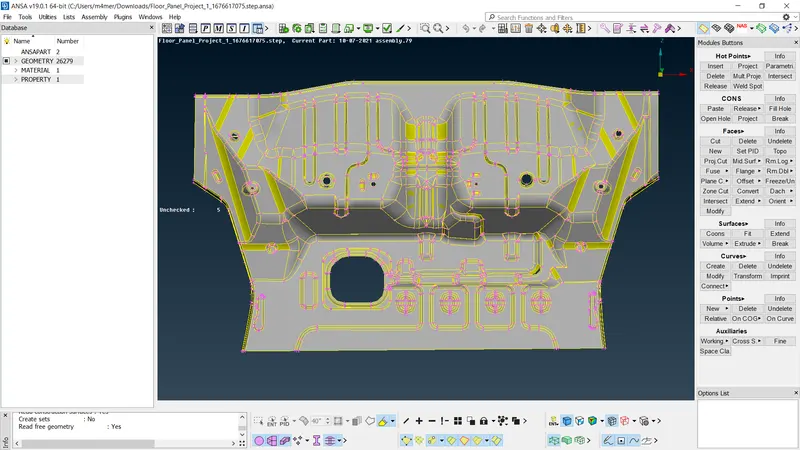
PROCEDURE
Geometry cleanup:
*Check the given model for geometrical errors using geometry check tool.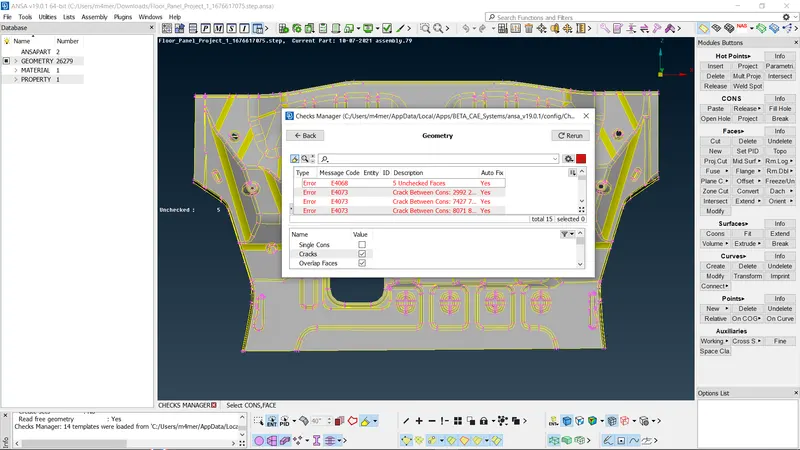
Fix all the geometry errors.
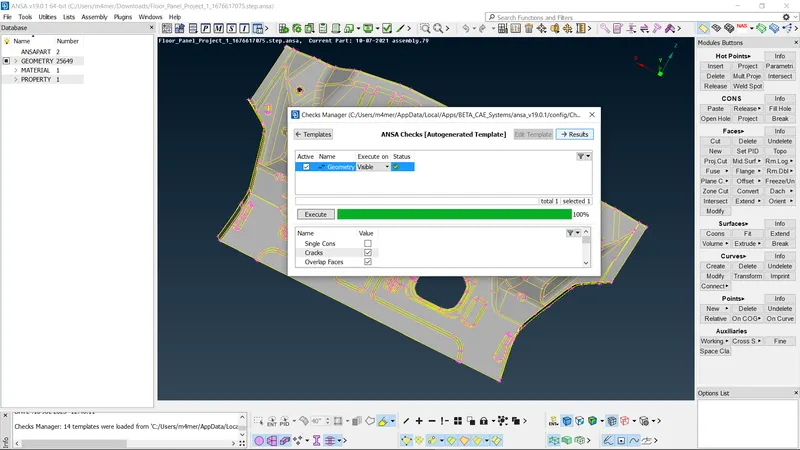
Mid surface generation:
After completing geometry clean up, we have to generate mid surface for the model before proceding to mesh generation.
*We can generate mid surface using FACES>>MID SURFACE
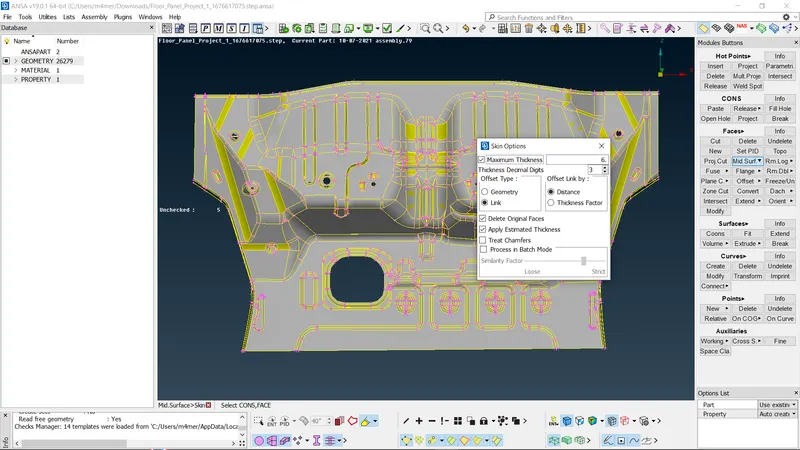
*After selecting MID SURFACE we have to select the faces to mid surface and click on the middle mouse button.
*In the pop up window we have to add the offset value and press middle mouse button, which will generate mid surface for the face.
MESH GENERATION:
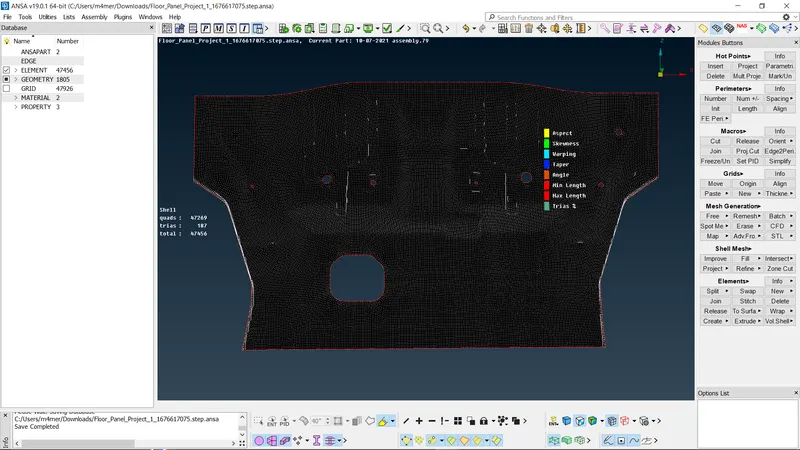
*We have to set mesh parameters and quality criteria from utilities bar before generating mesh.
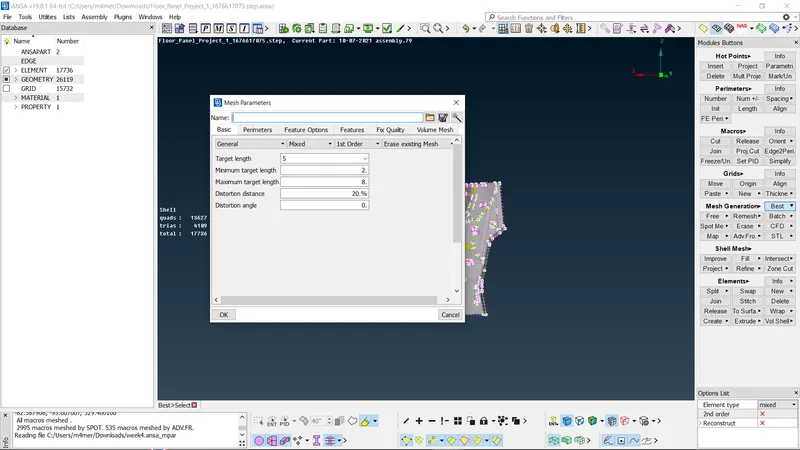
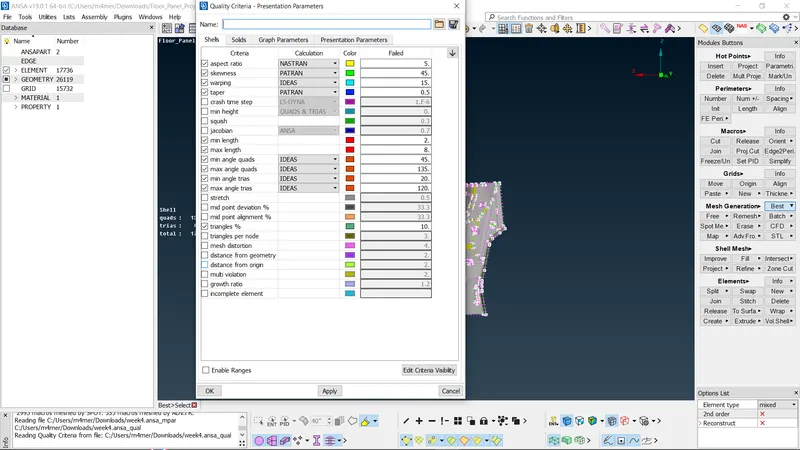
*We can generate mesh for the given model using MESH GENERATION>>BEST.
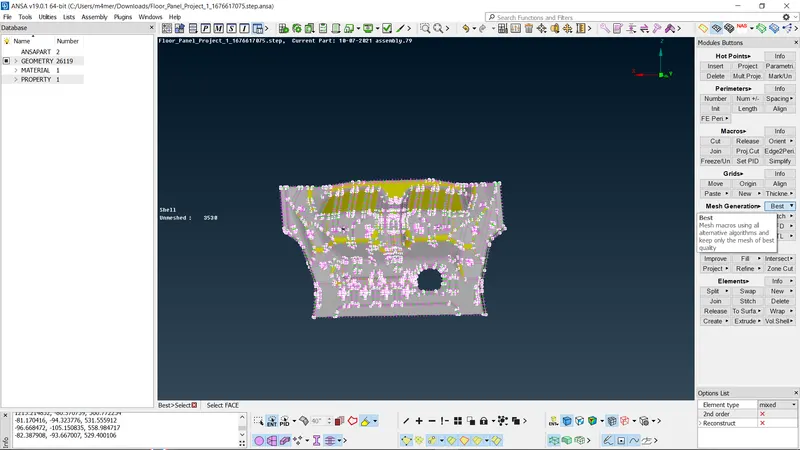
*Select BEST select the model using box selection and click middle mouse button.
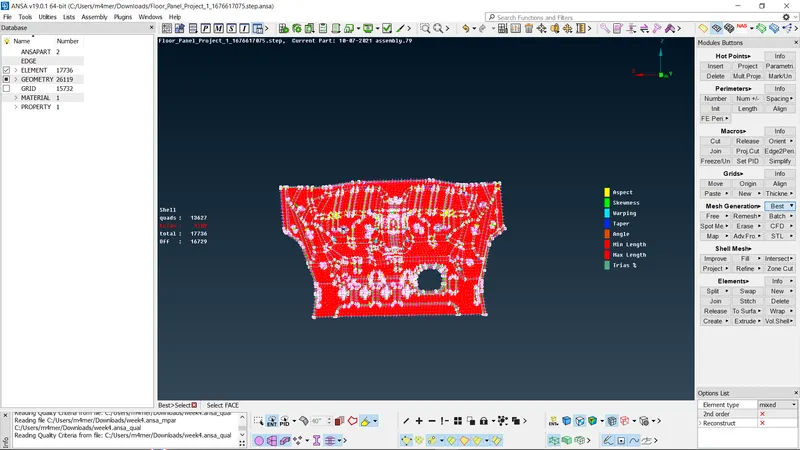
*After generating mesh we have to improve mesh flow and clear all off using various tools like RECONSTRUCTION,SMOOTH, JOIN, SPLIT etc.
ASSIGN THICKNESS:
*Thickness for the mid surface can be assigned using FACES>>SET PID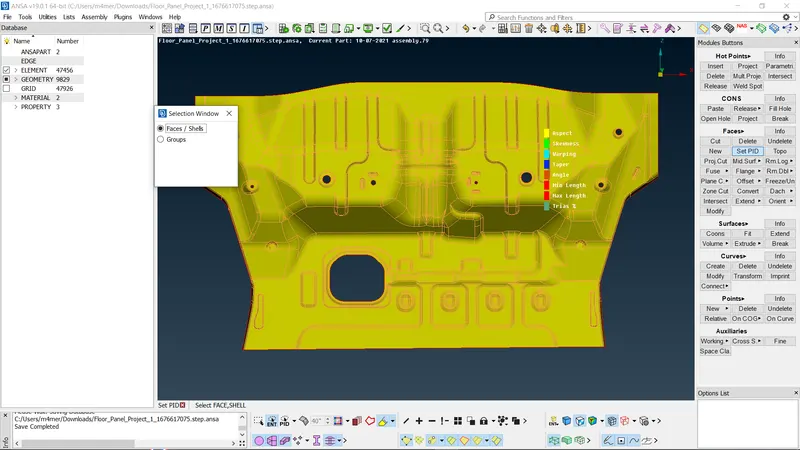
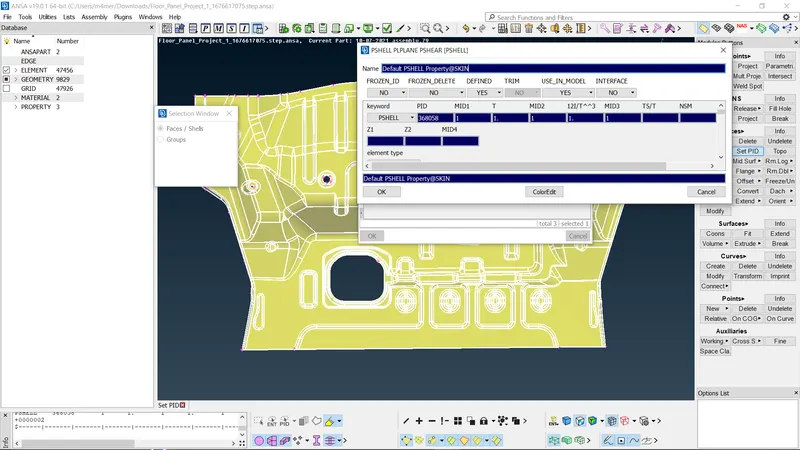
FINAL MODEL IMAGE