Project 2 - 2D meshing on the instrumental Panel
Link :https://drive.google.com/file/d/1ezIHQfgCkM5vRoAviNnIpm12MKBfJR-D/view?usp=sharing
Project - 2
2D MESHING ON THE INSTRUMENTAL PANEL
Report
OBJECTIVE
To check for the geometrical errors and mesh with the given element Quality criteria and mesh the component using the given quality parameters and assign thicknesses.
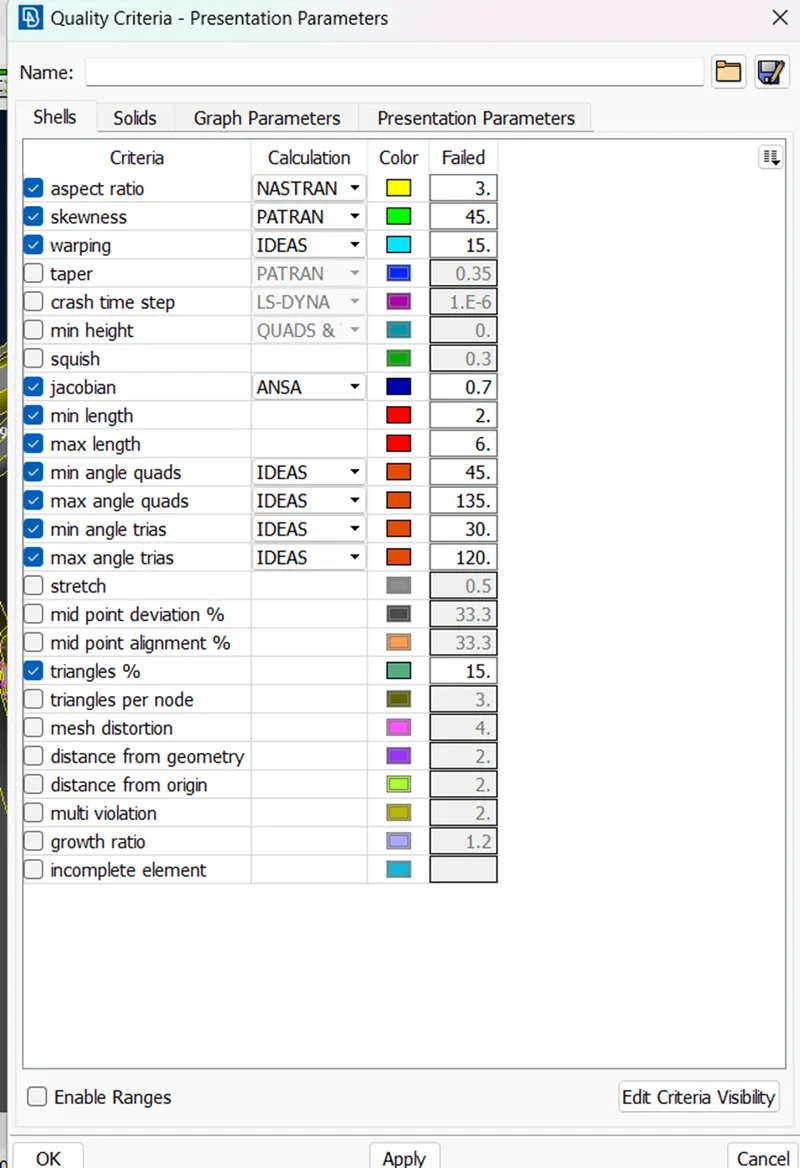
QUALITY CRITERIA
|
S.No |
Quality Criteria |
Value |
|
1 |
Target/Average length |
4 |
|
2 |
Minimum Length |
2 |
|
3 |
Maximum Length |
6 |
|
4 |
Aspect |
3 |
|
5 |
Warpage |
15 |
|
6 |
Skewness |
45 |
|
7 |
Jacobian |
0.7 |
|
8 |
Minimum Quad Angle |
45 |
|
9 |
Maximum Quad Angle |
135 |
|
10 |
Minimum Tria Angle |
30 |
|
11 |
Maximum Tria Angle |
120 |
|
10 |
Tria Percentage |
15 |
PROCEDURE
- Import geometry:-
- First of all import a file of the model in ANSA software.
- FILE> OPEN > (MODEL)
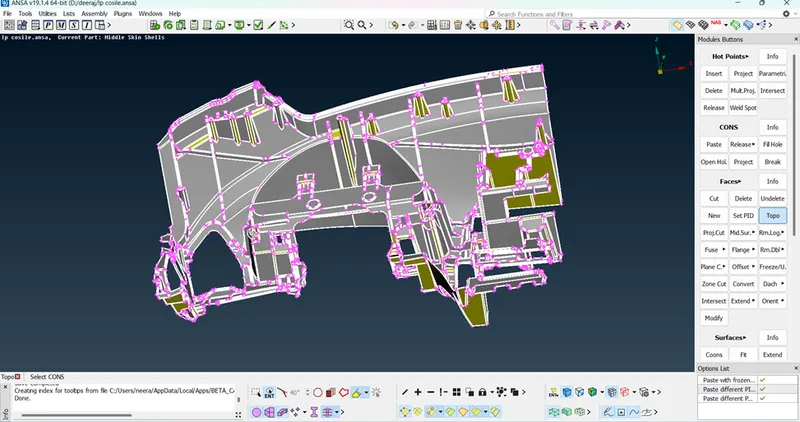
TOPO
- Perform TOPOon it
Classic TOPO > Faces > TOPO
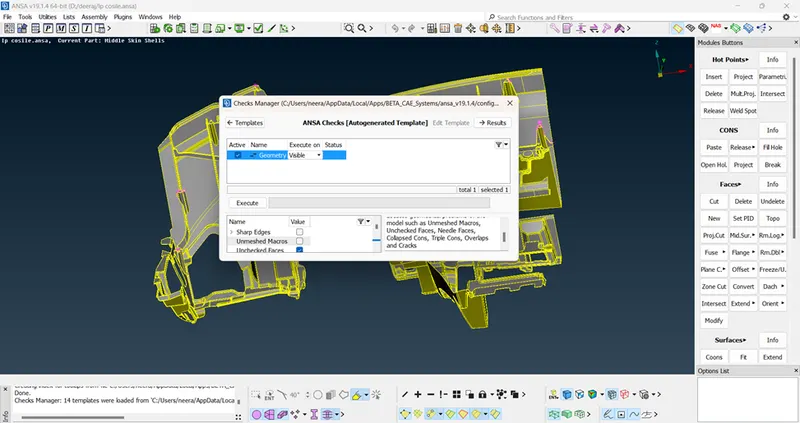
- Geometry Check and execute
Checks > Geometry
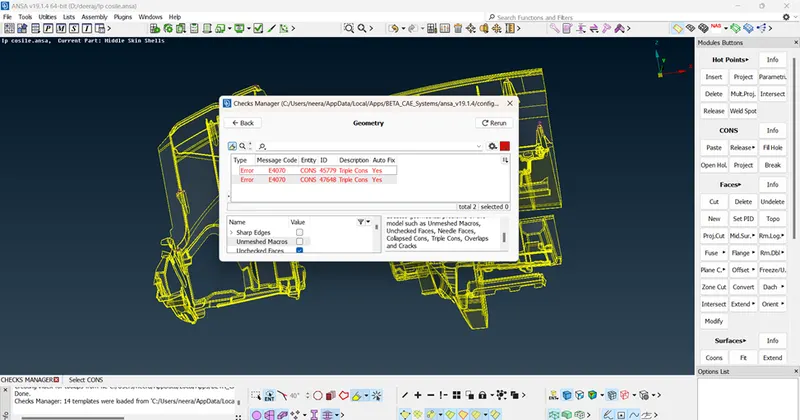
we can select all the defects and right-click > fix to fix them.
4 .Quality Criteria
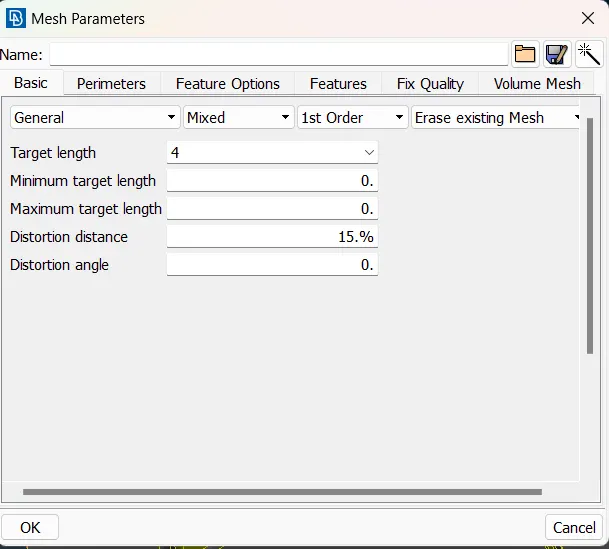
5 .Mesh Parameter>Target length:
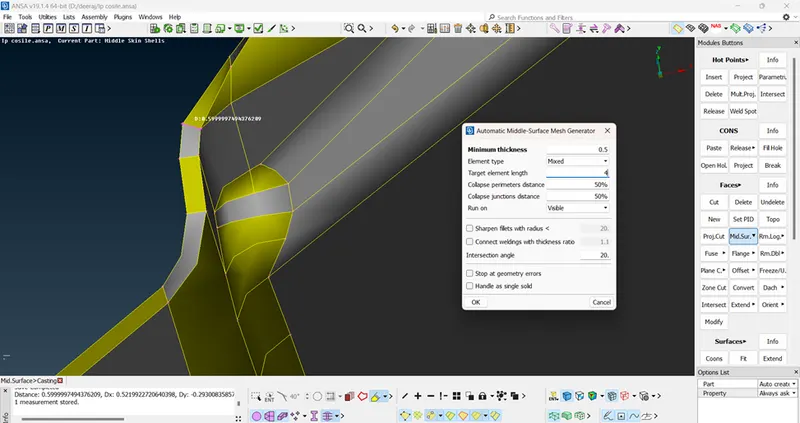
6.Generate mid-mesh by casting method:
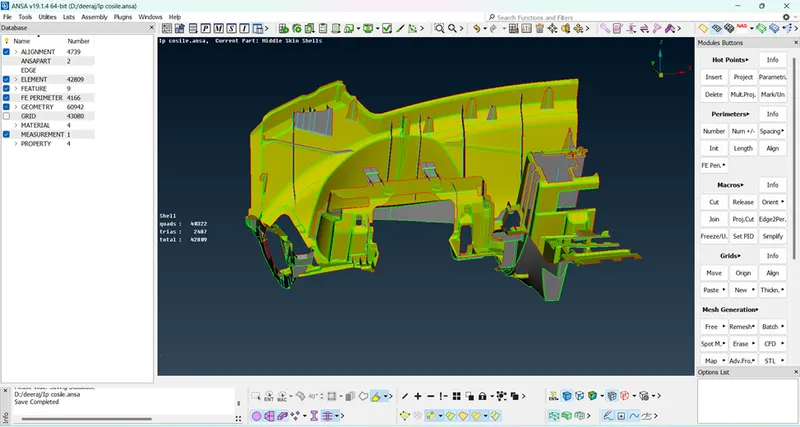
- Generated mid-mesh by casting method.
7. AlIGN MANAGER
Align manager is used to ensure the automated generated mesh
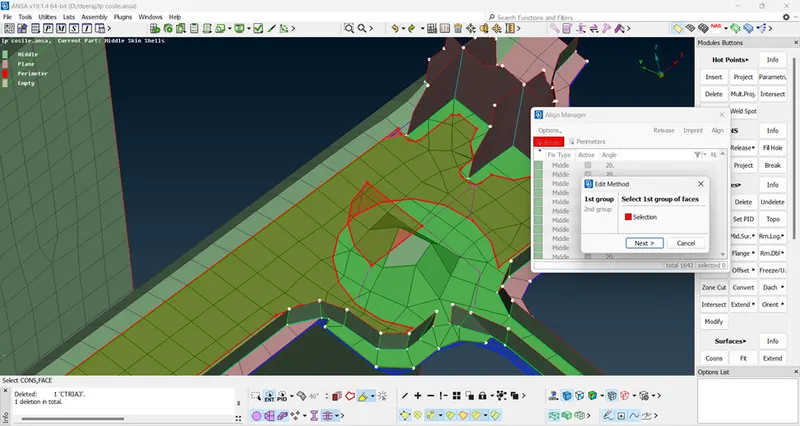
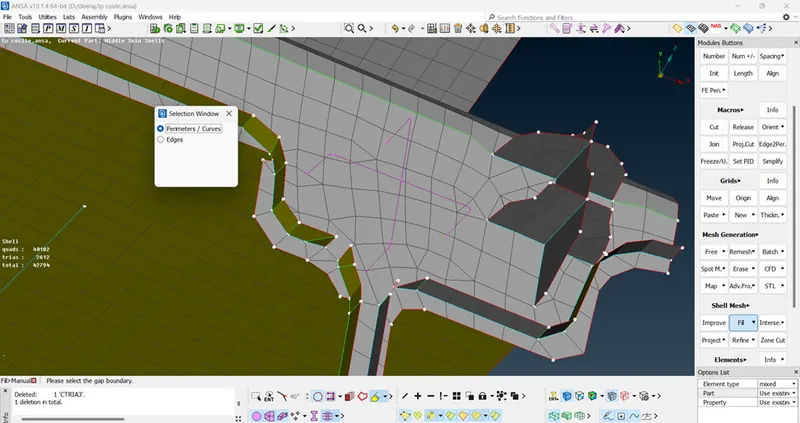
SHELL MESH>FILL>MAUNAL FILL
Also we can delete elements and recreate it by Shell Mesh > Fill option
Some photos of dog house
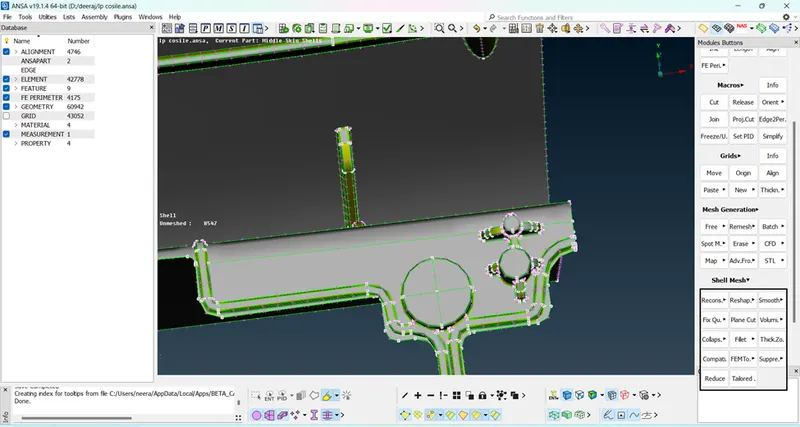
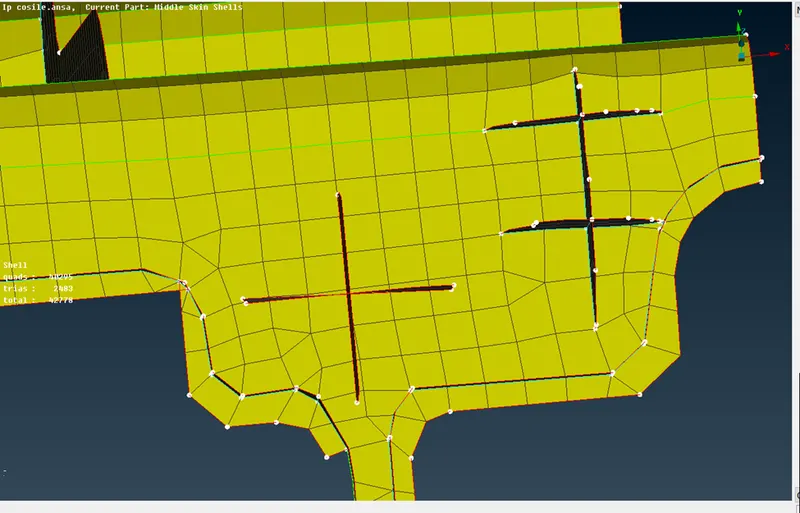
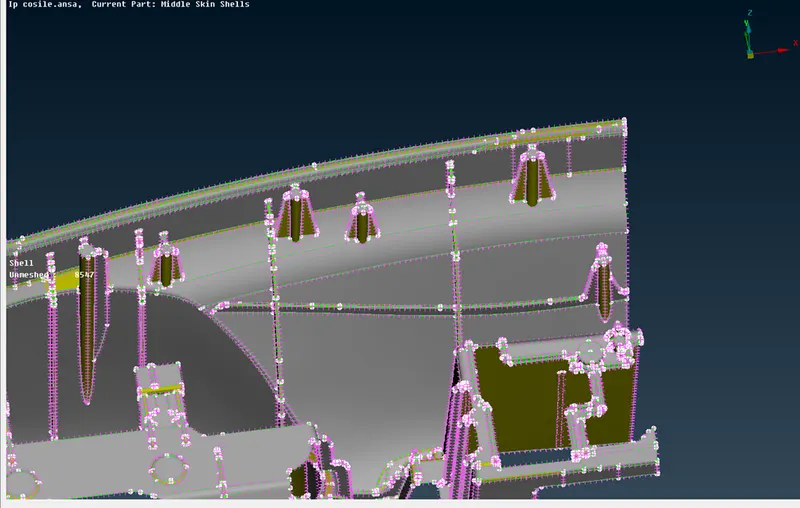
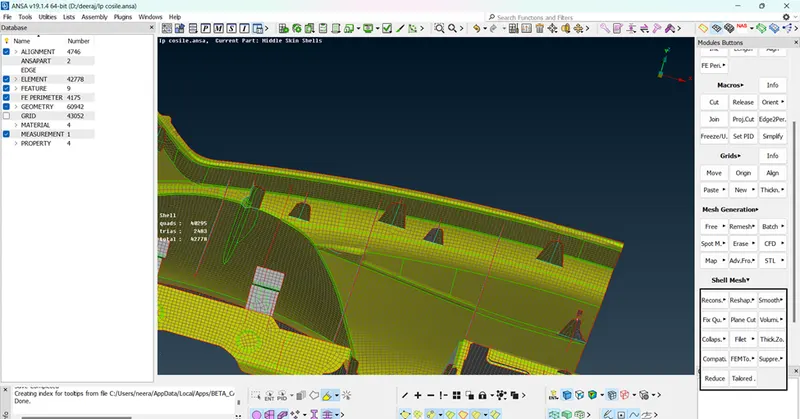
6.Improve the mesh flow and quality of mesh
- smoothing the mesh: (mesh module > shell mesh > smooth).
- reconstruct the mesh: (mesh module > shell mesh >
- improve the quality of mesh: (mesh module > elements > split/swap/join).
- insert or delete hot points: (mesh module > hot points > insert/delete).
- to increase or decrease elements number: (mesh module > perimeters > NUM+/-).
- to cut or join the face: (mesh module > macro > cut/join).
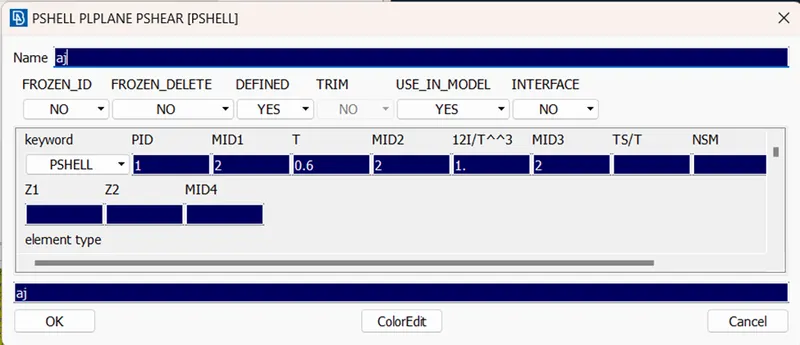
Assign Thickness: