Project 2 - 2D meshing on the instrumental Panel
For the given component, check for the geometrical errors and mesh with the given element Quality criteria. After meshing the component the thickness has to be assigned.
Write a detailed report on your meshing process and also mention which method you used to extract the mid-surface along with the reason.
|
S.No |
Quality Criteria |
Value |
|
1 |
Target/Average length |
4 |
|
2 |
Minimum Length |
2 |
|
3 |
Maximum Length |
6 |
|
4 |
Aspect |
3 |
|
5 |
Warpage |
15 |
|
6 |
Skewness |
45 |
|
7 |
Jacobian |
0.7 |
|
8 |
Minimum Quad Angle |
45 |
|
9 |
Maximum Quad Angle |
135 |
|
10 |
Minimum Tria Angle |
30 |
|
11 |
Maximum Tria Angle |
120 |
|
10 |
Tria Percentage |
15 |
Procedure
Import the cad model and perform topology as the first step to connect all edges properly
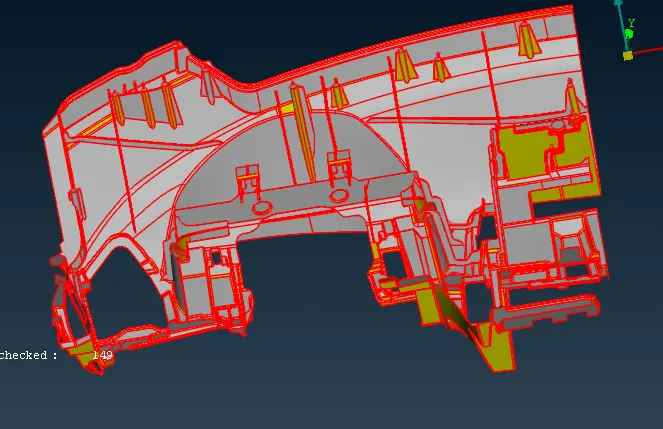
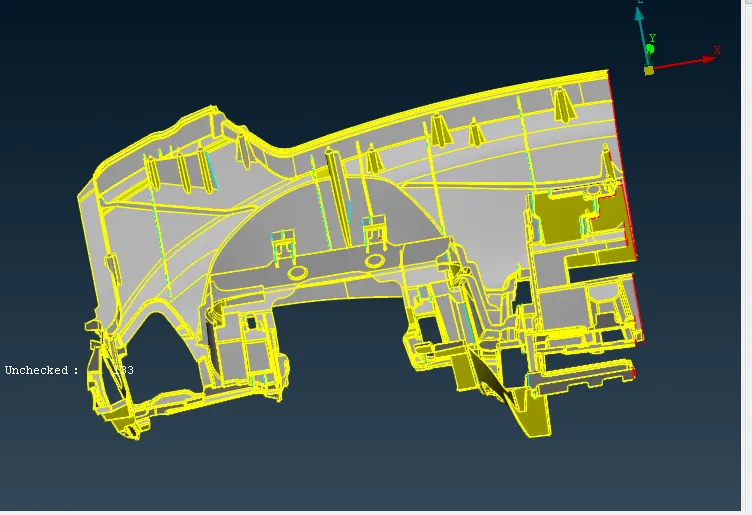
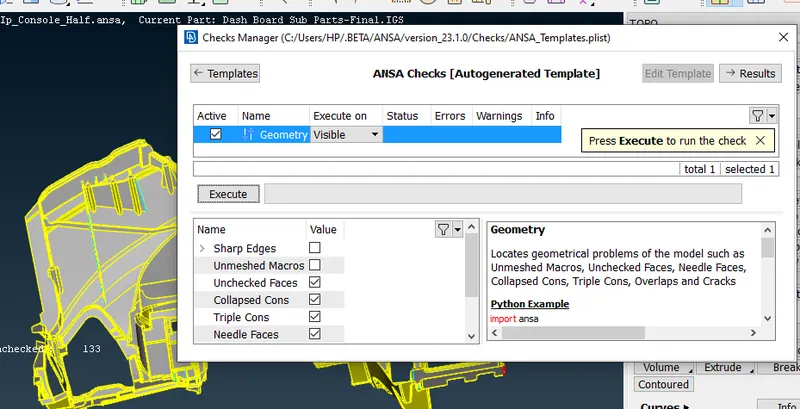
- Once the topology is completed we can go for geometrical checkup to check if there is any geometrical errors
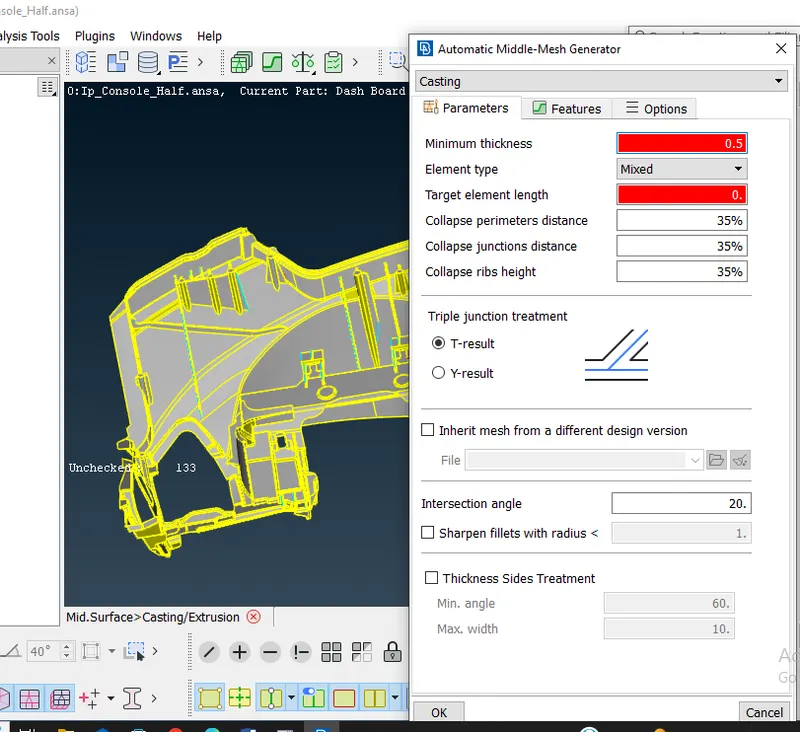
- To access to the casting mesh. On the topo deck, select Faces > Mid. Surface > Casting to go to the casting tool. The casting algorithm then takes over after the information marked in the following snapshot is entered and entered. It takes some time to complete
As we can see, there are a number of pieces that don't meet the required standards for quality, and the mesh flow isn't all that nice, save for some specific areas. The casting algorithm appeared to be inaccurate in many areas, particularly when it came to hole captures and cuts
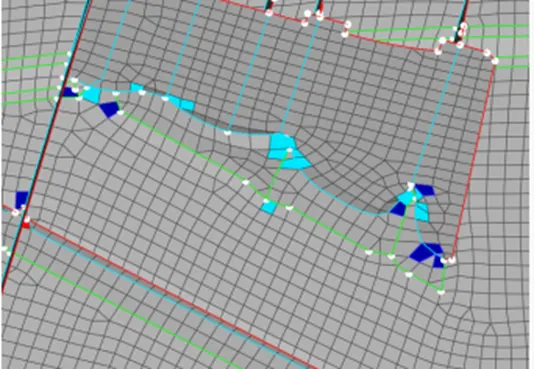
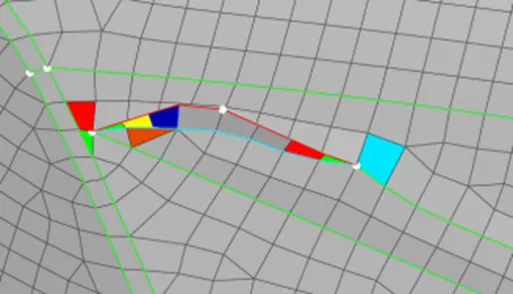
also in some areas casting will not be proper especialy in the dog house areas , so there we should work on by eliminating the elements and creating new elements by adding curves by cons2curve option and fill the area
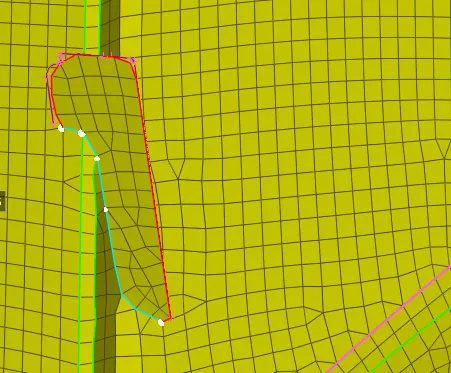
Final model: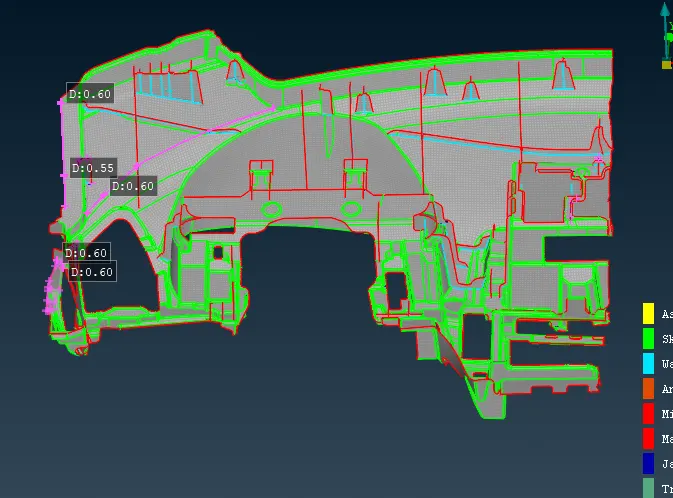
The Casting was done on the given models and meshed as per the mesh parameters and quality criteria. The number of trias and the failed elements is maintained at a minimum. The models are attached in the below links